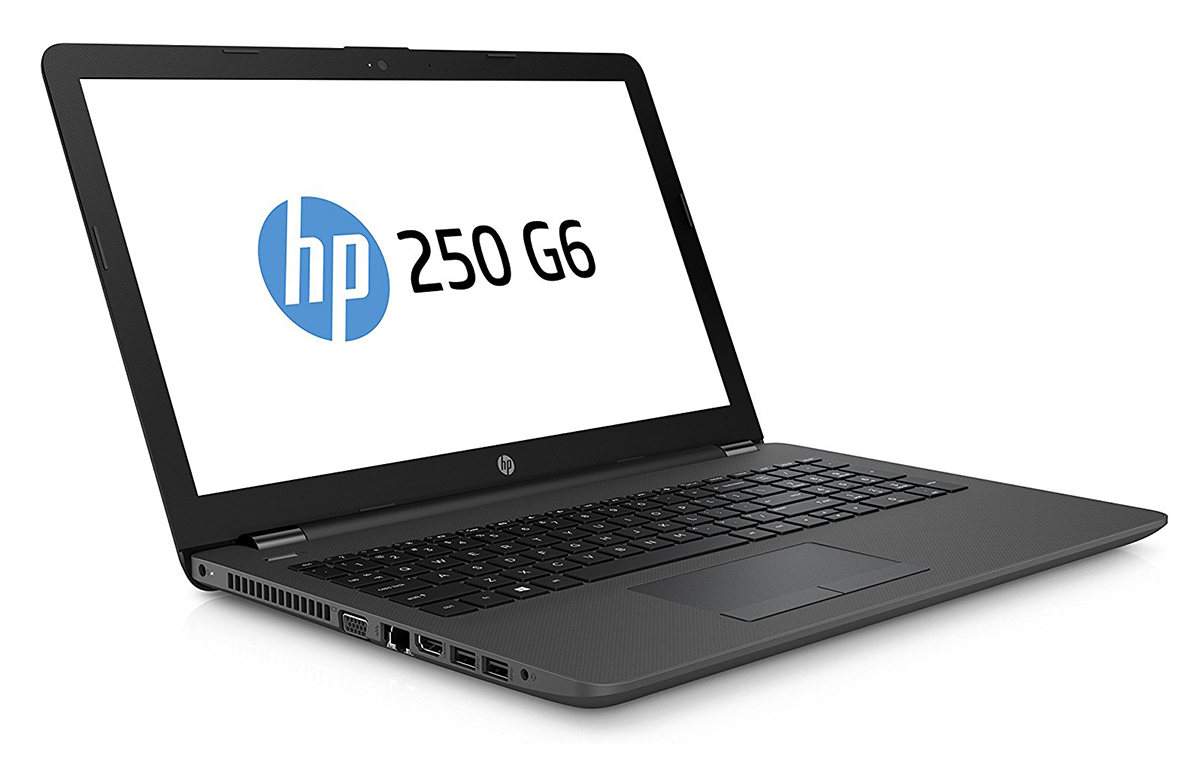
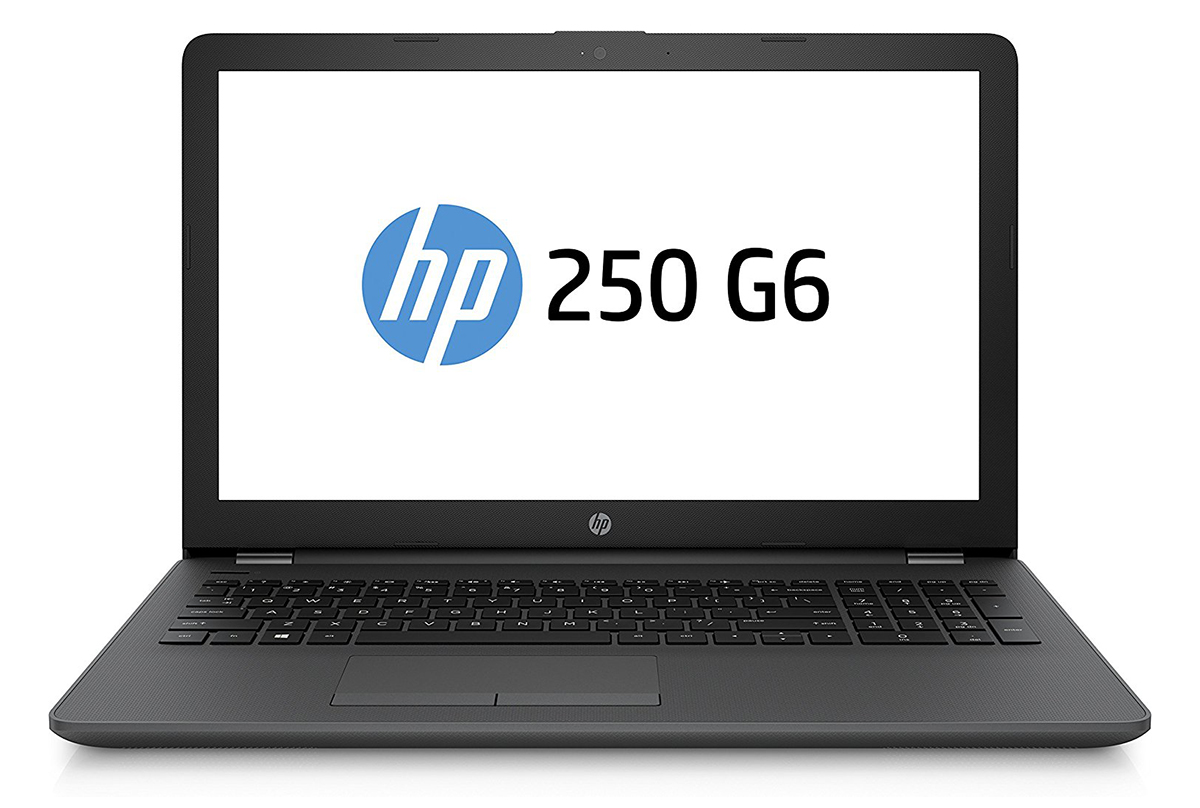
HP 250 G6
- Date Published: 26 Feb 2019
- Intel Pentium Silver N5000
- Intel UHD Graphics 605
- 15.6”, Full HD (1920 x 1080), TN
- 1000GB HDD
- 4GB (1x 4096MB) - DDR4, 2400MHz
- 2.10 kg (4.6 lbs)

Specs
- Display

- HDD/SSD
- 1TB HDD
- M.2 Slot
- 1x 2280 SATA M.2 slot (B key) See photo
- RAM
- 4GB (1x 4096MB) - DDR4, 2400MHz
- OS
- Windows 10 Home
- Body Material
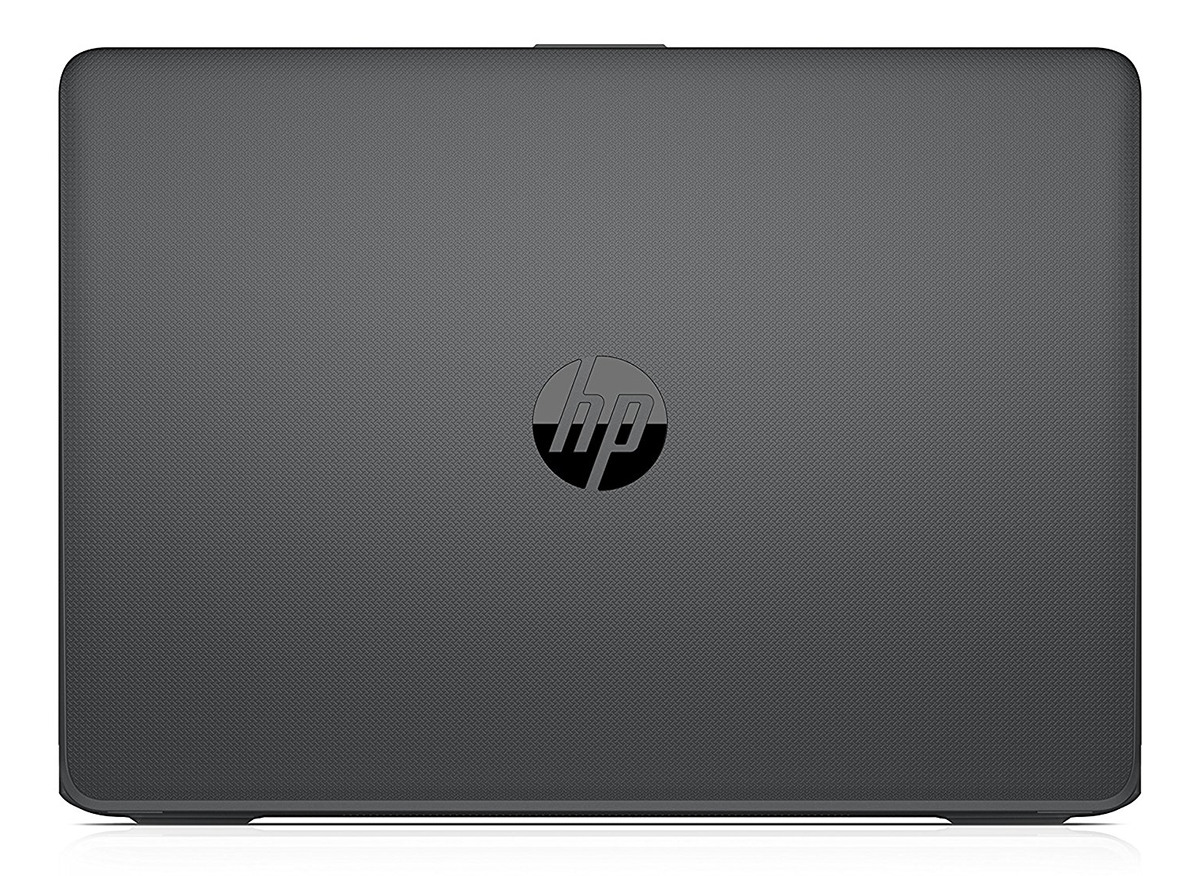
- Plastic / Polycarbonate, Aluminum (Aluminum chassis and plastic cover)
- Dimensions
- 380 x 254 x 24 mm (14.96" x 10.00" x 0.94")
- Weight
- 2.10 kg (4.6 lbs)
- Ports and connectivity
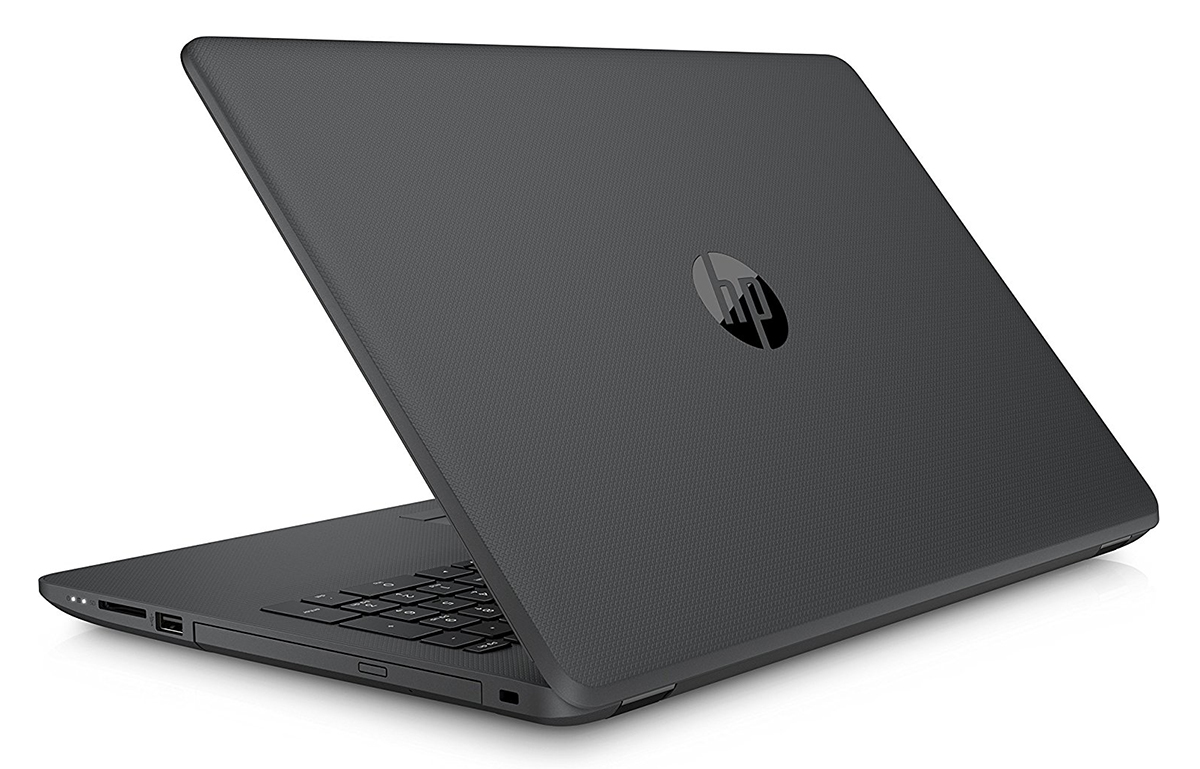
- 3x USB Type-A
- 3.2 Gen 1 (5 Gbps)
- HDMI
- Card Reader
- Ethernet LAN
- Wi-Fi
- 802.11ac
- Bluetooth
- 4.0
- Audio jack
- headphone/microphone
- Features
- Web camera
- Microphone
- Speakers
- Optical drive
- Security Lock slot
Portability
Review
HP 250 G6 in-depth review
With the complete overhaul of the HP 250 series, the OEM is looking for a larger piece of the pie in the lower-end business segment. And it looks like they deserve some recognition. With a sleek, simple and fairly sturdy chassis packing relatively big battery and excellent input devices, the 250 G6 really does make an impression.Also, the laptop boasts quite the range of configurations going from Intel Celeron and Pentium all the way up to Core i7-7500U. For this review, we got the Core i5-7200U-powered unit with an SSD (M.2 SSDs are supported!), which is priced in the $550-650 range depending on the memory and storage configuration. But how the battery will handle the hardware in reality and is the screen good enough for your daily needs - these are questions we aim to answer in t[...]
Read the full review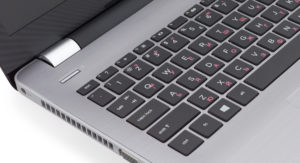
Pros
- Comfortable input devices
- Long battery life
- Relatively affordable
- We didn't detect a convential use of PWM so it's practically safe to use for long periods of time
Cons
- You can insert either M.2 SSD or 2.5-inch HDD, not both
- The screen could still be a bit better (exceptionally low brightness and contrast)




