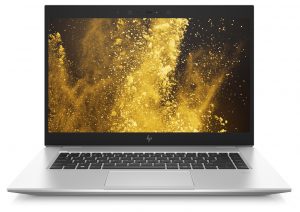
Inside HP EliteBook 1050 G1 – disassembly and upgrade options
HP’s new EliteBook lineup widened at a time where the market started to be dominated by ThinkPads and Latitudes and there are the ZenBooks which are making a significant step inside the professional segment. As a result, EliteBook 1050 G1 is made to look aggressive and classy on the outside. However, we were wondering how it looks on the inside, so we took it apart.
Check out all HP EliteBook 1050 G1 prices and configurations in our Specs System or read more in our In-depth Review.
1. Remove the bottom plate
There are a total of 9 Phillips head screws, holding the bottom plate in place. Thoughtfully, they remain attached to the plate after you unscrew them, so it is harder for you to lose them (we are very good in that). Also if you want to play the easy game, start prying the bottom plate from the back side, as the clips there are a lot looser.
2. Memory and storage
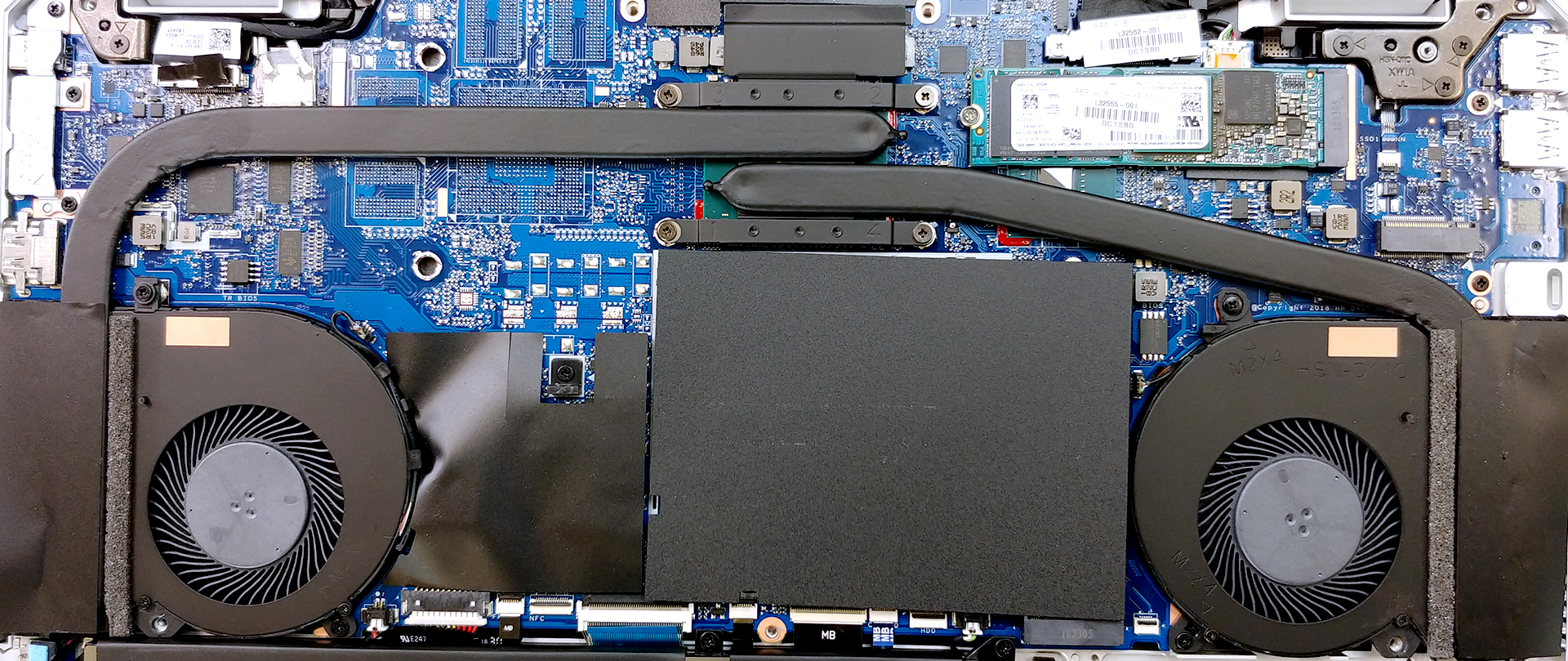
Its memory is neatly hidden beneath a metal bracket. After you remove it, you’ll see the standard – two RAM DIMMs, supporting up to 32 GB of DDR4 memory.
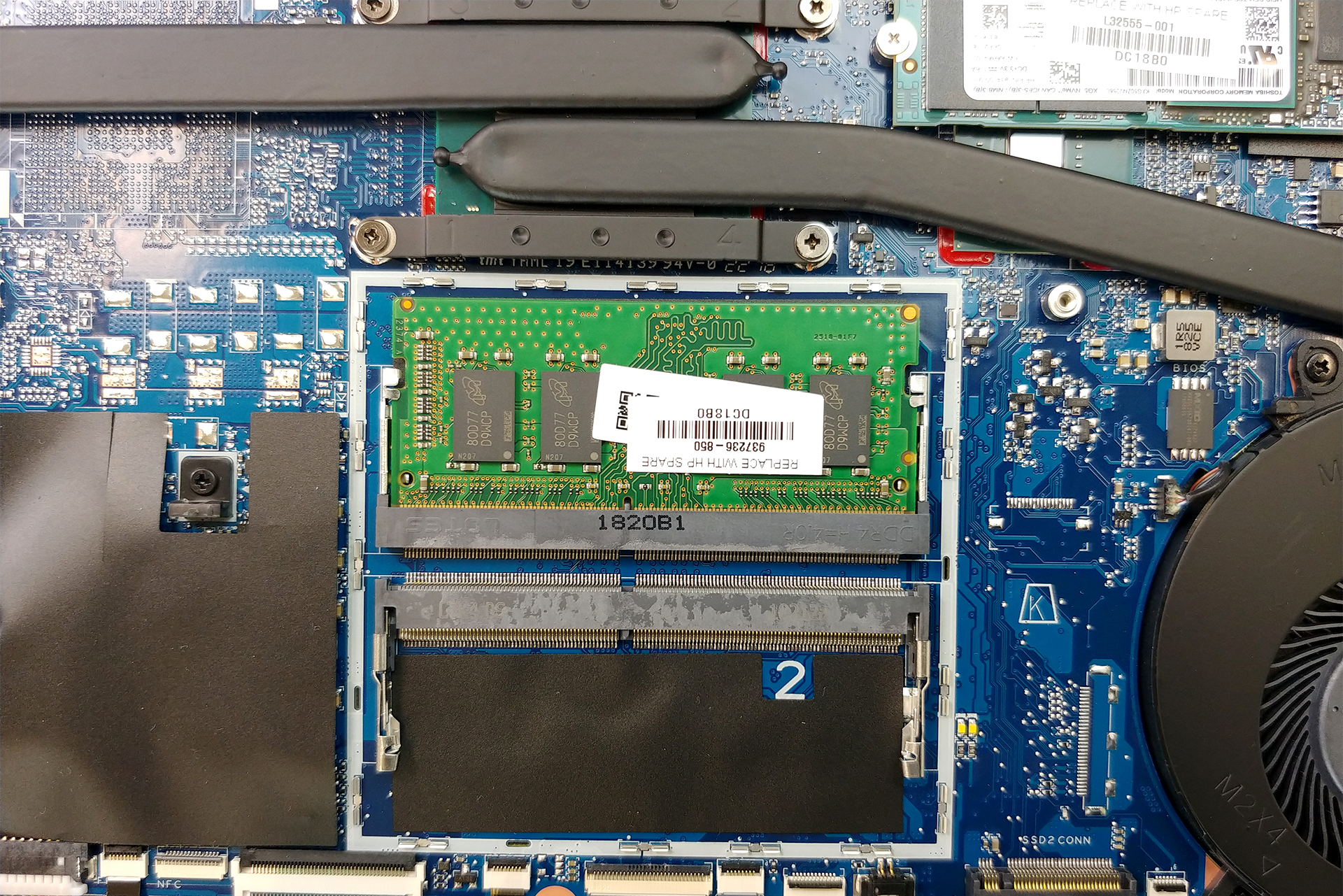
On the other side, the storage department is quite less organized, however, you have not one, but two M.2 slots. The first one is right next to the RAM, while the second M.2 slot (both supporting NVMe) is placed above the right (on the image) fan and finally the SATA connector spot is just below it.
3. Battery
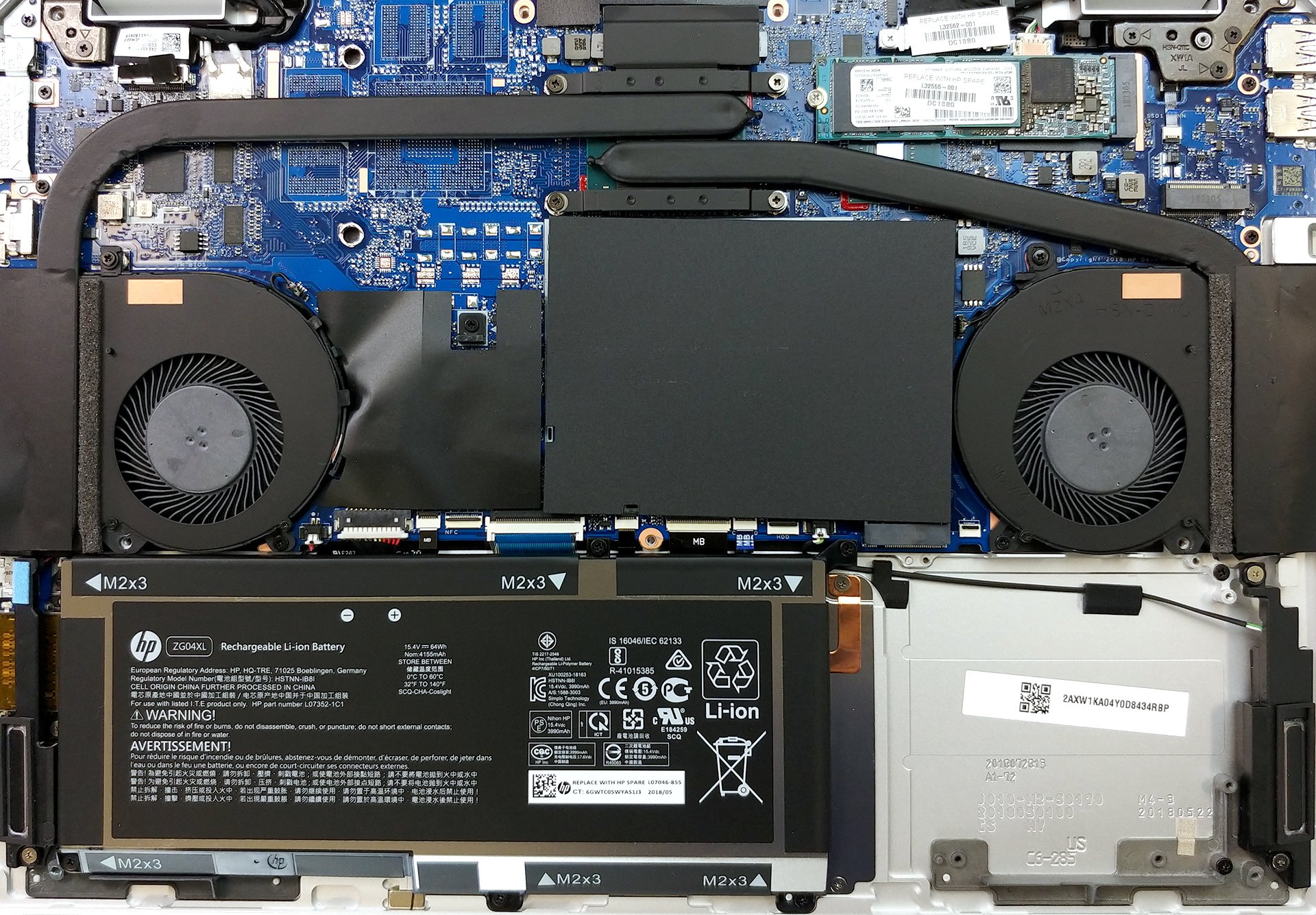
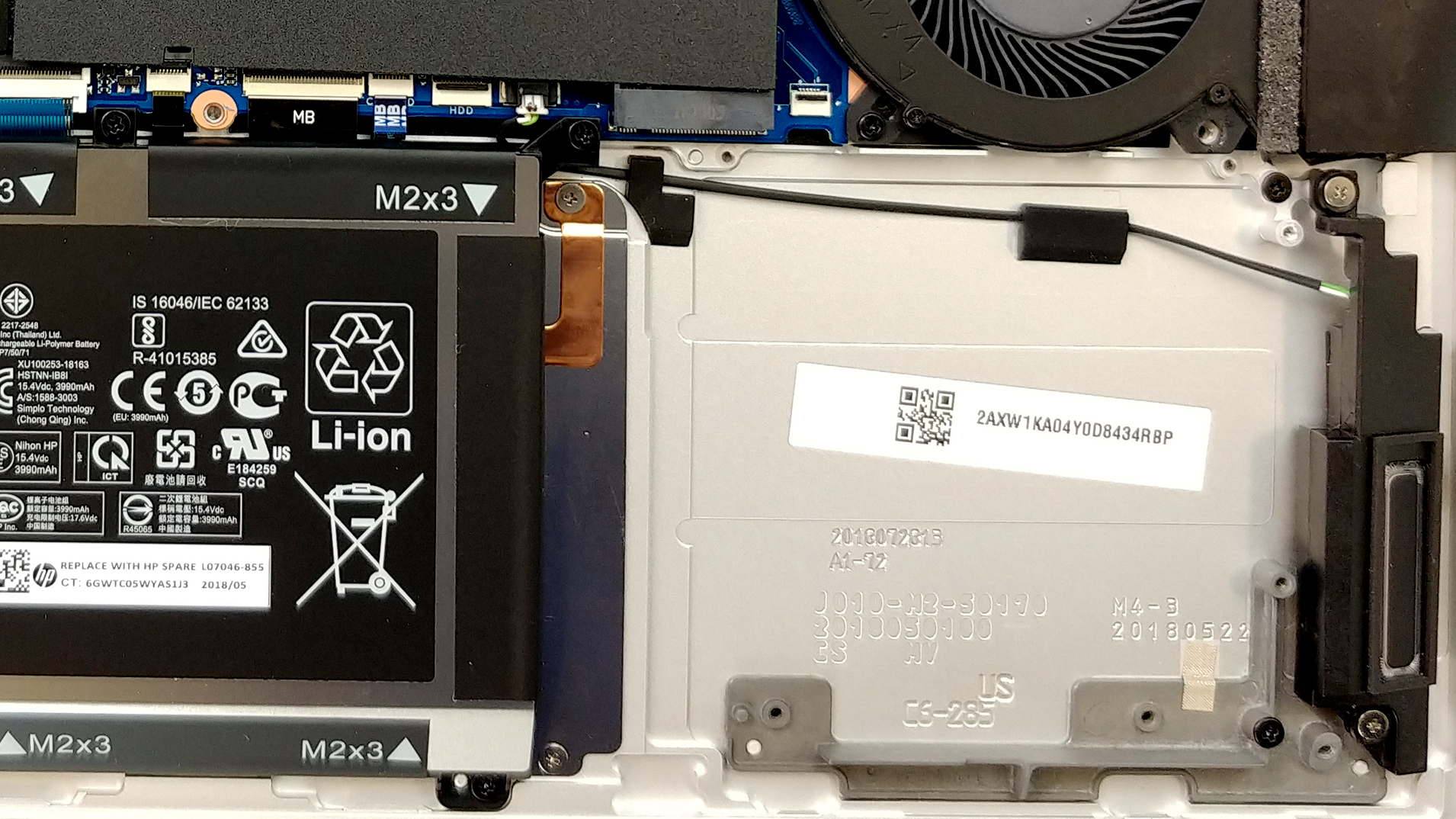
Battery-wise there are two options and they depend on the GPU choice you make (we think). In our case, since we don’t have the dedicated GeForce GTX 1050, the laptop was equipped with the smaller – 64Wh battery, while the other option was a 95.6Wh unit. This way it is pushing the limit of 100Wh for air transportation. Anyhow, we checked the screen on times on the smaller one and we got around 11 hours of web browsing and 7 hours of video playback, which is not bad at all.

4. Cooling system
Another rather interesting cooling. Contrary to the ZenBook Pro 14 UX480, where the chips were surrounding the fans, here we have the fans being on both ends of the laptop, while the CPU and perhaps the GPU is placed in the middle of the motherboard. It is interesting how these different approaches happen to be similarly effective. Here there are two rather long heat pipes cooling the same CPU. The only downside we see is that your hands are most probably going to get dried out, because of the fans.
Check out all HP EliteBook 1050 G1 prices and configurations in our Specs System or read more in our In-depth Review.
 Author: Alex Iliev

![[2026年6月] 亚马逊全球畅销笔记本电脑品牌——苹果在销量和营收方面均占据无可匹敌的统治地位](https://laptopmedia.com/wp-content/uploads/2026/07/GLOBAL-Best-Brands-400x225.jpg)
![[2026年6月] 亚马逊全球:笔记本电脑销量前十名——苹果新款MacBook Neo强势登顶,以亲民价格重塑市场格局](https://laptopmedia.com/wp-content/uploads/2026/07/Best-Selling-Laptops-GLOBAL-Top-10-400x225.jpg)
![[2026年6月] 亚马逊全球:十大畅销游戏笔记本电脑——宏碁Nitro V 16S AI销量领跑,华硕总营收居首](https://laptopmedia.com/wp-content/uploads/2026/07/Best-Selling-Gaming-Laptops-GLOBAL-Top-10-400x225.jpg)
![[2026年6月] 亚马逊全球畅销笔记本电脑显卡排行榜——NVIDIA RTX 5060 位居专用显卡销量榜首](https://laptopmedia.com/wp-content/uploads/2026/07/Best-Selling-GPUs-GLOBAL-Top-10-400x225.jpg)
![[2026年6月] 亚马逊全球畅销笔记本电脑CPU排行榜——苹果M5占据主导地位,AMD锐龙7 260在高端市场占据稳固份额](https://laptopmedia.com/wp-content/uploads/2026/07/Best-Selling-CPUs-GLOBAL-Top-10-400x225.jpg)