Inside HP EliteBook 840 G8 – disassembly and upgrade options
Here is one more business device from HP that has decent upgradability.
Check out all HP EliteBook 840 G8 prices and configurations in our Specs System or read more in our In-Depth review.
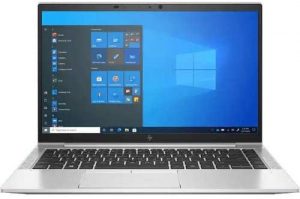
1. Remove the bottom plate
You only need to undo 5 Phillips-head screws to access this laptop’s internals. Then, just pry the bottom panel with a plastic tool, and remove it from the chassis.
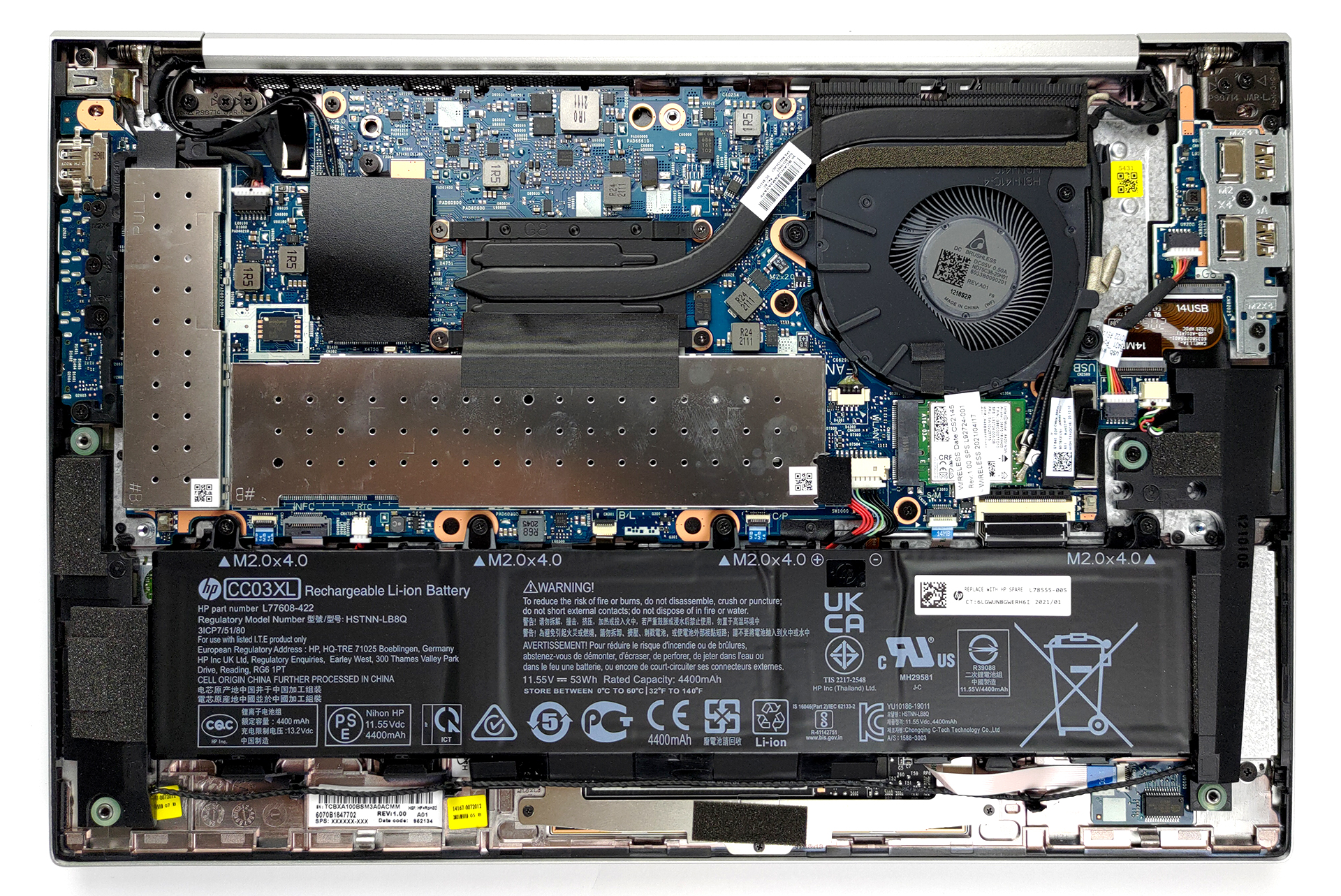
2. Battery
What powers the notebook, when it’s not plugged into the wall is a 53Wh battery pack.
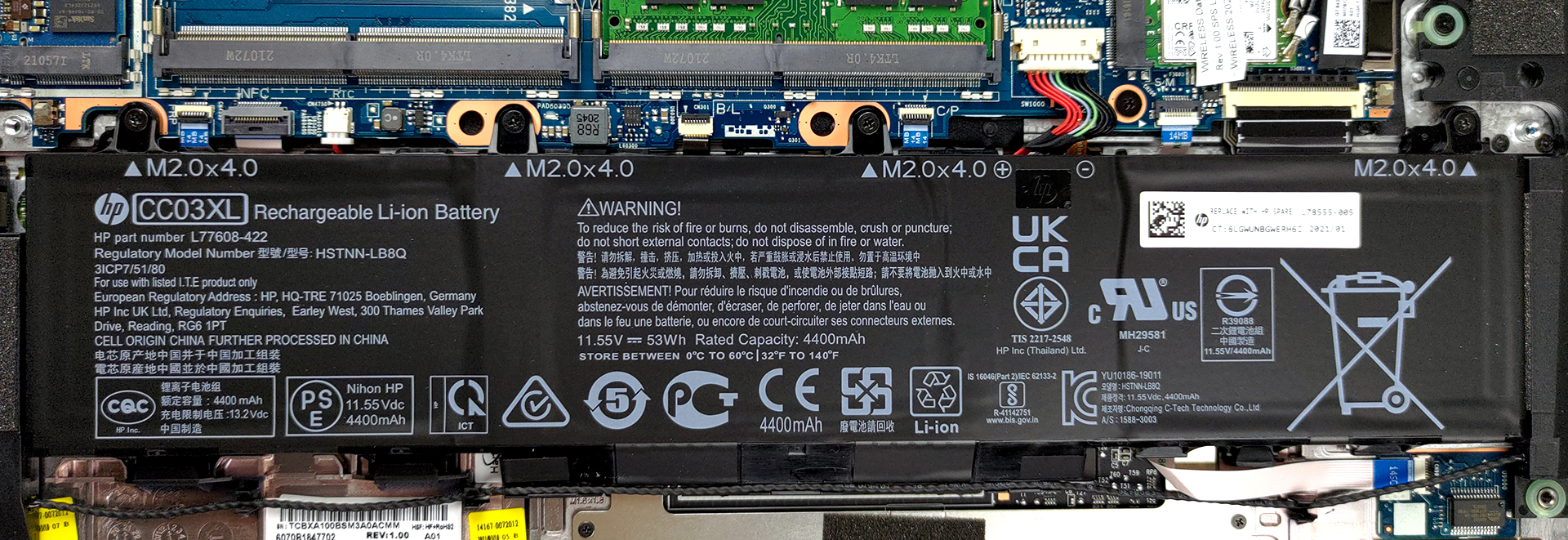
3. Мemory and storage
You will notice that there are two metal brackets. One of them hides two RAM SODIMM slots, which fit up to 64GB of memory in total and work in dual-channel mode. As for the storage, there is one M.2 PCIe x4 slot.
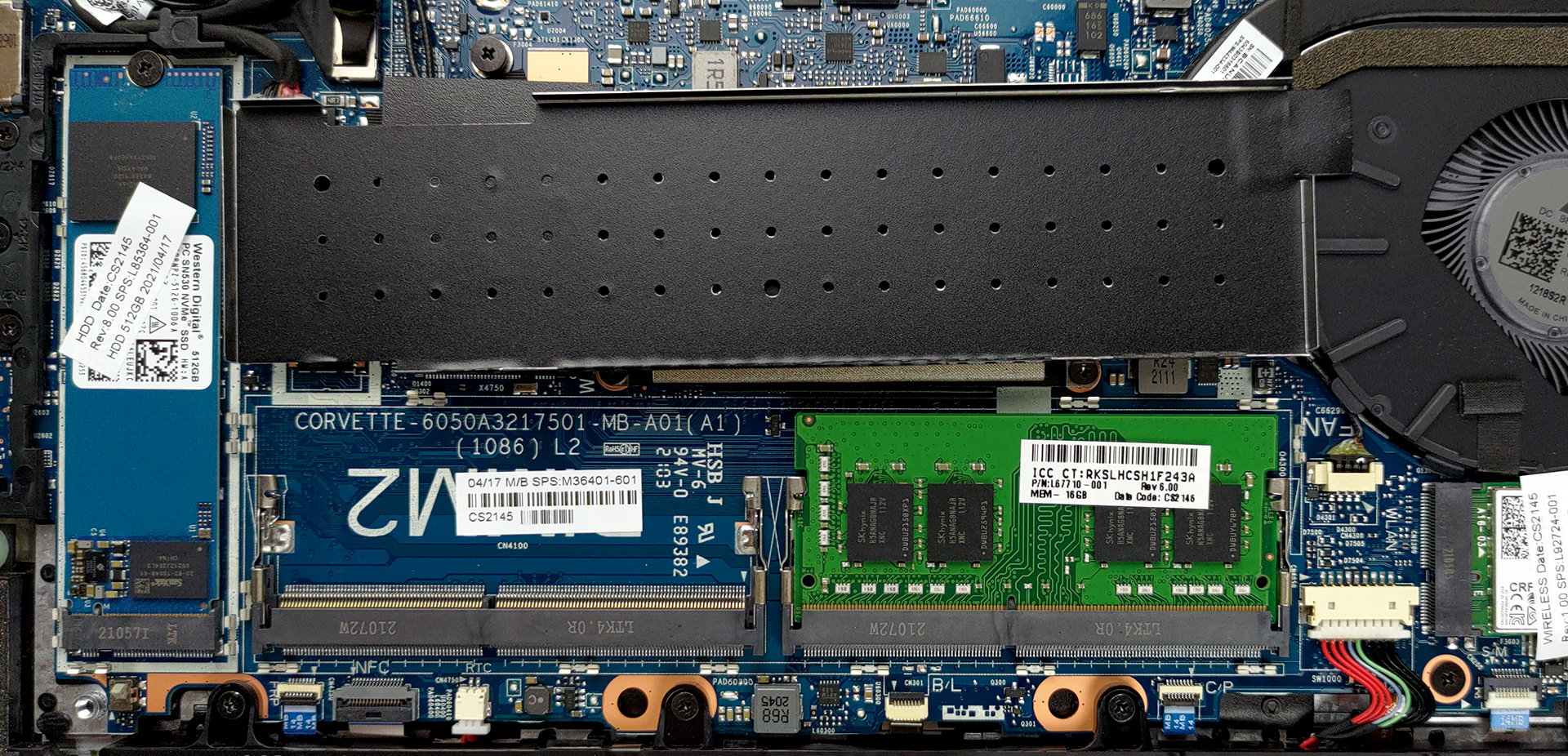
4. Cooling system
This notebook’s cooling solution comprises a single thin heat pipe and a fan of average size.
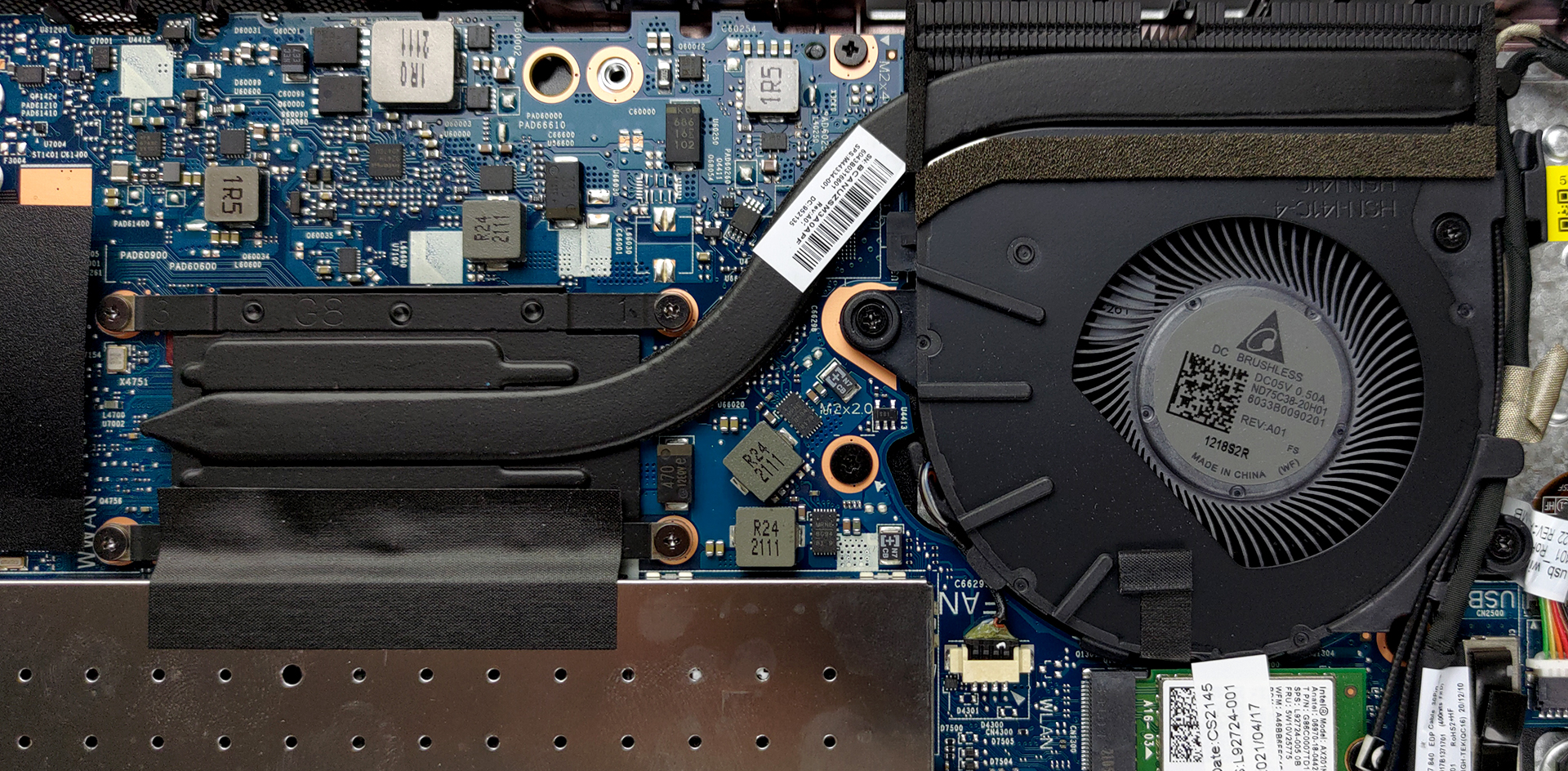
Check out all HP EliteBook 840 G8 prices and configurations in our Specs System or read more in our In-Depth review.
HP EliteBook 840 G8 深度评测
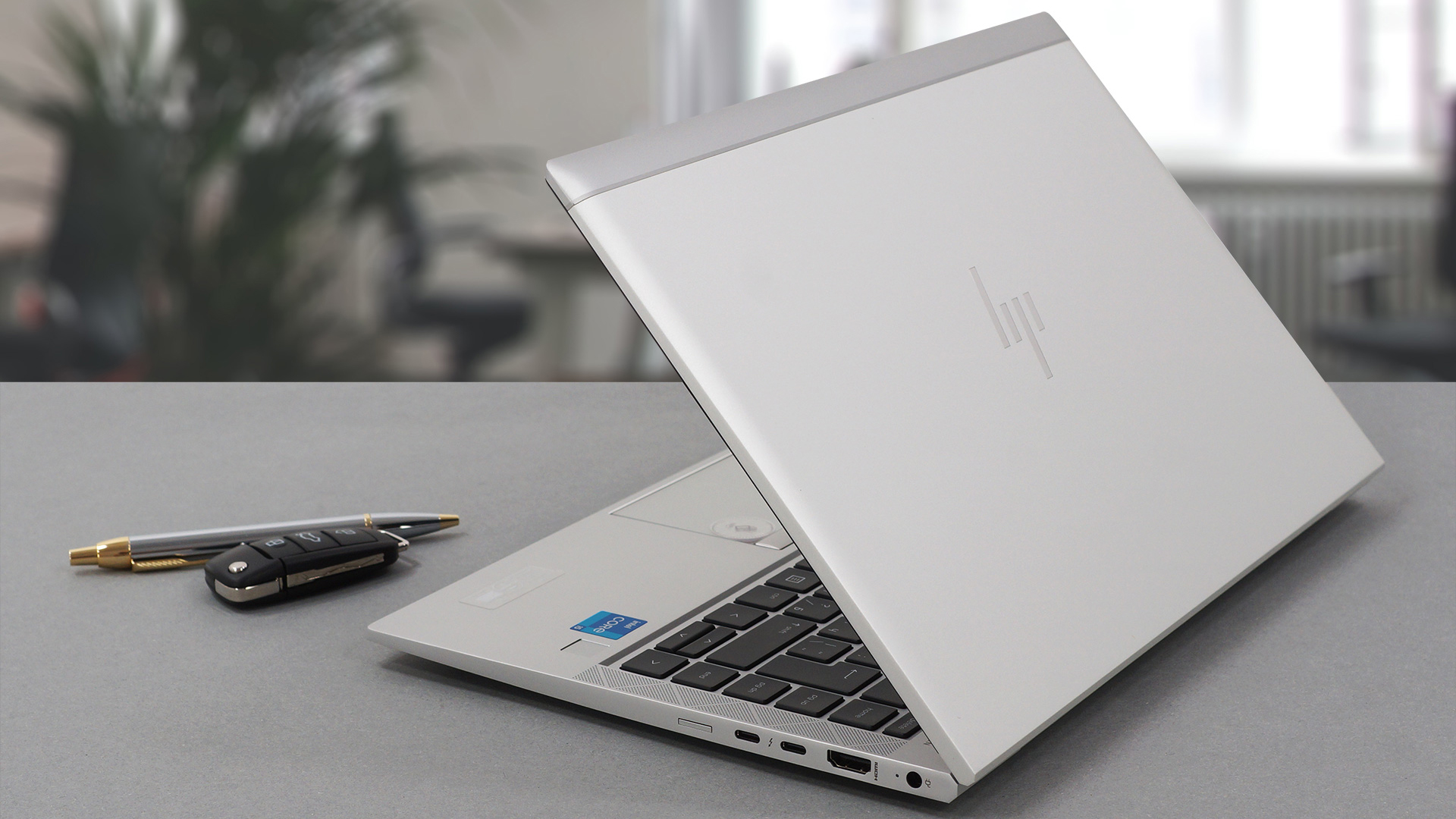
这是我们办公室里的第三台八代EliteBook 800系列的笔记本电脑。我们在测试这个系列的其他笔记本时了解到的情况是,惠普生产的商务笔记本质量非常高。然而,它们似乎缺乏一点性能,而且恰好不是一个非常好的逐年升级的选择。不过我们不要为EliteBook 840 G8做任何假设。作为一个企业型号,你必须记住,它装载了固件和软件的安全增强功能。在性能方面,你可以使用Core i7-1185G7和GeForce MX450--在ULV世界中是一个相当强大的组合。有趣的是,这款笔[...]
优点
- 适当的电池寿命
- 支持PCIe x4 + 64GB DDR4内存的双通道
- 两个Thunderbolt 4连接器,Wi-Fi 6,以及可选的5G支持
- 97%的sRGB覆盖率和我们的游戏和网页设计配置文件(AUO AUO068B)的伟大的色彩准确性
- 不使用PWM进行亮度调节(AUO AUO068B)
- 防泼溅键盘
- 红外人脸识别和指纹识别器
弊端
- 没有SD卡读卡器
- 只是比前代产品有小幅升级
 Author: Alex Iliev

![[2026年8月] 亚马逊全球:销量前十的笔记本电脑——苹果MacBook Neo独占鳌头,而平价和中端Windows笔记本则在销量上展开激烈角逐](https://laptopmedia.com/wp-content/uploads/2026/09/Best-Selling-Laptops-GLOBAL-Top-10-400x225.jpg)
![[2026年8月] 亚马逊全球畅销笔记本电脑品牌——苹果在营收方面占据主导地位,而惠普在机型种类方面领跑](https://laptopmedia.com/wp-content/uploads/2026/09/GLOBAL-Best-Brands-400x225.jpg)
![[2026年8月] 亚马逊全球:畅销游戏本前十名——惠普Victus 15荣登榜首,高性价比机型占据榜单主导地位](https://laptopmedia.com/wp-content/uploads/2026/09/Best-Selling-Gaming-Laptops-GLOBAL-Top-10-400x225.jpg)
![[August 2026] Best-Selling Laptop Brands on Amazon Japan – Apple Dominates Market Share and Revenue Led by Strong Unit Sales](https://laptopmedia.com/wp-content/uploads/2026/09/CO.JP-Best-Brands-1-400x225.jpg)
![[August 2026] Best-Selling Laptop Brands on Amazon USA – Apple Dominates Market Revenue and Volume Despite Lower Model Diversity](https://laptopmedia.com/wp-content/uploads/2026/09/COM-Best-Brands-1-400x225.jpg)
