Inside Lenovo Ideapad 330s (15) – disassembly and upgrade options
The Ideapad 330s (15) is a budget 15-incher that gives you a lot of opportunities to explore. Let’s see the difficulty of getting inside of it and messing with its internals.
Check out all Lenovo Ideapad 330s (15) prices and configurations in our Specs System or read more in our In-Depth review.
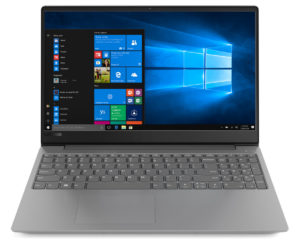
1. Remove the bottom plate
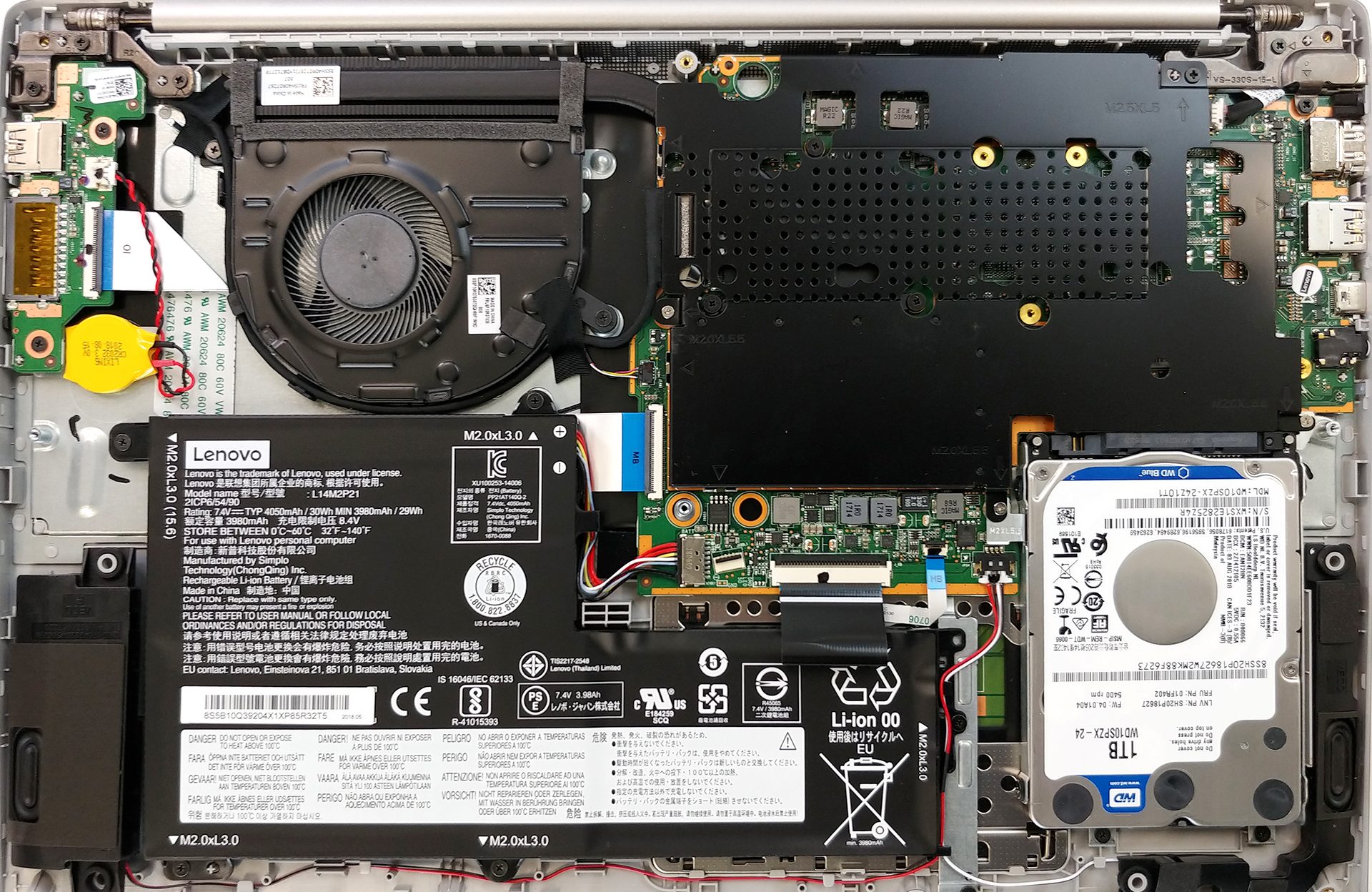
It is relatively easy to get inside of it – there are no hidden screws, nor tricks around it. Just all 10 of the screws you can see on the bottom plate – and once they’re out of the way, you need to carefully unpry the panel from the main body.
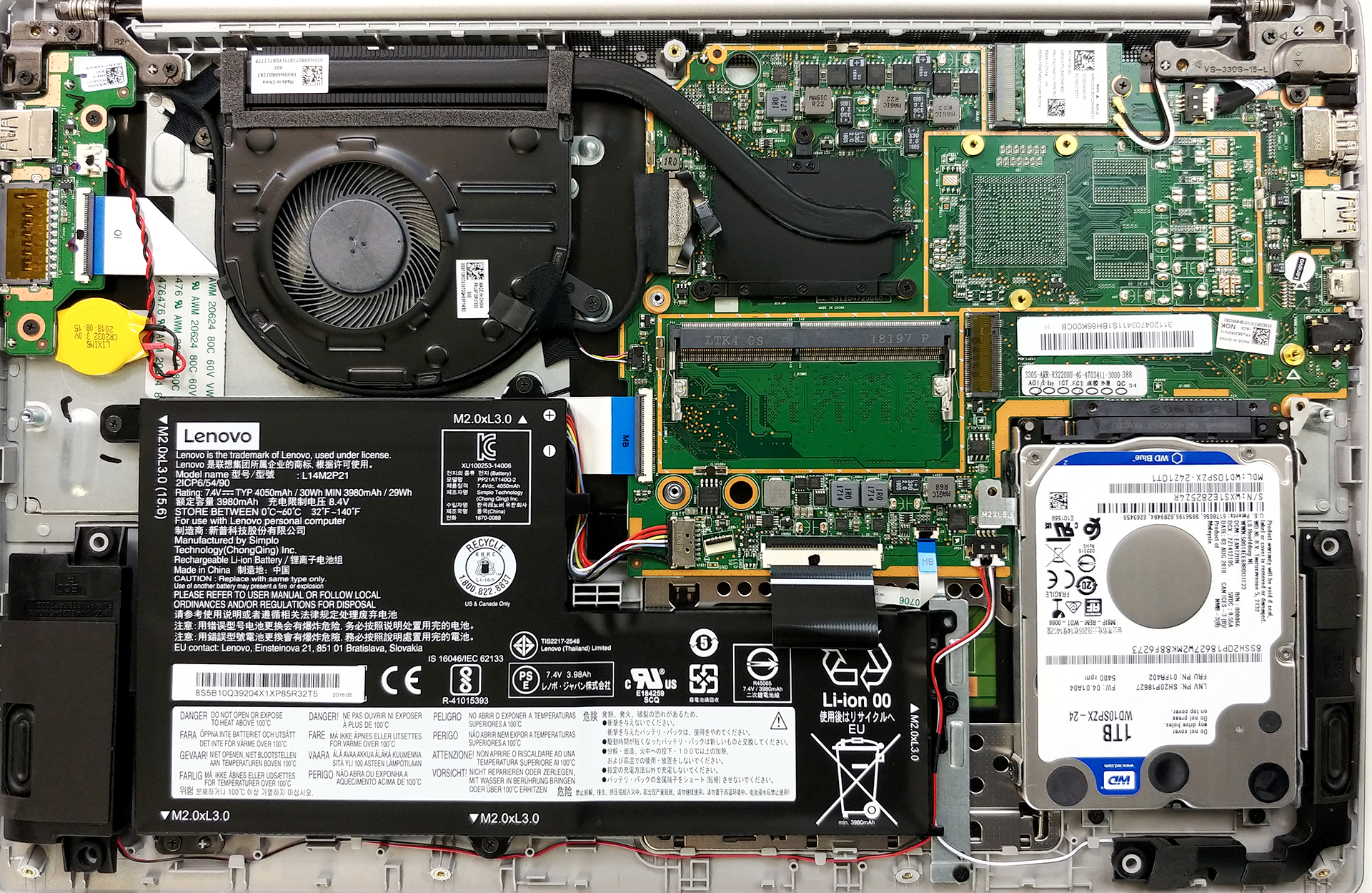
First, you’re going to see an interesting setup – the CPU, the RAM DIMM, and the M.2 slot are covered by a plastic black plate. It is held in place by some pinches plus four screws. Underneath it we discovered something even more interesting – the motherboard seems to be universal, as there are empty slots for a GPU assembly. However, there is no way to add one by yourself, as it has to be soldered by the manufacturer beforehand.
2. Battery
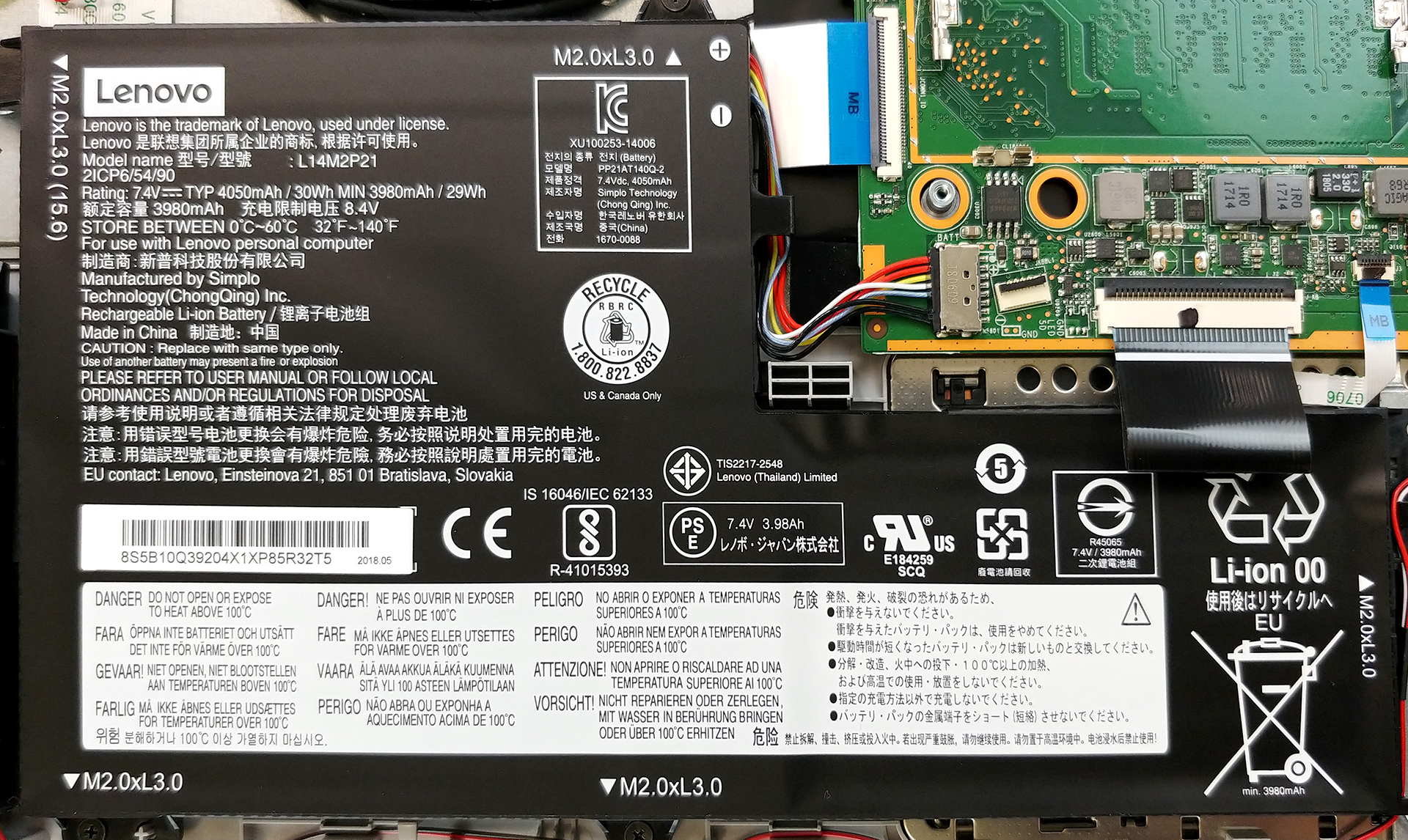
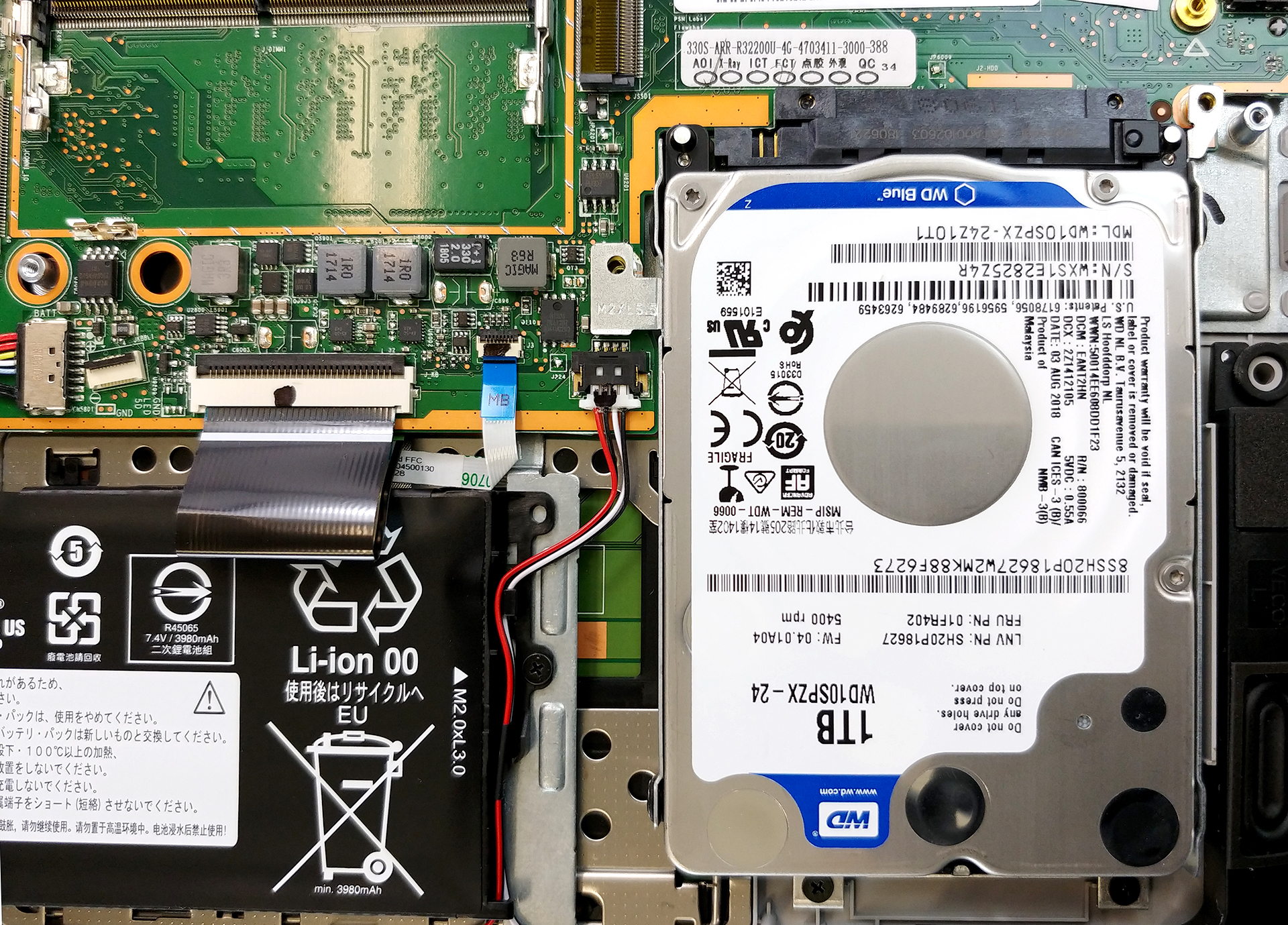
Physically, the battery unit is not that little, but capacity-wise, it is rated at the mere 30Wh. Don’t worry though, probably you’ll have enough time to boot the Operating system and open your web browser before you need to plug the power cord. Should you want to remove it, there are five screws that you need to remove – they are all marked by arrows, painted on the battery itself.
3. Memory and storage
We are happy to see a free DIMM for RAM addition. It being empty would mean that there are 4 GB of chips soldered somewhere on the motherboard.
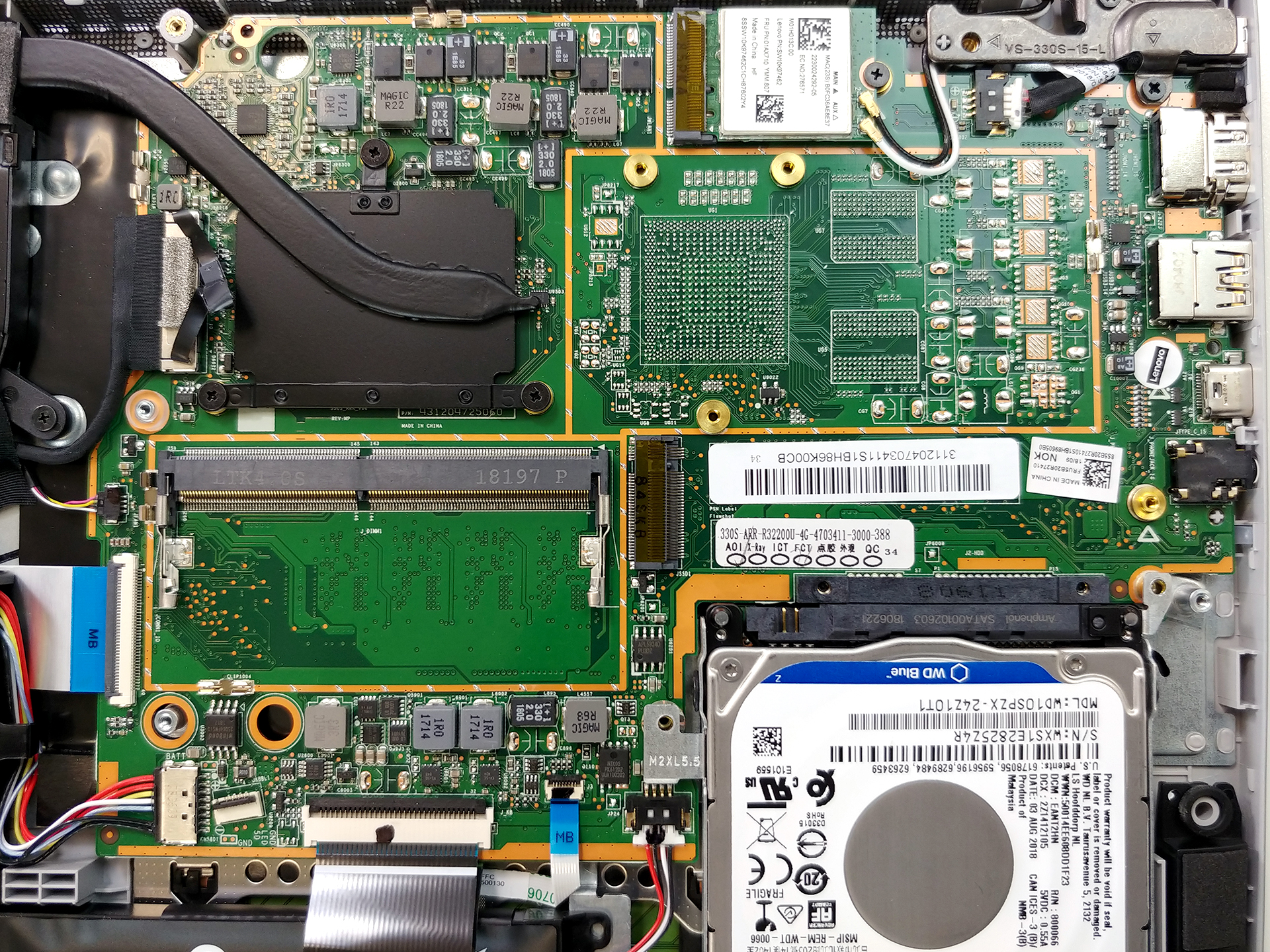
Right next to the RAM slots is located the M.2 PCIe SSD slot – a nice addition to a super cheap device.
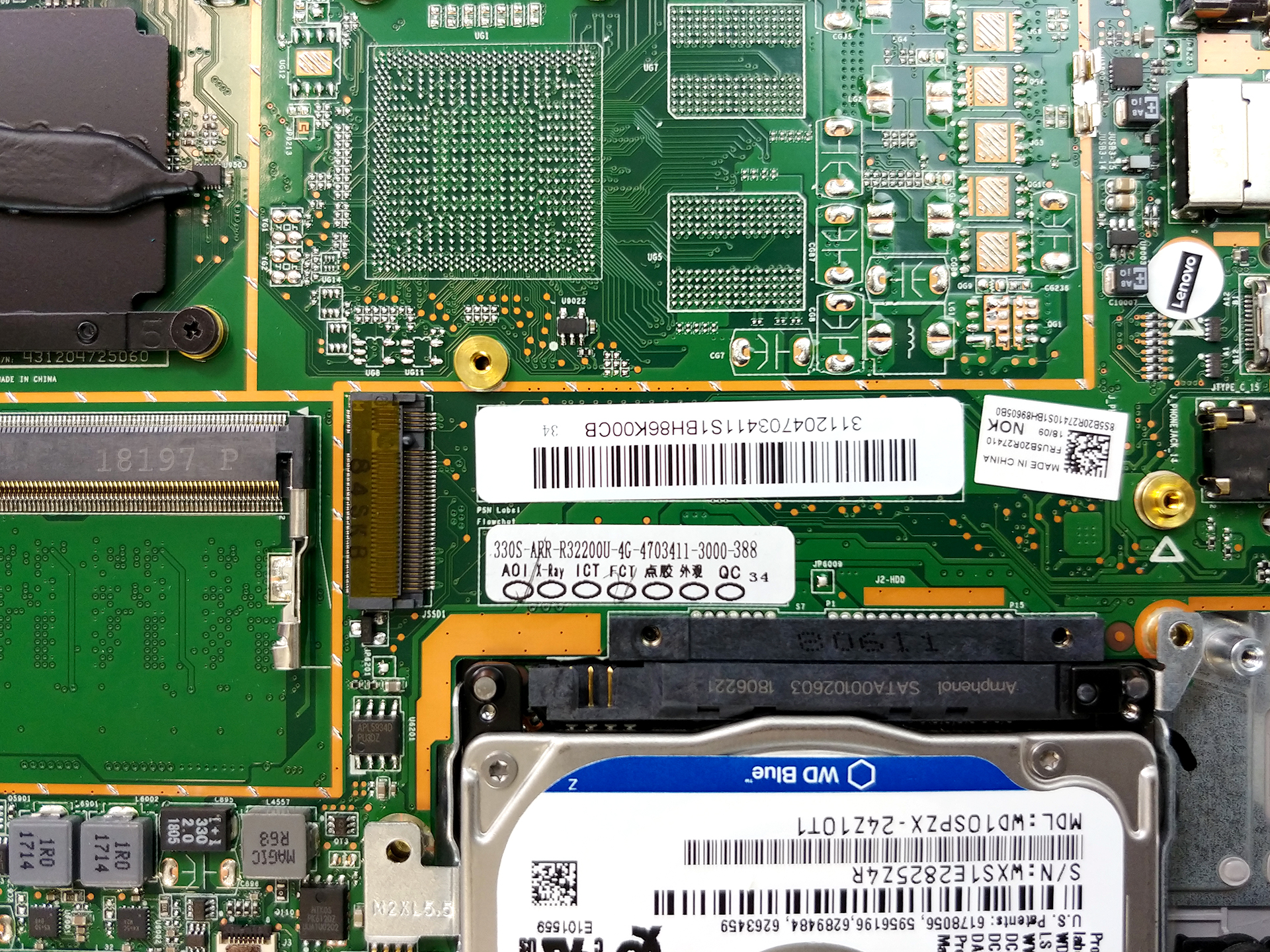
In the bottom right side is located the 5400rpm 1TB Western Digital HDD.
4. Cooling system
Then, the cooling. It consists of a single, rather thin, heat pipe. What is impressive about the Lenovo solution in this case is that the fan looks pretty big in diameter, especially placed next to the narrower than usual heat pipe.

Check out all Lenovo Ideapad 330s (15) prices and configurations in our Specs System or read more in our In-Depth review.
 Author: Alex Iliev

![[2026年8月] 亚马逊全球畅销笔记本电脑显卡排行榜——苹果独占鳌头,英伟达RTX 5060领跑独立显卡榜单](https://laptopmedia.com/wp-content/uploads/2026/09/Best-Selling-GPUs-GLOBAL-Top-10-400x225.jpg)
![[2026年8月] 亚马逊全球畅销笔记本电脑处理器排行榜——苹果同时称霸平价和高端市场:2026年8月,A18 Pro和M5大获全胜,碾压英特尔和AMD](https://laptopmedia.com/wp-content/uploads/2026/09/Best-Selling-CPUs-GLOBAL-Top-10-400x225.jpg)
![[2026年8月] 亚马逊全球:销量前十的笔记本电脑——苹果MacBook Neo独占鳌头,而平价和中端Windows笔记本则在销量上展开激烈角逐](https://laptopmedia.com/wp-content/uploads/2026/09/Best-Selling-Laptops-GLOBAL-Top-10-400x225.jpg)
![[2026年8月] 亚马逊全球畅销笔记本电脑品牌——苹果在营收方面占据主导地位,而惠普在机型种类方面领跑](https://laptopmedia.com/wp-content/uploads/2026/09/GLOBAL-Best-Brands-400x225.jpg)
![[2026年8月] 亚马逊全球:畅销游戏本前十名——惠普Victus 15荣登榜首,高性价比机型占据榜单主导地位](https://laptopmedia.com/wp-content/uploads/2026/09/Best-Selling-Gaming-Laptops-GLOBAL-Top-10-400x225.jpg)

very helpful for people who looking for laptop upgrade. thank you!
Hi, what can I plug in M.2 PCIe SSD slot? I have this same laptop