Inside Lenovo ThinkBook 14s Yoga – disassembly and upgrade options
A convertible with a huge fan and decent upgradability? Yes, please!
Check out all Lenovo ThinkBook 14s Yoga prices and configurations in our Specs System or read more in our In-Depth review.
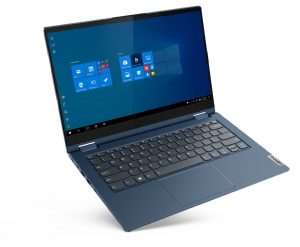
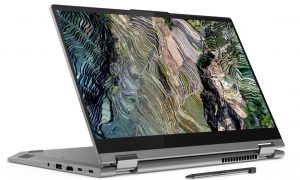
1. Remove the bottom plate
To get inside of this device, you have to undo 10 Torx-head screws. After that, pry the bottom panel with a plastic tool and lift it away from the chassis.
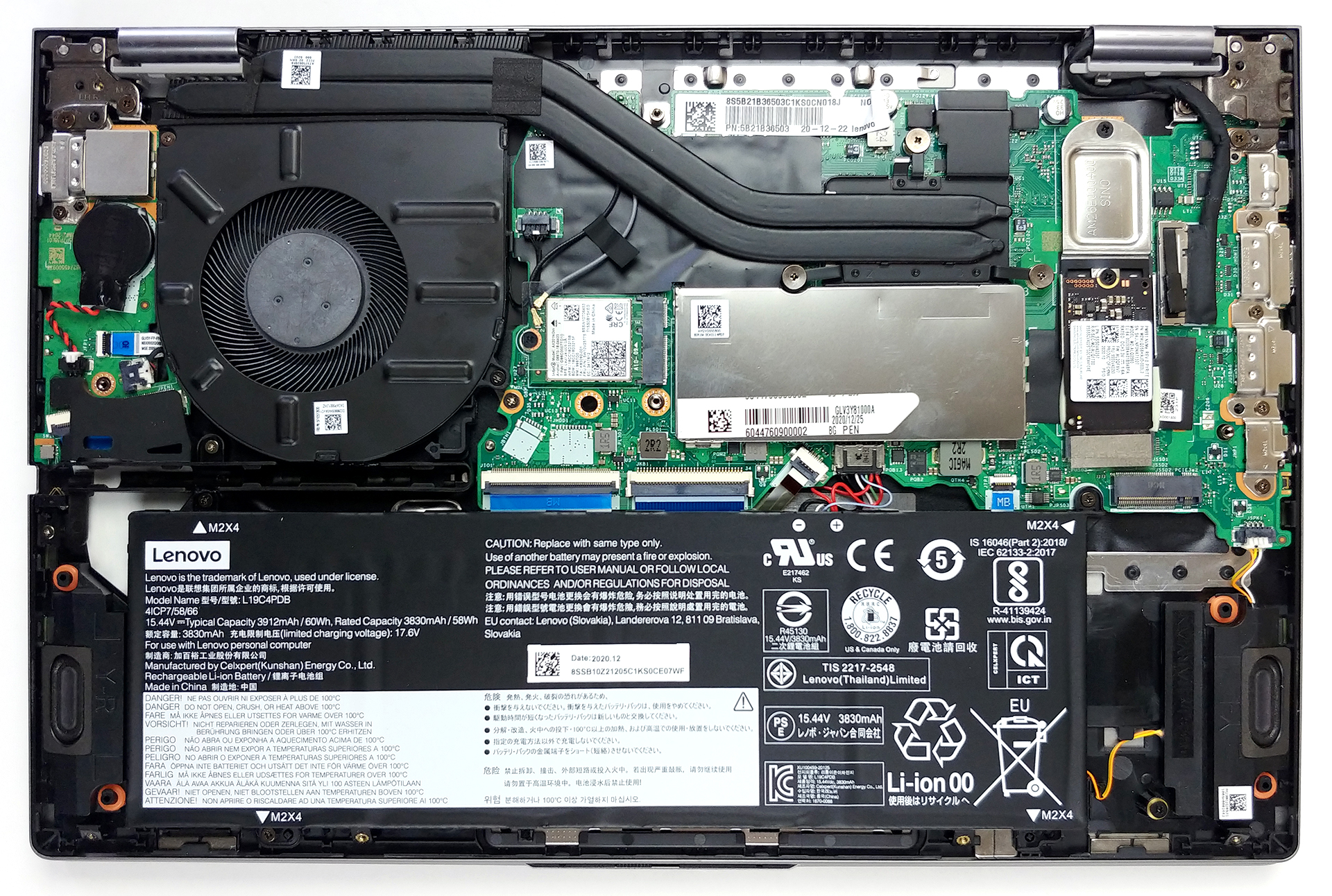
2. Battery
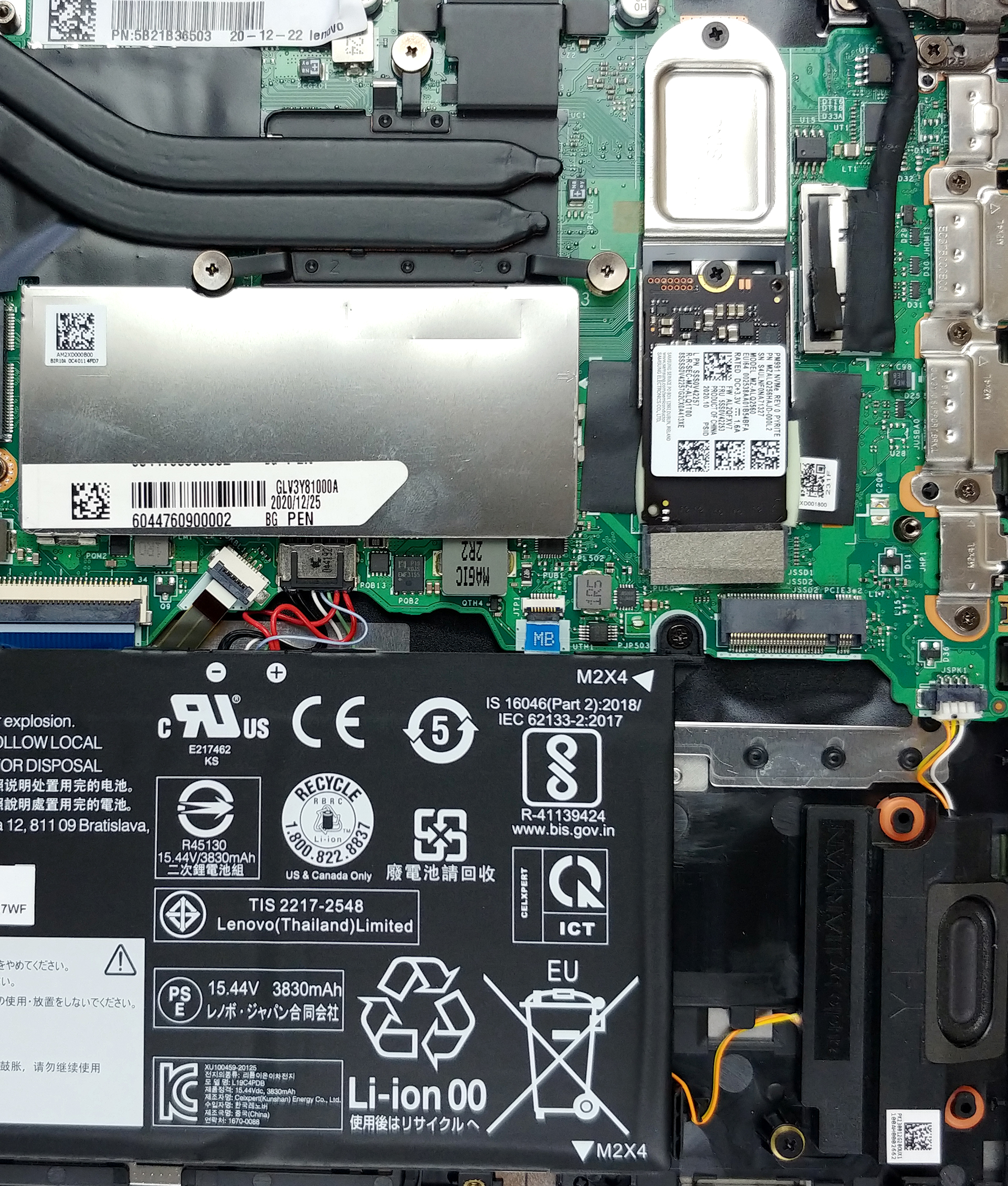
Here, we see a 60Wh battery pack, that will power the laptop, when you’re away from the charger.
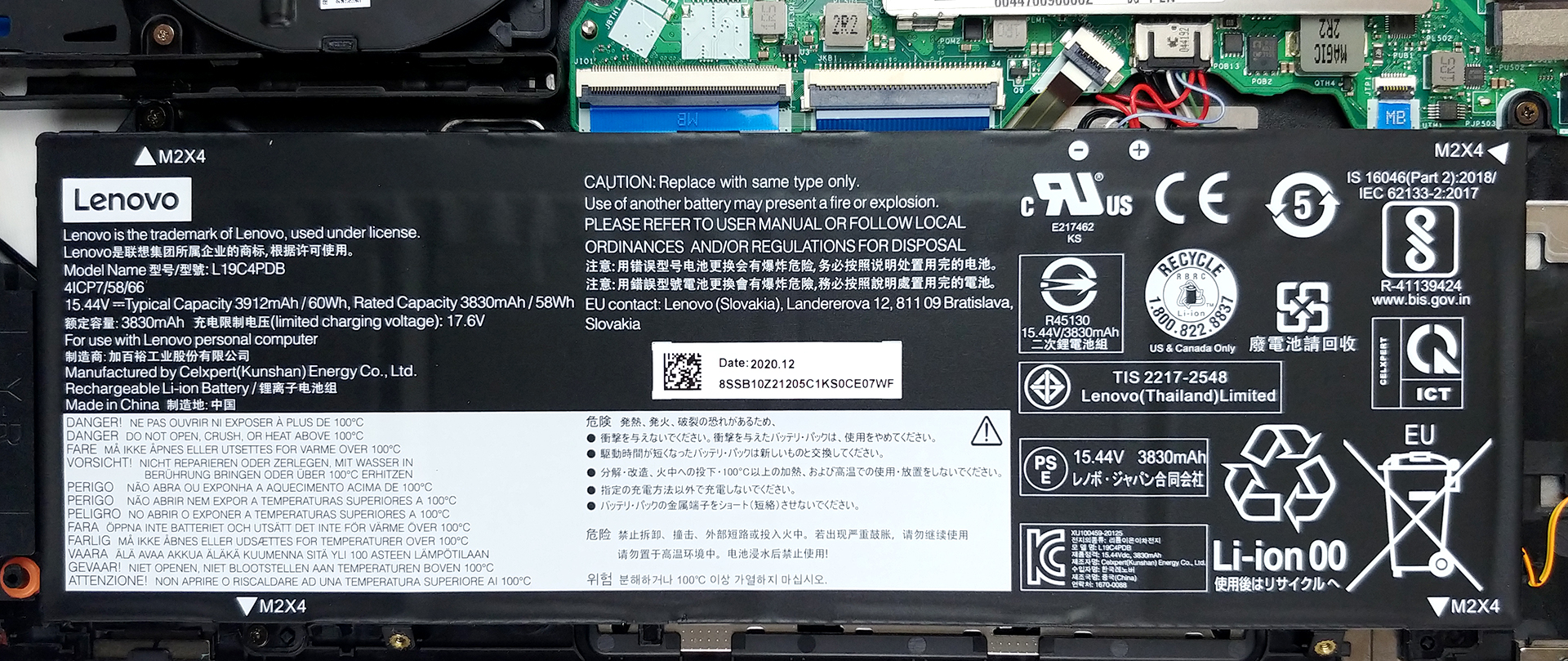
3. Memory and storage
This laptop features 8GB of soldered memory to its motherboard, as well as one SODIMM slot for expansion up to 40GB in total. As for the storage, there are two M.2 PCIe x4 slots.
4. Cooling system
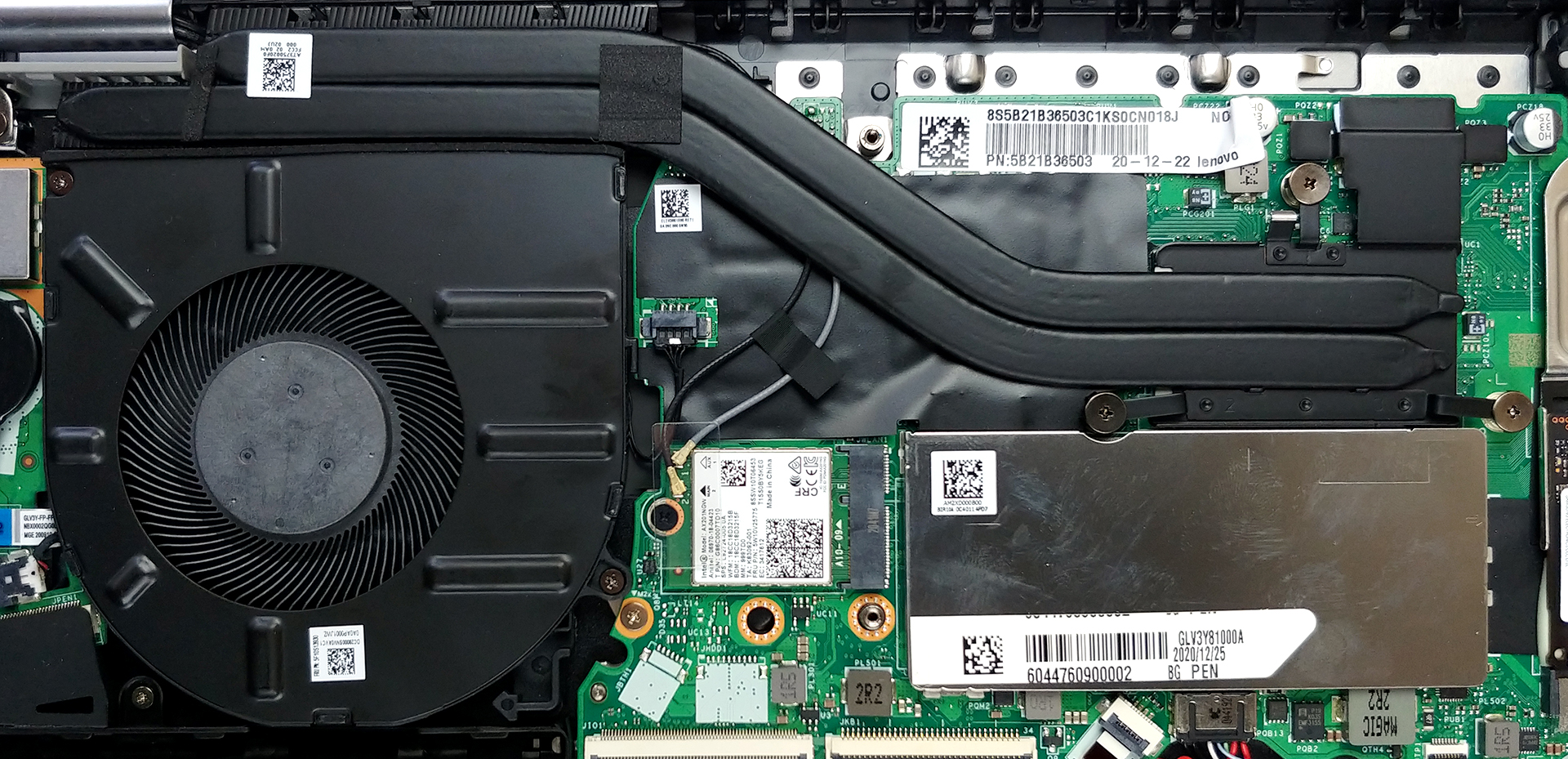
In terms of cooling, we see two heat pipes, a heat spreader, and a pretty big fan.
Check out all Lenovo ThinkBook 14s Yoga prices and configurations in our Specs System or read more in our In-Depth review.
Lenovo ThinkBook 14s Yoga 深度评测
如果你想知道--是的,联想也在以可转换的形式提供他们优雅的商业解决方案。它被称为ThinkBook 14s Yoga,旨在结合两个世界的优点。现在,有很多二合一的产品,其中很大一部分实际上来自Yoga子品牌。这款笔记本与其他的有什么不同呢?嗯,首先,它配备了通常与ThinkBook系列搭配的所有安全软件和固件的功能。除此之外,还有英特尔的Tiger Lake处理器阵容,最大的是Core i7-1165G7--一个非常有能力的ULV处理器,可以提供计算和图形性能。此外,这款14[...]
优点
- 雷电4,Wi-Fi 6连接,以及板上的MicroSD读卡器
- 有两个M.2 PCIe插槽,一个RAM-SODIMM插槽(总共高达40GB的RAM)+它支持Wi-Fi 6
- 覆盖98%的sRGB色域,并通过我们的游戏和网页设计配置文件(BOE NV140FHM-N66)拥有准确的色彩表现。
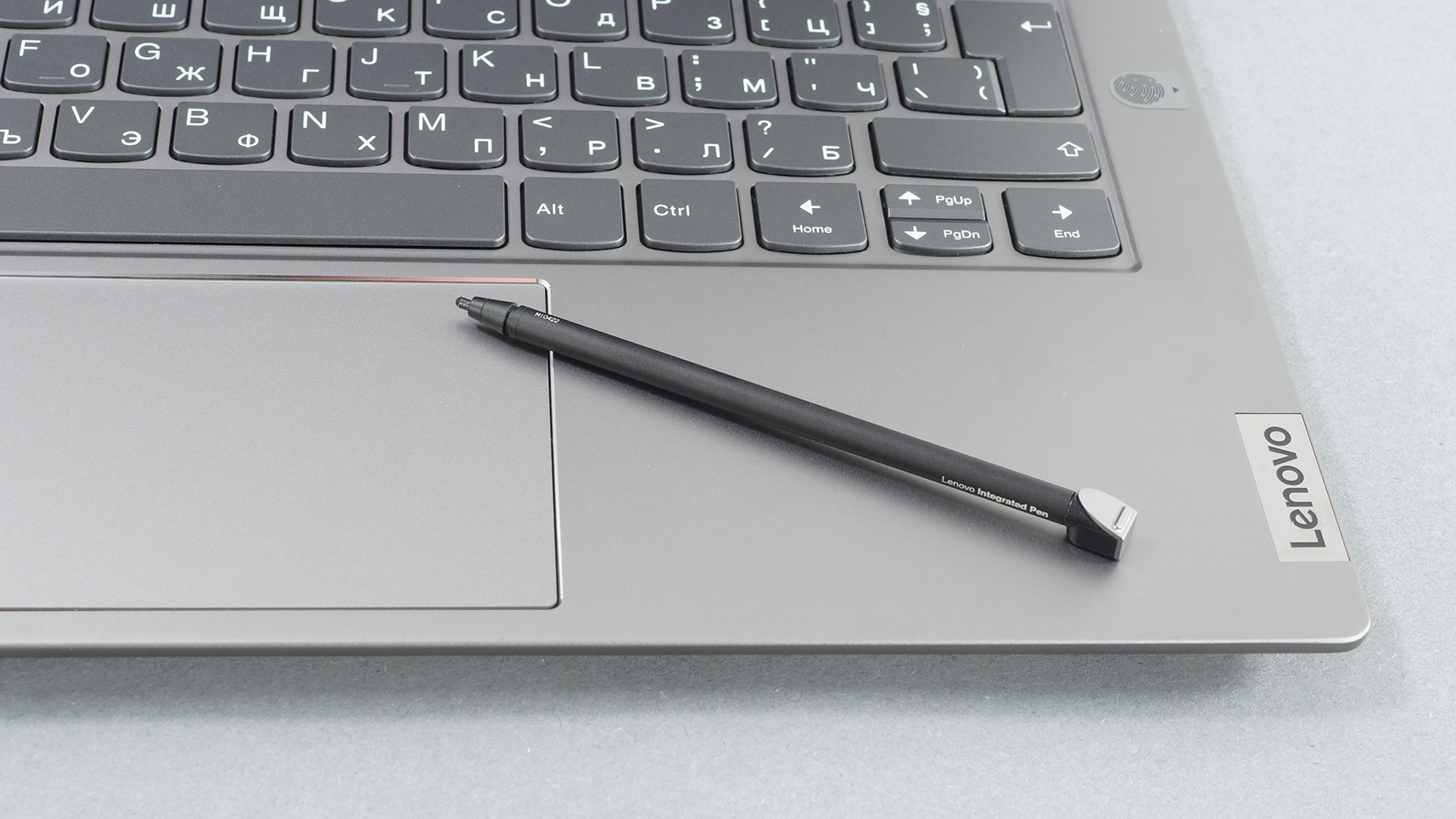
- 包括手写笔
- 无PWM显示(BOE NV140FHM-N66)
- 良好的键盘体验
- 良好的电池寿命
弊端
- 表现不佳的iGPU
- 在平板电脑模式下感觉有点重
 Author: Alex Iliev

![[2026年8月] 亚马逊全球畅销笔记本电脑显卡排行榜——苹果独占鳌头,英伟达RTX 5060领跑独立显卡榜单](https://laptopmedia.com/wp-content/uploads/2026/09/Best-Selling-GPUs-GLOBAL-Top-10-400x225.jpg)
![[2026年8月] 亚马逊全球畅销笔记本电脑处理器排行榜——苹果同时称霸平价和高端市场:2026年8月,A18 Pro和M5大获全胜,碾压英特尔和AMD](https://laptopmedia.com/wp-content/uploads/2026/09/Best-Selling-CPUs-GLOBAL-Top-10-400x225.jpg)
![[2026年8月] 亚马逊全球:销量前十的笔记本电脑——苹果MacBook Neo独占鳌头,而平价和中端Windows笔记本则在销量上展开激烈角逐](https://laptopmedia.com/wp-content/uploads/2026/09/Best-Selling-Laptops-GLOBAL-Top-10-400x225.jpg)
![[2026年8月] 亚马逊全球畅销笔记本电脑品牌——苹果在营收方面占据主导地位,而惠普在机型种类方面领跑](https://laptopmedia.com/wp-content/uploads/2026/09/GLOBAL-Best-Brands-400x225.jpg)
![[2026年8月] 亚马逊全球:畅销游戏本前十名——惠普Victus 15荣登榜首,高性价比机型占据榜单主导地位](https://laptopmedia.com/wp-content/uploads/2026/09/Best-Selling-Gaming-Laptops-GLOBAL-Top-10-400x225.jpg)
