[USA] Amazon’s Top 3 Best-Selling Laptops for October 2023 – Reviewed in our Labs!
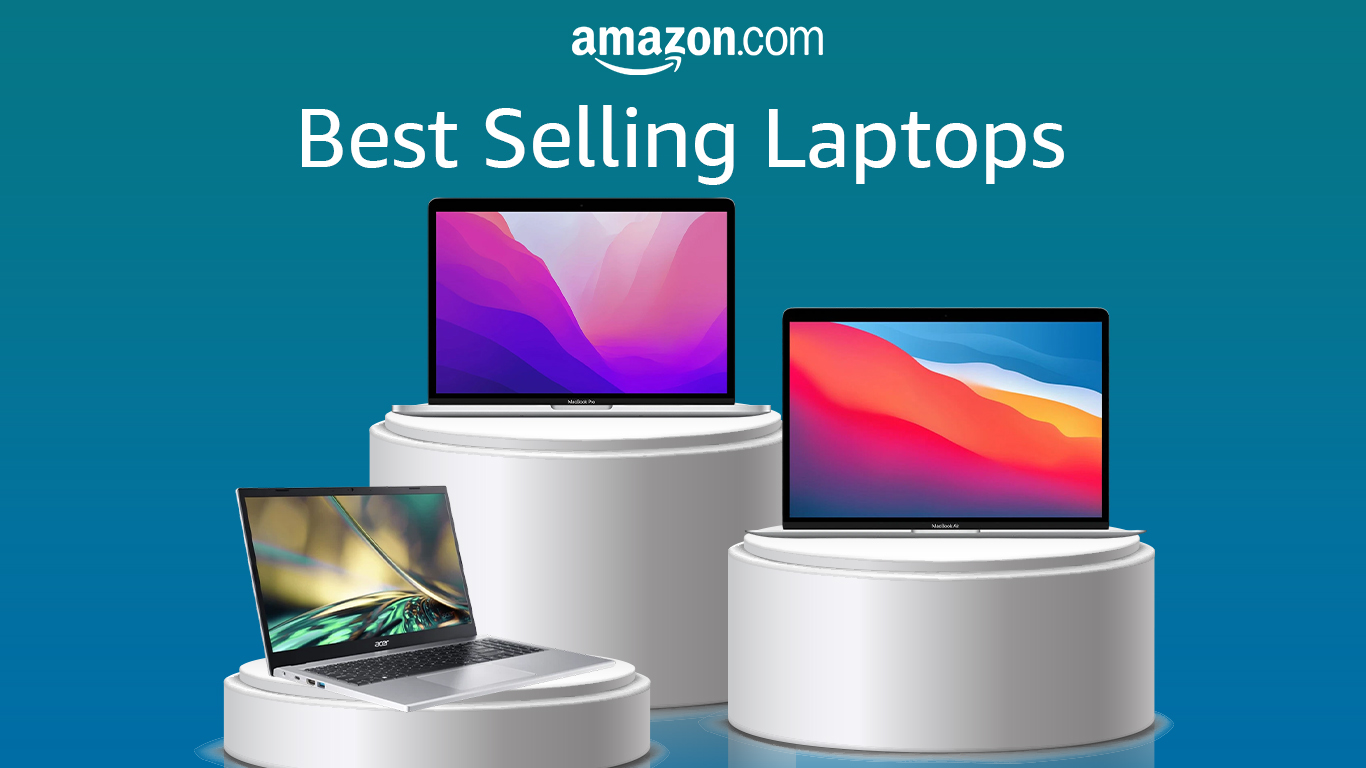 It’s Spooktober time already and 2023’s already coming up to a close. Year-end promotions come earlier and earlier every year as sellers try to be the first to make the best offers. We’re already seeing some great offers, so if any of them suit your needs, now could be the best time to make a purchase. Overall, we can see why consumers are flocking towards the top 3 in the category, as they’re reliable computers that come at good prices, perfect for students.
Well, let’s get on with it starting with the most affordable notebook on the list.
You can check out the most recent updates on the ranking here.
🥉Acer Aspire 3 (A315-24P) – #3
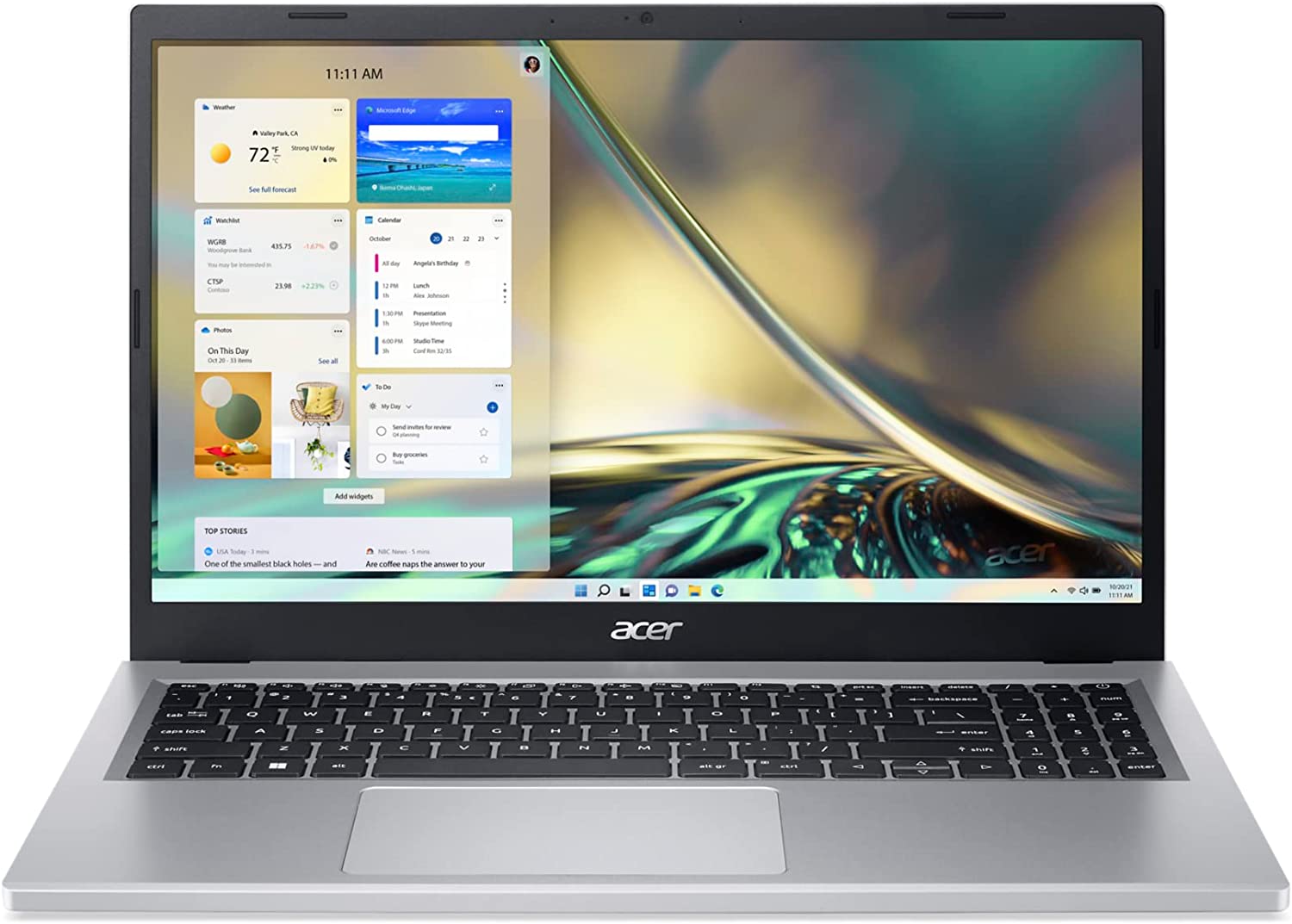 The Acer Aspire 3 series has always pushed the envelope in terms of offering the best specs for the lowest price possible. The Aspire 3 (A315-24P) takes a very aggressive approach, as the AMD configuration sports Ryzen 7000 U-series processors. These are still running Zen 2 cores, however, they bring the more modern RDNA 2 integrated graphics inside, so overall you’ll get a smooth operator in day-to-day work.
For this price, it doesn’t really get any better, as even the entry config with a quad-core Ryzen 3 7320U can be quite snappy and sustain tons of tabs in browsers. The config that Amazon offers sports 8GB of LPDDR5 RAM and a 128GB PCIe Gen 3 SSD, which is alright, considering that you won’t be doing any strenuous work on it. Still, the laptop will be good enough for photo editing and even some simple video edits, especially if you splurge for a more powerful Ryzen 5-powered model.
You can check it out on Amazon right here.
Acer Aspire 3 (A315-24P) 深度评测
今天,我们将告诉你所有你需要知道的关于一台笔记本电脑的信息,它将粉碎入门级移动市场。或者会吗?这个问题在每一台敢于提出这种要求的机器上都会出现,这是肯定的。但有一个特别的原因,我们认为这台机器可能会在其追求中失败(这可能正是它最终成功的原因)。准确地说,我们正在谈论所选择的处理器。它们是Ryzen 3 7320U,以及Ryzen 5 7520U。最后,人们会说,Ryzen 7000U CPU将进入市场。正如你将在后面了解到的,情况并不完全如此。�[...]
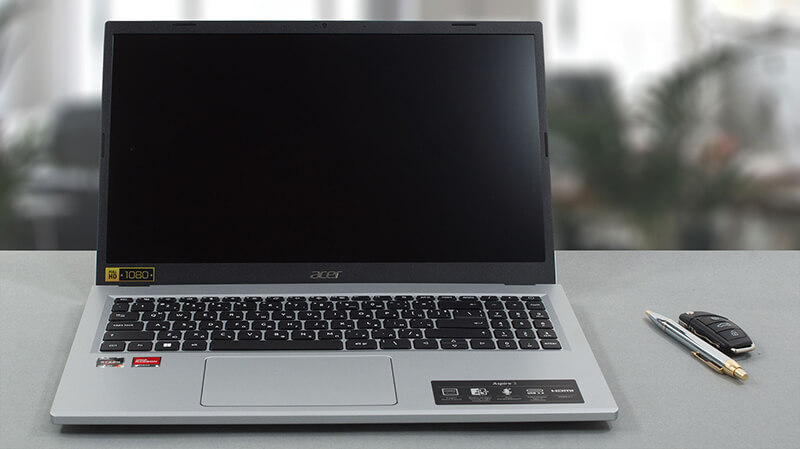
优点
- 伟大的电池寿命
- 舒适的可视角度和良好的对比度(BOE NV156FHM-N48 (BOE0A56)
- 没有PWM(京东方NV156FHM-N48(BOE0A56))。
- 适当的性能
- Wi-Fi 6E和全功能的USB Type-C 3.2(Gen. 2)端口
弊端
- 仅覆盖51%的sRGB(京东方NV156FHM-N48(BOE0A56))。
- 焊接的内存
- 没有键盘背光灯
- 缺少SD卡读卡器
🥈 Apple MacBook Air 13 (M1, Late 2020) – #2
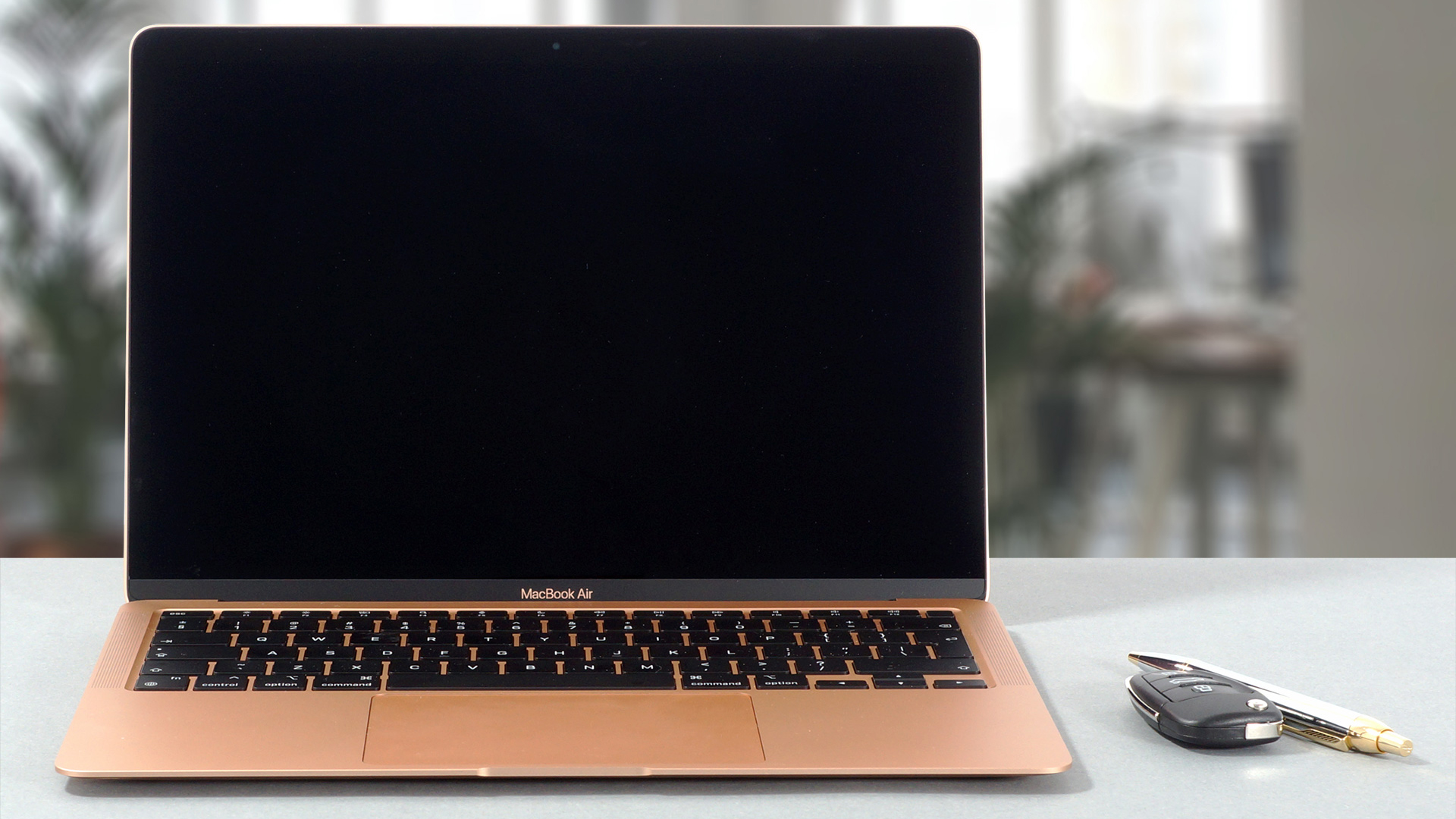
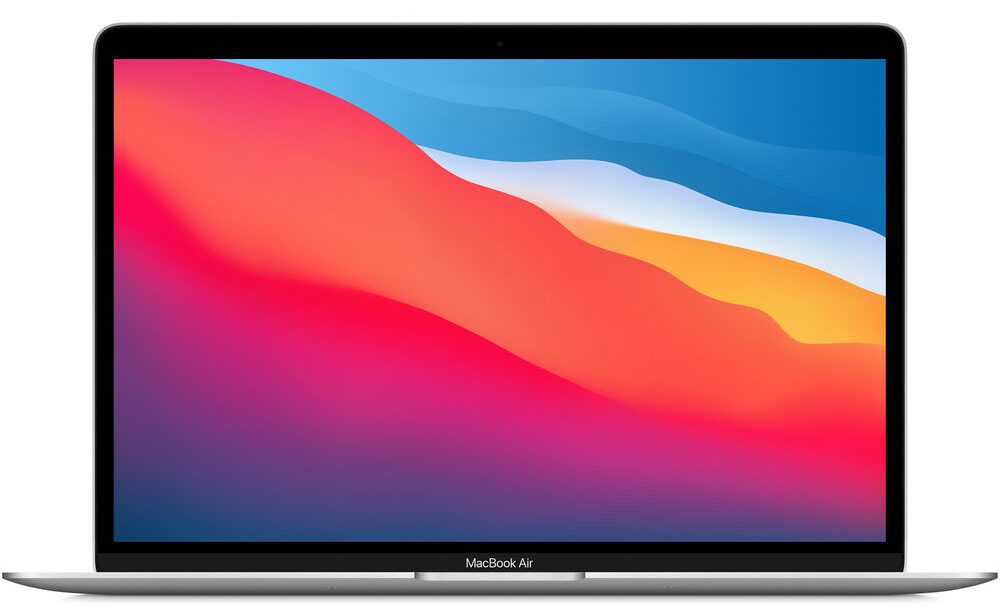 A lot can be said about the MacBook Air 13, as the first-ever laptop recipient of Apple Silicon. Its M1 SoC is still blazing fast, while the portability and strong chassis that it comes with are unrivaled. All of that can be yours for a little over 700 dollars. For that price, you get a premium product, with 8GB of RAM and 256GB of storage.
The M1 chip is a great piece of silicon, offering a powerful processor and graphics, as well as a very very long battery life. Our review showed more than 24 hours of web browsing and more than 13 hours of video playback, which is fantastic for a laptop with a 50Wh unit. The liquid Retina QHD+ display is great too, as at 13.3 inches, every image looks super detailed and crispy.
You can check it out on Amazon here.
Apple MacBook Air 13 (Late 2020) 深度评测
For years on, the MacBook Air was left behind - looking dated, having inferior TN panels, and featuring significantly less capable hardware. However, after Apple has solved the first two aspects of the MacBook Air in 2019, things took an immediate turnaround, when they introduced the M1 chip.Its low-voltage ARM nature enabled Apple to completely remove the fan from the chassis, thus resulting in a completely silent laptop, that happens to be extremely capable.So, for the lowly $999, you can get a fast laptop that will breeze past your daily work, and can actually be used for productiv[...]
优点
- Exceptional performance from the Apple M1 SoC
- The Touch ID is quick and accurate
- Full sRGB coverage and accurate color representation
- Supports Wi-Fi 6 and features two Thunderbolt 3 ports
- Doesn't use PWM
- Great build quality
- Exceptional battery life
- Loud and dynamic speakers
弊端
- I/O is limited to two Thunderbolt 3 ports
- Soldered RAM and storage
- Thermal throttling at long heavy loadss
🥇 Apple MacBook Pro 13 (M2, 2022) – #2
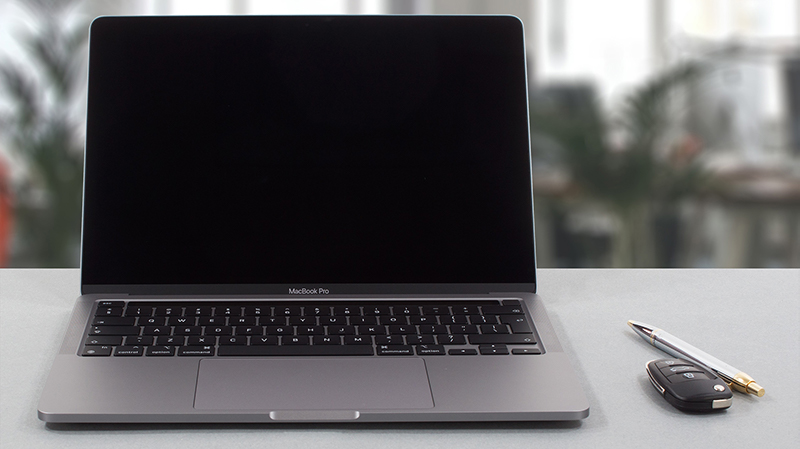
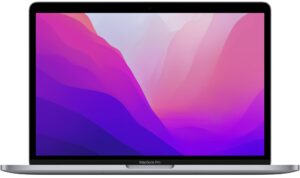
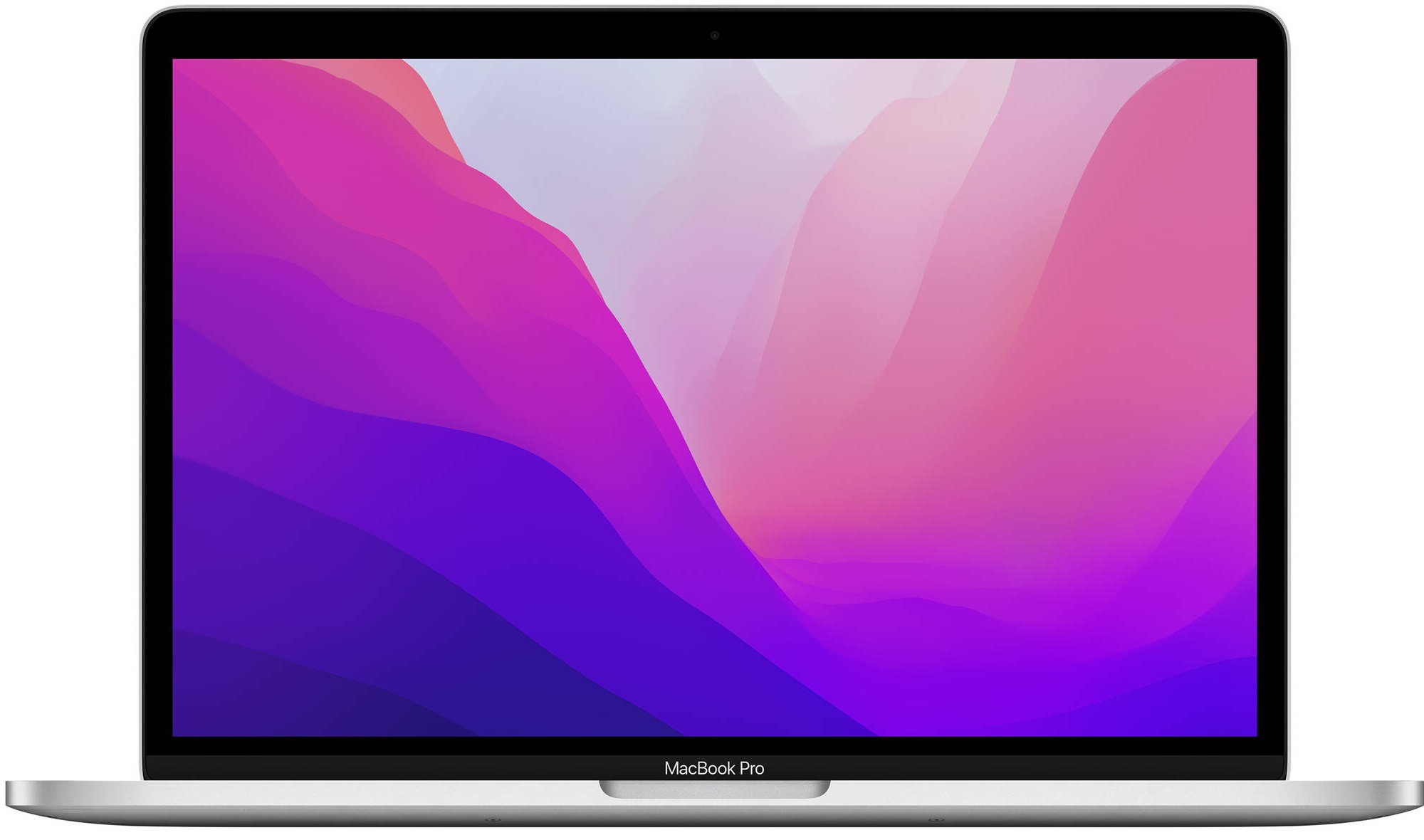 The MacBook Pro 13 shares a close resemblance to the Air model, however, the added active cooling on the inside makes it suitable for prolonged heavy workloads, like video rendering and the like. The M2 SoC brings performance upgrades to the laptop, while the efficiency is even better. In our review, we got more than 28 hours of web browsing and close to 20 hours of video playback.
All of the gains come with an increased price, however, what you get for it is a whole package full of performance for programming, video editing, and other complex tasks. Also, you get to skip the notch design that found its way onto the 14 and 16-inch MacBooks. We’ve checked it out ourselves, and it’s a sight to behold. While you keep a whole top bezel, you also keep the Touch Bar, which is a fantastic concept, however, not when you try to replace a whole row of F-keys with it.
You can check it out on Amazon here.
Apple MacBook Pro 13 (2022) 深度评测
苹果正在制定移动计算的标准,这已经是一个公开的秘密。几乎所有其他制造商都从MacBooks中借鉴了某种设计特点。虽然是视觉潮流的引领者,但多年来,苹果并没有真正以其硬件奇迹而闻名。2020年底,当库比蒂诺公司推出M1芯片时,整个行业都为之侧目--这是一种内部开发并建立在ARM架构上的SoC。苹果公司把 "美化的智能手机处理器 "的伟大想法,被证明是一个非常有力的举措,因为该产品的效率和性能产量很高。最终,这让MacBook Pro 13和MacBook Air�[...]
优点
- 苹果M2的CPU性能比M1高出12%至18%,GPU性能高出35%。
- 触摸ID快速而准确,而触摸栏感觉比以前更可用了
- 全面覆盖sRGB和DCI-P3
- 支持Wi-Fi 6,拥有两个Thunderbolt端口
- 不使用PWM
- 良好的制造质量
- 破纪录的电池寿命
- 大声而充满活力的扬声器
弊端
- 输入/输出仅限于两个Thunderbolt端口
- 焊接的RAM和存储

Which one of these three do you like the best, and are you on the lookout for a new device?
 Author: Severin Kolakov

![[2026年6月] 亚马逊全球畅销笔记本电脑品牌——苹果在销量和营收方面均占据无可匹敌的统治地位](https://laptopmedia.com/wp-content/uploads/2026/07/GLOBAL-Best-Brands-400x225.jpg)
![[2026年6月] 亚马逊全球:笔记本电脑销量前十名——苹果新款MacBook Neo强势登顶,以亲民价格重塑市场格局](https://laptopmedia.com/wp-content/uploads/2026/07/Best-Selling-Laptops-GLOBAL-Top-10-400x225.jpg)
![[2026年6月] 亚马逊全球:十大畅销游戏笔记本电脑——宏碁Nitro V 16S AI销量领跑,华硕总营收居首](https://laptopmedia.com/wp-content/uploads/2026/07/Best-Selling-Gaming-Laptops-GLOBAL-Top-10-400x225.jpg)
![[2026年6月] 亚马逊全球畅销笔记本电脑显卡排行榜——NVIDIA RTX 5060 位居专用显卡销量榜首](https://laptopmedia.com/wp-content/uploads/2026/07/Best-Selling-GPUs-GLOBAL-Top-10-400x225.jpg)
![[2026年6月] 亚马逊全球畅销笔记本电脑CPU排行榜——苹果M5占据主导地位,AMD锐龙7 260在高端市场占据稳固份额](https://laptopmedia.com/wp-content/uploads/2026/07/Best-Selling-CPUs-GLOBAL-Top-10-400x225.jpg)
