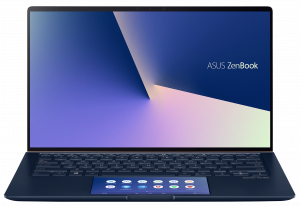
ASUS ZenBook 14 UX434
ASUS ZenBook 14 UX434 - 规格

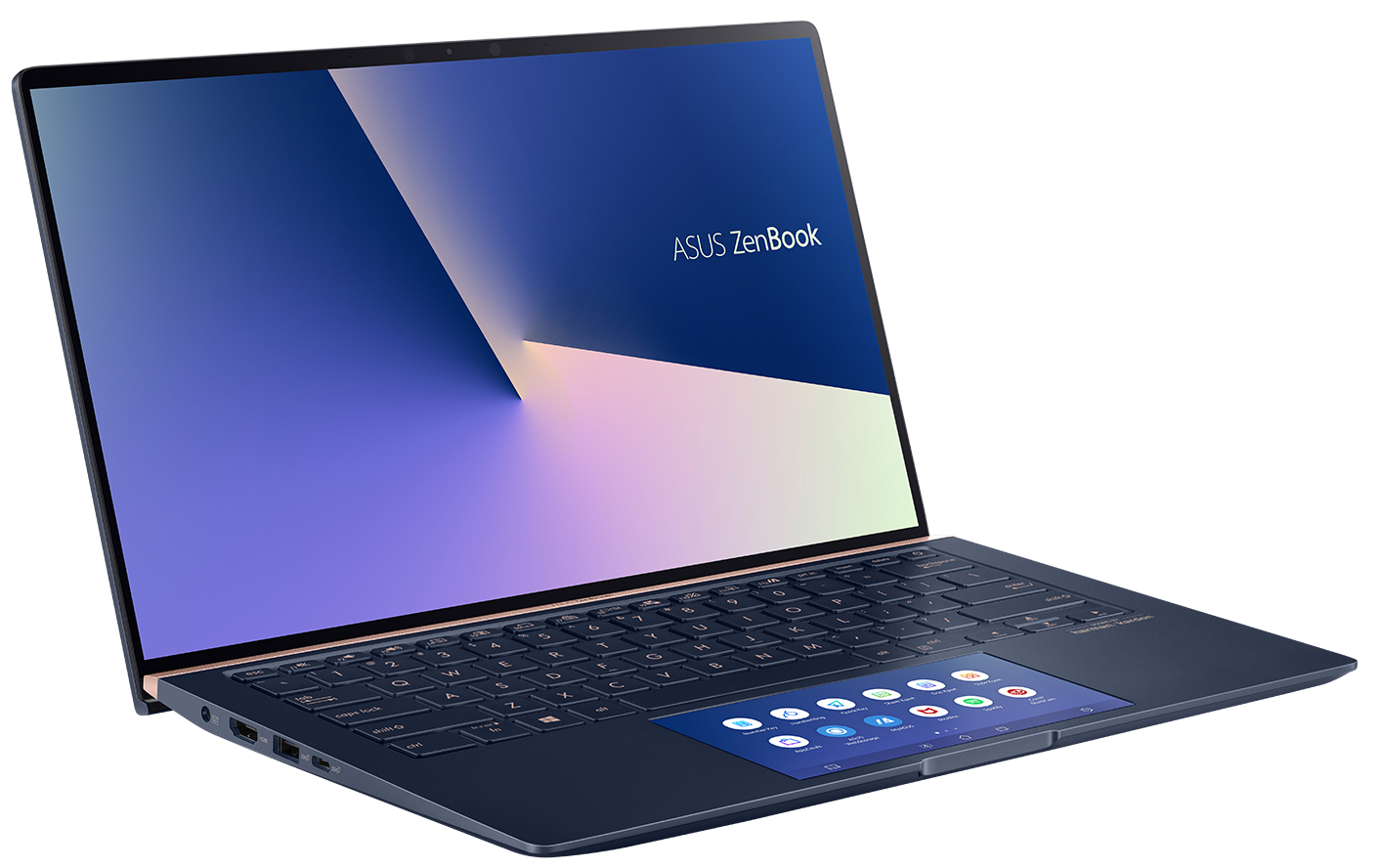
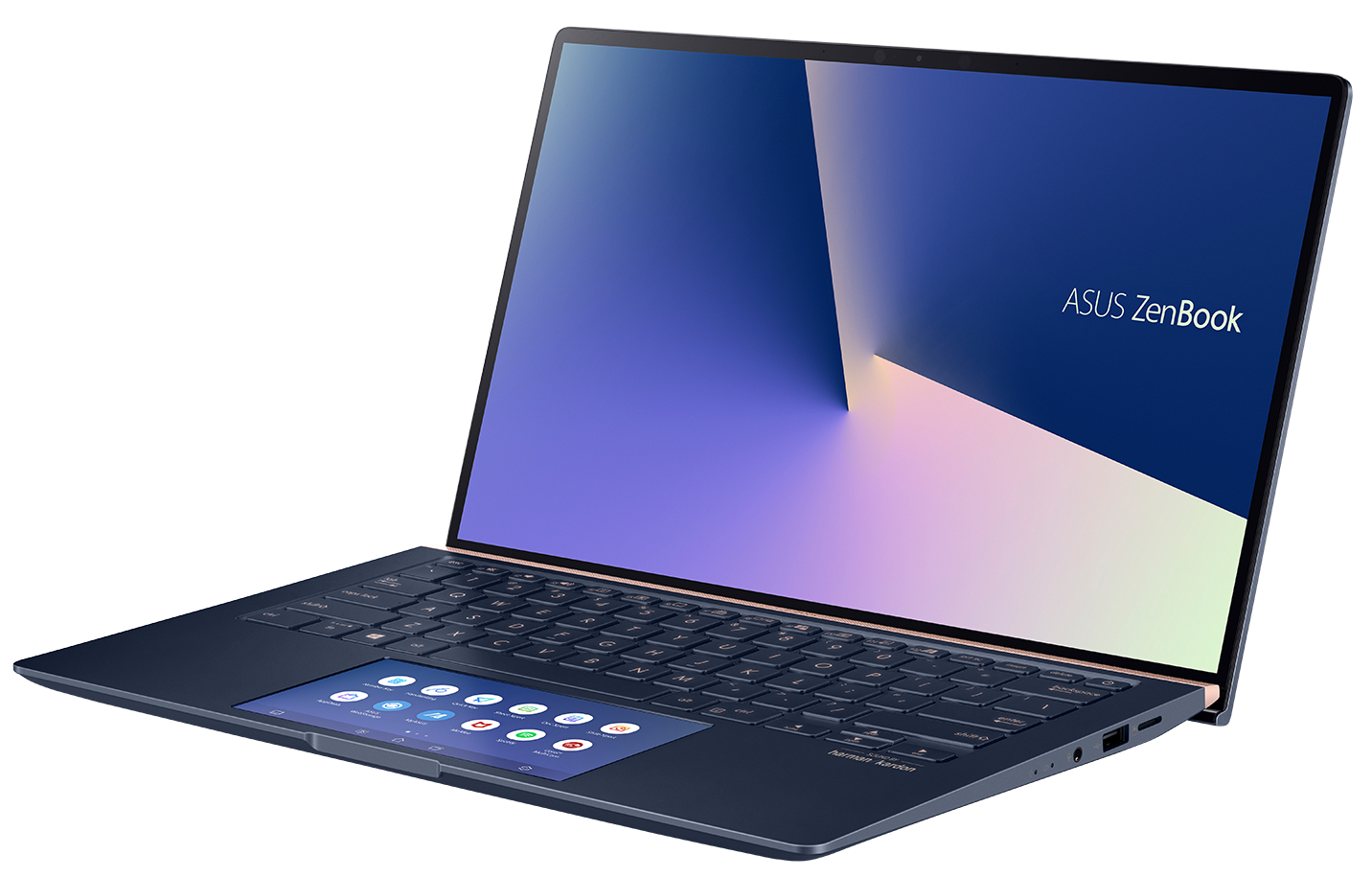
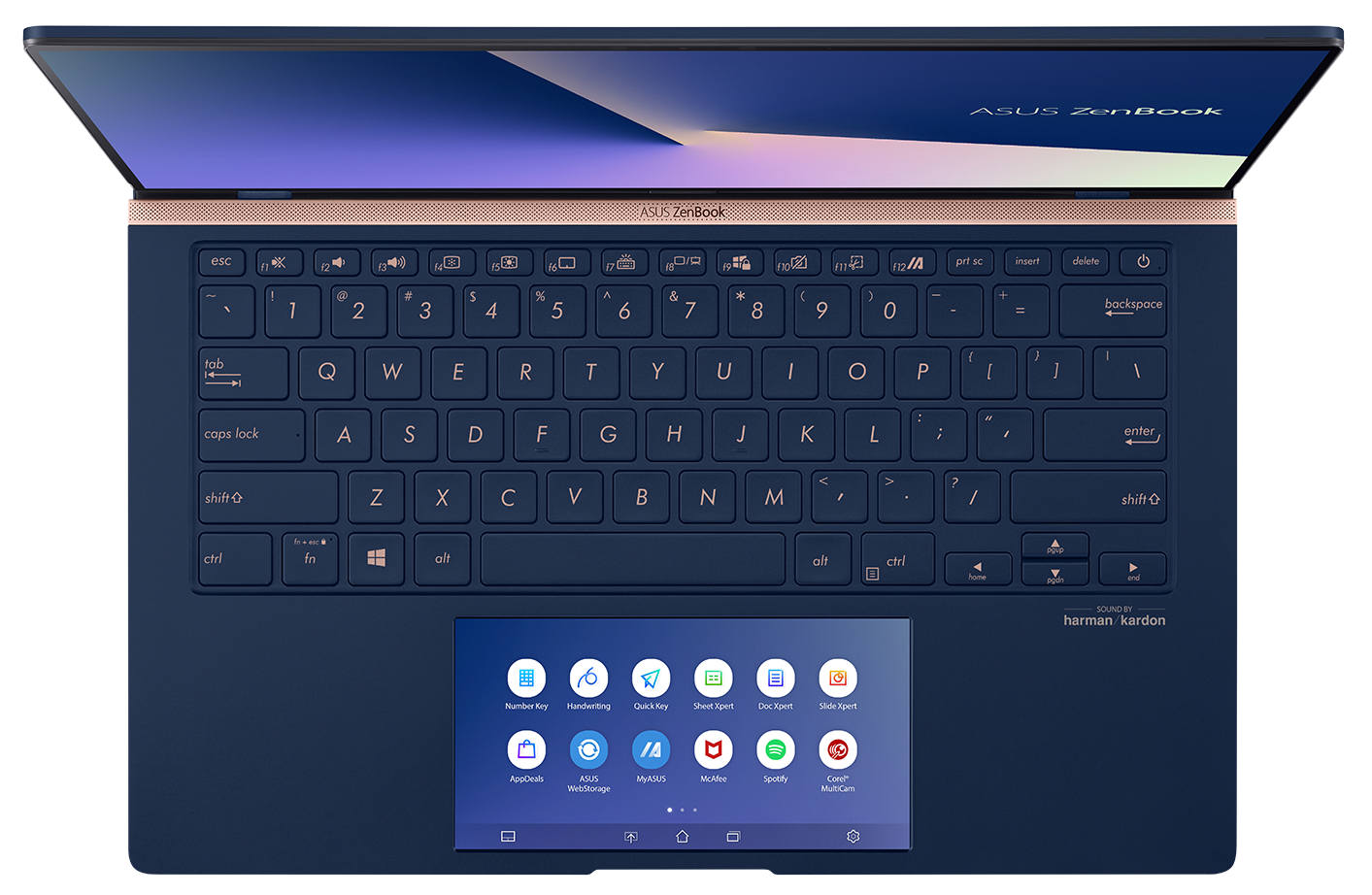
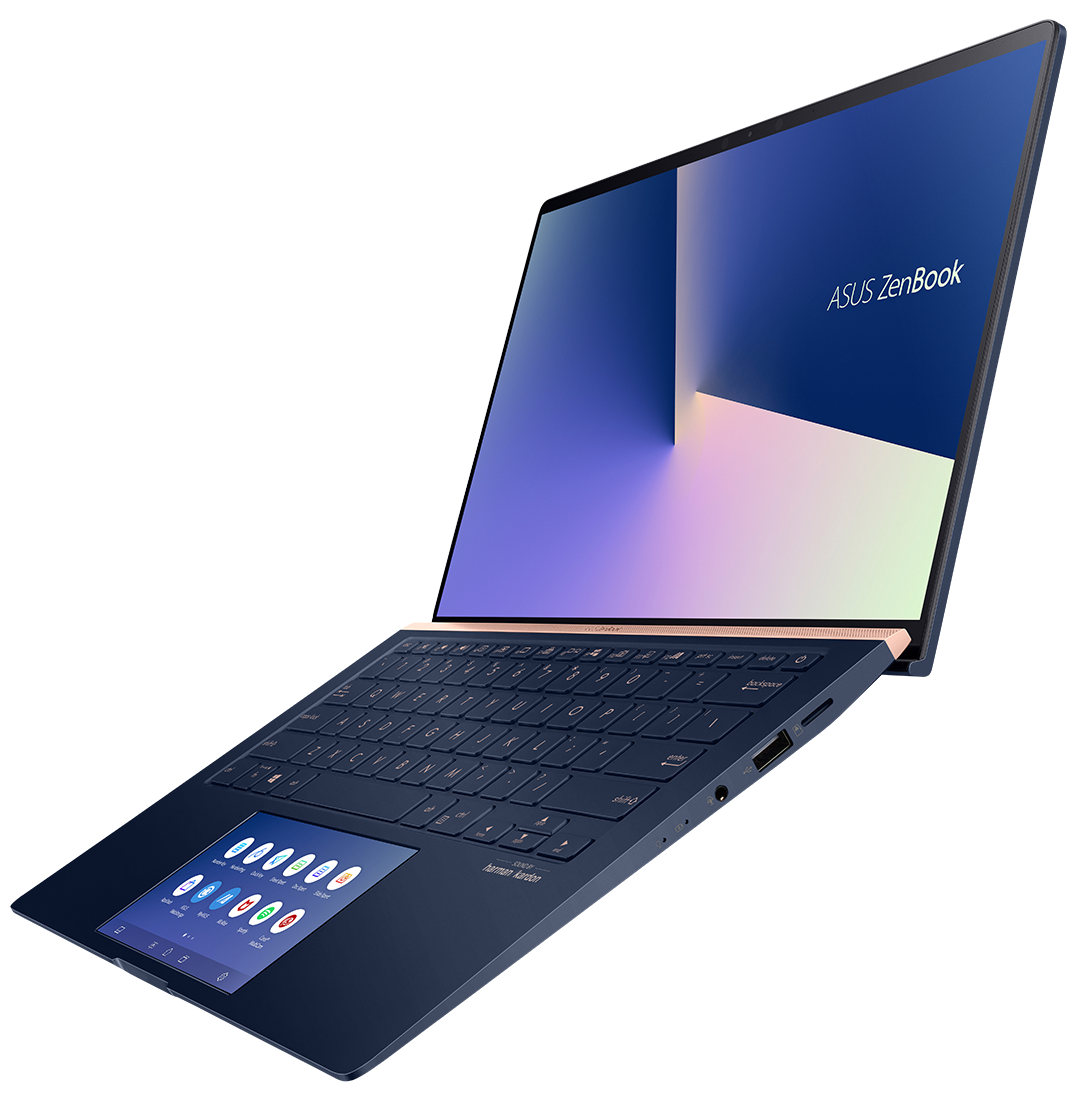
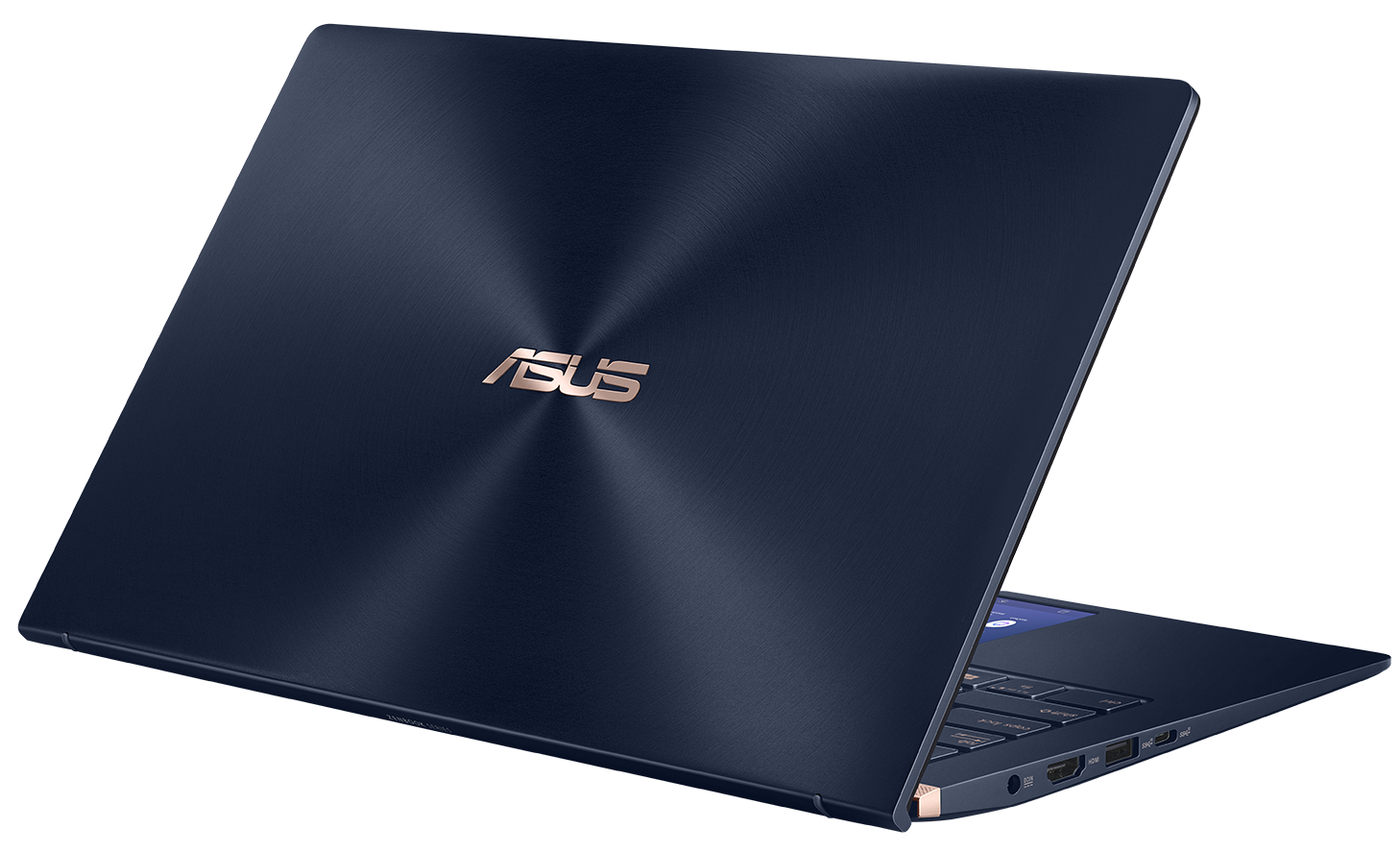
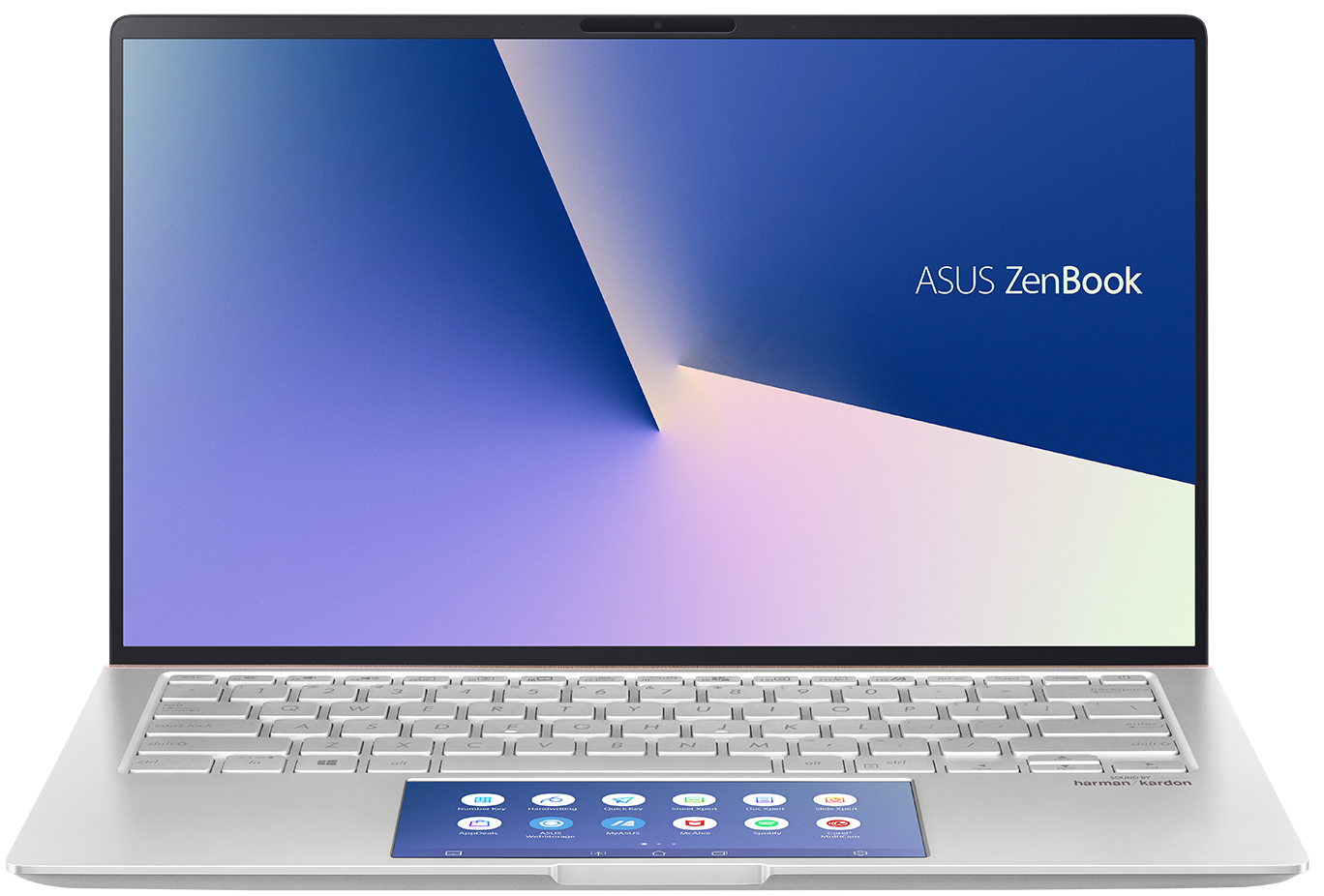
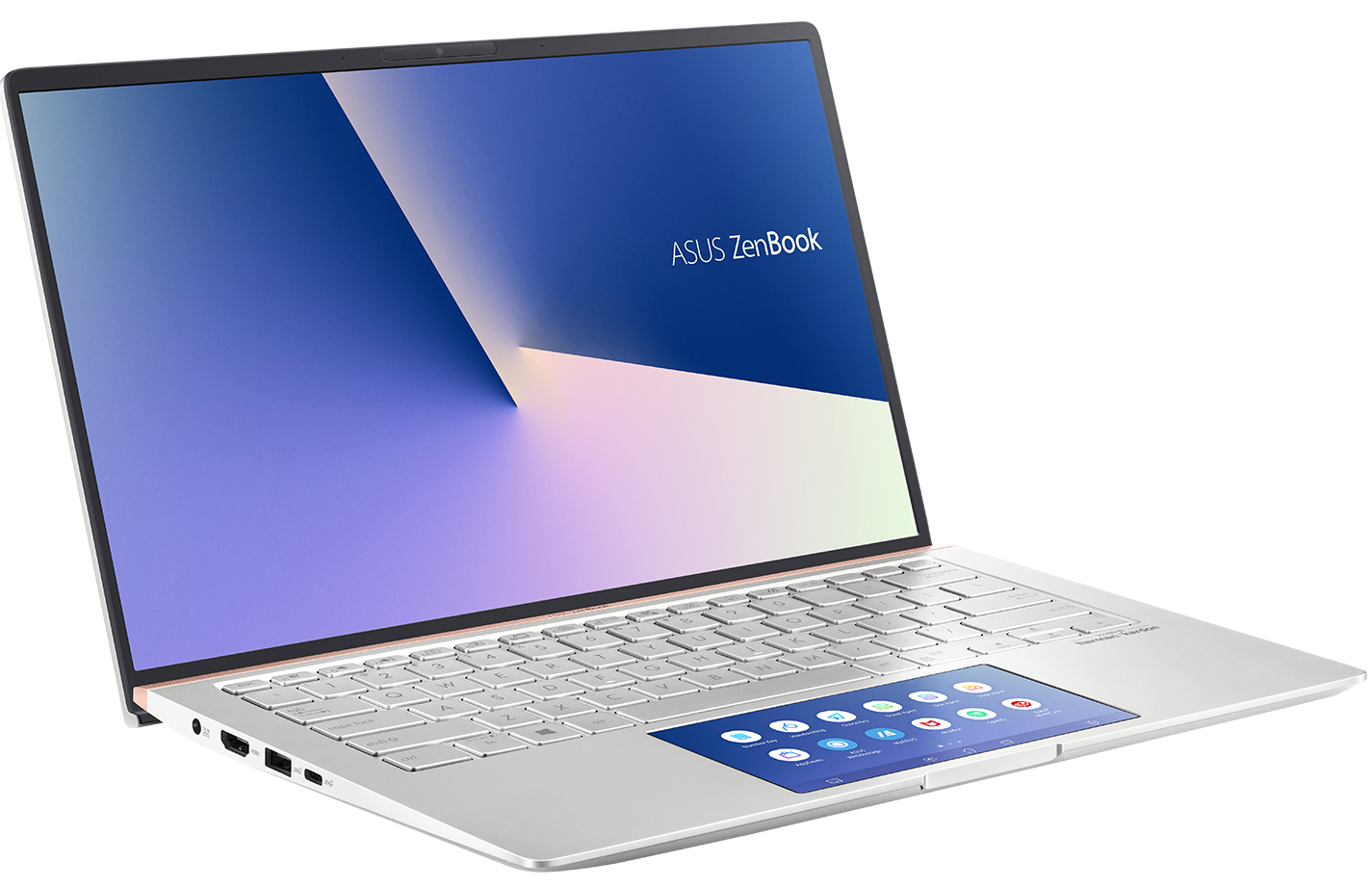
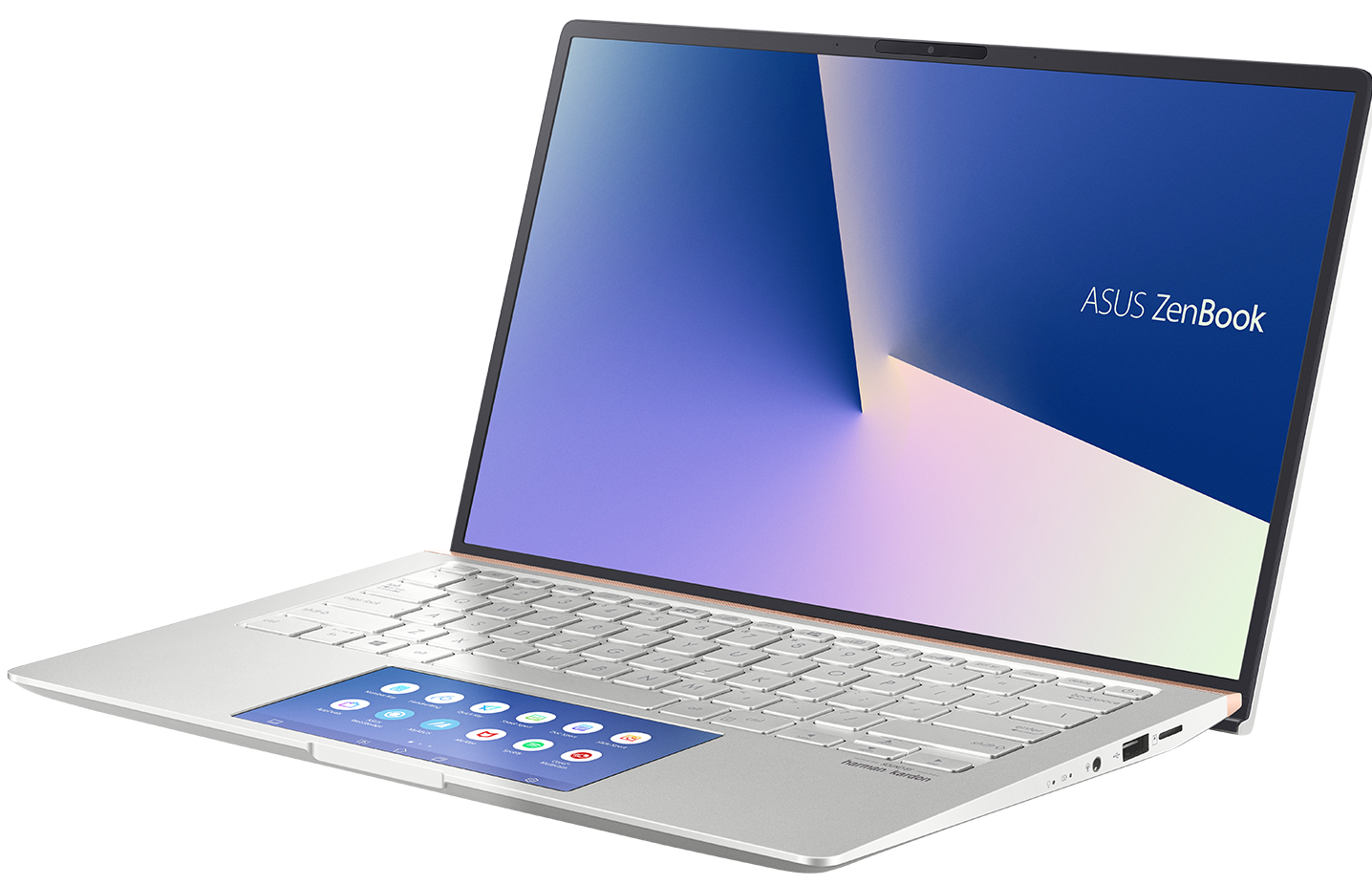
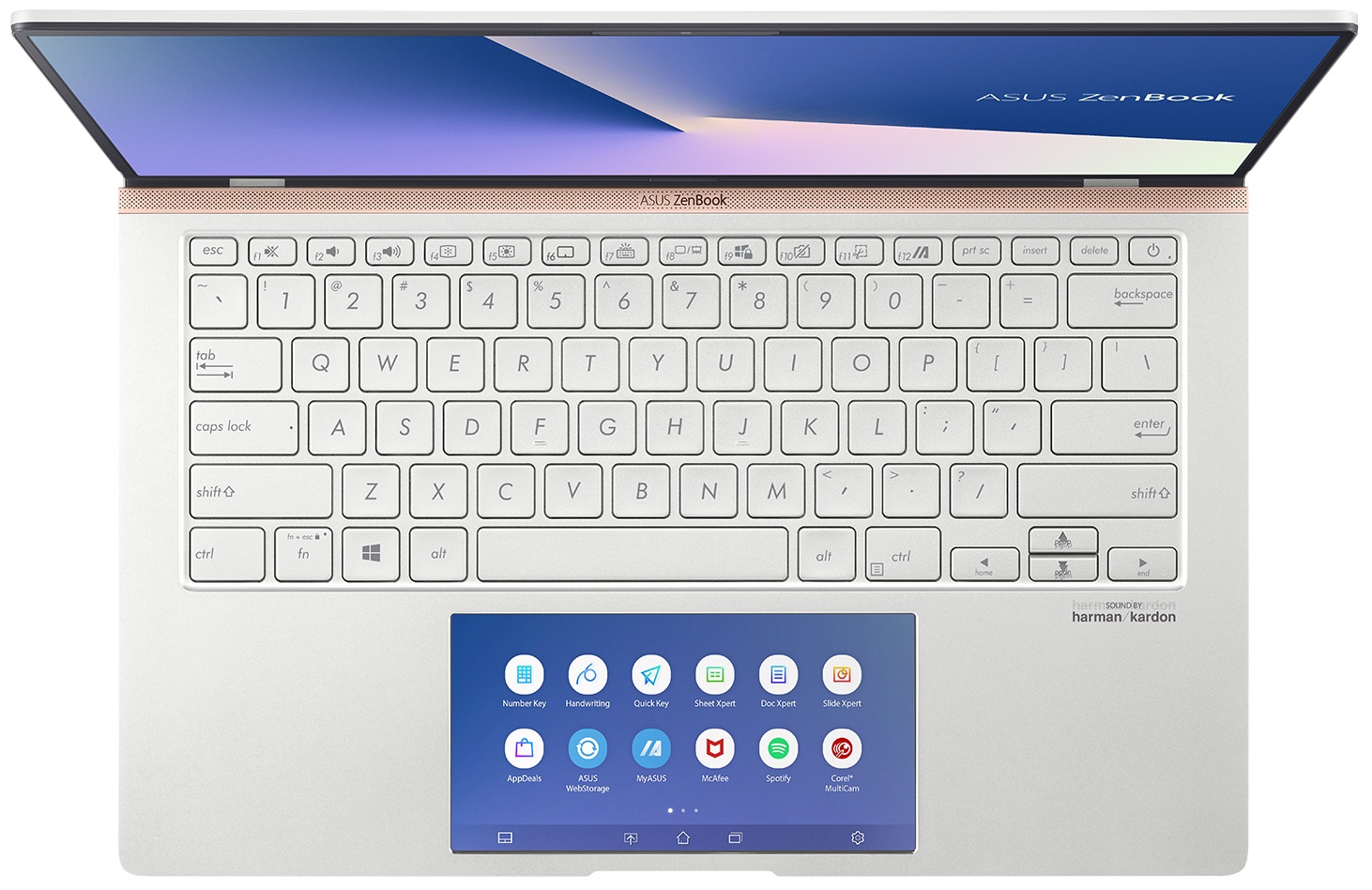
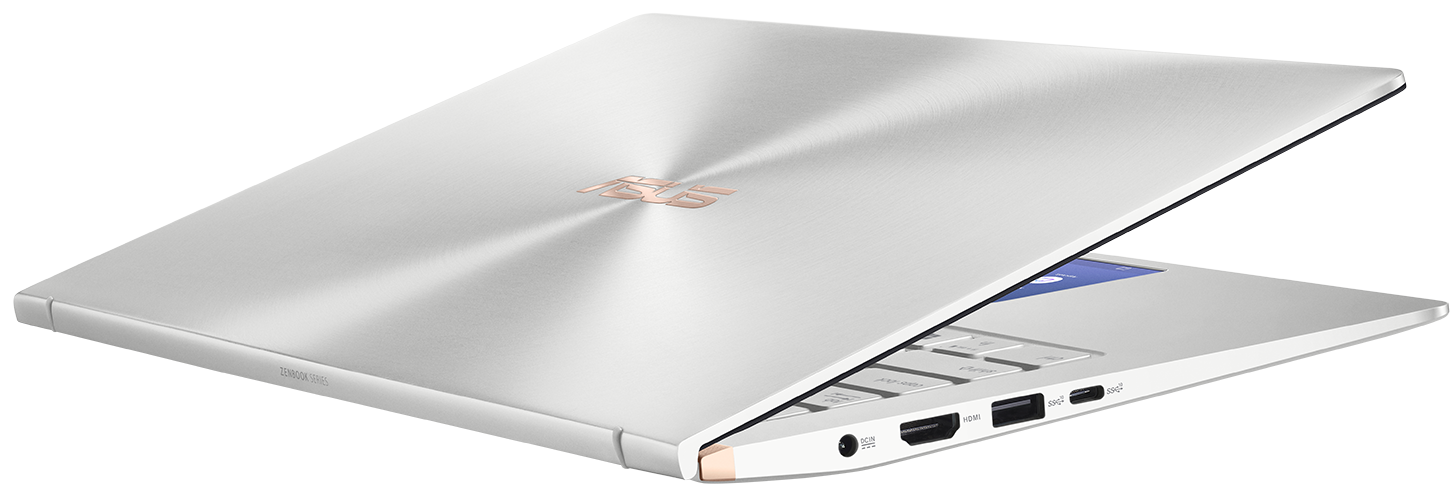
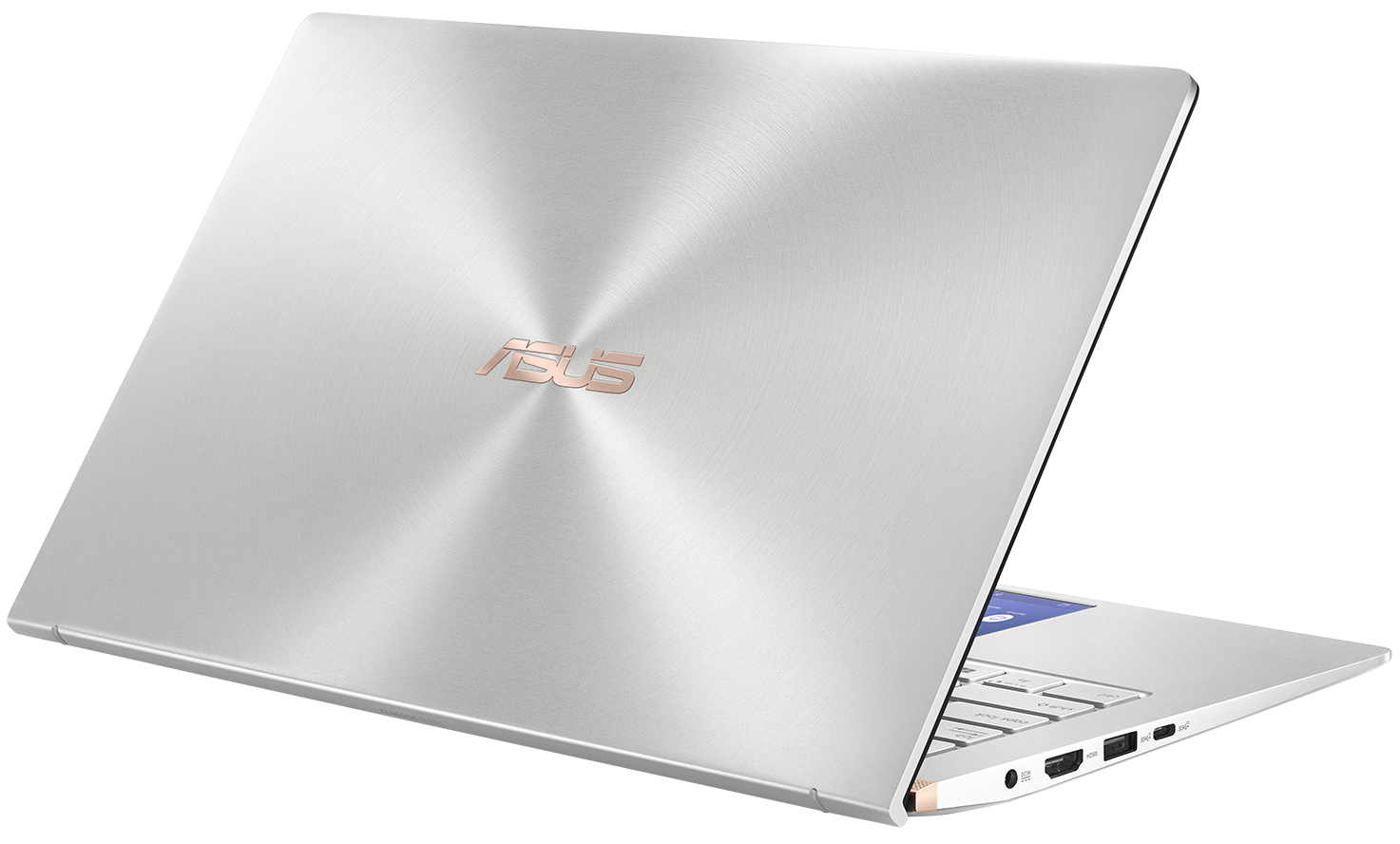

- HDD/SSD
- 高达 2000GB SSD
- RAM
- up to 16GB
- 操作系统
- Windows 10 Pro, Windows 10 Home
- 电池
- 50Wh, 3-cell
- 尺寸
- 319 x 199 x 16.9 mm (12.56" x 7.83" x 0.67")
- 重量
- 1.26 kg (2.8 lbs)
- 端口和连接
- 1x USB Type-C
- 3.2 Gen 2 (10 Gbps)
- 1x USB Type-A
- 3.2 Gen 2 (10 Gbps)
- 1x USB Type-A
- 2.0
- HDMI
- 读卡器
- microSD
- Wi-Fi
- 802.11ac
- 蓝牙
- 5.0
- 音频插孔
- Headphone/ Microphone combo
- 功能
- 指纹识别器
- 网络摄像头
- 3D IR HD
- 背光键盘
- optional
- 麦克风
- Array Microphone
- 光驱
- optional
- 安全锁槽
全部 ASUS ZenBook 14 UX434 配置
购买我们的配置文件 AUO B140HAN03.2 / 14.0”, Full HD (1920 x 1080), IPS
除了获得高效且有益健康的配置文件外,购买 LaptopMedia 的产品也是对我们实验室发展的支持,我们在实验室中测试设备,以提供最客观的评测。

办公工作
Office Work 主要适用于大部分时间在查看文本、表格或上网的用户。此配置文件旨在通过保持平坦的伽马曲线 (2.20)、原始色温和感知上准确的颜色来提供更好的清晰度。

设计和游戏
此配置文件适用于专业处理色彩的设计师,以及游戏和电影。Design and Gaming 将显示面板推向极限,使其在 Web 和 HDTV 的 sRGB IEC61966-2-1 标准中尽可能准确,白点为 D65。

以 33% 的折扣获取所有 3 个配置文件

CPU 性能
在这里,您可以找到内置的所有CPU之间的价格/性能差异 ASUS ZenBook 14 UX434 系列.
结果来自Cinebench R23 CPU测试(分数越高越好)。
GPU 性能
在这里,您可以找到内置的所有GPU之间的价格/性能差异。 ASUS ZenBook 14 UX434 系列.
结果来自 3DMark Time Spy (Graphics)。分数越高越好。
ASUS ZenBook 14 UX434 深度评测
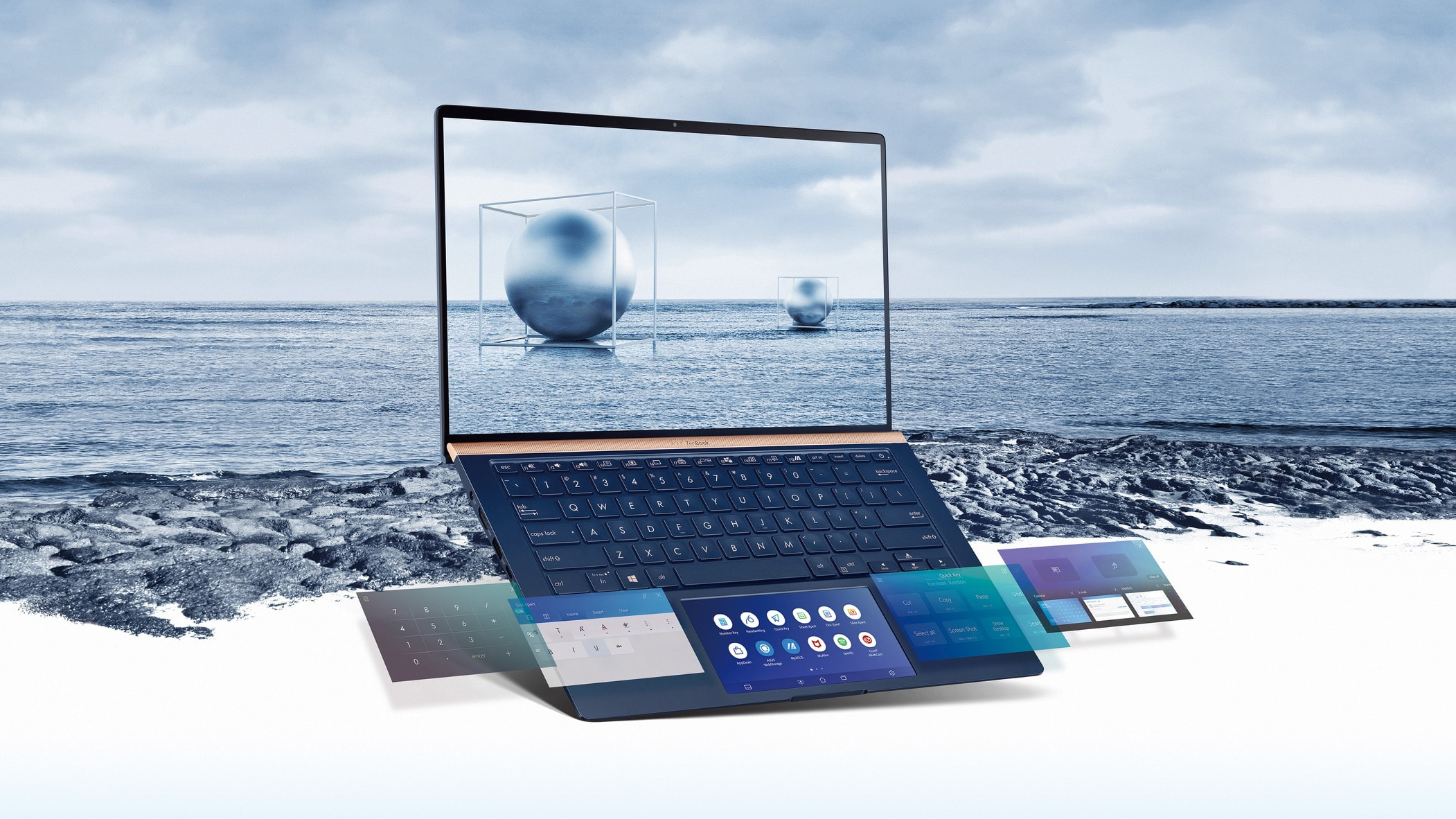
ASUS is one of the most active laptop manufacturers in terms of innovation. They have developed some new technologies that are starting to get to the market even more often than before. And the ZenBook lineup? Well, it may be considered as its testing bench. Not a long while ago we saw the ErgoLift hinge - it lifts the back part of the bottom panel above the ground so you higher air intake. Then, last year, we saw the ScreenPad, which introduced a digital version of the NumPad beneath the surface of the touchpad. It was a great idea, but it had a huge input lag. This year, however, you are go[...]
优点
- Its keyboard is backlit and great for typing
- Edges innovation with its ScreenPad and ErgoLift hinge
- Its display has decent maximum brightness and doesn't use PWM to adjust the brightness, whatsoever
- Wide color coverage and accurate color representation (when our Gaming and Web design profile is applied)
弊端
- Lack of Type-C charging and Thunderbolt connectivity
- No RAM upgradability post-purchase
- Hot air is blown directly at the screen
你可以在这个笔记本系列上玩的游戏

Resolution: 1920 x 1080 (Full HD) |
NORMAL |
HIGH |
VERY HIGH |
MAX |
|---|---|---|---|---|
 | 110 FPS 播放视频 | 45 FPS 播放视频 | 23 FPS 播放视频 | 12 FPS 播放视频 |
| NVIDIA GeForce MX350 | 101 FPS 播放视频 | 44 FPS 播放视频 | 23 FPS 播放视频 | - 播放视频 |
| NVIDIA GeForce MX250 (25W) | 84 FPS 播放视频 | 37 FPS 播放视频 | 20 FPS 播放视频 | 6 FPS 播放视频 |
| NVIDIA GeForce MX250 (10W) | 71 FPS 播放视频 | 28 FPS 播放视频 | 14 FPS 播放视频 | 4 FPS 播放视频 |

Resolution: 1920 x 1080 (Full HD) |
MIN |
MAX |
|---|---|---|
| 527 FPS 播放视频 | 43 FPS 播放视频 |
| 527 FPS 播放视频 | 43 FPS 播放视频 |
| NVIDIA GeForce MX250 (25W) | 210 FPS 播放视频 | 49 FPS 播放视频 |
| NVIDIA GeForce MX250 (10W) | 221 FPS 播放视频 | 32 FPS 播放视频 |

Resolution: 1920 x 1080 (Full HD) |
VERY LOW |
MED |
MAX |
|---|---|---|---|
| 230 FPS 播放视频 | 195 FPS 播放视频 | 187 FPS 播放视频 |
| NVIDIA GeForce MX350 (25W) | 219 FPS 播放视频 | 195 FPS 播放视频 | 176 FPS 播放视频 |
| NVIDIA GeForce MX350 | 191 FPS 播放视频 | 176 FPS 播放视频 | 153 FPS 播放视频 |
| NVIDIA GeForce MX250 (10W) | 187 FPS 播放视频 | 150 FPS 播放视频 | 149 FPS 播放视频 |

Resolution: 1920 x 1080 (Full HD) |
LOW |
HIGH |
|---|---|---|
| NVIDIA GeForce MX350 | 64 FPS | 38 FPS |

Resolution: 1920 x 1080 (Full HD) |
MIN |
MED |
ULTRA |
|---|---|---|---|
| 308 FPS 播放视频 | 77 FPS 播放视频 | 37 FPS 播放视频 |
| NVIDIA GeForce MX250 (25W) | 259 FPS 播放视频 | 66 FPS 播放视频 | 31 FPS 播放视频 |
| NVIDIA GeForce MX350 | 241 FPS 播放视频 | 75 FPS 播放视频 | 36 FPS 播放视频 |
| NVIDIA GeForce MX250 (10W) | 192 FPS | 49 FPS | 23 FPS |

Resolution: 1920 x 1080 (Full HD) |
PERF. |
ORIG. |
ENCH. |
|---|---|---|---|
| 96 FPS 播放视频 | 86 FPS 播放视频 | 76 FPS 播放视频 |
| NVIDIA GeForce MX350 | 86 FPS 播放视频 | 78 FPS 播放视频 | 71 FPS 播放视频 |
| NVIDIA GeForce MX250 (25W) | 89 FPS 播放视频 | 66 FPS 播放视频 | 65 FPS 播放视频 |
| NVIDIA GeForce MX250 (10W) | 63 FPS 播放视频 | 61 FPS 播放视频 | 57 FPS 播放视频 |

Resolution: 1920 x 1080 (Full HD) |
LOW |
NORMAL |
HIGH |
MAX |
|---|---|---|---|---|
| 135 FPS 播放视频 | 93 FPS 播放视频 | 74 FPS 播放视频 | 61 FPS 播放视频 |
| NVIDIA GeForce MX350 | 125 FPS 播放视频 | 85 FPS 播放视频 | 69 FPS 播放视频 | 57 FPS 播放视频 |
| NVIDIA GeForce MX250 (25W) | 104 FPS 播放视频 | 71 FPS 播放视频 | 61 FPS 播放视频 | 44 FPS 播放视频 |
| NVIDIA GeForce MX250 (10W) | 35 FPS 播放视频 | 34 FPS 播放视频 | 43 FPS 播放视频 | 31 FPS 播放视频 |

Resolution: 1920 x 1080 (Full HD) |
LOW |
MED |
MAX |
|---|---|---|---|
| 158 FPS 播放视频 | 128 FPS 播放视频 | 105 FPS 播放视频 |
| NVIDIA GeForce MX350 | 125 FPS 播放视频 | 100 FPS 播放视频 | 86 FPS 播放视频 |
| NVIDIA GeForce MX250 (25W) | 118 FPS 播放视频 | 94 FPS 播放视频 | 77 FPS 播放视频 |
| NVIDIA GeForce MX250 (10W) | 84 FPS 播放视频 | 75 FPS 播放视频 | 66 FPS 播放视频 |

Resolution: 1920 x 1080 (Full HD) |
HIGH PERF |
HIGH QLT |
|---|---|---|
| 226 FPS 播放视频 | 90 FPS 播放视频 |
| NVIDIA GeForce MX350 | 179 FPS 播放视频 | 89 FPS 播放视频 |
| NVIDIA GeForce MX250 (25W) | 178 FPS 播放视频 | 74 FPS 播放视频 |
| NVIDIA GeForce MX250 (10W) | 171 FPS 播放视频 | 66 FPS 播放视频 |

Resolution: 1920 x 1080 (Full HD) |
VERY LOW |
MED |
HIGH |
ULTRA |
|---|---|---|---|---|
| 51 FPS 播放视频 | 38 FPS 播放视频 | 36 FPS 播放视频 | 27 FPS 播放视频 |
| NVIDIA GeForce MX250 (25W) | 45 FPS 播放视频 | 33 FPS 播放视频 | 32 FPS 播放视频 | 23 FPS 播放视频 |
| NVIDIA GeForce MX350 | 50 FPS 播放视频 | 37 FPS 播放视频 | 34 FPS 播放视频 | - 播放视频 |
| NVIDIA GeForce MX250 (10W) | 32 FPS | 23 FPS | 23 FPS | 16 FPS |


![[2026年8月] 亚马逊全球畅销笔记本电脑显卡排行榜——苹果独占鳌头,英伟达RTX 5060领跑独立显卡榜单](https://laptopmedia.com/wp-content/uploads/2026/09/Best-Selling-GPUs-GLOBAL-Top-10-400x225.jpg)
![[2026年8月] 亚马逊全球畅销笔记本电脑处理器排行榜——苹果同时称霸平价和高端市场:2026年8月,A18 Pro和M5大获全胜,碾压英特尔和AMD](https://laptopmedia.com/wp-content/uploads/2026/09/Best-Selling-CPUs-GLOBAL-Top-10-400x225.jpg)
![[2026年8月] 亚马逊全球:销量前十的笔记本电脑——苹果MacBook Neo独占鳌头,而平价和中端Windows笔记本则在销量上展开激烈角逐](https://laptopmedia.com/wp-content/uploads/2026/09/Best-Selling-Laptops-GLOBAL-Top-10-400x225.jpg)
![[2026年8月] 亚马逊全球畅销笔记本电脑品牌——苹果在营收方面占据主导地位,而惠普在机型种类方面领跑](https://laptopmedia.com/wp-content/uploads/2026/09/GLOBAL-Best-Brands-400x225.jpg)
![[2026年8月] 亚马逊全球:畅销游戏本前十名——惠普Victus 15荣登榜首,高性价比机型占据榜单主导地位](https://laptopmedia.com/wp-content/uploads/2026/09/Best-Selling-Gaming-Laptops-GLOBAL-Top-10-400x225.jpg)
