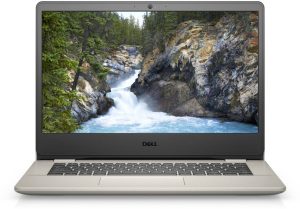
Dell Vostro 14 3401
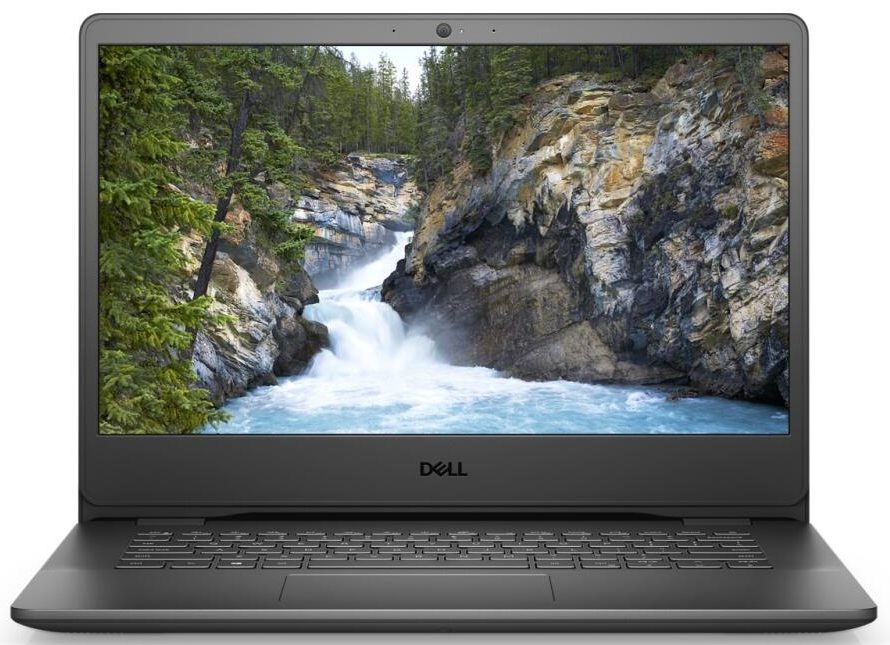
Dell Vostro 14 3401 - 规格
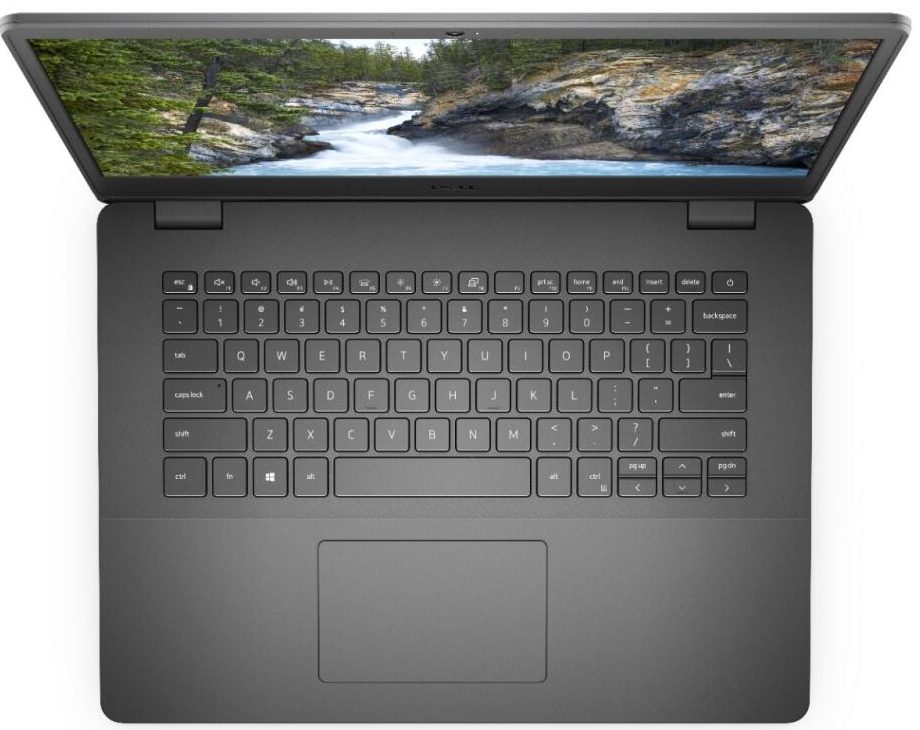
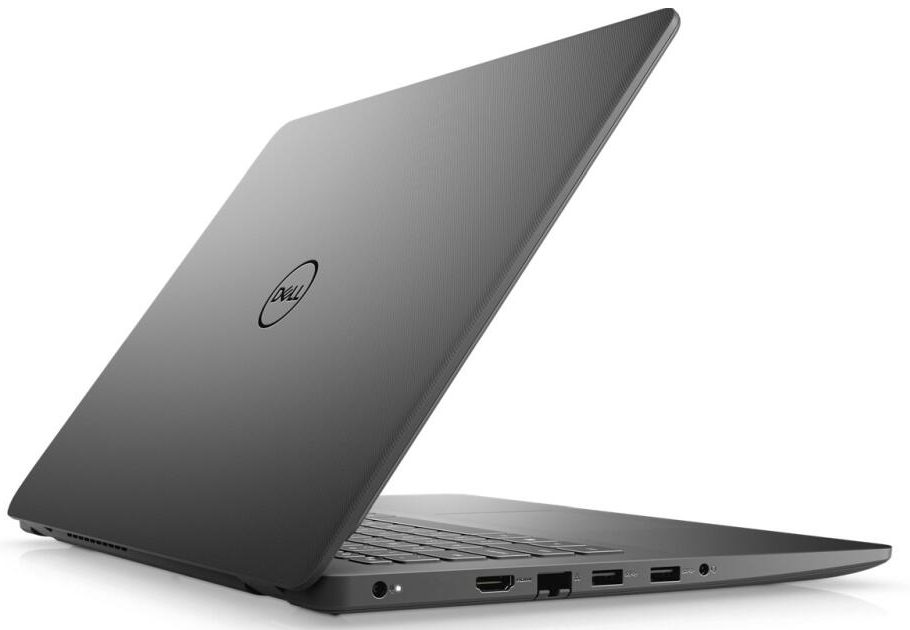
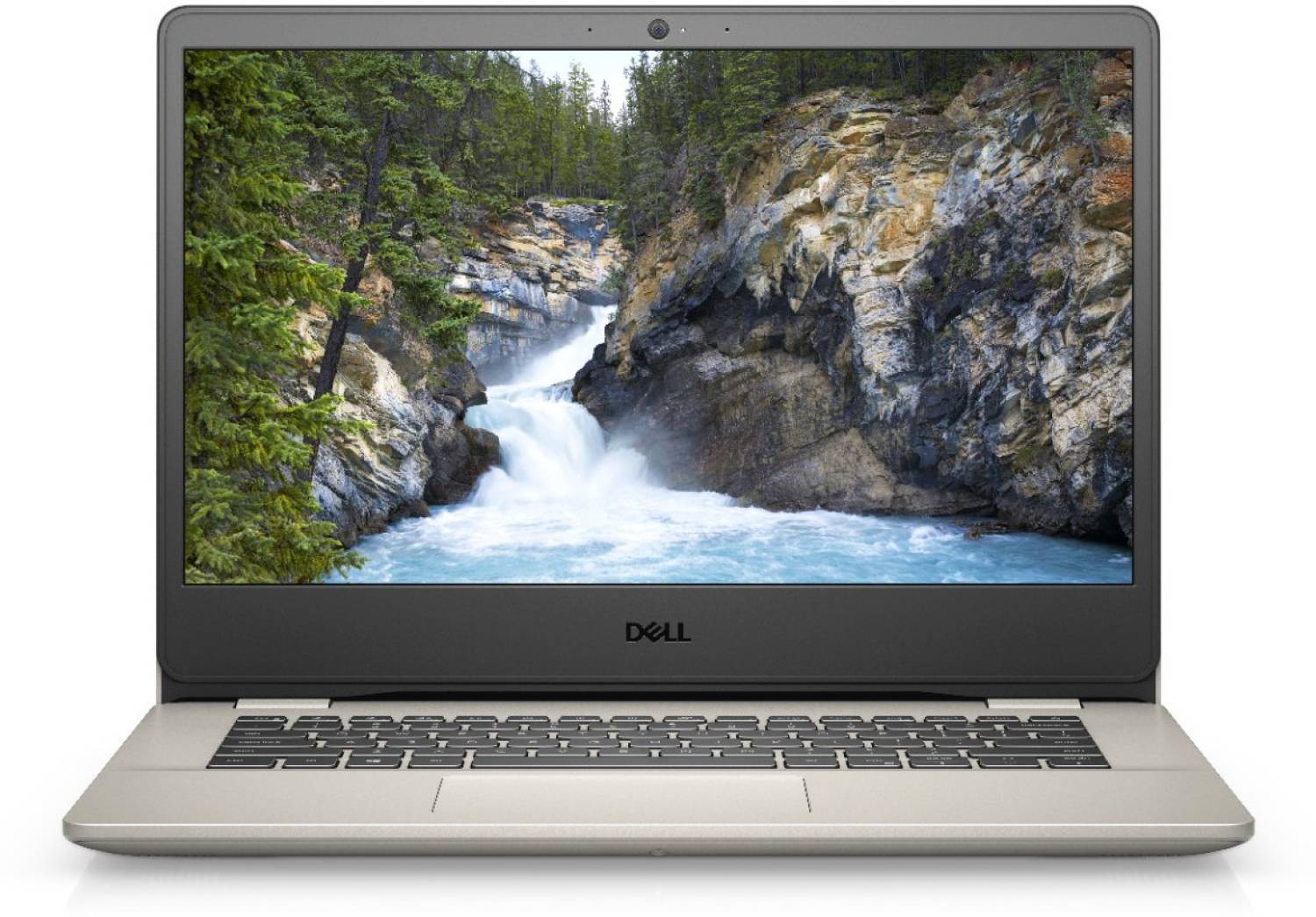
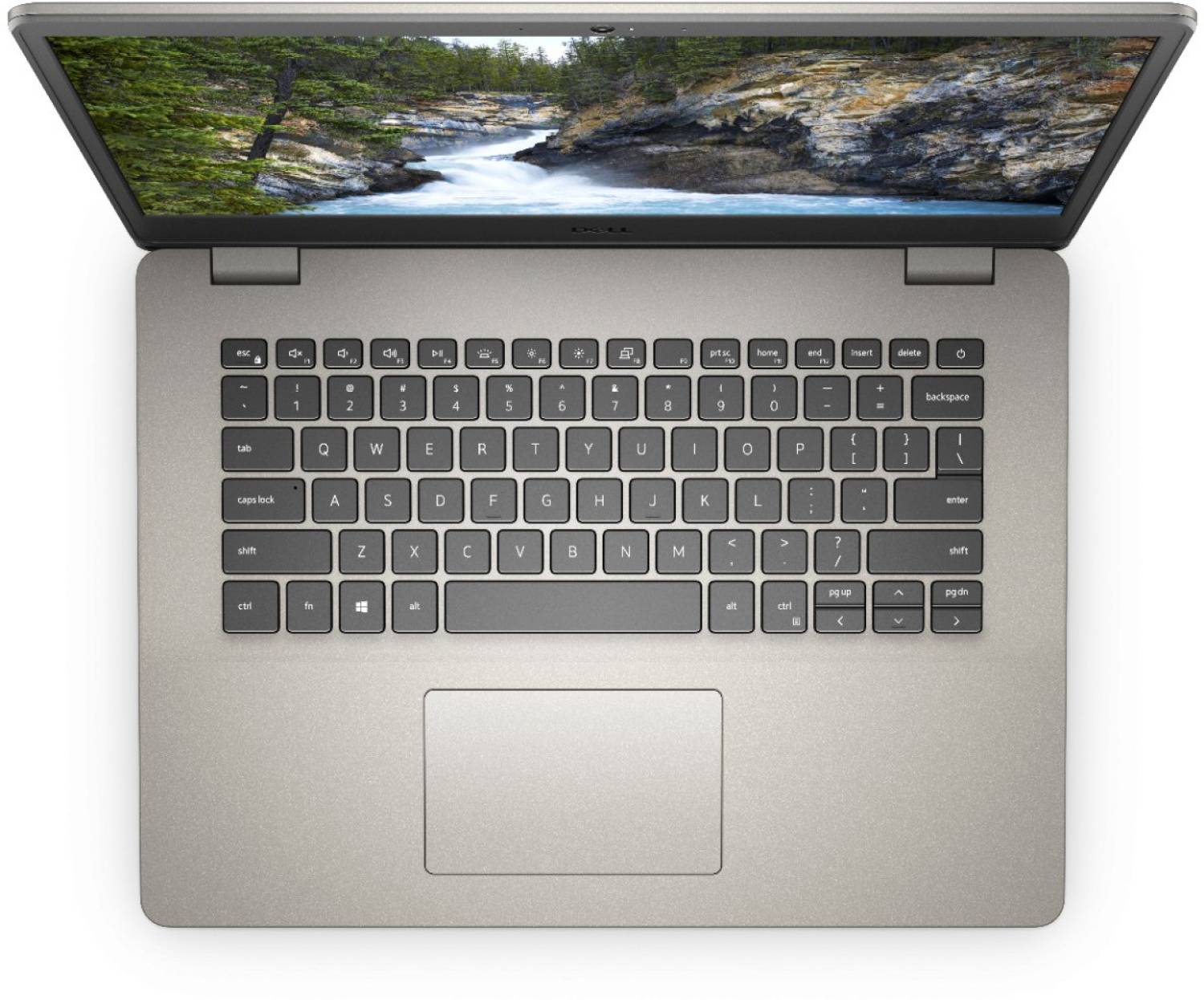

- HDD/SSD
- 高达 512GB SSD + 高达 1000GB HDD
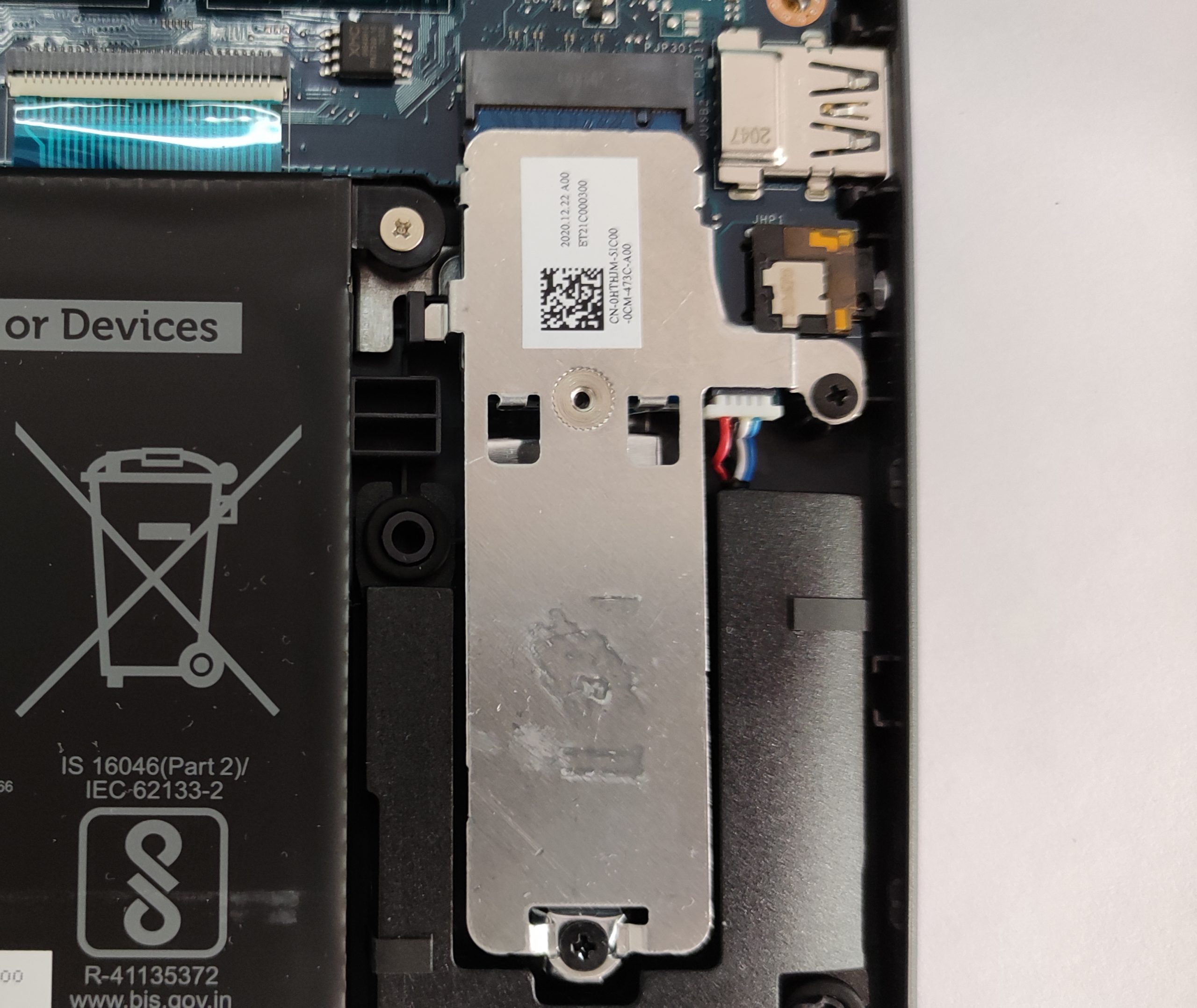
- M.2 插槽
- 1x 2280 PCIe 3.0 x4 查看照片
- RAM
- up to 8GB
- 操作系统
- Windows 10 Home, No OS
- 电池
- 42Wh, 3-cell
- 机身材质
- Plastic / Polycarbonate
- 尺寸
- 328.70 x 239.50 x 18.10 ~ 19.90 mm (12.94" x 9.43" x 0.71")
- 重量
- 1.64 kg (3.6 lbs)
- 端口和连接
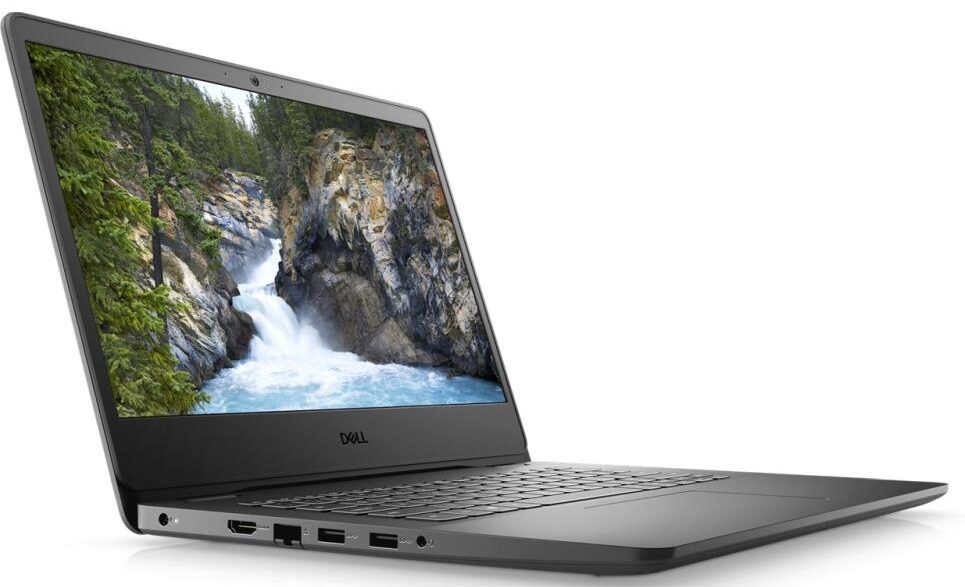
- 1x USB Type-A
- 2.0
- 2x USB Type-A
- 3.2 Gen 1 (5 Gbps)
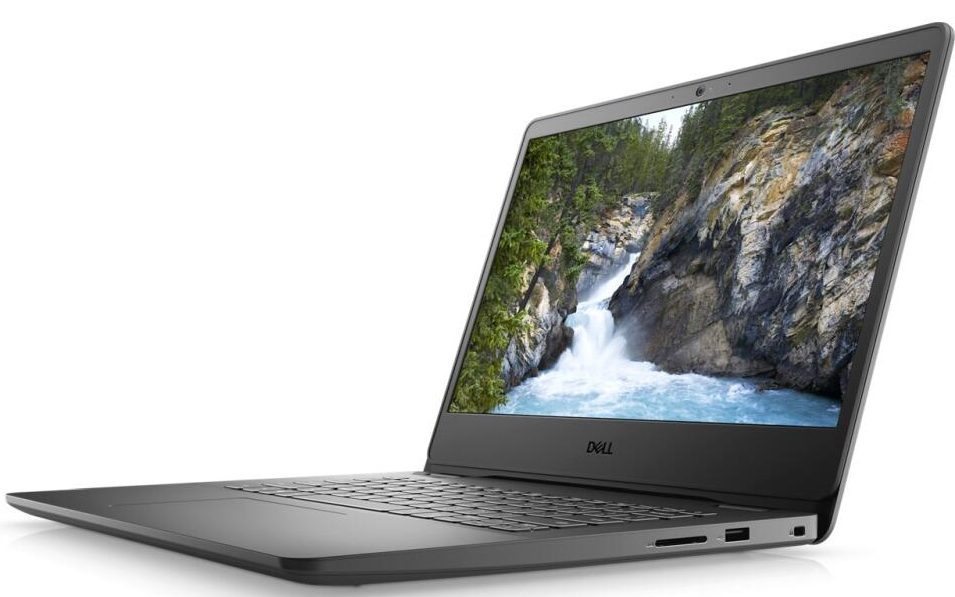
- 1x USB Type-C
- 3.2 Gen 1 (5 Gbps)
- HDMI
- 1.4
- 读卡器
- MicroSD
- 以太网 LAN
- 10, 100, 1000 Mbit/s
- Wi-Fi
- 802.11ac
- 蓝牙
- 5.0
- 音频插孔
- 3.5mm Combo Jack
- 功能
- 指纹识别器
- 网络摄像头
- HD
- 背光键盘
- 扬声器
- 2 Stereo Speakers
- 光驱
- 安全锁槽
- Wedge Lock Slot
全部 Dell Vostro 14 3401 配置

购买我们的配置文件 BOE V4PNY-NV14N4H (BOE097C) / 14.0”, Full HD (1920 x 1080), IPS
除了获得高效且有益健康的配置文件外,购买 LaptopMedia 的产品也是对我们实验室发展的支持,我们在实验室中测试设备,以提供最客观的评测。

办公工作
Office Work 主要适用于大部分时间在查看文本、表格或上网的用户。此配置文件旨在通过保持平坦的伽马曲线 (2.20)、原始色温和感知上准确的颜色来提供更好的清晰度。

设计和游戏
此配置文件适用于专业处理色彩的设计师,以及游戏和电影。Design and Gaming 将显示面板推向极限,使其在 Web 和 HDTV 的 sRGB IEC61966-2-1 标准中尽可能准确,白点为 D65。

以 33% 的折扣获取所有 3 个配置文件

CPU 性能
在这里,您可以找到内置的所有CPU之间的价格/性能差异 Dell Vostro 14 3401 系列.
结果来自Cinebench R23 CPU测试(分数越高越好)。
GPU 性能
在这里,您可以找到内置的所有GPU之间的价格/性能差异。 Dell Vostro 14 3401 系列.
结果来自 3DMark Time Spy (Graphics)。分数越高越好。
Dell Vostro 14 3401 深度评测
Some of the non-expensive devices are actually the backbone for a lot of manufacturers when it comes to overall sales. It's hard to fall in love with these machines but in most cases, they are designed to be on the budget side and they will be used in the office as a workhorse or maybe they are a good match for people who just want something for the casual daily routine tasks.That's the case with the Dell Vostro 14 3401 - it doesn't cost that much, it's an unpretentious 14-incher that will do the job in certain situations like watching videos, browsing the Web, editing documents, etc. It's[...]

优点
- Has MicroSD card slot, and a well-populated I/O
- The screen offers comfortable viewing angles and a good contrast ratio (BOE097C)
- Thin and light body
- Affordable
- Decent battery life
- Has two RAM slots, as well as an M.2 and SATA slots
弊端
- Bad cooling solution
- Covers only 52% of the sRGB color gamut (BOE097C)
- The CPU and GPU frequencies throttle down under their base clocks during heavy stress
- Noisy
- Uses PWM, which can be fixed by our Health-Guard profile (BOE097C)
你可以在这个笔记本系列上玩的游戏

Resolution: 1920 x 1080 (Full HD) |
NORMAL |
HIGH |
VERY HIGH |
MAX |
|---|---|---|---|---|
 | 101 FPS | 36 FPS | 19 FPS | 6 FPS |
| Intel UHD Graphics G1 | 34 FPS 播放视频 | - 播放视频 | - 播放视频 | - 播放视频 |

Resolution: 1920 x 1080 (Full HD) |
VERY LOW |
MED |
MAX |
|---|---|---|---|
| 243 FPS | 202 FPS | 191 FPS |
| Intel UHD Graphics G1 | 197 FPS 播放视频 | 159 FPS 播放视频 | 96 FPS 播放视频 |

Resolution: 1920 x 1080 (Full HD) |
MIN |
MAX |
|---|---|---|
| 532 FPS 播放视频 | 42 FPS 播放视频 |
| NVIDIA GeForce MX330 (2GB GDDR5, 25W) | 228 FPS | 51 FPS |

Resolution: 1920 x 1080 (Full HD) |
MIN |
MED |
ULTRA |
|---|---|---|---|
| 239 FPS | 65 FPS | 30 FPS |
| Intel UHD Graphics G1 | 142 FPS 播放视频 | 23 FPS 播放视频 | - 播放视频 |

Resolution: 1920 x 1080 (Full HD) |
LOW |
MED |
HIGH |
EPIC |
|---|---|---|---|---|
| NVIDIA GeForce MX330 (2GB GDDR5, 25W) | 32 FPS | 16 FPS | 6 FPS | 4 FPS |

Resolution: 1920 x 1080 (Full HD) |
LOW |
NORMAL |
HIGH |
MAX |
|---|---|---|---|---|
| 115 FPS | 82 FPS | 55 FPS | 43 FPS |
| Intel UHD Graphics G1 | 95 FPS 播放视频 | 55 FPS 播放视频 | 24 FPS 播放视频 | - 播放视频 |

Resolution: 1920 x 1080 (Full HD) |
PERF. |
ORIG. |
ENCH. |
|---|---|---|---|
| 72 FPS | 67 FPS | 63 FPS |
| Intel UHD Graphics G1 | 37 FPS 播放视频 | 35 FPS 播放视频 | 32 FPS 播放视频 |

Resolution: 1920 x 1080 (Full HD) |
LOW |
MED |
MAX |
|---|---|---|---|
| 143 FPS | 115 FPS | 91 FPS |
| Intel UHD Graphics G1 | 67 FPS 播放视频 | 43 FPS 播放视频 | 24 FPS 播放视频 |

Resolution: 1920 x 1080 (Full HD) |
MIN |
MED |
MAX |
|---|---|---|---|
| NVIDIA GeForce MX330 (2GB GDDR5, 25W) | 39 FPS | 28 FPS | 18 FPS |

Resolution: 1920 x 1080 (Full HD) |
HIGH PERF |
HIGH QLT |
|---|---|---|
| 193 FPS | 73 FPS |
| Intel UHD Graphics G1 | 64 FPS 播放视频 | 28 FPS 播放视频 |



![[2026年9月] 亚马逊全球畅销笔记本电脑品牌——苹果以超过70%的营收份额主导市场](https://laptopmedia.com/wp-content/uploads/2026/10/GLOBAL-Best-Brands-400x225.jpg)
![[2026年9月] 亚马逊全球:畅销笔记本电脑前十名——苹果MacBook Neo荣登榜首,平价与高端机型占据主导地位](https://laptopmedia.com/wp-content/uploads/2026/10/Best-Selling-Laptops-GLOBAL-Top-10-400x225.jpg)
![[2026年9月] 亚马逊全球:十大畅销游戏本——华硕ROG Strix G16以创纪录的销量称霸市场](https://laptopmedia.com/wp-content/uploads/2026/10/Best-Selling-Gaming-Laptops-GLOBAL-Top-10-400x225.jpg)
![[2026年9月] 亚马逊畅销笔记本显卡全球排行榜——苹果M5芯片在高端笔记本市场碾压英伟达,但RTX 5060是唯一跻身前十的独立显卡](https://laptopmedia.com/wp-content/uploads/2026/10/Best-Selling-GPUs-GLOBAL-Top-10-400x225.jpg)