Inside Lenovo ThinkBook 14s Yoga – disassembly and upgrade options
A convertible with a huge fan and decent upgradability? Yes, please!
Check out all Lenovo ThinkBook 14s Yoga prices and configurations in our Specs System or read more in our In-Depth review.
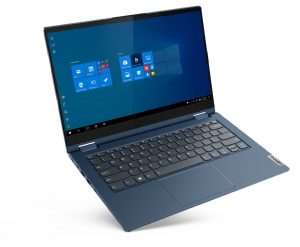
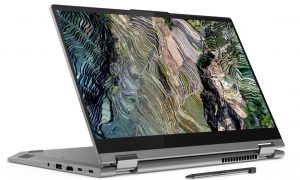
1. Remove the bottom plate
To get inside of this device, you have to undo 10 Torx-head screws. After that, pry the bottom panel with a plastic tool and lift it away from the chassis.
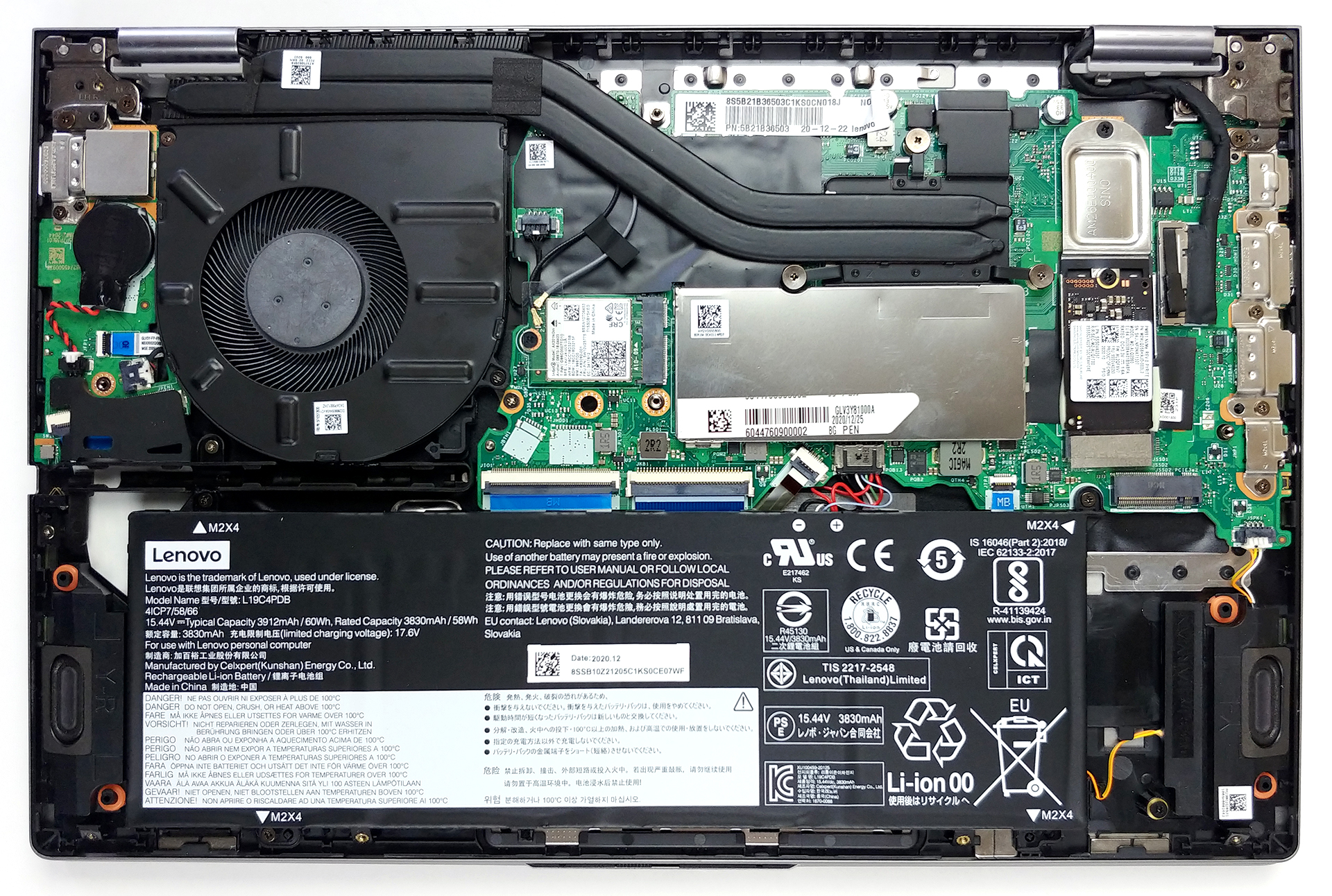
2. Battery
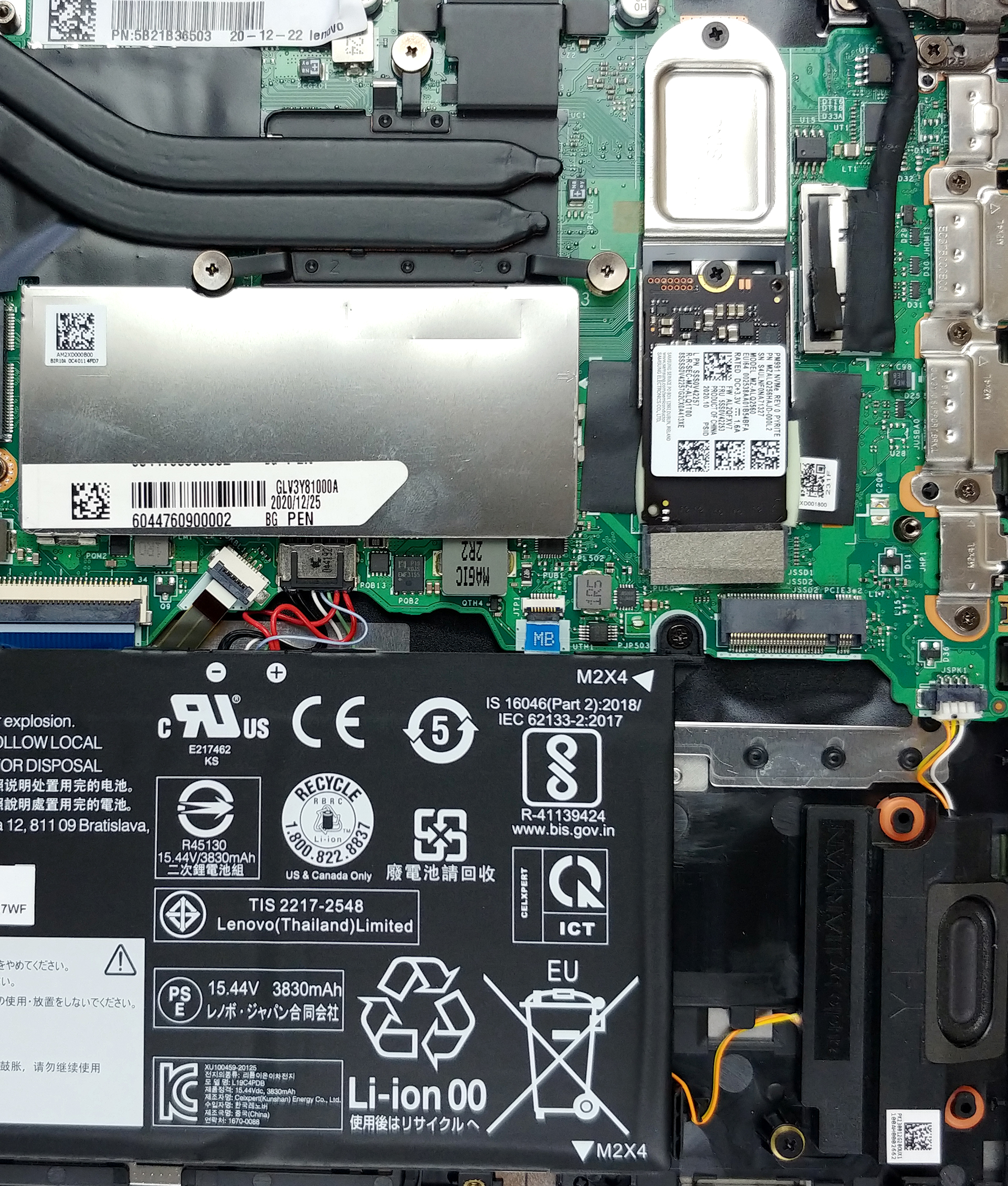
Here, we see a 60Wh battery pack, that will power the laptop, when you’re away from the charger.
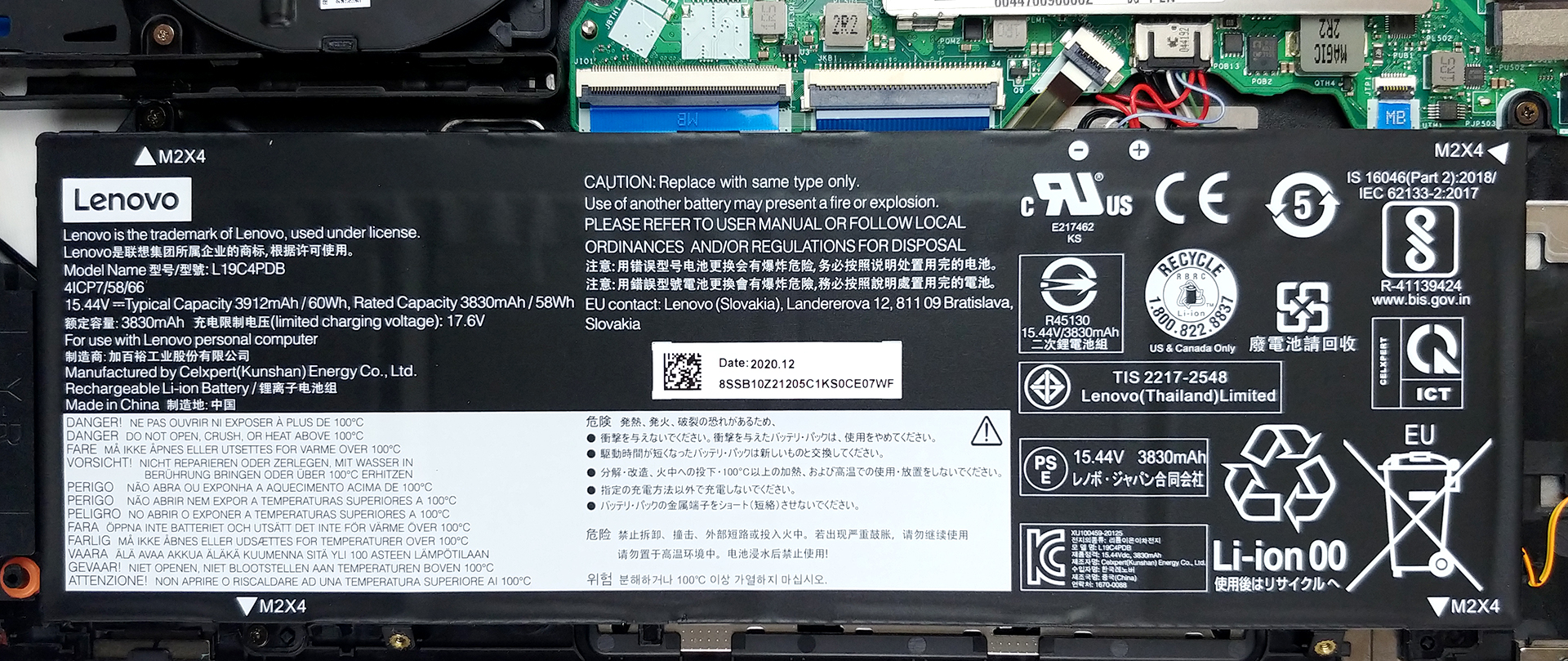
3. Memory and storage
This laptop features 8GB of soldered memory to its motherboard, as well as one SODIMM slot for expansion up to 40GB in total. As for the storage, there are two M.2 PCIe x4 slots.
4. Cooling system
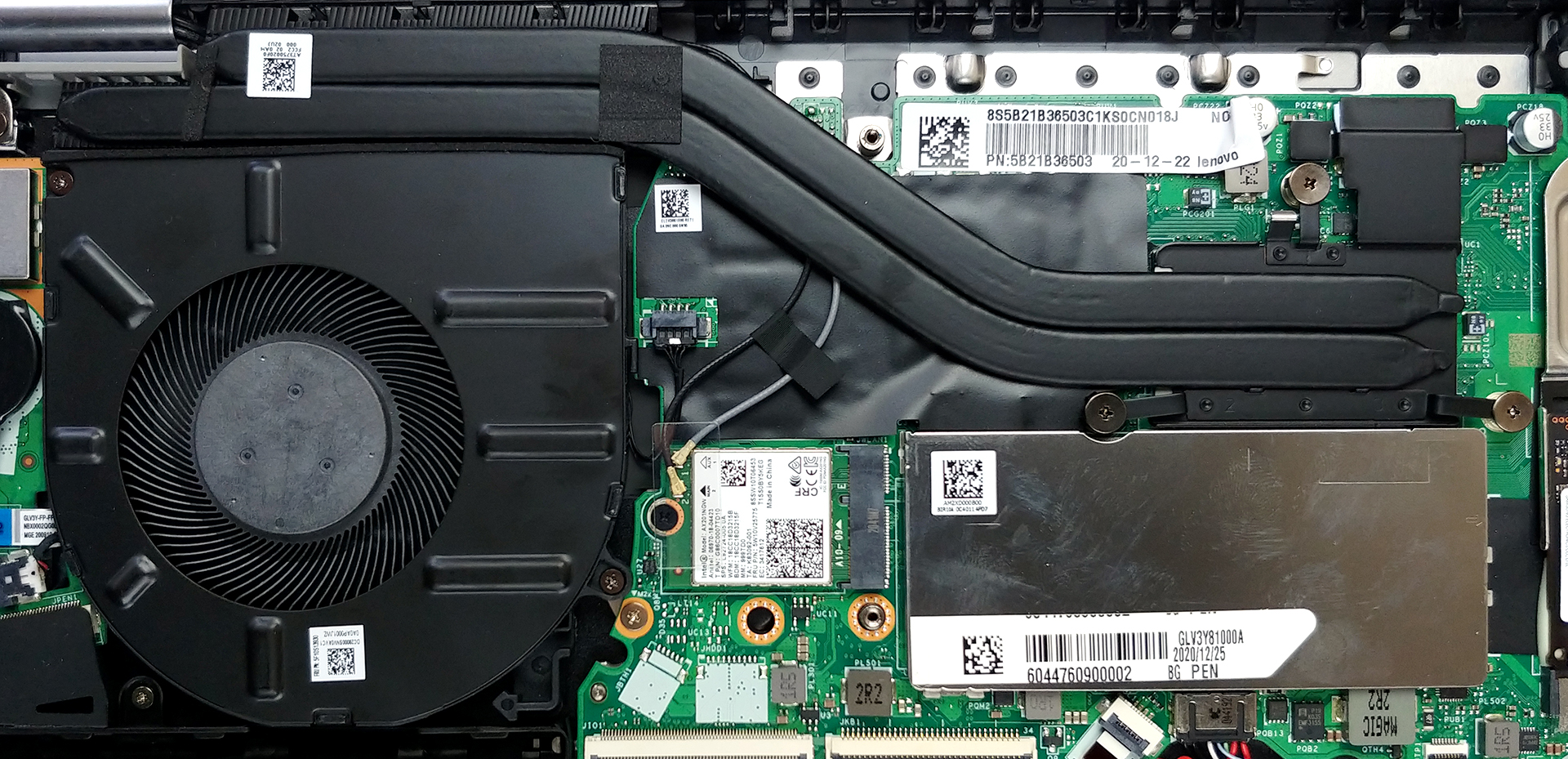
In terms of cooling, we see two heat pipes, a heat spreader, and a pretty big fan.
Check out all Lenovo ThinkBook 14s Yoga prices and configurations in our Specs System or read more in our In-Depth review.
Lenovo ThinkBook 14s Yoga reseña en profundidad
En caso de que te lo estés preguntando, sí, Lenovo está ofreciendo sus elegantes soluciones empresariales también en un factor de forma convertible. Se llama ThinkBook 14s Yoga y pretende combinar lo mejor de ambos mundos.Ahora bien, hay muchos 2-en-1 por ahí, y una gran parte de ellos proviene de la sub-marca Yoga. ¿En qué se diferencia este portátil de los demás? Bueno, para empezar, viene repleto de funciones, con todo el software de seguridad y el firmware que suele acompañar a la serie ThinkBook. Además, cuenta con la gama de procesadores Tiger Lake de Intel, cuyo máximo [...]
Pros
- Conexión Thunderbolt 4, Wi-Fi 6 y un lector de tarjetas MicroSD a bordo
- Hay dos ranuras M.2 PCIe, una ranura RAM-SODIMM (hasta 40GB de RAM en total) + soporta Wi-Fi 6
- Cubre el 98% de la gama de colores sRGB y tiene una representación precisa del color con nuestro perfil de diseño Gaming y Web (BOE NV140FHM-N66)
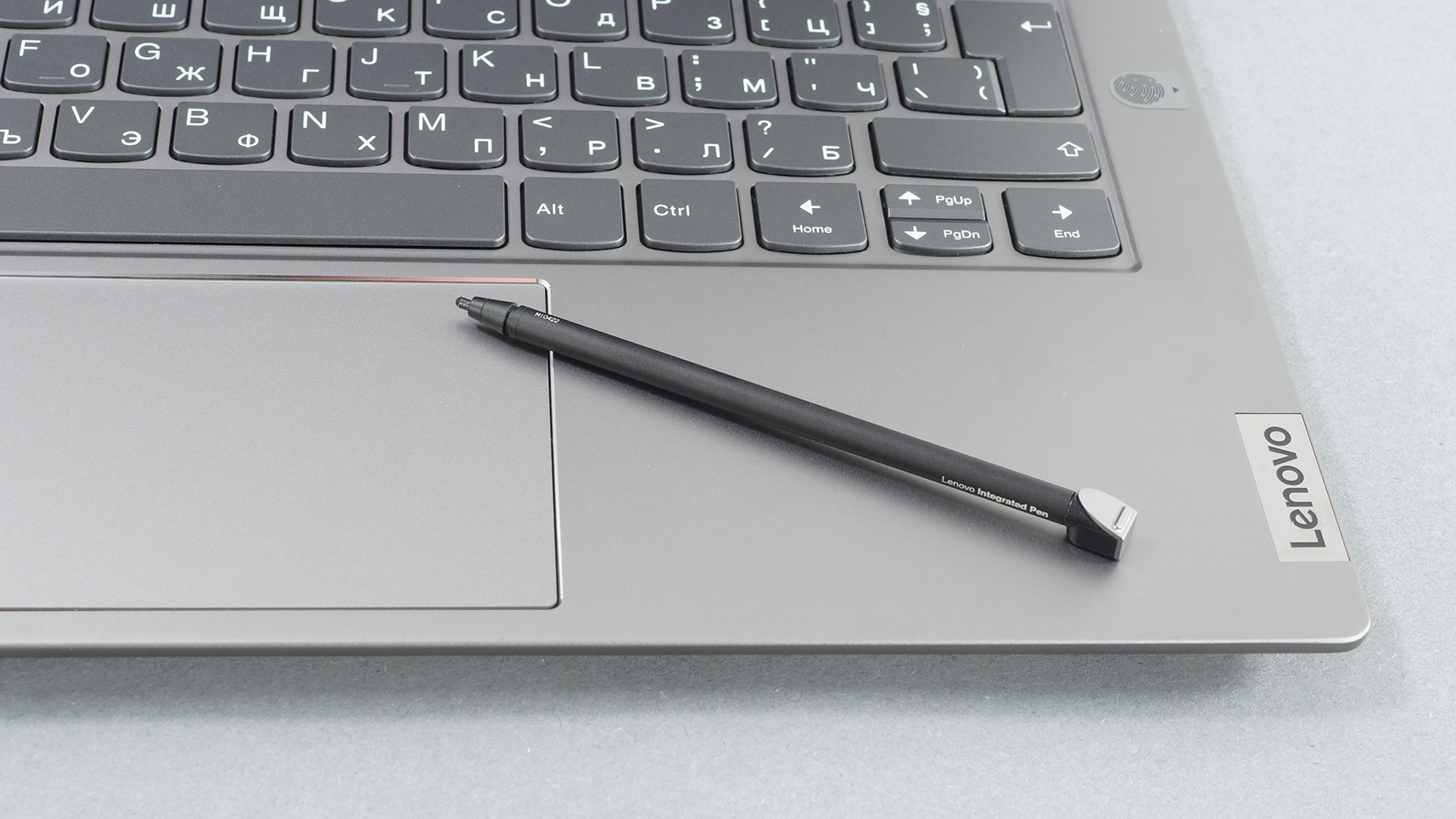
- Lápiz óptico incluido
- Pantalla sin PWM (BOE NV140FHM-N66)
- Gran experiencia con el teclado
- Buena duración de la batería
Contras
- iGPU de bajo rendimiento
- Se siente un poco pesado en el modo tableta
 Author: Alex Iliev

![[Agosto de 2026] Clasificación mundial de las GPU para portátiles más vendidas en Amazon: Apple se impone con autoridad, mientras que la RTX 5060 de NVIDIA encabeza la lista de tarjetas dedicadas](https://laptopmedia.com/wp-content/uploads/2026/09/Best-Selling-GPUs-GLOBAL-Top-10-400x225.jpg)
![[Agosto de 2026] Clasificación mundial de las CPU para portátiles más vendidas en Amazon: Apple domina tanto el segmento económico como el de gama alta; la A18 Pro y la M5 arrasan frente a Intel y AMD en agosto de 2026](https://laptopmedia.com/wp-content/uploads/2026/09/Best-Selling-CPUs-GLOBAL-Top-10-400x225.jpg)
![[Agosto de 2026] Amazon Global: las 10 portátiles más vendidas — La Apple MacBook Neo domina las listas, mientras que los portátiles con Windows de gama baja y media compiten por el volumen de ventas](https://laptopmedia.com/wp-content/uploads/2026/09/Best-Selling-Laptops-GLOBAL-Top-10-400x225.jpg)
![[Agosto de 2026] Las marcas de portátiles más vendidas en Amazon Global: Apple domina los ingresos, mientras que HP lidera la variedad de modelos](https://laptopmedia.com/wp-content/uploads/2026/09/GLOBAL-Best-Brands-400x225.jpg)
![[Agosto de 2026] Amazon Global: Las 10 portátiles para videojuegos más vendidas – La HP Victus 15 se lleva la corona mientras los modelos económicos dominan las listas de ventas](https://laptopmedia.com/wp-content/uploads/2026/09/Best-Selling-Gaming-Laptops-GLOBAL-Top-10-400x225.jpg)
