Análisis de HP ZBook Fury 16 G10: potente estación de trabajo casi silenciosa construida como un tanque
Rendimiento: CPU, GPU, Pruebas de juegos
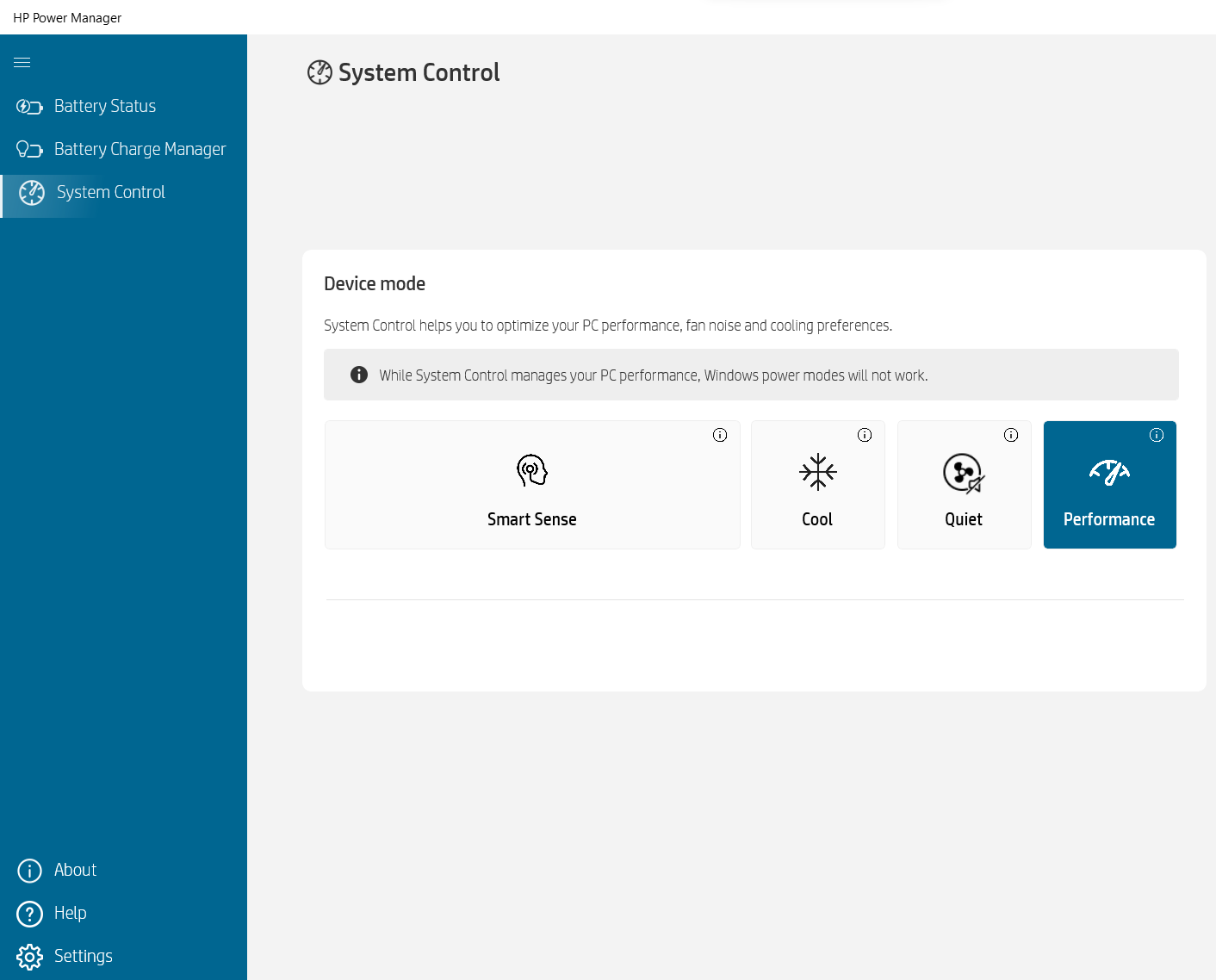
Todos los benchmarks y pruebas se realizaron con el perfil “Rendimiento” activado en la aplicación HP Power Manager. Además, el “Discrete Graphics Mode” (dGPU-only) está activado en la BIOS, así como la función “Fan Always on while on AC Power”.


Opciones de CPU
Este dispositivo puede encontrarse con Intel Core i5-13600HX, Core i7-13700HX, Core i7-13850HX o Core i9-13950HX.
Aquí evaluamos el rendimiento de la CPU mediante una tarea de renderizado 3D real, valorando su capacidad para manejar cálculos complejos y cargas de trabajo de renderizado de forma eficiente.
Los resultados son de la prueba Cinebench 2024 Multi-Core (cuanto más alto, mejor).
Opciones de GPU
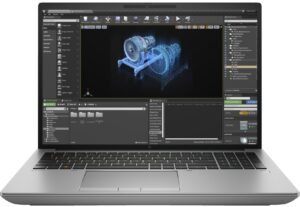
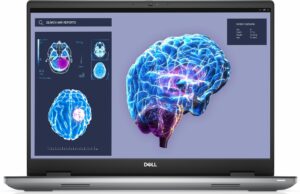
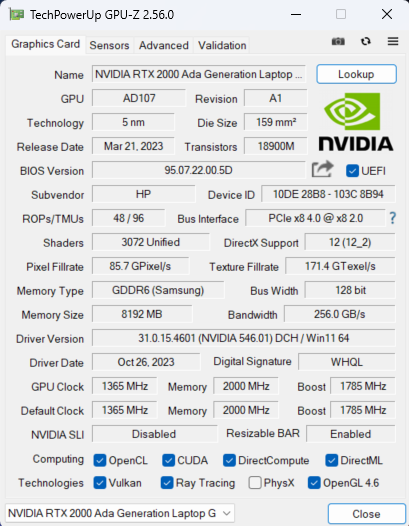
Curiosamente, hay configuraciones sólo con iGPU. También puedes elegir entre cinco opciones de dGPU: NVIDIA RTX A1000 (portátil), RTX 2000 Ada Generation (65W), RTX 3500 Ada Generation, RTX 4000 Ada Generation y RTX 5000 Ada Generation.
Los resultados son de 3DMark Time Spy (Graphics). Cuanto más alto, mejor.
Los resultados son de la prueba 3DMark Fire Strike (Graphics) (cuanto más alta la puntuación, mejor).
Los resultados son de 3DMark Wild Life Extreme Unlimited. Cuanto más alto, mejor.
Los resultados son de la prueba Unigine Superposition (cuanto más alta la puntuación, mejor)
Pruebas de juego


| Assassin’s Creed Valhalla | Full HD, Bajo(Comprobar ajustes) | Full HD, Medio (Comprobar ajustes) | Full HD, Alta (Comprobar ajustes) | Full HD, Ultra(Comprobar ajustes) |
|---|---|---|---|---|
| FPS medios | 158 fps | 131 fps | 108 fps | 92 fps |

| Borderlands 3 | Full HD, V.Bajo(Comprobar ajustes) | Full HD, Medio (Comprobar ajustes) | Full HD, Alto (Comprobar ajustes) | Full HD, Badass(Comprobar ajustes) |
|---|---|---|---|---|
| FPS medios | 188 fps | 146 fps | 101 fps | 77 fps |

| Far Cry 6 | Full HD, Bajo(Comprobar ajustes) | Full HD, Alta(Comprobar ajustes) | Full HD, Ultra (Compruebalos ajustes) |
|---|---|---|---|
| FPS medios | 143 fps | 115 fps | 101 fps |

| Gears 5 | Full HD, Bajo(Comprobar ajustes) | Full HD, Medio(Comprobar ajustes) | Full HD, Alto(Comprobar ajustes) | Full HD, Ultra (Compruebalos ajustes) |
|---|---|---|---|---|
| FPS medios | 218 fps | 159 fps | 137 fps | 110 fps |
La GPU RTX 2000 Ada Generation de 65W rinde muy bien en los cuatro títulos probados. Si no contamos Borderlands 3 en calidad Badass, las otras puntuaciones son mejores comparadas con las de la GPU NVIDIA RTX 3000 Ada Generation de 60W de la HP ZBook Studio 16 G10. Esto demuestra lo capaz que es el HP ZBook Fury 16 G10 y que es una máquina bien afinada.
 Author: Nikolay Palaozov
 Author: eng. Kroum NikolovHead of Engineering at LaptopMedia.com, inventor and innovator with 40+ years of experience in electronics and high technology.

![[Agosto de 2026] Clasificación mundial de las GPU para portátiles más vendidas en Amazon: Apple se impone con autoridad, mientras que la RTX 5060 de NVIDIA encabeza la lista de tarjetas dedicadas](https://laptopmedia.com/wp-content/uploads/2026/09/Best-Selling-GPUs-GLOBAL-Top-10-400x225.jpg)
![[Agosto de 2026] Clasificación mundial de las CPU para portátiles más vendidas en Amazon: Apple domina tanto el segmento económico como el de gama alta; la A18 Pro y la M5 arrasan frente a Intel y AMD en agosto de 2026](https://laptopmedia.com/wp-content/uploads/2026/09/Best-Selling-CPUs-GLOBAL-Top-10-400x225.jpg)
![[Agosto de 2026] Amazon Global: las 10 portátiles más vendidas — La Apple MacBook Neo domina las listas, mientras que los portátiles con Windows de gama baja y media compiten por el volumen de ventas](https://laptopmedia.com/wp-content/uploads/2026/09/Best-Selling-Laptops-GLOBAL-Top-10-400x225.jpg)
![[Agosto de 2026] Las marcas de portátiles más vendidas en Amazon Global: Apple domina los ingresos, mientras que HP lidera la variedad de modelos](https://laptopmedia.com/wp-content/uploads/2026/09/GLOBAL-Best-Brands-400x225.jpg)
![[Agosto de 2026] Amazon Global: Las 10 portátiles para videojuegos más vendidas – La HP Victus 15 se lleva la corona mientras los modelos económicos dominan las listas de ventas](https://laptopmedia.com/wp-content/uploads/2026/09/Best-Selling-Gaming-Laptops-GLOBAL-Top-10-400x225.jpg)

Thanks for the comprehensive review, it’s one of the few quality reviews out there. I’m glad HP kept the physical touchpad buttons. I suppose the laptop designers have no idea how IMPORTANT these physical buttons can be to the design & engineering industries (e.g. architectural and urban design, and perhaps the entire creative industry). We need the middle button to quickly pan/rotate views in 3D modelling / simulation software, and the physical left/right keys for fast, precise clicking without any sluggishness / accidental clicking and dragging. Not everyone wants to carry around a mouse and separate keyboard. After all, this is… Leer más »
I don´t think people are doing 3d modeling at a café or in a plane, and need full control of the camera all the time. They have a standard usb mouse or a 3d connexion if they need that feature. I get it, I’use middle mouse drag and even more complex gestures in SideFX Houdini, but when you’re on your laptop on the go, you do with what you have.