Análisis del MSI Vector GP77 13V: silencioso y potente
Centro MSI
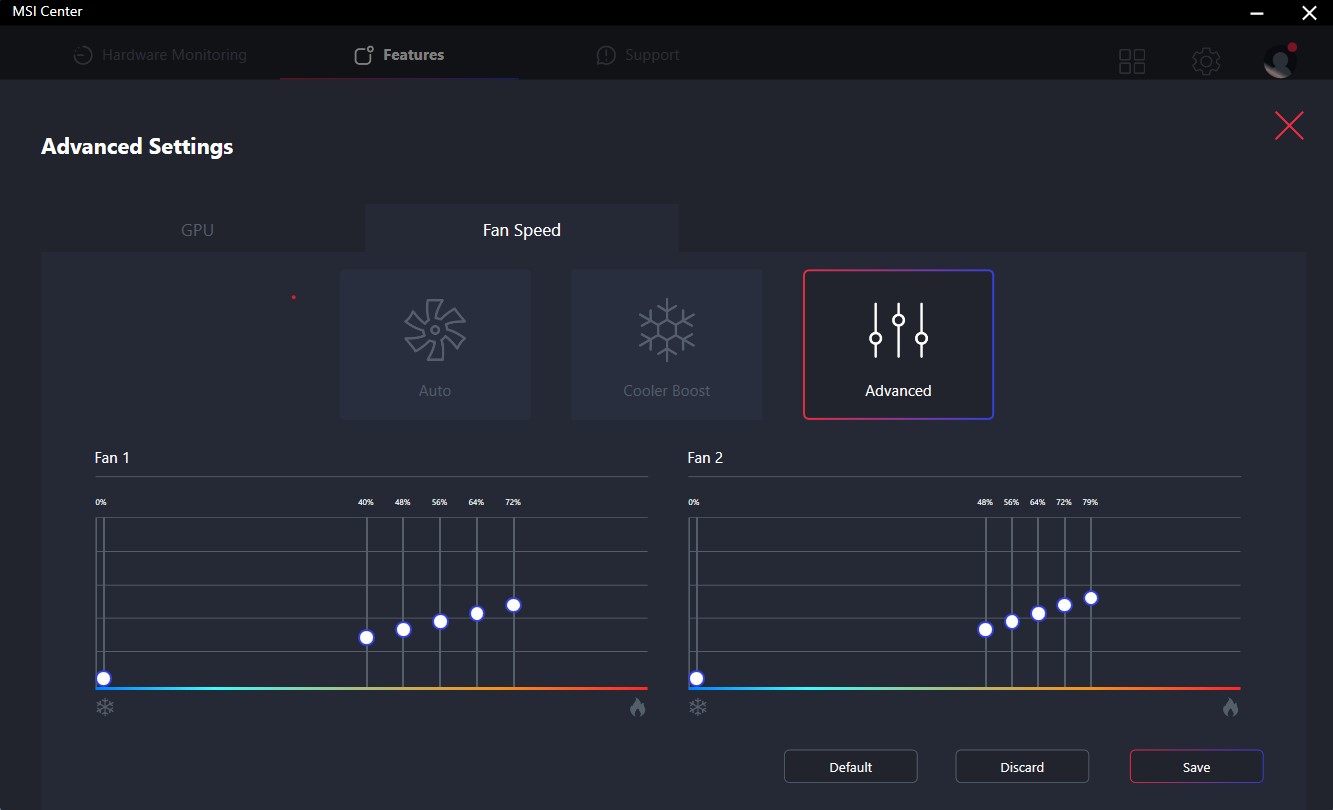
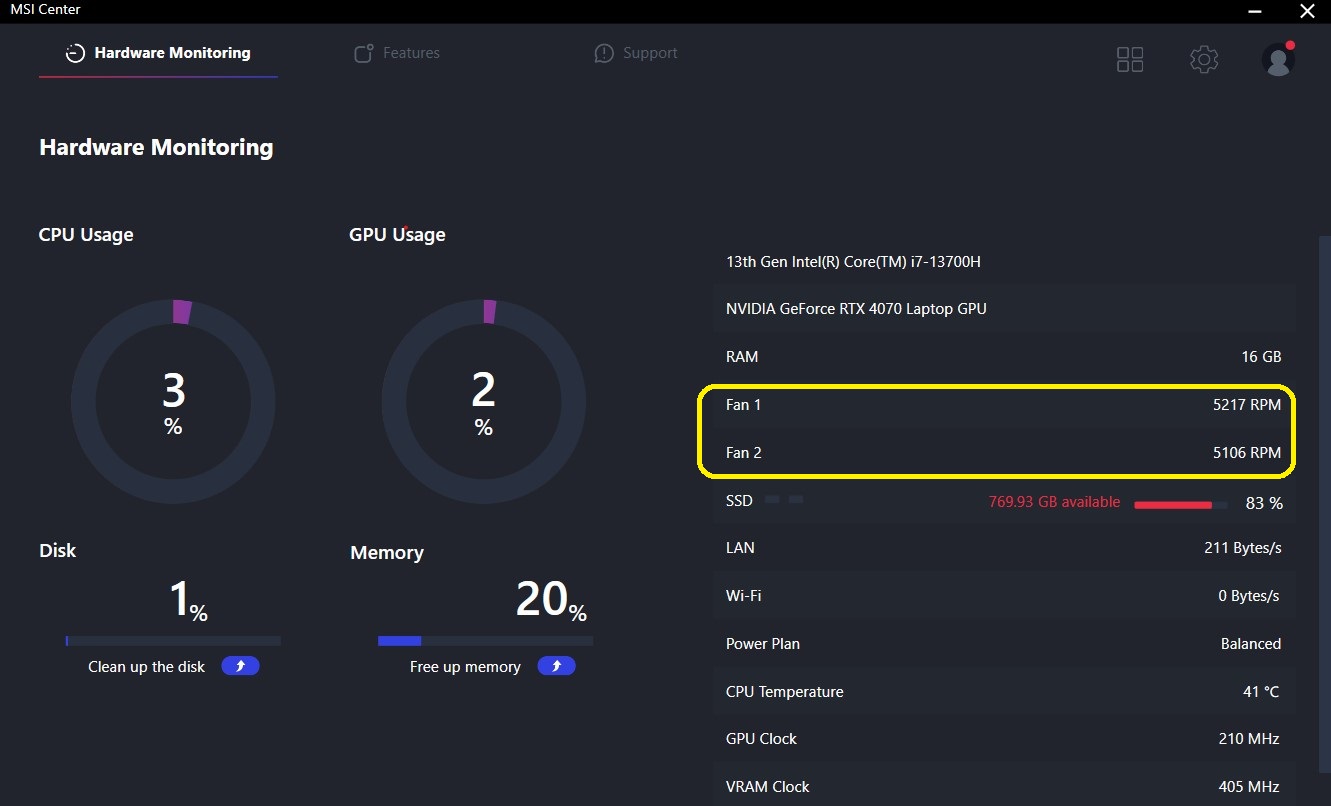
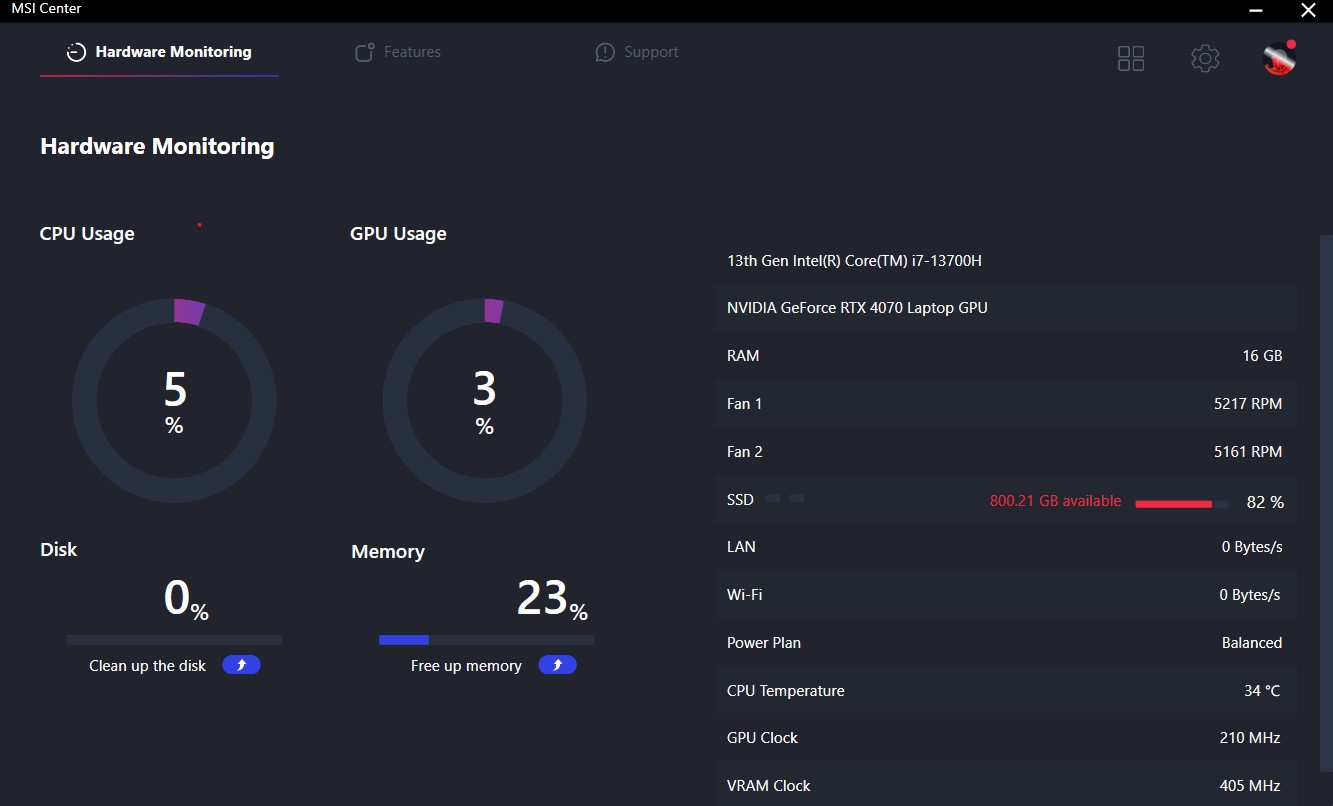
El MSI Center es un programa útil que se puede utilizar para ajustar el portátil. Una de las características es la opción Cooler Boost que eleva los ventiladores al máximo de RPM. También puedes usarlos en Modo Automático o establecer una curva de ventilador personalizada. La última captura de pantalla muestra las RPM máximas posibles para los ventiladores de la CPU y la GPU.
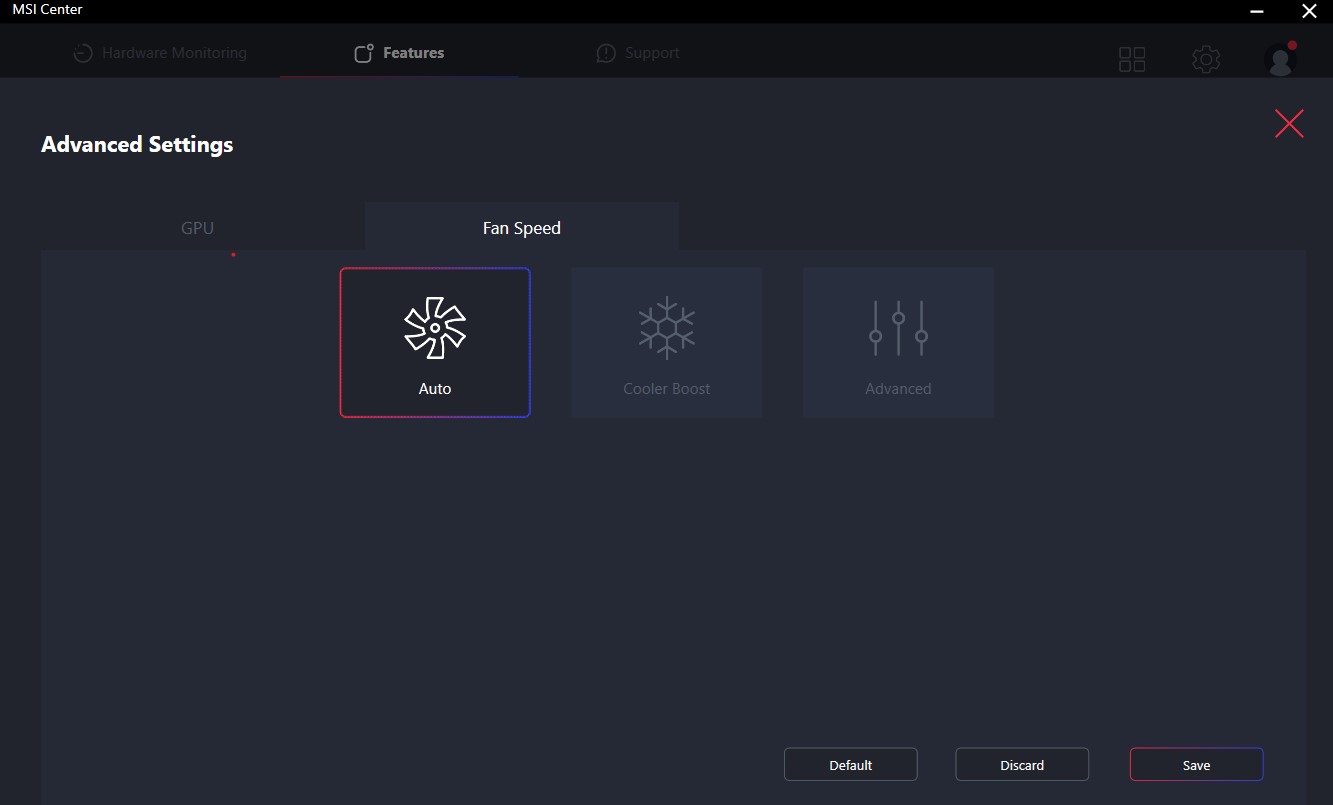
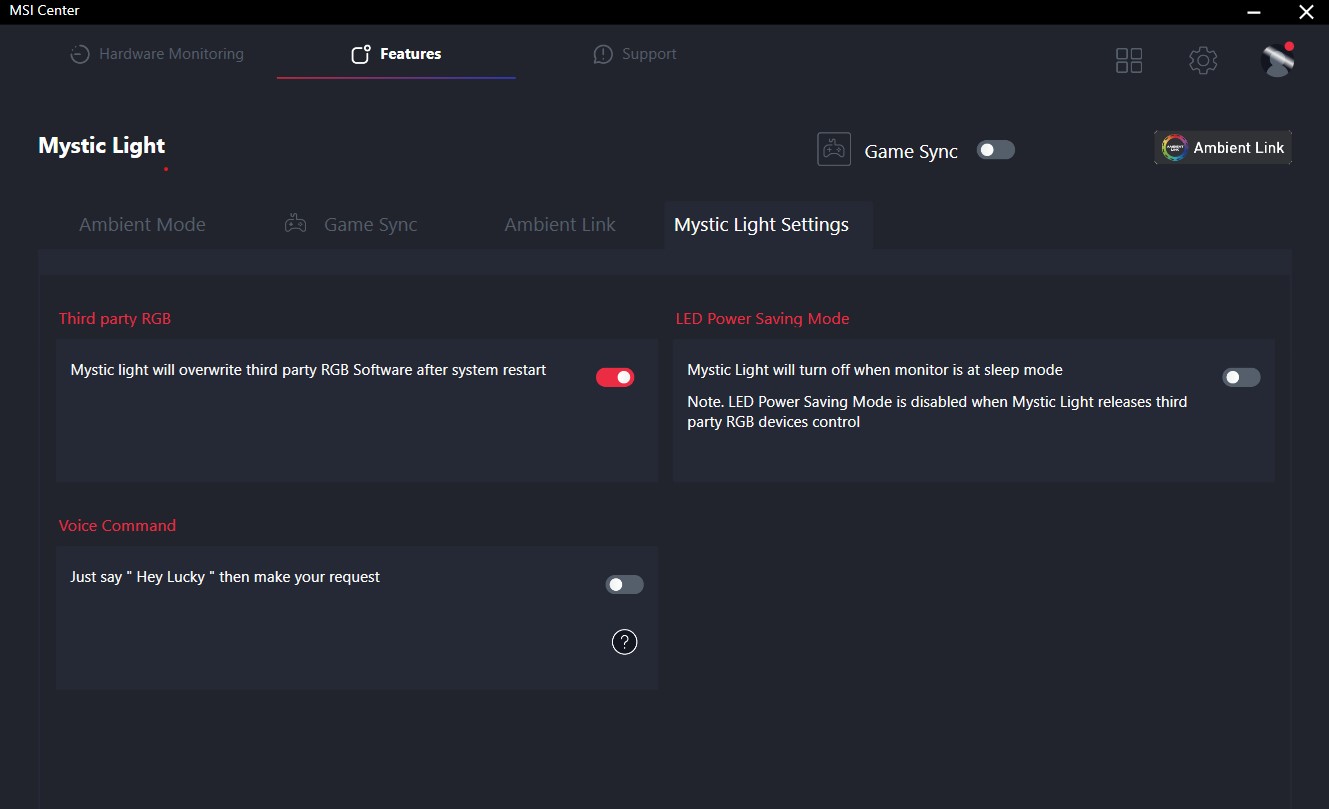
También puedes controlar los RGB.

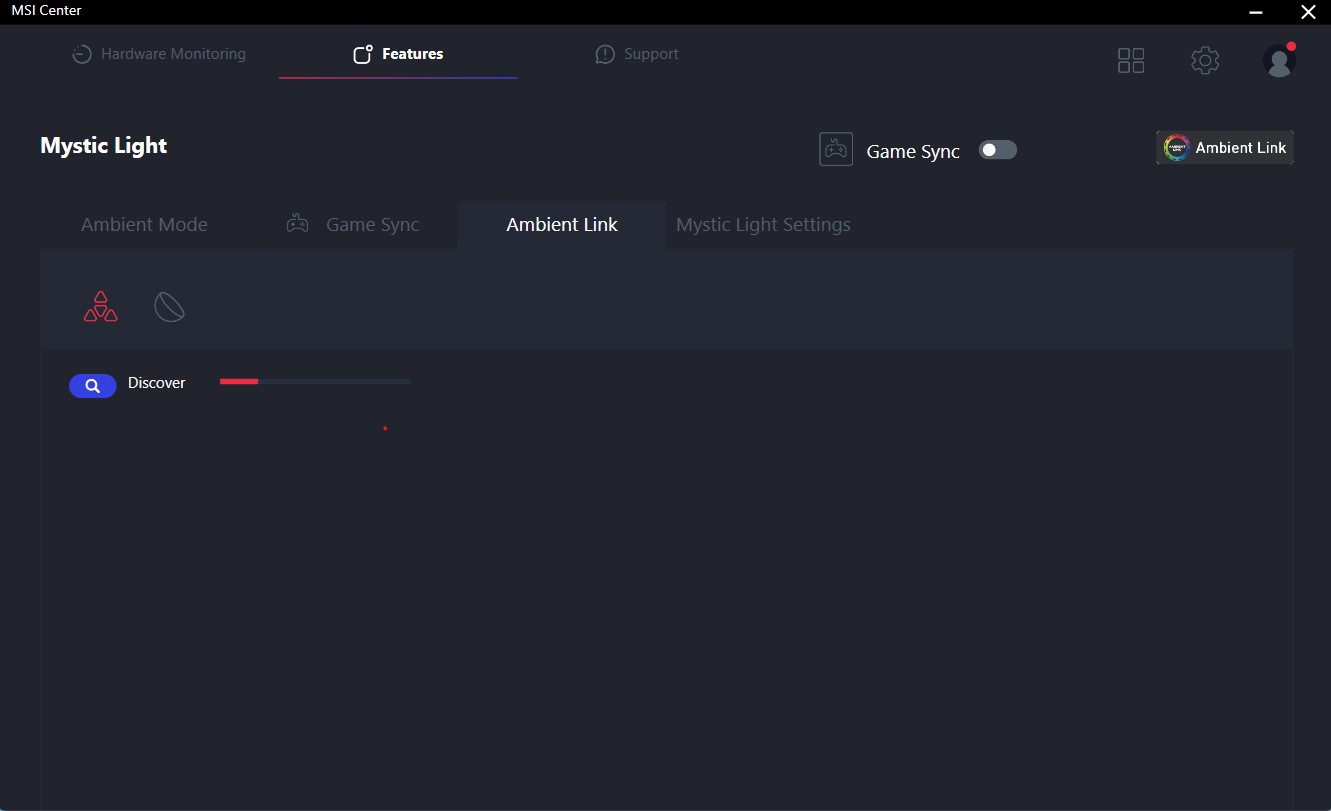
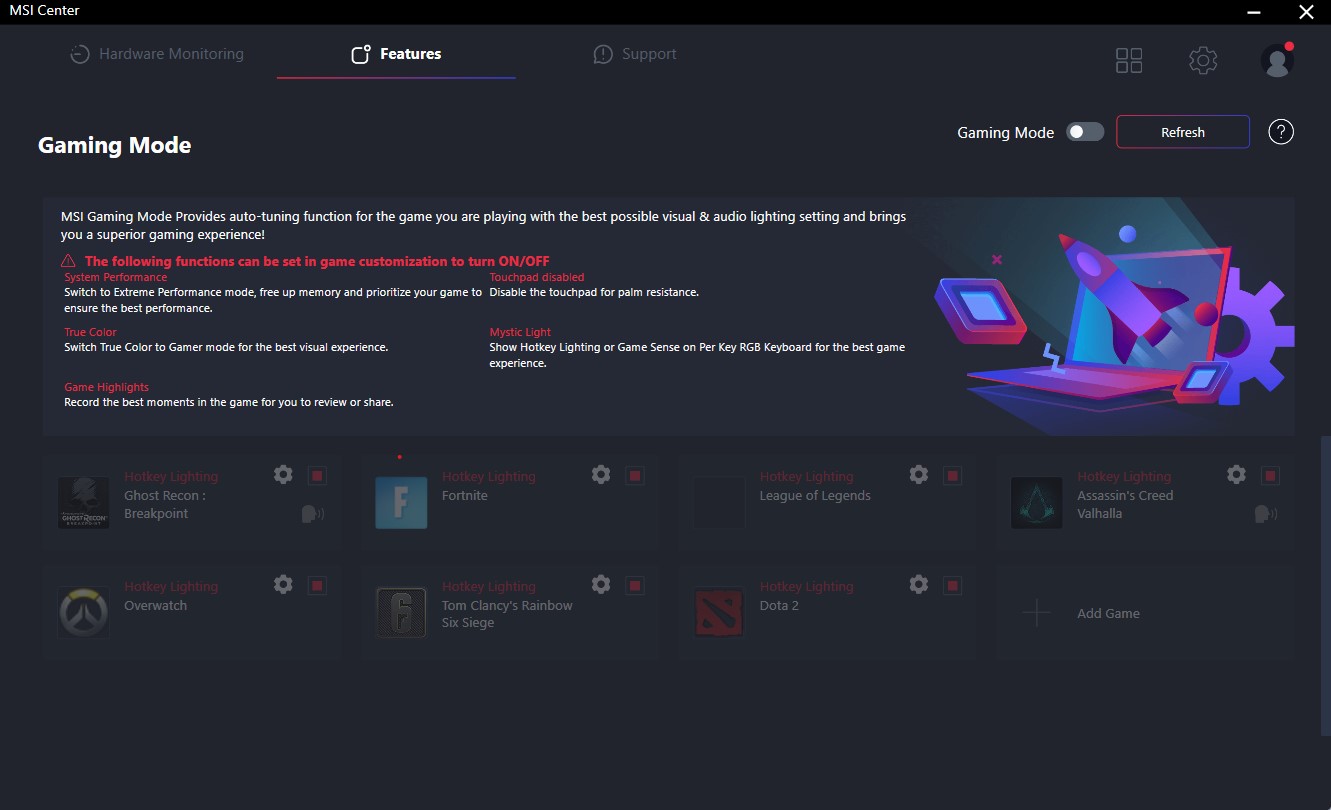
Si te gusta tunear tu portátil, puedes extraer el máximo rendimiento posible usando el conmutador MUX, overclockeando la GPU y aplicando el preajuste de rendimiento Extremo. O puedes simplemente controlar las temperaturas de los componentes internos. El modo MSI Gaming podría ser útil para algunos de vosotros porque cambia automáticamente al modo Extreme, puede desactivar el touchpad, y también se puede liberar algo de memoria junto con otras optimizaciones. Se pueden configurar ajustes personalizados para cada juego, lo que está muy bien.


 Author: Nikolay Palaozov

![[Agosto de 2026] Clasificación mundial de las GPU para portátiles más vendidas en Amazon: Apple se impone con autoridad, mientras que la RTX 5060 de NVIDIA encabeza la lista de tarjetas dedicadas](https://laptopmedia.com/wp-content/uploads/2026/09/Best-Selling-GPUs-GLOBAL-Top-10-400x225.jpg)
![[Agosto de 2026] Clasificación mundial de las CPU para portátiles más vendidas en Amazon: Apple domina tanto el segmento económico como el de gama alta; la A18 Pro y la M5 arrasan frente a Intel y AMD en agosto de 2026](https://laptopmedia.com/wp-content/uploads/2026/09/Best-Selling-CPUs-GLOBAL-Top-10-400x225.jpg)
![[Agosto de 2026] Amazon Global: las 10 portátiles más vendidas — La Apple MacBook Neo domina las listas, mientras que los portátiles con Windows de gama baja y media compiten por el volumen de ventas](https://laptopmedia.com/wp-content/uploads/2026/09/Best-Selling-Laptops-GLOBAL-Top-10-400x225.jpg)
![[Agosto de 2026] Las marcas de portátiles más vendidas en Amazon Global: Apple domina los ingresos, mientras que HP lidera la variedad de modelos](https://laptopmedia.com/wp-content/uploads/2026/09/GLOBAL-Best-Brands-400x225.jpg)
![[Agosto de 2026] Amazon Global: Las 10 portátiles para videojuegos más vendidas – La HP Victus 15 se lleva la corona mientras los modelos económicos dominan las listas de ventas](https://laptopmedia.com/wp-content/uploads/2026/09/Best-Selling-Gaming-Laptops-GLOBAL-Top-10-400x225.jpg)

was curious if you know the length of the cable from the power brick to the computer?
5 feet
MSI could have done a better job with the Fan Speed panel UI design if they had labeled everything in Chinese. At least then we could use a translator. All of the fan speed sliders are in percent%, there is no use of actual temp C or F, yet each slider has a specific temp range that it operates within. So to help with that, MSI gave us a blue to red color bar (see pics above). One can also tell that they put absolutely no effort into this panel because there is no “Apply” button. You must press “Save”… Leer más »
…basically just use the Fan Speed panel to set all sliders to 150%. This will keep fans pinned to max regardless of CPU/GPU temps. Use that for gaming. When you use “Cooler Boost” the fans speed will still be tied to temp ranges.