Published:
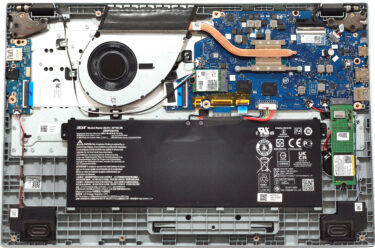
0How to open Acer Aspire 3 (A315-510P) – disassembly and upgrade options
Opening the Device Undo the 11 Phillips-head screws securing the bottom panel. Lift the top two edges with a thin plastic tool. After that, pop the back, sides, and front to remove the bottom panel.…
Published:
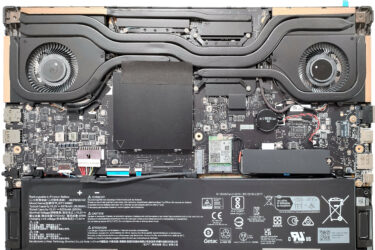
3How to open MSI Stealth 16 AI Studio A1V – disassembly and upgrade options
Opening the Device Undo the 7 Phillips-head screws securing the bottom panel. Flip the notebook and pry the back with a thin plastic tool. Open the device and pry the left and front sides through…
Published:
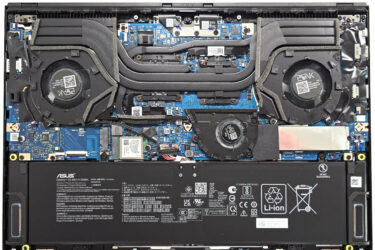
1How to open ASUS ProArt P16 (H7606) – disassembly and upgrade options
Opening the Device Undo the 11 Torx-head screws securing the bottom panel. Note that the upper two screws in the middle are hidden beneath rubber caps, which you need to unglue first. Raise the…
Published:
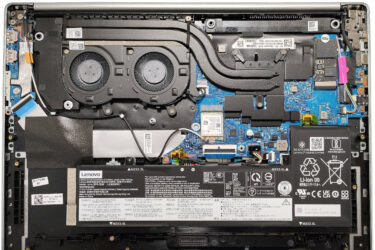
0How to open Lenovo IdeaPad Slim 5 (16″ AMD) – disassembly and upgrade options
Opening the Device Undo the nine Torx-head screws securing the bottom panel. Use a lever tool to pop the back behind the hinge cover in the zones close to the top two corners. Pry the…
Published:
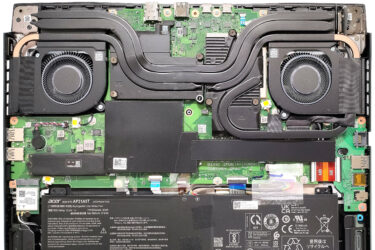
0How to open Acer Nitro 16 (AN16-42) – disassembly and upgrade options
Opening the Device Undo the 11 Phillips-head screws securing the bottom panel. Hold firmly the two plastic vents on the rear and pop the panel to the level of the LAN connector. Use a thin…
Published:
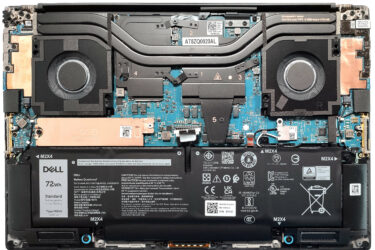
0How to open Dell Precision 5490 – disassembly and upgrade options
Opening the Device Undo the 8 Torx-head screws securing the bottom panel. Pop the zones close to the top two corners with a lever tool to create gaps in these sections. Use a thin plastic…
Published:
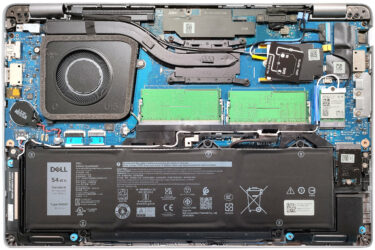
0How to open Dell Latitude 5450 – disassembly and upgrade options
Opening the Device Undo the 8 captive Phillips-head screws securing the bottom panel. Use a lever tool to lift the zones behind the hinges. Fully pry the back, the sides, and the front to remove…
Published:
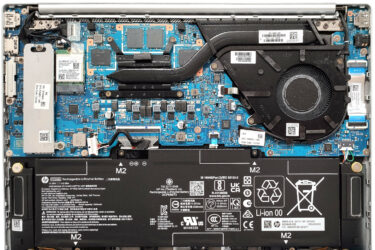
0How to open HP Pavilion Aero 13 (13-bg0000) – disassembly and upgrade options
Opening the Device Undo the 4 Phillips-head screws securing the bottom panel. Raise the two zones close to the top two corners behind the hinge cover to create gaps in these sections. Fully pry the…
Published:
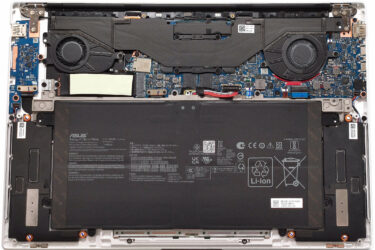
2How to open ASUS Zenbook S 16 (UM5606) – disassembly and upgrade options
Opening the Device Undo the 11 Torx-head screws securing the bottom panel. If you are brave and careful enough, pop the bottom plate by raising it in the speaker cutout sections and then pry the…
Published:
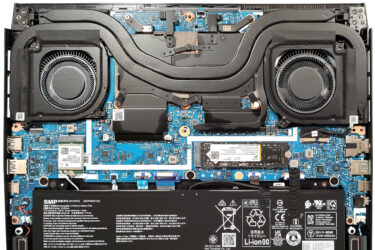
0How to open Acer Nitro 14 (AN14-41) – disassembly and upgrade options
Opening the Device Undo the 9 Phillips-head screws securing the bottom panel. Carefully lift the bottom plate while holding firmly the two plastic exhausts on the back. Fully pry the sides and the front to…
Published:
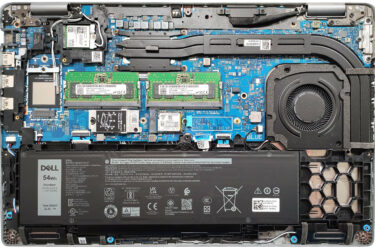
0How to open Dell Latitude 5550 – disassembly and upgrade options
Opening the Device Undo the 8 captive Phillips-head screws securing the bottom panel. Pry the areas behind the hinges with a lever tool to create gaps around these sections. Work your way around the rear,…
Published:
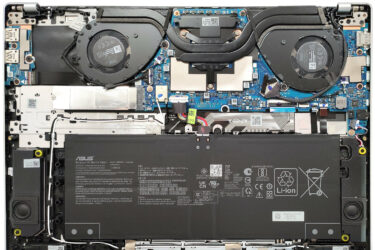
0How to open ASUS Vivobook S 16 OLED M5606 – disassembly and upgrade options
Opening the Device Undo the 10 Torx-head screws securing the bottom panel. The top two in the middle are hidden under a small cap and rubber foot, which you need to unglue first. Raise the…
Published:
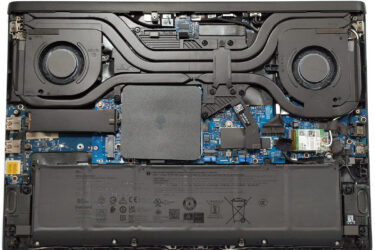
0How to open Alienware m16 R2 – disassembly and upgrade options
Opening the Device Undo the 8 Phillips-head screws securing the bottom panel. The captive screws in the front corners will slightly raise the panel up, providing a good starting point. Place a thin plastic tool…
Published:
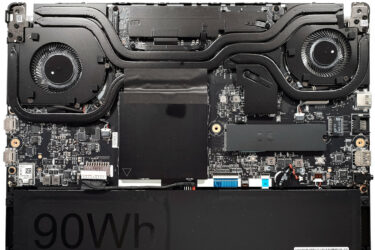
0How to open MSI Prestige 14 AI Studio C1U – disassembly and upgrade options
Opening the Device Undo the 7 Phillips-head screws securing the bottom panel. Flip the laptop and use a thin plastic tool to pry the back hinge cover. Open the lid and pry the front and…
Published:
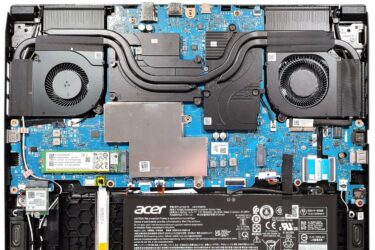
0How to open Acer Nitro V 16 (ANV16-41) – disassembly and upgrade options
Opening the Device Undo the 11 Phillips-head screws securing the bottom panel. Carefully raise the bottom panel while holding firmly the two plastic exhausts on the rear. The panel should be fully popped to the…
Published:
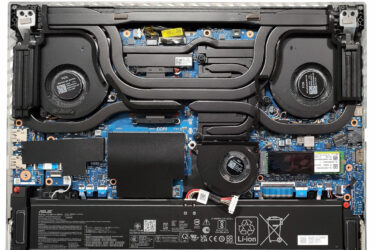
0How to open ASUS ROG Strix SCAR 16 G634 (2024) – disassembly and upgrade options
Opening the Device Undo the 11 Philips-head screws securing the bottom panel. Note that the screw in the front right corner is captive and will slightly raise the panel up. Start prying the front with…
Published:
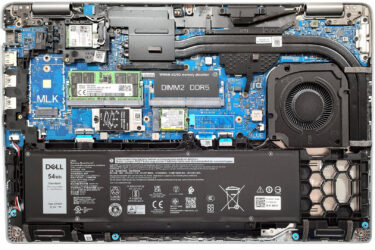
0How to open Dell Precision 3590 – disassembly and upgrade options
Opening the Device Undo the 8 captive Phillips-head screws securing the bottom panel. Use a lever tool to pry the zones behind the hinges. This will pop the whole rear section and part of the…
Published:
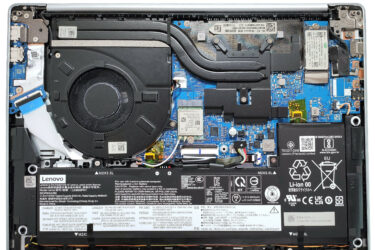
0How to open Lenovo IdeaPad Slim 5 Gen 9 (14″ AMD) – disassembly and upgrade options
Opening the Device Undo the six Torx-head screws securing the bottom panel. Raise the two sections behind the hinge cover near the top two corners. Use a thin plastic tool to pop the sides and…
Published:
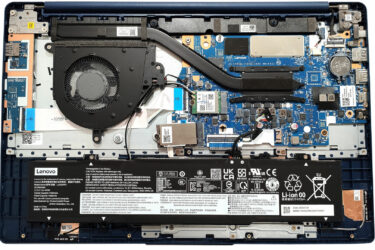
0How to open Lenovo IdeaPad Slim 3i Gen 9 (15, Intel) – disassembly and upgrade options
Opening the Device Undo the 10 Torx-head screws securing the bottom panel. Place a thin plastic tool between the plate and the base to pry the back. Pop the top two corners and then pry…
Published:
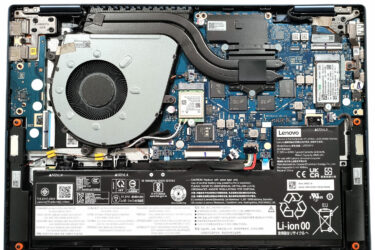
0How to open Lenovo IdeaPad 5 2-in-1 (14″) – disassembly and upgrade options
Opening the Device Undo the four Torx-head screws securing the bottom panel. Use a thin prying tool to open a gap by prying the top two corners or the zones behind the hinges. Pry the…




