How to open Lenovo IdeaPad Flex 5 (16″ AMD, Gen 8) – disassembly and upgrade options
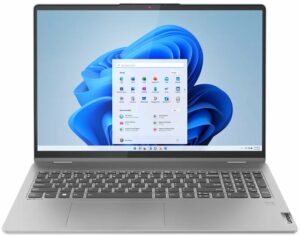
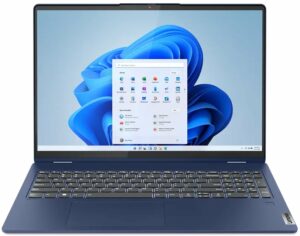
Step 1: Opening the Lenovo IdeaPad Flex 5 (16 AMD, Gen 8)
- Ensure the Lenovo IdeaPad Flex 5 (16 AMD, Gen 8) is powered off and placed on a soft, clean surface to prevent scratches or damage.
- Remove the 9 Torx-head screws from the bottom of the laptop.
- Use a plastic pry tool to gently lift the bottom panel, starting from one of the top two corners and carefully working your way around.
Hint: Be cautious during the prying process to avoid damaging internal components or the clips holding the panel in place.
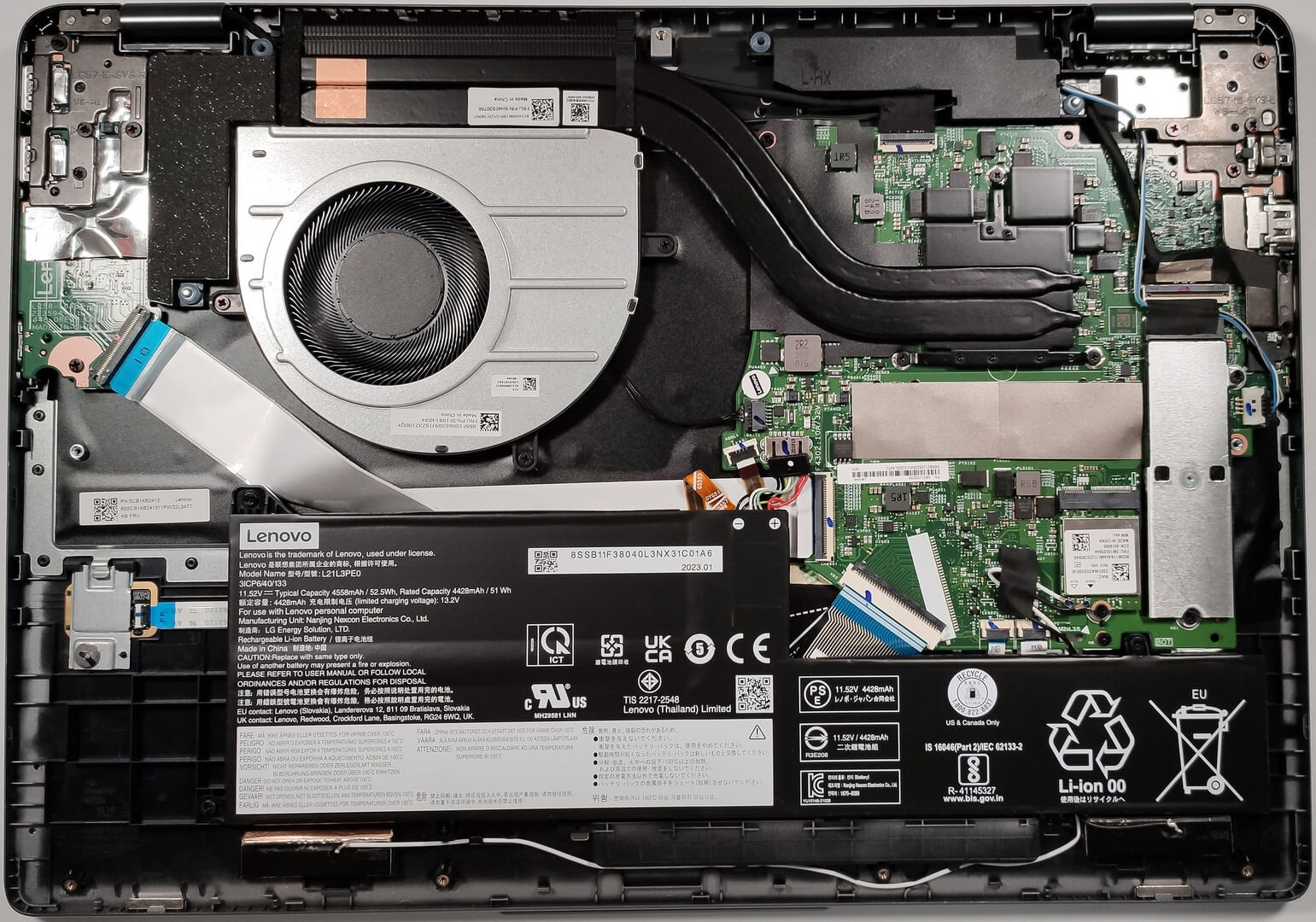
Step 2: Battery Removal
- Disconnect the battery connector from the motherboard to ensure safety during the removal process.
- Remove the 3 Phillips-head screws securing the 52.5Wh battery, then carefully lift it away from the chassis.
More info: The 52.5Wh battery offers up to 11 hours and 7 minutes of web browsing or 10 hours of video playback, providing solid battery life for productivity and entertainment.
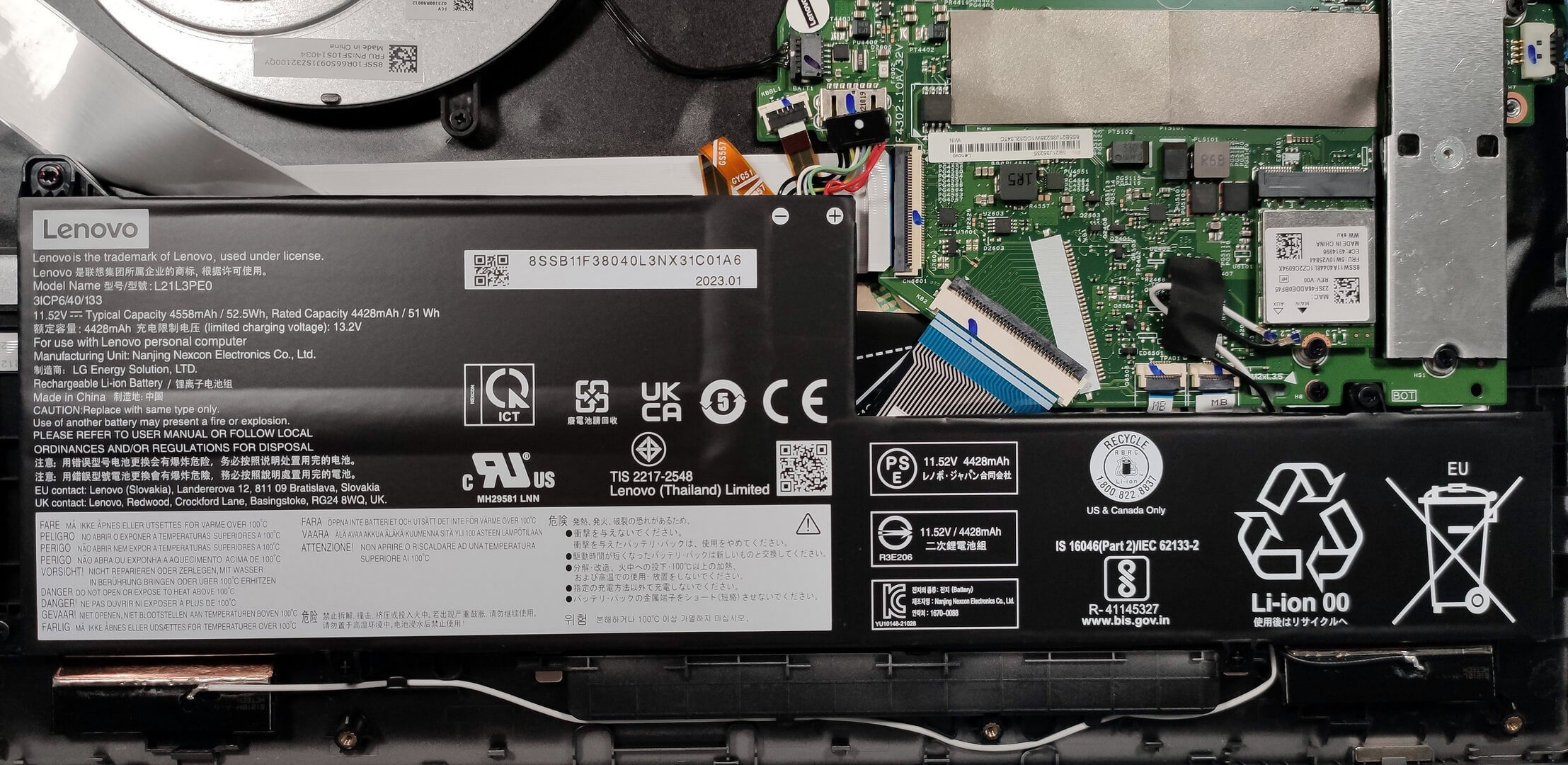
Memory Overview
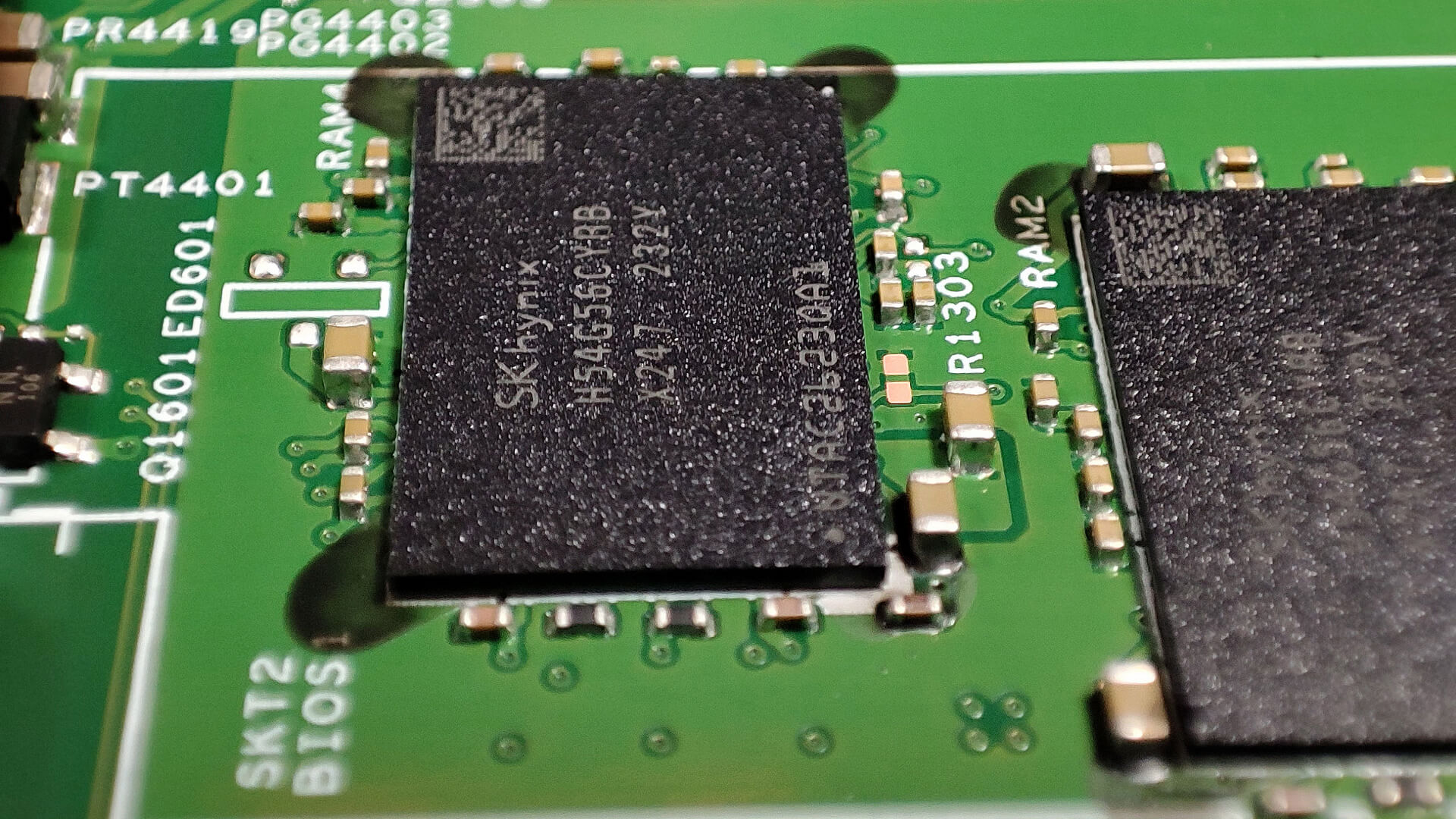
The Lenovo IdeaPad Flex 5 features soldered 16GB of LPDDR4x-4266MHz memory in dual-channel mode, offering optimized bandwidth for multitasking and smooth performance.
Storage Upgrade
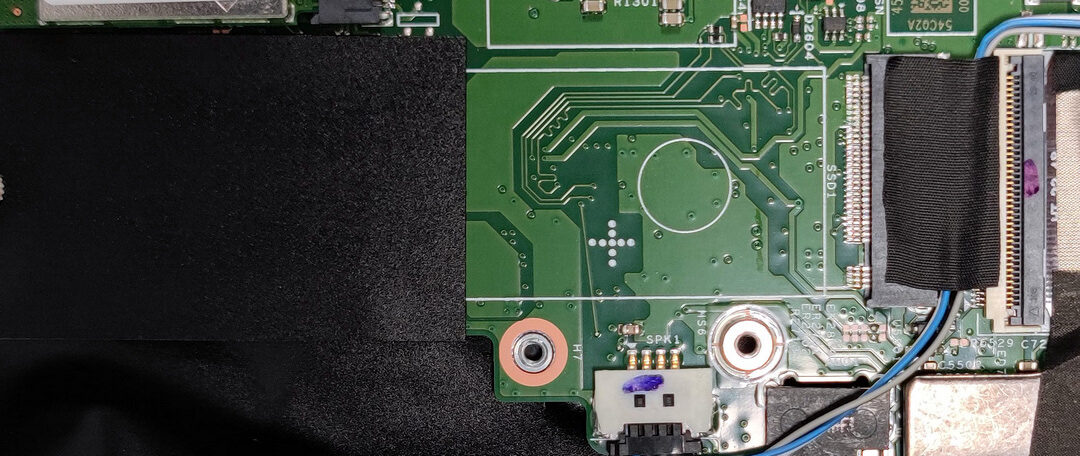
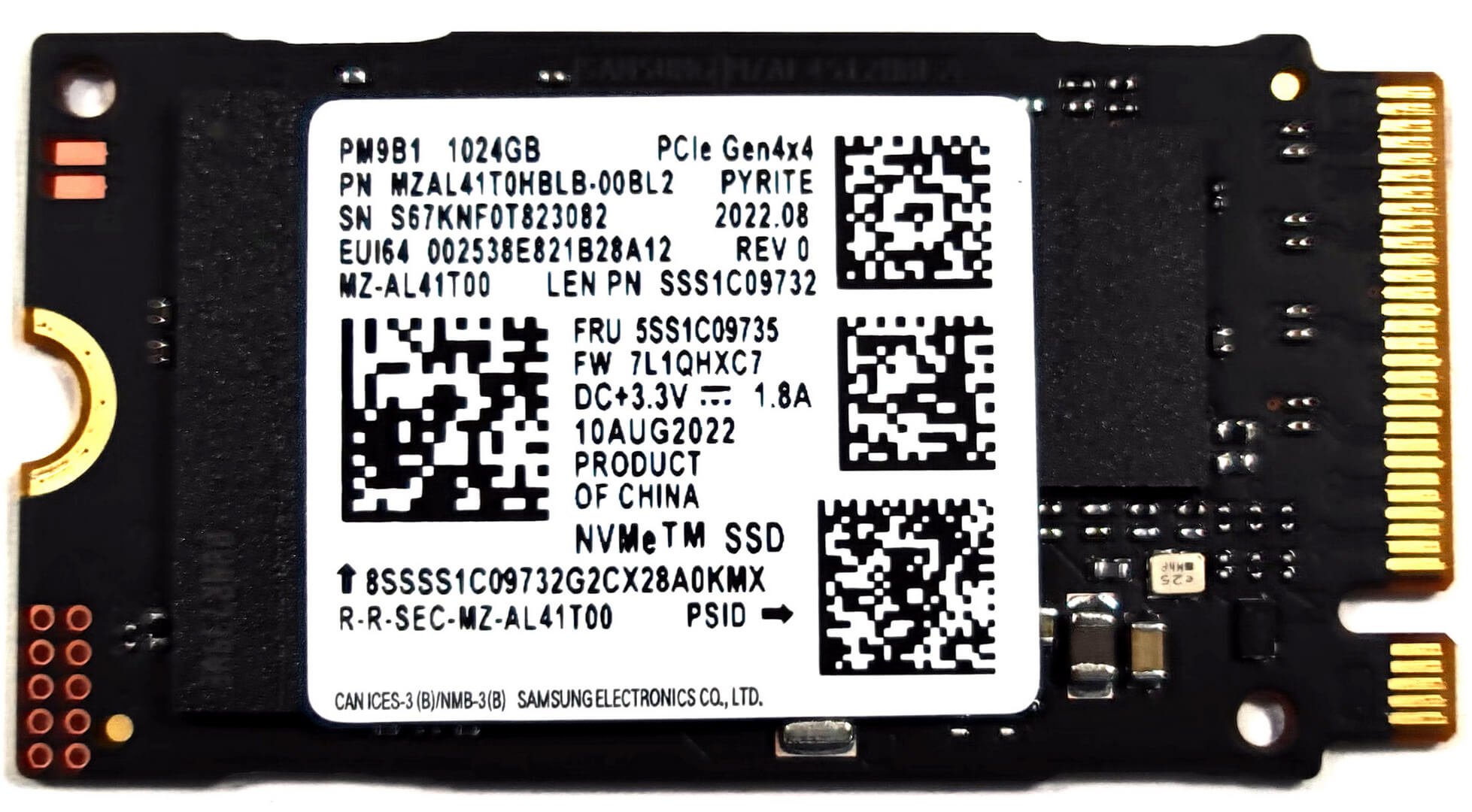
- Locate the M.2 slot compatible with Gen. 4 (2242) SSDs for storage expansion. Note that due to AMD platform limitations, the slot operates at Gen 3 speeds.
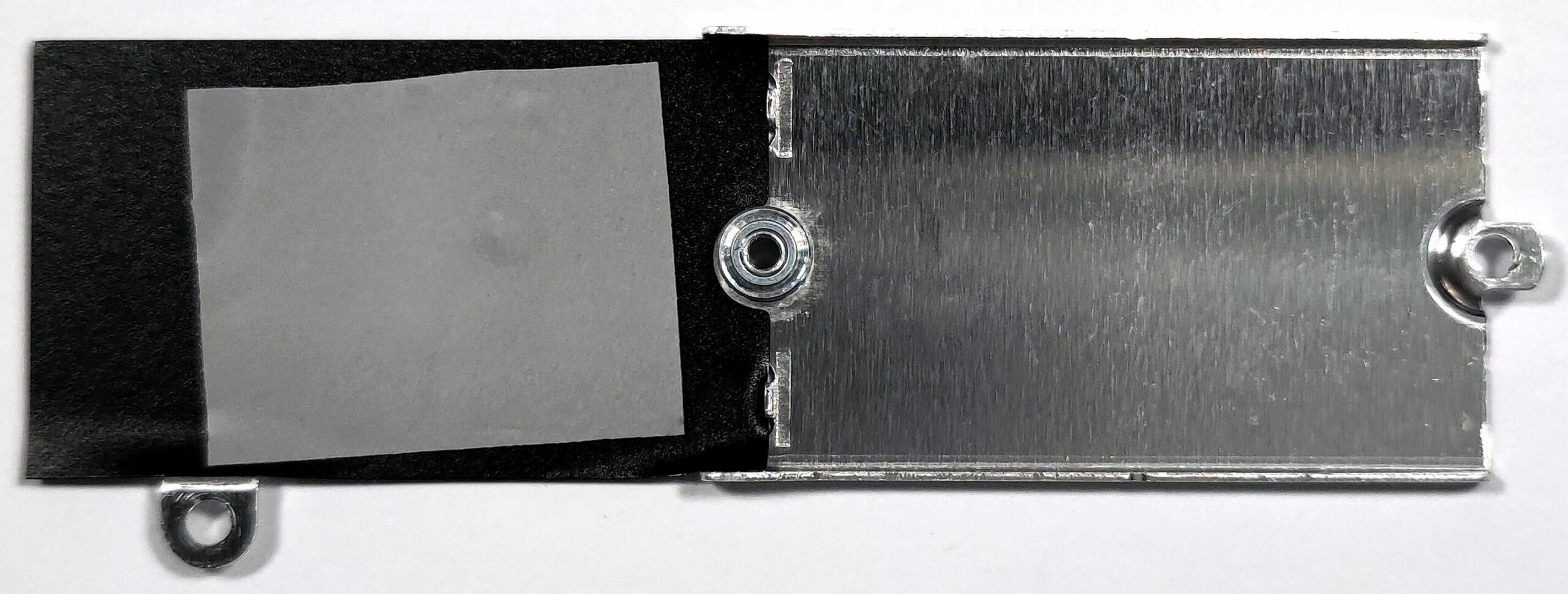
- The installed NVMe SSD is shielded by a metal shroud with a thin thermal pad for enhanced cooling.
- Upgrading the SSD can significantly improve storage capacity and performance, enhancing overall system responsiveness.
Hint: Don’t forget to check out our Top M.2 SSDs Performance Rankings for insights on the best storage options available.
You can buy Gen 3 M.2 2242 SSD modules here: Buy from Amazon.co.uk (#CommissionsEarned)
You can buy Gen 4 M.2 2242 SSD modules here: Buy from Amazon.co.uk (#CommissionsEarned)
Cooling System Overview
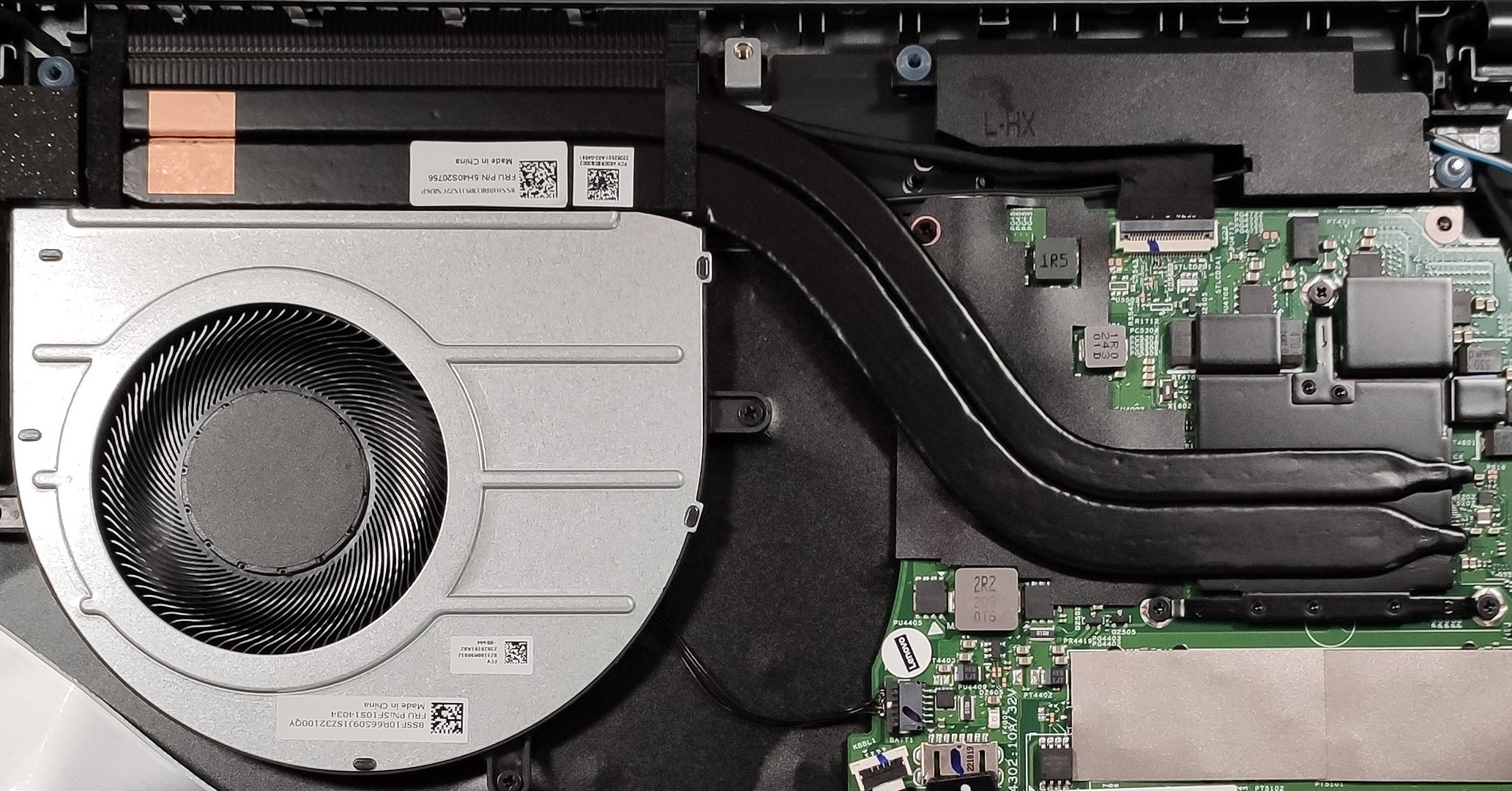
The cooling system features one large fan and two heat pipes, designed to efficiently manage the thermal output of the device and maintain optimal performance under load.
 Author: Nikolay Palaozov

![[July 2026] Global Ranking of Best-Selling Laptop GPUs on Amazon – RTX 5060 Dominate Premium, Intel Still Rules Budget](https://laptopmedia.com/wp-content/uploads/2026/08/Best-Selling-GPUs-GLOBAL-Top-10-400x225.jpg)
![[July 2026] Global Ranking of Best-Selling Laptop CPUs on Amazon – Apple Dominates Premium, Intel Holds Overall Crown](https://laptopmedia.com/wp-content/uploads/2026/08/Best-Selling-CPUs-GLOBAL-Top-10-400x225.jpg)
![[July 2026] Amazon Canada: Top 10 Best-Selling Laptops – Apple MacBook Neo Dominates the Market to Claim the #1 Spot](https://laptopmedia.com/wp-content/uploads/2026/08/Best-Selling-Laptops-CA-Top-10-2-400x225.jpg)
![[July 2026] Best-Selling Laptop Brands on Amazon Japan – HP and Lenovo Dominate Units and Revenue Amid Fierce Competition](https://laptopmedia.com/wp-content/uploads/2026/08/CO.JP-Best-Brands-2-400x225.jpg)
![[July 2026] Amazon Italy: Top 10 Best-Selling Laptops – Apple MacBook Neo Claims the #1 Spot Amid Budget-Friendly Dominance](https://laptopmedia.com/wp-content/uploads/2026/08/Best-Selling-Laptops-IT-Top-10-400x225.jpg)
