How to open ASUS Zenbook 14 (UM3402) – disassembly and upgrade options
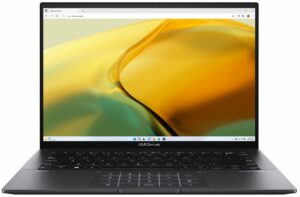
Step 1: Accessing the Internal Components
- Ensure the ASUS Zenbook 14 (UM3402) is powered off and placed on a soft, clean surface to prevent scratches or damage.
- Remove the 7 Torx-head screws from the bottom of the laptop.
- Peel back the two rubber back feet to reveal and then remove the two Phillips-head screws located beneath them.
- Use a plastic tool to gently pry the bottom panel off, starting from an easier spot to insert the tool.
Hint: Proceed with caution to avoid damaging the internal clips or the laptop casing.

Step 2: Removing the Battery
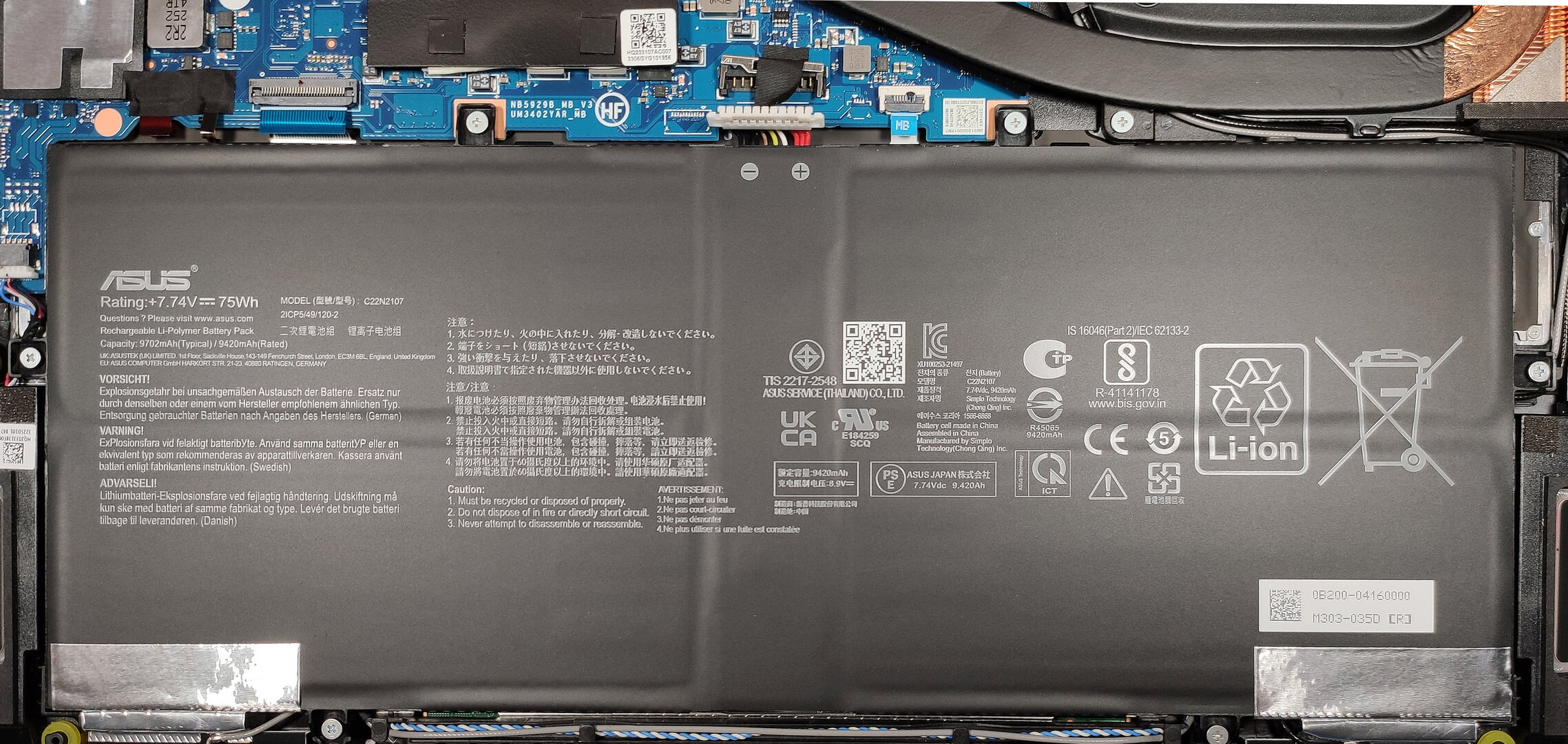
- Disconnect the battery by detaching its connector from the motherboard.
- Remove the six Phillips-head screws securing the battery to the laptop’s chassis, then lift the 75Wh battery away from the device.
Caution: Handle the battery and its connector with care to avoid any damage.
More info: The 75Wh battery offers exceptional battery life, with up to 22 hours of web browsing or 15 hours of video playback.
Memory
The ASUS Zenbook 14 comes with soldered 16GB of LPDDR4X-4266MHz RAM, providing ample memory for multitasking and efficiency in dual-channel mode.
Storage Upgrade
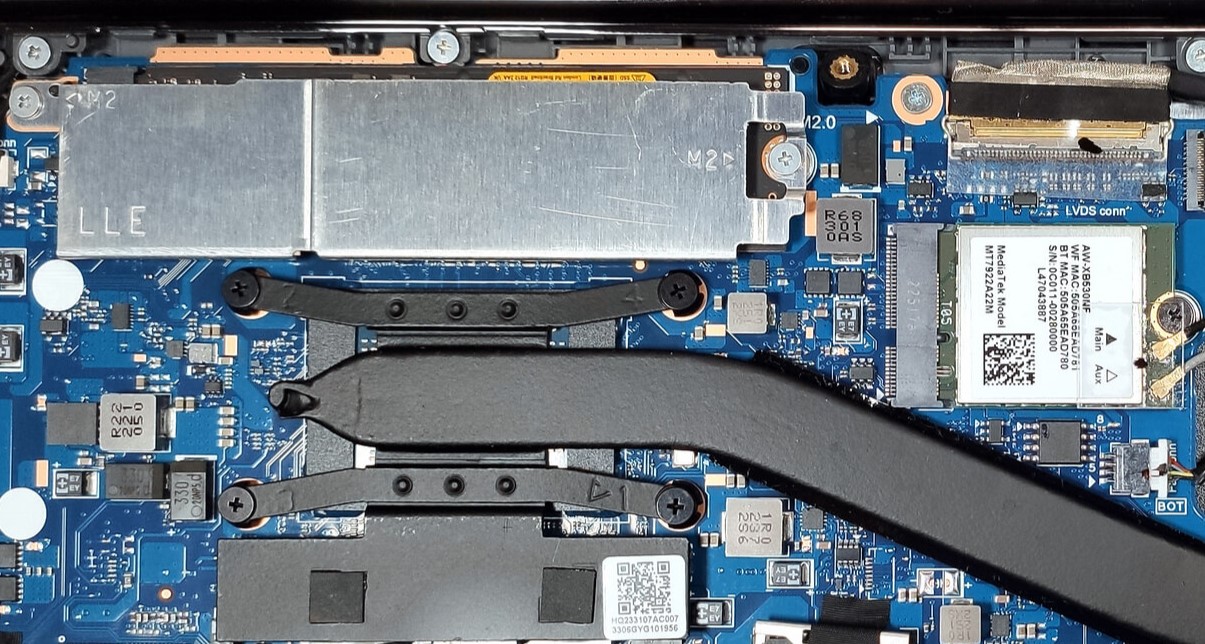
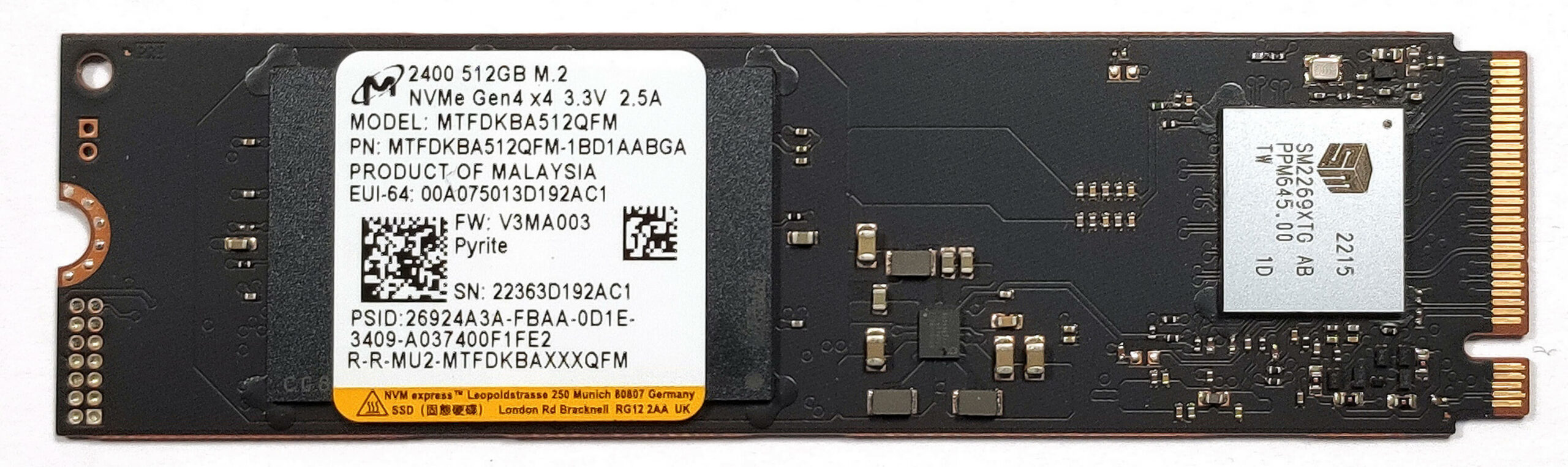
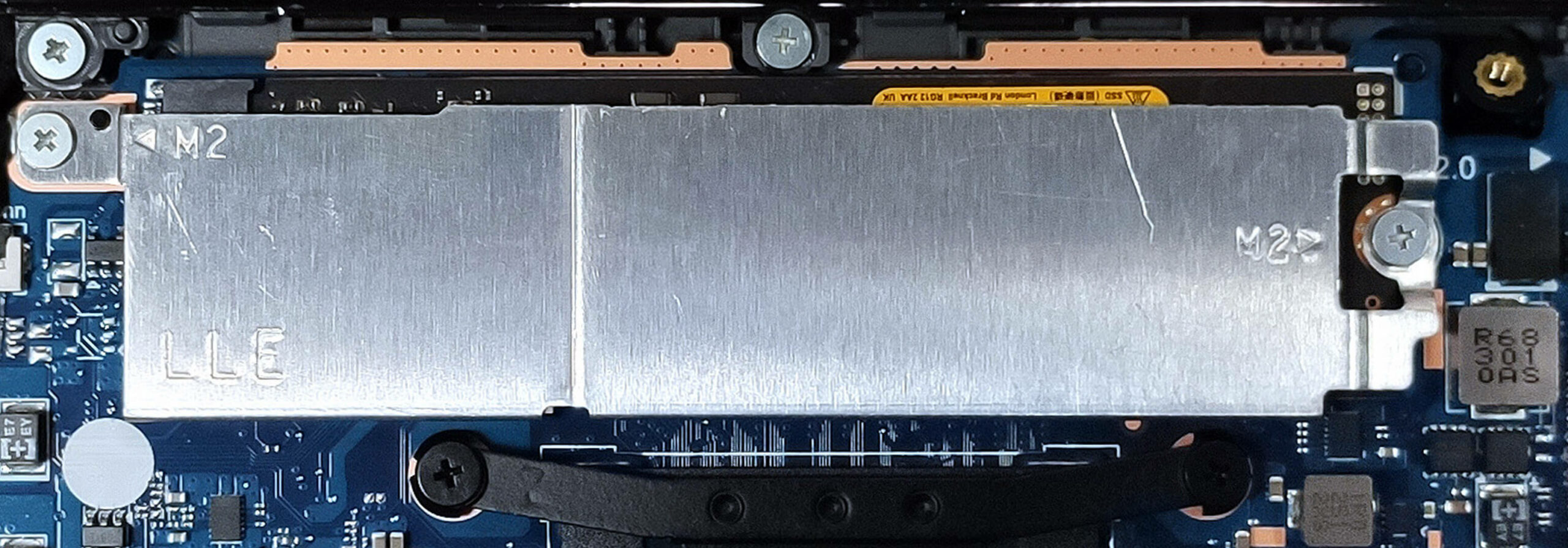
- Identify the single Gen 3 M.2 slot on the motherboard. While it’s compatible with Gen 4 NVMe SSDs, note that the speeds will be limited to the Gen 3 standard.
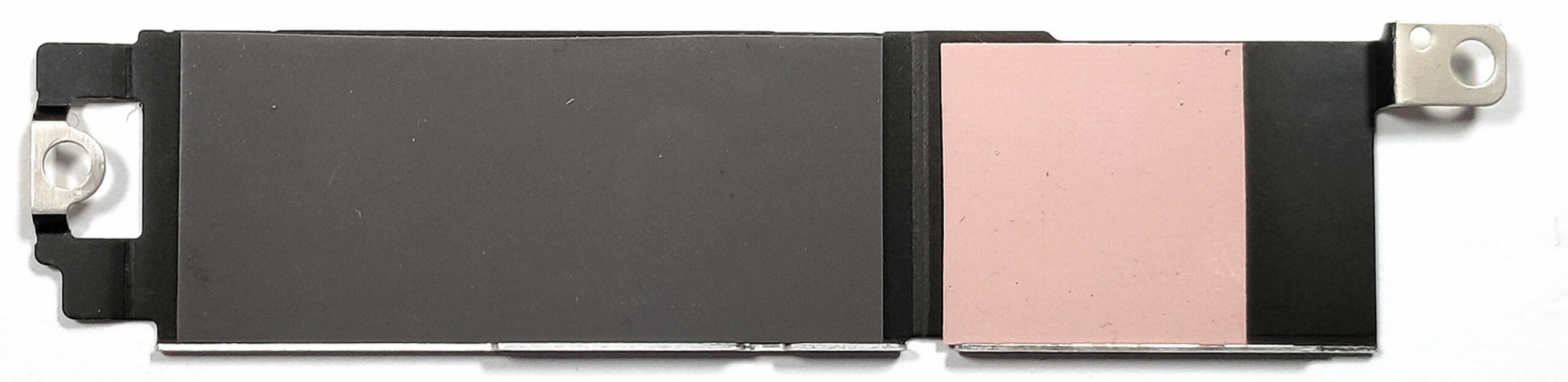
- Upgrade the storage by installing a new NVMe SSD, utilizing the thin cooling pad inside the metal shroud for optimal thermal management.
- Choose and purchase a new drive when needed. Don’t forget to check out our Top M.2 SSDs Performance Rankings.
You can buy Gen 3 M.2 SSD modules here: Αγοράστε από το Amazon.com (#CommissionsEarned)
You can buy Gen 4 M.2 SSD modules here: Αγοράστε από το Amazon.com (#CommissionsEarned)
Examining the Cooling System
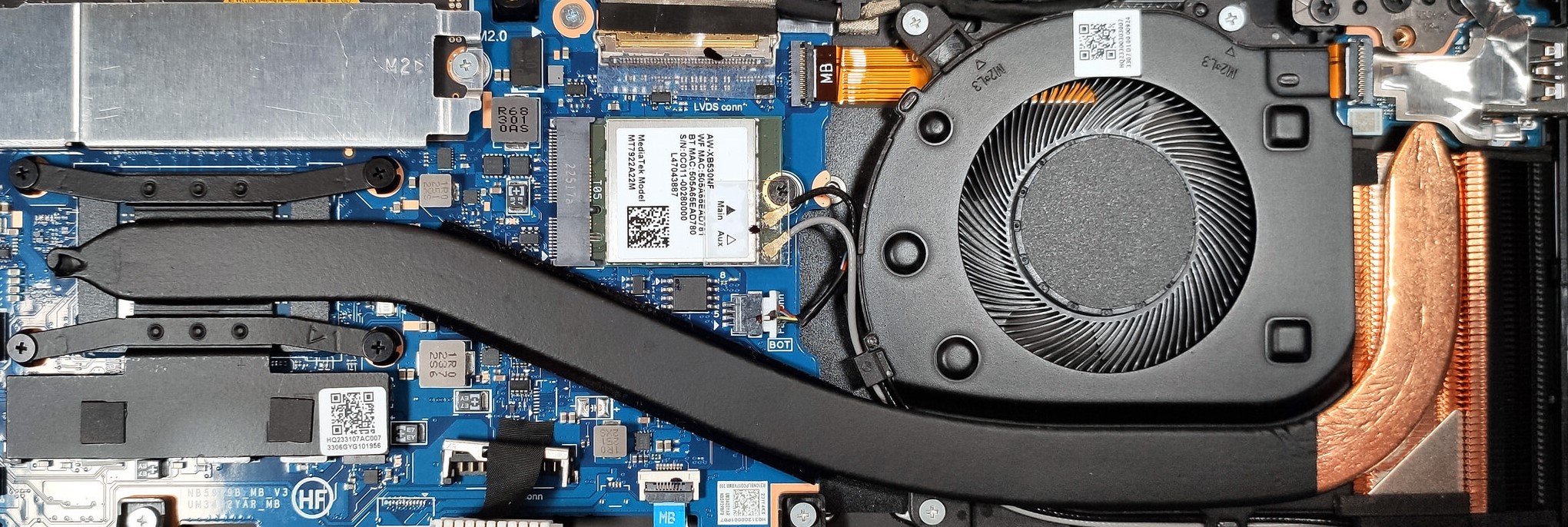
Review the cooling system, which includes one fan, a thick heat pipe, a compact but bulky heat sink, and a heat spreader, designed to efficiently manage the thermal output of the device.
 Author: Anna Iorgova

![[Ιούνιος 2026] Οι μάρκες φορητών υπολογιστών με τις μεγαλύτερες πωλήσεις στο Amazon Global – Η ασύγκριτη κυριαρχία της Apple σε αριθμό μονάδων και έσοδα](https://laptopmedia.com/wp-content/uploads/2026/07/GLOBAL-Best-Brands-400x225.jpg)
![[Ιούνιος 2026] Amazon Global: Οι 10 πιο δημοφιλείς φορητοί υπολογιστές – Το νέο MacBook Neo της Apple κατακτά την πρώτη θέση, αναδιαμορφώνοντας την αγορά χάρη στην προσιτή τιμή του](https://laptopmedia.com/wp-content/uploads/2026/07/Best-Selling-Laptops-GLOBAL-Top-10-400x225.jpg)
![[Ιούνιος 2026] Amazon Global: Οι 10 πιο δημοφιλείς φορητοί υπολογιστές για παιχνίδια – Το Nitro V 16S AI της Acer κυριαρχεί στις πωλήσεις, ενώ η ASUS προηγείται σε συνολικά έσοδα](https://laptopmedia.com/wp-content/uploads/2026/07/Best-Selling-Gaming-Laptops-GLOBAL-Top-10-400x225.jpg)
![[Ιούνιος 2026] Παγκόσμια κατάταξη των πιο δημοφιλών GPU για φορητούς υπολογιστές στο Amazon – Η NVIDIA RTX 5060 είναι η πιο δημοφιλής ειδική GPU](https://laptopmedia.com/wp-content/uploads/2026/07/Best-Selling-GPUs-GLOBAL-Top-10-400x225.jpg)
![[Ιούνιος 2026] Παγκόσμια κατάταξη των πιο δημοφιλών επεξεργαστών για φορητούς υπολογιστές στο Amazon – Ο Apple M5 κυριαρχεί, ενώ ο AMD Ryzen 7 260 καταλαμβάνει σημαντικό μερίδιο στην κατηγορία premium](https://laptopmedia.com/wp-content/uploads/2026/07/Best-Selling-CPUs-GLOBAL-Top-10-400x225.jpg)

Gracias, donde tiene la pila? Pues se desconfiguro la hora