How to open ASUS Zenbook S 16 (UM5606) – disassembly and upgrade options
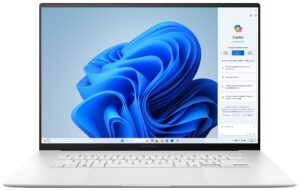
Opening the Device
- Undo the 11 Torx-head screws securing the bottom panel.
- If you are brave and careful enough, pop the bottom plate by raising it in the speaker cutout sections and then pry the sides with a thin plastic tool.
- Alternatively, pry the top two corners, pop the rear with a lever tool, and work your way around the sides and the front to remove the bottom panel.
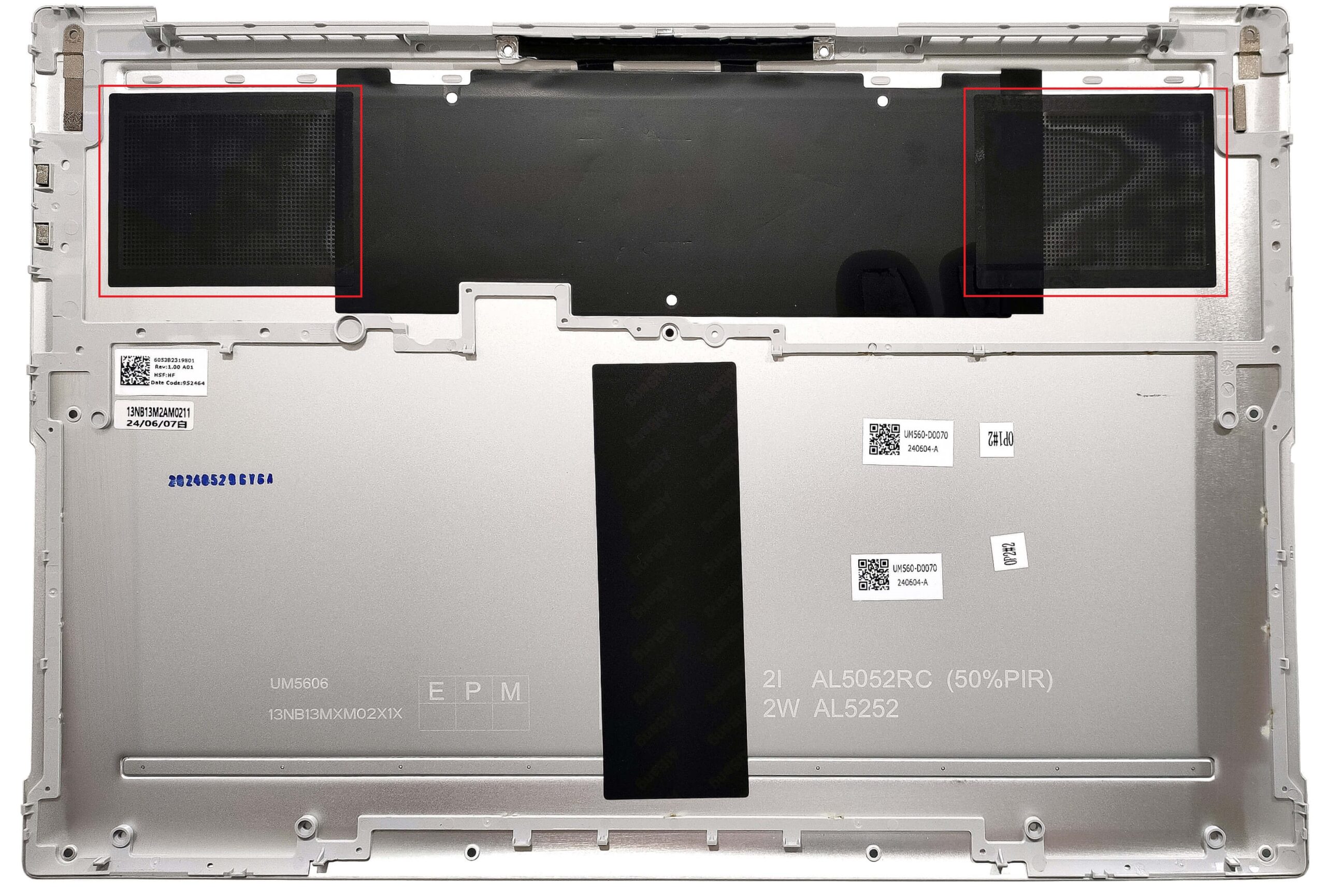
More info: There are two dust filters for the ventilation grills on the inside of the bottom plate.
Battery Removal
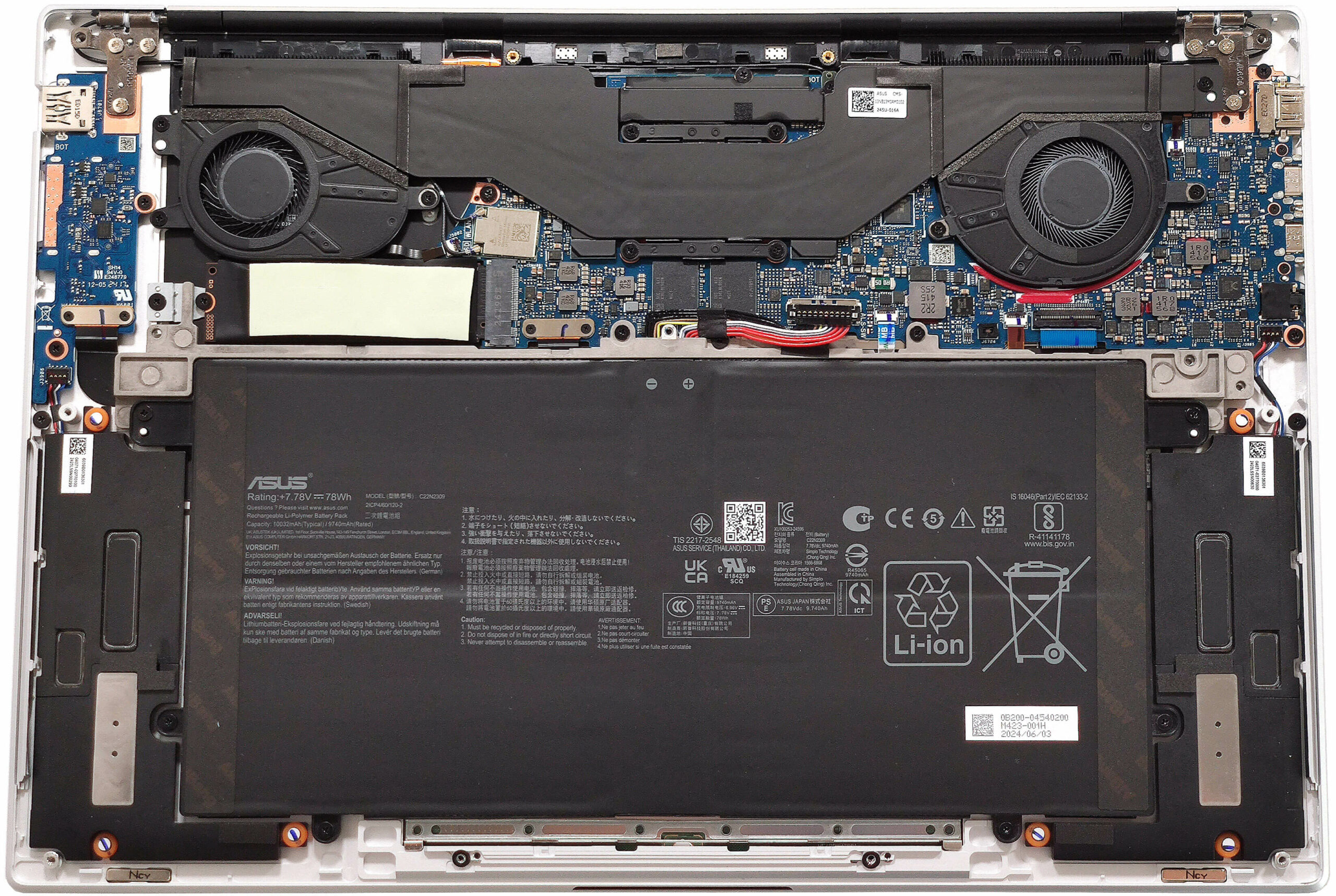
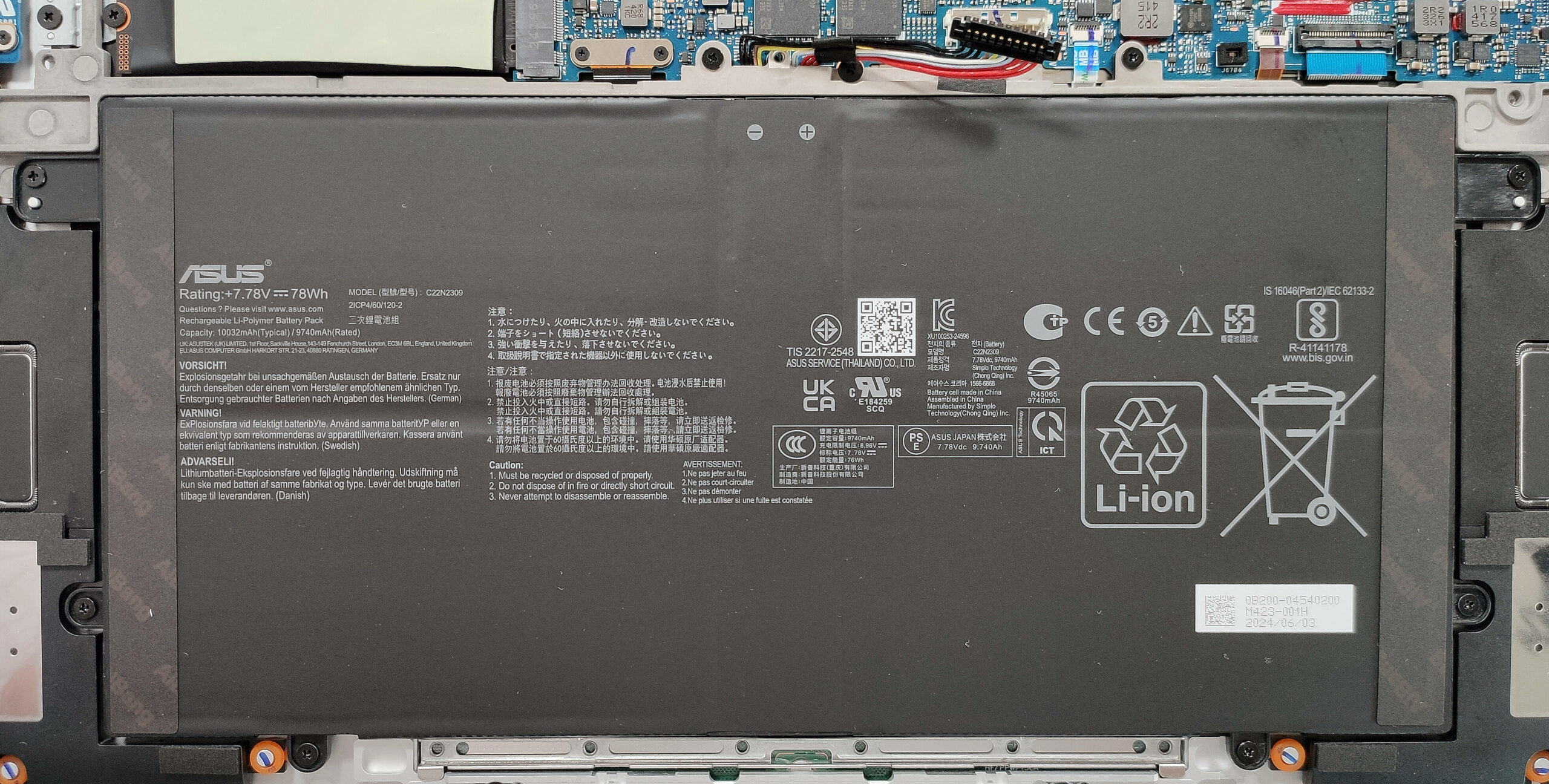
- Pull out the battery connector from the motherboard.
- Undo the 9 Phillips-head screws securing the battery.
- Lift the battery to remove it from the device.
Note: The laptop uses a 78Wh battery, providing approximately 14.5 hours of video playback.
Memory Information
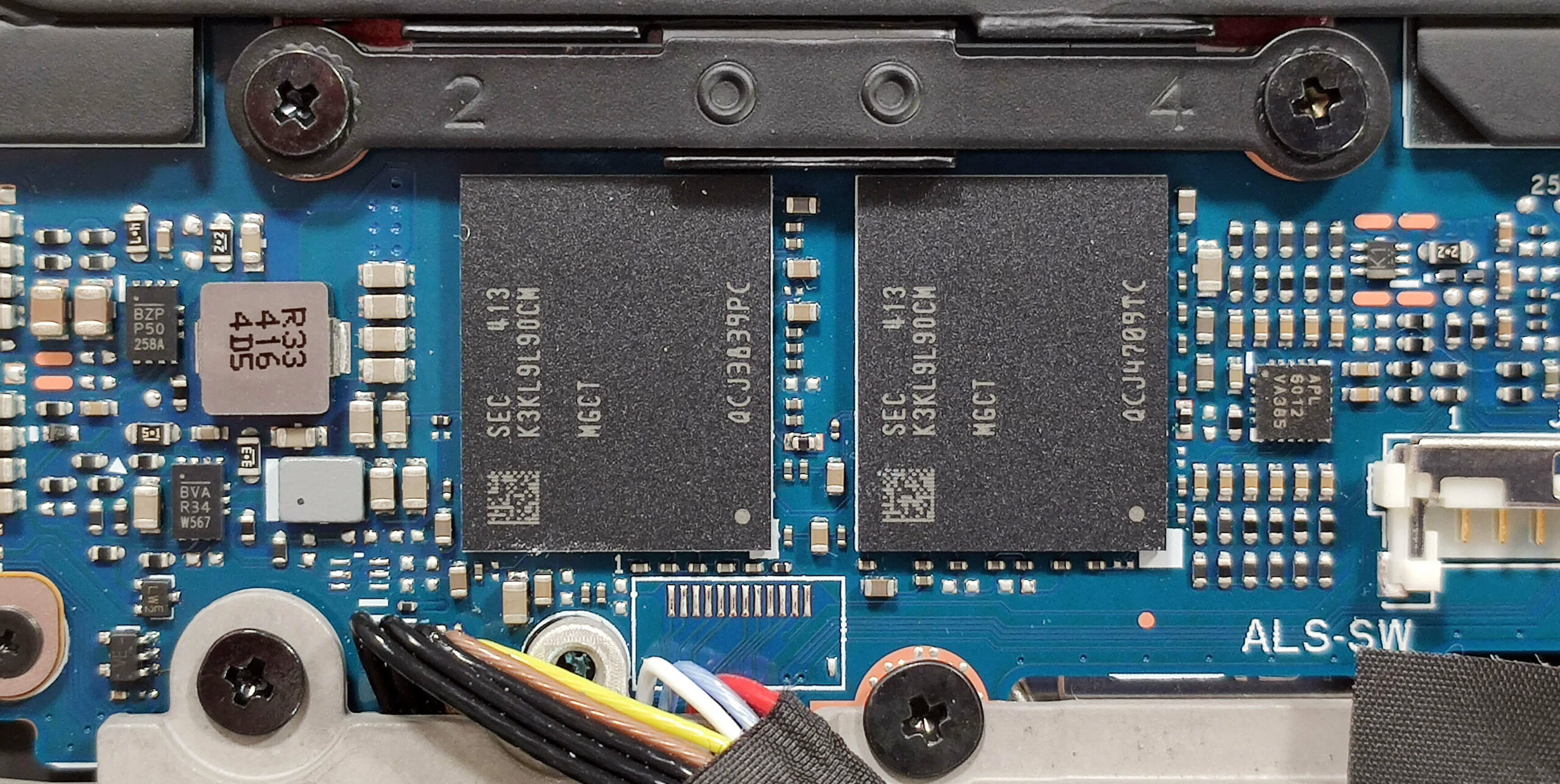
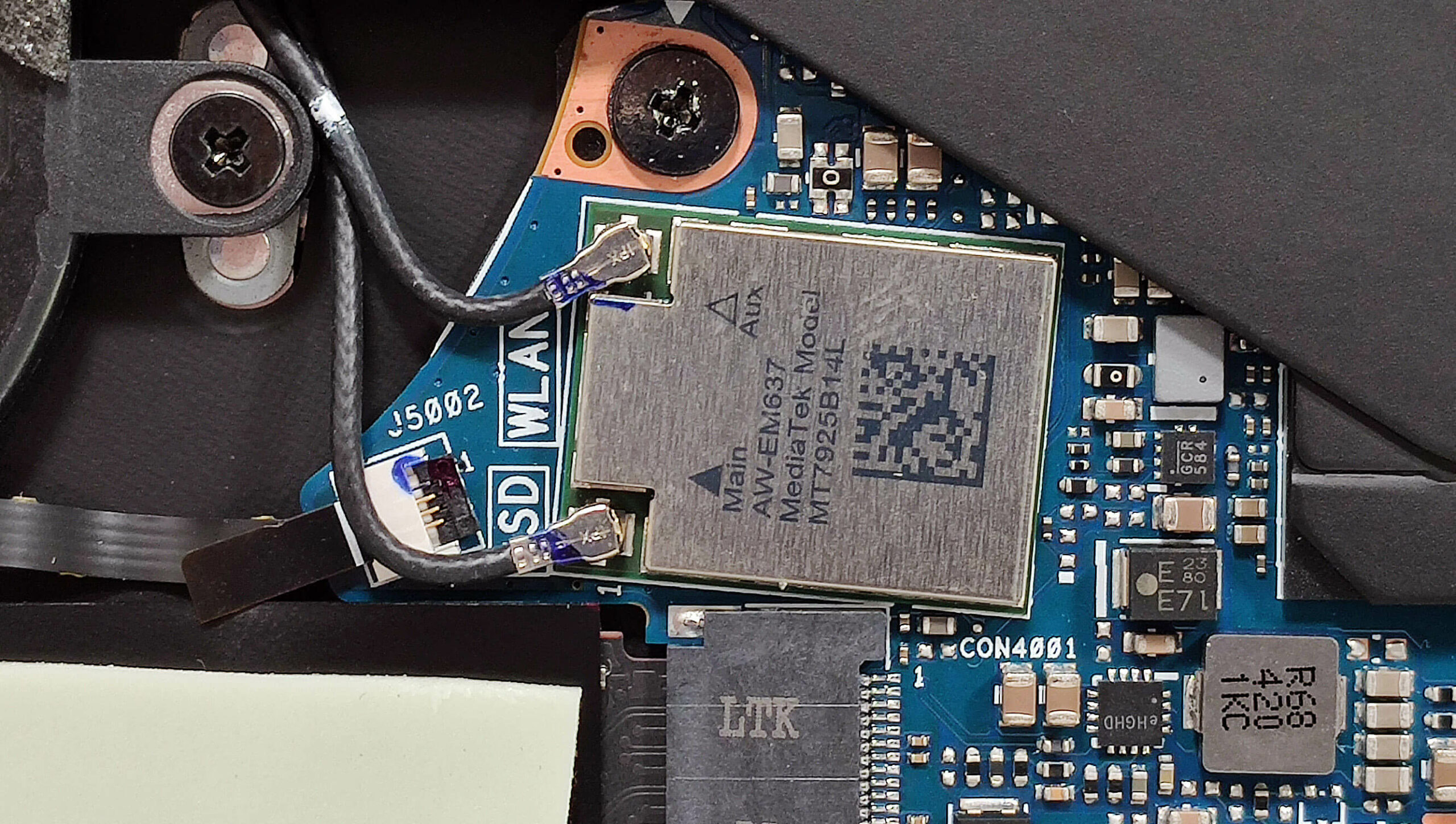
Note: The memory is soldered but you get up to 32GB of LPDDR5x-7500MHz in dual-channel mode, which should be plenty for most users. The Wi-Fi card on the left is also soldered.
Storage Upgrade
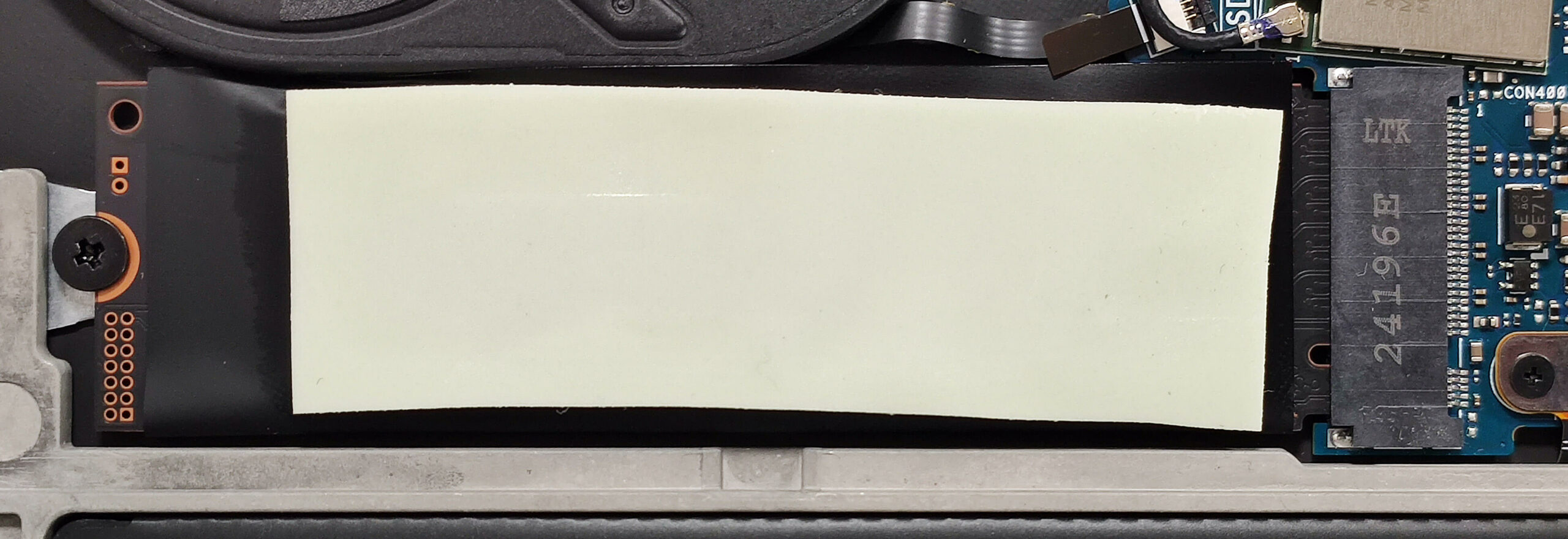
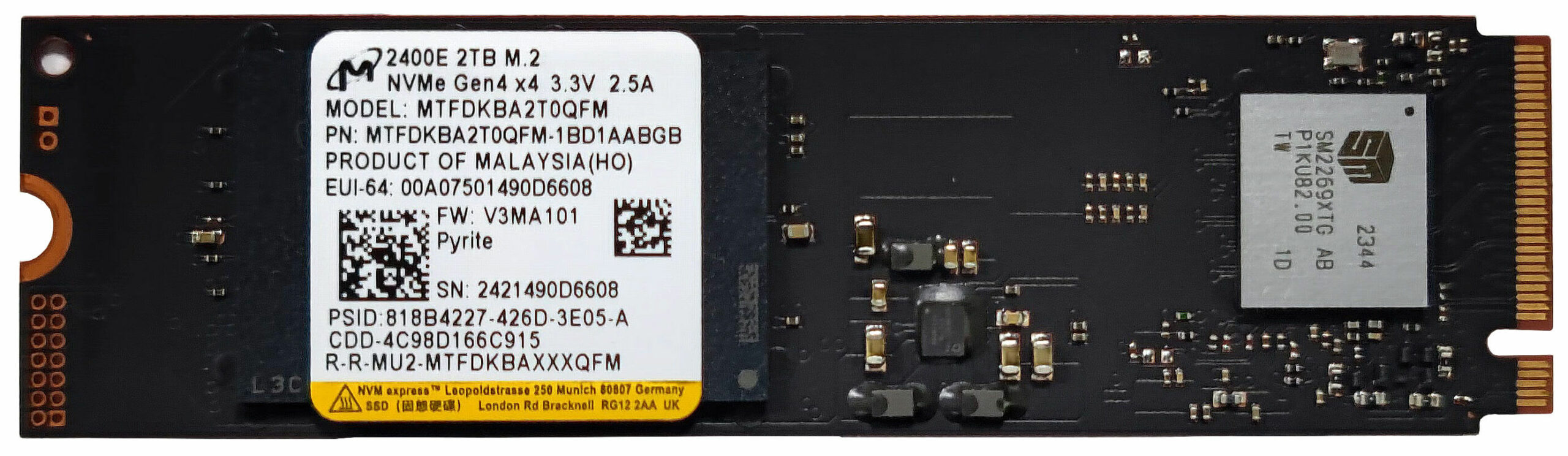
- Locate the single M.2 slot compatible with 2280 Gen 4 SSDs.
- Remove the foil covering the preinstalled NVMe and the long thermal pad on top, if present.
- Install the new SSD in the slot.
Hint: Don’t forget to check out our Top M.2 SSDs Performance Rankings for insights on the best storage options available.
You can buy compatible SSDs here: Αγοράστε από το Amazon.com (#CommissionsEarned)
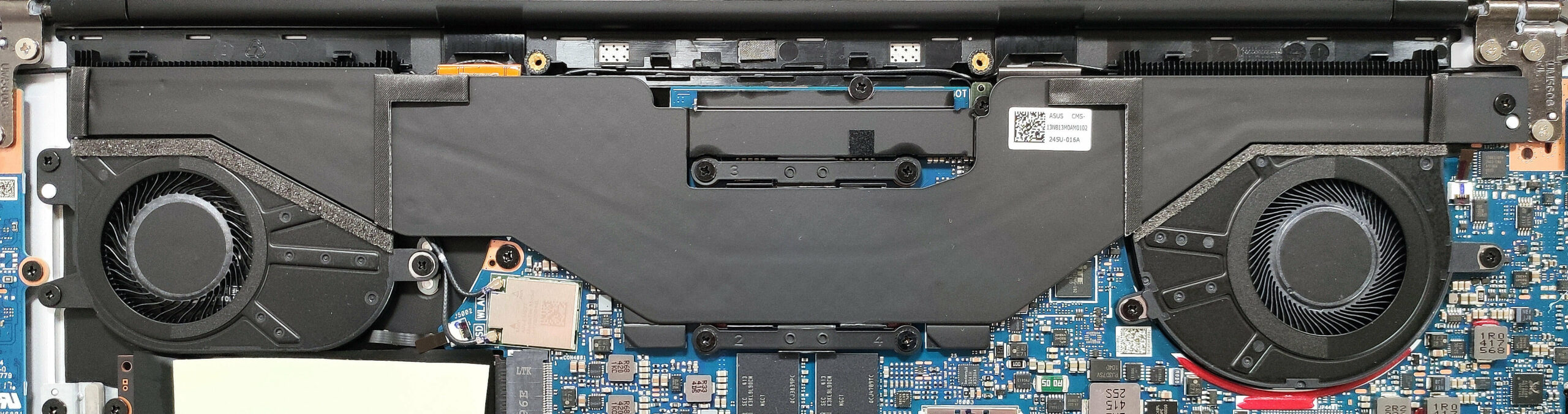
Cooling System Overview
- The thin vapor chamber cooling system includes two fans.
- Some of its other components are also visible, such as the pair of heat sinks.
- Ensure all cooling components are clean and free of dust for optimal performance.
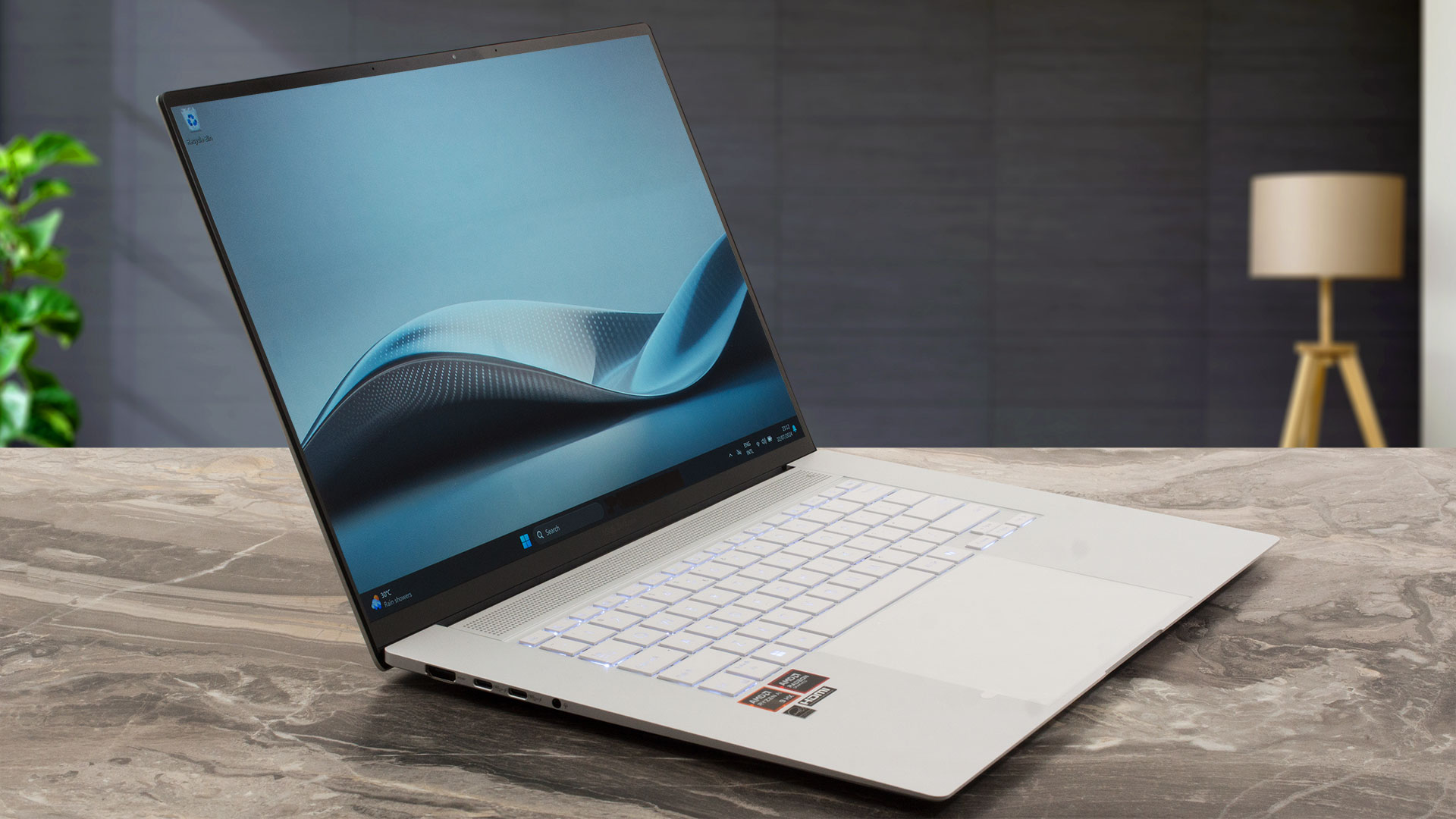
ASUS Zenbook S 16 (UM5606) σε βάθος αξιολόγηση
Οι πρώτοι φορητοί υπολογιστές Zen 5 κυκλοφορούν ήδη στην αγορά. Το Zenbook S 16 (UM5606) είναι ένας από τους πρώτους νέους υπολογιστές τεχνητής νοημοσύνης της ASUS με υπερφορητό σχεδιασμό. Αυτός ο τύπος βασίζεται στα τσιπ AMD Strix Point. Οι φορητοί υπολογιστές της κορυφαίας κατηγορίας προσφέρονται με τον Ryzen AI 9 HX 370, ο οποίος διαθέτει τέσσερις πυρ[...]
Πλεονεκτήματα
- (SDC41AF)
- Άπειρος λόγος αντίθεσης, ρυθμός ανανέωσης 120Hz και ανάλυση 2880 x 1800 (SDC41AF)
- 588 nits σε HDR και 378 nits μέγιστη φωτεινότητα σε λειτουργία SDR (SDC41AF)
- Τεράστια ακρίβεια χρωμάτων (SDC41AF)
- Καλή ρύθμιση ήχου
- Λειτουργία "OLED Flicker-Free Dimming" στο λογισμικό MyASUS
- Άνετο καλά φωτισμένο πληκτρολόγιο
- Τεράστιο ομαλό touchpad
- Κάμερα Web 1080p IR
- Πολύ καλή συνολική απόδοση CPU και iGPU δεδομένης της λεπτότητας του προφίλ
- Οι ανεμιστήρες είναι θορυβώδεις ακόμη και στη λειτουργία "Full-speed mode" κατά τη διάρκεια πλήρους φόρτωσης
- Έως και 32 GB συγκολλημένων LPDDR5x
- Μεγάλη διάρκεια ζωής της μπαταρίας
- Ο Ryzen AI 9 HX 370 μπορεί να διατηρήσει 28W συν ~2,70 GHz / 1,80 GHz για τους πυρήνες P και E
- Μεγάλη σταθερή ποιότητα κατασκευής υψηλής ποιότητας
- 2x θύρες USB4 + φόρτιση Type-C
Μειονεκτήματα
- Χρήση PWM χωρίς τη λειτουργία "Flicker-Free Dimming" (SDC41AF)
- Μόνο μία υποδοχή M.2 + συγκολλημένη μνήμη RAM
- Υψηλή τιμή
 Author: Severin Kolakov

![[Ιούνιος 2026] Οι μάρκες φορητών υπολογιστών με τις μεγαλύτερες πωλήσεις στο Amazon Global – Η ασύγκριτη κυριαρχία της Apple σε αριθμό μονάδων και έσοδα](https://laptopmedia.com/wp-content/uploads/2026/07/GLOBAL-Best-Brands-400x225.jpg)
![[Ιούνιος 2026] Amazon Global: Οι 10 πιο δημοφιλείς φορητοί υπολογιστές – Το νέο MacBook Neo της Apple κατακτά την πρώτη θέση, αναδιαμορφώνοντας την αγορά χάρη στην προσιτή τιμή του](https://laptopmedia.com/wp-content/uploads/2026/07/Best-Selling-Laptops-GLOBAL-Top-10-400x225.jpg)
![[Ιούνιος 2026] Amazon Global: Οι 10 πιο δημοφιλείς φορητοί υπολογιστές για παιχνίδια – Το Nitro V 16S AI της Acer κυριαρχεί στις πωλήσεις, ενώ η ASUS προηγείται σε συνολικά έσοδα](https://laptopmedia.com/wp-content/uploads/2026/07/Best-Selling-Gaming-Laptops-GLOBAL-Top-10-400x225.jpg)
![[Ιούνιος 2026] Παγκόσμια κατάταξη των πιο δημοφιλών GPU για φορητούς υπολογιστές στο Amazon – Η NVIDIA RTX 5060 είναι η πιο δημοφιλής ειδική GPU](https://laptopmedia.com/wp-content/uploads/2026/07/Best-Selling-GPUs-GLOBAL-Top-10-400x225.jpg)
![[Ιούνιος 2026] Παγκόσμια κατάταξη των πιο δημοφιλών επεξεργαστών για φορητούς υπολογιστές στο Amazon – Ο Apple M5 κυριαρχεί, ενώ ο AMD Ryzen 7 260 καταλαμβάνει σημαντικό μερίδιο στην κατηγορία premium](https://laptopmedia.com/wp-content/uploads/2026/07/Best-Selling-CPUs-GLOBAL-Top-10-400x225.jpg)

Muchas gracias por el video, me gustaría ver desarmada la cámara de vapor. Es posible ? podrías desarmarla ? Muchas gracias, gran video, me encanta.
Buongiorno, potreste aggiornare arrivando alla tastiera – se possibile arrivarci? Ne ho comprato uno con tastiera francese e se è semplice vorrei sostituirla.