How to open ASUS E410 – disassembly and upgrade options
Probably without any surprise, the ASUS E410 doesn’t offer good upgradeability. You have to be aware that some models feature eMMC flash memory, and might not have an SSD slot whatsoever.
Check out all ASUS E410 prices and configurations in our Specs System, or read more in our In-Depth review.
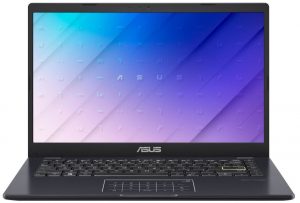
1. Remove the bottom plate
To open this device, you need to undo 10 Phillips-head screws. Then, pry the bottom panel with a plastic tool, starting from the front corners.
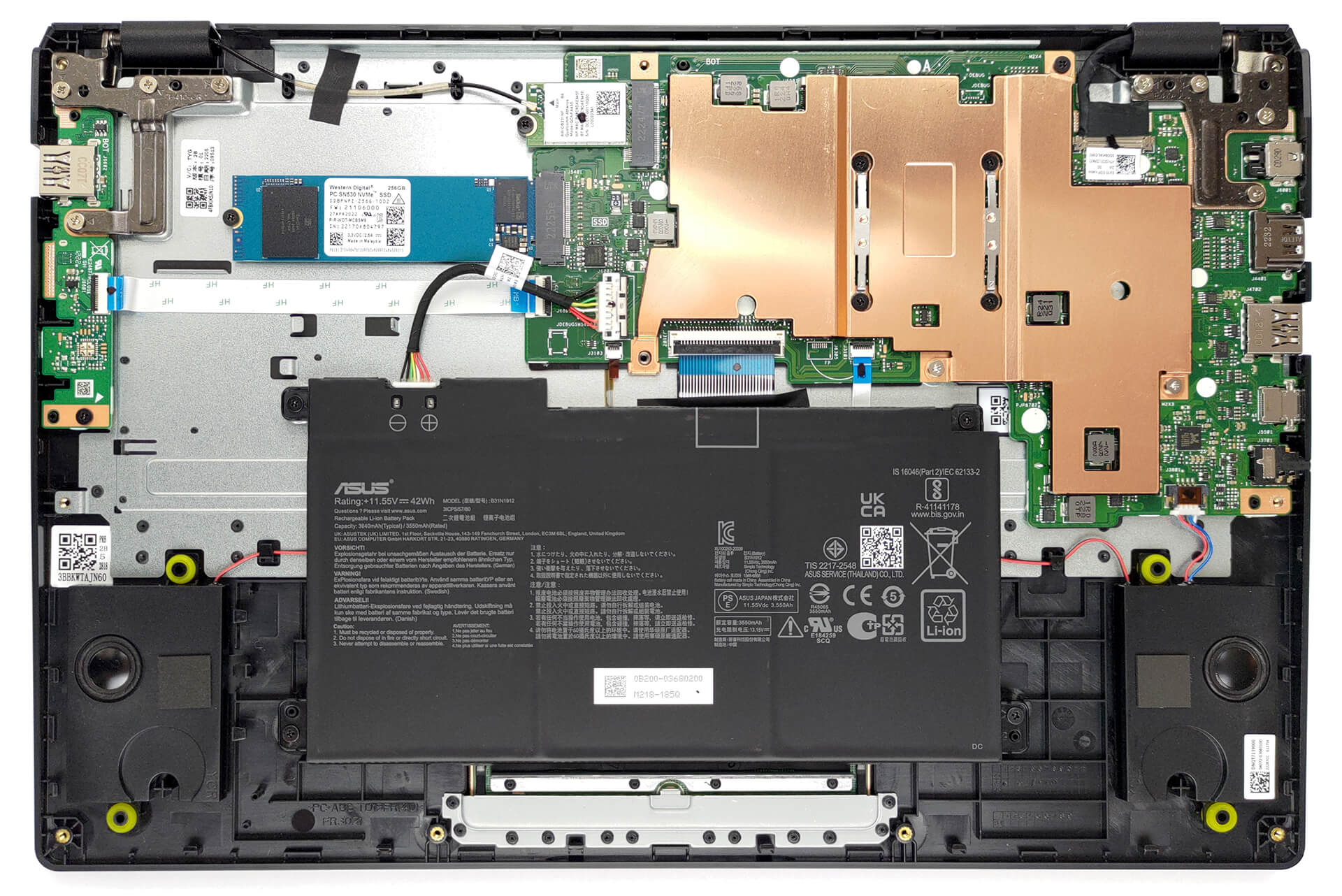
2. Remove the battery
Inside, we see a 42Wh battery pack. To remove it, unplug the battery connector, and undo the four Phillips-head screws that secure the battery to the chassis.
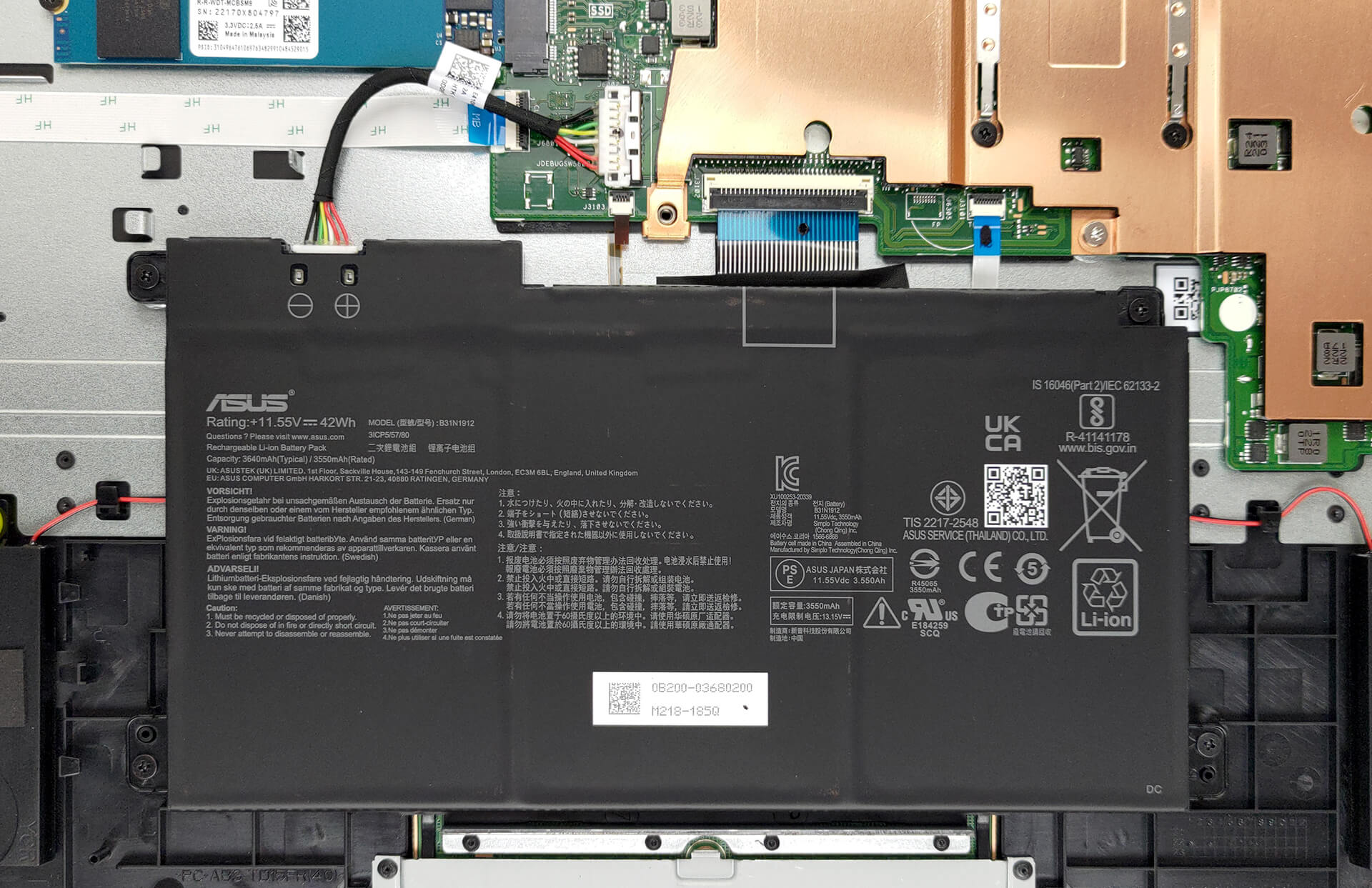
3. Upgrade memory and storage
Here, the memory is soldered to the motherboard. The maximum available capacity is 8GB of DDR4 RAM. As for storage, you get one M.2 PCIe x4 slot, which fits Gen 3 SSDs. Some models will feature flash storage, instead of an SSD.

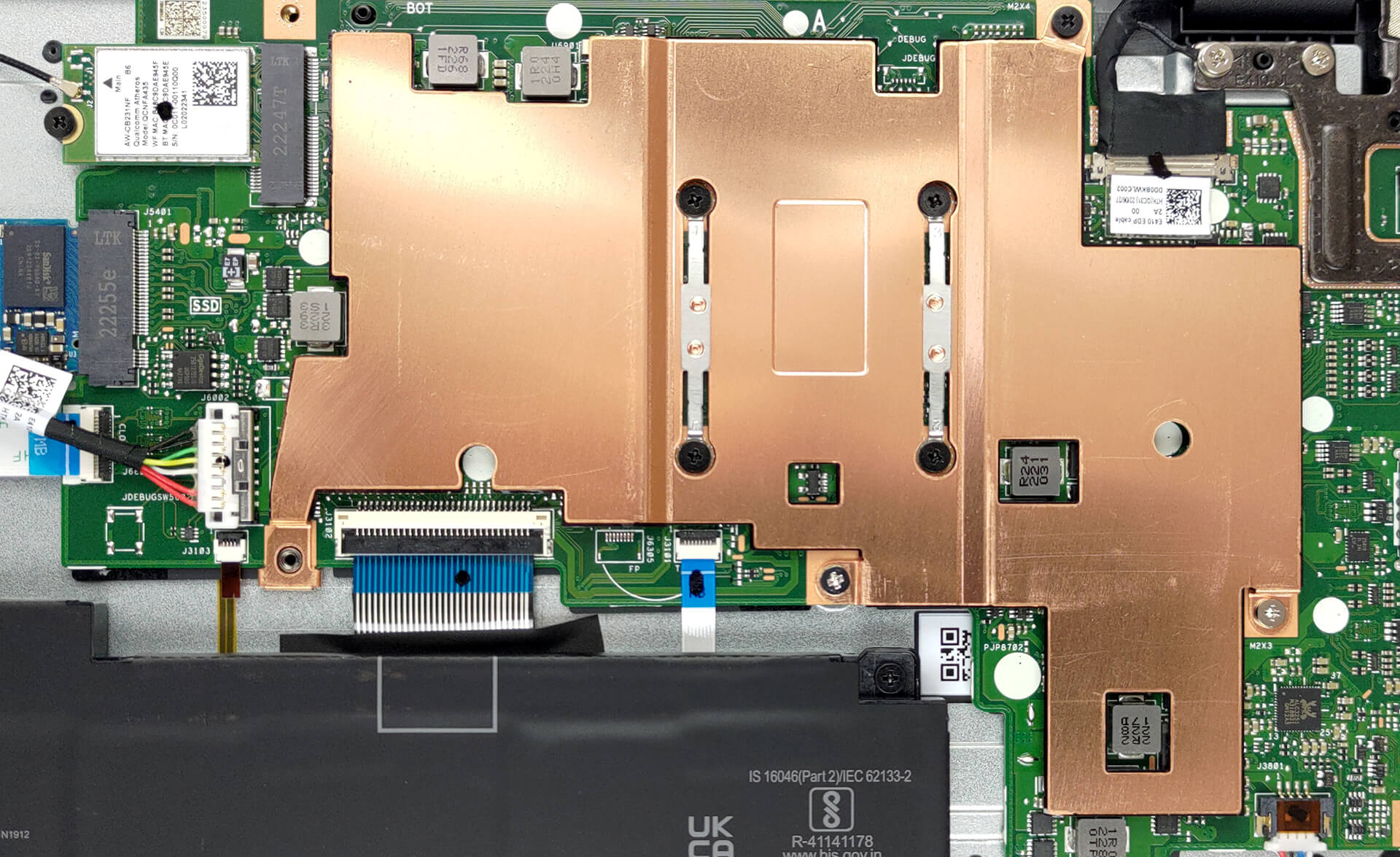
4. Cooling system
Cooling-wise, there is one rather thin metal heat spreader. Since there are no fans, you can expect no noise regardless of the workload.
Check out all ASUS E410 prices and configurations in our Specs System, or read more in our In-Depth review.
ASUS E410 (L410) σε βάθος αξιολόγηση
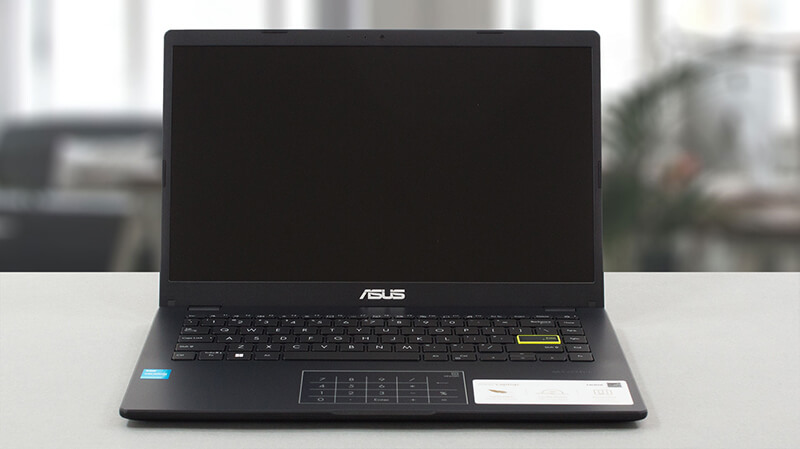
Right at the start of this review, we have to tell you that you need to adjust your expectations with the price tag of this notebook. The ASUS E410 is not your average Zenbook or ROG device. Instead, it is aimed at people, who need a first laptop (including children), or individuals, who cannot afford to spend lots of money on the bare minimum.One would think that this is the easiest notebook to make in a manufacturer's lineup. However, we would argue that it is the hardest one - premium devices and heavy-duty gaming machines require a lot of R&D money, but at the end of the day, they[...]
Πλεονεκτήματα
- Very affordable
- 1x M.2 NVMe slot
- Silent during any workload
- No PWM (BOE NT140FHM-N44 (BOE07F6))
- NumberPad touchpad and backlit keyboard
Μειονεκτήματα
- No MicroSD card slot
- Covers only 53% of the sRGB gamut (BOE NT140FHM-N44 (BOE07F6))
- Narrow viewing angles and poor contrast ratio (BOE NT140FHM-N44 (BOE07F6))
- Celeron CPUs are really slow
 Author: Alex Iliev

![[Ιούνιος 2026] Οι μάρκες φορητών υπολογιστών με τις μεγαλύτερες πωλήσεις στο Amazon Global – Η ασύγκριτη κυριαρχία της Apple σε αριθμό μονάδων και έσοδα](https://laptopmedia.com/wp-content/uploads/2026/07/GLOBAL-Best-Brands-400x225.jpg)
![[Ιούνιος 2026] Amazon Global: Οι 10 πιο δημοφιλείς φορητοί υπολογιστές – Το νέο MacBook Neo της Apple κατακτά την πρώτη θέση, αναδιαμορφώνοντας την αγορά χάρη στην προσιτή τιμή του](https://laptopmedia.com/wp-content/uploads/2026/07/Best-Selling-Laptops-GLOBAL-Top-10-400x225.jpg)
![[Ιούνιος 2026] Amazon Global: Οι 10 πιο δημοφιλείς φορητοί υπολογιστές για παιχνίδια – Το Nitro V 16S AI της Acer κυριαρχεί στις πωλήσεις, ενώ η ASUS προηγείται σε συνολικά έσοδα](https://laptopmedia.com/wp-content/uploads/2026/07/Best-Selling-Gaming-Laptops-GLOBAL-Top-10-400x225.jpg)
![[Ιούνιος 2026] Παγκόσμια κατάταξη των πιο δημοφιλών GPU για φορητούς υπολογιστές στο Amazon – Η NVIDIA RTX 5060 είναι η πιο δημοφιλής ειδική GPU](https://laptopmedia.com/wp-content/uploads/2026/07/Best-Selling-GPUs-GLOBAL-Top-10-400x225.jpg)
![[Ιούνιος 2026] Παγκόσμια κατάταξη των πιο δημοφιλών επεξεργαστών για φορητούς υπολογιστές στο Amazon – Ο Apple M5 κυριαρχεί, ενώ ο AMD Ryzen 7 260 καταλαμβάνει σημαντικό μερίδιο στην κατηγορία premium](https://laptopmedia.com/wp-content/uploads/2026/07/Best-Selling-CPUs-GLOBAL-Top-10-400x225.jpg)
