Inside Acer Aspire Vero (AV14-51) – disassembly and upgrade options
Fantastic for the environment but not great for upgrades. Take a look!
Check out all Acer Aspire Vero (AV14-51) prices and configurations in our Specs System or read more in our In-Depth review.
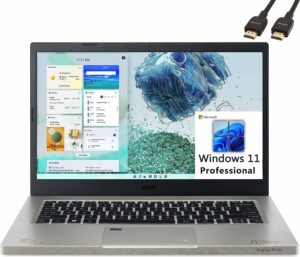
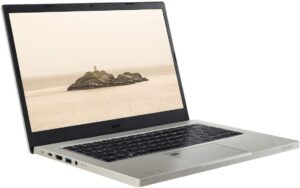
1. Remove the bottom plate
The first thing you need to do is to remove the bottom panel. To do so, you need to undo 11 Phillips-head screws. Then, pry the panel with a plastic tool and lift it away from the chassis.

2. Battery
Inside, you will see a 53Wh battery pack. It lasts for about 11 hours of either Web browsing or video playback. To remove it, just unplug the battery connector from the motherboard. There might be some Phillips-head screws too.
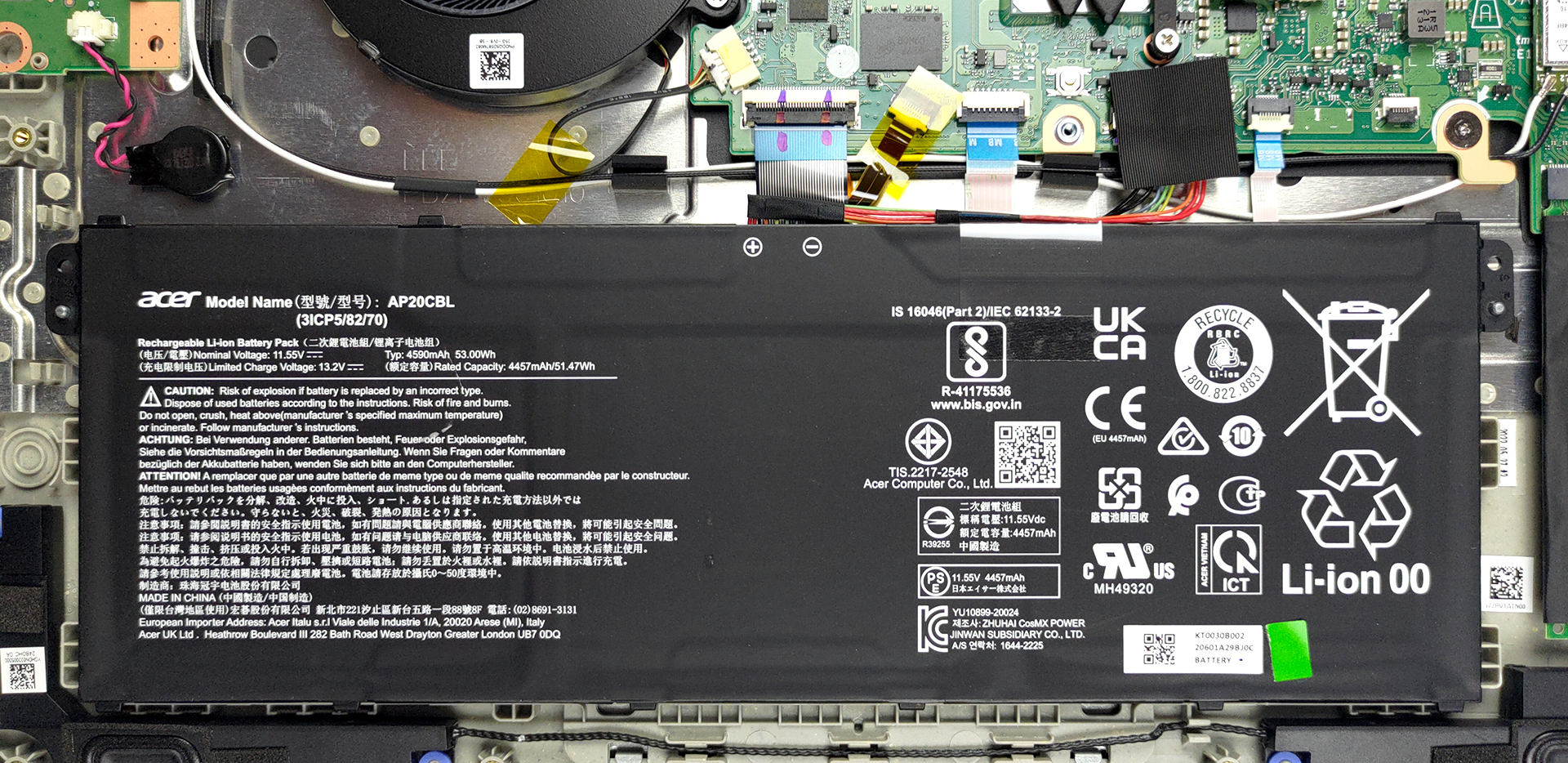
3. Memory and storage
Unfortunately, the memory here is soldered to the motherboard. On the other hand, there is one M.2 PCIe x4 slot for storage.
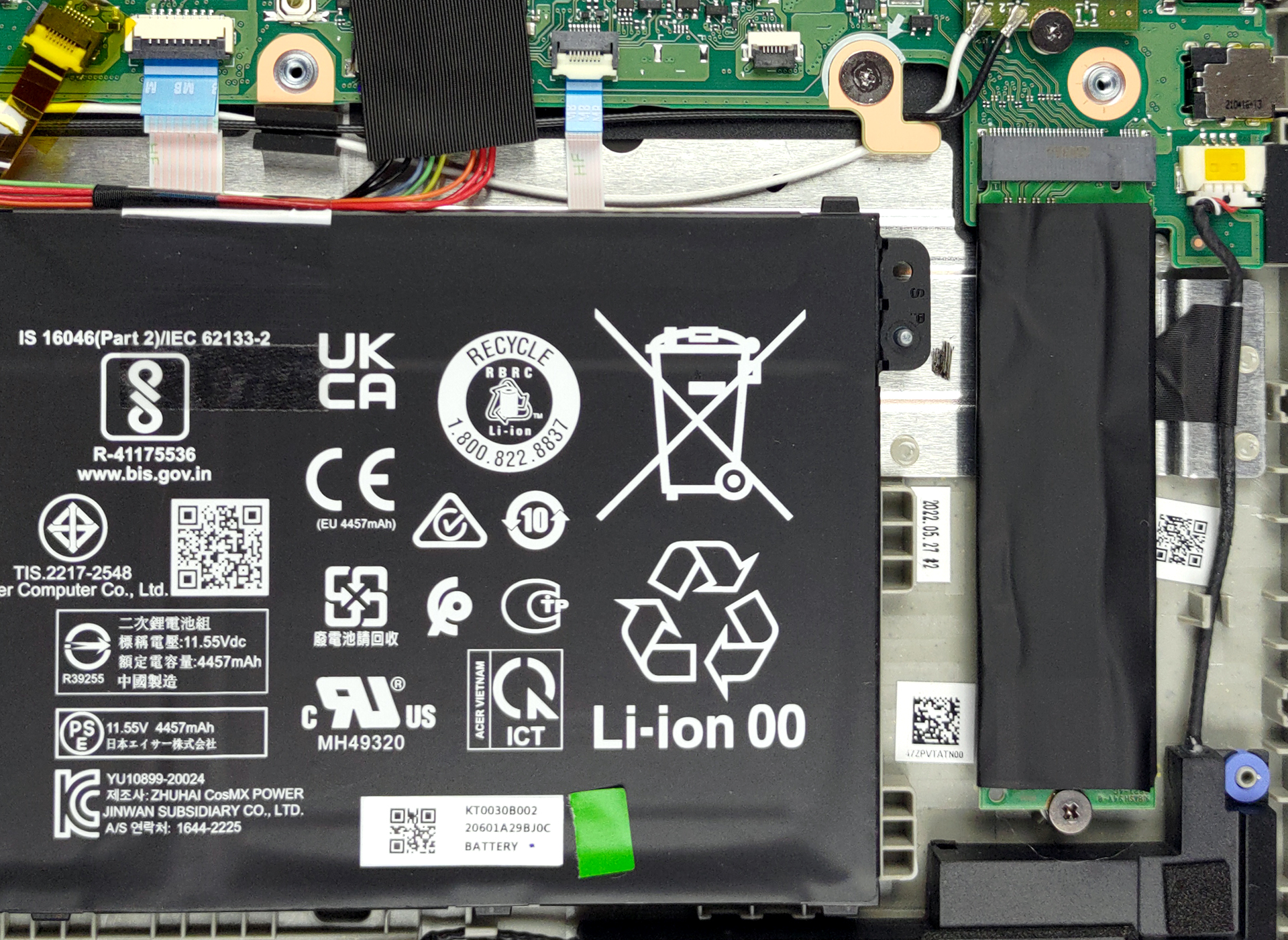
4. Cooling system
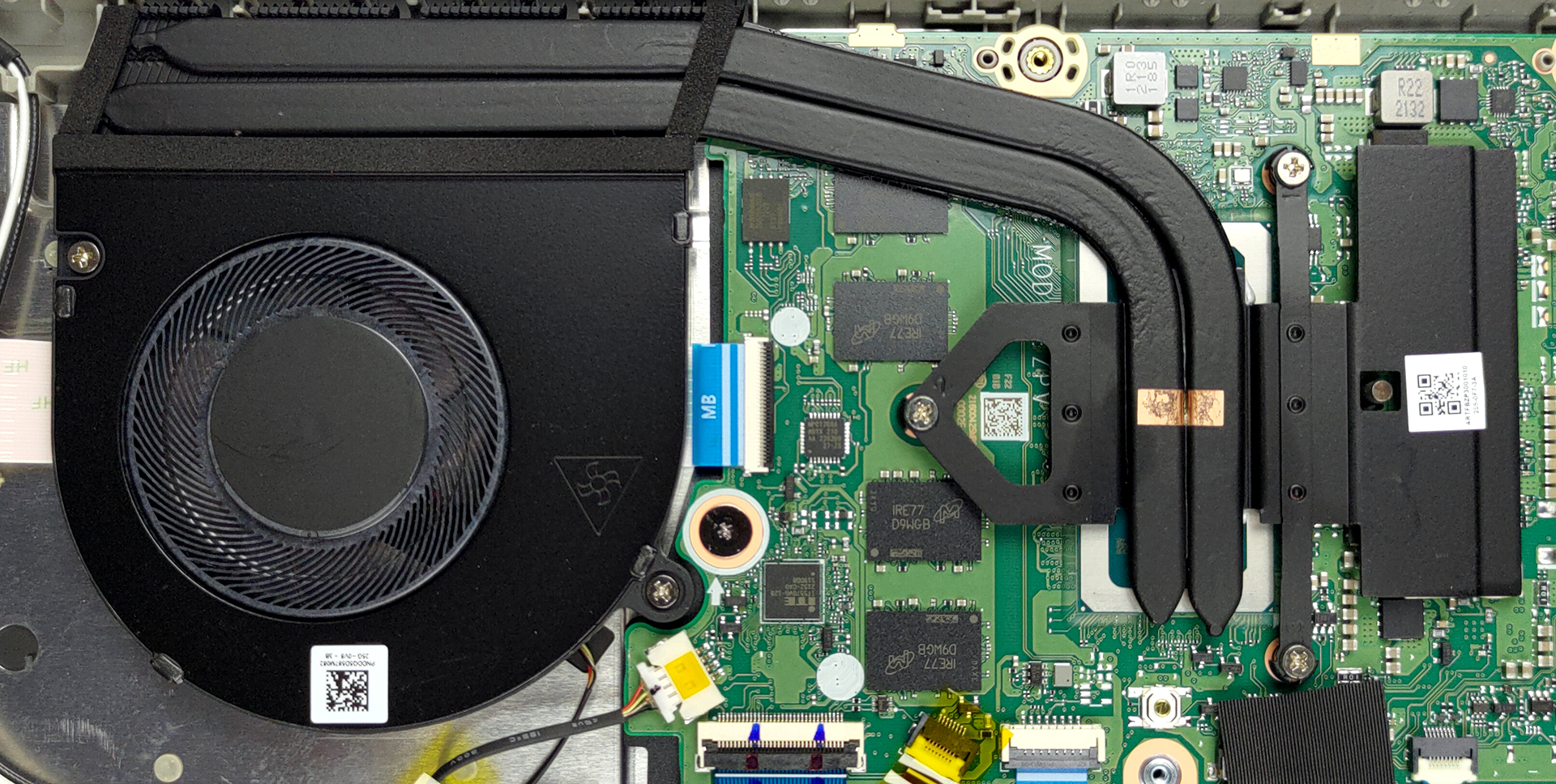
The cooling comprises two heat pipes, a medium-sized heat sink, and a fan. Furthermore, the VRMs have a heat spreader, which manages their thermals.
Check out all Acer Aspire Vero (AV14-51) prices and configurations in our Specs System or read more in our In-Depth review.
Acer Aspire Vero (AV14-51) σε βάθος αξιολόγηση
Every once in a while we should stop and think about the environment. Most of the time when you come across a piece of junk on the ground, you pick it up and throw it in the nearest trash can. However, throwing it in the trash is not always the best solution. This is where recycling comes in. You will be surprised by the number of products that can be reused. And Acer decided to take full advantage of that.It is no longer that expensive to make one product out of materials from another. This is why it now makes sense to build an entire laptop using post-consumer-recycled plastics. Interes[...]
Πλεονεκτήματα
- Environment-friendly
- Good performance
- Comfortable keyboard and touchpad
- Body and touchpad are made out of recycled plastic
- Decent cooling
- Thunderbolt 4 + fingerprint reader
- Good battery life
- 95% sRGB coverage and accurate colors with our Gaming and Web design profile (Innolux N140HCG-EQ1 (CMN1408))/li>
- No PWM (Innolux N140HCG-EQ1 (CMN1408))/li>
Μειονεκτήματα
- No SD card reader
- Soldered memory
 Author: Alex Iliev

![[Αύγουστος 2026] Παγκόσμια κατάταξη των πιο δημοφιλών GPU για φορητούς υπολογιστές στο Amazon – Η Apple κυριαρχεί, ενώ η RTX 5060 της NVIDIA βρίσκεται στην κορυφή της κατάταξης των ειδικών καρτών](https://laptopmedia.com/wp-content/uploads/2026/09/Best-Selling-GPUs-GLOBAL-Top-10-400x225.jpg)
![[Αύγουστος 2026] Παγκόσμια κατάταξη των πιο δημοφιλών επεξεργαστών φορητών υπολογιστών στο Amazon – Η Apple κυριαρχεί τόσο στην κατηγορία των οικονομικών όσο και στην κατηγορία των premium μοντέλων: Οι A18 Pro και M5 συντρίβουν την Intel και την AMD τον Αύγουστο του 2026](https://laptopmedia.com/wp-content/uploads/2026/09/Best-Selling-CPUs-GLOBAL-Top-10-400x225.jpg)
![[Αύγουστος 2026] Amazon Global: Οι 10 φορητοί υπολογιστές με τις μεγαλύτερες πωλήσεις – Το Apple MacBook Neo κυριαρχεί στις λίστες, ενώ οι οικονομικοί και μεσαίας κατηγορίας φορητοί υπολογιστές με Windows ανταγωνίζονται για τον όγκο πωλήσεων](https://laptopmedia.com/wp-content/uploads/2026/09/Best-Selling-Laptops-GLOBAL-Top-10-400x225.jpg)
![[Αύγουστος 2026] Οι μάρκες φορητών υπολογιστών με τις μεγαλύτερες πωλήσεις στο Amazon Global – Η Apple κυριαρχεί σε έσοδα, ενώ η HP πρωτοστατεί στην ποικιλία μοντέλων](https://laptopmedia.com/wp-content/uploads/2026/09/GLOBAL-Best-Brands-400x225.jpg)
![[Αύγουστος 2026] Amazon Global: Οι 10 πιο δημοφιλείς φορητοί υπολογιστές για παιχνίδια – Ο HP Victus 15 κατακτά την πρώτη θέση, ενώ τα οικονομικά μοντέλα κυριαρχούν στις λίστες](https://laptopmedia.com/wp-content/uploads/2026/09/Best-Selling-Gaming-Laptops-GLOBAL-Top-10-400x225.jpg)
