AOC C24G2AE/BK quick review – Can game and do content at the same time
Contents
 Gaming monitors have gotten really good nowadays, with premium models refreshing as fast as humanly possible, as brands like Alienware offer up to 500Hz monitors. However, today we’re looking at something more affordable, while still carrying those important gaming features that you need to have a smooth gaming experience. AOC as a brand has been producing quality monitors, and today we have its 24-inch C24G2AE/BK model, which will match your gamer aesthetic at home.
The 1080p panel has a 165Hz refresh rate, while AOC advertises a 1ms response time, which sounds and feels fantastic. The curve to it also makes for a more immersive experience. Today we have a quick introduction of the AOC C24G2AE/BK, in which we’ll talk about the design, give you all the info that our Lab was able to find out, including color reproduction and accuracy, as well as show off our custom-tailored profiles for the LM Profiles app and how they affect the work of the monitor. You can find the profiles here, and trust us when we tell you, you’re missing out if you don’t get them.
You can check current price of the AOC C24G2AE/BK here: Αγοράστε από το Amazon.com (#CommissionsEarned)
Specs sheet, What’s in the box?, Drivers, Design, Connectivity, OSD menu
| Screen size | 23.6 inch (59.94 cm) |
|---|---|
| Refresh rate | 165Hz |
| Response time | 1ms |
| Panel type | VA |
| Backlight type | WLED |
| Screen finish | Matte |
| Resolution | 1920 x 1080 (Full HD) |
| Technologies |
|
| I/O |
|
Drivers
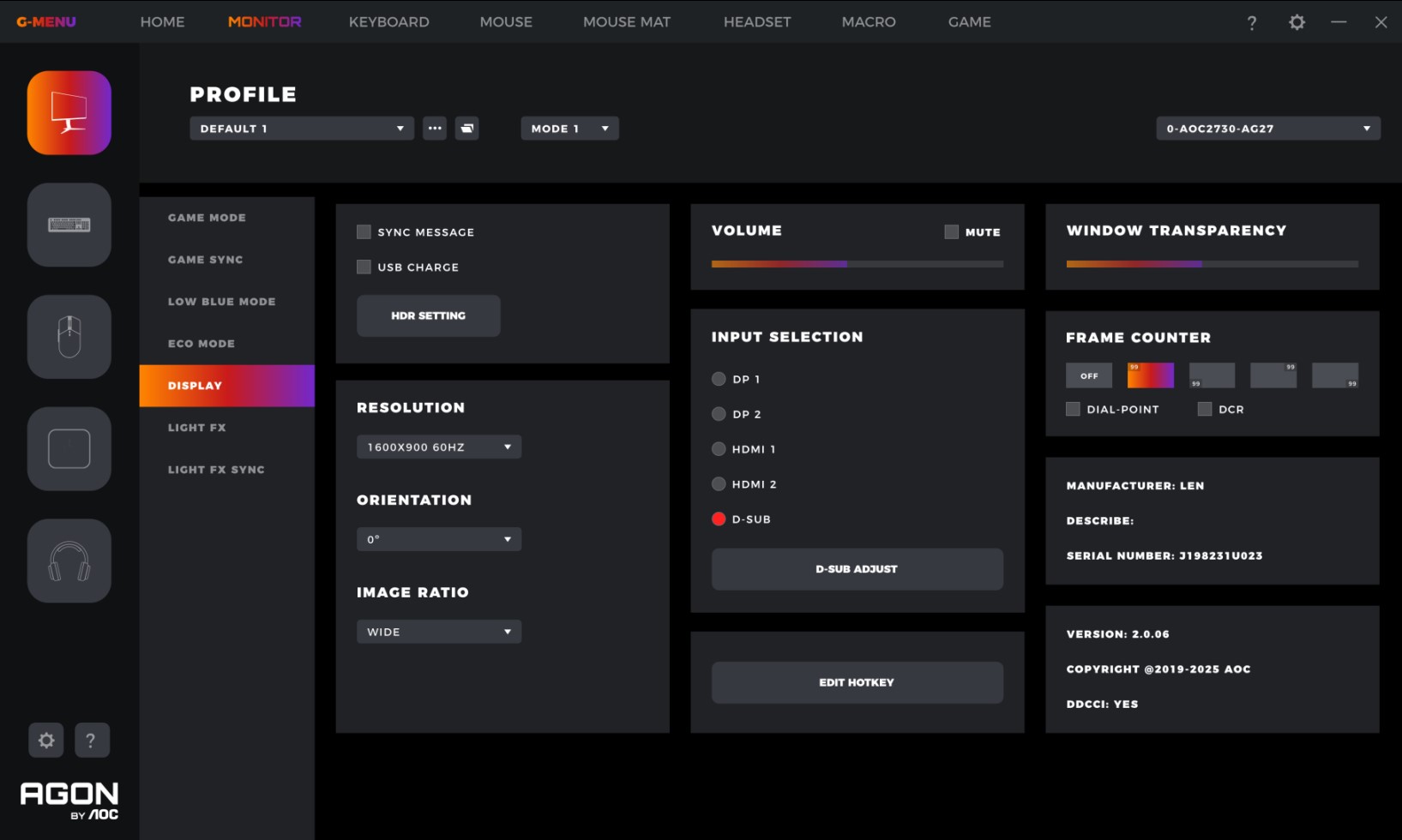
On AOC’s website, you can find the iMenu and GMenu software, both of which allow you to control the settings of the display without the OSD menu.
https://aoc.com/uk/gaming/products/monitors/c24g2ae-bk/downloads
With the GMenu, you can make your own display presets for each game, adjusting how the colors look, as well as changing the refresh rate. As with any self-respecting gaming software, you can also control the RGB of your peripherals and set macros. Overall, it’s a feature-packed app and a one-stop shop for setting up all your devices.
What’s in the box?
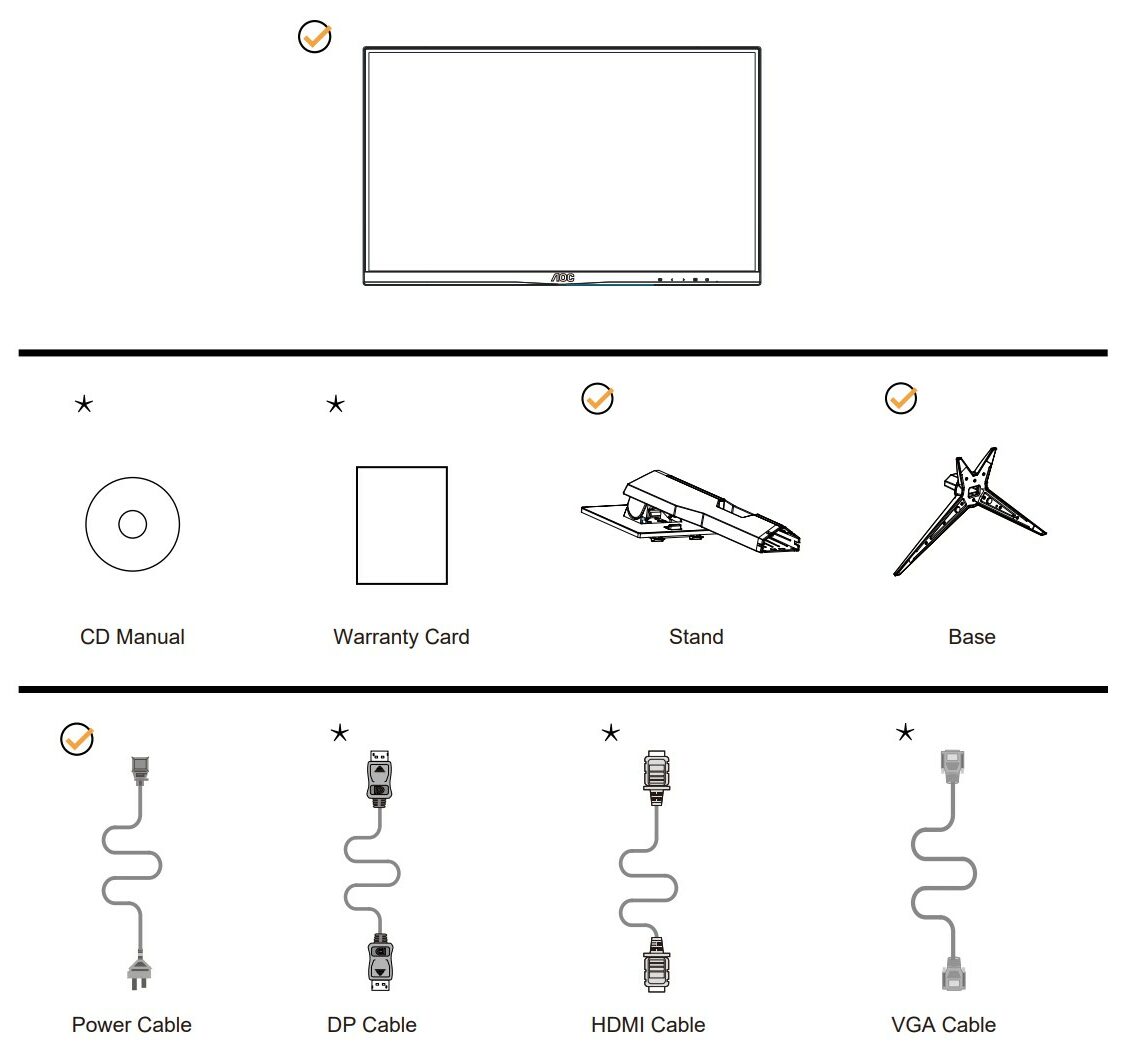
In the box of the monitor, you’ll find the stand and the base, as well as a power cable, warranty, and CD drivers. The rest, including any signal cables, depends on your region.
Design
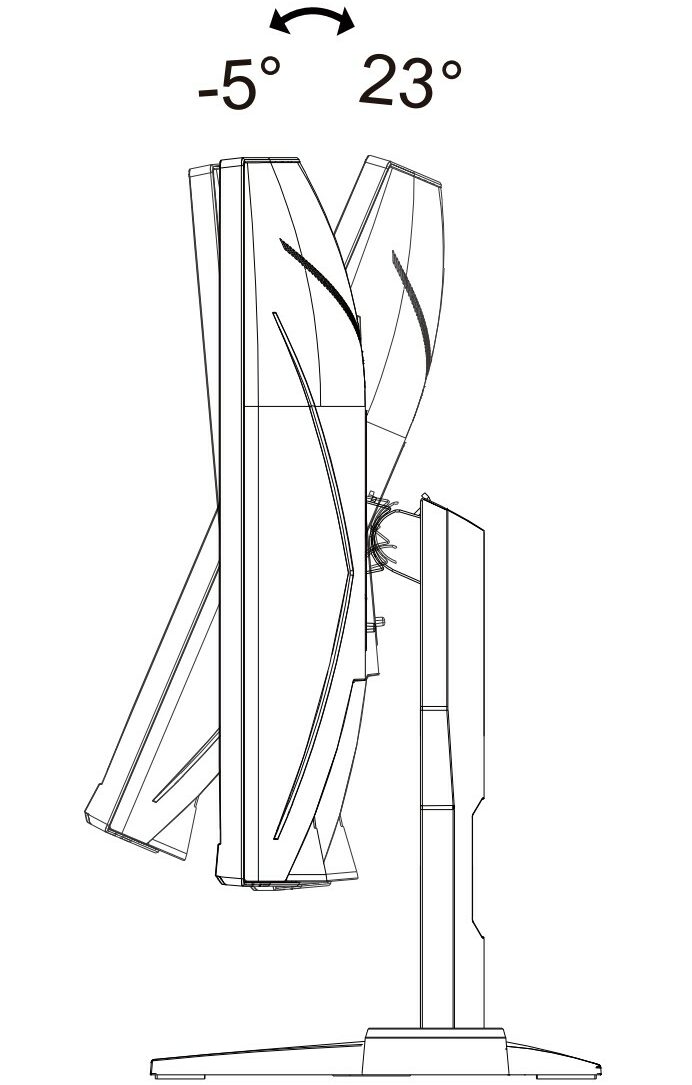
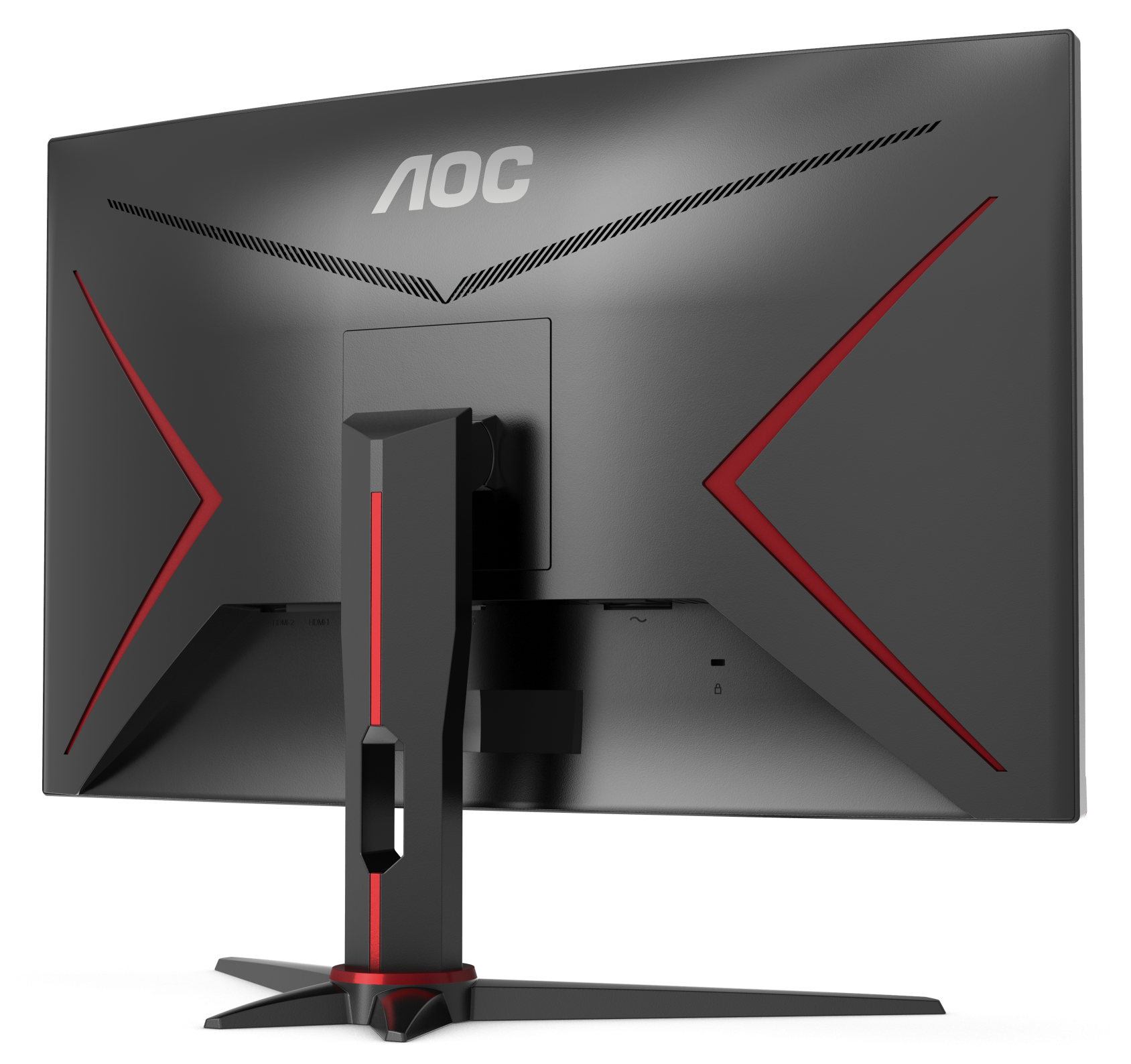
We’d define the look of the monitor as “classical gamerism”. What we mean by that is that we have the well-known Black and Red color scheme. On the back, you can see the speaker grills, as there are two speakers which make for a decent stereo setup. Adjustability and ergonomics aren’t fantastic, as the stand-only allows for viewing angle adjustment. We would have liked to see height adjustment too. On the other hand, we don’t miss the vertical positioning, as it doesn’t make a lot of sense for a curved display.
Connectivity
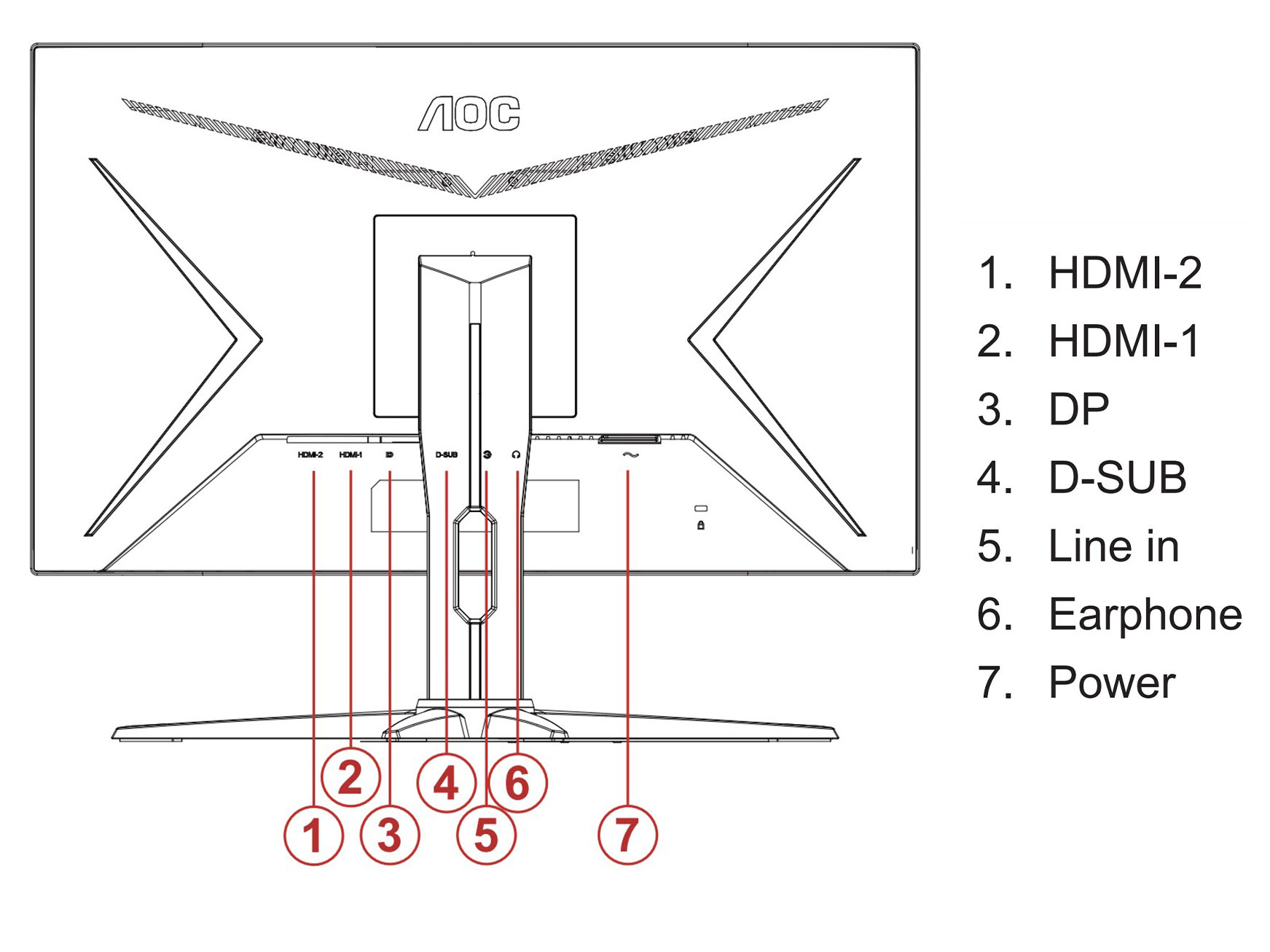
Having a variety of ports on the back is pretty important, as it means the monitor can work with all types of hardware, both old and new. This AOC monitor has both digital and analog ports, with two HDMI, one DisplayPort, and one VGA port. The audio jack on the back means that you can use the in-built speakers, which is handy to have.
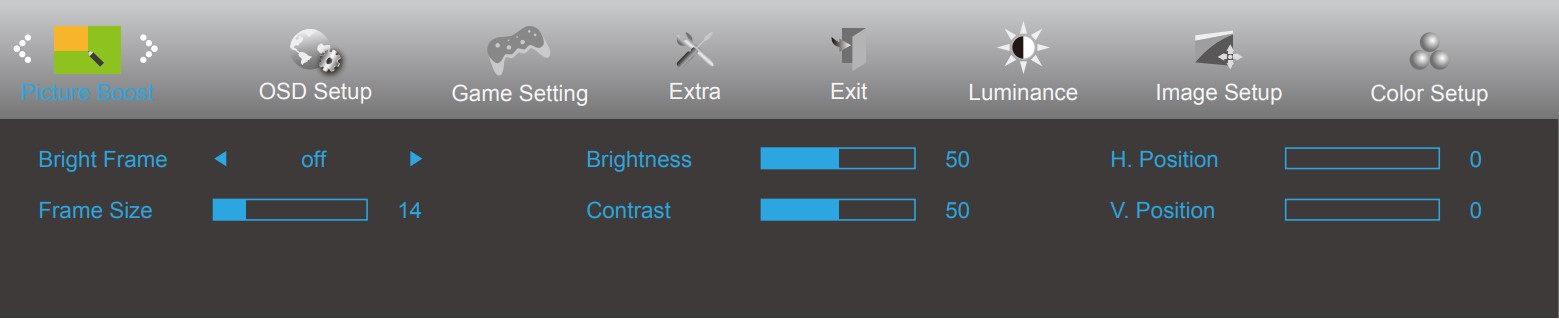
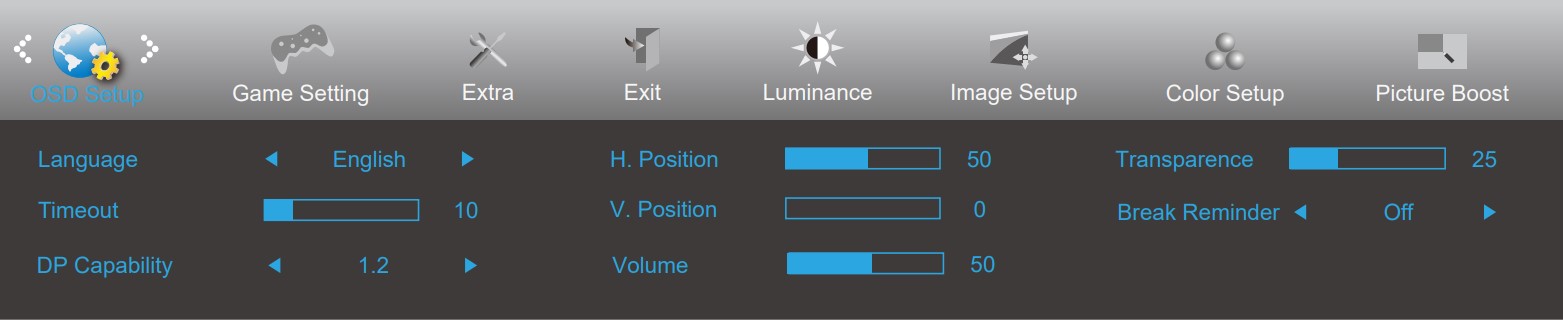
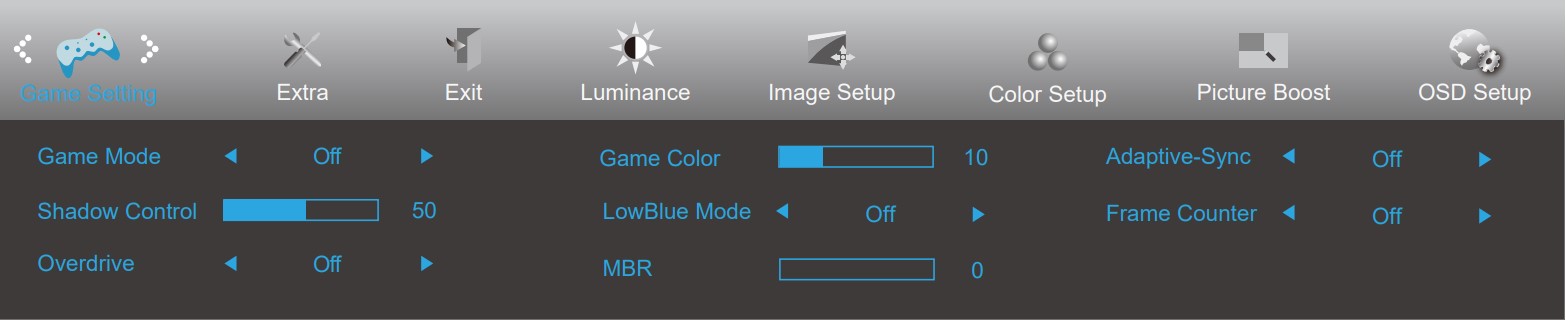
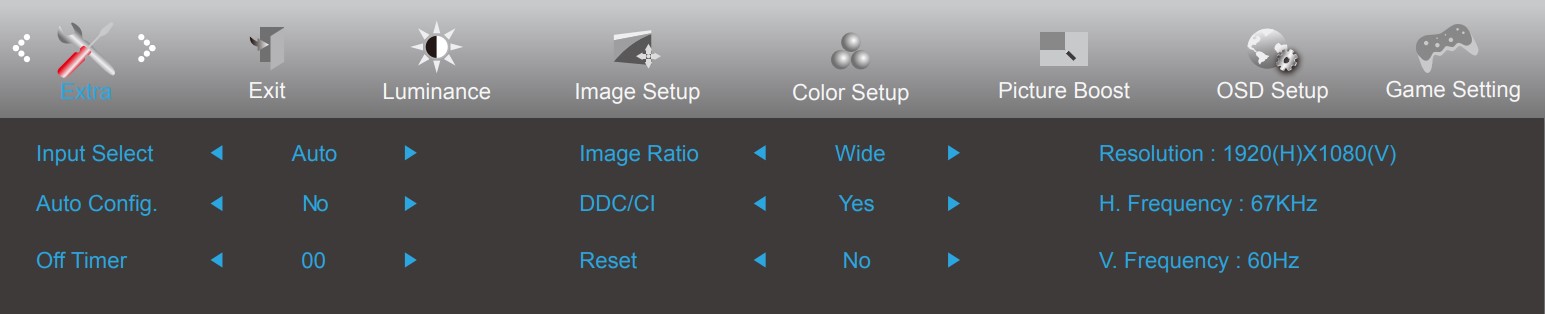
OSD Menu
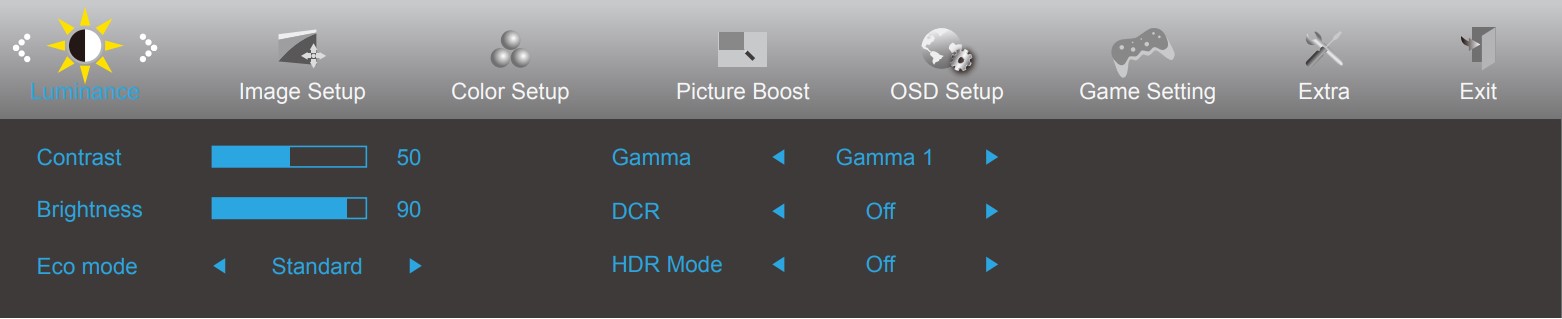
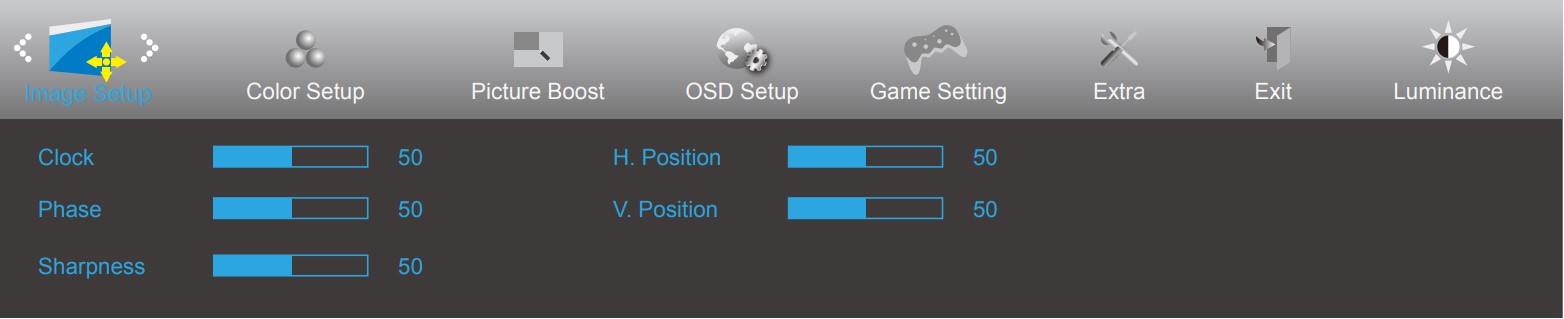
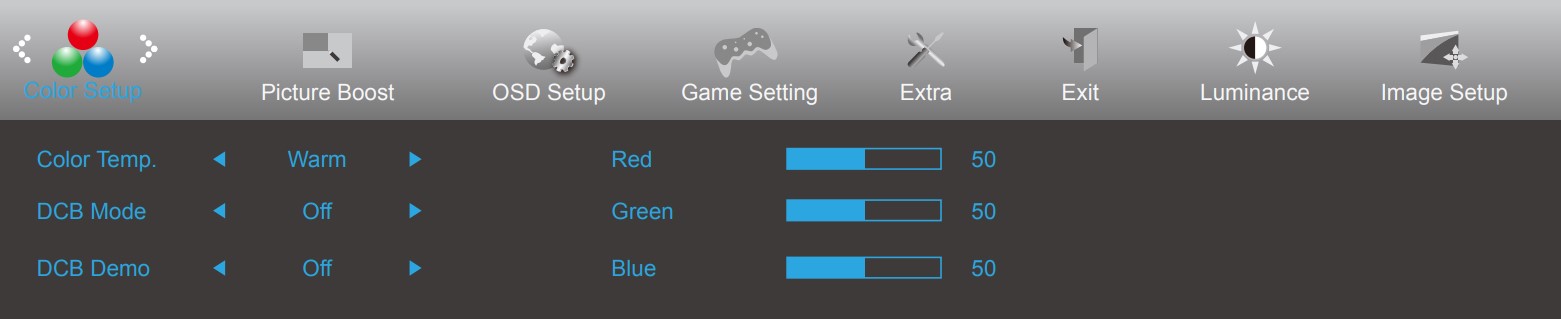
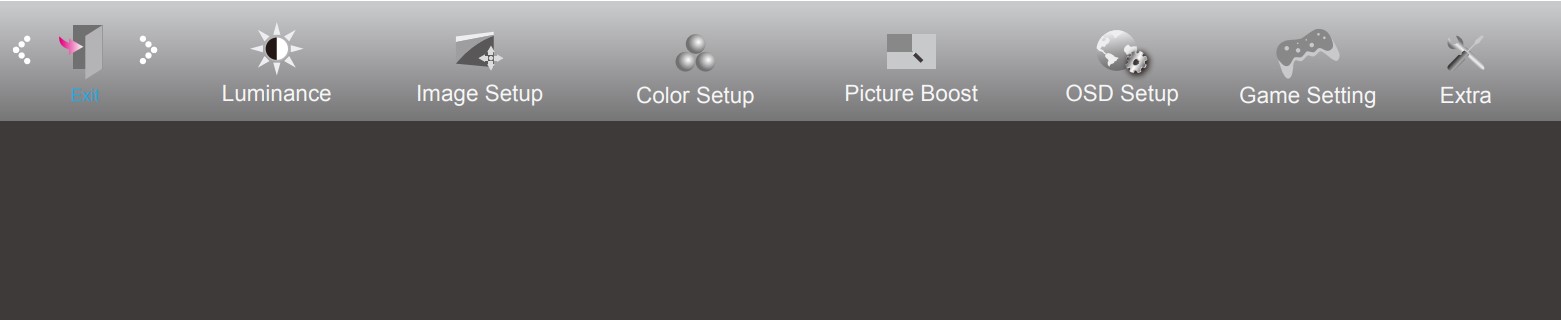
This menu is super complete, allowing for tons of customization and setup of the picture, contrast, as well as colors.
 Author: Severin Kolakov

![[Ιούνιος 2026] Οι μάρκες φορητών υπολογιστών με τις μεγαλύτερες πωλήσεις στο Amazon Global – Η ασύγκριτη κυριαρχία της Apple σε αριθμό μονάδων και έσοδα](https://laptopmedia.com/wp-content/uploads/2026/07/GLOBAL-Best-Brands-400x225.jpg)
![[Ιούνιος 2026] Amazon Global: Οι 10 πιο δημοφιλείς φορητοί υπολογιστές – Το νέο MacBook Neo της Apple κατακτά την πρώτη θέση, αναδιαμορφώνοντας την αγορά χάρη στην προσιτή τιμή του](https://laptopmedia.com/wp-content/uploads/2026/07/Best-Selling-Laptops-GLOBAL-Top-10-400x225.jpg)
![[Ιούνιος 2026] Amazon Global: Οι 10 πιο δημοφιλείς φορητοί υπολογιστές για παιχνίδια – Το Nitro V 16S AI της Acer κυριαρχεί στις πωλήσεις, ενώ η ASUS προηγείται σε συνολικά έσοδα](https://laptopmedia.com/wp-content/uploads/2026/07/Best-Selling-Gaming-Laptops-GLOBAL-Top-10-400x225.jpg)
![[Ιούνιος 2026] Παγκόσμια κατάταξη των πιο δημοφιλών GPU για φορητούς υπολογιστές στο Amazon – Η NVIDIA RTX 5060 είναι η πιο δημοφιλής ειδική GPU](https://laptopmedia.com/wp-content/uploads/2026/07/Best-Selling-GPUs-GLOBAL-Top-10-400x225.jpg)
![[Ιούνιος 2026] Παγκόσμια κατάταξη των πιο δημοφιλών επεξεργαστών για φορητούς υπολογιστές στο Amazon – Ο Apple M5 κυριαρχεί, ενώ ο AMD Ryzen 7 260 καταλαμβάνει σημαντικό μερίδιο στην κατηγορία premium](https://laptopmedia.com/wp-content/uploads/2026/07/Best-Selling-CPUs-GLOBAL-Top-10-400x225.jpg)
