Február 01, 2024
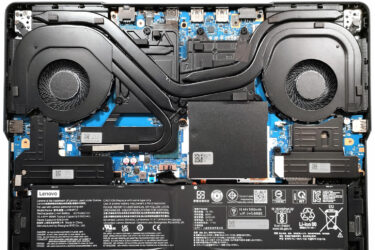
0How to open Lenovo Legion Pro 5i (16, Gen 9) – disassembly and upgrade options
Step 1: Accessing the Lenovo Legion Pro 5i (16, Gen 9) Internals Ensure the Lenovo Legion Pro 5i is powered off and placed on a soft surface to prevent damage. Remove the 10 Torx-head screws…
Február 01, 2024
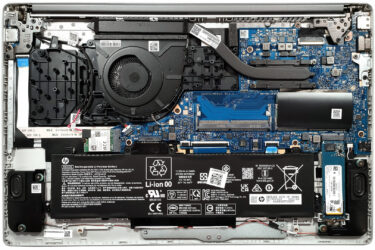
0How to open HP 250 G10 – disassembly and upgrade options
Step 1: Accessing the Internal Components Ensure the HP 250 G10 is powered off and placed on a soft, clean surface to prevent scratches or damage. Remove the four Phillips-head screws from the bottom of…

Február 01, 2024
1How to open ASUS Zenbook 14 (UM3402) – disassembly and upgrade options
Step 1: Accessing the Internal Components Ensure the ASUS Zenbook 14 (UM3402) is powered off and placed on a soft, clean surface to prevent scratches or damage. Remove the 7 Torx-head screws from the bottom…
Február 01, 2024
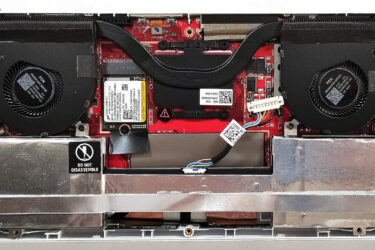
0How to open ASUS ROG Ally (2023) – disassembly and upgrade options
Step 1: Accessing the Internal Components Ensure the ASUS ROG Ally (2023) is powered off and placed on a soft, clean surface to prevent scratches or damage. Remove the six Phillips-head screws from the bottom…
Február 01, 2024
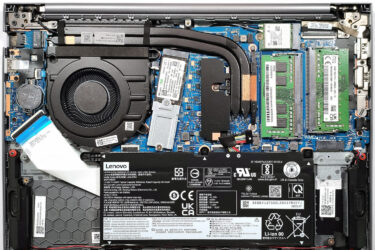
0How to open Lenovo ThinkBook 14 Gen 6 (AMD) – disassembly and upgrade options
Step 1: Accessing the Internal Components Ensure the Lenovo ThinkBook 14 Gen 6 (AMD) is powered off and placed on a soft, clean surface to prevent scratches or damage. Remove the 9 Phillips-head screws from…
Február 01, 2024
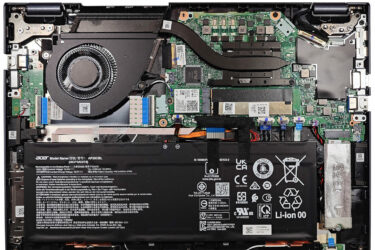
0How to open Acer TravelMate P4 (TMP413-51) – disassembly and upgrade options
Step 1: Accessing the Internal Components Ensure the Acer TravelMate P4 (TMP413-51) is powered off and placed on a soft, clean surface to prevent scratches or damage. Remove the 9 Torx-head screws from the bottom…
Február 01, 2024
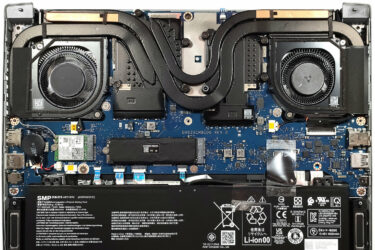
0How to open Acer Predator Triton 14 (PT14-51) – disassembly and upgrade options
Step 1: Accessing the Internal Components Ensure the Acer Predator Triton 14 (PT14-51) is powered off and placed on a soft, clean surface to prevent scratches or damage. Remove the 9 Torx-head screws from the…
Február 01, 2024
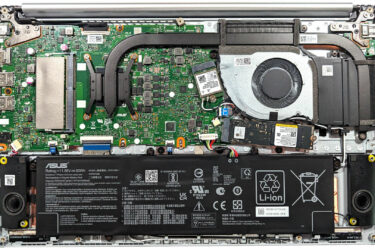
0How to open ASUS Vivobook 15 OLED (M1505) – disassembly and upgrade options
Step 1: Accessing the Internal Components Ensure the ASUS Vivobook 15 OLED (M1505) is powered off and placed on a soft, clean surface to prevent scratches or damage. Remove the 10 Phillips-head screws securing…
Február 01, 2024
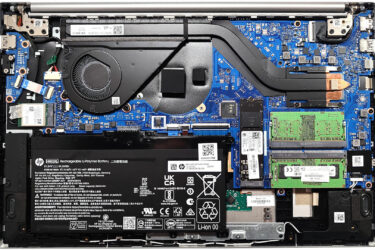
0How to open HP Pavilion 15 (15-eg3000) – disassembly and upgrade options
Step 1: Accessing the Internal Components Ensure the HP Pavilion 15 (15-eg3000) is powered off and placed on a soft, clean surface to prevent scratches or damage. Remove the six Phillips-head screws from the bottom…
Február 01, 2024
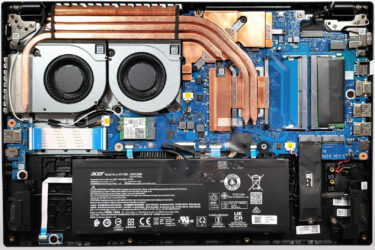
3How to open Acer Nitro V 15 (ANV15-51) – disassembly and upgrade options
Step 1: Accessing the Internal Components Ensure the Acer Nitro V 15 (ANV15-51) is powered off and placed on a soft, clean surface to prevent scratches or damage. Remove the 11 Phillips-head screws from the…
Február 01, 2024
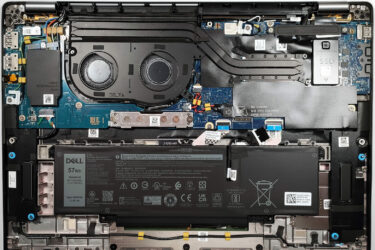
0How to open Dell Latitude 16 7640 – disassembly and upgrade options
Step 1: Accessing the Internal Components Ensure the Dell Latitude 16 7640 is powered off and placed on a soft, clean surface to prevent scratches or damage. Remove the 8 Phillips-head screws from the bottom…
Február 01, 2024
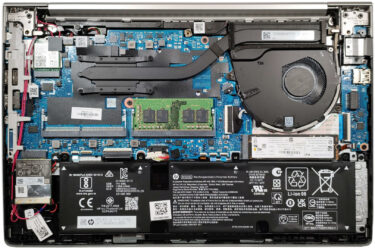
0How to open HP EliteBook 640 G10 – disassembly and upgrade options
Step 1: Accessing the Internal Components Ensure the HP EliteBook 640 G10 is powered off and placed on a soft, clean surface to prevent scratches or damage. Undo the 5 captive Phillips-head screws on the…
Február 01, 2024
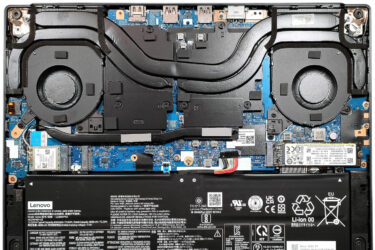
0How to open Lenovo Legion Slim 5 (14, Gen 8) – disassembly and upgrade options
Step 1: Accessing the Internal Components Ensure the Lenovo Legion Slim 5 (14, Gen 8) is powered off and placed on a soft, clean surface to prevent scratches or damage. Remove the 10 Phillips-head screws…
Február 01, 2024
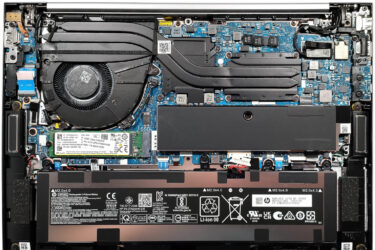
0How to open HP ZBook Firefly 14 G10 – disassembly and upgrade options
Step 1: Accessing the Internal Components Ensure the HP ZBook Firefly 14 G10 is powered off and placed on a soft, clean surface to prevent scratches or damage. Remove the 5 captive Phillips-head screws from…
Február 01, 2024
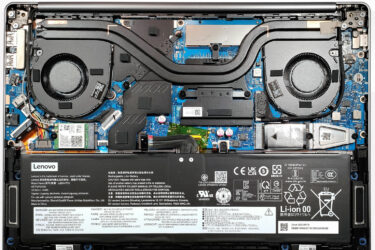
0How to open Lenovo IdeaPad Pro 5i (14, Gen 8) – disassembly and upgrade options
Step 1: Accessing the Internal Components Ensure the Lenovo IdeaPad Pro 5i (14, Gen 8) is powered off and placed on a soft, clean surface to prevent scratches or damage. Remove the 6 Torx-head screws…
Február 01, 2024
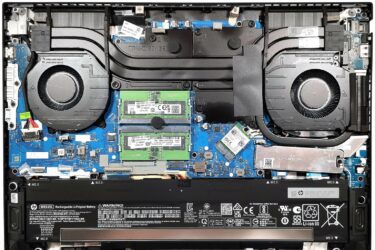
0How to open HP Omen 16 (16-wd0000) – disassembly and upgrade options
Step 1: Accessing the Internal Components Ensure the HP Omen 16 (16-wd0000) is powered off and placed on a soft, clean surface to prevent scratches or damage. Remove the 8 Phillips-head screws from the bottom…
Február 01, 2024
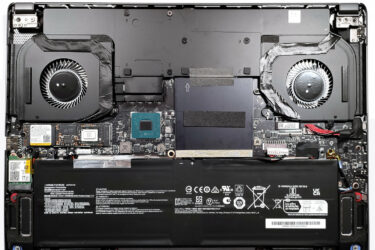
0How to open MSI Creator Z16 HX Studio (A13V) – disassembly and upgrade options
Step 1: Accessing the Internal Components Ensure the MSI Creator Z16 HX Studio (A13V) is powered off and placed on a soft, clean surface to prevent scratches or damage. Remove the 6 Phillips-head screws from…
Február 01, 2024
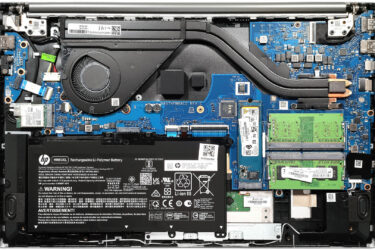
0How to open HP Pavilion 15 (15-eh3000) – disassembly and upgrade options
Step 1: Accessing the Internal Components Ensure the HP Pavilion 15 (15-eh3000) is powered off and placed on a soft, clean surface to prevent scratches or damage. Remove the six Phillips-head screws from the bottom…
Február 01, 2024
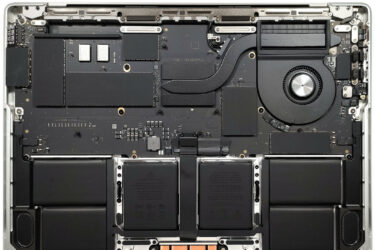
0How to open Apple MacBook Pro (14-inch, M3) – disassembly and (no) upgrade options
Step 1: Accessing the Internal Components Power off your Apple MacBook Pro (14-inch, M3) to ensure safety and prevent any damage. Remove the six Pentalobe screws from the bottom of the laptop. Attach a suction…
Február 01, 2024
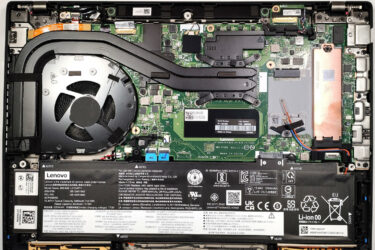
2How to open Lenovo ThinkPad P14s Gen 4 – disassembly and upgrade options
Step 1: Accessing the Internal Components Ensure the Lenovo ThinkPad P14s Gen 4 is powered off and placed on a soft, clean surface to prevent scratches or damage. Unscrew the seven captive Phillips-head screws from…


![[2026. augusztus] Az Amazonon legkelendőbb laptop-grafikus kártyák globális ranglistája – az Apple uralkodik, az NVIDIA RTX 5060 vezeti a dedikált kártyák ranglistáját](https://laptopmedia.com/wp-content/uploads/2026/09/Best-Selling-GPUs-GLOBAL-Top-10-400x225.jpg)
![[2026. augusztus] Az Amazonon legkelendőbb laptop-processzorok globális ranglistája – Az Apple mind az olcsóbb, mind a prémium kategóriában dominál: az A18 Pro és az M5 2026 augusztusában elsöprő fölénnyel győzött az Intel és az AMD felett](https://laptopmedia.com/wp-content/uploads/2026/09/Best-Selling-CPUs-GLOBAL-Top-10-400x225.jpg)
![[2026. augusztus] Amazon Global: A 10 legkelendőbb laptop – az Apple MacBook Neo vezeti a ranglistát, miközben az olcsóbb és középkategóriás Windows-alapú hordozható számítógépek az eladási mennyiségért küzdenek](https://laptopmedia.com/wp-content/uploads/2026/09/Best-Selling-Laptops-GLOBAL-Top-10-400x225.jpg)
![[2026. augusztus] Az Amazon Global legkelendőbb laptopmárkái – Az Apple vezeti a bevételi rangsort, míg a HP a modellválaszték terén áll az élen](https://laptopmedia.com/wp-content/uploads/2026/09/GLOBAL-Best-Brands-400x225.jpg)
![[2026. augusztus] Amazon Global: A 10 legkelendőbb játékos laptop – Az HP Victus 15 szerezte meg az első helyet, miközben a kedvező árú modellek uralják a ranglistát](https://laptopmedia.com/wp-content/uploads/2026/09/Best-Selling-Gaming-Laptops-GLOBAL-Top-10-400x225.jpg)
