How to open Lenovo Legion Pro 5i (16, Gen 9) – disassembly and upgrade options
#CommissionsEarned
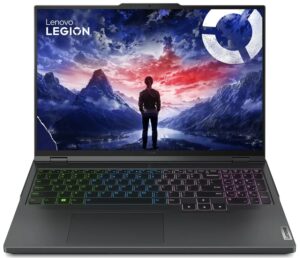
Step 1: Accessing the Lenovo Legion Pro 5i (16, Gen 9) Internals
- Ensure the Lenovo Legion Pro 5i is powered off and placed on a soft surface to prevent damage.
- Remove the 10 Torx-head screws that secure the bottom panel of the laptop.
- Begin prying the panel off with a plastic tool from the central zone at the back, then proceed around the sides and the front to fully detach it.
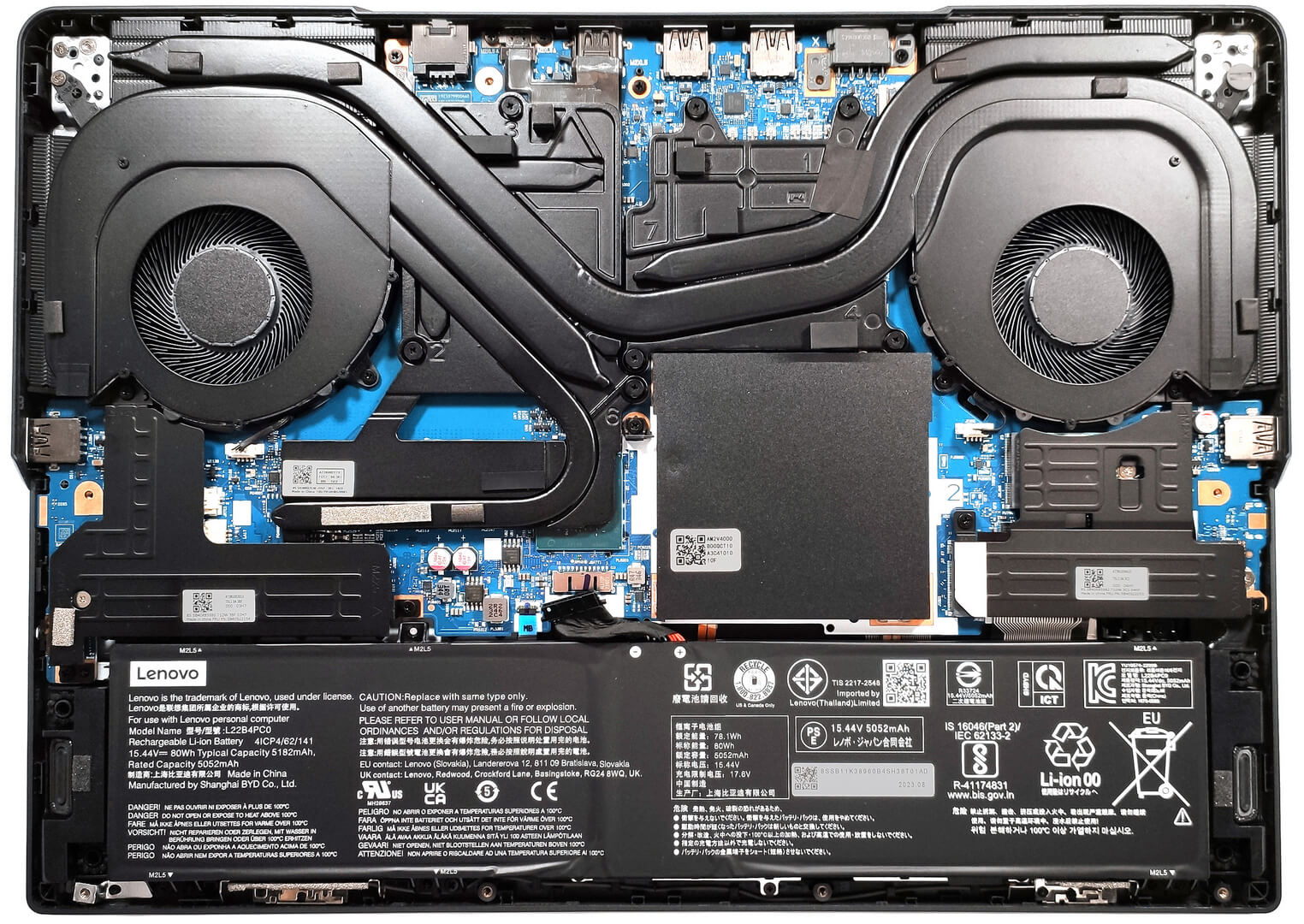
Step 2: Battery Removal
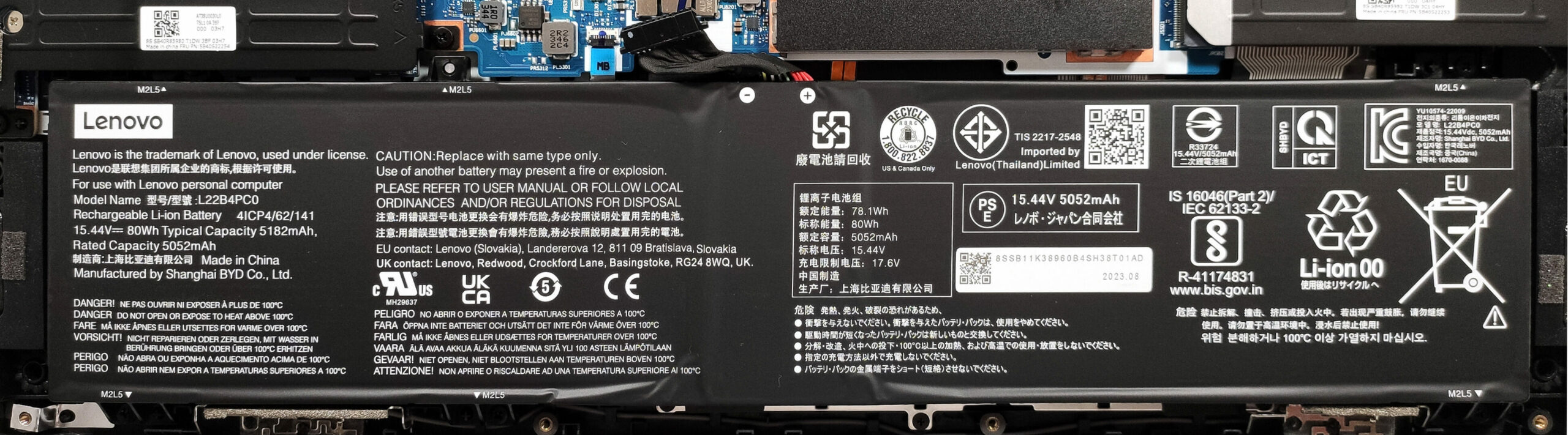
- First, disconnect the battery connector from the motherboard to ensure a safe disassembly process.
- Remove the 5 Phillips-head screws holding the 80Wh battery, noting that one screw is concealed beneath the metal SSD cover on the left, which also needs to be removed.
More info: The 80Wh battery offers up to 12 hours and 30 minutes of web browsing or 5 hours and 53 minutes of video playback, highlighting impressive battery life for extended use.
Memory Upgrade
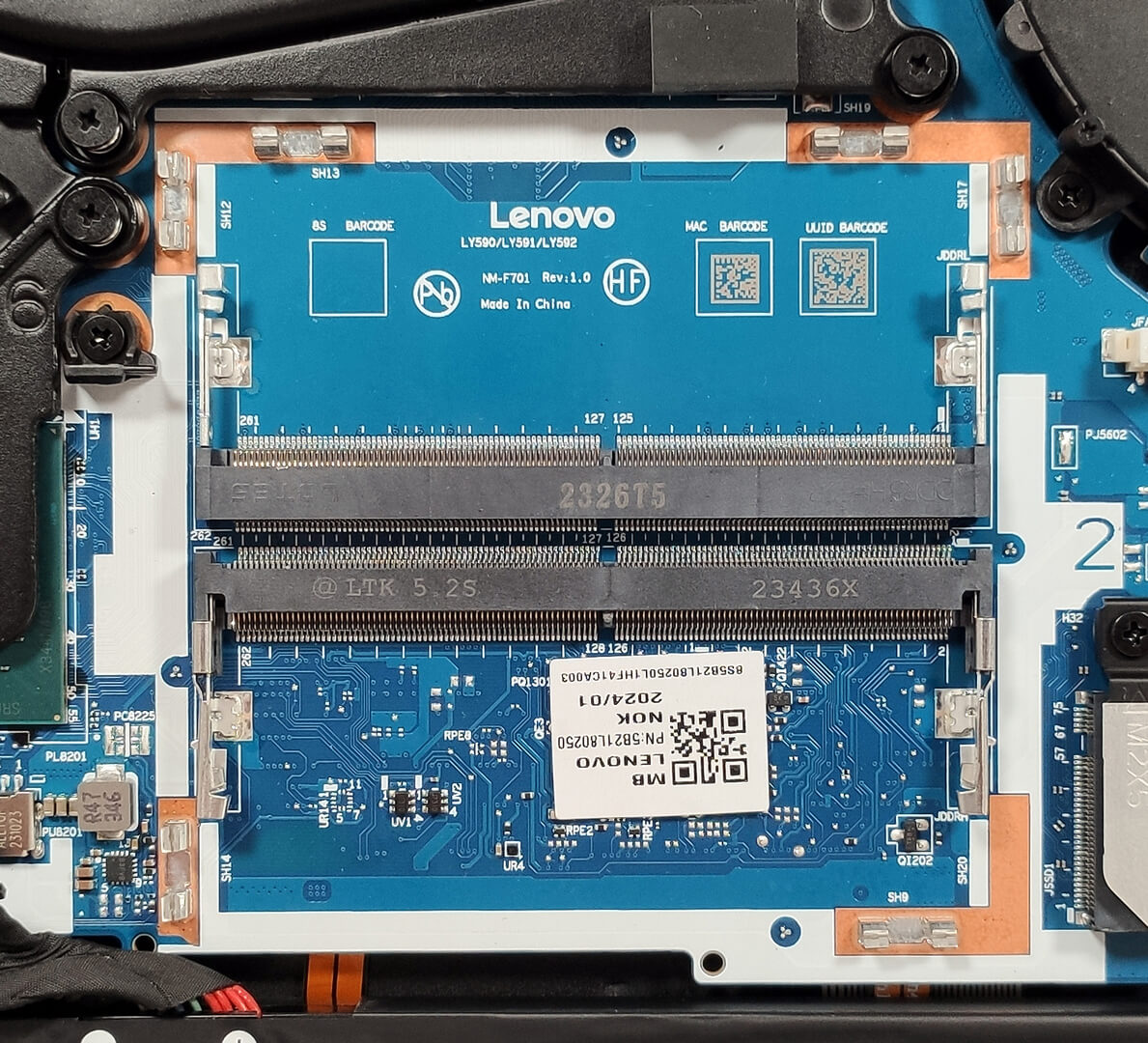
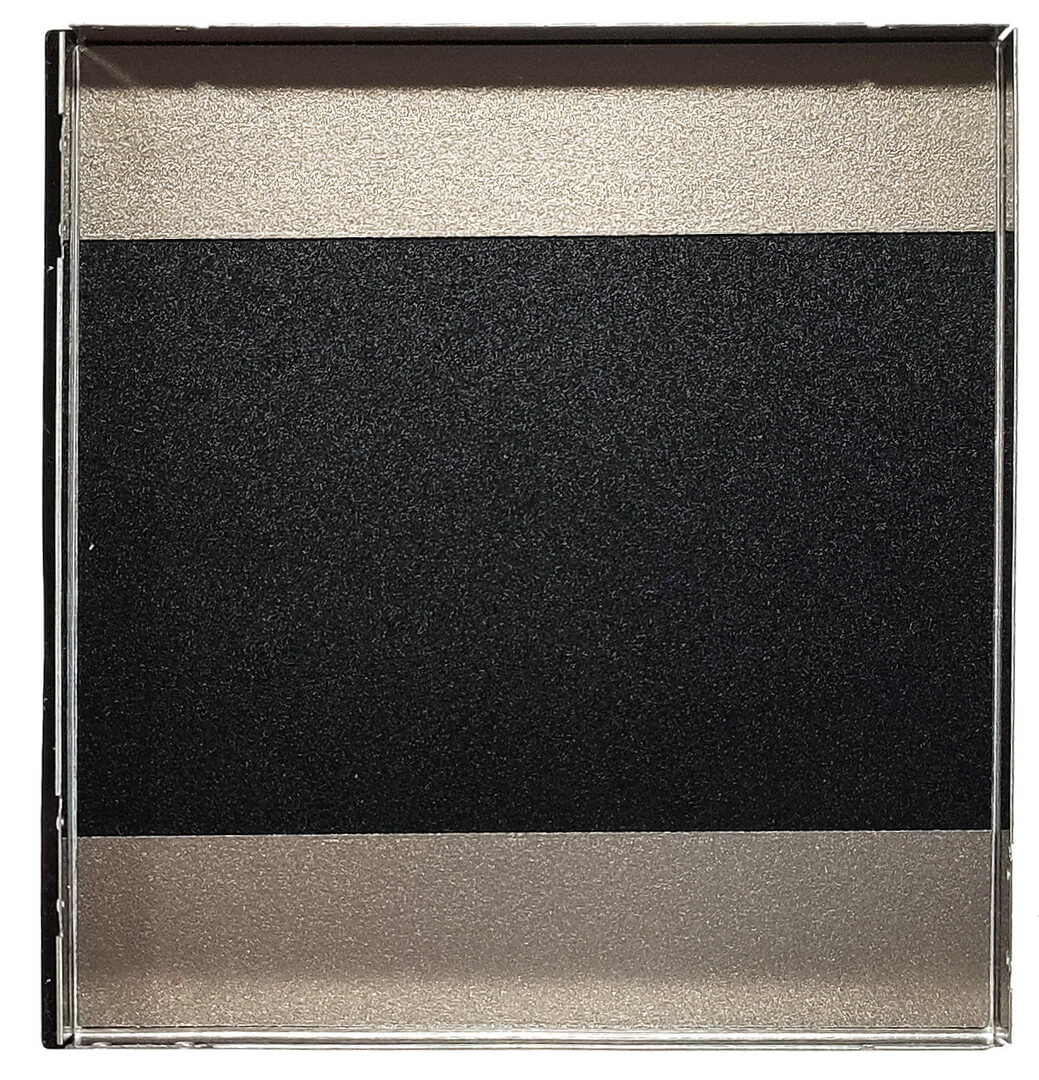
- Access the RAM slots by popping off the metal plate that covers the RAM area with a lever tool.
- The laptop supports up to 32GB of DDR5-5600MHz RAM in dual-channel mode, according to official specs, though the CPU’s compatibility with up to 192GB suggests potential for greater memory capacity.
You can buy DDR5 RAM modules here: Vásárolj az Amazon.com-ról (#CommissionsEarned)

Storage Upgrade
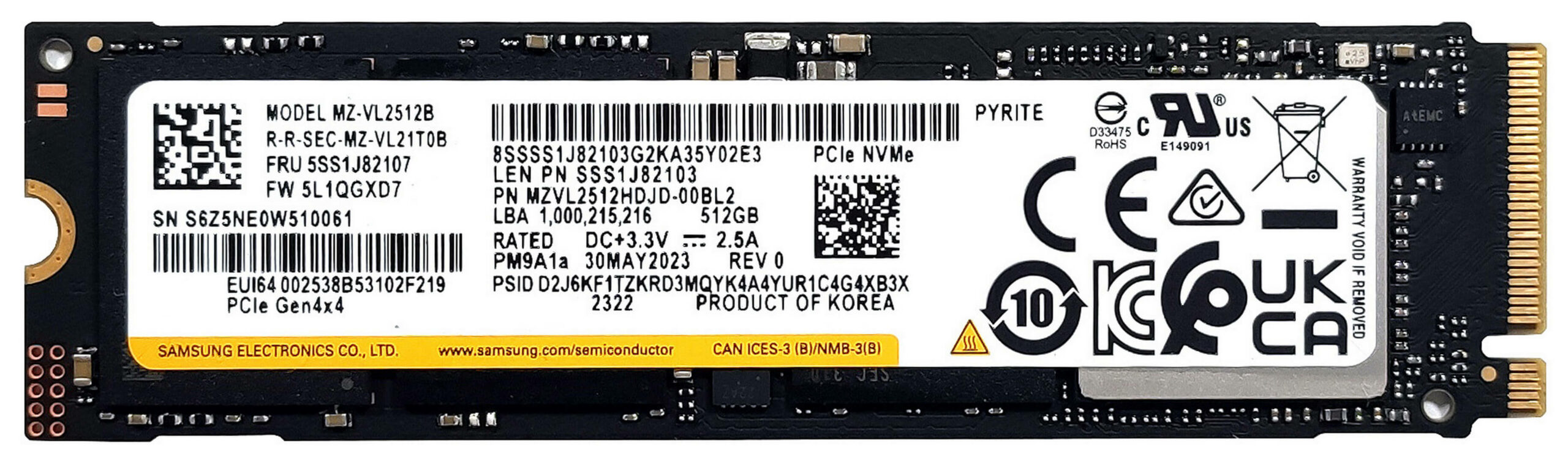
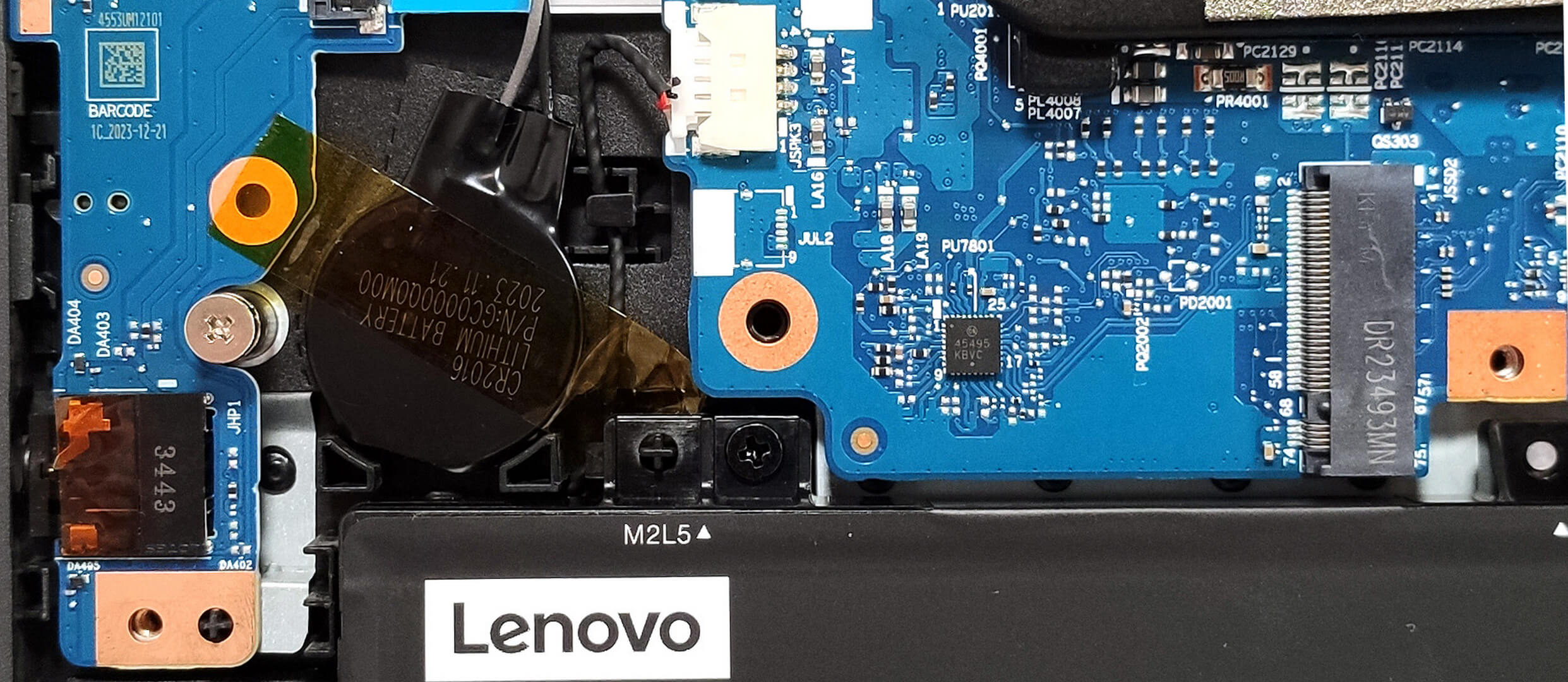
- Identify the two M.2 slots suitable for both 2242 and 2280 Gen 4 SSDs, offering versatile storage expansion opportunities.
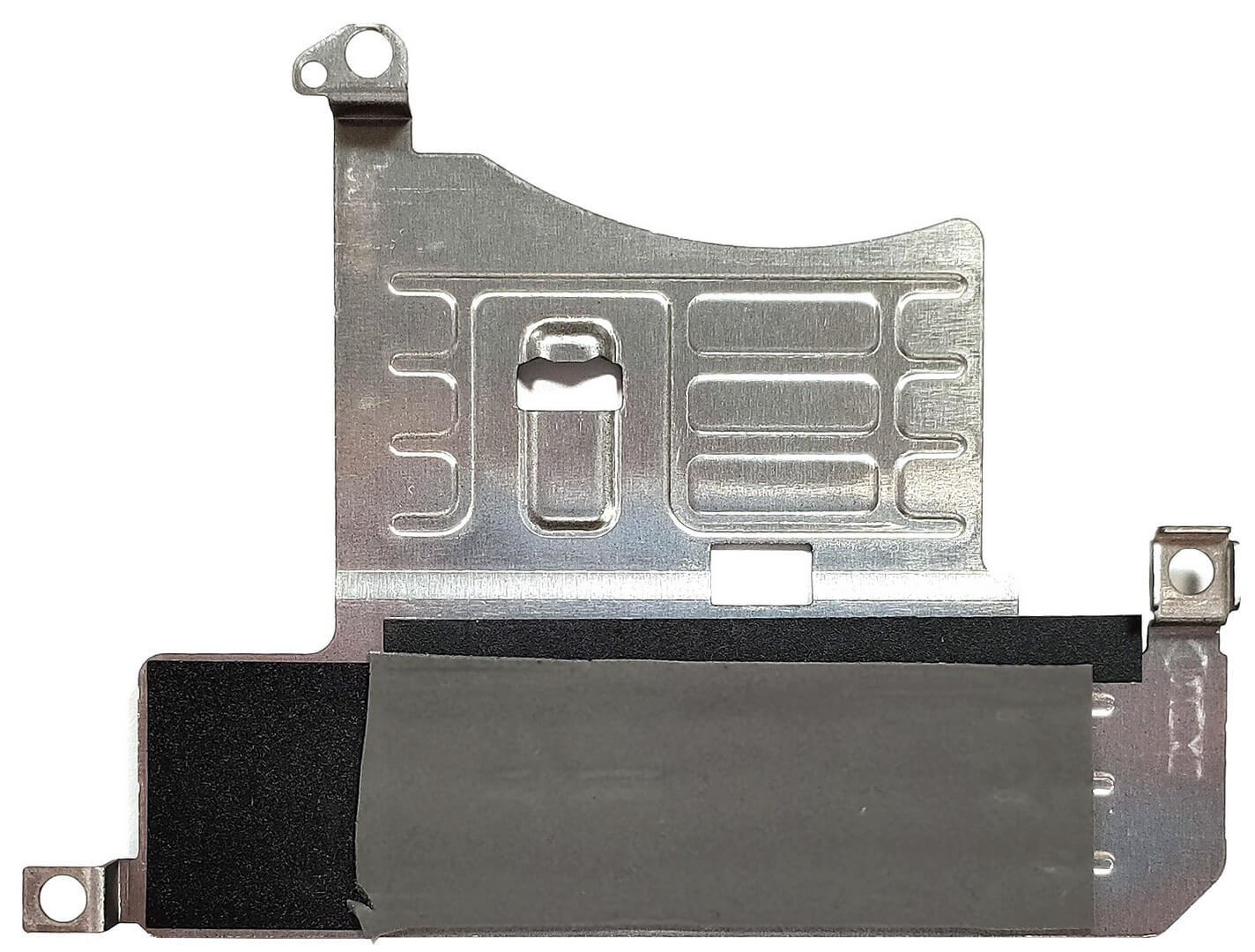
- Note that each slot is safeguarded by a metal shroud, affixed with three Phillips-head screws, and equipped with a thermal pad for improved cooling.
Hint: Consider reviewing our Top M.2 SSDs Performance Rankings to select the best storage solution for your needs.
You can buy Gen 4 M.2 SSD modules here: Vásárolj az Amazon.com-ról (#CommissionsEarned)


Cooling System Overview
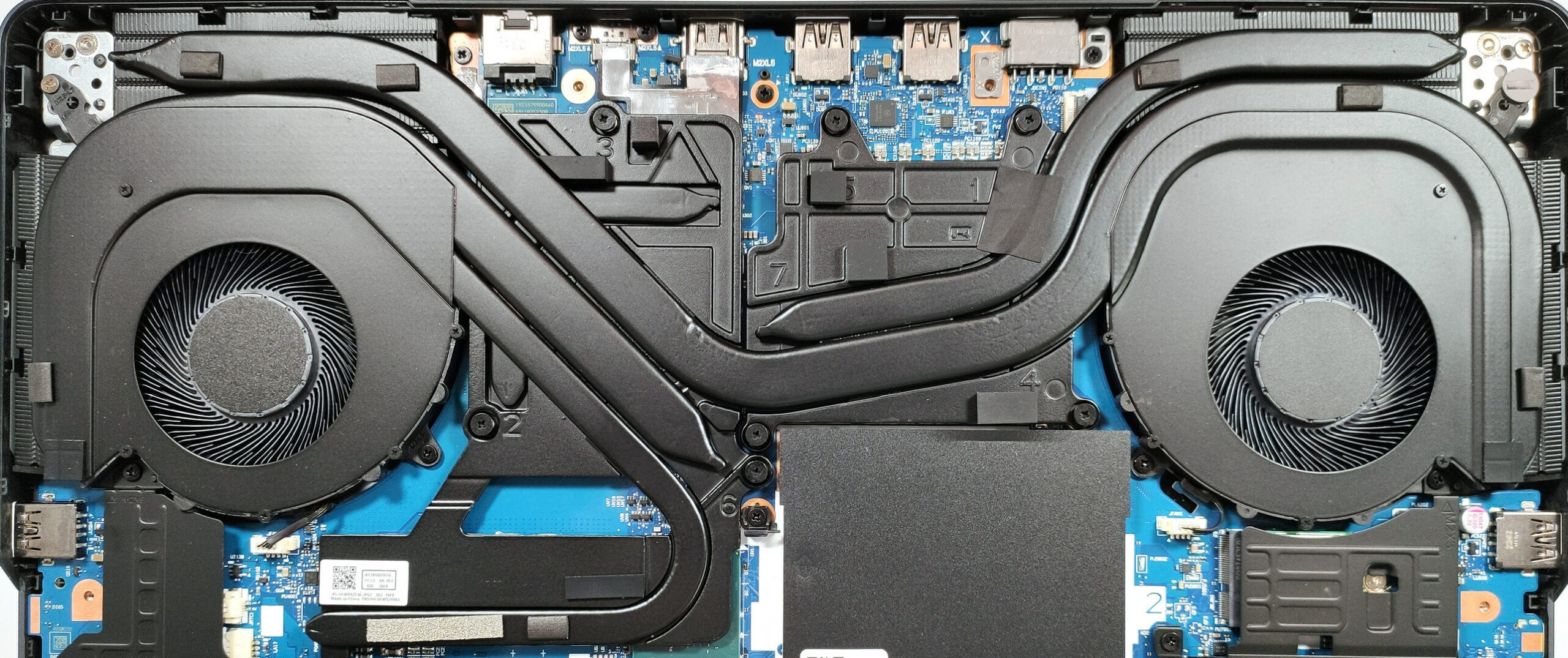
- The cooling system includes two large fans, multiple heat pipes for efficient heat distribution between the CPU and GPU, and additional pipes dedicated to each component.
- Four heat sinks and two extensive metal plates ensure effective heat dissipation, with one plate also serving to cool the chipset.
#CommissionsEarned
 Author: Anna Iorgova
Feliratkozás
0 Comments


![[2026. augusztus] Az Amazonon legkelendőbb laptop-grafikus kártyák globális ranglistája – az Apple uralkodik, az NVIDIA RTX 5060 vezeti a dedikált kártyák ranglistáját](https://laptopmedia.com/wp-content/uploads/2026/09/Best-Selling-GPUs-GLOBAL-Top-10-400x225.jpg)
![[2026. augusztus] Az Amazonon legkelendőbb laptop-processzorok globális ranglistája – Az Apple mind az olcsóbb, mind a prémium kategóriában dominál: az A18 Pro és az M5 2026 augusztusában elsöprő fölénnyel győzött az Intel és az AMD felett](https://laptopmedia.com/wp-content/uploads/2026/09/Best-Selling-CPUs-GLOBAL-Top-10-400x225.jpg)
![[2026. augusztus] Amazon Global: A 10 legkelendőbb laptop – az Apple MacBook Neo vezeti a ranglistát, miközben az olcsóbb és középkategóriás Windows-alapú hordozható számítógépek az eladási mennyiségért küzdenek](https://laptopmedia.com/wp-content/uploads/2026/09/Best-Selling-Laptops-GLOBAL-Top-10-400x225.jpg)
![[2026. augusztus] Az Amazon Global legkelendőbb laptopmárkái – Az Apple vezeti a bevételi rangsort, míg a HP a modellválaszték terén áll az élen](https://laptopmedia.com/wp-content/uploads/2026/09/GLOBAL-Best-Brands-400x225.jpg)
![[2026. augusztus] Amazon Global: A 10 legkelendőbb játékos laptop – Az HP Victus 15 szerezte meg az első helyet, miközben a kedvező árú modellek uralják a ranglistát](https://laptopmedia.com/wp-content/uploads/2026/09/Best-Selling-Gaming-Laptops-GLOBAL-Top-10-400x225.jpg)
