How to open Dell Latitude 5550 – disassembly and upgrade options

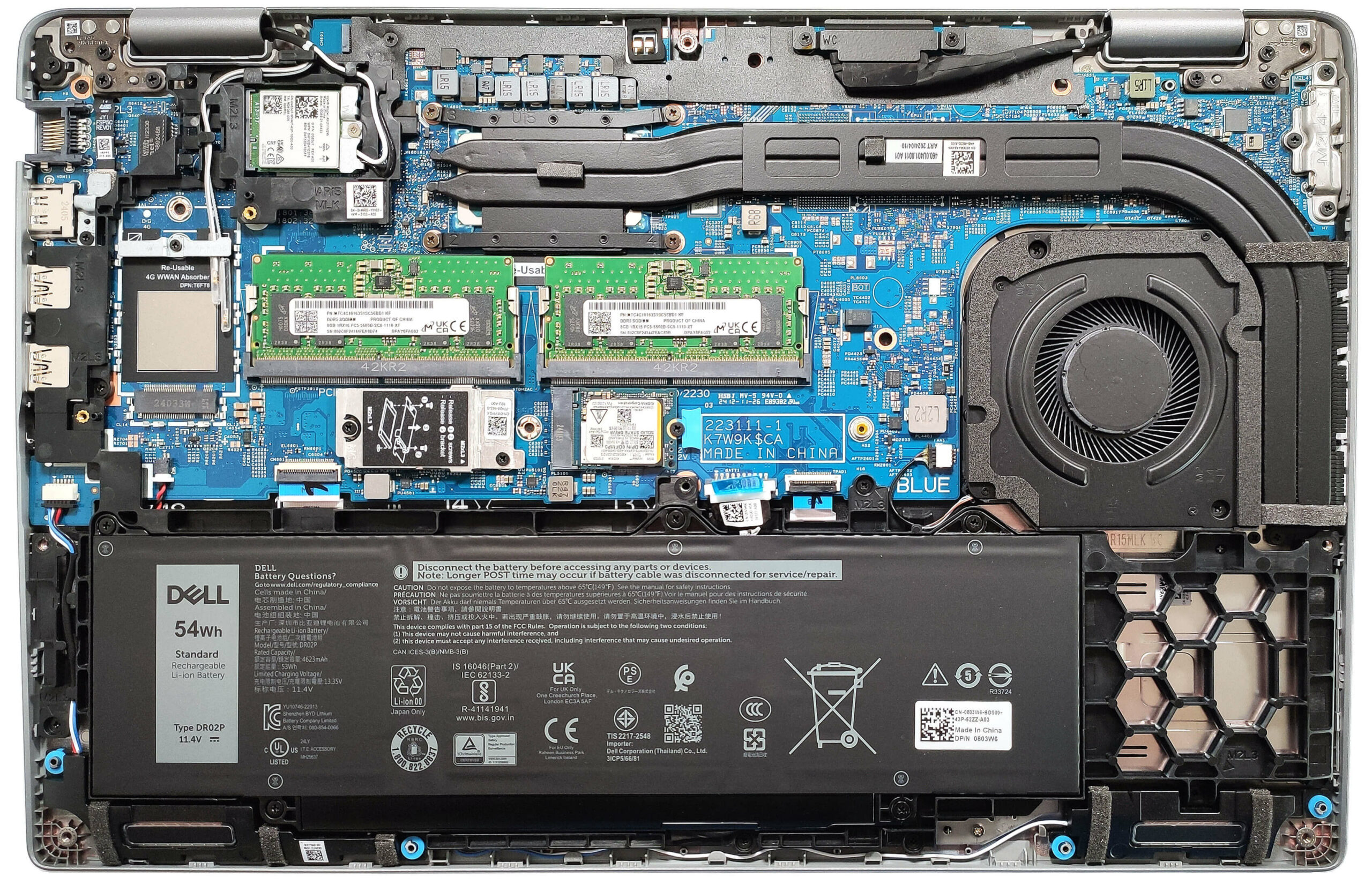
Opening the Device
- Undo the 8 captive Phillips-head screws securing the bottom panel.
- Pry the areas behind the hinges with a lever tool to create gaps around these sections.
- Work your way around the rear, sides, and front with a thin plastic tool to remove the bottom panel.
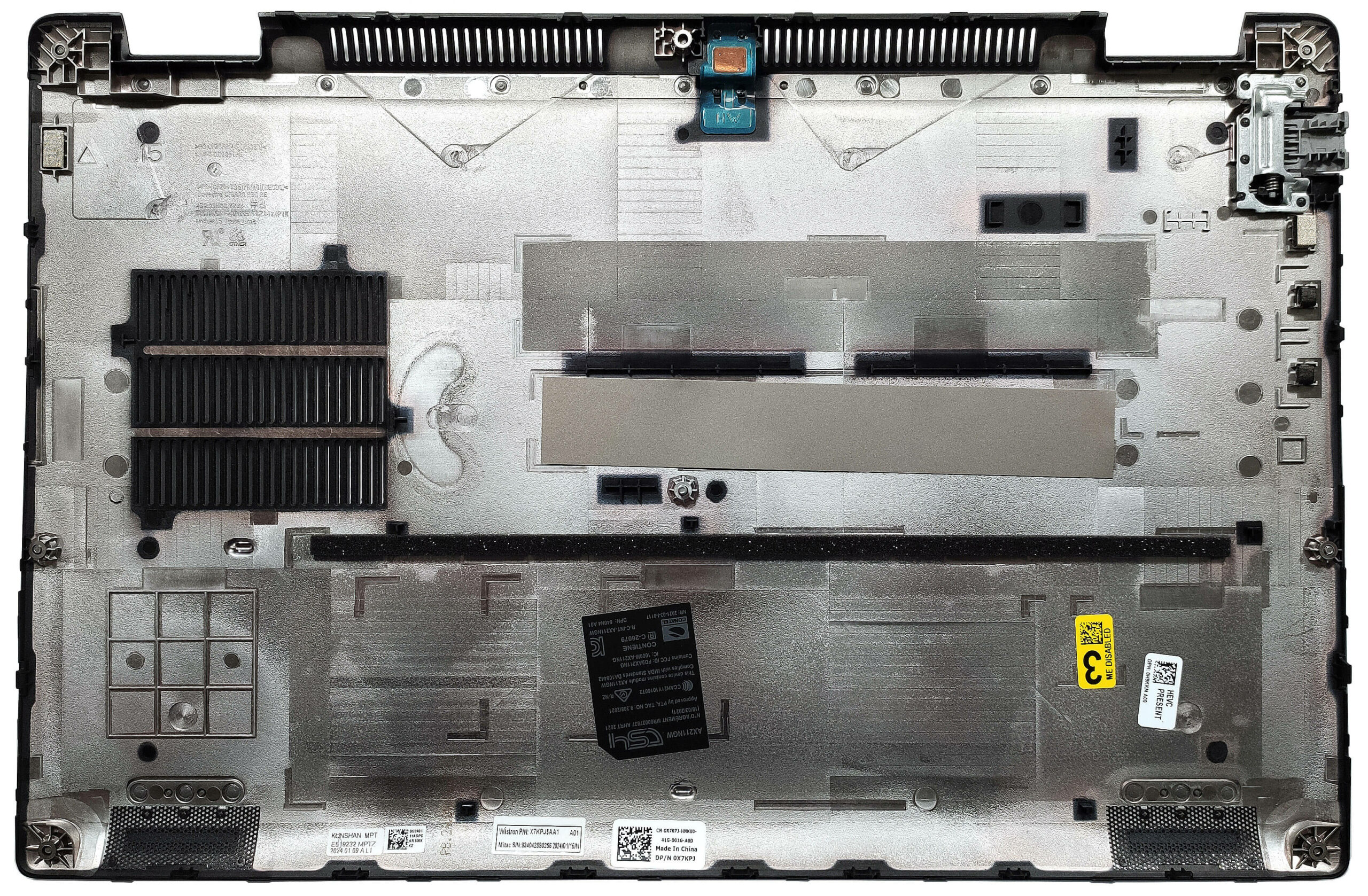
More info: Here’s how the bottom plate looks on the inside.
Battery Removal
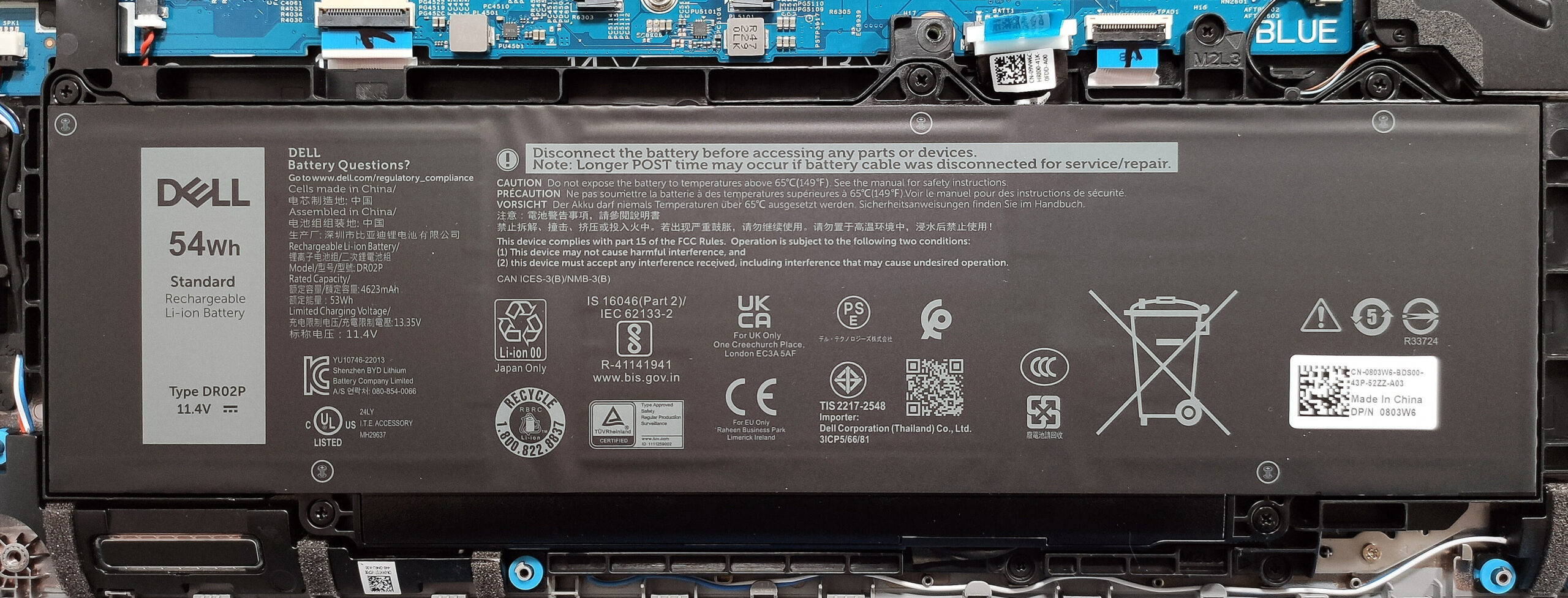
- Detach the battery connector from the mainboard.
- Undo the 5 Phillips-head screws securing the battery.
- Lift the battery to remove it from the device.
Note: The laptop is equipped with an optional 54Wh battery, with the default model having a 42Wh capacity. The optional battery provides approximately 8.5 hours of video playback.
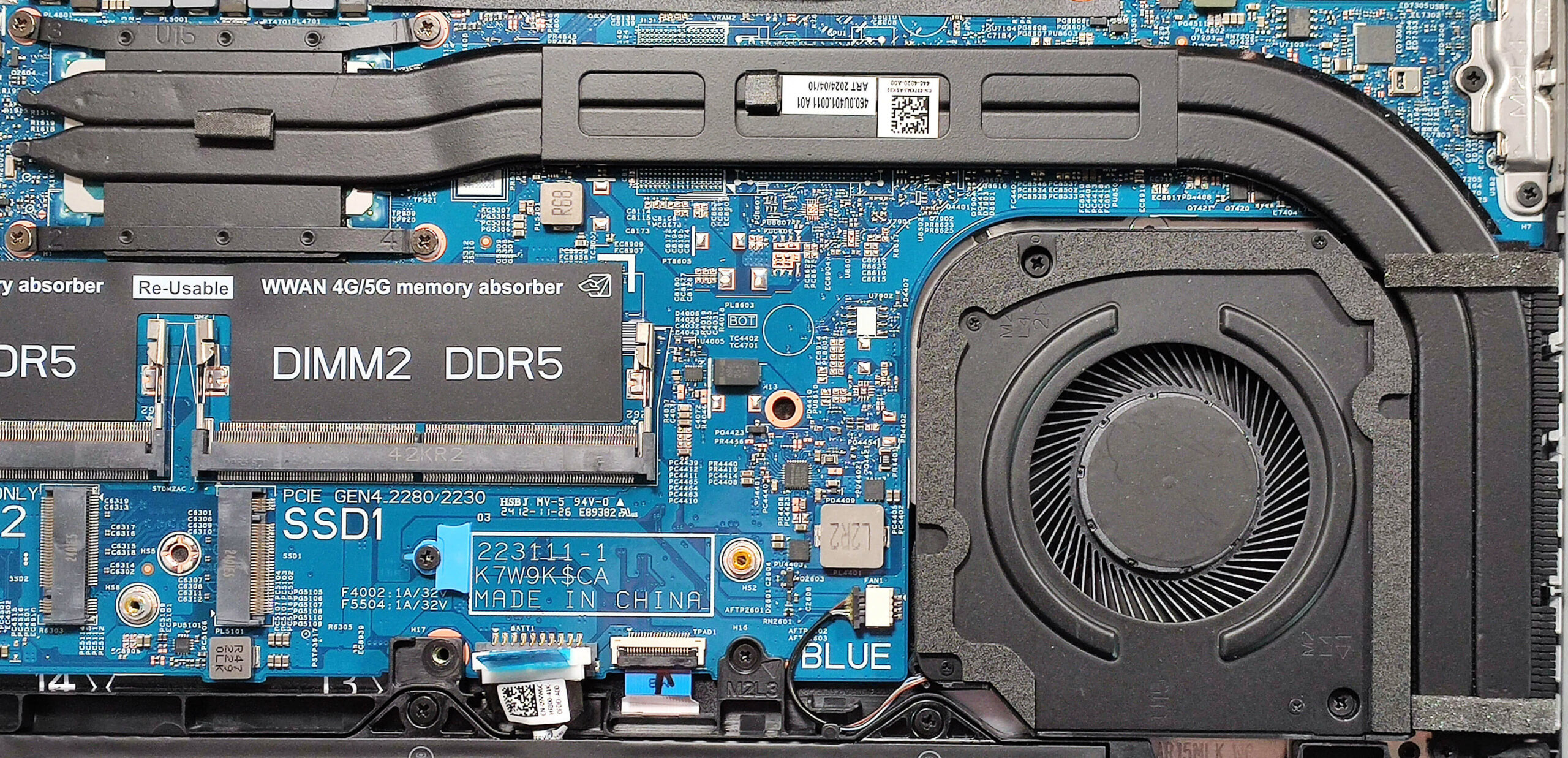
Memory Information
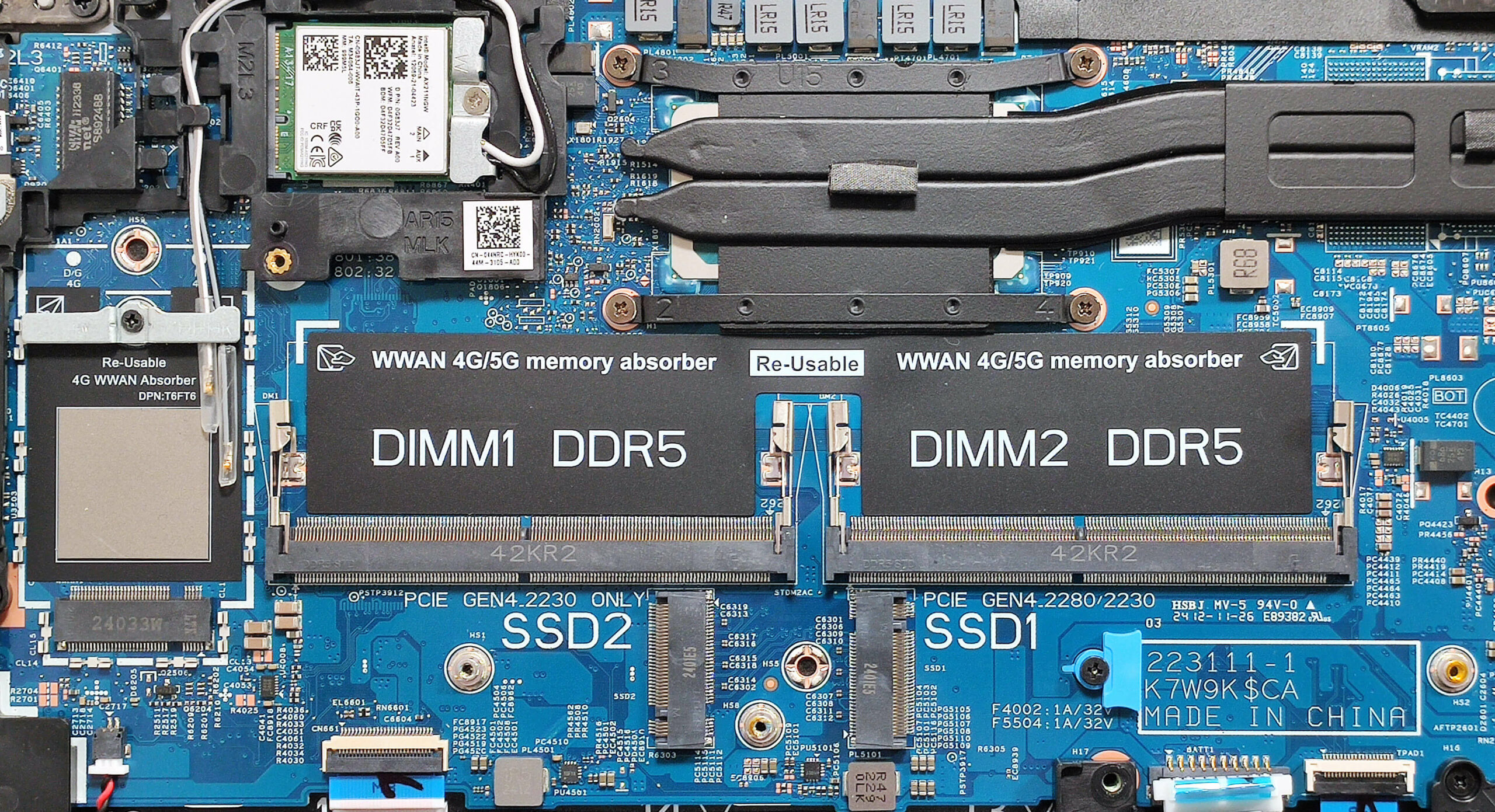
Note: The two SODIMMs support up to 64GB of DDR5 RAM in dual-channel mode. The CPU can support up to 96GB, so the laptop likely wouldn’t have issues running more than the official manufacturer’s specified limit. Core Ultra-based machines use 5600 MHz memory, while others use 5200 MHz modules.
You can buy compatible RAM modules here: Vásárolj az Amazon.com-ról (#CommissionsEarned)
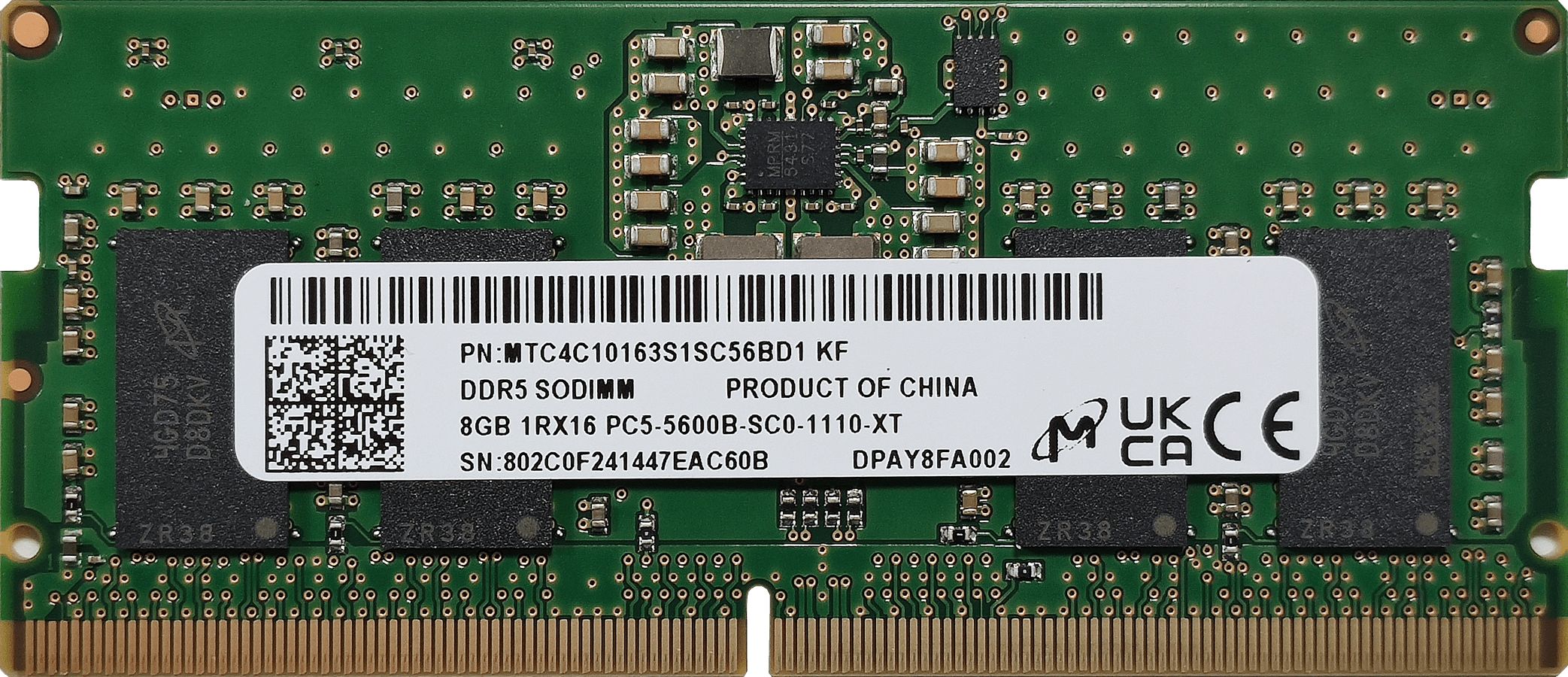
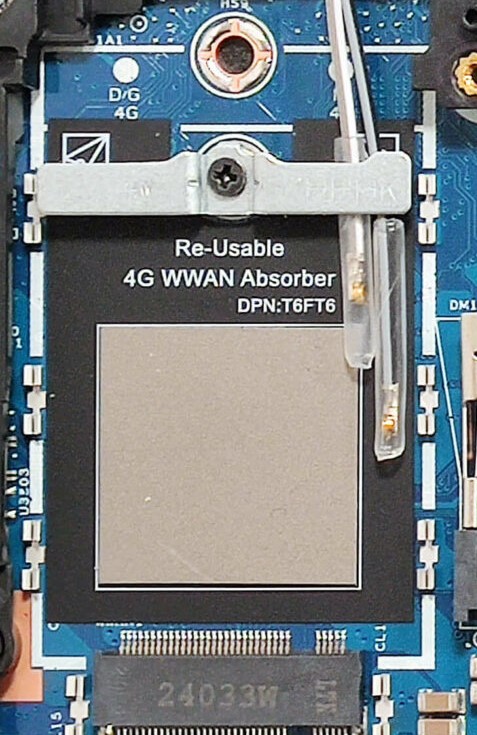
WWAN Slot
- The WWAN slot for optional LTE or 5G connectivity is located to the left of the memory slots.
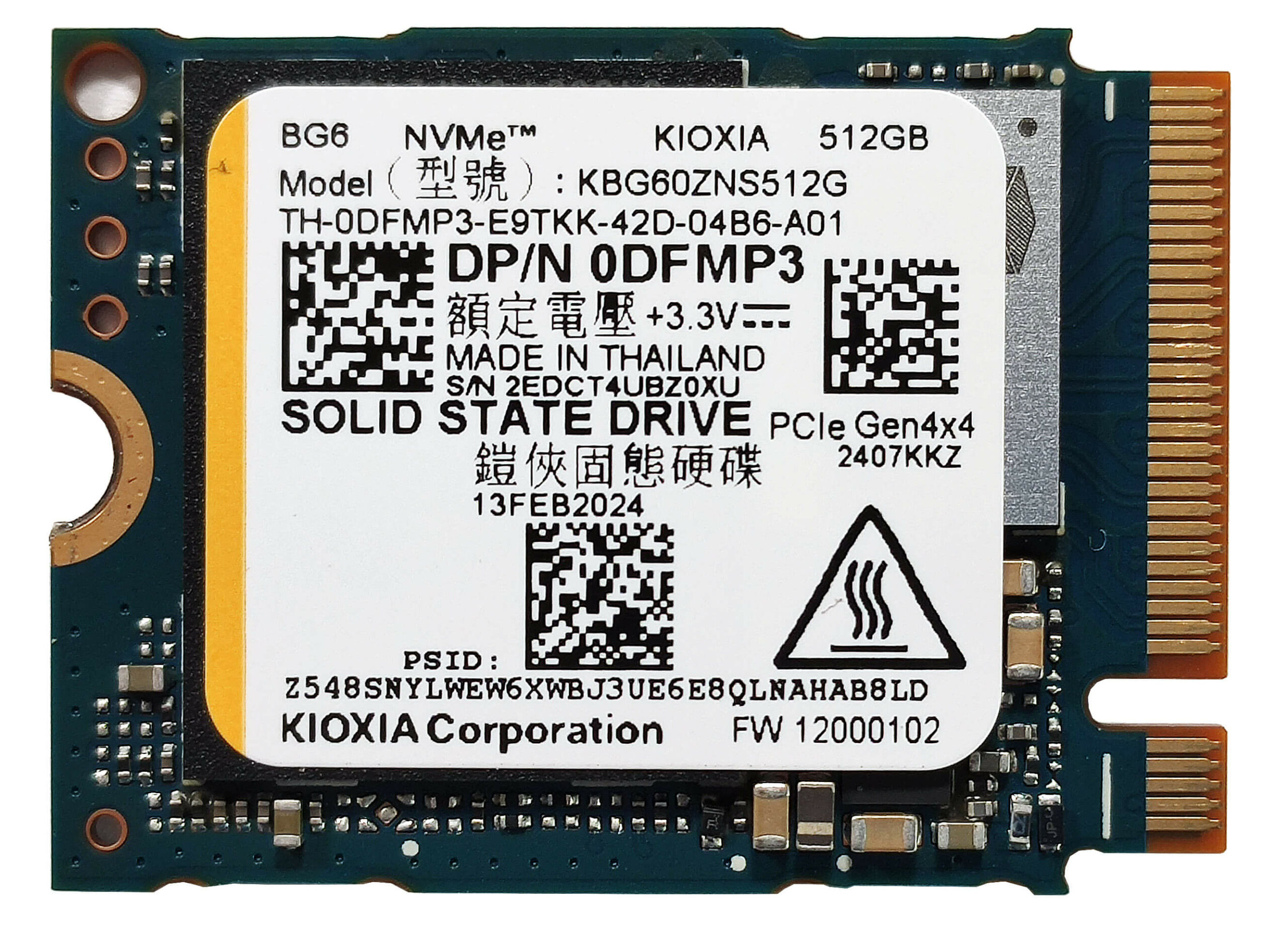
Storage Upgrade
- Locate the two M.2 slots compatible with Gen 4 NVMe SSDs – one for 2230 or 2280 and one for the shorter 2230 SSDs.
- Remove the metal shroud covering the left slot by undoing the two Phillips-head screws.
- Lift the shroud to access the small thermal pad beneath it.
- Install the new SSD in the appropriate slot.
Hint: Don’t forget to check out our Top M.2 SSDs Performance Rankings for insights on the best storage options available.
You can buy compatible SSDs here: Vásárolj az Amazon.com-ról (#CommissionsEarned)

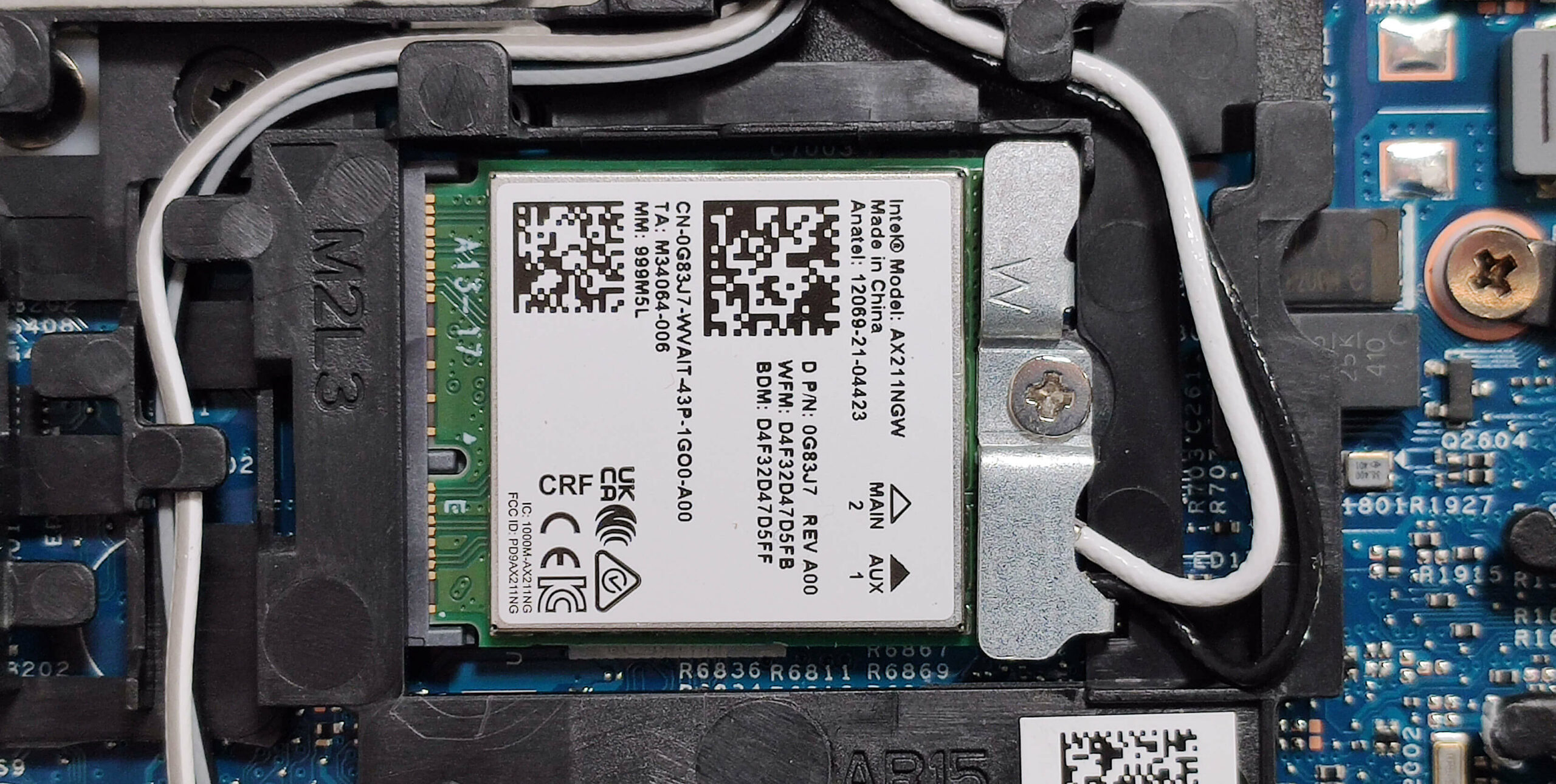
Wi-Fi Card
- The Wi-Fi card is located above the SODIMM slots.
Cooling System Overview
- The cooling system includes one fan, a pair of long heat pipes, one side-mounted heatsink, and a heat spreader.
- Ensure all cooling components are clean and free of dust for optimal performance.
Dell Latitude 15 5550 részletes értékelés
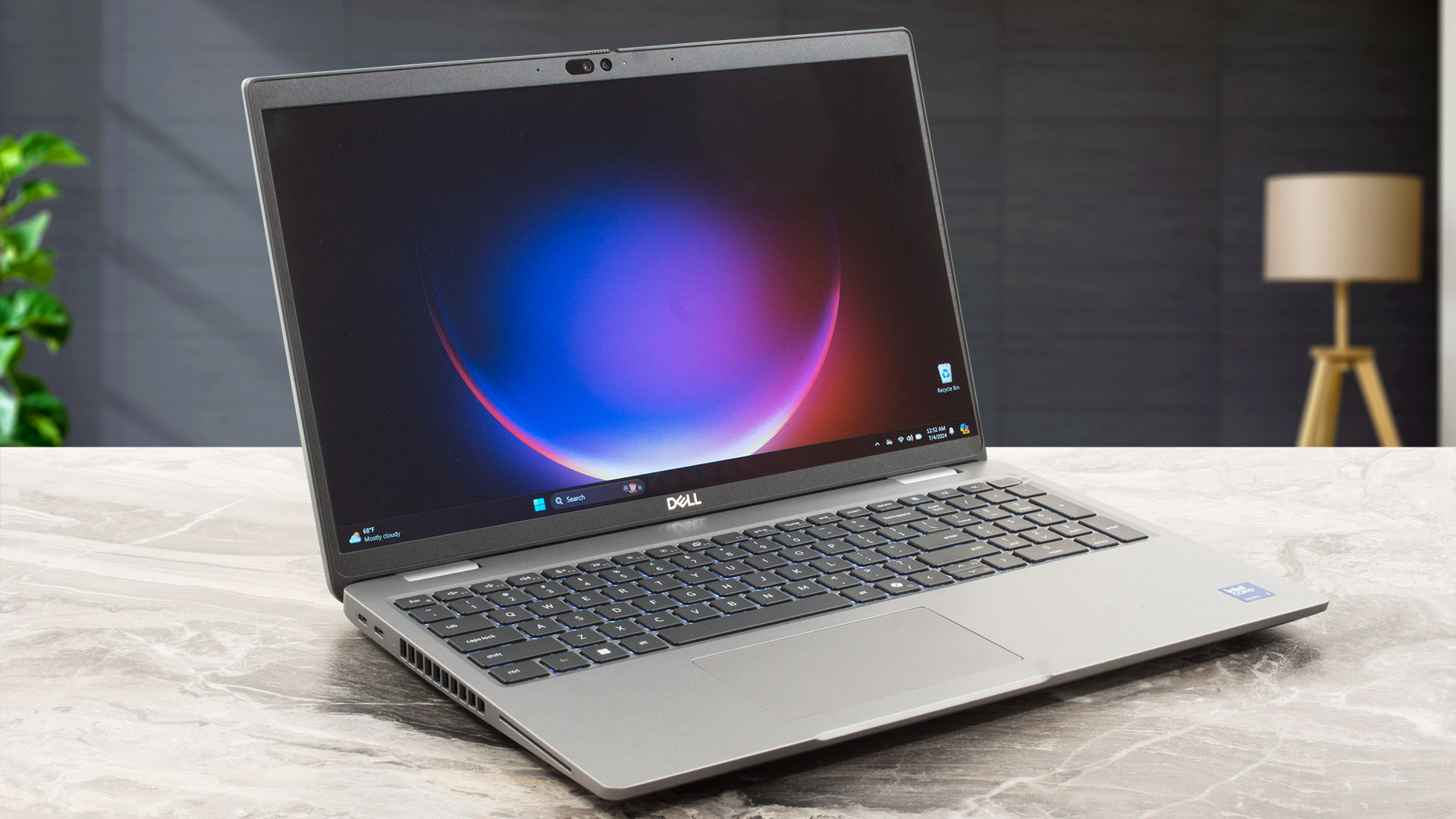
The Dell Latitude 15 5550 is a business machine that is very similar to the Precision 15 3590 in terms of design and specs. The 5550 version can be found with twelve different CPU versions (yes, 12!). So, you choose among a plethora of chips including 15W Raptor and Meteor Lake-U, or 28W Meteor Lake-H series processors. The 4GB GeForce RTX 2050 is the only dGPU variant. The upgradability is great, you get a pair of SODIMMs and Gen 4 NVMe slots. The port selection is modern, you can rely on four USB connectors alongside HDMI 2.1.Just like many other Dell office machines, tons of goodies are[...]
Előnyök
- The fan is near-silent during long CPU loads
- Decent build quality
- Comfortable keyboard
- PWM-free (LGD0764)
- Wide viewing angles (LGD0764)
- 2x SODIMMs + 2x Gen 4 M.2 slots
- Modern port selection with 2x Thunderbolt 4 ports + HDMI 2.1 and a MicroSD card slot
- Good battery life
- Web camera with a privacy shutter
- Fingerprint reader, IR camera, SmartCard reader, NFC, Nano SIM slot (all are optional)
- Good comfort under max CPU stress
- The CPU can sustain decently high clocks in longer loads - 2.15 GHz for the P cores
- The bottom panel can be easily opened
Hátrányok
- High price if you order the laptop with all optional features
- The NVMe gets hot during benchmarking - 77°C
- Too many optional goodies
 Author: Severin Kolakov

![[2026. június] Az Amazon Global legkelendőbb laptopmárkái – az Apple páratlan dominanciája az eladott darabszám és a bevétel tekintetében](https://laptopmedia.com/wp-content/uploads/2026/07/GLOBAL-Best-Brands-400x225.jpg)
![[2026. június] Amazon Global: A 10 legkelendőbb laptop – Az Apple új MacBook Neo-ja az első helyre tör, és megfizethető árával újjáformálja a piacot](https://laptopmedia.com/wp-content/uploads/2026/07/Best-Selling-Laptops-GLOBAL-Top-10-400x225.jpg)
![[2026. június] Amazon Global: A 10 legkelendőbb játékos laptop – az Acer Nitro V 16S AI vezeti az eladási listát, míg az ASUS az összbevétel tekintetében áll az élen](https://laptopmedia.com/wp-content/uploads/2026/07/Best-Selling-Gaming-Laptops-GLOBAL-Top-10-400x225.jpg)
![[2026. június] Az Amazonon legkelendőbb laptop-grafikus kártyák globális ranglistája – az NVIDIA RTX 5060 a legkelendőbb dedikált grafikus kártya](https://laptopmedia.com/wp-content/uploads/2026/07/Best-Selling-GPUs-GLOBAL-Top-10-400x225.jpg)
![[2026. június] Az Amazonon legkelendőbb laptop-processzorok globális rangsora – az Apple M5 vezet, az AMD Ryzen 7 260 pedig jelentős részesedést szerez a prémium szegmensben](https://laptopmedia.com/wp-content/uploads/2026/07/Best-Selling-CPUs-GLOBAL-Top-10-400x225.jpg)
