Inside ASUS ROG Zephyrus (GX501VI) – disassembly, internal photos and upgrade options
The ASUS ROG Zephyrus might be impressive in any other aspect but when it comes to upgradability and ease of access, we’ve seen much better from the OEM. There are no service hatches and if you want to access all of the internals, it’s going to be quite the hassle.
You can find the available configurations here: http://amzn.to/2hJCLMT
1. Removing the bottom plate
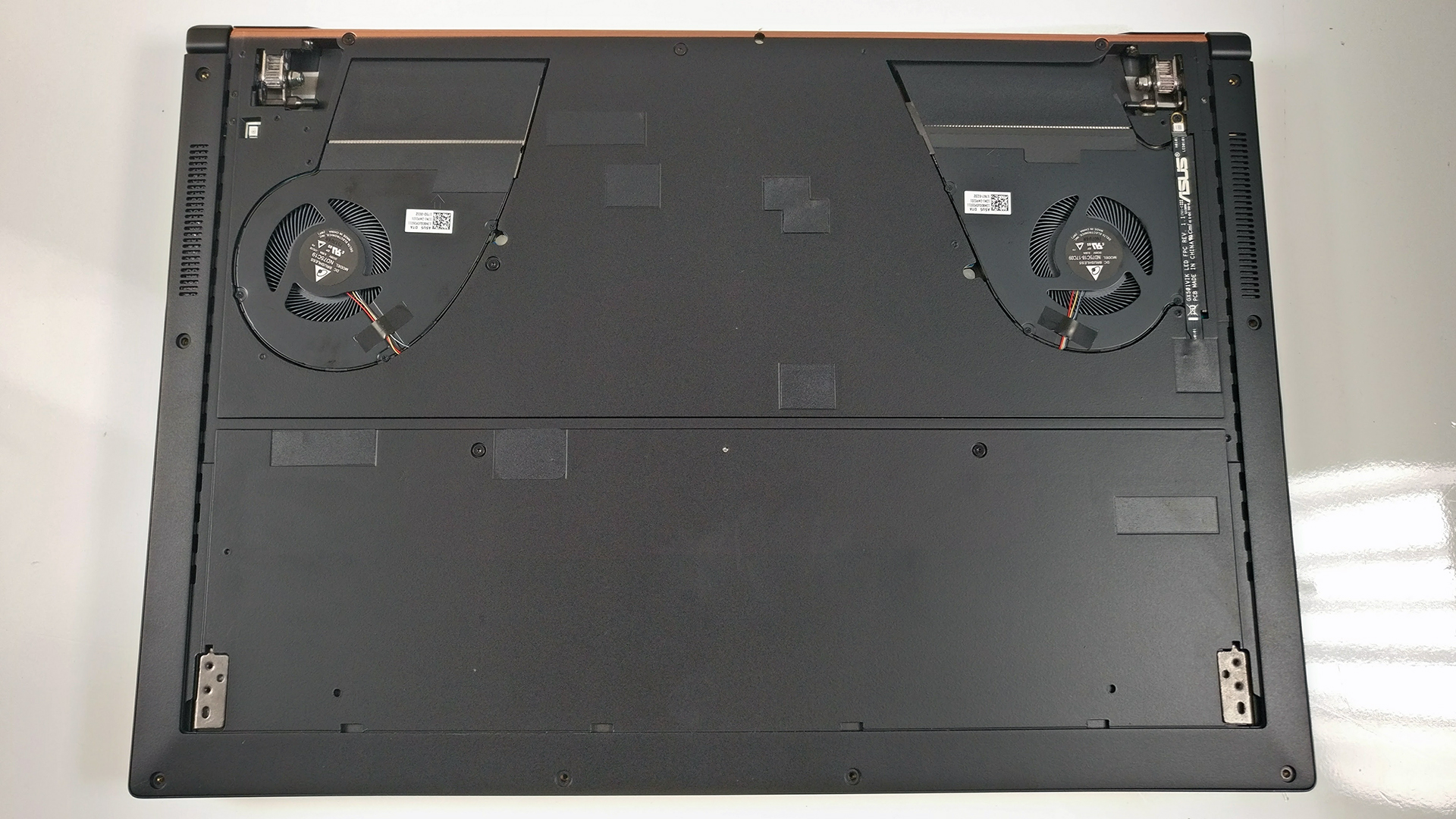
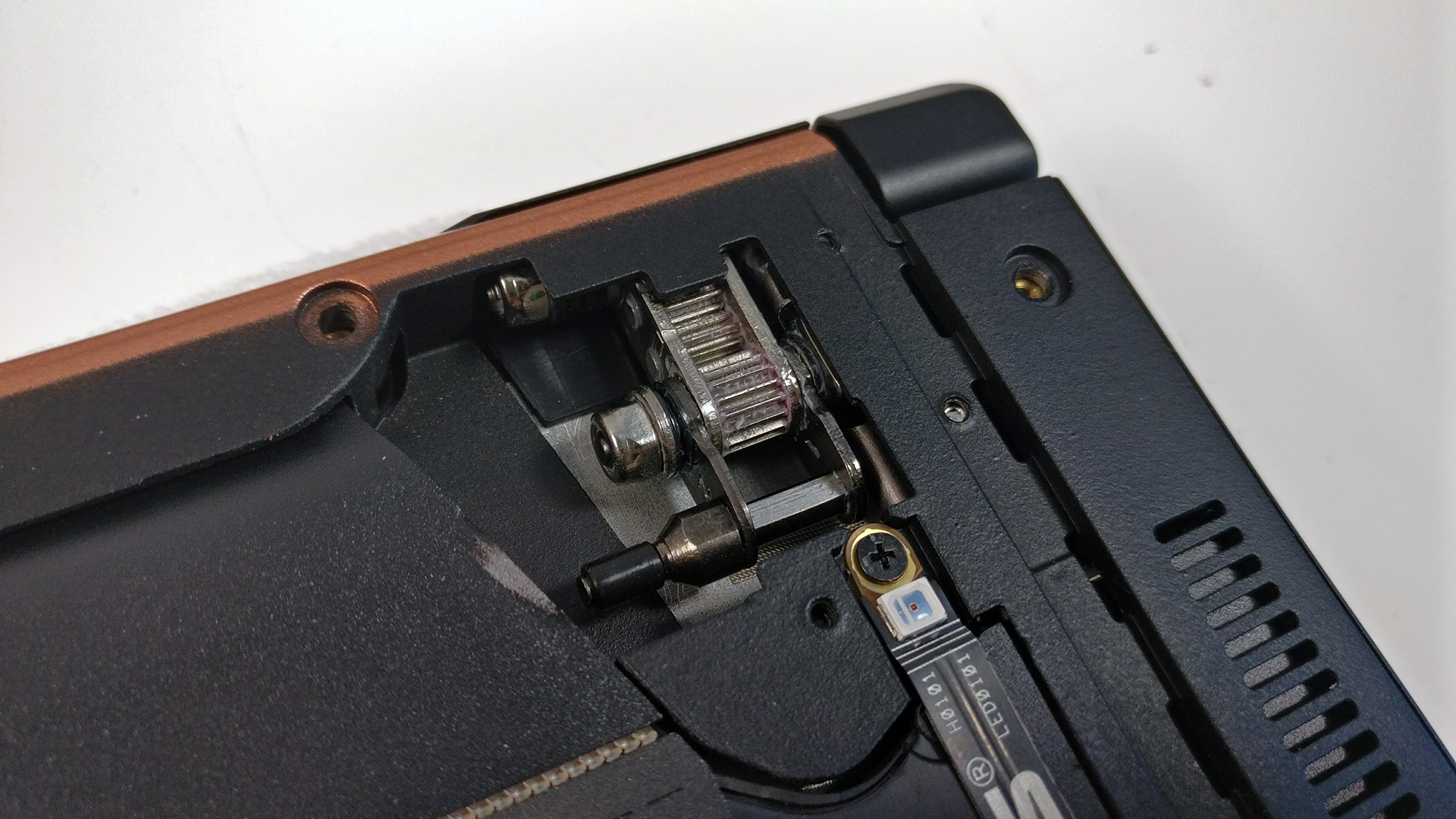
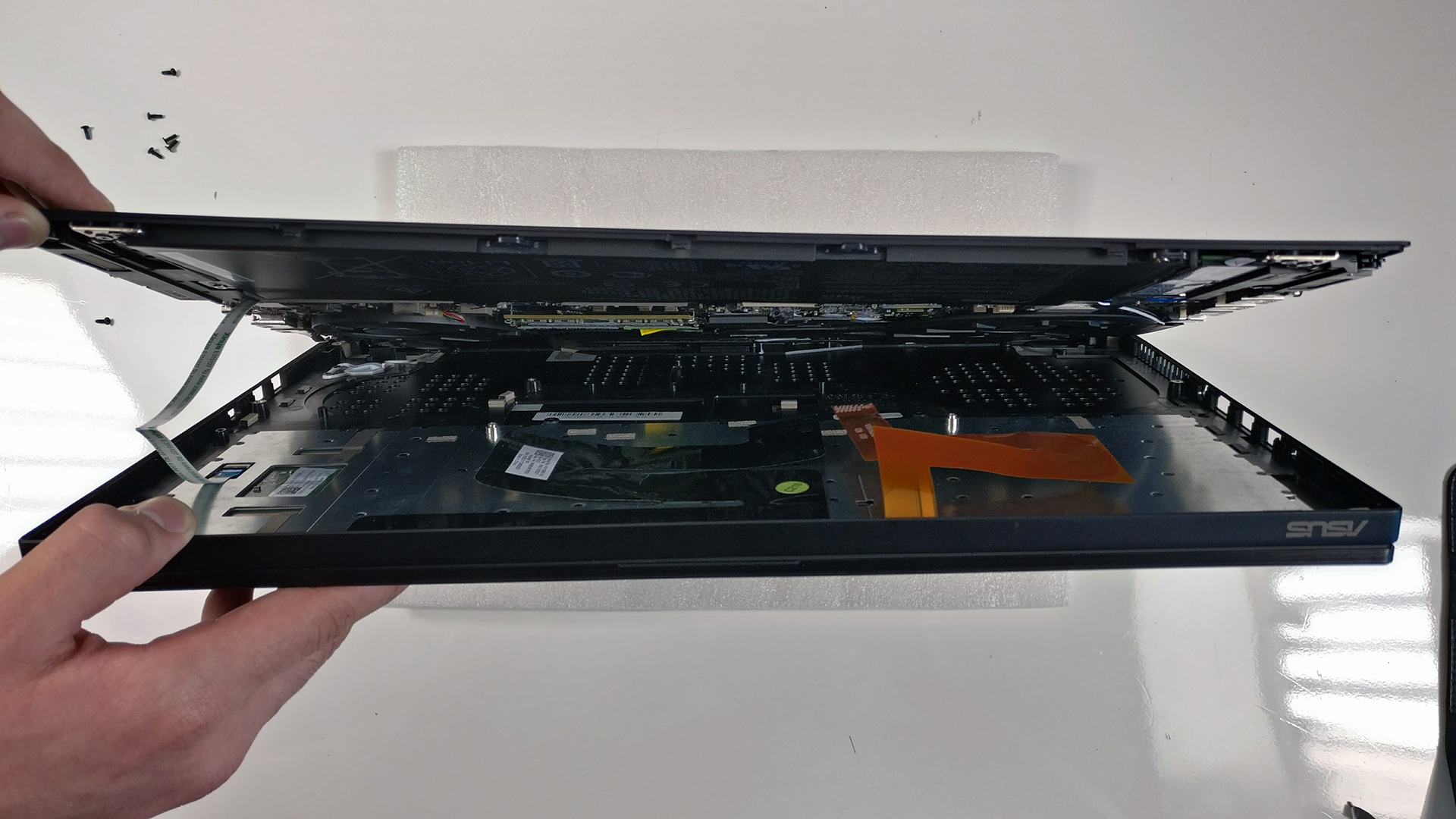
Removing the bottom piece is actually very easy but in practice, it won’t get you anywhere. Remove all the screws around the bottom, then gently remove the plate that lifts up the notebook. Under it, you will find a couple of more screws. This will be enough for an SSD upgrade or RAM chip replacement but anything other than that requires a full disassembly. To do so, you will have to remove the hinges as well.
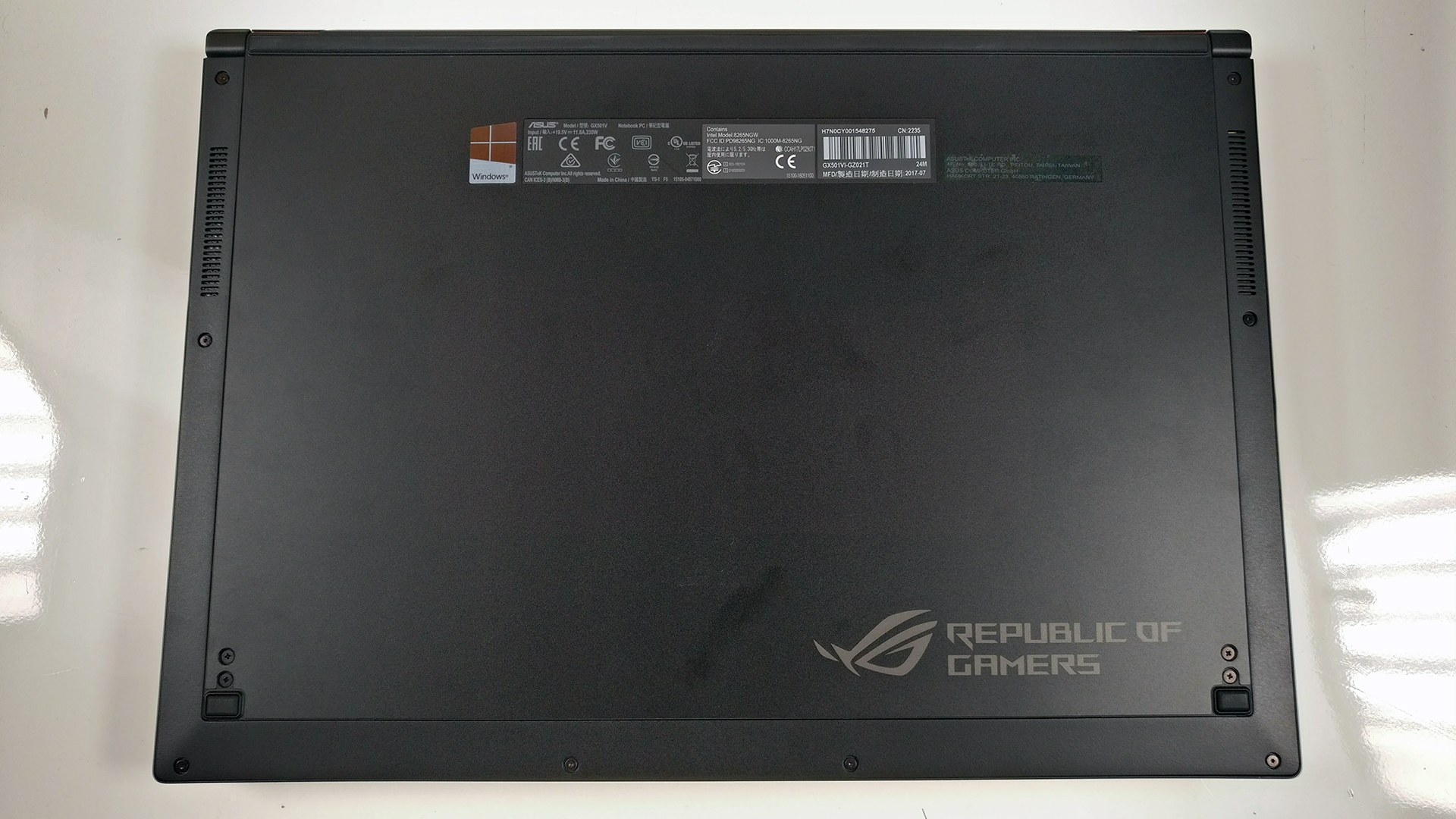
2. Storage
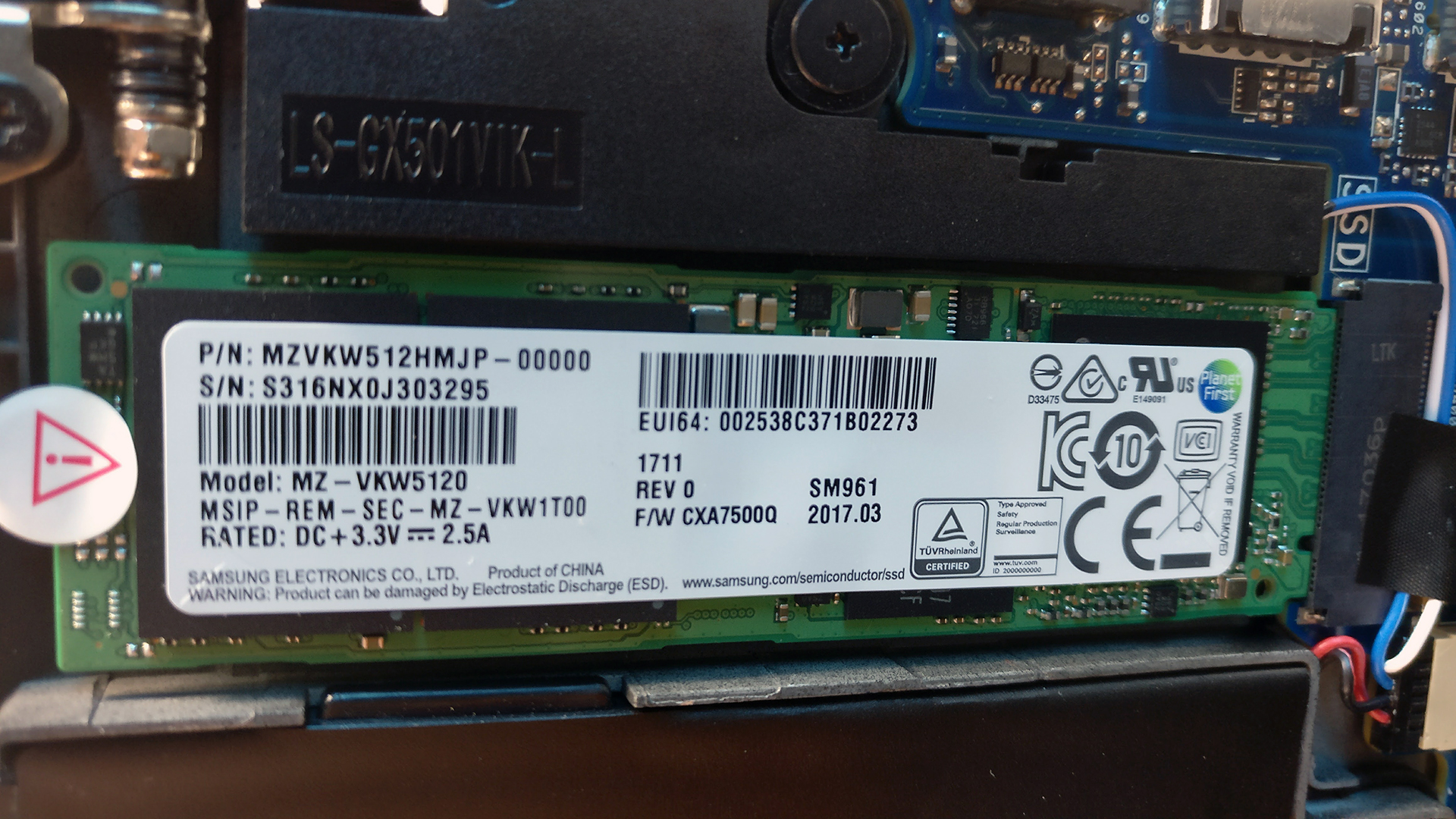
Due to design limitations, the laptop sports only one M.2 SSD slot, which in our case is Samsung SM961 PCIe NVMe SSD with 512GB capacity.
3. Memory, battery and Wi-Fi
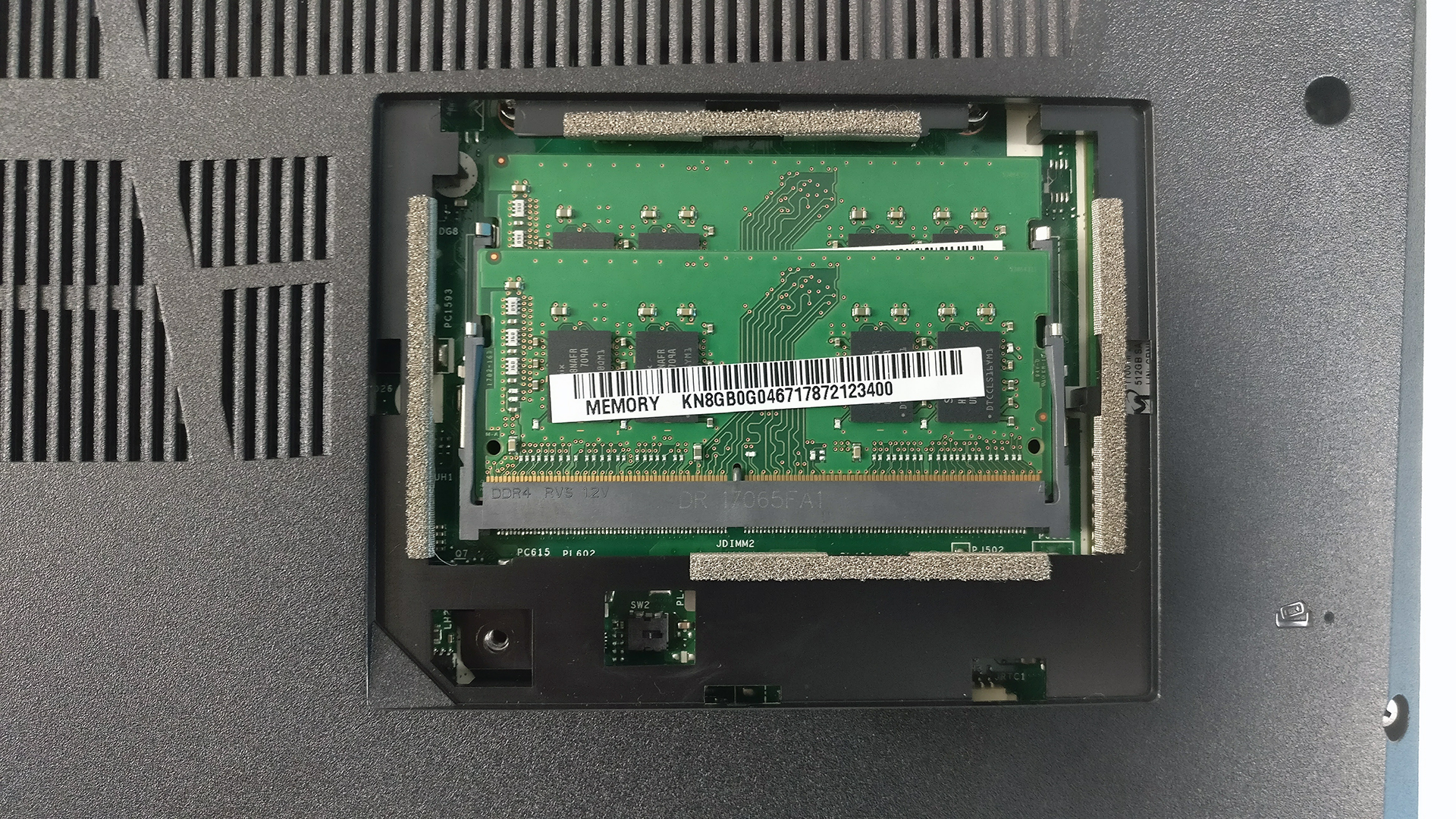
As we already mentioned, the laptop comes with an 8GB DDR4-2400 soldered chip and another RAM slot available for an upgrade. This means that the system can support up to 24GB of DDR4-2400 memory but our unit came with 16GB (1x 8GB soldered + 1x 8GB DDR4-2400 RAM chip).

And as for the battery, it’s rated at merely 50Wh, which proved to be insufficient given the demanding hardware. It’s placed under the keyboard.
4. Cooling system
The cooling design isn’t much different from most gaming laptops – two cooling fans connected with heat pipes going across the CPU and GPU heat sinks. However, due to the thin and light design, the system draws cool air from the holes placed on the interior and the gap under the machine. The rest of the grills around the laptop are for dispersing the heat.
The full review of the ASUS ROG Zephyrus (GX501VI) can be found here.
You can find the available configurations here: http://amzn.to/2hJCLMT
 Author: Rossen Pandev

![[2026. augusztus] Amazon Global: A 10 legkelendőbb laptop – az Apple MacBook Neo vezeti a ranglistát, miközben az olcsóbb és középkategóriás Windows-alapú hordozható számítógépek az eladási mennyiségért küzdenek](https://laptopmedia.com/wp-content/uploads/2026/09/Best-Selling-Laptops-GLOBAL-Top-10-400x225.jpg)
![[2026. augusztus] Az Amazon Global legkelendőbb laptopmárkái – Az Apple vezeti a bevételi rangsort, míg a HP a modellválaszték terén áll az élen](https://laptopmedia.com/wp-content/uploads/2026/09/GLOBAL-Best-Brands-400x225.jpg)
![[2026. augusztus] Amazon Global: A 10 legkelendőbb játékos laptop – Az HP Victus 15 szerezte meg az első helyet, miközben a kedvező árú modellek uralják a ranglistát](https://laptopmedia.com/wp-content/uploads/2026/09/Best-Selling-Gaming-Laptops-GLOBAL-Top-10-400x225.jpg)
![[August 2026] Best-Selling Laptop Brands on Amazon Japan – Apple Dominates Market Share and Revenue Led by Strong Unit Sales](https://laptopmedia.com/wp-content/uploads/2026/09/CO.JP-Best-Brands-1-400x225.jpg)
![[August 2026] Best-Selling Laptop Brands on Amazon USA – Apple Dominates Market Revenue and Volume Despite Lower Model Diversity](https://laptopmedia.com/wp-content/uploads/2026/09/COM-Best-Brands-1-400x225.jpg)

My Zephyrus has a logo light flaw which there are many red dots on the lid logo but one of them lights up white. Is there any screen disassemble tutorial to sort it out?