Inside ASUS Vivobook S 15 OLED (UM3502) – disassembly and upgrade options
Due to the older chipset, the Vivobook S 15 OLED (UM3502) only supports Gen 3 SSDs.
Check out all ASUS Vivobook S 15 OLED (UM3502) prices and configurations in our Specs System, or read more in our In-Depth review.
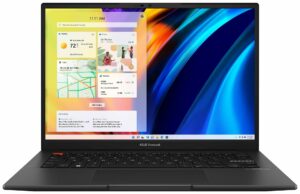
1. Remove the bottom plate
To get inside this notebook, you need to undo 10 Torx-head screws. Then, pry the bottom panel with a plastic tool, and carefully lift it away from the chassis.

2. Battery
Here, we find a 70Wh battery pack. It lasts for 16 hours and 30 minutes of Web browsing, or more than 10 hours of video playback. To take it out, you need to unplug the connector. Then, remove the steel support bracket, and undo the 6 Phillips-head screws, that keeps the battery in place.

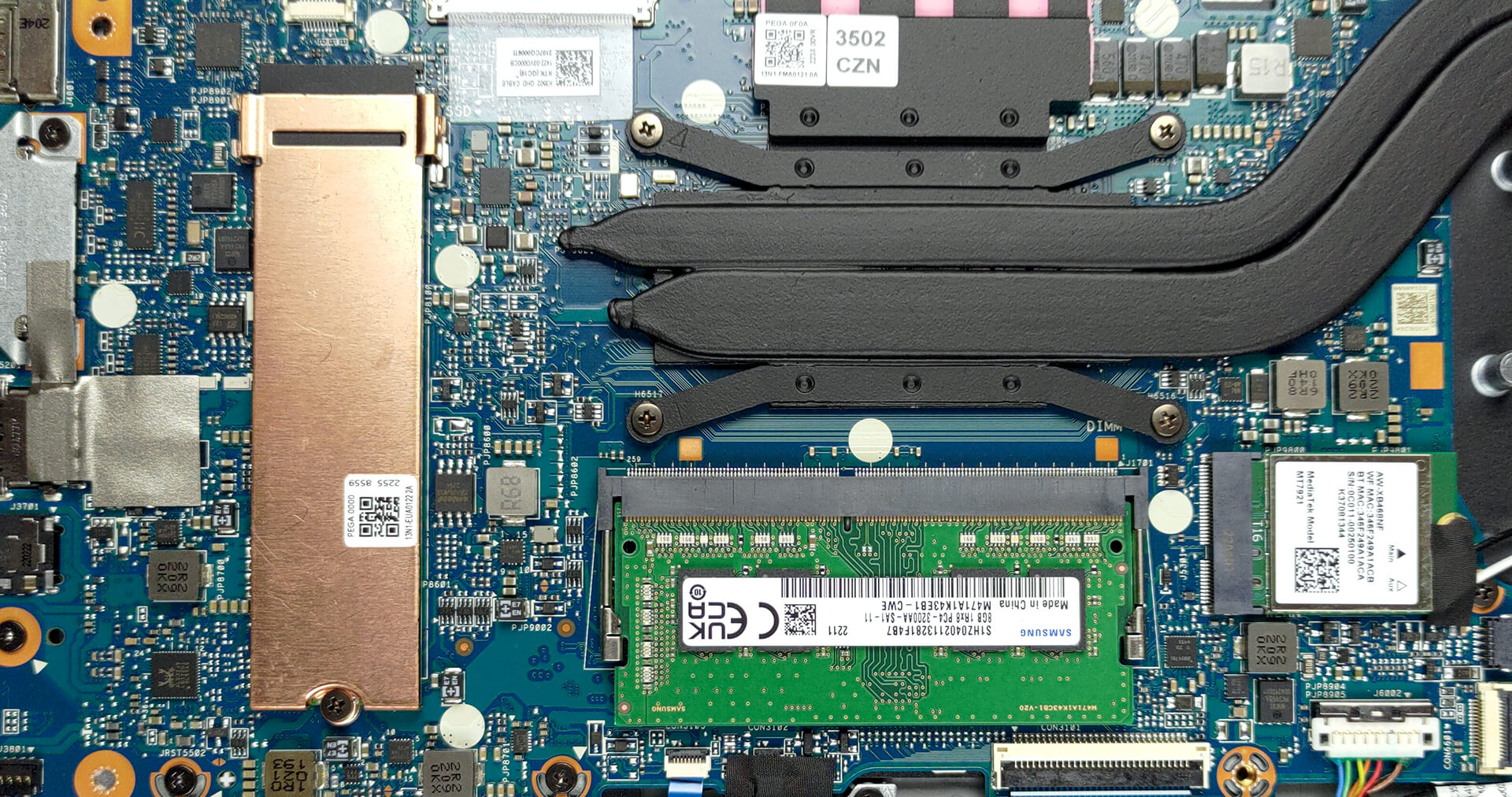
3. Memory and storage
There are 8GB of DDR4 memory soldered to the motherboard, with a single SODIMM slot offering a further expansion of up to 16GB. Storage-wise, there is one M.2 PCIe x4 slot, which works with Gen 3 SSDs.
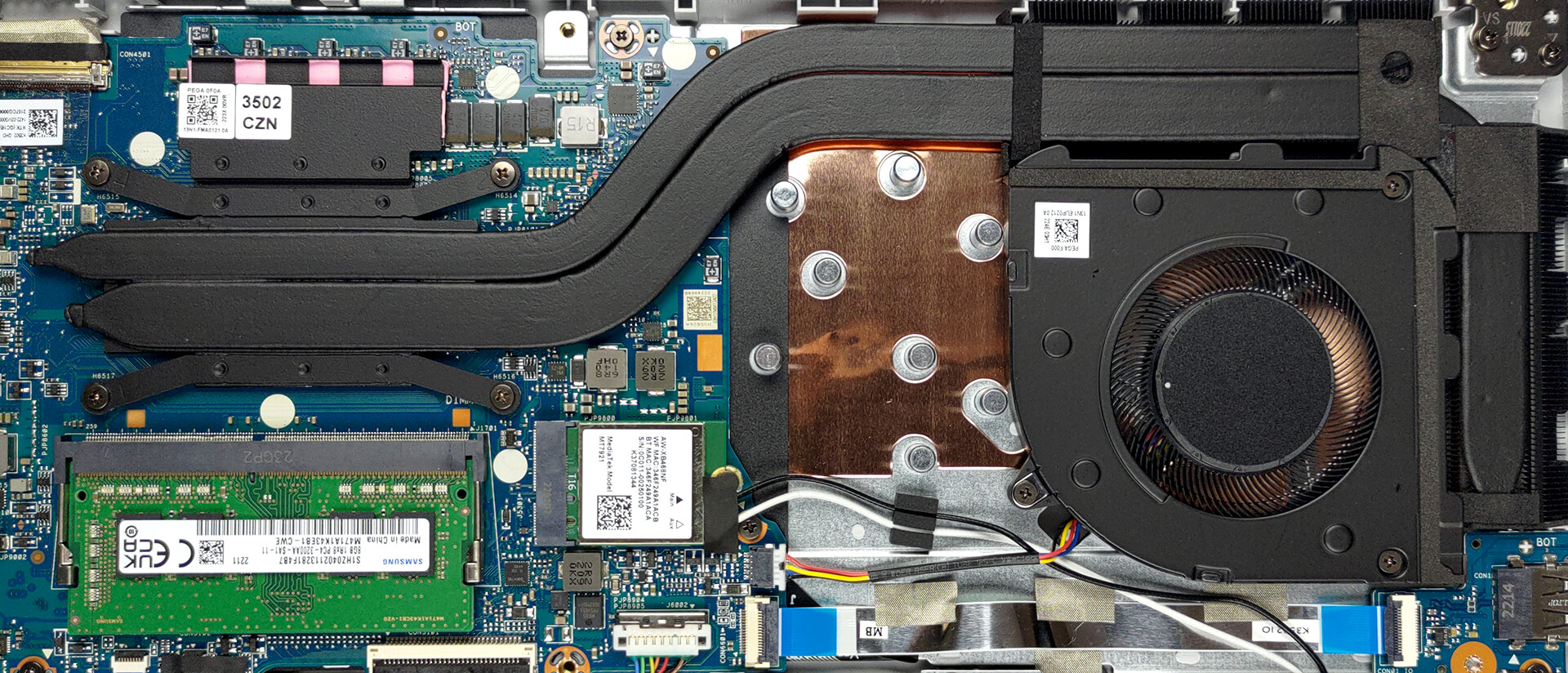
4. Cooling system
This laptop’s cooling comprises two heat pipes, two heat sinks, and one fan. Also, you will find a heat spreader on top of the VRMs.
Check out all ASUS Vivobook S 15 OLED (UM3502) prices and configurations in our Specs System, or read more in our In-Depth review.
ASUS VivoBook S 15 OLED (M3502, AMD Ryzen 5000 Series) részletes értékelés
We live in a world, where laptops get more expensive. The main reason for that is the modern practice of new CPUs being released every year. But at some point, the upgrades were poised to become only incremental. This is what happened with AMD this year (at least regarding the computational performance). Essentially, this paves the way for Ryzen 5000H devices to become best-sellers again, due to their lower price.The VivoBook S 15 OLED (M3502) is one such notebook. It has a youthful vibe, paired with pretty capable hardware, and - as the name suggests, a display to die for. You still have[...]
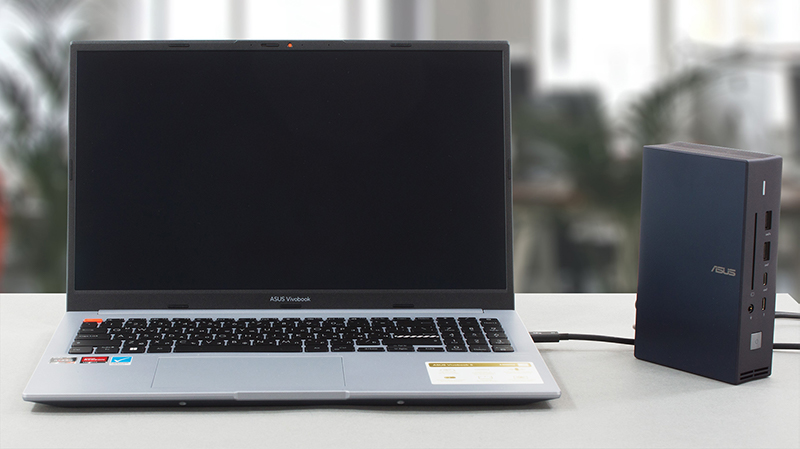
Előnyök
- Adequate pricing
- Decent performance
- 100% sRGB and DCI-P3 coverage (Samsung ATNA56AC01-0 (SDC416E))
- HDR True Black 500 support and infinite contrast ratio (Samsung ATNA56AC01-0 (SDC416E))
- 120Hz refresh rate with blazingly quick pixel response times
- Optional Wi-Fi 6 and fingerprint reader
- Great battery life
Hátrányok
- PWM usage (Samsung ATNA56AC01-0 (SDC416E))
- Uses USB Type-A 2.0
- The cooling is not spectacular
 Author: Alex Iliev

![[2026. június] Az Amazon Global legkelendőbb laptopmárkái – az Apple páratlan dominanciája az eladott darabszám és a bevétel tekintetében](https://laptopmedia.com/wp-content/uploads/2026/07/GLOBAL-Best-Brands-400x225.jpg)
![[2026. június] Amazon Global: A 10 legkelendőbb laptop – Az Apple új MacBook Neo-ja az első helyre tör, és megfizethető árával újjáformálja a piacot](https://laptopmedia.com/wp-content/uploads/2026/07/Best-Selling-Laptops-GLOBAL-Top-10-400x225.jpg)
![[2026. június] Amazon Global: A 10 legkelendőbb játékos laptop – az Acer Nitro V 16S AI vezeti az eladási listát, míg az ASUS az összbevétel tekintetében áll az élen](https://laptopmedia.com/wp-content/uploads/2026/07/Best-Selling-Gaming-Laptops-GLOBAL-Top-10-400x225.jpg)
![[2026. június] Az Amazonon legkelendőbb laptop-grafikus kártyák globális ranglistája – az NVIDIA RTX 5060 a legkelendőbb dedikált grafikus kártya](https://laptopmedia.com/wp-content/uploads/2026/07/Best-Selling-GPUs-GLOBAL-Top-10-400x225.jpg)
![[2026. június] Az Amazonon legkelendőbb laptop-processzorok globális rangsora – az Apple M5 vezet, az AMD Ryzen 7 260 pedig jelentős részesedést szerez a prémium szegmensben](https://laptopmedia.com/wp-content/uploads/2026/07/Best-Selling-CPUs-GLOBAL-Top-10-400x225.jpg)
