Inside ASUS Zenbook Pro 14 Duo OLED (UX8402) – disassembly and upgrade options
The Zenbook Pro 14 Duo OLED (UX8402) is quite an innovative machine, which gets a lot of boxes checked. However, upgradability is a bit overlooked.
Check out all ASUS Zenbook Pro 14 Duo OLED (UX8402) prices and configurations in our Specs System or read more in our In-Depth review.
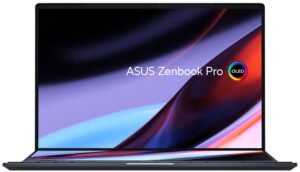
1. Remove the bottom plate
To access this notebook’s internals, you need to undo 10 Torx-head screws. Then, pry the bottom panel with a plastic tool, and lift it away from the chassis.
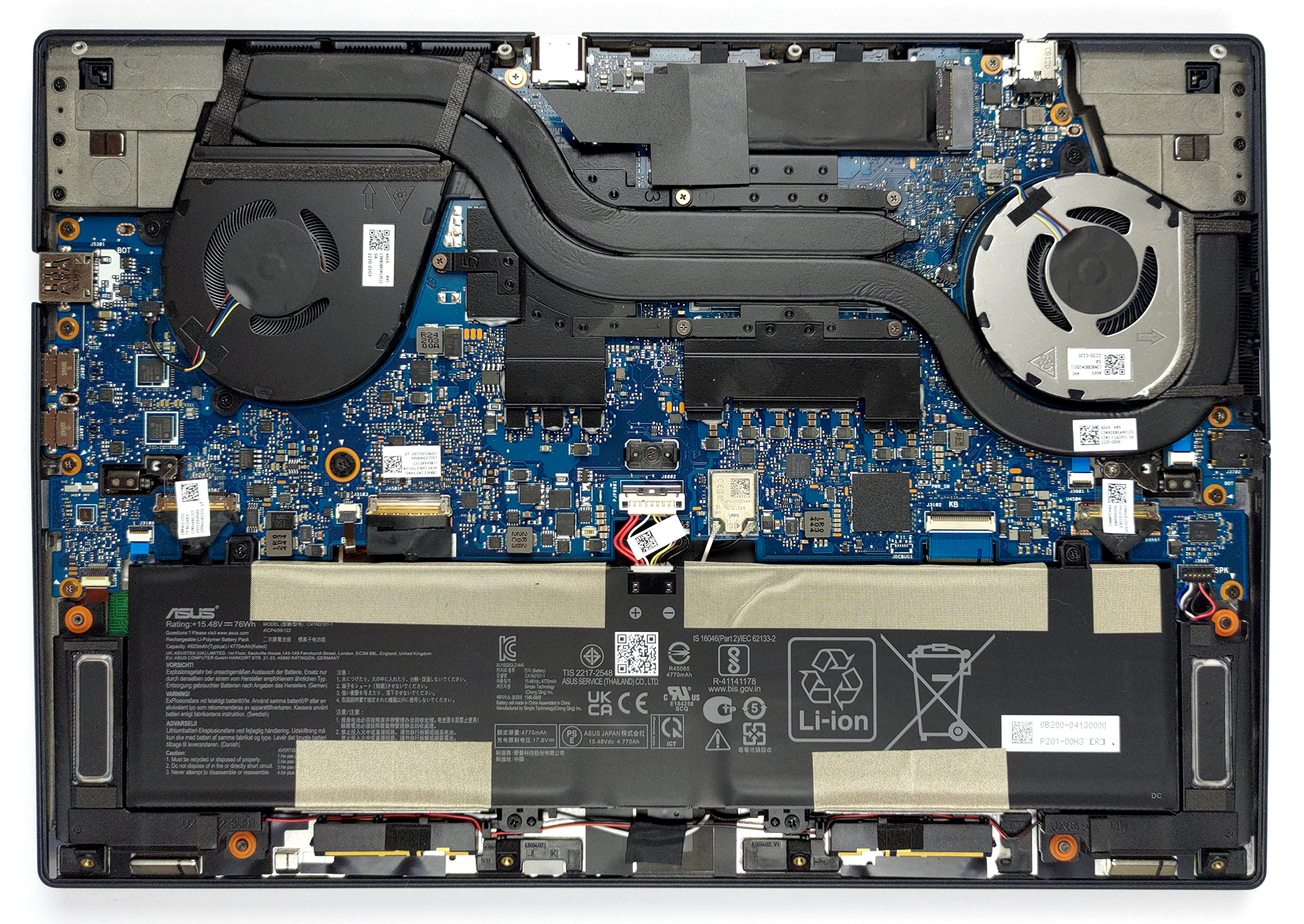
2. Battery
Inside, we see a 76Wh battery pack. It lasts for 7 hours and 30 minutes of Web browsing, or 6 hours and 30 minutes of video playback. To take it out, unplug the battery connector by pulling the metal retention bracket. Then, undo all 4 Phillips-head screws that hold it in place.
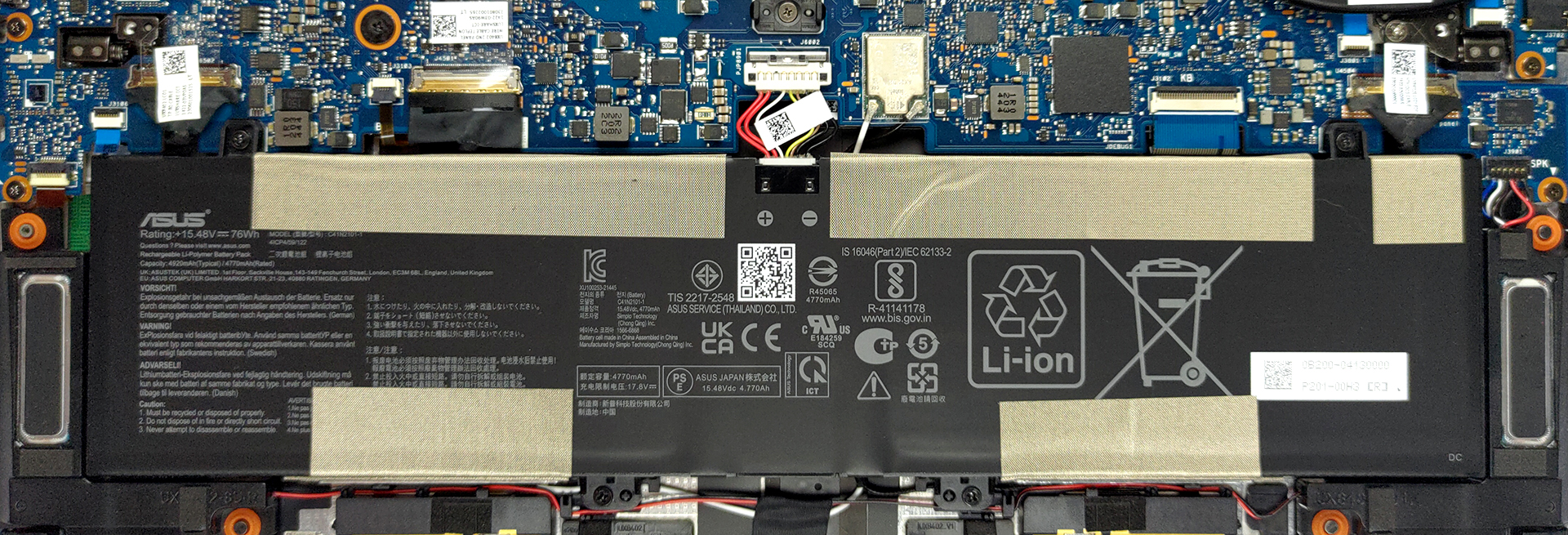
3. Memory and storage
Here, the memory is soldered to the motherboard. The maximum available configuration comes with 32GB of LPDDR5 RAM, working in quad-channel mode. Storage-wise, you get one M.2 PCIe x4 slot, which supports Gen 4 drives.

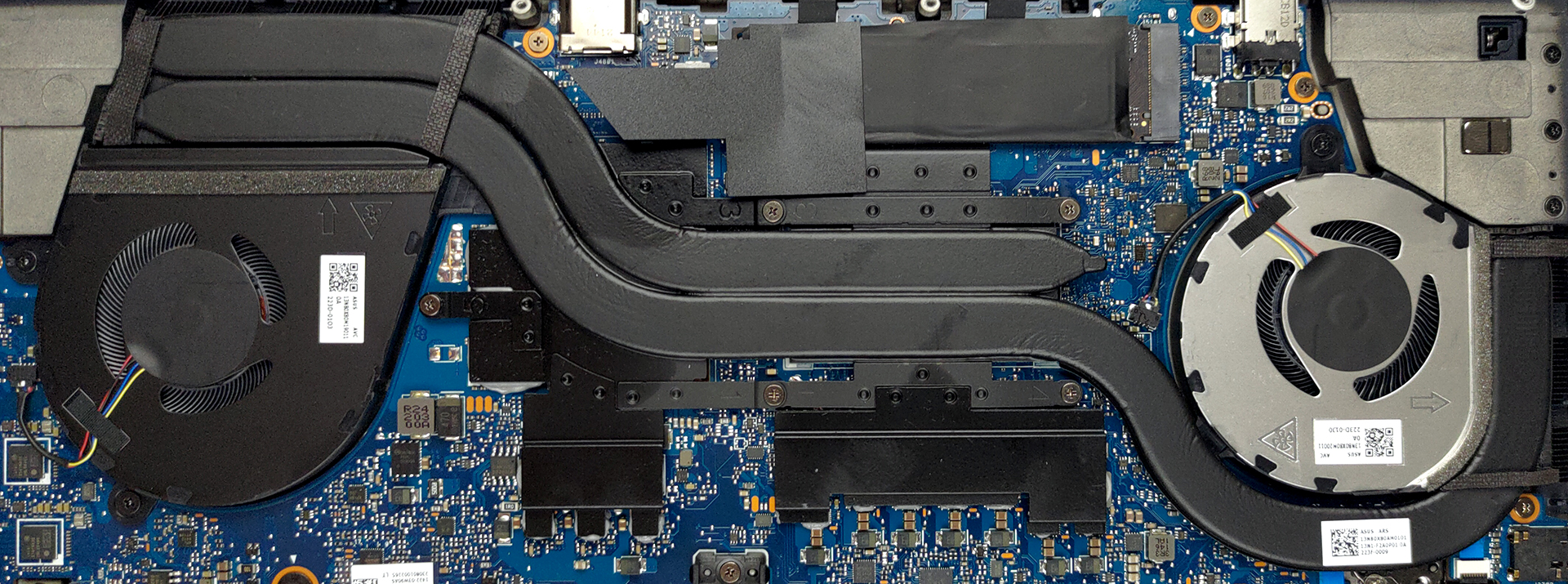
4. Cooling system
The cooling here comprises two heat pipes, two heat sinks, and two fans. In addition, there are heat spreaders above the VRMs and the graphics memory.
Check out all ASUS Zenbook Pro 14 Duo OLED (UX8402) prices and configurations in our Specs System or read more in our In-Depth review.
ASUS Zenbook Pro 14 Duo OLED (UX8402, 12th Gen Intel) részletes értékelés
Undoubtedly, ASUS is a champion in innovation. Today, we found ourselves a Zenbook that is dual-wielding a couple of displays. But it is not your ordinary "Duo" notebook (not that any laptop with two screens can be called ordinary). Are you ready for the name? ASUS Zenbook Pro 14 Duo OLED (UX8402) Turbo BiFuel 16V Twin Spark ... Yes, things are getting a little out of hand with the naming these days, as manufacturers are trying to paint the full picture for its potential customers, as soon as they view the listing in the online store.Nevertheless, the Zenbook Pro 14 Duo has its reasons to[...]
Előnyök
- Deep blacks and infinite contrast ratio
- 100% DCI-P3 coverage from the main panel (Samsung ATNA45AF01-0 (SDC416D))
- 120Hz refresh rate with crazy fast pixel response times (Samsung ATNA45AF01-0 (SDC416D))
- Surprising performance
- ScreenPad Plus experience
- Exceptional concept
- Loud and dynamic speakers
- Includes a stylus and a stand
- Rigid build quality
- 2x Thunderbolt 4 + MicroSD card slot + HDMI 2.1 connector
- IR face recognition
Hátrányok
- Soldered memory
- Uncomfortable keyboard and touchpad location
- Gets pretty warm during long gaming sessions
- Average battery life
 Author: Alex Iliev

![[2026. augusztus] Az Amazonon legkelendőbb laptop-grafikus kártyák globális ranglistája – az Apple uralkodik, az NVIDIA RTX 5060 vezeti a dedikált kártyák ranglistáját](https://laptopmedia.com/wp-content/uploads/2026/09/Best-Selling-GPUs-GLOBAL-Top-10-400x225.jpg)
![[2026. augusztus] Az Amazonon legkelendőbb laptop-processzorok globális ranglistája – Az Apple mind az olcsóbb, mind a prémium kategóriában dominál: az A18 Pro és az M5 2026 augusztusában elsöprő fölénnyel győzött az Intel és az AMD felett](https://laptopmedia.com/wp-content/uploads/2026/09/Best-Selling-CPUs-GLOBAL-Top-10-400x225.jpg)
![[2026. augusztus] Amazon Global: A 10 legkelendőbb laptop – az Apple MacBook Neo vezeti a ranglistát, miközben az olcsóbb és középkategóriás Windows-alapú hordozható számítógépek az eladási mennyiségért küzdenek](https://laptopmedia.com/wp-content/uploads/2026/09/Best-Selling-Laptops-GLOBAL-Top-10-400x225.jpg)
![[2026. augusztus] Az Amazon Global legkelendőbb laptopmárkái – Az Apple vezeti a bevételi rangsort, míg a HP a modellválaszték terén áll az élen](https://laptopmedia.com/wp-content/uploads/2026/09/GLOBAL-Best-Brands-400x225.jpg)
![[2026. augusztus] Amazon Global: A 10 legkelendőbb játékos laptop – Az HP Victus 15 szerezte meg az első helyet, miközben a kedvező árú modellek uralják a ranglistát](https://laptopmedia.com/wp-content/uploads/2026/09/Best-Selling-Gaming-Laptops-GLOBAL-Top-10-400x225.jpg)
