Inside HP Envy x360 15 (15-es1000) – disassembly and upgrade options
Although it is a convertible, the Envy x360 15 provides quite some upgrade options for the future.
Check out all HP Envy x360 15 (15-es1000) prices and configurations in our Specs System or read more in our In-Depth review.
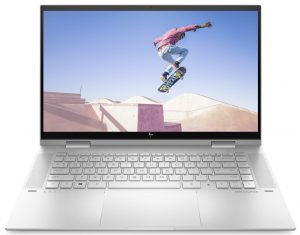

1. Remove the bottom plate
To take this notebook apart, you need to undo two Torx-head screws. Then, remove the two rubber feet to find four Phillips-head screws. After that, undo them, and pry the bottom panel with a plastic tool.
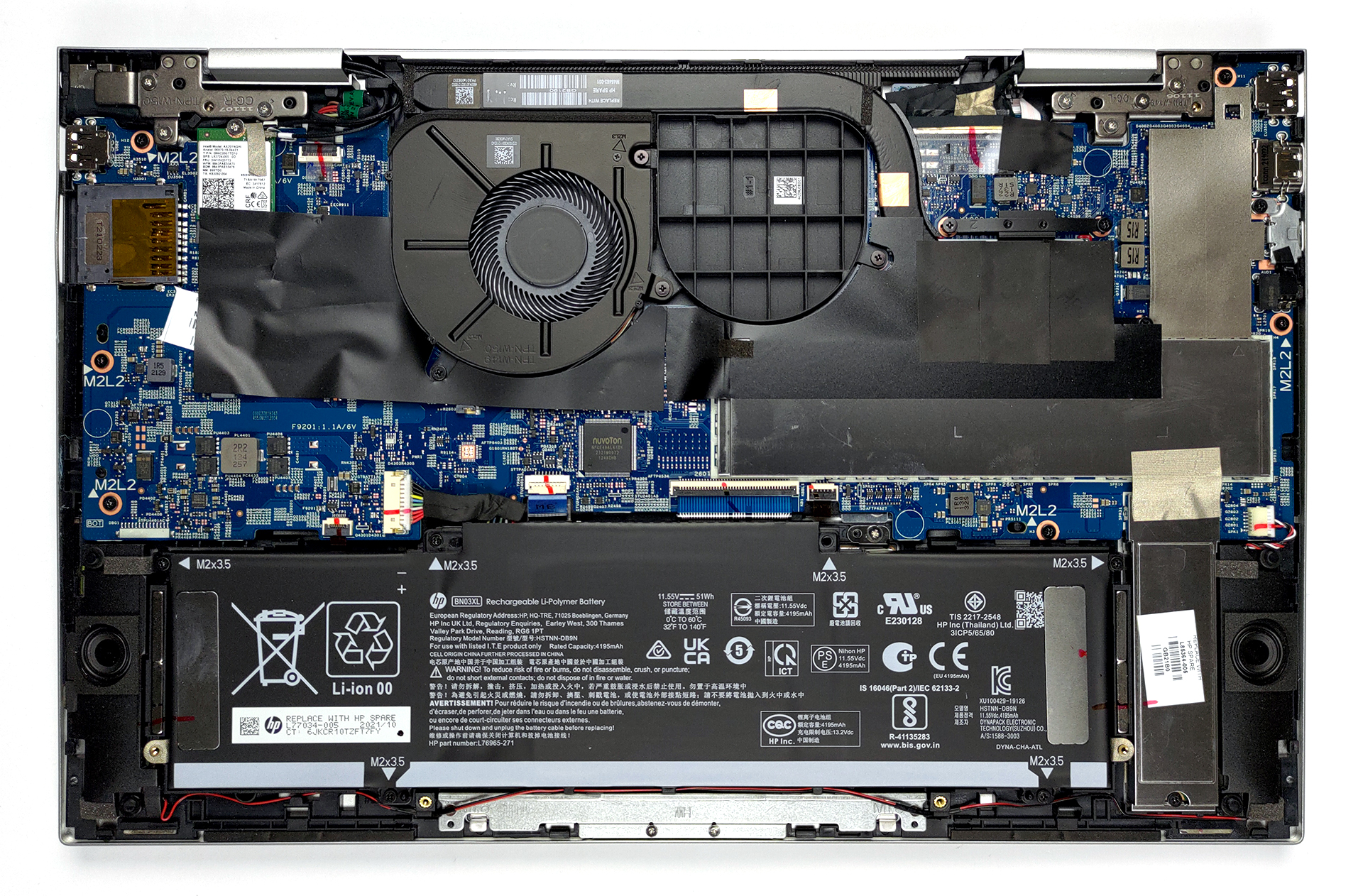
2. Battery
Its 51Wh battery delivers about 7 hours of Web browsing and nearly 11 hours of video playback. At some time, this battery will surely perish, and you might want to replace it. To do so, undo all 5 Phillips-head screws holding it to the chassis. After that, unplug the battery connector from the motherboard, and unlatch the speaker cables.
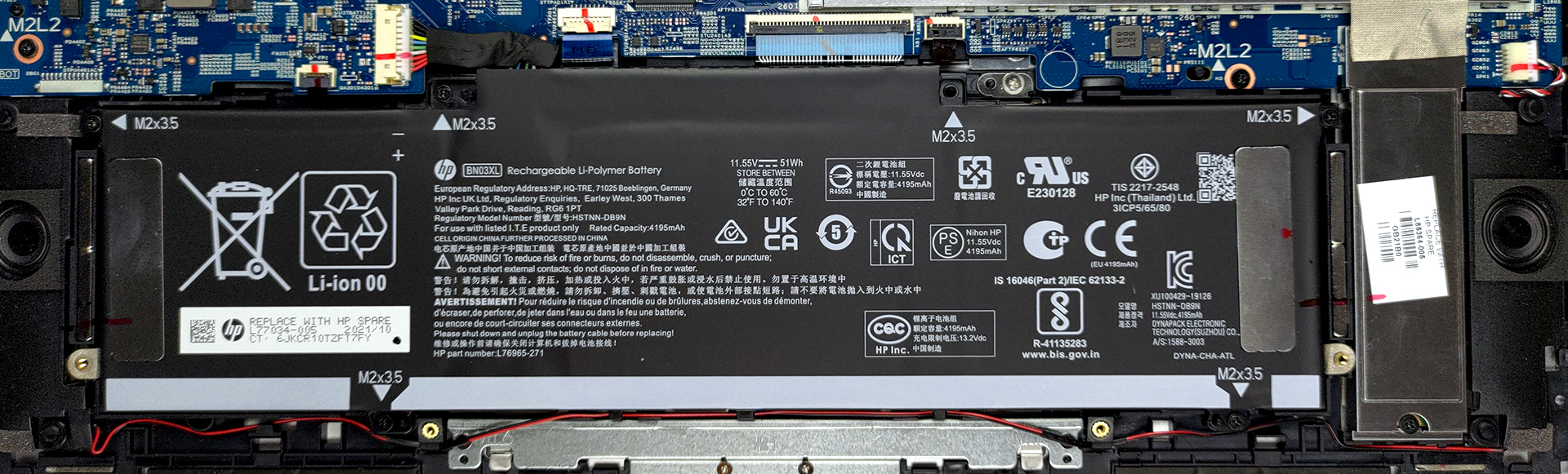
3. Memory and storage
In terms of memory upgrades, there are two RAM SODIMM slots. To access them, remove the metal cover. Storage-wise, you get one M.2 PCIe x4 slot.
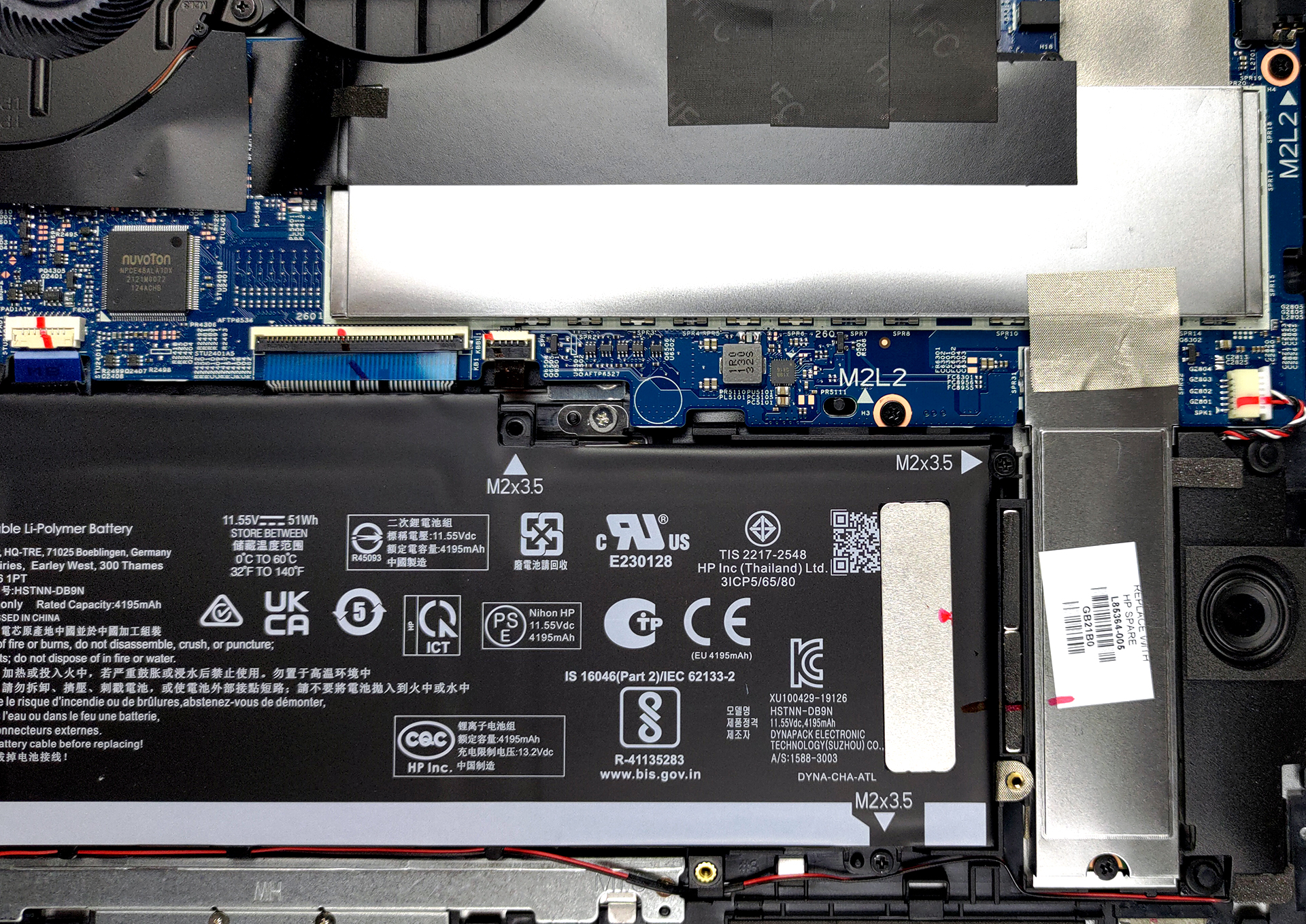
4. Cooling system
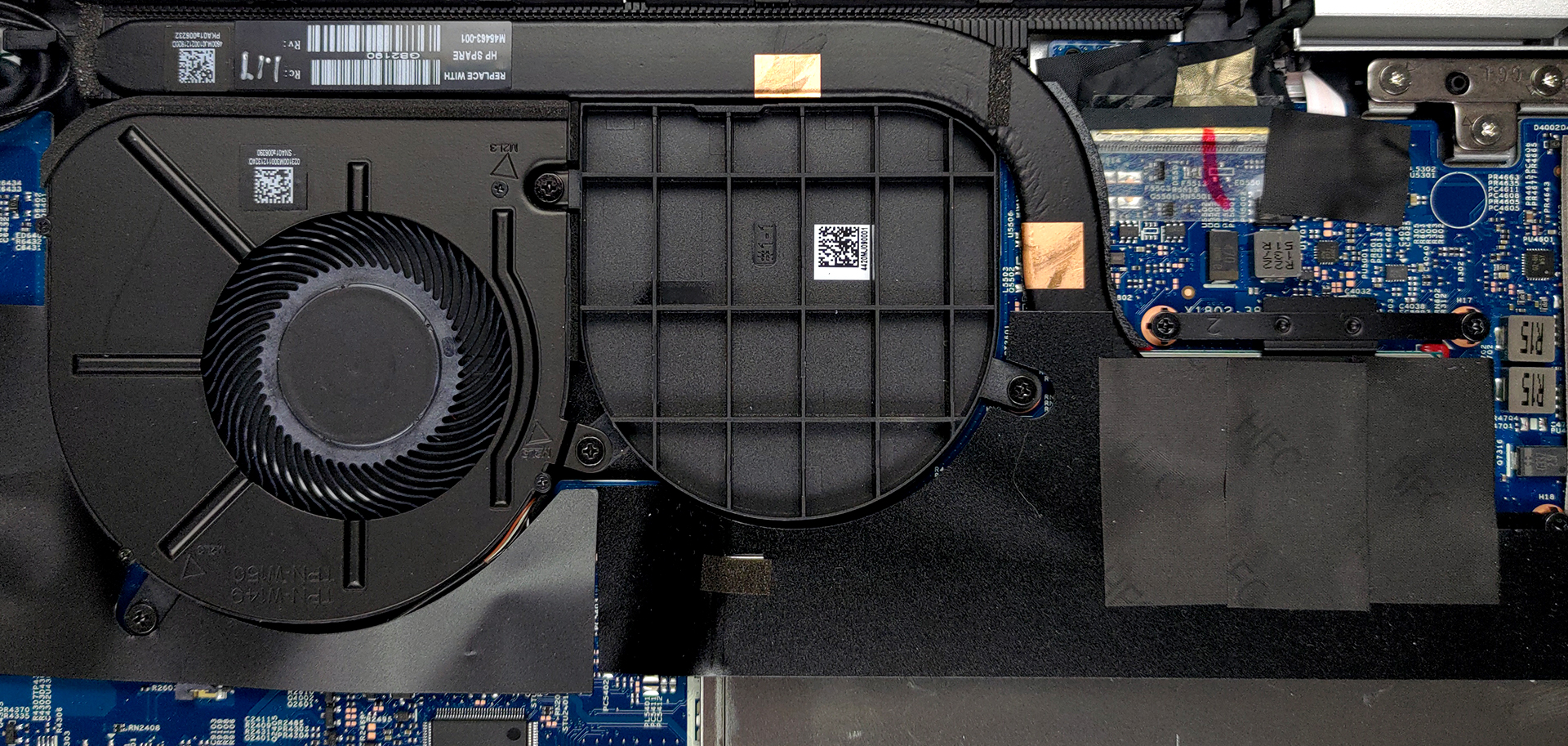
As for the cooling, there is one heat pipe and a very long heat sink. In contrast to the AMD model, there is only one fan, with the empty spot for the other filled by a plastic component.
Check out all HP Envy x360 15 (15-es1000) prices and configurations in our Specs System or read more in our In-Depth review.
HP ENVY x360 15 (15-es0000, es1000, es2000) részletes értékelés
Last year, we got our hands on the AMD version of the Envy x360 15. It happened to have one of the best displays when it comes to color-related work. Undoubtedly, this has set expectations for the laptop we're going to test today - the Envy x360 15 (15-es1000).With that said, the obvious customers that might be interested in this machine, are content creators, artists, and designers, especially given the ability of the device to work with styluses. Quite unfortunately, ours didn't come with one inside the box. On the other hand, the hardware here speaks for HP's intents - up to the new Co[...]
Előnyök
- Two RAM SODIMM slots in dual-channel
- PCIe x4 support and an SD card reader
- 94% of sRGB coverage and accurate color representation (thanks to our Gaming and Web design profile) (LGD069B)
- Very fast fingerprint reader
- Amazing input devices
- Optional Pen inside the box
- Doesn't use PWM to adjust its brightness level (LGD069B)
Hátrányok
- Short rubber feet lead to a poor air intake
- Questionable Web browsing screen on times
 Author: Alex Iliev

![[2026. augusztus] Az Amazonon legkelendőbb laptop-grafikus kártyák globális ranglistája – az Apple uralkodik, az NVIDIA RTX 5060 vezeti a dedikált kártyák ranglistáját](https://laptopmedia.com/wp-content/uploads/2026/09/Best-Selling-GPUs-GLOBAL-Top-10-400x225.jpg)
![[2026. augusztus] Az Amazonon legkelendőbb laptop-processzorok globális ranglistája – Az Apple mind az olcsóbb, mind a prémium kategóriában dominál: az A18 Pro és az M5 2026 augusztusában elsöprő fölénnyel győzött az Intel és az AMD felett](https://laptopmedia.com/wp-content/uploads/2026/09/Best-Selling-CPUs-GLOBAL-Top-10-400x225.jpg)
![[2026. augusztus] Amazon Global: A 10 legkelendőbb laptop – az Apple MacBook Neo vezeti a ranglistát, miközben az olcsóbb és középkategóriás Windows-alapú hordozható számítógépek az eladási mennyiségért küzdenek](https://laptopmedia.com/wp-content/uploads/2026/09/Best-Selling-Laptops-GLOBAL-Top-10-400x225.jpg)
![[2026. augusztus] Az Amazon Global legkelendőbb laptopmárkái – Az Apple vezeti a bevételi rangsort, míg a HP a modellválaszték terén áll az élen](https://laptopmedia.com/wp-content/uploads/2026/09/GLOBAL-Best-Brands-400x225.jpg)
![[2026. augusztus] Amazon Global: A 10 legkelendőbb játékos laptop – Az HP Victus 15 szerezte meg az első helyet, miközben a kedvező árú modellek uralják a ranglistát](https://laptopmedia.com/wp-content/uploads/2026/09/Best-Selling-Gaming-Laptops-GLOBAL-Top-10-400x225.jpg)
