Inside MSI Summit E13 Flip Evo – disassembly and upgrade options
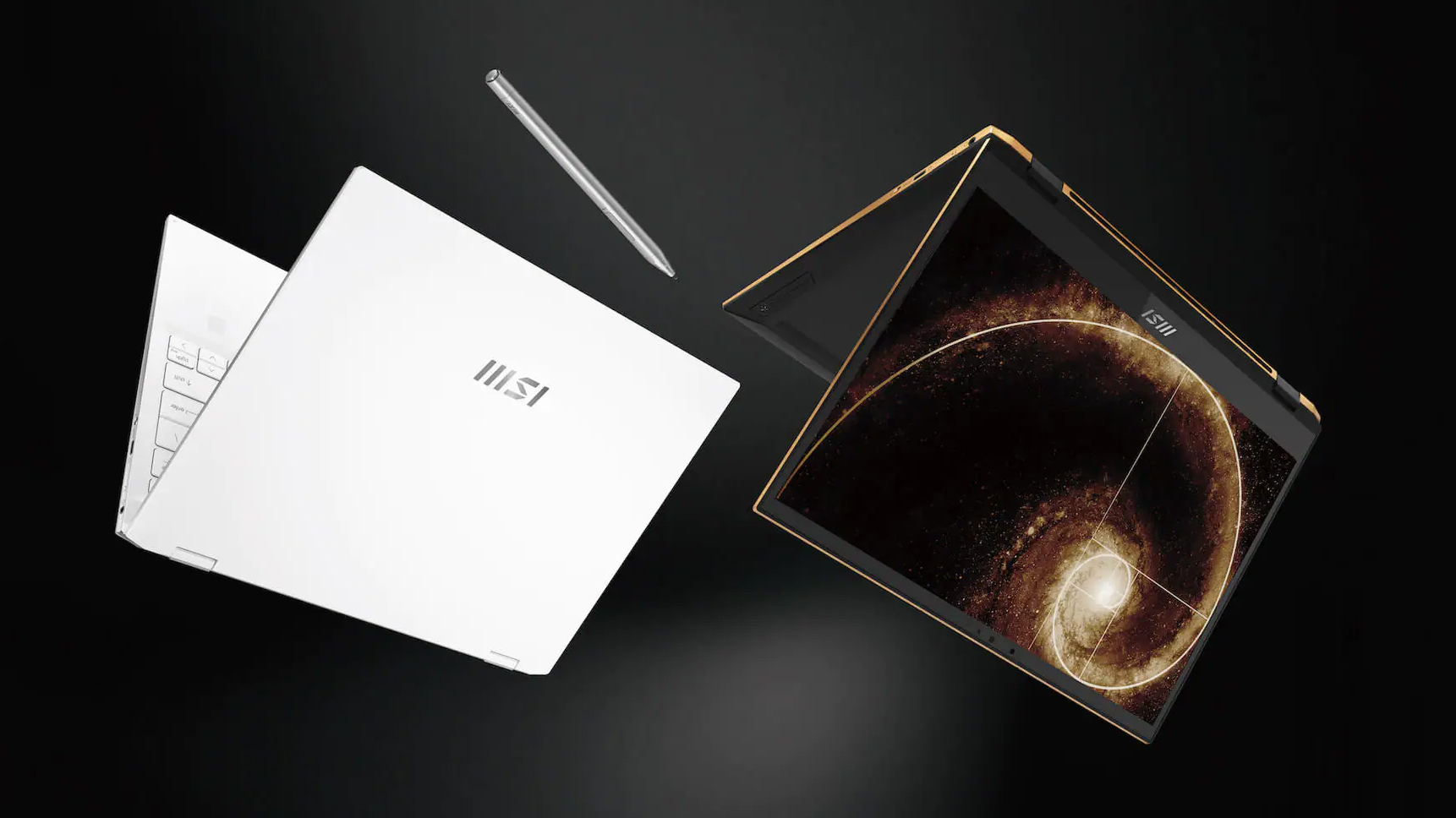
This 13-incher proved to be one of the most versatile convertibles on the market. Plus, it comes with a beefy battery and a humongous amount of performance.
Check out all MSI Summit E13 Flip Evo prices and configurations in our Specs System or read more in our In-Depth review.
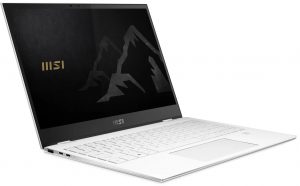
1. Remove the bottom plate
To take this notebook apart, you need to remove its bottom panel. You can do that by undoing four Phillips-head screws, two of which are hidden beneath the rear rubber feet. Then, pry the panel with a plastic tool.
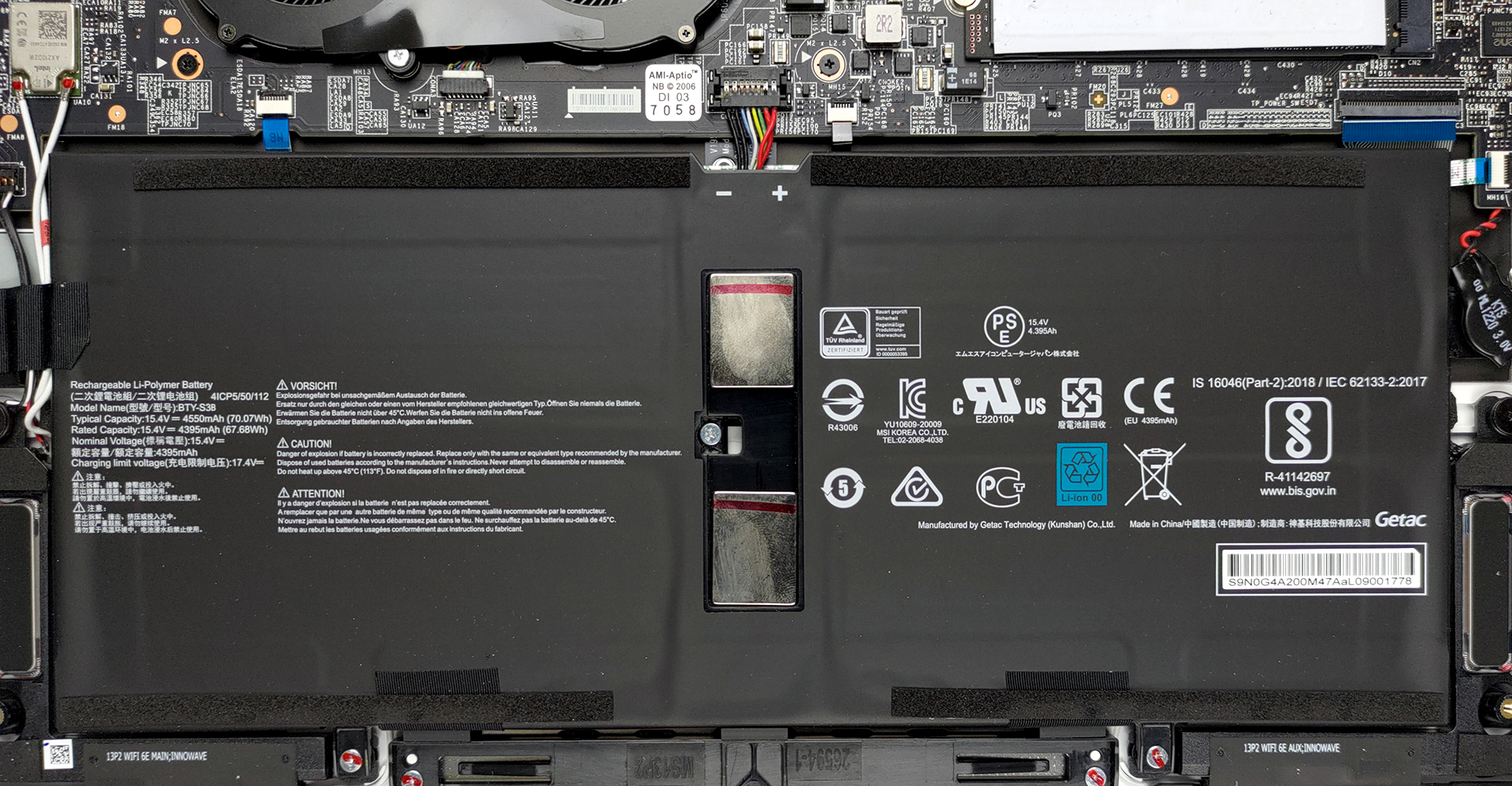
2. Battery
Here, the battery has a capacity of 70Wh.
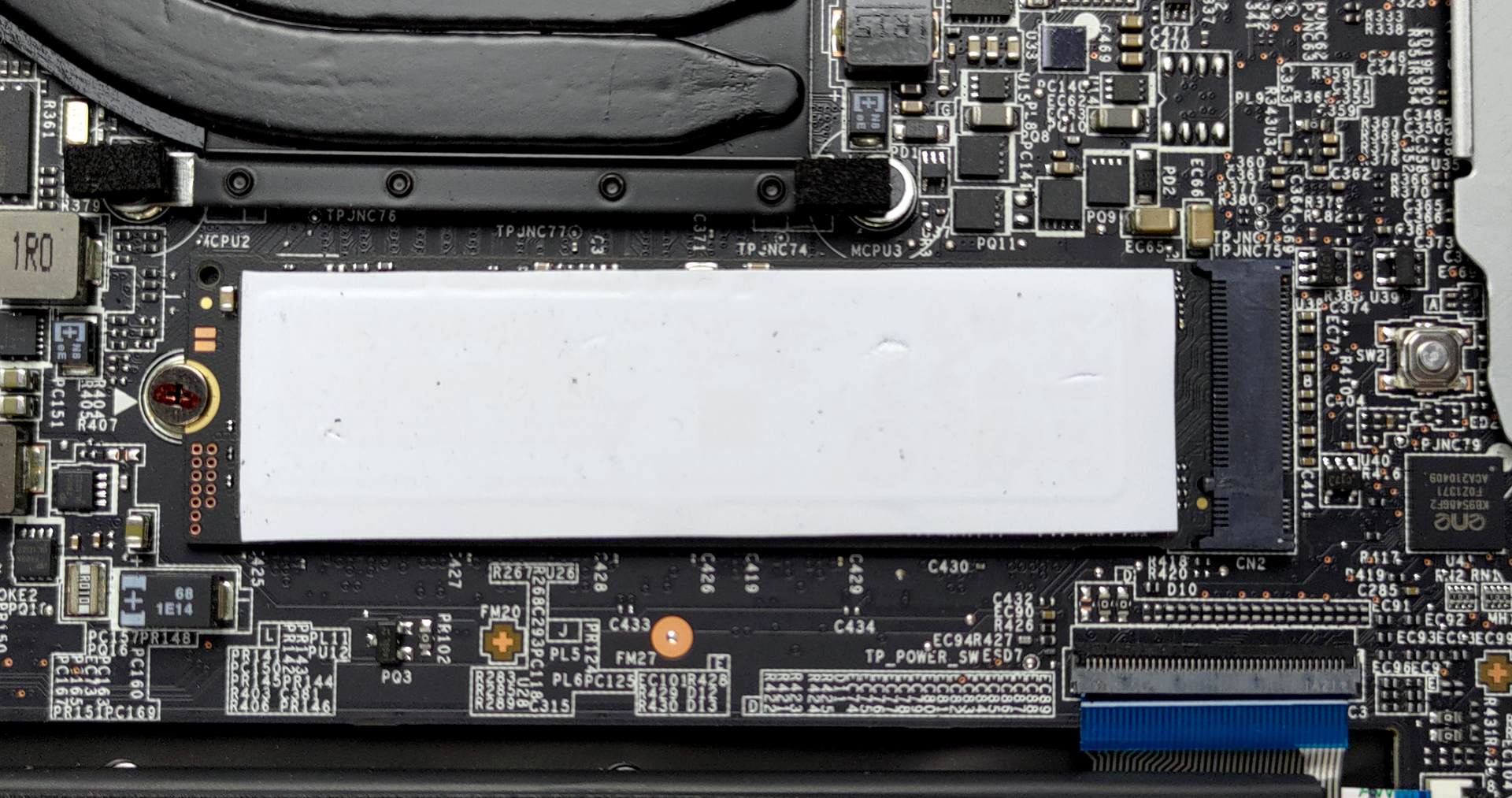
3. Мemory and storage
Expectedly, the memory of this notebook is soldered to its motherboard. On the other hand, there is an M.2 PCIe x4 slot for storage upgrades.
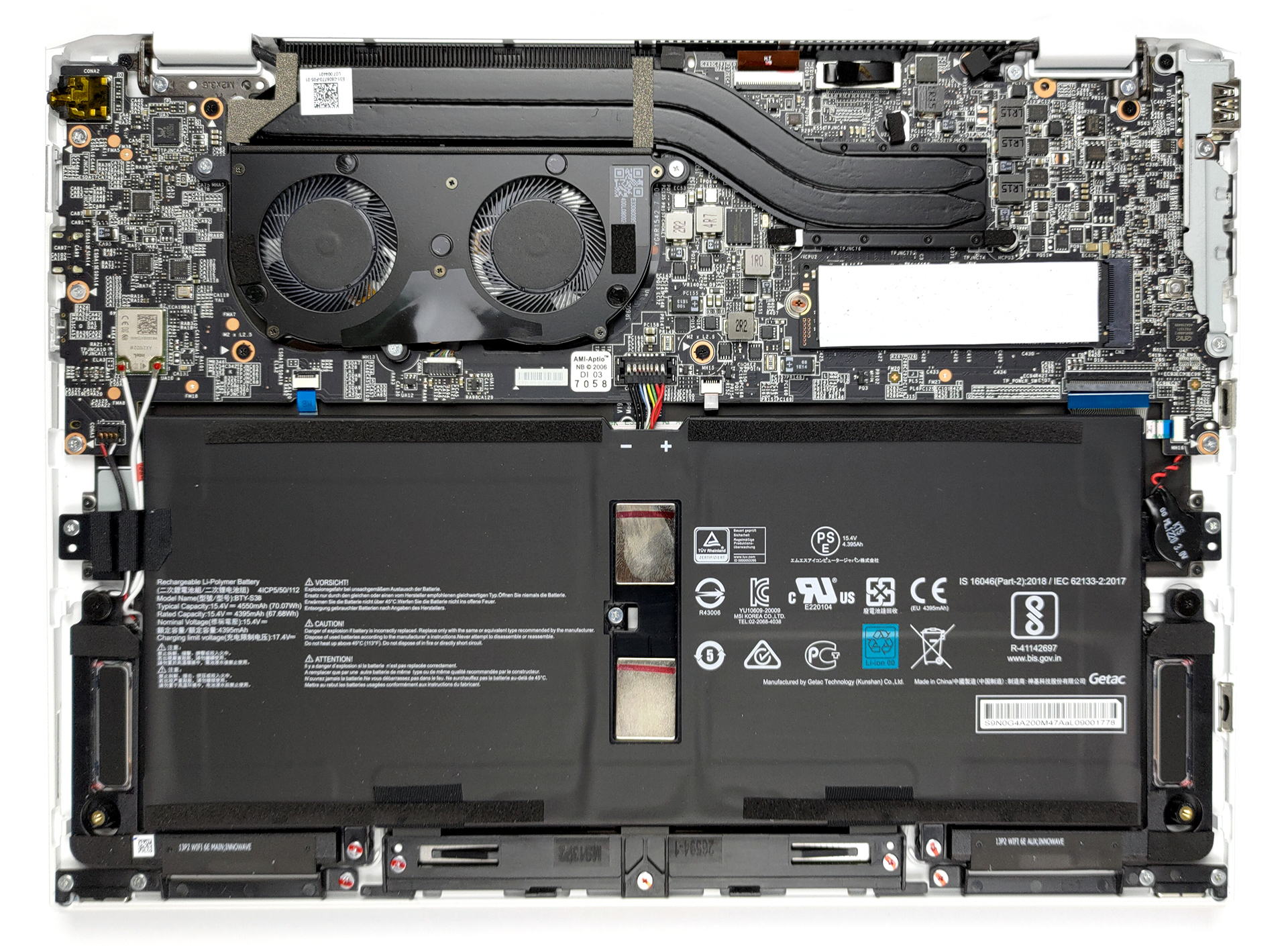
4. Cooling system
Despite the small size of the laptop, we see a cooling solution with two heat pipes and a rather long heat sink.

Check out all MSI Summit E13 Flip Evo prices and configurations in our Specs System or read more in our In-Depth review.
MSI Summit E13 Flip in-depth review
As with the 15-inch device from this series that we've reviewed recently, the Summit E13 Flip Evo aims to provide a balance between aesthetics and performance. Ultimately, this 13-incher is MSI's best effort to battle the Dell XPS 13 9310 2-in-1.From what we saw, beating the XPS 13 in its own game won't be that difficult of a task, but there is a lot of room for the Summit to fail. On the other hand, it matches its display with a 13.4-inch size, 16:10 aspect ratio, a Full HD+ resolution.Additionally, this is one of the first notebooks to confirm the use of the newly announced Core i5-[...]
Pros
- Premium build quality and materials
- Covers 99% of sRGB colors (Sharp LQ134N1JW53)
- Very high color accuracy when Gaming and Web design profile is installed (Sharp LQ134N1JW53)
- Great battery
- Fingerprint reader and IR face recognition systems
- Top-notch performance
- 2x Thunderbolt 4, 1x USB Type-A 3.2 (Gen. 1), 1x USB Type-C, 1x MicroSD card reader
Cons
- Memory is soldered to the motherboard
- High internal and external temperatures under extreme workload
 Author: Alex Iliev

![[October 2026] Global Ranking of Best-Selling Laptop GPUs on Amazon – Apple M5 Dominates as NVIDIA’s RTX 5060 Leads Dedicated GPUs in October 2026](https://laptopmedia.com/wp-content/uploads/2026/11/Best-Selling-GPUs-GLOBAL-Top-10-400x225.jpg)
![[October 2026] Global Ranking of Best-Selling Laptop CPUs on Amazon – Apple’s M5 Dominates as Intel and AMD Battle for Scraps](https://laptopmedia.com/wp-content/uploads/2026/11/Best-Selling-CPUs-GLOBAL-Top-10-400x225.jpg)
![[October 2026] Amazon USA: Top 10 Best-Selling Laptops – Apple’s M5 MacBook Air Dominates the Market as Silicon Era Reaches Peak Popularity](https://laptopmedia.com/wp-content/uploads/2026/11/Best-Selling-Laptops-COM-Top-10-400x225.jpg)
![[October 2026] Amazon USA: Top 10 Best-Selling Gaming Laptops – Acer Nitro V 16S AI Dominates the Charts as AI-Powered Rigs Take the Lead](https://laptopmedia.com/wp-content/uploads/2026/11/Best-Selling-Gaming-Laptops-COM-Top-10-400x225.jpg)
![[October 2026] Best-Selling Laptop Brands on Amazon USA – Apple Dominates Revenue Despite Offering Fewer Models Than Competitors](https://laptopmedia.com/wp-content/uploads/2026/11/COM-Best-Brands-400x225.jpg)

Hello, great write up.. One question: When you guys had the laptop, in performance mode when you manually select the fan to run in boost cooler mode. Did you guys hear like a quick 1 second buz/click in the fans as they initiated rotation?
Basically, select boost cooler mode, it clicks/buzzes for 1 second and fans come on top max speed.
I’m just wondering if there is something wrong with mine or its normal for this model.
Thanks.