Microsoft Surface Pro 8 – Top 5 Pros and Cons
 Every year we get closer and closer to living in a world where desktop or laptop computers become more and more replaceable. Advancements in microprocessors and technologies have allowed us to have very powerful components fit into tablets and smartphones, thus them being able to handle heavier workloads.
While we’re not there just yet, we can have a glimpse of that with the Microsoft Surface Pro 8, which comes with enough performance to emulate some parts of that experience, with its Tiger Lake U-series processors providing enough power for quick video edits and rendering work.
Today we are presenting you with LaptopMedia’s top 5 picks about the Microsoft Surface Pro 8.
Microsoft Surface Pro 8: Full Specs / In-depth Review
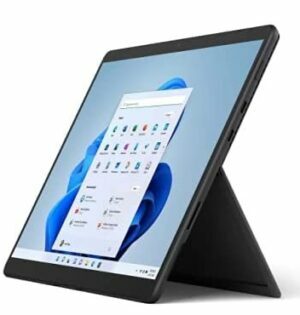
3 reasons to BUY the Microsoft Surface Pro 8
1. Design and build quality
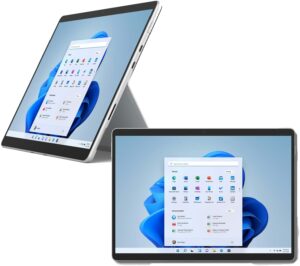
Right from the start, we see improvement in the visual department, which also affects usability. The new notebook has significantly thinner bezels, resulting in a larger working area with a smaller footprint. The sides are rounded towards the display and there are vents around a large part of the perimeter, resulting in good airflow. The device comes with a hybrid aluminum/plastic body since antenna lines can’t travel through metal. Fortunately, the plastic is only used for a small part of the chassis. The design retains the kickstand, which also bears the Microsoft brand. In terms of portability, the device weighs only 0.89 kg and has a profile of 9.3 mm.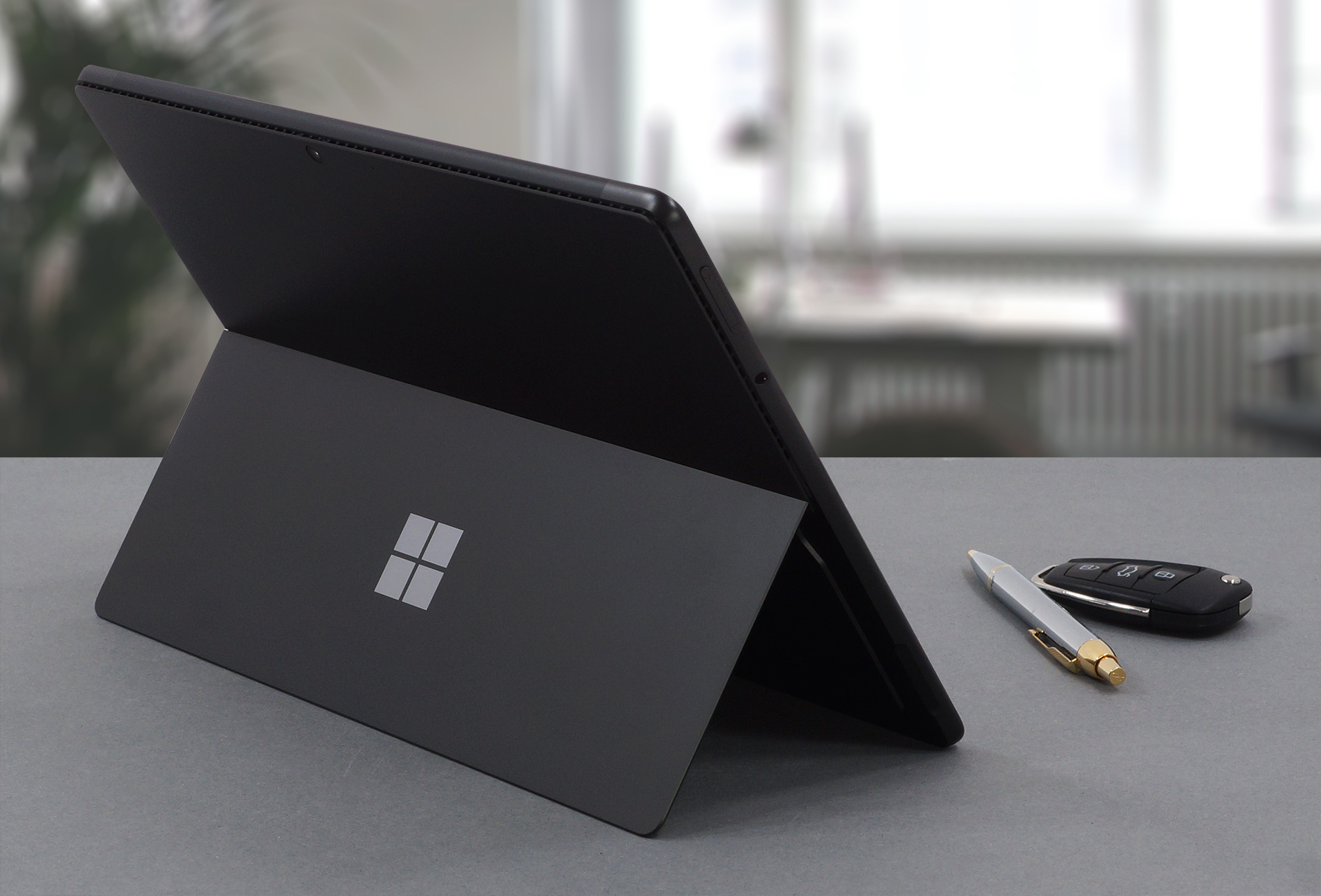
2. Display quality
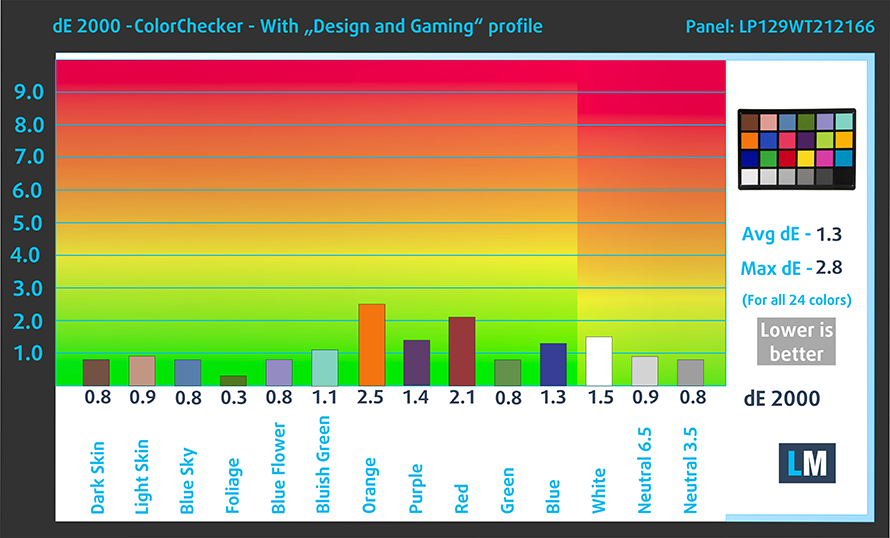
The laptop uses a 12.9-inch IPS Pixelsense display with a resolution of 2880 x 1920. It comes with excellent viewing angles, a max brightness of 464 nits in the middle of the screen and 477 nits as an average for the whole area, with a maximum deviation of 11%. The contrast ratio is also quite high at 1370:1. The panel covers 92% of the sRGB color gamut and reaches very good accuracy with our Design and Gaming profile, delivering a dE value of 1.3.
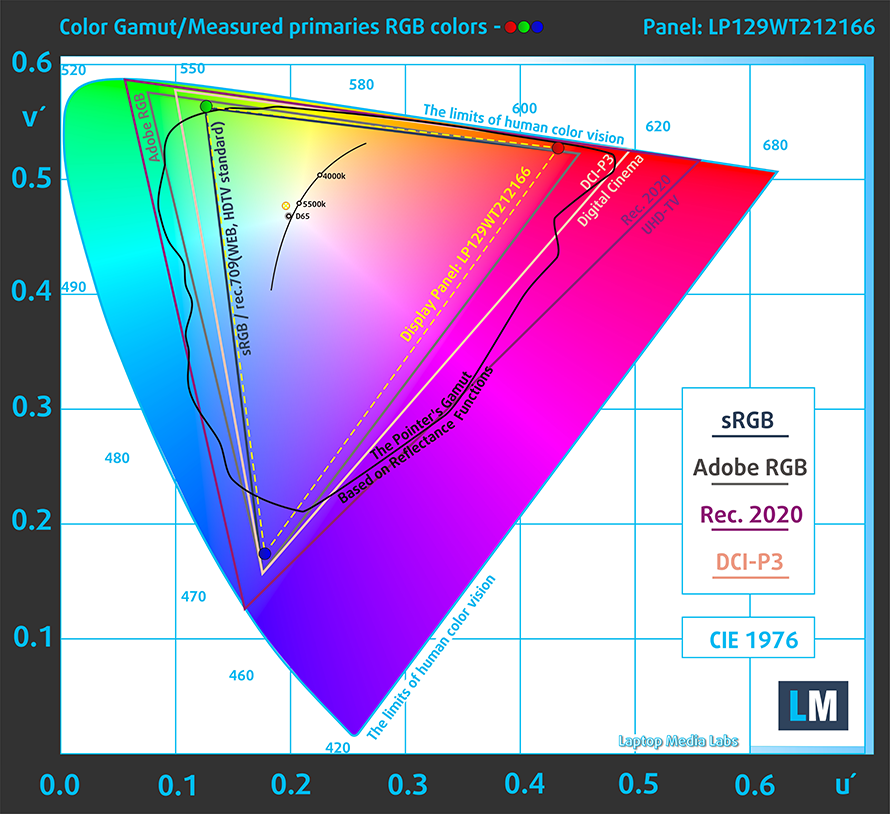
Here are the results of our test with the stock settings (left) and with our profile applied (right).

Buy our profiles
Since our profiles are tailored for each individual display model, this article and its respective profile package are meant for Microsoft Surface Pro 8 configurations with 12.9″ LP129WT212166 (INT3480).
*Should you have problems with downloading the purchased file, try using a different browser to open the link you’ll receive via e-mail. If the download target is a .php file instead of an archive, change the file extension to .zip or contact us at [email protected].
Read more about the profiles HERE.
In addition to receiving efficient and health-friendly profiles, by buying LaptopMedia's products you also support the development of our labs, where we test devices in order to produce the most objective reviews possible.

Office Work
Office Work should be used mostly by users who spend most of the time looking at pieces of text, tables or just surfing. This profile aims to deliver better distinctness and clarity by keeping a flat gamma curve (2.20), native color temperature and perceptually accurate colors.

Design and Gaming
This profile is aimed at designers who work with colors professionally, and for games and movies as well. Design and Gaming takes display panels to their limits, making them as accurate as possible in the sRGB IEC61966-2-1 standard for Web and HDTV, at white point D65.

Health-Guard
Health-Guard eliminates the harmful Pulse-Width Modulation (PWM) and reduces the negative Blue Light which affects our eyes and body. Since it’s custom tailored for every panel, it manages to keep the colors perceptually accurate. Health-Guard simulates paper so the pressure on the eyes is greatly reduced.
Get all 3 profiles with 33% discount

3. Battery life
The device offers a 51.5Wh battery pack, which is a nice number considering the high-resolution display. With that said, our tests showed that the laptop lasts for 8 hours and 49 minutes of Web browsing, or 7 hours and 56 minutes of video playback. This is done with the Windows Better performance setting turned on, screen brightness adjusted to 120 nits and all other programs turned off except for the one we are testing the notebook with.
Brightness: 180 nits; Display Mode: SDR
Time to Full Discharge: Higher is Better
In order to simulate real-life conditions, we used our own script for automatic web browsing through over 70 websites.
2 reasons NOT to buy the Microsoft Surface Pro 8
1. I/O
The I/O comes with two Thunderbolt 4 ports and a 3.5 mm audio jack. There are no expandable storage options.




2. Upgradeability
Since this is a tablet, you can’t disassemble it or upgrade the memory. On the outside, there isn’t a MicroSD card slot, which would have been the minimal effort from Microsoft. However, we have to give it to them for implementing quad-channel LPDDR4x memory.
All Microsoft Surface Pro 8 configurations:
 Author: Severin Kolakov

![[September 2026] Best-Selling Laptop Brands on Amazon Global – Apple Dominates the Market with Over 70% Revenue Share](https://laptopmedia.com/wp-content/uploads/2026/10/GLOBAL-Best-Brands-400x225.jpg)
![[September 2026] Amazon Global: Top 10 Best-Selling Laptops – Apple’s MacBook Neo Claims the #1 Spot as Budget and Premium Devices Dominate](https://laptopmedia.com/wp-content/uploads/2026/10/Best-Selling-Laptops-GLOBAL-Top-10-400x225.jpg)
![[September 2026] Amazon Global: Top 10 Best-Selling Gaming Laptops – ASUS ROG Strix G16 Dominates the Market with Record-Breaking Unit Sales](https://laptopmedia.com/wp-content/uploads/2026/10/Best-Selling-Gaming-Laptops-GLOBAL-Top-10-400x225.jpg)
![[September 2026] Global Ranking of Best-Selling Laptop GPUs on Amazon – Apple’s M5 Chip Obliterates NVIDIA in Premium Laptops, But the RTX 5060 Is the Only Dedicated GPU to Crack the Top 10](https://laptopmedia.com/wp-content/uploads/2026/10/Best-Selling-GPUs-GLOBAL-Top-10-400x225.jpg)
![[September 2026] Global Ranking of Best-Selling Laptop CPUs on Amazon – Apple’s M5 Crushes Intel as Premium Market Becomes a One-Horse Race](https://laptopmedia.com/wp-content/uploads/2026/10/Best-Selling-CPUs-GLOBAL-Top-10-400x225.jpg)
