ASUS TUF Gaming F15 (FX507, 2023) review – higher price but better performance
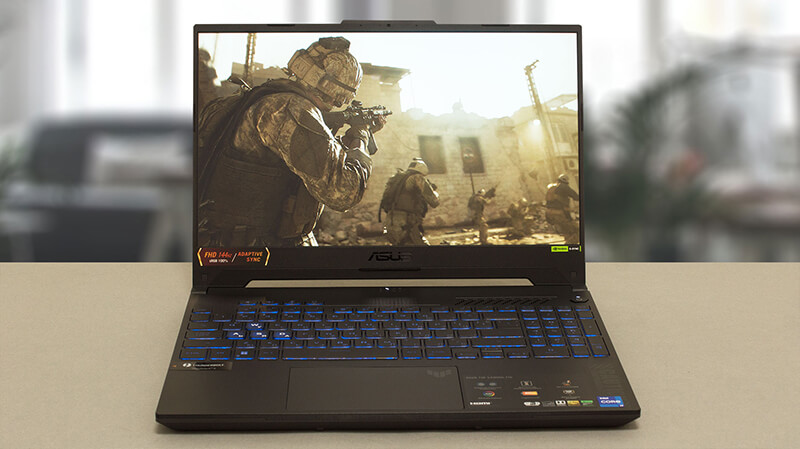 With the rise of inflation, budget gaming notebooks are no longer very affordable. However, manufacturers have done their fair share of the price increase, by making these products with higher-quality materials.
In addition to that, NVIDIA and Intel introduced an incredibly powerful lineup of GPUs and CPUs recently, but again – they are no longer the bargain they used to be. On the bright side, even the RTX 4050 (which now finally comes with 6GB of GDDR6 VRAM) is capable of crushing every game at 1080p and max settings.
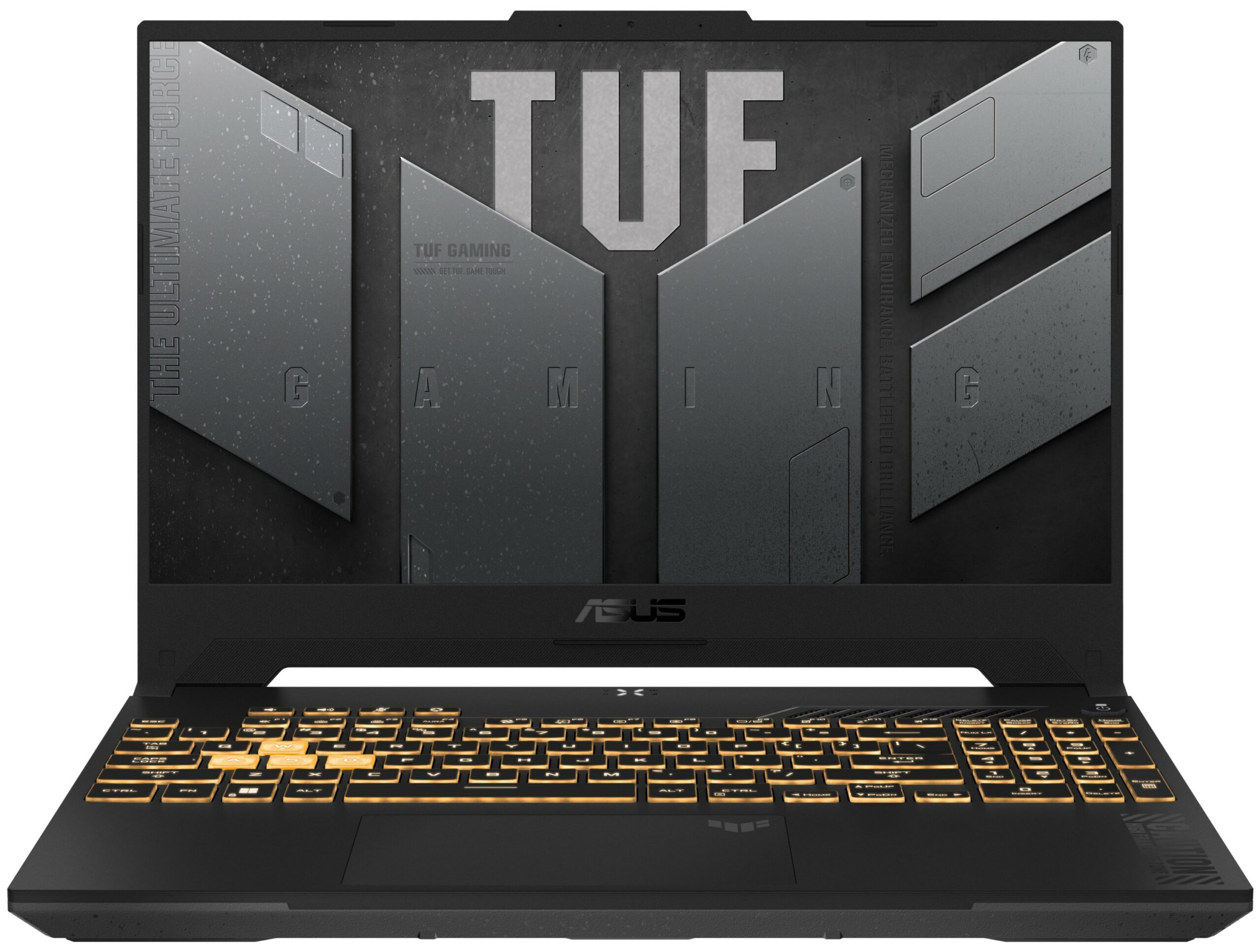
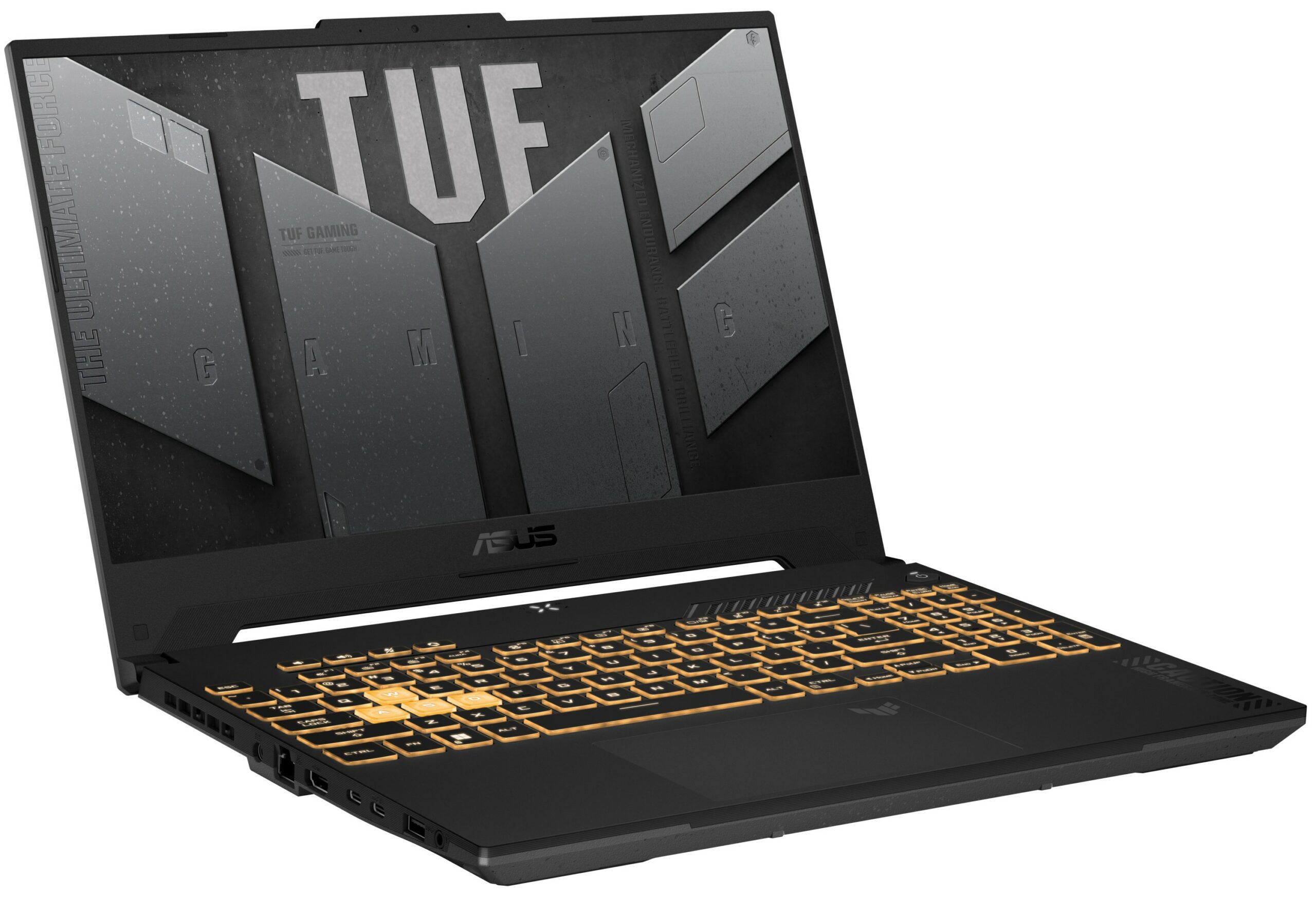
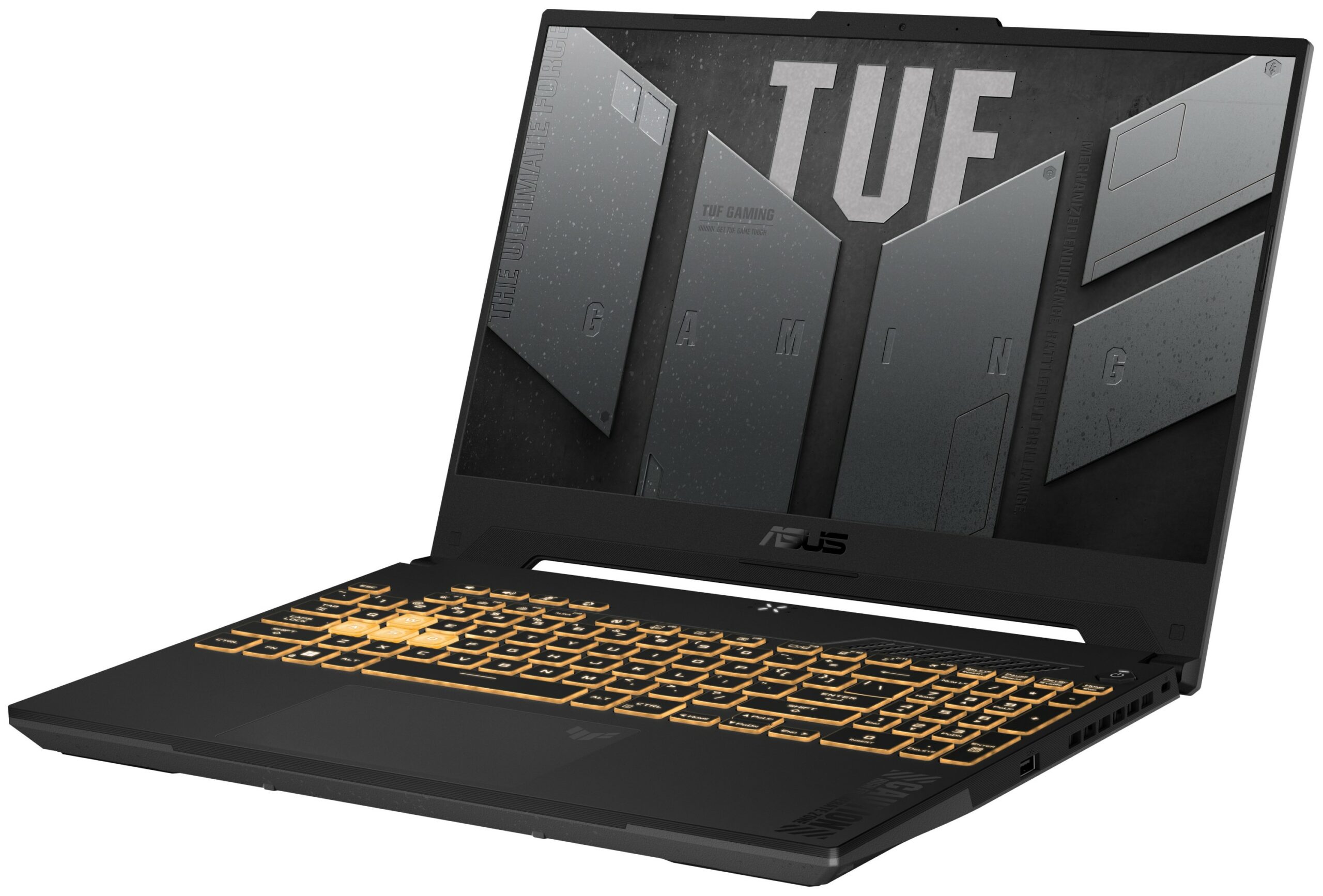
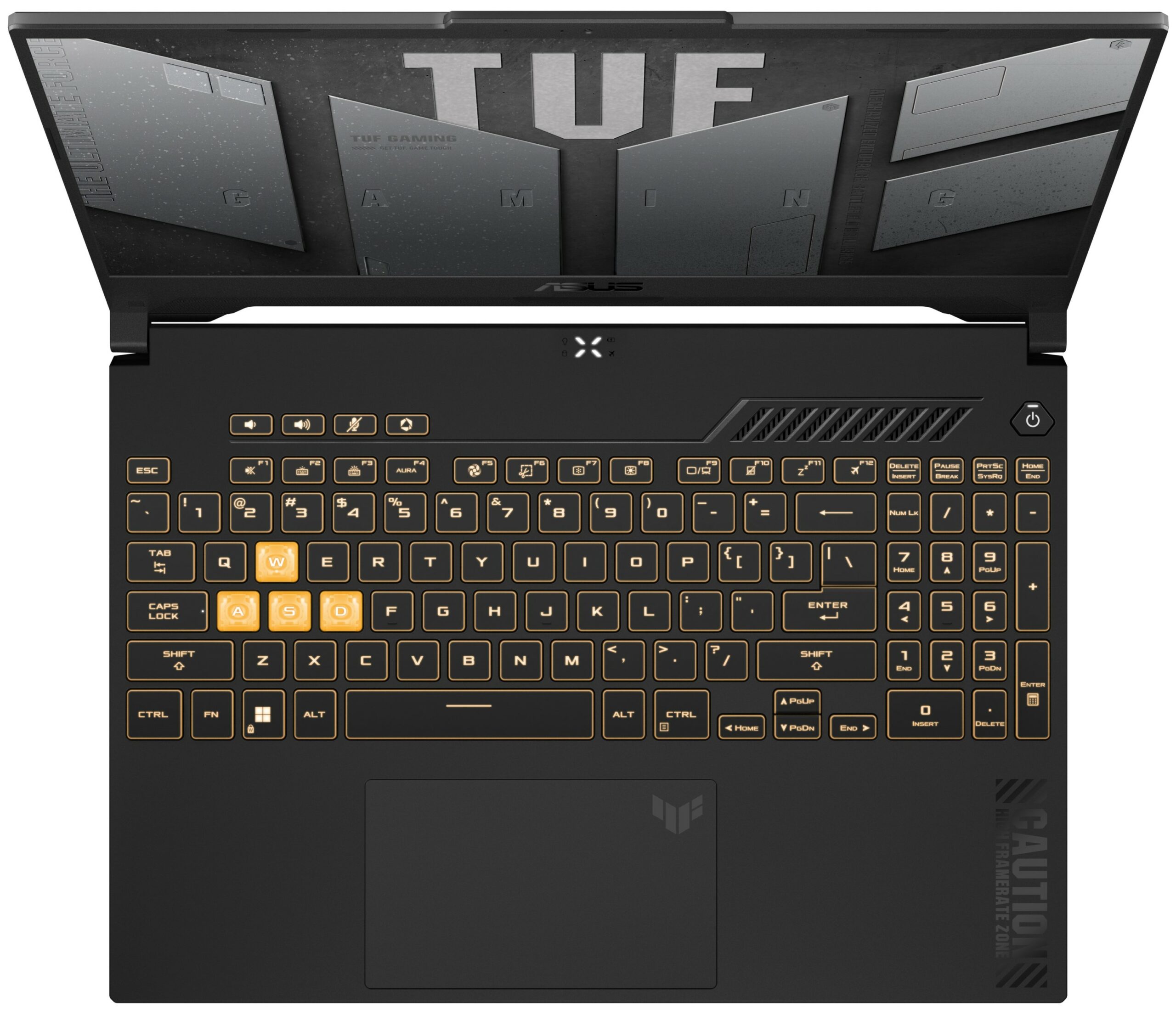
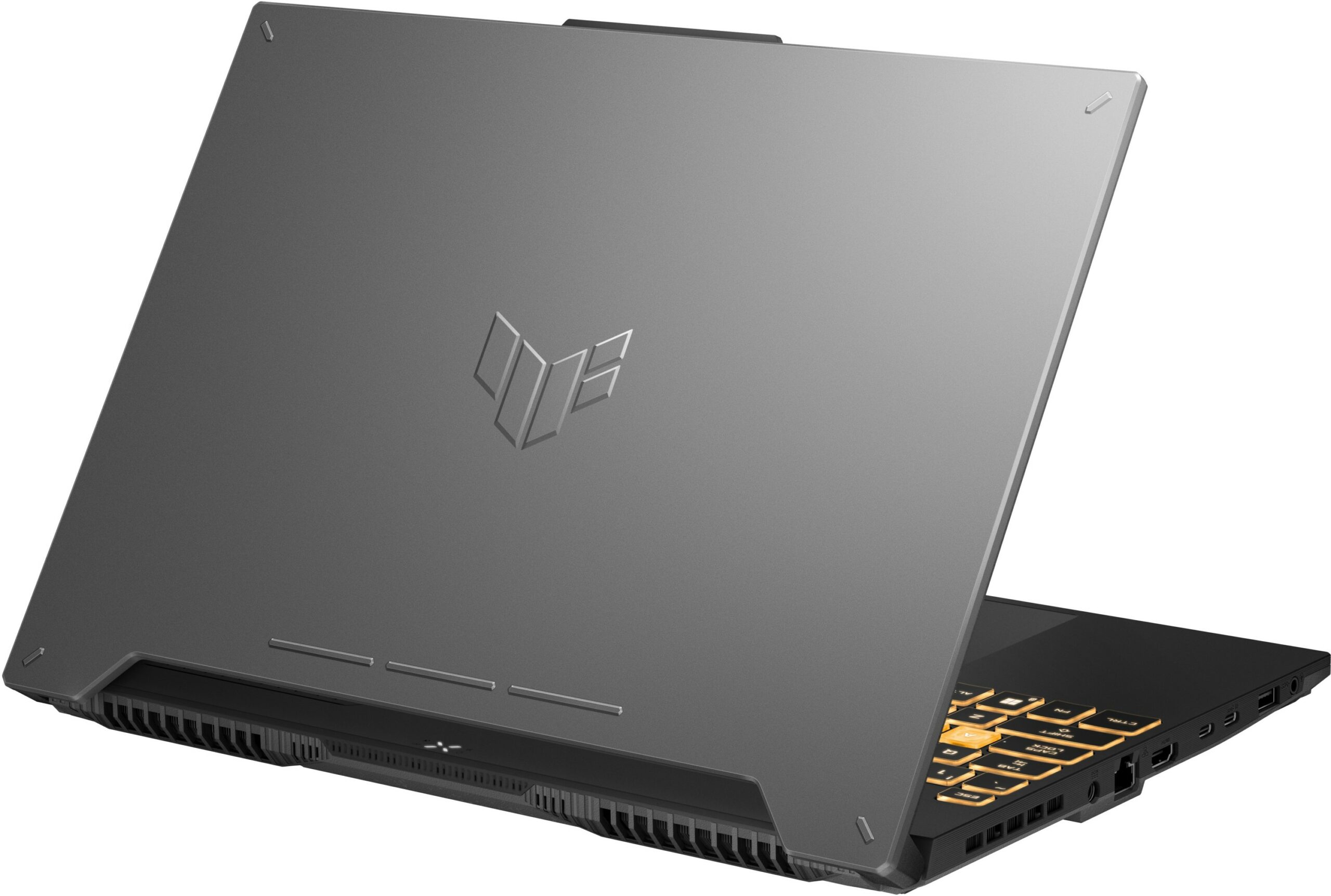
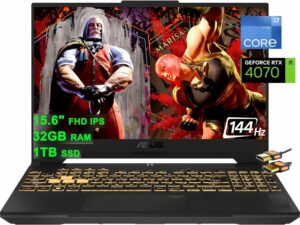
The laptop we’re going to talk about today is the ASUS TUF Gaming F15 (FX507, 2023). Visually, it is not very different from its predecessor – the FX507. This is why its name is basically the same.
However, there are some features that are simply amazing. Even the base display option now has full sRGB coverage (1080p, 144Hz IPS unit), while the top tier screen has a 1440p resolution, works at 165Hz, supports G-Sync, and covers 100% of the DCI-P3 color gamut (allegedly).
Not to mention stuff like the MUX Switch. Nevertheless, we’re going to cover these details later in the review, but until we reach that point, let’s acquaint ourselves with this notebook’s design.
You can check the prices and configurations in our Specs System: https://laptopmedia.com/series/asus-tuf-gaming-f15-fx507-2023/
Contents
Specs, Drivers, What’s in the box
ASUS TUF Gaming F15 (FX507, 2023) - Specifikációk

- CPU
- Intel Core i9-13900H #89 a Top CPU-k között Intel Core i7-13700H #64 a Top CPU-k között Intel Core i7-13620H #95 a Top CPU-k között Intel Core i7-12700H #81 a Top CPU-k között Intel Core i5-13500H #91 a Top CPU-k között AMD Ryzen 7 7735HS #103 a Top CPU-k között AMD Ryzen 7 7435HS #94 a Top CPU-k között
- GPU
- NVIDIA GeForce RTX 4070 (Laptop, 140W) #31 a Top GPU-k között NVIDIA GeForce RTX 4060 (Laptop, 140W) #77 a Top GPU-k között NVIDIA GeForce RTX 4050 (Laptop, 140W) #97 a Top GPU-k között NVIDIA GeForce RTX 3070 (Laptop, 105W) #84 a Top GPU-k között NVIDIA GeForce RTX 3050 (Laptop, 95W) #163 a Top GPU-k között NVIDIA GeForce RTX 3050 (Laptop, 75W) #178 a Top GPU-k között

- HDD/SSD
- akár 8000GB SSD + akár 1000GB HDD
- M.2 Slot
- 2x 2280 PCIe NVMe 4.0 x4 Kép megtekintése
- RAM
- up to 64GB
- OS
- Windows 11 Home, Windows 10 Pro, Windows 10 Home, Windows 11 Pro, No OS, DOS, Chrome OS, Windows 11
- Akkumulátor
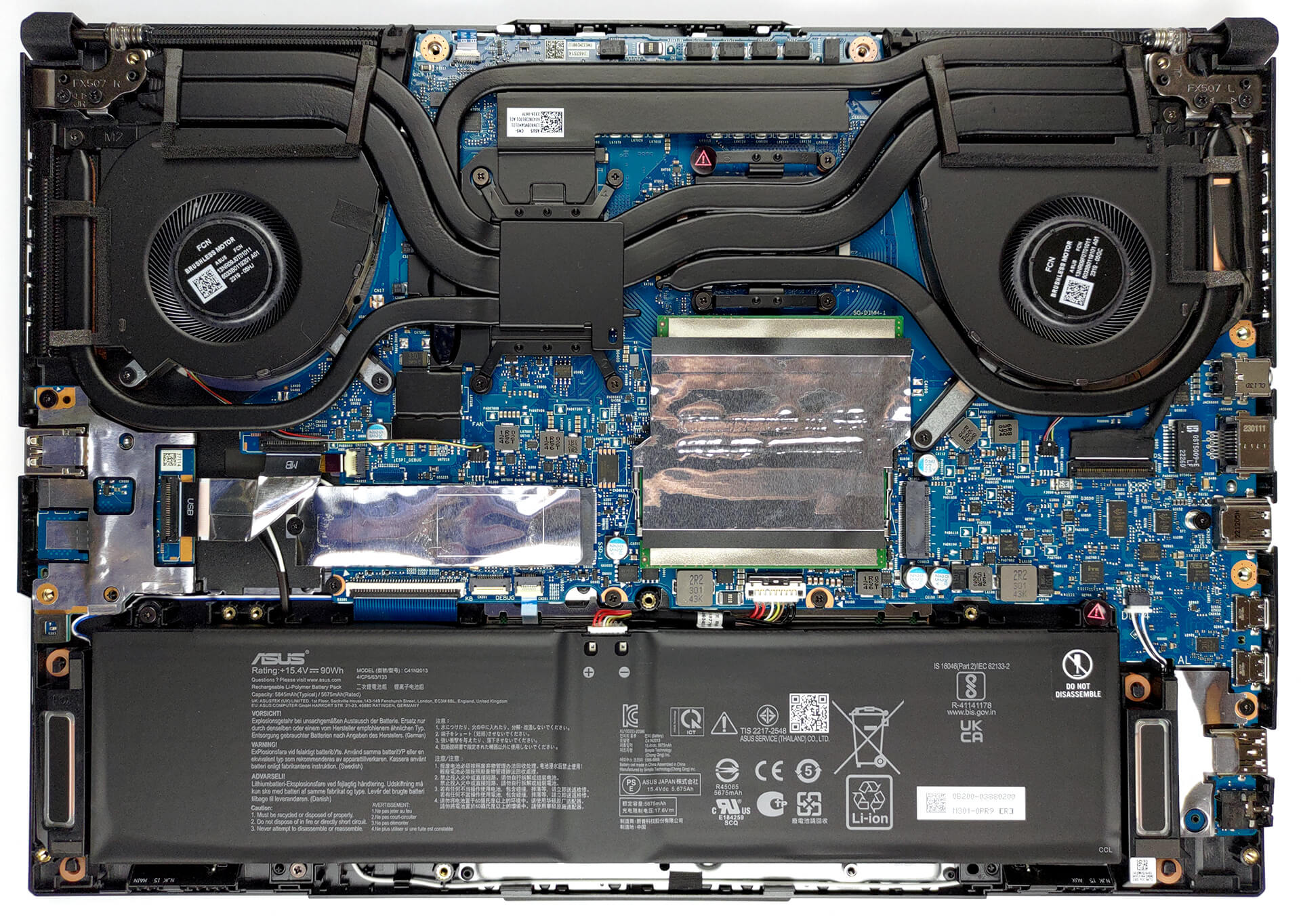
- 90Wh, 4-cell
- Ház anyaga
- Plastic / Polycarbonate, Aluminum
- Méretek
- 354 x 251 x 22.4 - 24.9 mm (13.94" x 9.88" x 0.88")
- Súly
- 2.20 kg (4.9 lbs)
- Portok és csatlakozás
- 2x USB Type-A
- 3.2 Gen 1 (5 Gbps)
- 1x USB Type-C
- 3.2 Gen 2 (10 Gbps), Power Delivery (PD), DisplayPort
- 1x USB Type-C
- Thunderbolt 4, DisplayPort
- HDMI
- 2.1
- Kártyaolvasó
- Ethernet LAN
- 10, 100, 1000 Mbit/s
- Wi-Fi
- 802.11ax
- Bluetooth
- 5.2
- Audio csatlakozó
- 3.5mm Combo Jack
- Jellemzők
- Ujjlenyomat-olvasó
- Webkamera
- HD
- Háttérvilágítású billentyűzet
- optional
- Mikrofon
- Array Microphone with Cortana Support, near field/Far field
- Hangszórók
- 2x Stereo Speakers, Dolby Atmos
- Optikai meghajtó
- Biztonsági zár helye
- Kensington Lock
Összes ASUS TUF Gaming F15 (FX507, 2023) konfigurációk
Drivers
All drivers and utilities for this notebook can be found here: https://www.asus.com/laptops/for-gaming/tuf-gaming/asus-tuf-gaming-f15-2023/helpdesk_download/?model2Name=FX507VU
What’s in the box?
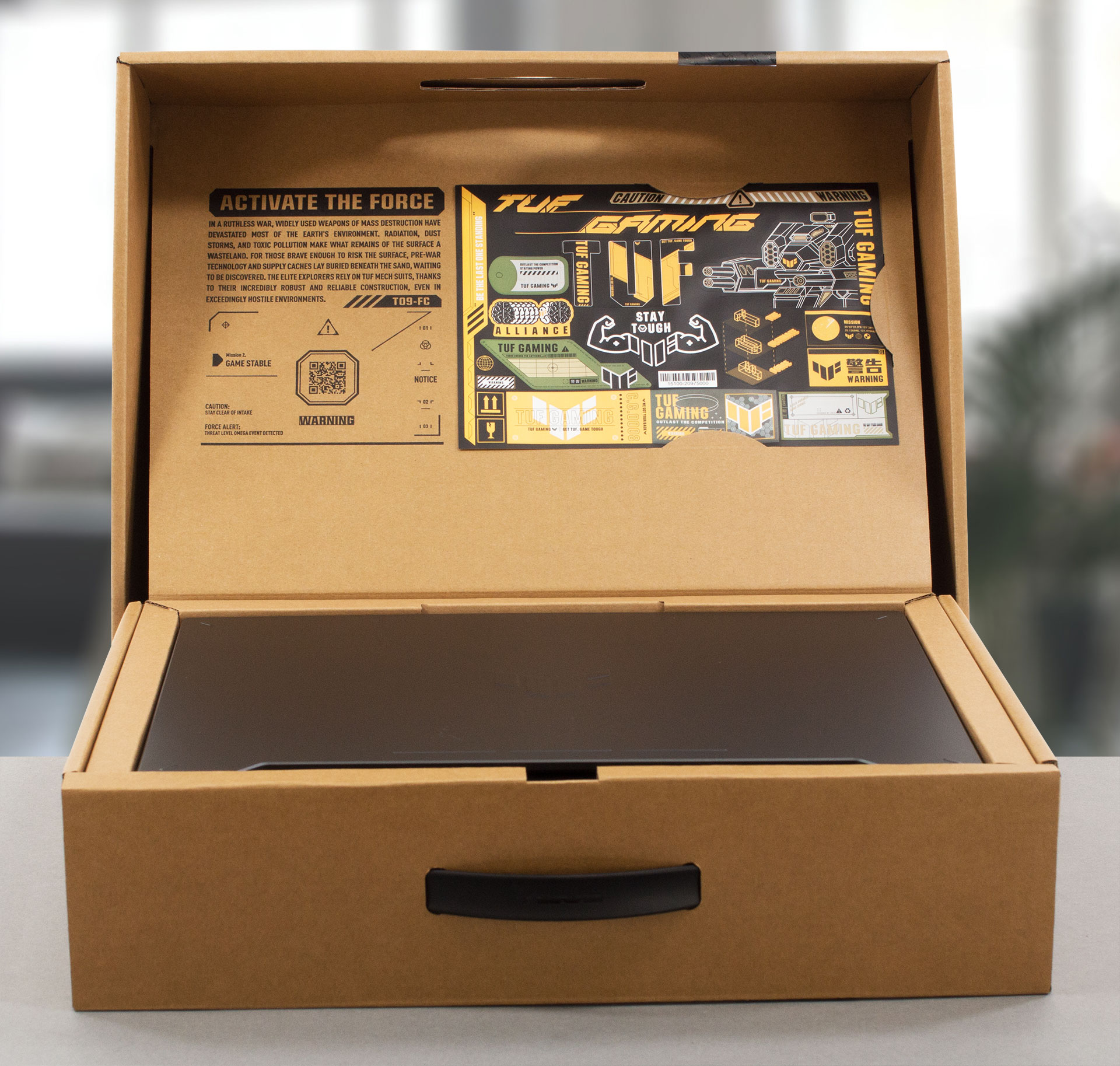
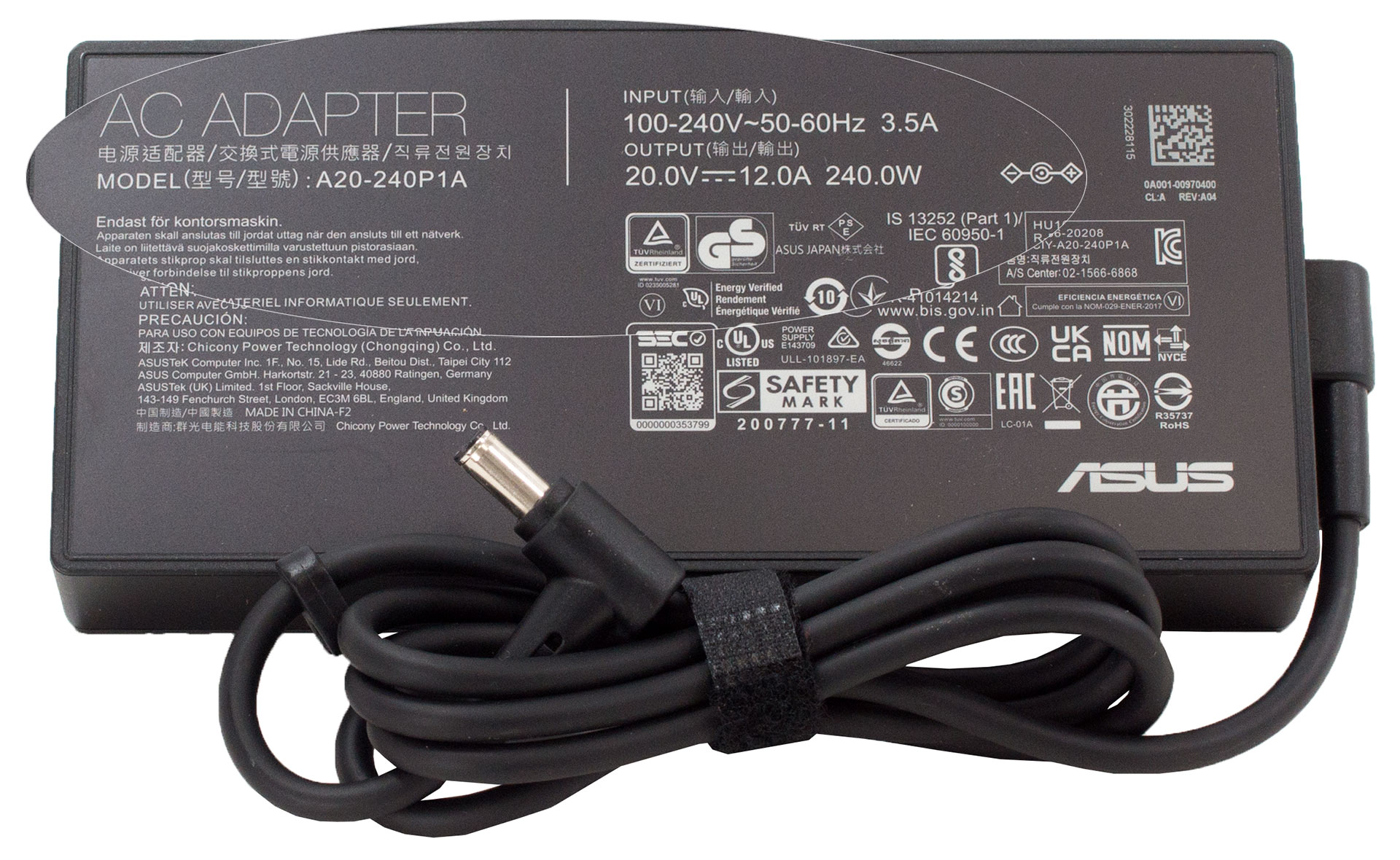
Inside the package, we found some paperwork, a 240W charger, and a sheet with cool stickers.
 Author: Alex Iliev
 Author: eng. Kroum NikolovHead of Engineering at LaptopMedia.com, inventor and innovator with 40+ years of experience in electronics and high technology.

![[2026. augusztus] Az Amazonon legkelendőbb laptop-grafikus kártyák globális ranglistája – az Apple uralkodik, az NVIDIA RTX 5060 vezeti a dedikált kártyák ranglistáját](https://laptopmedia.com/wp-content/uploads/2026/09/Best-Selling-GPUs-GLOBAL-Top-10-400x225.jpg)
![[2026. augusztus] Az Amazonon legkelendőbb laptop-processzorok globális ranglistája – Az Apple mind az olcsóbb, mind a prémium kategóriában dominál: az A18 Pro és az M5 2026 augusztusában elsöprő fölénnyel győzött az Intel és az AMD felett](https://laptopmedia.com/wp-content/uploads/2026/09/Best-Selling-CPUs-GLOBAL-Top-10-400x225.jpg)
![[2026. augusztus] Amazon Global: A 10 legkelendőbb laptop – az Apple MacBook Neo vezeti a ranglistát, miközben az olcsóbb és középkategóriás Windows-alapú hordozható számítógépek az eladási mennyiségért küzdenek](https://laptopmedia.com/wp-content/uploads/2026/09/Best-Selling-Laptops-GLOBAL-Top-10-400x225.jpg)
![[2026. augusztus] Az Amazon Global legkelendőbb laptopmárkái – Az Apple vezeti a bevételi rangsort, míg a HP a modellválaszték terén áll az élen](https://laptopmedia.com/wp-content/uploads/2026/09/GLOBAL-Best-Brands-400x225.jpg)
![[2026. augusztus] Amazon Global: A 10 legkelendőbb játékos laptop – Az HP Victus 15 szerezte meg az első helyet, miközben a kedvező árú modellek uralják a ranglistát](https://laptopmedia.com/wp-content/uploads/2026/09/Best-Selling-Gaming-Laptops-GLOBAL-Top-10-400x225.jpg)

Hi, i have a question for you guys. i’m in doubt between buying the Asus TUF f15 with i7-12700H and RTX 4060 or the Acer Nitro 5 An517-55 with i7-12700H and RTX 3060. I read both your review and (also if not with this configurations) i’m concerned about two things: 1-the low CPU performance of the ASUS (i dont understand if they are only for the i7-13th or also for the 12th), and how much they are lowest in comparation of the Acer CPU performance, always with i7-12700H; 2- i compare the two PC and don’t understand how much the… Tovább olvasom »
I will never get an answer right? :’)
Hey, luca, Sorry that it took me ages to write you back. If I have to be completely honest with you, it really depends on what you need the laptop for. Ultimately, the RTX 4060 is the better GPU of the two, and naturally, if both devices share the same processor and price tag, the more viable option would be to go for the RTX 4060 (in this case, the TUF F15). However, you should also consider the display options of the two listings, as well as the battery life. In our experience, the TUF Gaming F15 showed better longevity… Tovább olvasom »
Thanks Alex for the delucidations 🙂
I know this is late but how much is the wattage of the Nitro 5? remember even if its a 4060 if it has a lower wattage over the 3060, the 3060 will outperform the 4060
Salve,
sto cercando un computer per i miei studi in architettura, mi serve un portatile in grado di lavorare bene con programmi di rendering 3d, mi consiglieresti questo computer? grazie mille
Hey. I just got this laptop yesterday and I’m having issues: performance in cb23 and timespy is much worse than I see here. I get 12000 graphic score in timespy, about 1500 / 14500 for cb23 single / multi.
Also in games it heats like to 90-95
same here, did you ever fix it
Hello, I have a question about the RAM.
I have a asus TUF f15 FX507VV-ds91 with a i9 core and RTX4060 and 2x8gig 3200MHz DDR4 so-dimm
I wanted to know if it is possible upgrade this to a DDR5 so-dimm 32g or 64g RAM. I read from the asus website and it does support DDR5 rams but only at 24g RAM. So I am a bit confused on this matter.
Hope to get some clarification and thank you for the informative review
Can you tell me abit more regarding the Hinges’ durability? Do you think that ASUS TUF’s “military grade” laptop hinges are better than other budget laptop such as Acer Nitro, HP Victus, and MSI GF63? I’m really curious about how they compare. Thank you very much in advance!
Displays of Asus laptops with Hans LCD IPS scren give serios eys burn.