Lenovo Yoga Slim 7 Pro (14) – Top 5 Pros and Cons
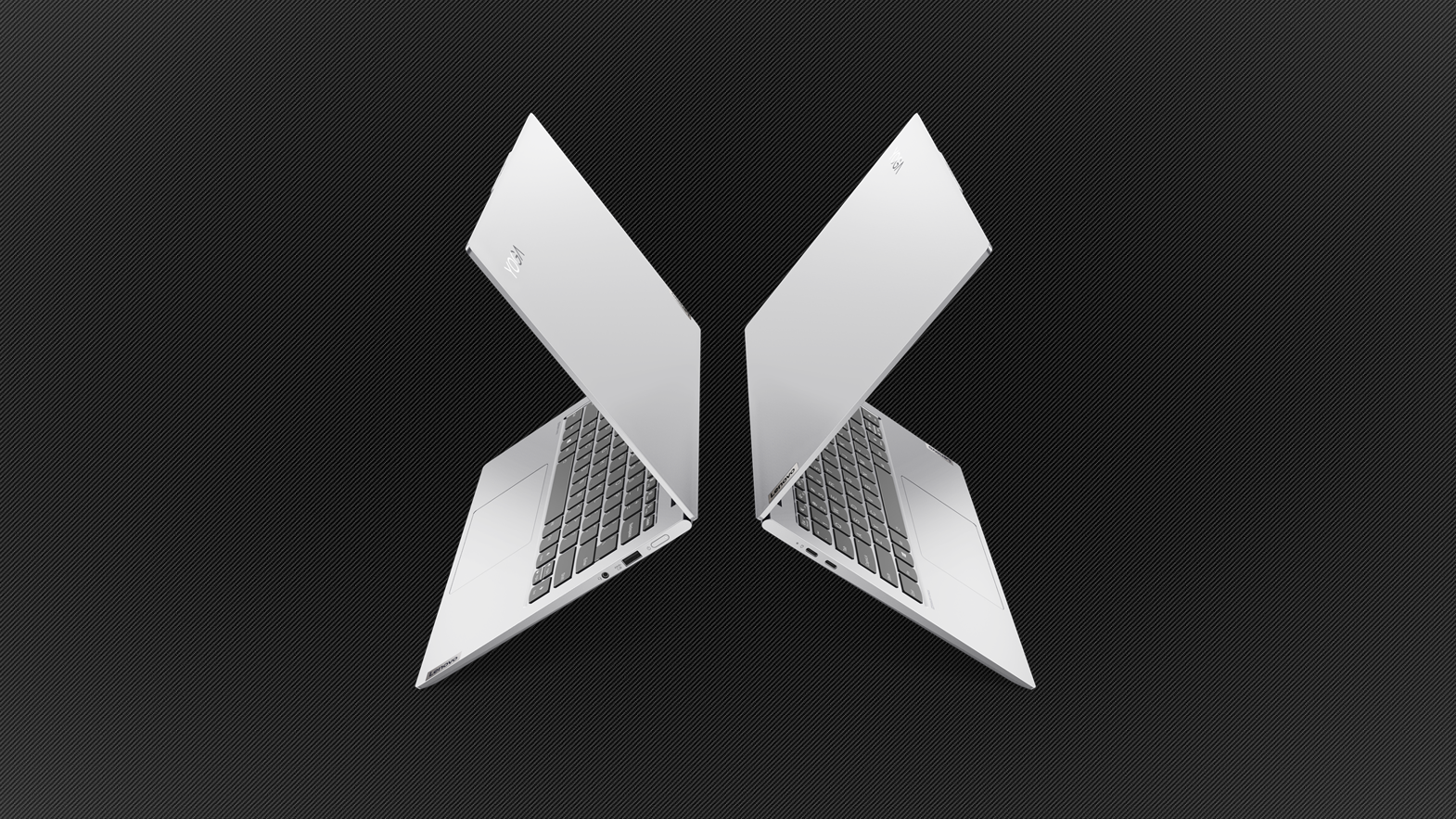 This is the definition of a sleeper laptop. Just look at it. A small, 14-inch laptop, with an insanely powerful CPU. It is as if you put a Bentley engine inside a Golf, which has been done before. What you get is a ridiculously powerful laptop that is as small as a MacBook. Has Lenovo created a monster in the small laptop space, or will we see a new level of thermal throttling?
Today we present you with LaptopMedia’s top 5 picks about the Lenovo Yoga Slim 7 Pro (14).
Lenovo Yoga Slim 7 Pro (14): Full Specs / In-depth Review
3 reasons to BUY the Lenovo Yoga Slim 7 Pro (14)
1. Design and build quality
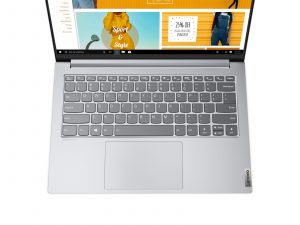
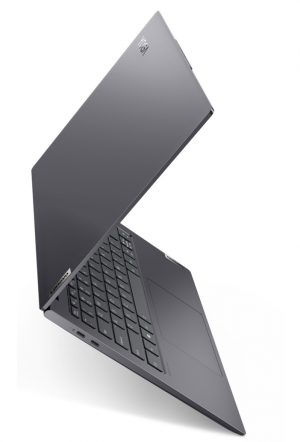
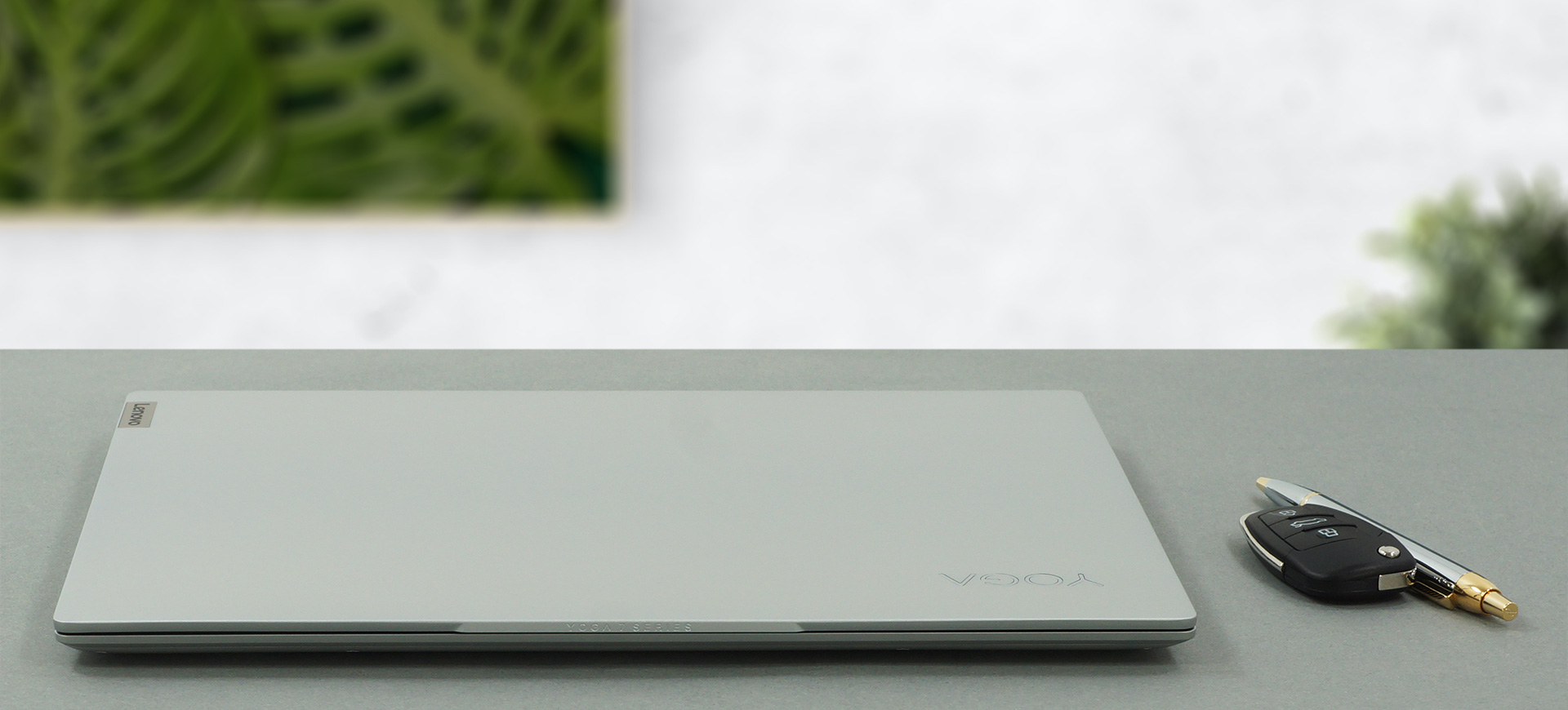
The laptop uses premium materials for its construction, with the whole body being built out of aluminum and having an anodized finish. The slim profile furthermore signifies the premium nature of the laptop. The aluminum construction feels really solid and rigid in hand, resisting our attempt when we tried to flex it. In terms of weight and height, the laptop stops the scales at only 1.35 kg and has a profile of 17 mm at its thickest point.
2. Display quality
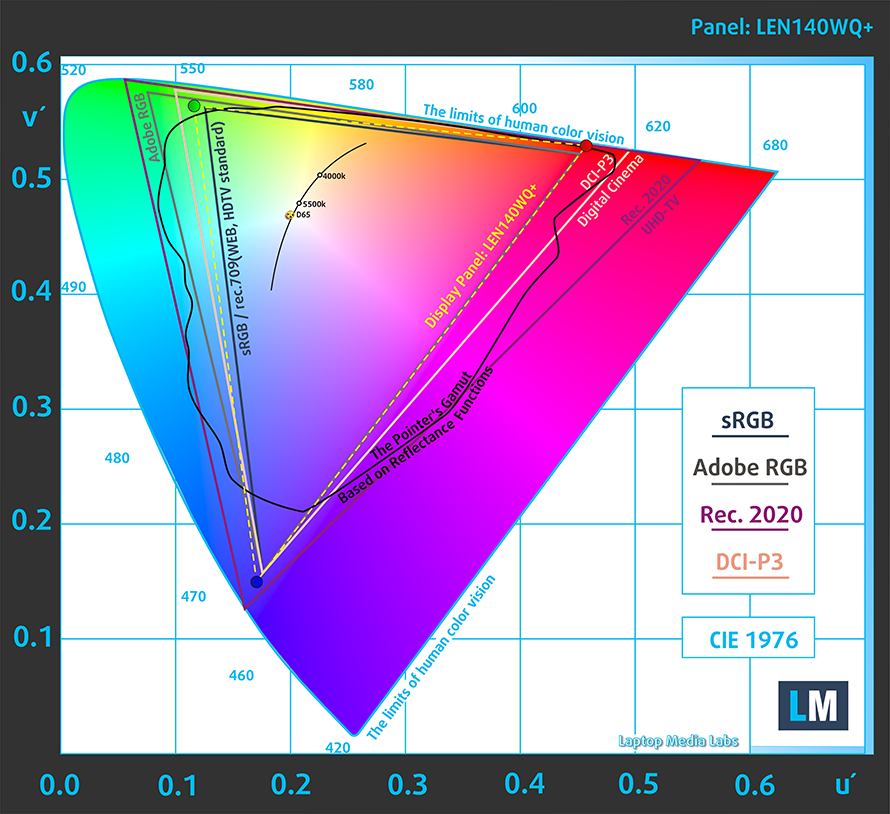
The displays here are really good. They have a 14-inch diagonal and come in either 2.2K or a 2.8K resolution. Our laptop had the 2.8K screen and it performed exceptionally well. The display has comfortable viewing angles, a max brightness of around 400 nits, a deviation of 11%, and a contrast ratio of 1530:1. With 100% sRGB coverage, the laptop is ready for professional color-sensitive work.
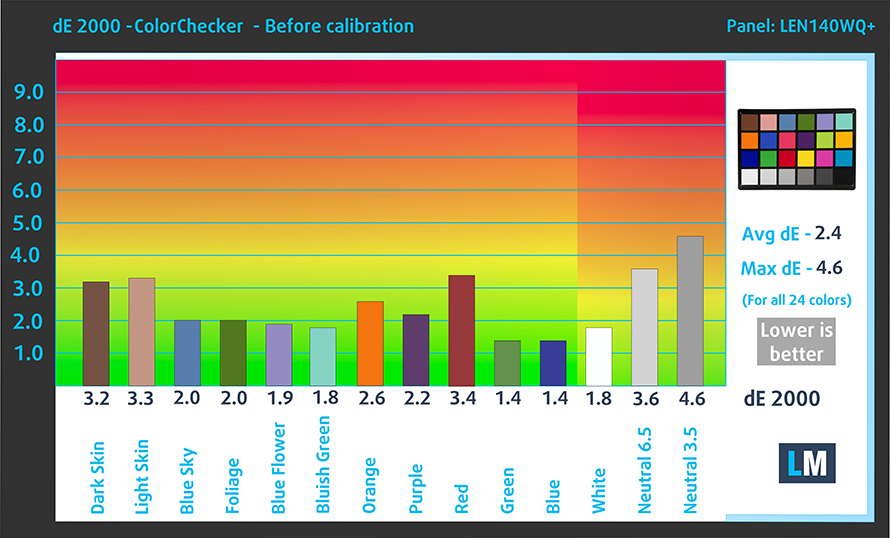
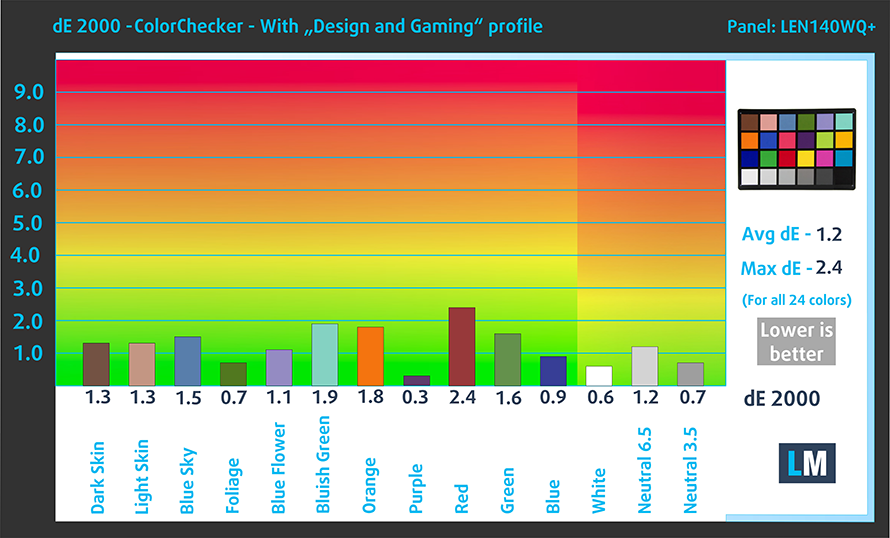
The color accuracy improved a lot when we applied our Design and Gaming profile, giving us a dE value of 1.2, which is within the standard. Here are the results of our color accuracy with both the factory settings (left) and with our Design and Gaming profile applied (right).
Buy our profiles
Since our profiles are tailored for each display model, this article and its respective profile package are meant for Lenovo Yoga Slim 7i Pro (14) configurations with 14.0″ LEN140WQ+ (LEN8A90) (2.8K, 2880 x 1800) IPS panel.
*Should you have problems with downloading the purchased file, try using a different browser to open the link you’ll receive via e-mail. If the download target is a .php file instead of an archive, change the file extension to .zip or contact us at [email protected].
Read more about the profiles HERE.
कुशल और स्वास्थ्य के अनुकूल प्रोफाइल प्राप्त करने के अलावा, LaptopMedia के उत्पादों को खरीदकर आप हमारी प्रयोगशालाओं के विकास का भी समर्थन करते हैं, जहाँ हम सबसे वस्तुनिष्ठ समीक्षाएँ प्रस्तुत करने के लिए उपकरणों का परीक्षण करते हैं।

Office Work
Office Work का उपयोग ज्यादातर उन उपयोगकर्ताओं द्वारा किया जाना चाहिए जो अपना अधिकांश समय टेक्स्ट के टुकड़ों, तालिकाओं को देखने या सिर्फ सर्फिंग में बिताते हैं। इस प्रोफ़ाइल का उद्देश्य एक फ्लैट गामा वक्र (2.20), मूल रंग तापमान और अवधारणात्मक रूप से सटीक रंगों को रखकर बेहतर विशिष्टता और स्पष्टता प्रदान करना है।

Design and Gaming
यह प्रोफ़ाइल उन डिजाइनरों के लिए है जो पेशेवर रूप से रंगों के साथ काम करते हैं, और गेम और फिल्मों के लिए भी। Design and Gaming डिस्प्ले पैनल को उनकी सीमा तक ले जाता है, जिससे वे वेब और HDTV के लिए sRGB IEC61966-2-1 मानक में, व्हाइट पॉइंट D65 पर यथासंभव सटीक हो जाते हैं।

Health-Guard
Health-Guard हानिकारक पल्स-विड्थ मॉड्यूलेशन (PWM) को समाप्त करता है और नकारात्मक नीली रोशनी को कम करता है जो हमारी आँखों और शरीर को प्रभावित करती है। चूंकि यह प्रत्येक पैनल के लिए कस्टम अनुरूप है, यह रंगों को अवधारणात्मक रूप से सटीक रखने का प्रबंधन करता है। Health-Guard कागज का अनुकरण करता है जिससे आँखों पर दबाव बहुत कम हो जाता है।
33% छूट के साथ सभी 3 प्रोफाइल प्राप्त करें

3. Battery life
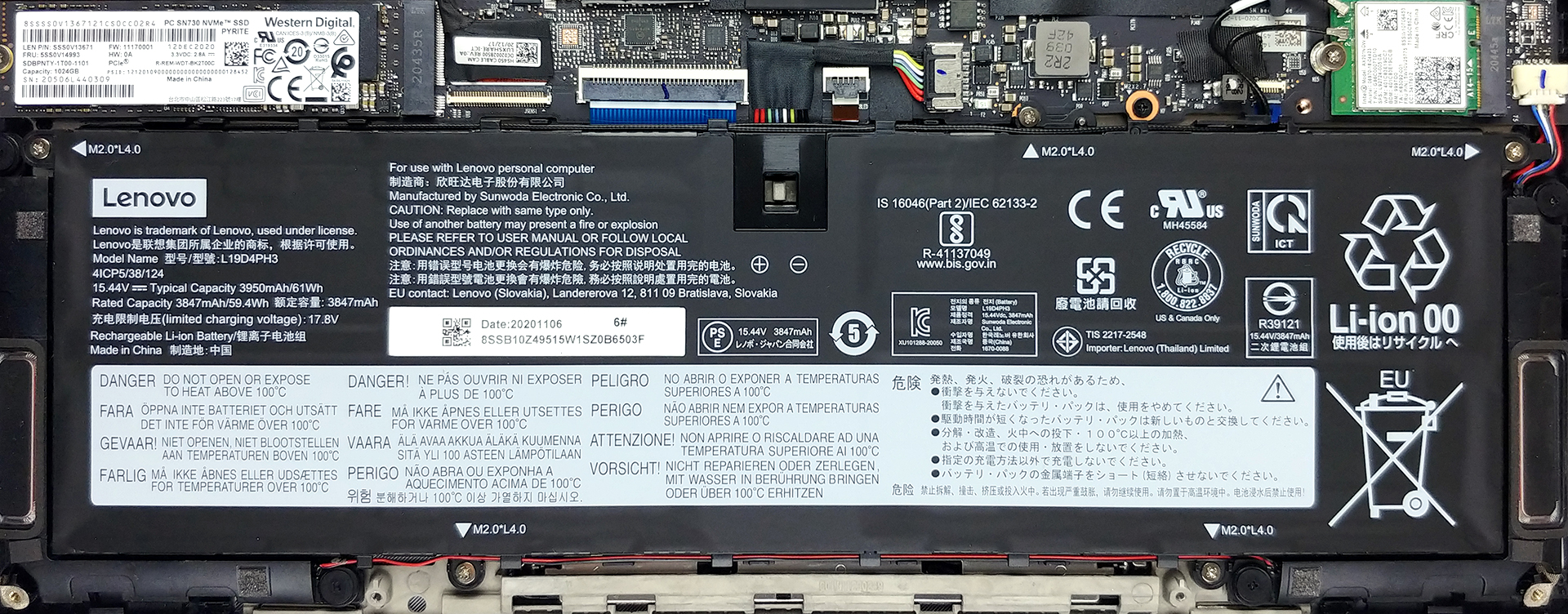
The 61Wh battery unit does wonders, especially if you factor in the powerful Ryzen 5 5600H CPU that is inside. The battery lasted for 7 hours and 8 minutes of Web browsing, or 10 hours of video playback. Now, we conduct the battery tests with Windows Better performance setting turned on, screen brightness adjusted to 120 nits, and all other programs turned off except for the one we are testing the notebook with.
2 reasons NOT to buy the Lenovo Yoga Slim 7 Pro (14)
1. Upgradeability
Similar to other slim premium laptops on the market, this one sacks the RAM upgradeability, in favor of soldered chips with up to 16GB of RAM being available. As for the SSD storage, there is a single M.2 SSD slot, which is already filled, so you have to swap the storage, instead of doubling it.
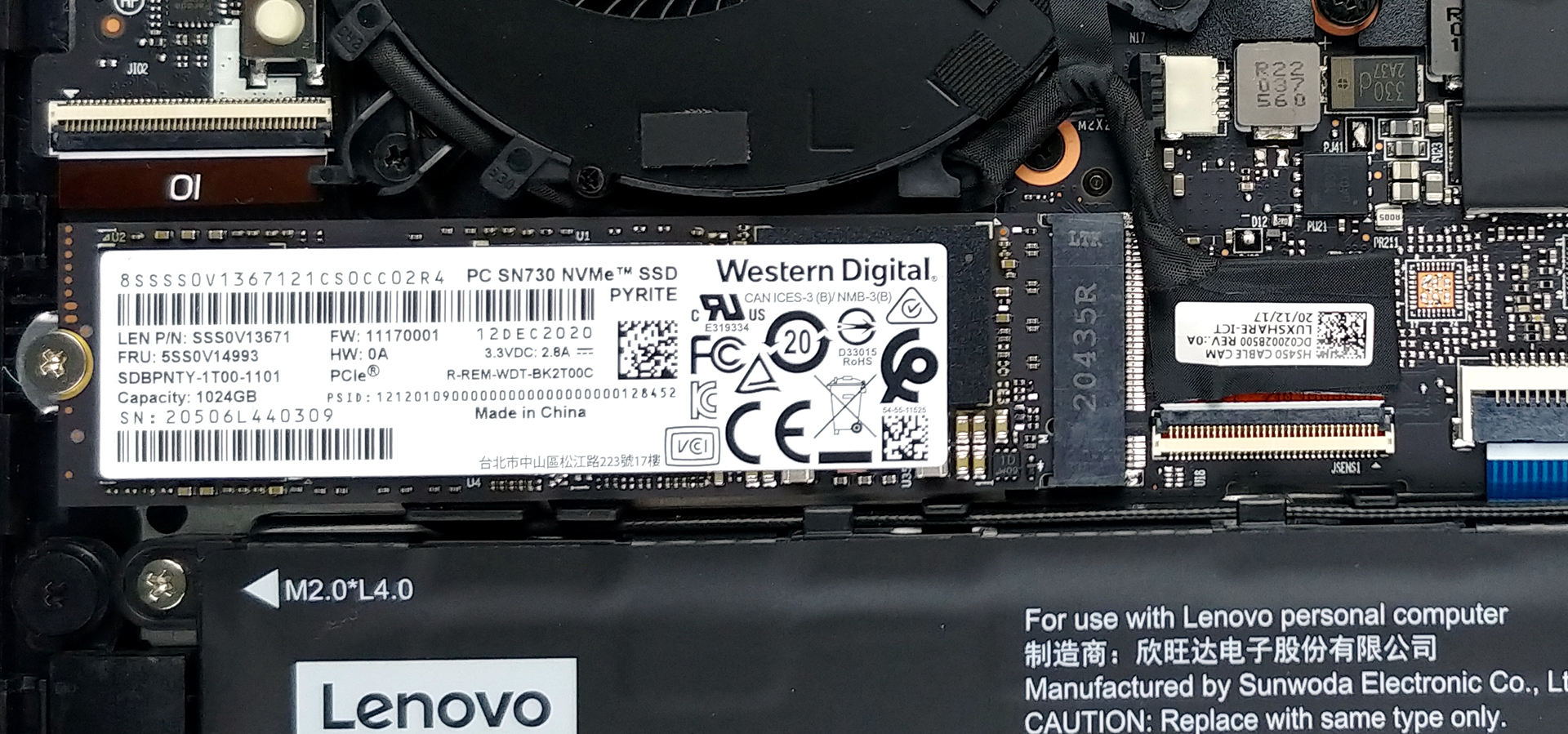
Here is our detailed teardown video, which shows how to access the single SSD slot.
2. Cooling
Max CPU load
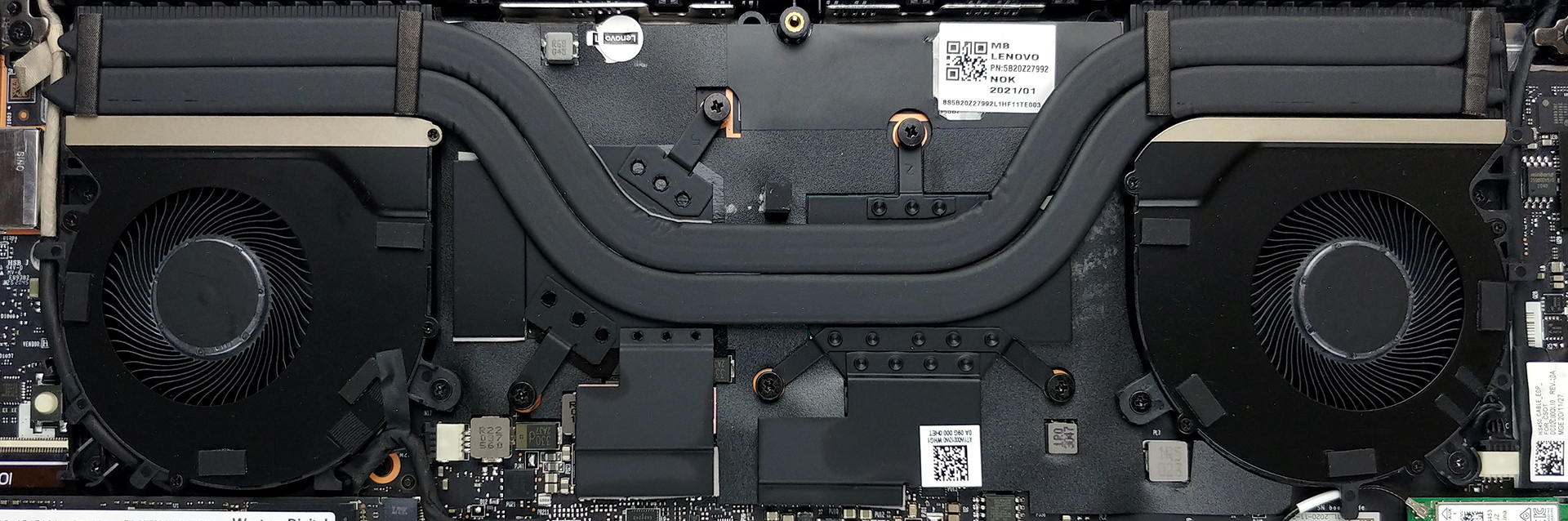
The high TDP Ryzen 5 5600H is definitely challenged by the small amount of space inside the notebook. Despite that, Lenovo has managed to fit a decent cooling solution, with two heat pipes and two fans.
The CPU managed to dip below its base clock speed, which is still pretty high, to be honest.
| AMD Ryzen 5 5600H (45W TDP) | 0:02 – 0:10 sec | 0:15 – 0:30 sec | 10:00 – 15:00 min |
|---|---|---|---|
| Lenovo Yoga Slim 7 Pro (14) | 3.43 GHz (B+4%) @ 78°C | 3.35 GHz (B+2%) @ 88°C | 3.06 GHz (B- 7%) @ 93°C |
Real-life gaming
| AMD Radeon RX Vega 7 (R4000,5000 35/45W) | GPU frequency/ Core temp (after 2 min) | GPU frequency/ Core temp (after 30 min) |
|---|---|---|
| Lenovo Yoga Slim 7 Pro (14) | 1800 MHz @ 64°C | 1800 MHz @ 63°C |
In stark contrast, the iGPU inside managed to keep its cool even after 30 minutes of testing.
All Lenovo Yoga Slim 7 Pro (14) configurations:
 Author: Severin Kolakov

![[June 2026] Best-Selling Laptop Brands on Amazon Global – Apple’s Unrivaled Dominance in Units and Revenue](https://laptopmedia.com/wp-content/uploads/2026/07/GLOBAL-Best-Brands-400x225.jpg)
![[June 2026] Amazon Global: Top 10 Best-Selling Laptops – Apple’s New MacBook Neo Storms to #1, Reshaping the Market with Affordability](https://laptopmedia.com/wp-content/uploads/2026/07/Best-Selling-Laptops-GLOBAL-Top-10-400x225.jpg)
![[June 2026] Amazon Global: Top 10 Best-Selling Gaming Laptops – Acer’s Nitro V 16S AI Dominates Sales, While ASUS Leads Overall Revenue](https://laptopmedia.com/wp-content/uploads/2026/07/Best-Selling-Gaming-Laptops-GLOBAL-Top-10-400x225.jpg)
![[June 2026] Global Ranking of Best-Selling Laptop GPUs on Amazon – NVIDIA RTX 5060 is the Top-Selling Dedicated GPU](https://laptopmedia.com/wp-content/uploads/2026/07/Best-Selling-GPUs-GLOBAL-Top-10-400x225.jpg)
![[June 2026] Global Ranking of Best-Selling Laptop CPUs on Amazon – Apple M5 Dominates, AMD Ryzen 7 260 Gets Solid Premium Share](https://laptopmedia.com/wp-content/uploads/2026/07/Best-Selling-CPUs-GLOBAL-Top-10-400x225.jpg)