Top 5 reasons to BUY or NOT to buy the Dell XPS 13 9310 (2-in-1)
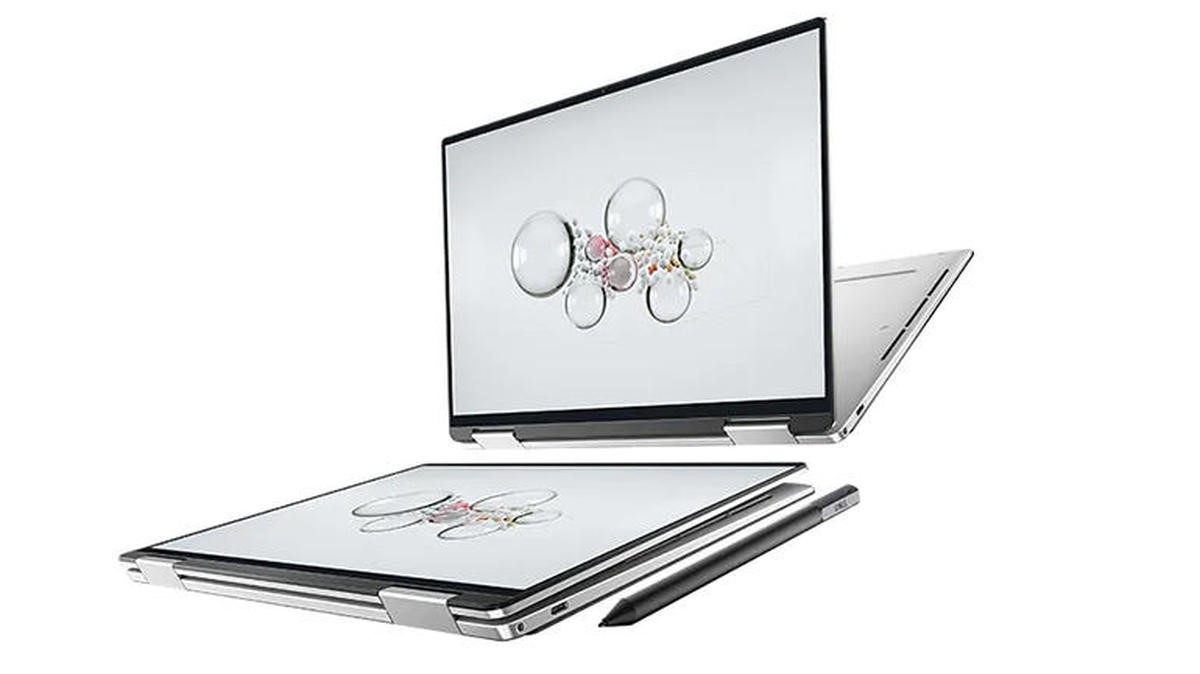 While most manufacturers are best known for their gaming laptops and focus mainly on them, others like Dell are actually more known for their business and productivity devices such as the XPS, Latitude, and Inspiron notebooks.
Today we have the pinnacle of Dell’s XPS brand, the XPS 13 9310 (2-in-1). It is a convertible, combining the best of both worlds. Furthermore, it is backed up by one of the best series of mobile processors in recent years.
Today we present you with LaptopMedia’s top 5 picks about the Dell XPS 13 9310 (2-in-1).
Dell XPS 13 9310 (2-in-1): Full Specs / In-depth Review
3 reasons to BUY the Dell XPS 13 9310 (2-in-1)
1. Design and build quality
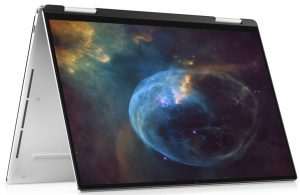
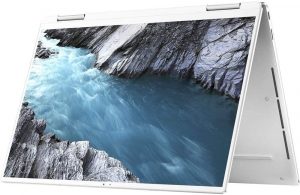
Being an XPS device, it gets the premium treatment. It is built from aluminum and carbon fiber. Not only that, but the notebook is also extremely thin and light, measuring at only 14.35 mm while being 1.32 kg tall. The thinness of the device comes to bite it, as there is some bend in the chassis, being enough to make the touchpad register a click.
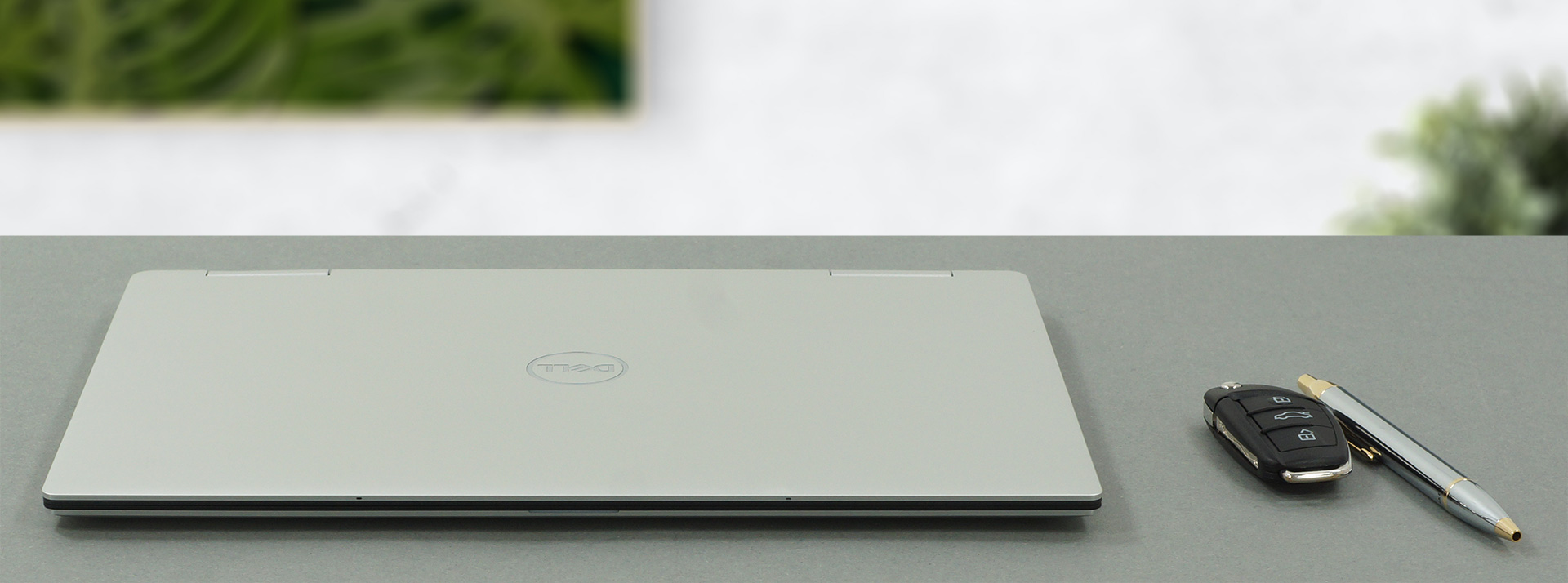
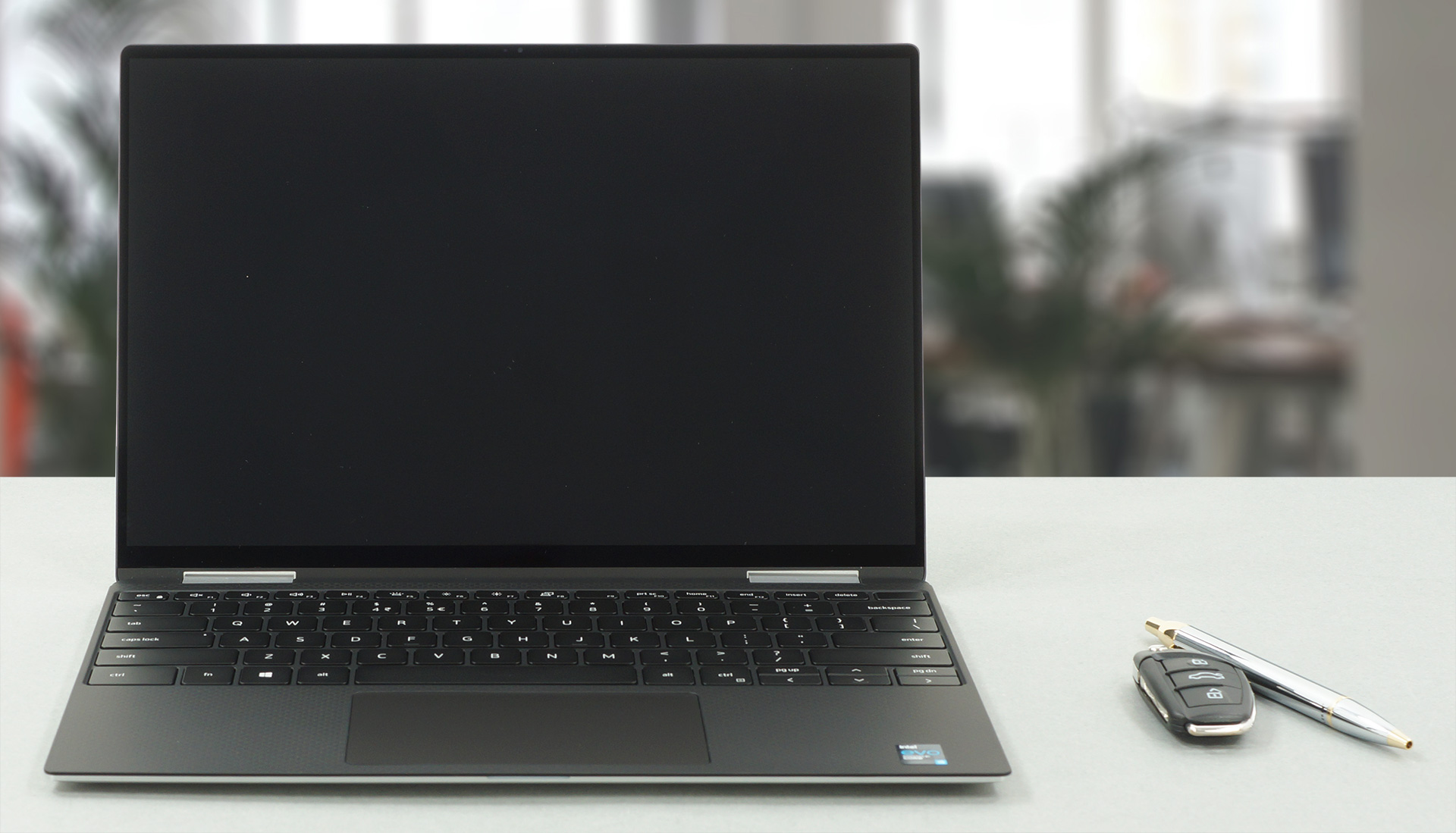
The lid opens easily with one hand, but the hinges stiffen up after 80-85° degrees, making the base lift up. This reveals a glass display with extremely thin bezels, the top of which houses an HD webcam with an array of IR sensors that are used for face recognition.
2. Display quality
The laptop offers two displays, with either an FHD+ or a 4K+ resolution. The display that is used in our laptop is nowhere near being perfect but offers qualities that can make it usable for color-sensitive work. It has an FHD+ resolution, and a 16:10 aspect ratio, delivering a tad more space on the Y-axis. Furthermore, it has comfortable viewing angles, a max brightness of 551 nits in the center of the screen, 514 nits as an average for the entire area of the display, and a maximum deviation of 13%. The contrast ratio is very high – 1720:1.
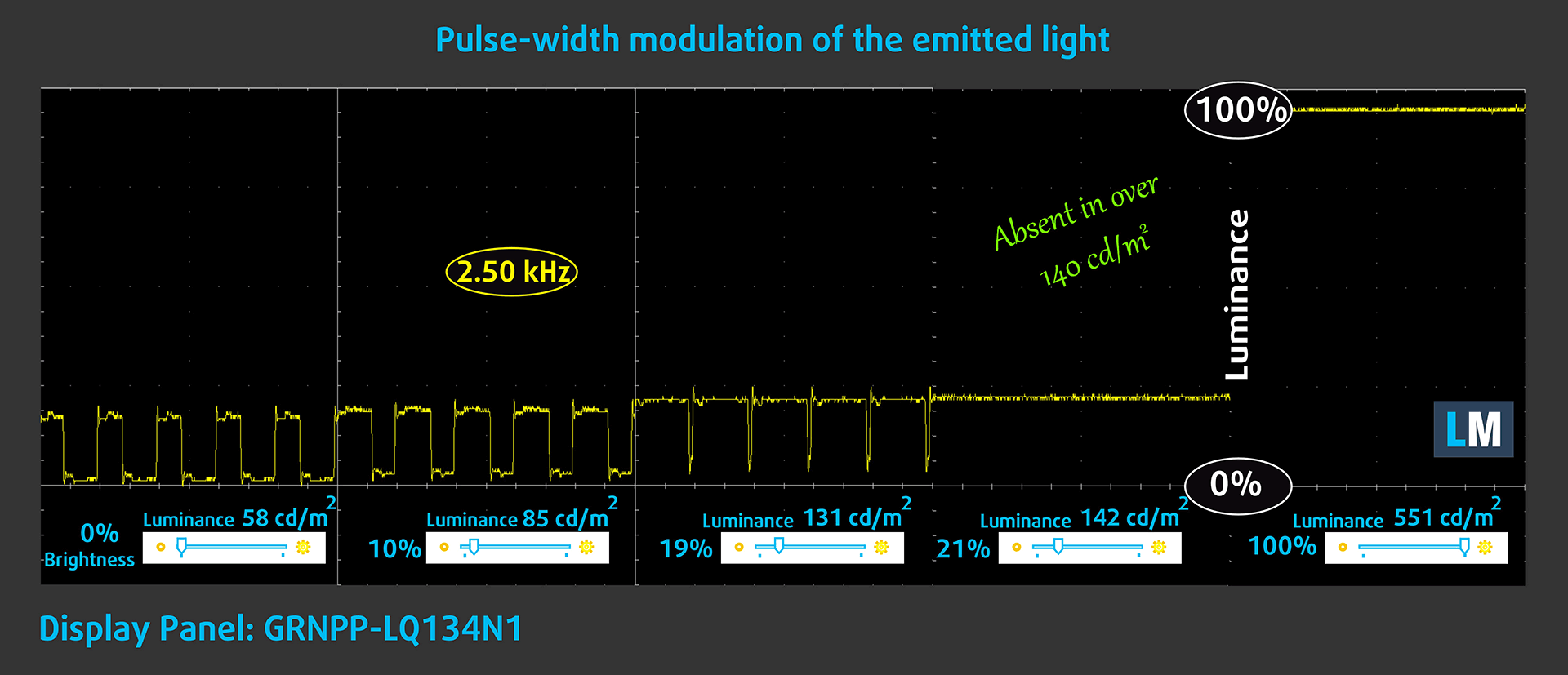
Sadly the panel uses PWM to adjust brightness below 140 nits, and while the frequency is very high, we would still advise you to stay away from it. Thankfully, our Health-Guard profile fixes the issue.
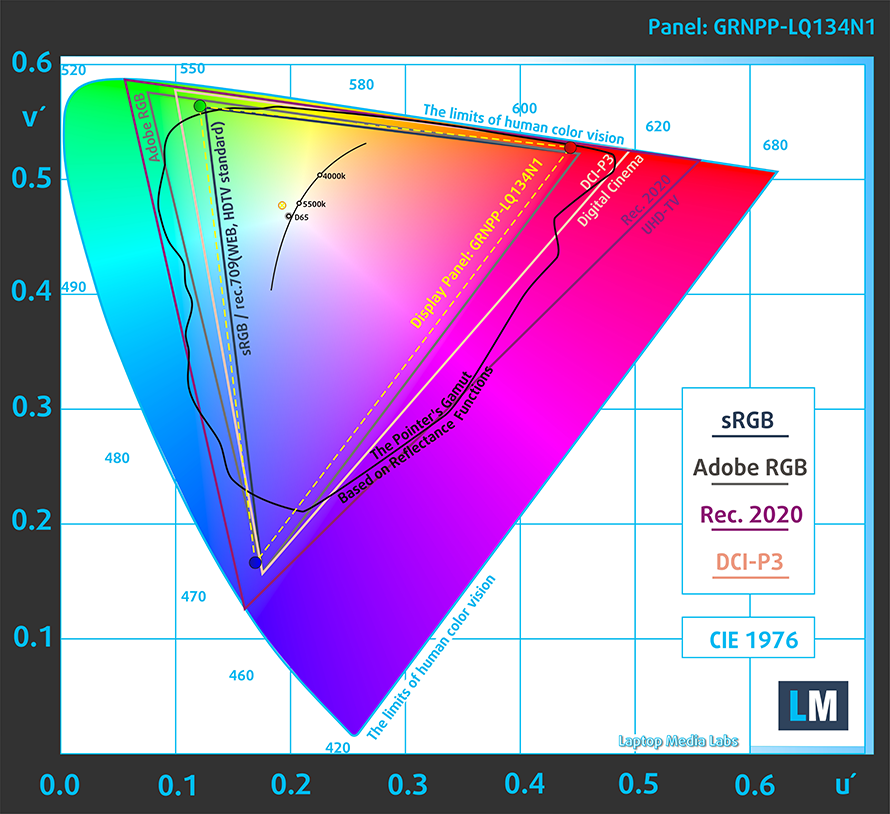
The panel covers 98% of the sRGB color gamut.
The color accuracy with the factory settings is nowhere near usable for professional color-sensitive work. However, once we apply our Design and Gaming panel, the dE value goes down to 1.0.
Here you can compare the results of our color accuracy test with both the factory settings (left) and with our Design and Gaming profile applied (right).


Buy our profiles
Since our profiles are tailored for each individual display model, this article and its respective profile package are meant for Dell XPS 13 9310 (2-in-1) configurations with 13.4″ Sharp GRNPP-LQ134N1 (SHP14F7) (FHD+, 1920 × 1200) IPS panel.
*Should you have problems with downloading the purchased file, try using a different browser to open the link you’ll receive via e-mail. If the download target is a .php file instead of an archive, change the file extension to .zip or contact us at [email protected].
Read more about the profiles HERE.
कुशल और स्वास्थ्य के अनुकूल प्रोफाइल प्राप्त करने के अलावा, LaptopMedia के उत्पादों को खरीदकर आप हमारी प्रयोगशालाओं के विकास का भी समर्थन करते हैं, जहाँ हम सबसे वस्तुनिष्ठ समीक्षाएँ प्रस्तुत करने के लिए उपकरणों का परीक्षण करते हैं।

Office Work
Office Work का उपयोग ज्यादातर उन उपयोगकर्ताओं द्वारा किया जाना चाहिए जो अपना अधिकांश समय टेक्स्ट के टुकड़ों, तालिकाओं को देखने या सिर्फ सर्फिंग में बिताते हैं। इस प्रोफ़ाइल का उद्देश्य एक फ्लैट गामा वक्र (2.20), मूल रंग तापमान और अवधारणात्मक रूप से सटीक रंगों को रखकर बेहतर विशिष्टता और स्पष्टता प्रदान करना है।

Design and Gaming
यह प्रोफ़ाइल उन डिजाइनरों के लिए है जो पेशेवर रूप से रंगों के साथ काम करते हैं, और गेम और फिल्मों के लिए भी। Design and Gaming डिस्प्ले पैनल को उनकी सीमा तक ले जाता है, जिससे वे वेब और HDTV के लिए sRGB IEC61966-2-1 मानक में, व्हाइट पॉइंट D65 पर यथासंभव सटीक हो जाते हैं।

Health-Guard
Health-Guard हानिकारक पल्स-विड्थ मॉड्यूलेशन (PWM) को समाप्त करता है और नकारात्मक नीली रोशनी को कम करता है जो हमारी आँखों और शरीर को प्रभावित करती है। चूंकि यह प्रत्येक पैनल के लिए कस्टम अनुरूप है, यह रंगों को अवधारणात्मक रूप से सटीक रखने का प्रबंधन करता है। Health-Guard कागज का अनुकरण करता है जिससे आँखों पर दबाव बहुत कम हो जाता है।
33% छूट के साथ सभी 3 प्रोफाइल प्राप्त करें

3. Battery life
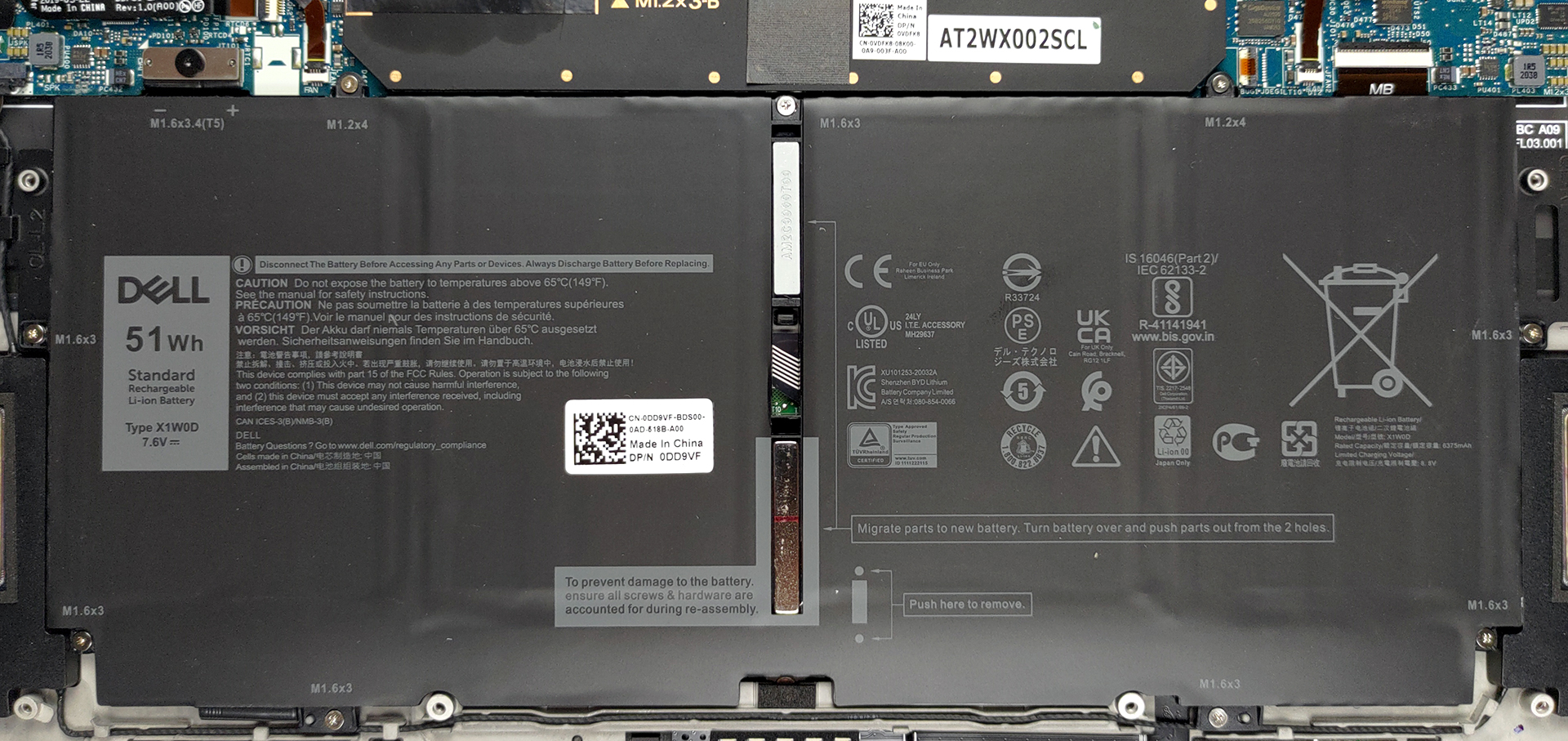
The 51Wh battery unit manages to deliver a fantastic battery life, lasting for 12 hours and 13 minutes of Web browsing, and 11 hours and 46 minutes of video playback. Now, we conduct the battery tests with Windows Better performance setting turned on, screen brightness adjusted to 120 nits, and all other programs turned off except for the one we are testing the notebook with.
2 reasons NOT to buy the Dell XPS 13 9310 (2-in-1)
1. Upgradeability
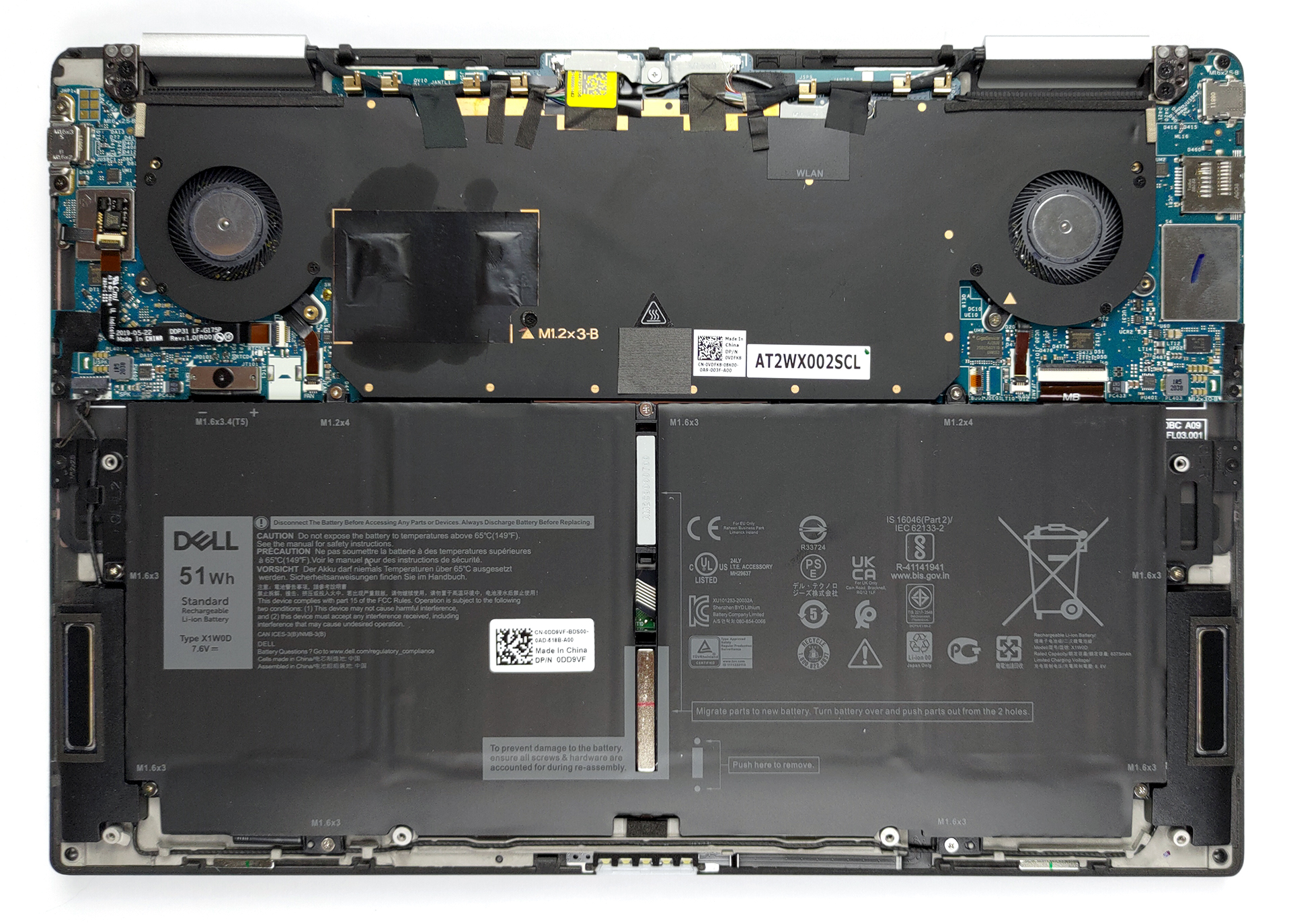
The laptop has soldered memory and storage, so you’re stuck with whatever configuration you purchase it with.
2. I/O
Lastly, the I/O is as narrow as it can get, with only two Thunderbolt 4 connectors, a MicroSD card slot, and a 3.5mm audio jack. Basically, you’ll have to enter the world of dongles.


All Dell XPS 13 9310 (2-in-1) configurations:
 Author: Severin Kolakov

![[June 2026] Best-Selling Laptop Brands on Amazon Global – Apple’s Unrivaled Dominance in Units and Revenue](https://laptopmedia.com/wp-content/uploads/2026/07/GLOBAL-Best-Brands-400x225.jpg)
![[June 2026] Amazon Global: Top 10 Best-Selling Laptops – Apple’s New MacBook Neo Storms to #1, Reshaping the Market with Affordability](https://laptopmedia.com/wp-content/uploads/2026/07/Best-Selling-Laptops-GLOBAL-Top-10-400x225.jpg)
![[June 2026] Amazon Global: Top 10 Best-Selling Gaming Laptops – Acer’s Nitro V 16S AI Dominates Sales, While ASUS Leads Overall Revenue](https://laptopmedia.com/wp-content/uploads/2026/07/Best-Selling-Gaming-Laptops-GLOBAL-Top-10-400x225.jpg)
![[June 2026] Global Ranking of Best-Selling Laptop GPUs on Amazon – NVIDIA RTX 5060 is the Top-Selling Dedicated GPU](https://laptopmedia.com/wp-content/uploads/2026/07/Best-Selling-GPUs-GLOBAL-Top-10-400x225.jpg)
![[June 2026] Global Ranking of Best-Selling Laptop CPUs on Amazon – Apple M5 Dominates, AMD Ryzen 7 260 Gets Solid Premium Share](https://laptopmedia.com/wp-content/uploads/2026/07/Best-Selling-CPUs-GLOBAL-Top-10-400x225.jpg)