HP 250 G10 review – Balancing Comfort and Cooling Efficiency
Disassembly, Upgrade options, and Maintenance
If you want to open this laptop, you need to undo just four Phillips-head screws. After that, you can start popping the panel starting from the front, then, work your way around the sides and on the back.

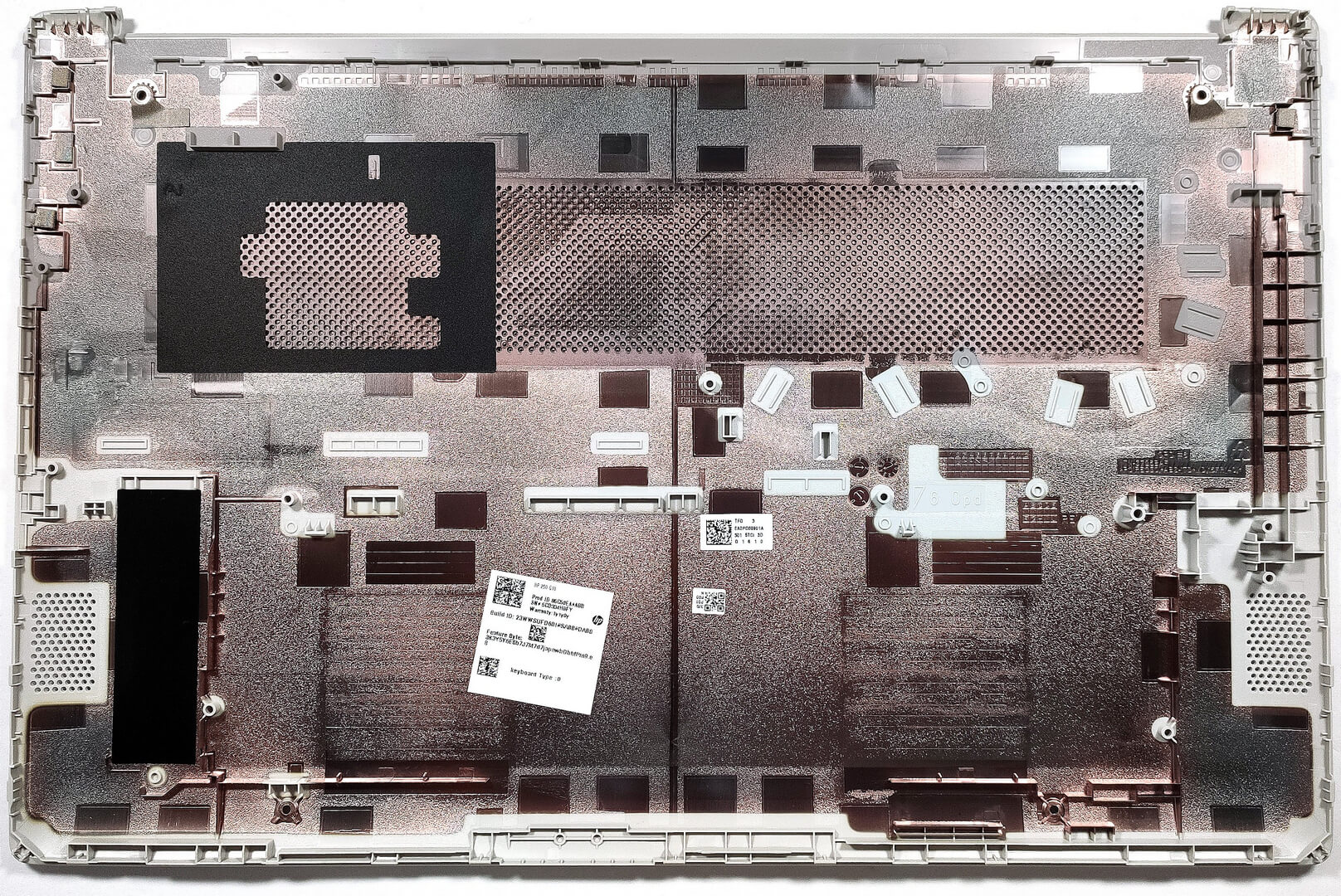
Here’s how the bottom plate looks on the inside.
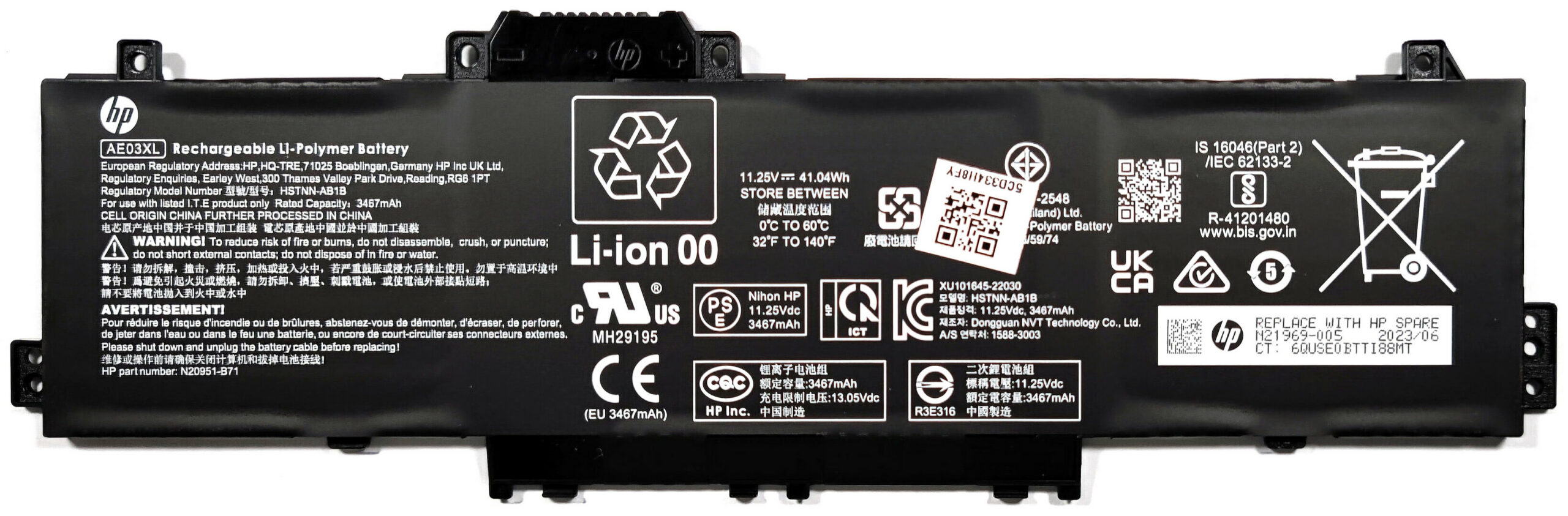
The battery is a 41Wh variant. The connector is built-in and you have to wear gloves to avoid short circuits while taking out the unit. Before that, you have to undo the five Phillips-head screws that are fixing the battery to the base. The last step is to carefully untangle the speaker cables from the battery housing.The capacity is enough for 8 hours and 20 minutes of Web browsing or 7 hours and 42 minutes of video playback.
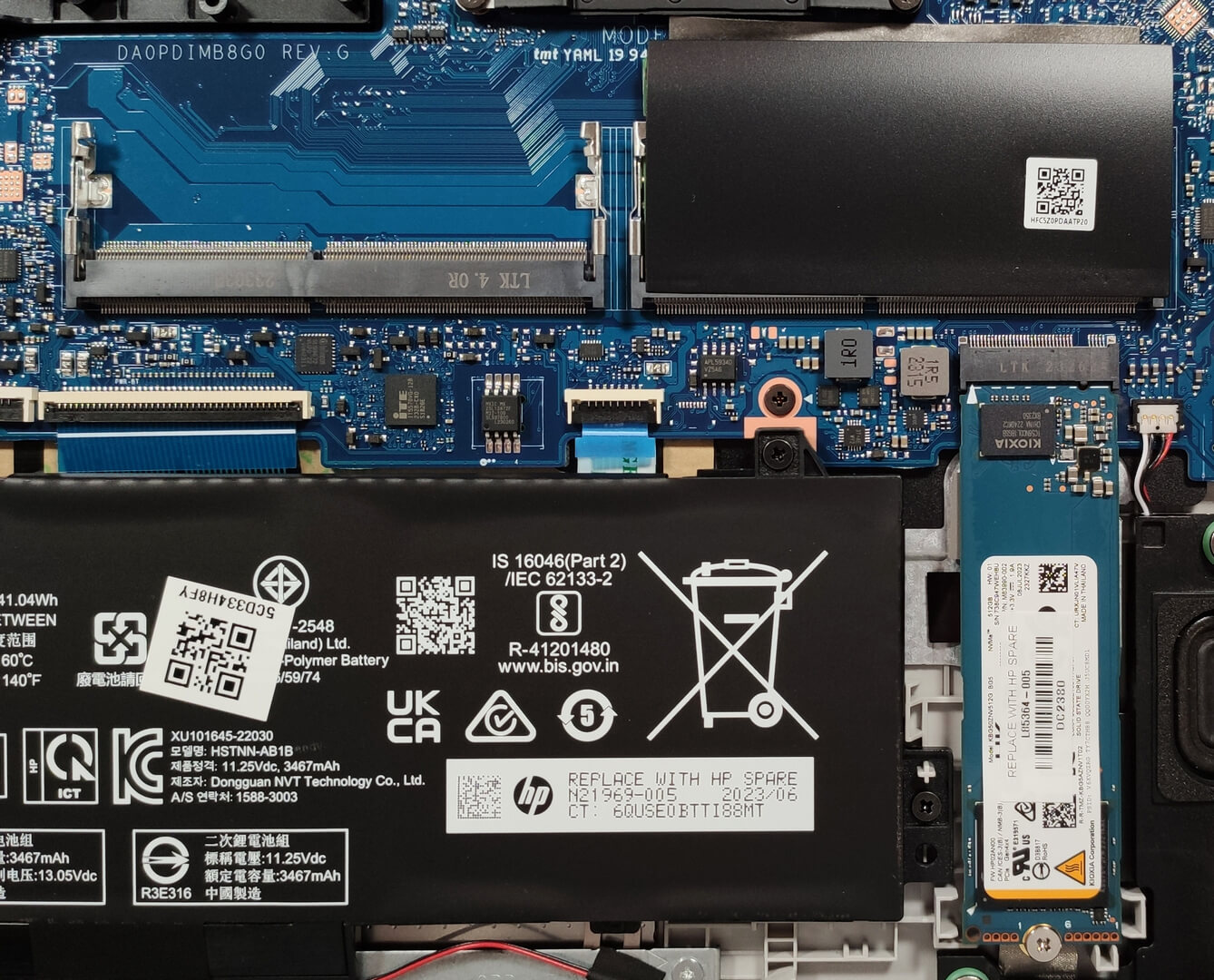
There are two SODIMMs for up to 32GB of DDR4-3200 MHz memory in dual-channel mode.
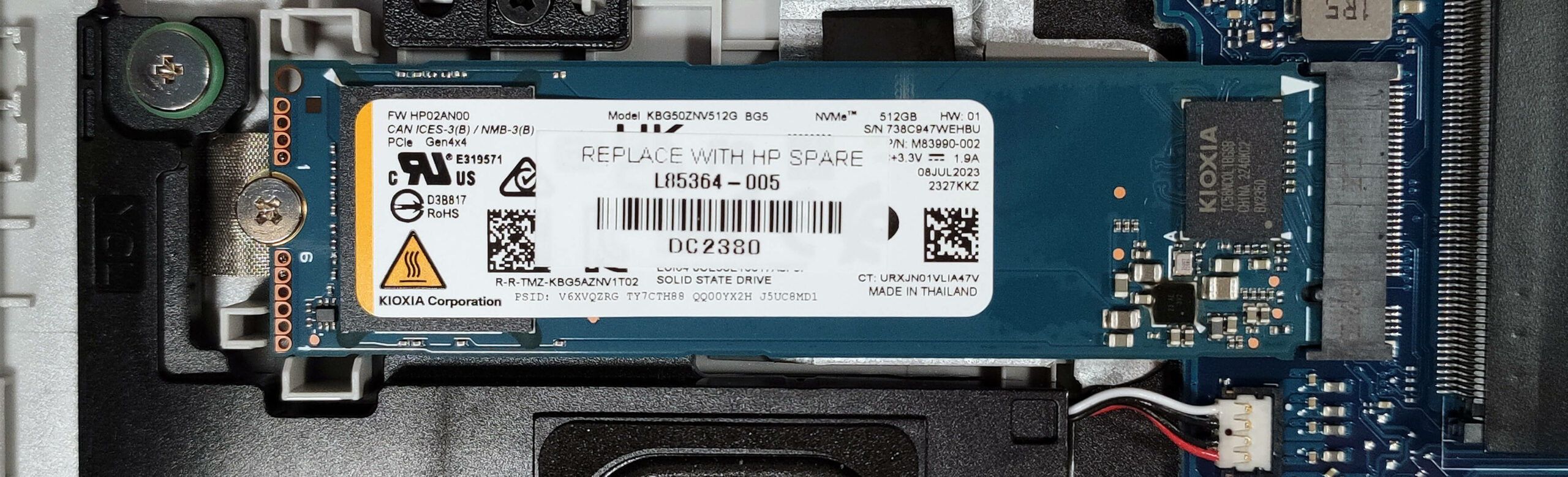
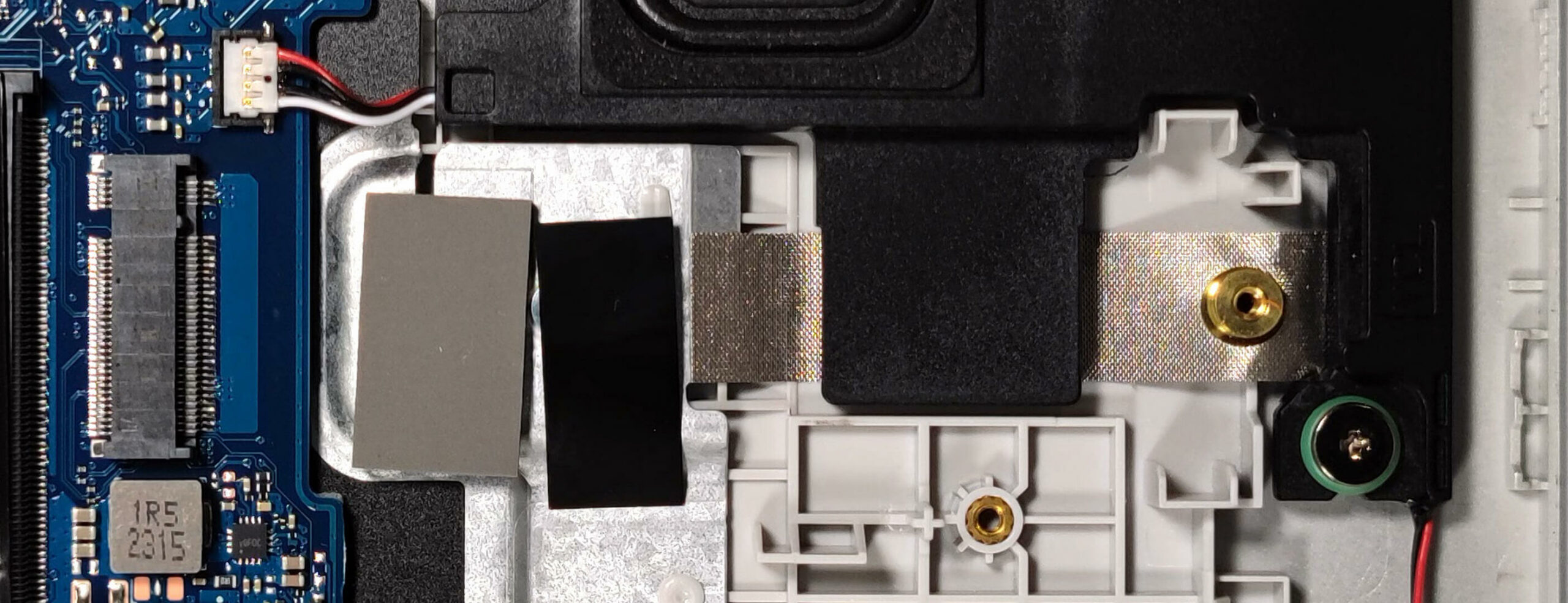
For storage, you get a single M.2 slot compatible with Gen 4 SSDs. There is a thin cooling pad under the preinstalled NVMe.

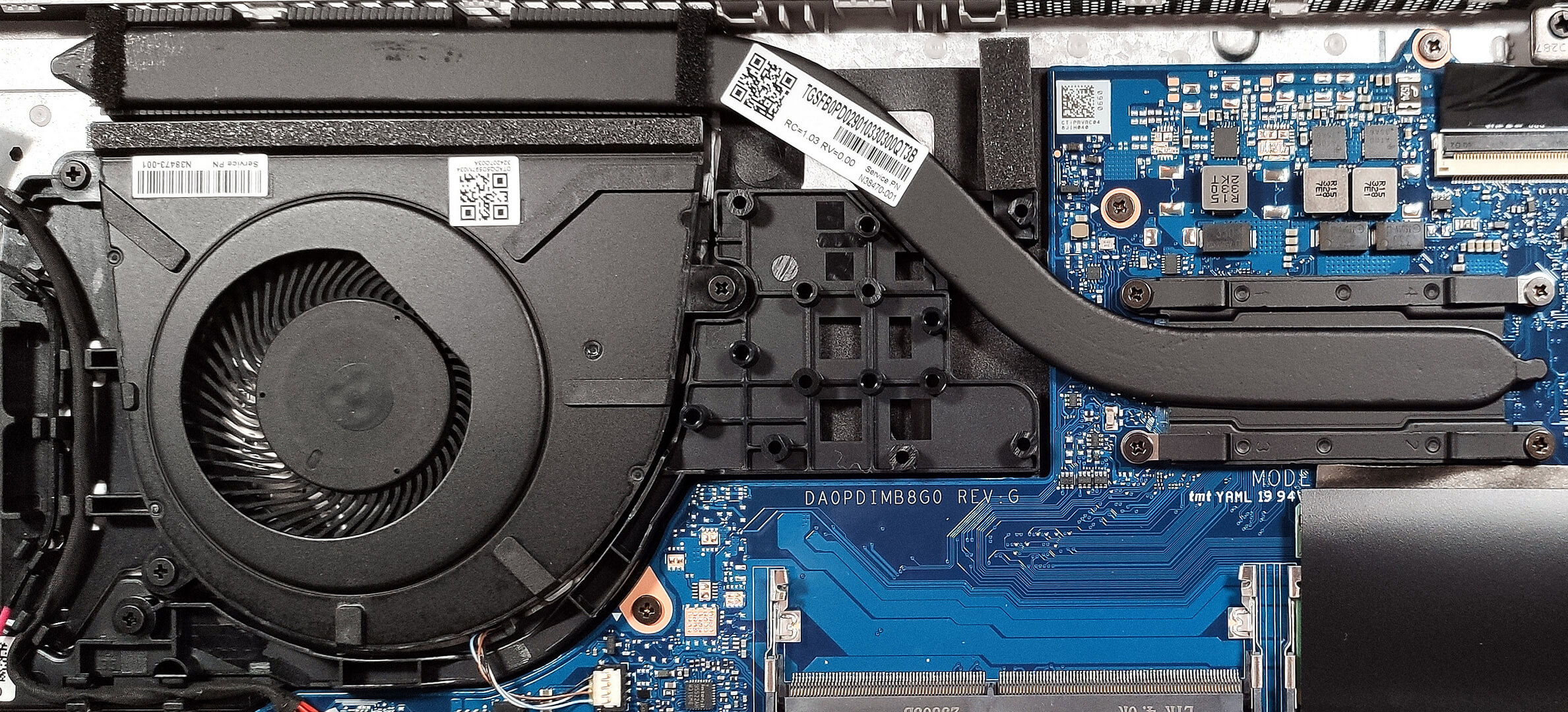
The cooling is simple. It has one fan, a heat pipe, one top-mounted heat sink, and a heat spreader.
 Author: Nikolay Palaozov
 Author: eng. Kroum NikolovHead of Engineering at LaptopMedia.com, inventor and innovator with 40+ years of experience in electronics and high technology.

![[August 2026] Global Ranking of Best-Selling Laptop GPUs on Amazon – Apple Reigns Supreme, NVIDIA’s RTX 5060 Tops Dedicated Chart](https://laptopmedia.com/wp-content/uploads/2026/09/Best-Selling-GPUs-GLOBAL-Top-10-400x225.jpg)
![[August 2026] Global Ranking of Best-Selling Laptop CPUs on Amazon – Apple Dominates Both Budget and Premium: A18 Pro and M5 Crush Intel and AMD in August 2026](https://laptopmedia.com/wp-content/uploads/2026/09/Best-Selling-CPUs-GLOBAL-Top-10-400x225.jpg)
![[August 2026] Amazon Global: Top 10 Best-Selling Laptops – Apple MacBook Neo Dominates the Charts as Budget and Mid-Range Windows Portables Fight for Volume](https://laptopmedia.com/wp-content/uploads/2026/09/Best-Selling-Laptops-GLOBAL-Top-10-400x225.jpg)
![[August 2026] Best-Selling Laptop Brands on Amazon Global – Apple Dominates Revenue While HP Leads in Model Variety](https://laptopmedia.com/wp-content/uploads/2026/09/GLOBAL-Best-Brands-400x225.jpg)
![[August 2026] Amazon Global: Top 10 Best-Selling Gaming Laptops – HP Victus 15 Captures the Crown as Budget-Friendly Models Dominate the Charts](https://laptopmedia.com/wp-content/uploads/2026/09/Best-Selling-Gaming-Laptops-GLOBAL-Top-10-400x225.jpg)

Dobry opis, wadą jest matryca liquid crystal module LCM od której bolą oczy.
my HP 250 G10 i5 1334U 16ram 512gb Intel Iris Xe came with LCD panel BOE0B14 poor TN display
should i buy it for electrical engineering HP 255 G10 15.6″ IPS FHD (Ryzen 5-7530U/16GB/512GB SSD/W11 Pro) Turbo Silver (US Keyboard) ?