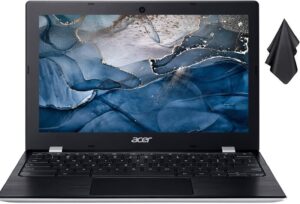
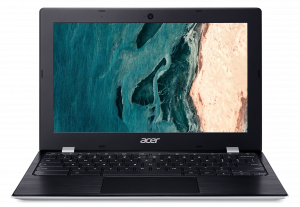
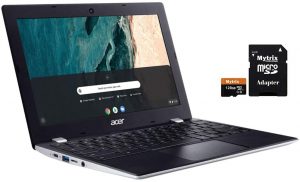
Acer Chromebook 311 (CB311-9H, CB311-9HT)
Acer Chromebook 311 (CB311-9H, CB311-9HT) - स्पेक्स
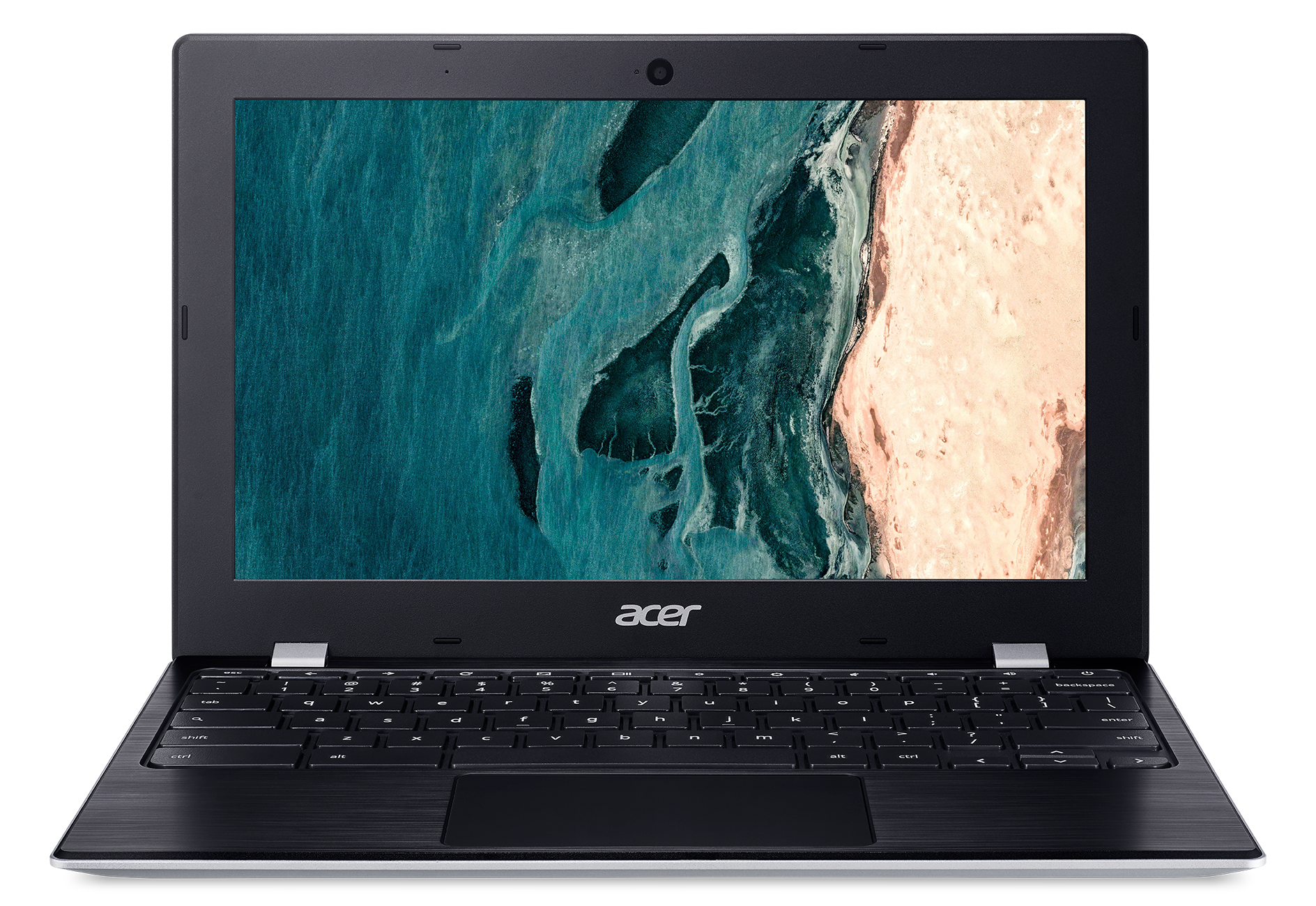
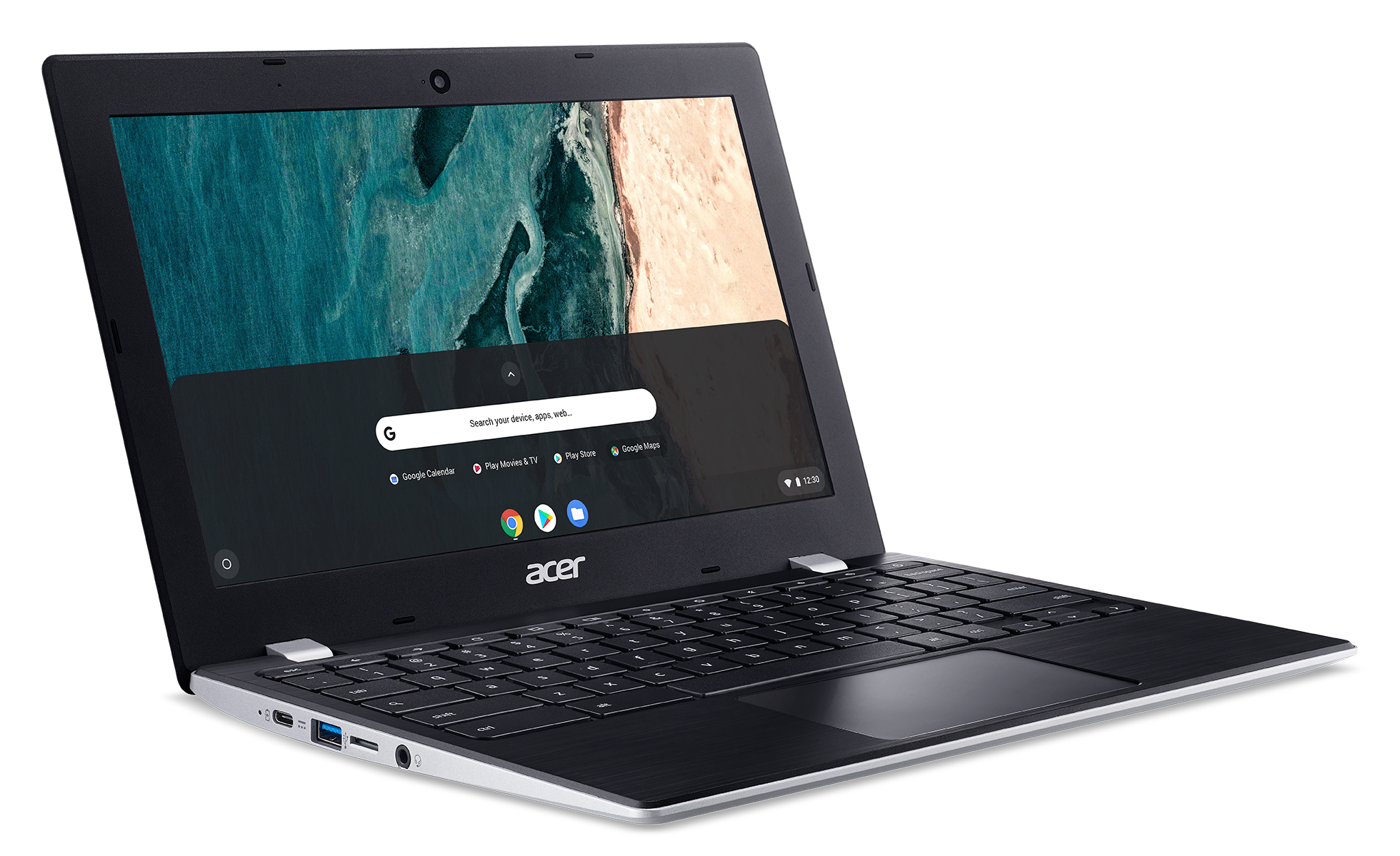
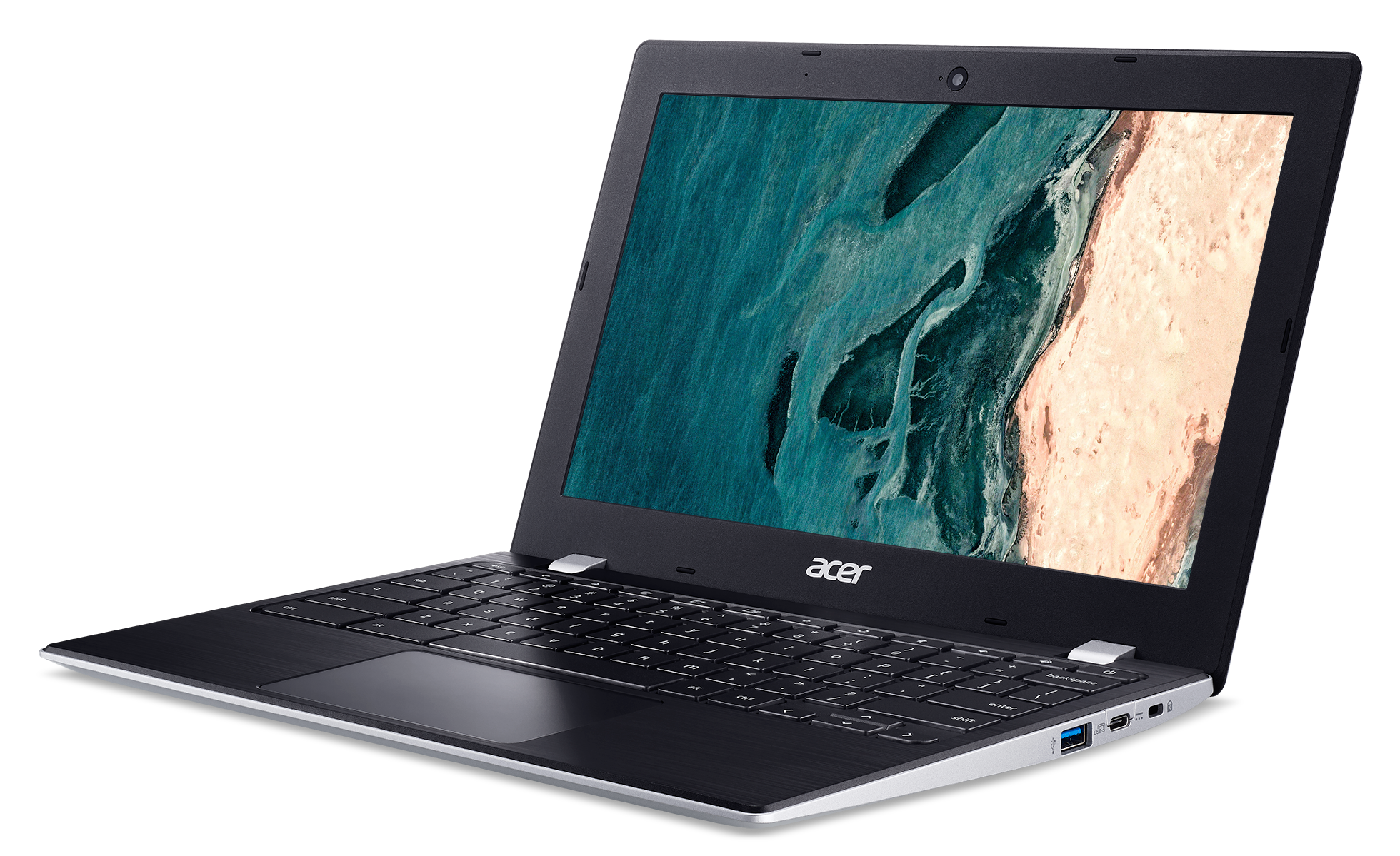
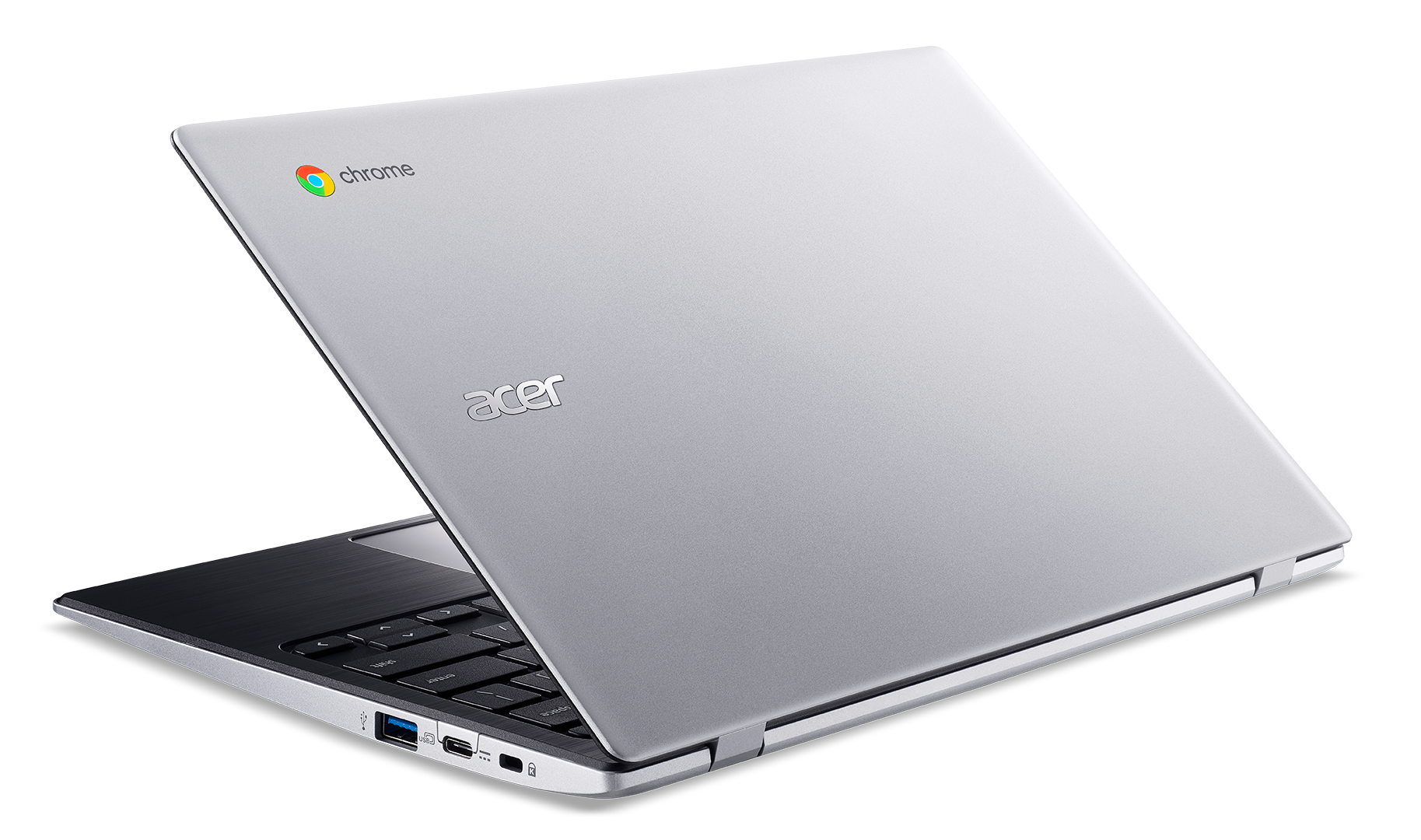
- डिस्प्ले
- 11.6”, HD (1366 x 768), IPS

- HDD/SSD
- तक 64GB SSD
- RAM
- up to 4GB
- OS
- Chrome OS
- बैटरी
- 38Wh, 3-cell, 39Wh
- आयाम
- 296 x 199 x 18.1 mm (11.65" x 7.83" x 0.71")
- वजन
- 1.10 kg (2.4 lbs)
- पोर्ट और कनेक्टिविटी
- 2x USB Type-A
- 3.2 Gen 1 (5 Gbps)
- 2x USB Type-C
- 3.2 Gen 1 (5 Gbps), DisplayPort
- कार्ड रीडर
- MicroSD
- वाई-फाई
- 802.11ac
- ब्लूटूथ
- 5.0
- ऑडियो जैक
- 3.5 mm combo
- विशेषताएँ
- फिंगरप्रिंट रीडर
- वेब कैमरा
- बैकलिट कीबोर्ड
- optional
- माइक्रोफोन
- स्पीकर
- 2 Stereo Speakers
- ऑप्टिकल ड्राइव
- सुरक्षा लॉक स्लॉट
सभी Acer Chromebook 311 (CB311-9H, CB311-9HT) कॉन्फ़िगरेशन
#CommissionsEarned

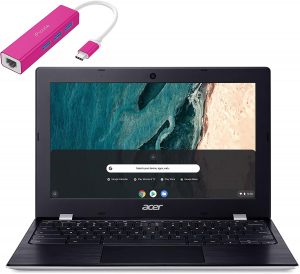
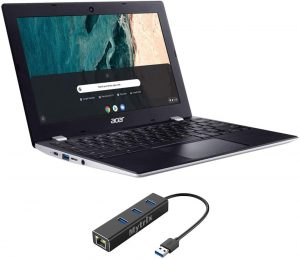
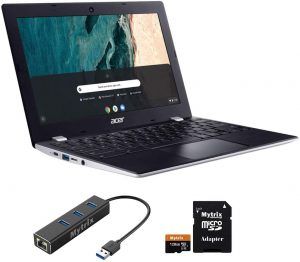
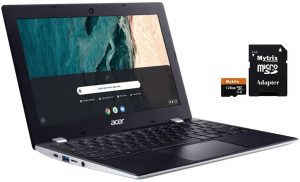

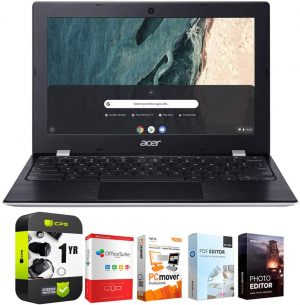
CPU प्रदर्शन
यहां आप उन सभी CPU के बीच कीमत/प्रदर्शन का अंतर पा सकते हैं जो इसमें आते हैं Acer Chromebook 311 (CB311-9H, CB311-9HT) सीरीज.
परिणाम Cinebench R23 CPU टेस्ट से हैं (स्कोर जितना अधिक हो, उतना अच्छा)
Acer Chromebook 311 (CB311-9H, CB311-9HT) गहन समीक्षा
What if you only need your laptop for browsing the Web, occasionally sending mails and watching movies? Well, that's exactly what Chrome OS is made for. No matter whether you get it for your kid, for yourself or even for your employees. This browser-based operating system is far more capable than just scrolling through the Web.In fact, with the development of Android, which sits at the base of Chrome OS, far more capabilities have opened for the users. Now, the Chromebook 311 (CB311-9H) is quite a budget offering. It features a 6W Intel processor (for better or for worse), 4GB of LPDDR[...]
पक्ष
- Snappy experience
- The OS loads in an instant
- Two USB Type-C ports that charge the laptop and can output DisplayPort
- Its display has comfortable viewing angles and good contrast ratio (BOE BOE07A0)
- Doesn't use PWM to adjust screen brightness (BOE BOE07A0)
- MicroSD card storage expansion
विपक्ष
- All-plastic build
- Covers only 56% of sRGB
- Memory and storage are soldered to the motherboard
- Feels clunky and dated because of its fat bezels


![[July 2026] Amazon Canada: Top 10 Best-Selling Laptops – Apple MacBook Neo Dominates the Market to Claim the #1 Spot](https://laptopmedia.com/wp-content/uploads/2026/08/Best-Selling-Laptops-CA-Top-10-2-400x225.jpg)
![[July 2026] Best-Selling Laptop Brands on Amazon Japan – HP and Lenovo Dominate Units and Revenue Amid Fierce Competition](https://laptopmedia.com/wp-content/uploads/2026/08/CO.JP-Best-Brands-2-400x225.jpg)
![[July 2026] Amazon Italy: Top 10 Best-Selling Laptops – Apple MacBook Neo Claims the #1 Spot Amid Budget-Friendly Dominance](https://laptopmedia.com/wp-content/uploads/2026/08/Best-Selling-Laptops-IT-Top-10-400x225.jpg)
![[July 2026] Amazon Italy: Top 5 Best-Selling Gaming Laptops – ASUS V16 Claims the Crown While Mid-Range Powerhouses Dominate Sales](https://laptopmedia.com/wp-content/uploads/2026/08/Best-Selling-Gaming-Laptops-IT-Top-10-400x225.jpg)
![[July 2026] Best-Selling Laptop Brands on Amazon Italy – HP Leads in Volume While Apple Dominates Revenue](https://laptopmedia.com/wp-content/uploads/2026/08/IT-Best-Brands-400x225.jpg)
