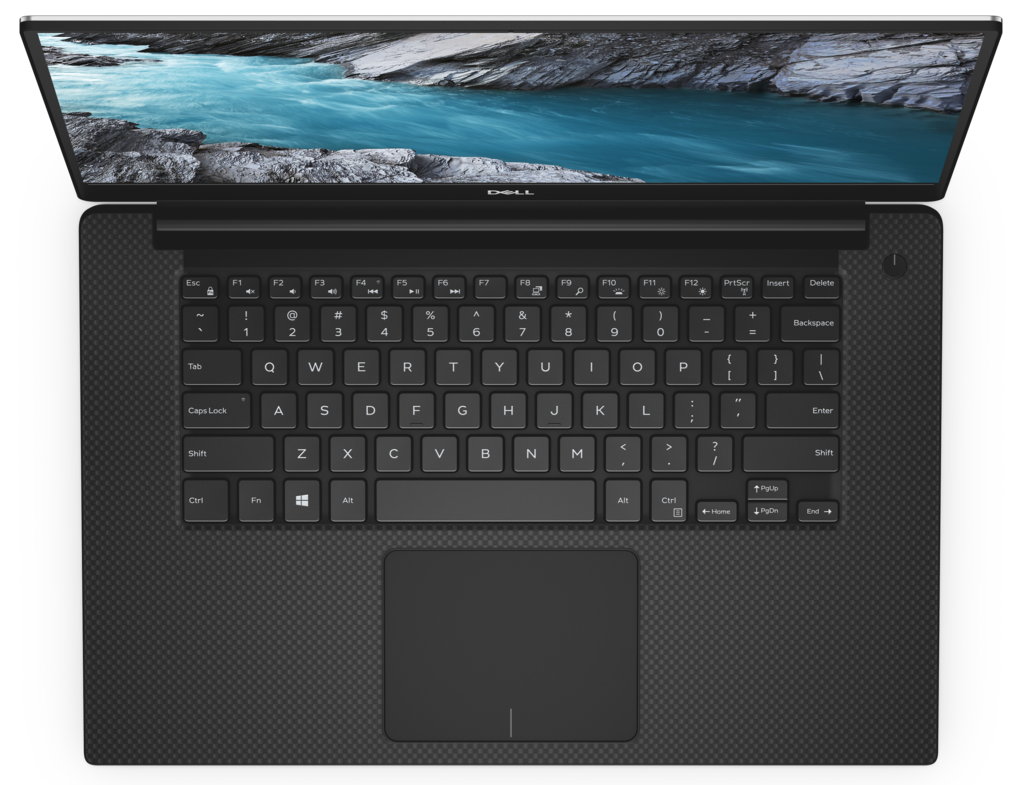
Dell XPS 15 7590
Dell XPS 15 7590 - स्पेक्स

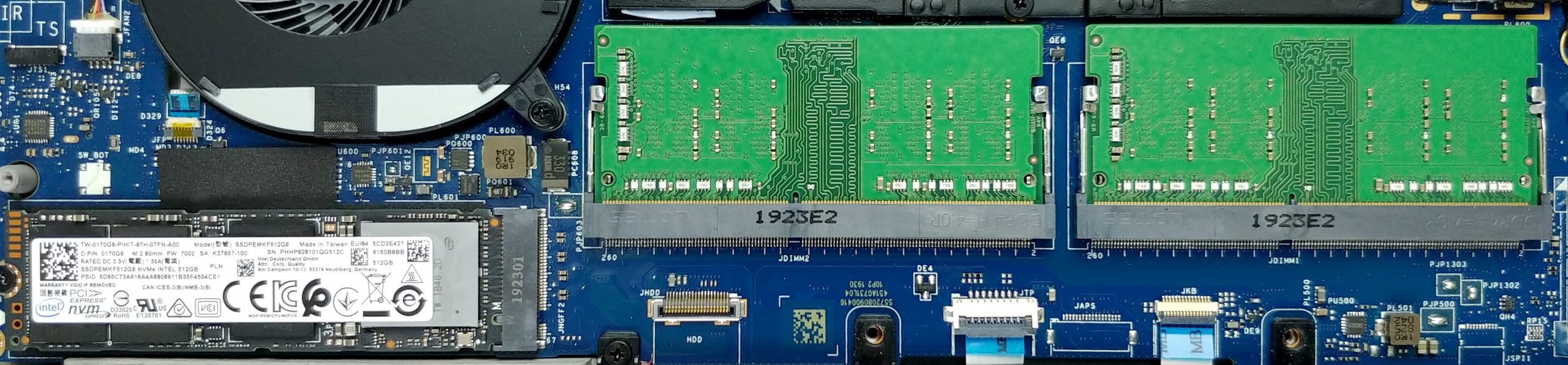
- HDD/SSD
- तक 8000GB SSD
- M.2 स्लॉट
- 1x 2280 PCIe NVMe 3.0 x4 फोटो देखें
- RAM
- up to 64GB
- OS
- Windows 10 Home, Windows 10 Pro, Windows OS, Windows 11 Home, Windows 10 S
- बैटरी
- 56Wh, 4-cell, 97Wh, 6-cell, 96Wh, 6-cell, 97Wh, 52Wh, 4-cell, 56Wh, 6-cell, 56Wh, 3-cell, 56Wh
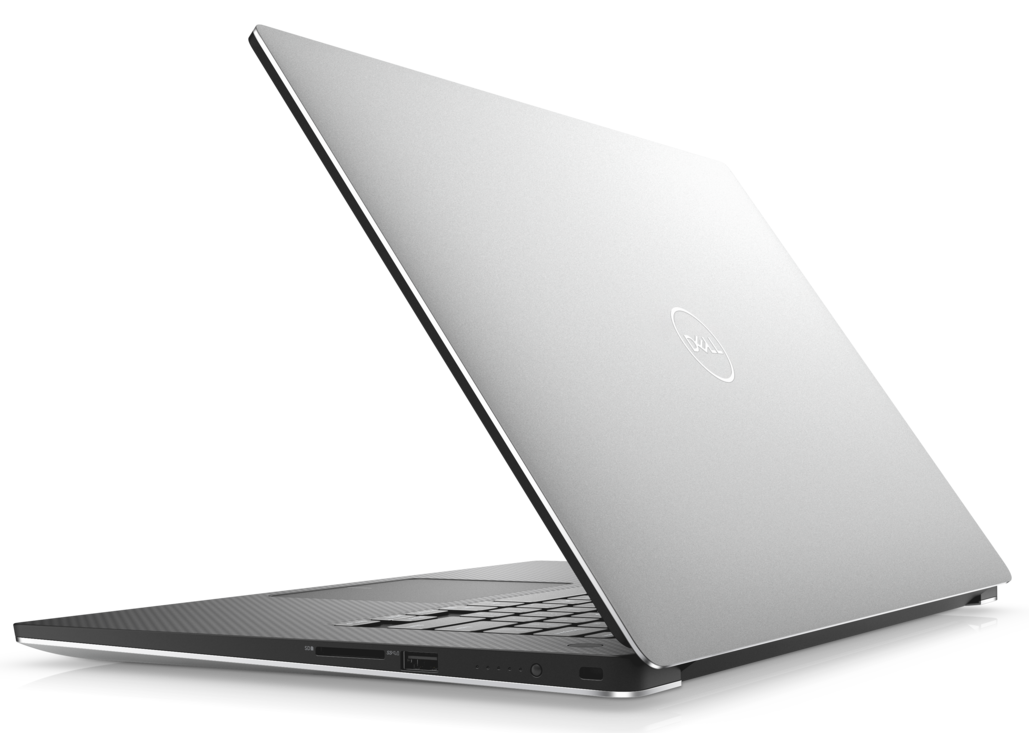
- बॉडी मटीरियल
- Aluminum, Carbon
- आयाम
- 357 x 235 x 11-17 mm (14.06" x 9.25" x 0.43")
- वजन
- 1.80 kg (4 lbs)
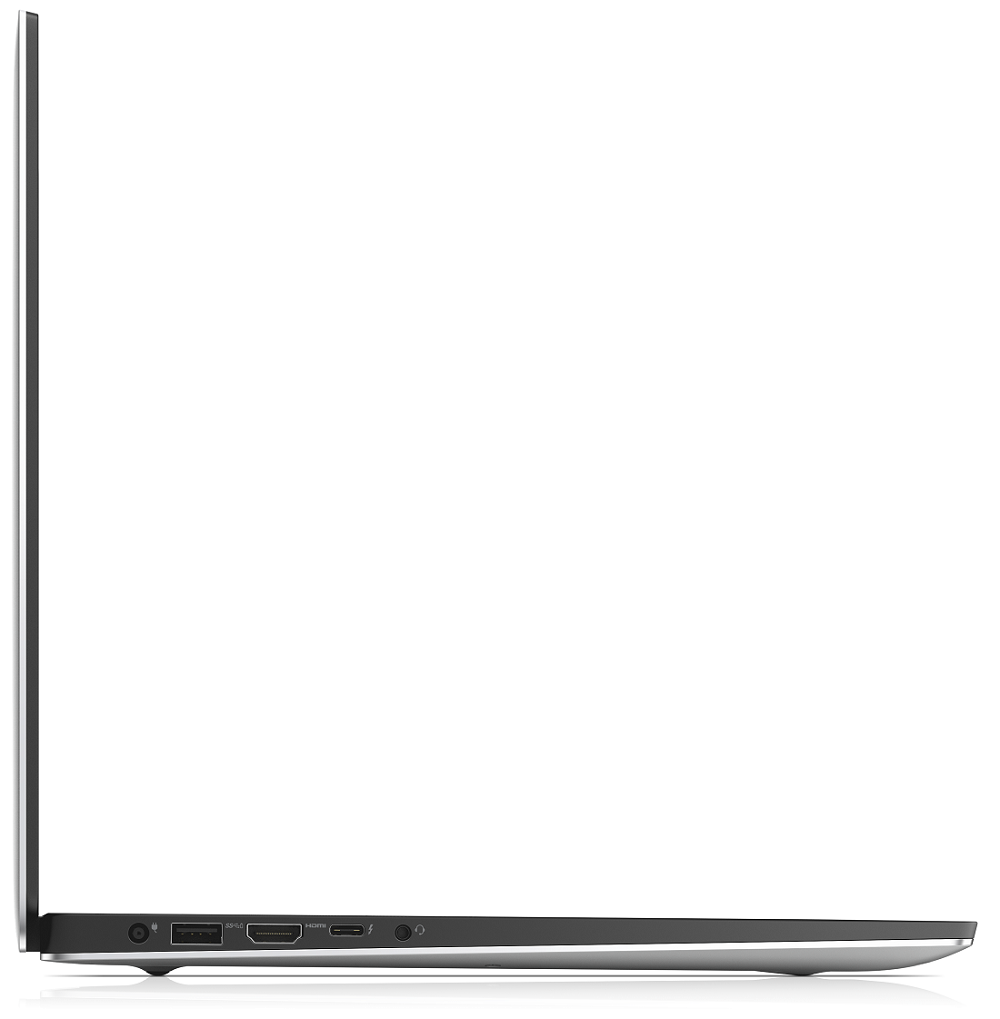
- पोर्ट और कनेक्टिविटी
- 1x USB Type-C
- 3.2 Gen 2 (10 Gbps), Power Delivery (PD), DisplayPort
- 2x USB Type-A
- 3.2 Gen 1 (5 Gbps)
- HDMI
- 2.0
- कार्ड रीडर
- SD, SDHC, SDXC
- वाई-फाई
- 802.11ax
- ब्लूटूथ
- 5.0
- ऑडियो जैक
- combo audio / microphone jack
- विशेषताएँ
- फिंगरप्रिंट रीडर
- optional
- वेब कैमरा
- बैकलिट कीबोर्ड
- optional
- माइक्रोफोन
- स्पीकर
- 2x 2W
- ऑप्टिकल ड्राइव
- optional
- सुरक्षा लॉक स्लॉट
सभी Dell XPS 15 7590 कॉन्फ़िगरेशन
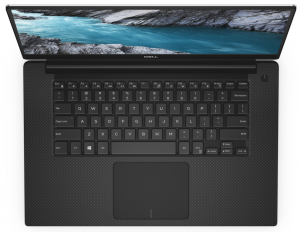
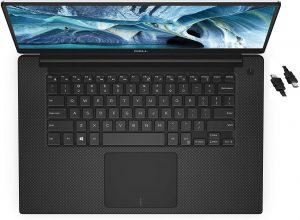
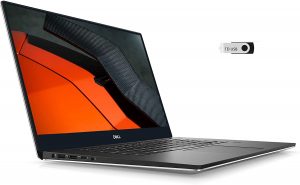

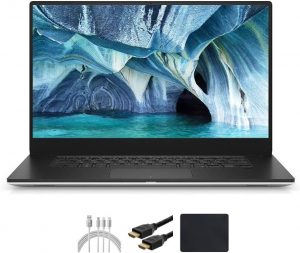
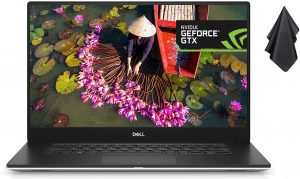
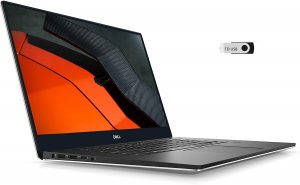



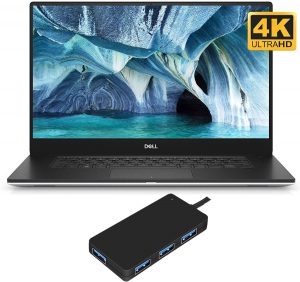
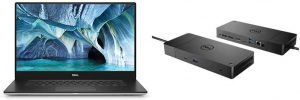
इसके लिए हमारी प्रोफाइल खरीदें SHP14BA (MWP1T-LQ156M1) / 15.6”, Full HD (1920 x 1080), IPS
कुशल और स्वास्थ्य के अनुकूल प्रोफाइल प्राप्त करने के अलावा, LaptopMedia के उत्पादों को खरीदकर आप हमारी प्रयोगशालाओं के विकास का भी समर्थन करते हैं, जहाँ हम सबसे वस्तुनिष्ठ समीक्षाएँ प्रस्तुत करने के लिए उपकरणों का परीक्षण करते हैं।

Office Work
Office Work का उपयोग ज्यादातर उन उपयोगकर्ताओं द्वारा किया जाना चाहिए जो अपना अधिकांश समय टेक्स्ट के टुकड़ों, तालिकाओं को देखने या सिर्फ सर्फिंग में बिताते हैं। इस प्रोफ़ाइल का उद्देश्य एक फ्लैट गामा वक्र (2.20), मूल रंग तापमान और अवधारणात्मक रूप से सटीक रंगों को रखकर बेहतर विशिष्टता और स्पष्टता प्रदान करना है।

Design and Gaming
यह प्रोफ़ाइल उन डिजाइनरों के लिए है जो पेशेवर रूप से रंगों के साथ काम करते हैं, और गेम और फिल्मों के लिए भी। Design and Gaming डिस्प्ले पैनल को उनकी सीमा तक ले जाता है, जिससे वे वेब और HDTV के लिए sRGB IEC61966-2-1 मानक में, व्हाइट पॉइंट D65 पर यथासंभव सटीक हो जाते हैं।

Health-Guard
Health-Guard हानिकारक पल्स-विड्थ मॉड्यूलेशन (PWM) को समाप्त करता है और नकारात्मक नीली रोशनी को कम करता है जो हमारी आँखों और शरीर को प्रभावित करती है। चूंकि यह प्रत्येक पैनल के लिए कस्टम अनुरूप है, यह रंगों को अवधारणात्मक रूप से सटीक रखने का प्रबंधन करता है। Health-Guard कागज का अनुकरण करता है जिससे आँखों पर दबाव बहुत कम हो जाता है।
33% छूट के साथ सभी 3 प्रोफाइल प्राप्त करें

CPU प्रदर्शन
यहां आप उन सभी CPU के बीच कीमत/प्रदर्शन का अंतर पा सकते हैं जो इसमें आते हैं Dell XPS 15 7590 सीरीज.
परिणाम Cinebench 20 Multi-core टेस्ट से हैं (स्कोर जितना अधिक हो, उतना अच्छा)
GPU प्रदर्शन
यहां आप उन सभी GPU के बीच कीमत/प्रदर्शन का अंतर पा सकते हैं जो इसमें आते हैं Dell XPS 15 7590 सीरीज.
परिणाम 3DMark Time Spy (Graphics) से हैं। उच्चतर बेहतर है।
Dell XPS 15 7590 गहन समीक्षा
Okay, guys, we are sorry for being late on this one, but we were just able to take the XPS 15 7590 into our grasps. In the tomorrow of CES 2020, we will take some of your precious time by talking about the last-year XPS 15. Indeed it is a very popular device in the world of content creation. However, there are a lot of new models hitting the shelves in a couple of months, so it is interesting to see how a well-overused design is going to compare with them.First off, this notebook has a lot of iterations. Starting at 1200-1300 bucks for a decent model, equipped with a Core i7-9750H and a G[...]
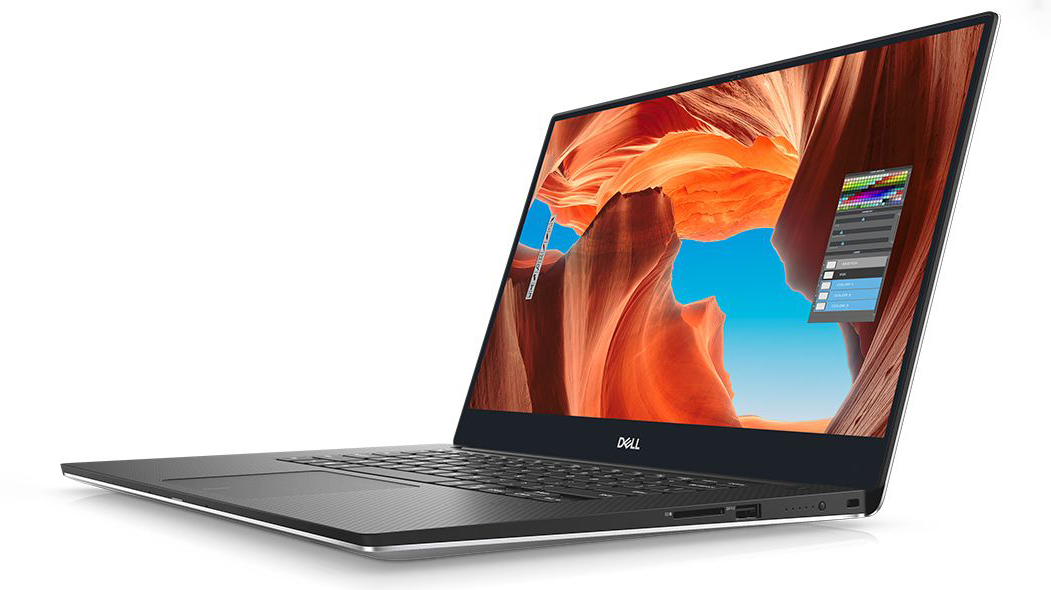
पक्ष
- Strong body build of carbon fiber and aluminum
- 97Wh battery that delivers more than 16 hours of Web browsing
- 94% sRGB coverage (1080p SHP149A) and with the help of our Gaming and Web design profile you the Average gamma falls to 1.1
- Thin and light
- Boasts up to Core i9-9980HK processor
- Easy upgrade and maintenance
- Wide variety of price options
- Fingerprint reader embedded in the power button
विपक्ष
- Has a keyboard with a rather small deck
- Uses aggressive PWM to adjust its brightness up to 150 nits (fixed by our Health-Guard profile)
- Its design is getting old
- The cooling struggles under heavy load
इस लैपटॉप सीरीज पर आप जो गेम खेल सकते हैं

Resolution: 1920 x 1080 (Full HD) |
NORMAL |
HIGH |
VERY HIGH |
MAX |
|---|---|---|---|---|
 | 173 FPS | 174 FPS | 73 FPS | 46 FPS |
-27% | 171 FPS वीडियो चलाएं | 92 FPS वीडियो चलाएं | 49 FPS वीडियो चलाएं | 29 FPS वीडियो चलाएं |

Resolution: 1920 x 1080 (Full HD) |
MIN |
MAX |
|---|---|---|
| 1179 FPS वीडियो चलाएं | 101 FPS वीडियो चलाएं |
-41% | 703 FPS वीडियो चलाएं | 48 FPS वीडियो चलाएं |

Resolution: 1920 x 1080 (Full HD) |
LOW |
MED |
HIGH |
ULTRA |
|---|---|---|---|---|
| NVIDIA GeForce GTX 1660 Ti (Laptop) | 97 FPS वीडियो चलाएं | 81 FPS वीडियो चलाएं | 67 FPS वीडियो चलाएं | 55 FPS वीडियो चलाएं |

Resolution: 1920 x 1080 (Full HD) |
VERY LOW |
MED |
MAX |
|---|---|---|---|
| 499 FPS वीडियो चलाएं | 402 FPS वीडियो चलाएं | 362 FPS वीडियो चलाएं |
-42% | 242 FPS वीडियो चलाएं | 251 FPS वीडियो चलाएं | 235 FPS वीडियो चलाएं |

Resolution: 1920 x 1080 (Full HD) |
LOW |
MED |
EPIC |
|---|---|---|---|
| 105 FPS वीडियो चलाएं | 81 FPS वीडियो चलाएं | 73 FPS वीडियो चलाएं |
| NVIDIA GeForce GTX 1650 (Laptop) | - वीडियो चलाएं | - वीडियो चलाएं | - वीडियो चलाएं |

Resolution: 1920 x 1080 (Full HD) |
MIN |
MED |
HIGH |
ULTRA |
|---|---|---|---|---|
| 96 FPS वीडियो चलाएं | 62 FPS वीडियो चलाएं | 34 FPS वीडियो चलाएं | - वीडियो चलाएं |
-37% | 64 FPS वीडियो चलाएं | 36 FPS वीडियो चलाएं | 20 FPS वीडियो चलाएं | - वीडियो चलाएं |

Resolution: 1920 x 1080 (Full HD) |
VERY LOW |
NORMAL |
ULTRA |
|---|---|---|---|
| 109 FPS वीडियो चलाएं | 98 FPS वीडियो चलाएं | 76 FPS वीडियो चलाएं |
-36% | 72 FPS वीडियो चलाएं | 63 FPS वीडियो चलाएं | 47 FPS वीडियो चलाएं |

Resolution: 1920 x 1080 (Full HD) |
LOW |
NORMAL |
HIGH |
MAX |
|---|---|---|---|---|
| 180 FPS वीडियो चलाएं | 160 FPS वीडियो चलाएं | 144 FPS वीडियो चलाएं | 122 FPS वीडियो चलाएं |
-8% | 181 FPS वीडियो चलाएं | 147 FPS वीडियो चलाएं | 127 FPS वीडियो चलाएं | 105 FPS वीडियो चलाएं |

Resolution: 1920 x 1080 (Full HD) |
LOW |
MED |
MAX |
|---|---|---|---|
| 379 FPS वीडियो चलाएं | 335 FPS वीडियो चलाएं | 379 FPS वीडियो चलाएं |
-24% | 338 FPS वीडियो चलाएं | 281 FPS वीडियो चलाएं | 217 FPS वीडियो चलाएं |

Resolution: 1920 x 1080 (Full HD) |
LOW |
MED |
HIGH |
EPIC |
|---|---|---|---|---|
| 136 FPS वीडियो चलाएं | 66 FPS वीडियो चलाएं | 54 FPS वीडियो चलाएं | 34 FPS वीडियो चलाएं |
-34% | 95 FPS वीडियो चलाएं | 41 FPS वीडियो चलाएं | 33 FPS वीडियो चलाएं | 23 FPS वीडियो चलाएं |


![[October 2026] Best-Selling Laptop Brands on Amazon Global – Apple Dominates Revenue Despite HP Leading in Model Variety](https://laptopmedia.com/wp-content/uploads/2026/11/GLOBAL-Best-Brands-400x225.jpg)
![[October 2026] Amazon Global: Top 10 Best-Selling Laptops – Apple Dominates the Global Market as the M5-Powered MacBook Air 13 Claims the #1 Spot](https://laptopmedia.com/wp-content/uploads/2026/11/Best-Selling-Laptops-GLOBAL-Top-10-400x225.jpg)
![[October 2026] Amazon Global: Top 10 Best-Selling Gaming Laptops – HP Victus 15 Claims the Crown as Budget-Friendly Configurations Dominate Global Sales](https://laptopmedia.com/wp-content/uploads/2026/11/Best-Selling-Gaming-Laptops-GLOBAL-Top-10-400x225.jpg)
![[October 2026] Global Ranking of Best-Selling Laptop GPUs on Amazon – Apple M5 Dominates as NVIDIA’s RTX 5060 Leads Dedicated GPUs in October 2026](https://laptopmedia.com/wp-content/uploads/2026/11/Best-Selling-GPUs-GLOBAL-Top-10-400x225.jpg)
![[October 2026] Global Ranking of Best-Selling Laptop CPUs on Amazon – Apple’s M5 Dominates as Intel and AMD Battle for Scraps](https://laptopmedia.com/wp-content/uploads/2026/11/Best-Selling-CPUs-GLOBAL-Top-10-400x225.jpg)