Recensione del Lenovo Legion Pro 5 (16″, 2023): per quanto ci abbiano provato, non è stato possibile scendere a compromessi
Temperature e comfort, durata della batteria
Carico massimo della CPU
In questo test utilizziamo il 100% dei core della CPU, monitorando le frequenze e la temperatura del chip. La prima colonna mostra la reazione del computer a un carico breve (2-10 secondi), la seconda colonna simula un’attività seria (tra 15 e 30 secondi) e la terza colonna è un buon indicatore di quanto il portatile sia adatto a carichi lunghi, come il rendering video.
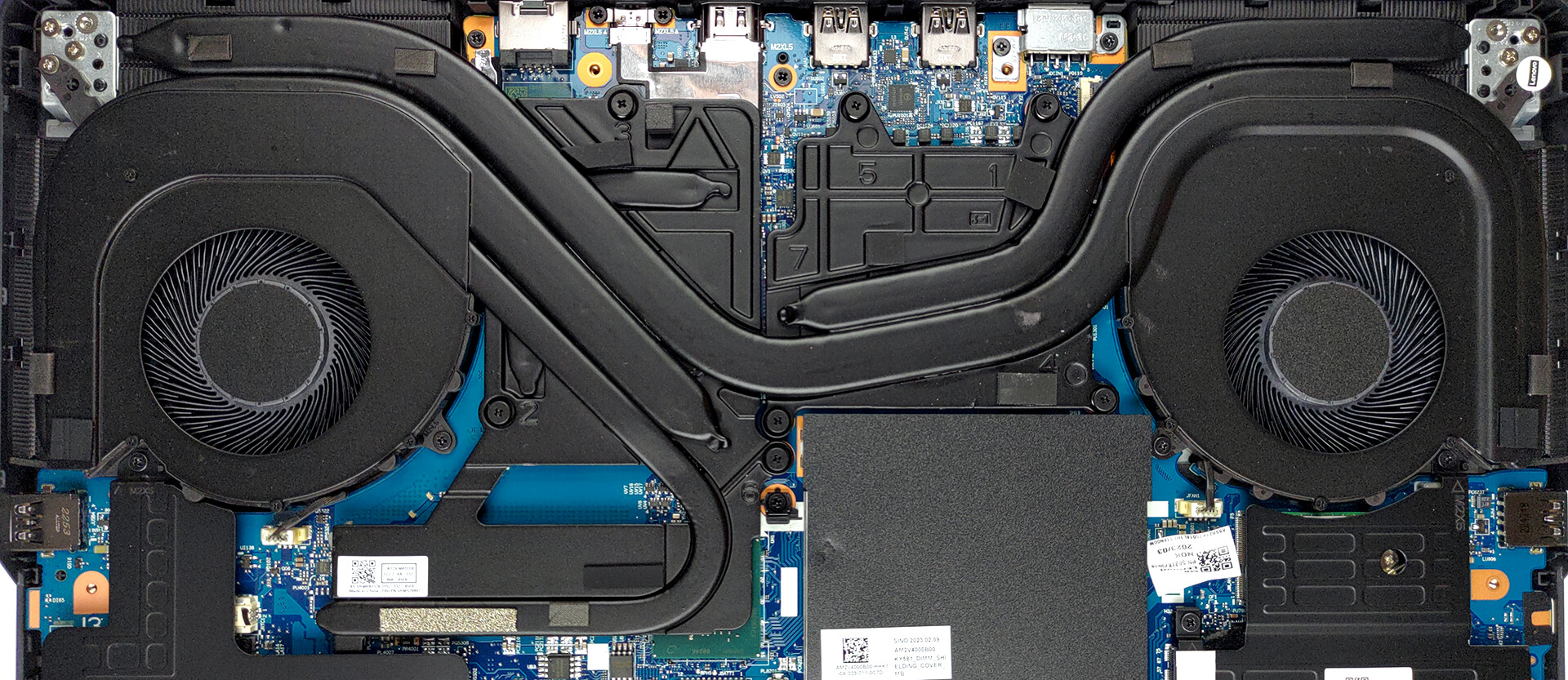
Frequenza media del core P; frequenza media del core E; temperatura della CPU; potenza del pacchetto
| Intel Core i5-13500HX (55W TDP) | 0:02 – 0:10 sec | 0:15 – 0:30 sec | 10:00 – 15:00 min |
|---|---|---|---|
| Lenovo Legion Pro 5 (16″, 2023) | 3,90 GHz @ 3,15 GHz @ 78°C @ 157W | 3,65 GHz @ 2,92 GHz @ 80°C @ 129W | 3,39 GHz @ 2,70 GHz @ 76°C @ 110W |
Wow. Anche se si tratta “solo” di un Core i5, questo particolare processore è estremamente potente. Come si può vedere, il raffreddamento è in grado di sostenere senza problemi un obiettivo di potenza di 110W con una temperatura di 76°C. È interessante notare che uno dei core supera i 90°C, il che potrebbe avere un paio di ragioni: impostazioni del firmware che affaticano maggiormente uno dei core o un problema di raffreddamento (applicazione di pasta termica scadente o problemi di progettazione). A prescindere da quanto possa sembrare spaventoso, non si tratta di un problema importante, perché la CPU è ancora in grado di fornire prestazioni di alto livello.
Giochi in tempo reale
| NVIDIA GeForce RTX 4060 | Frequenza della GPU/Temperatura del core (dopo 2 minuti) | Frequenza GPU/Temperatura Core (dopo 30 minuti) |
|---|---|---|
| Lenovo Legion Pro 5 (16″, 2023) | 2625 MHz @ 70°C @ 100W | 2625 MHz @ 74°C @ 99W |
Nonostante i 140W presunti di TGP (confermati dai driver), il portatile è riuscito a far funzionare la sua RTX 4060 “solo” a 100W di potenza. Tuttavia, la velocità di clock è davvero elevata, il che significa che la scheda grafica si comporta in modo adeguato.
Comfort a pieno carico
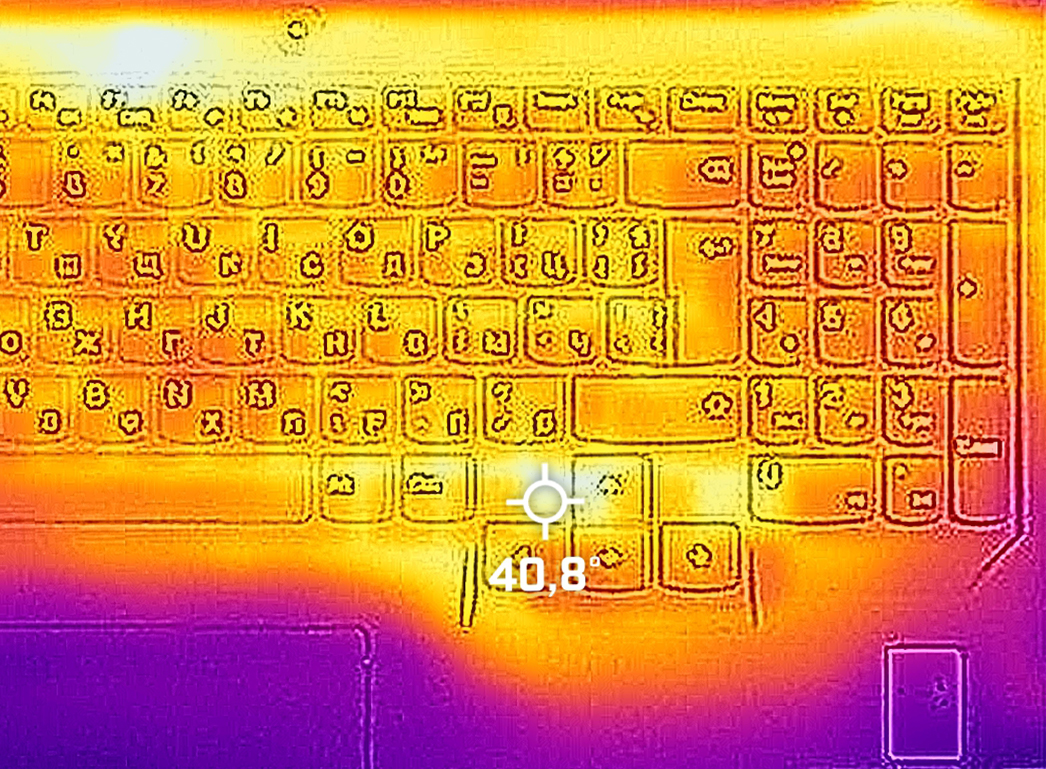
Il portatile può diventare un po’ rumoroso. Soprattutto quando è in modalità “Prestazioni estreme”. Tuttavia, la temperatura massima sulla tastiera è di circa 40°C, proprio intorno ai tasti freccia.
Batteria
Ora conduciamo i test della batteria con l’impostazione Windows Better performance attivata, la luminosità dello schermo regolata a 120 nits e tutti gli altri programmi disattivati, tranne quello con cui stiamo testando il notebook.
Luminosità: 180 nit; Modalità Display: SDR
Tempo di Scarica Completa: Più Alto è Meglio
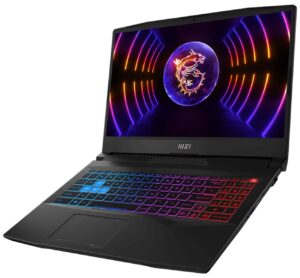
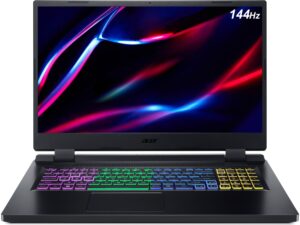
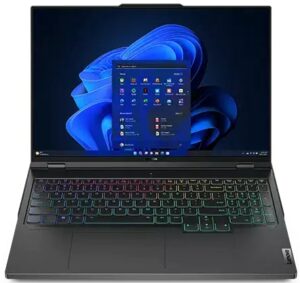
Per simulare condizioni reali, abbiamo usato il nostro script per la navigazione web automatica attraverso oltre 70 siti web.
 Author: Alex Iliev
 Author: eng. Kroum NikolovHead of Engineering at LaptopMedia.com, inventor and innovator with 40+ years of experience in electronics and high technology.

![[Agosto 2026] Classifica globale delle GPU per laptop più vendute su Amazon: Apple domina la scena, mentre la RTX 5060 di NVIDIA è in testa alla classifica delle schede dedicate](https://laptopmedia.com/wp-content/uploads/2026/09/Best-Selling-GPUs-GLOBAL-Top-10-400x225.jpg)
![[Agosto 2026] Classifica globale delle CPU per laptop più vendute su Amazon: Apple domina sia nella fascia economica che in quella premium; A18 Pro e M5 sbaragliano Intel e AMD nell’agosto 2026](https://laptopmedia.com/wp-content/uploads/2026/09/Best-Selling-CPUs-GLOBAL-Top-10-400x225.jpg)
![[Agosto 2026] Amazon Global: i 10 laptop più venduti – L’Apple MacBook Neo domina le classifiche mentre i portatili Windows economici e di fascia media si contendono i volumi di vendita](https://laptopmedia.com/wp-content/uploads/2026/09/Best-Selling-Laptops-GLOBAL-Top-10-400x225.jpg)
![[Agosto 2026] Le marche di laptop più vendute su Amazon Global: Apple domina in termini di fatturato, mentre HP è in testa per varietà di modelli](https://laptopmedia.com/wp-content/uploads/2026/09/GLOBAL-Best-Brands-400x225.jpg)
![[Agosto 2026] Amazon Global: i 10 laptop da gaming più venduti – L’HP Victus 15 conquista il primo posto mentre i modelli economici dominano la classifica](https://laptopmedia.com/wp-content/uploads/2026/09/Best-Selling-Gaming-Laptops-GLOBAL-Top-10-400x225.jpg)

Some of the Asus laptops with HX Ryzen 7000 and it’s 15W 610M iGPU, only support external monitor when dedicated Nvidia GPU is enabled. This is major flaw when you are on the go and run laptop on battery as HX CPU can’t even go below 8W. I assume running dedicated GPU for external monitor is gonna be 1.5 hour battery life and you can’t use it to give presentation in meeting or conference.
I’ve done hundreds of presentations and never needed or used a gaming laptop. Nor have I been in a situation where there was not a power outlet nearby.
You should really edit this review and change all “Pro 5” with “Pro 5i” since what you reviewed was the Intel version…
Anyway, thanks for the review and I’ll wait for the comparison between the Pro 5i (Gen 8, Intel) and the Pro 5 (Gen 8 AMD), in the regards of the CPU.
The USB-C in the back can be used to charge the laptop? I mean, not for heavy 3D workload, but when used as standard laptop to work with mail and internet?
i think yes , as it supports 140ws charger in the back……its meant so u can use it somewhere where you cant carry a 300w charger