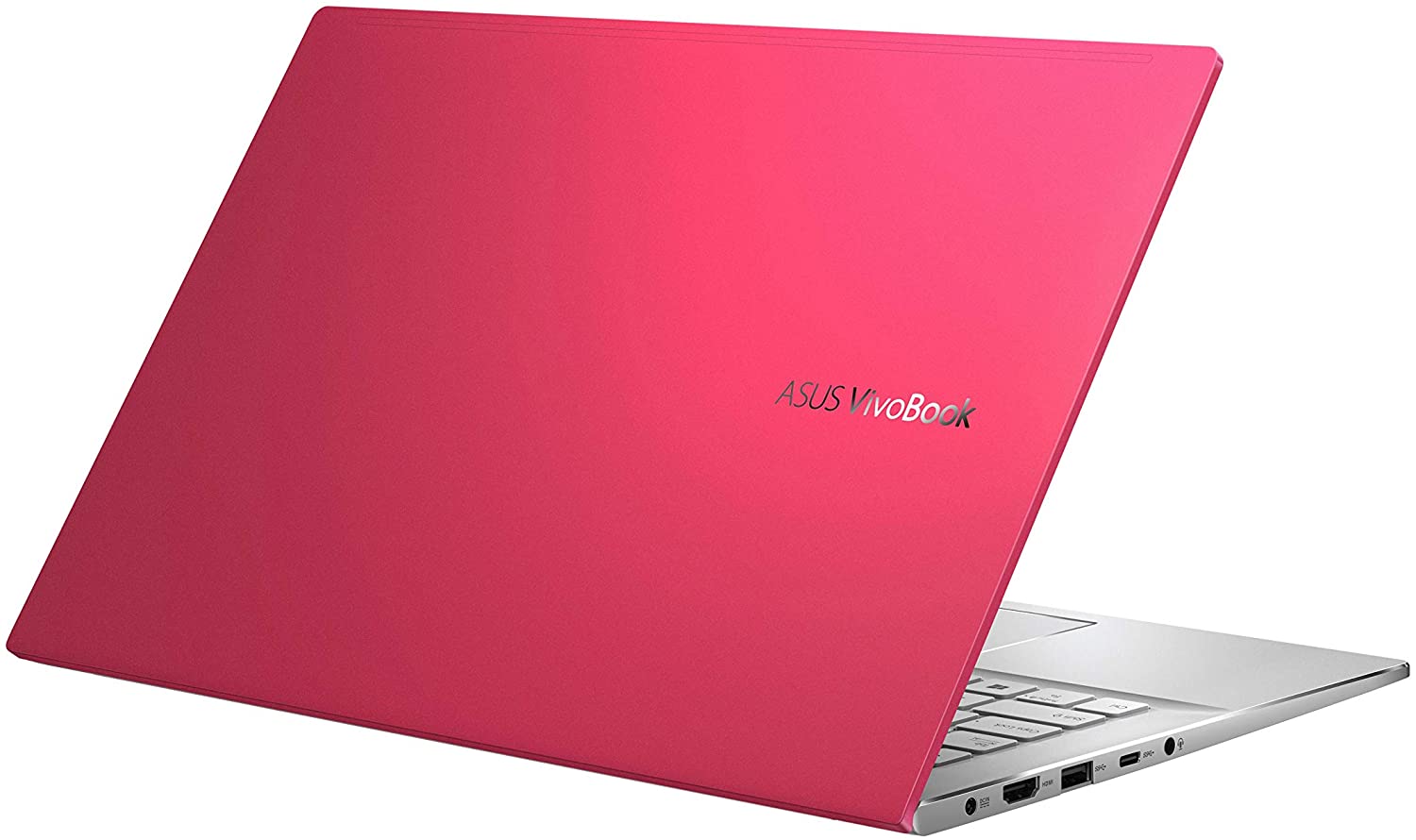
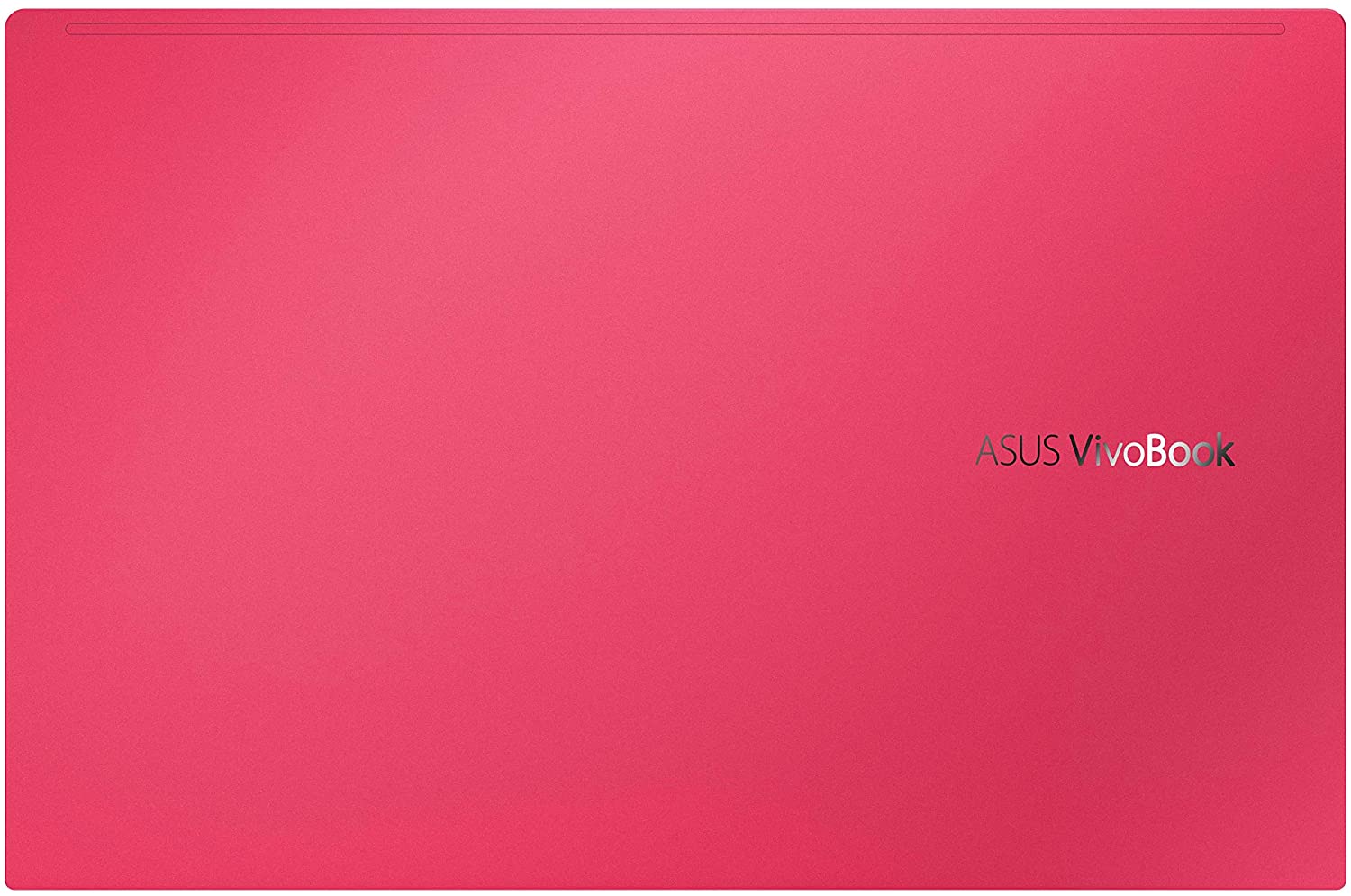
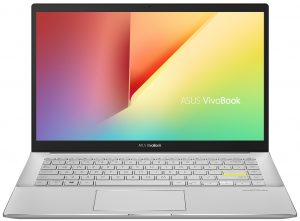
ASUS VivoBook S14 S433 (M433)
ASUS VivoBook S14 S433 (M433) - スペック
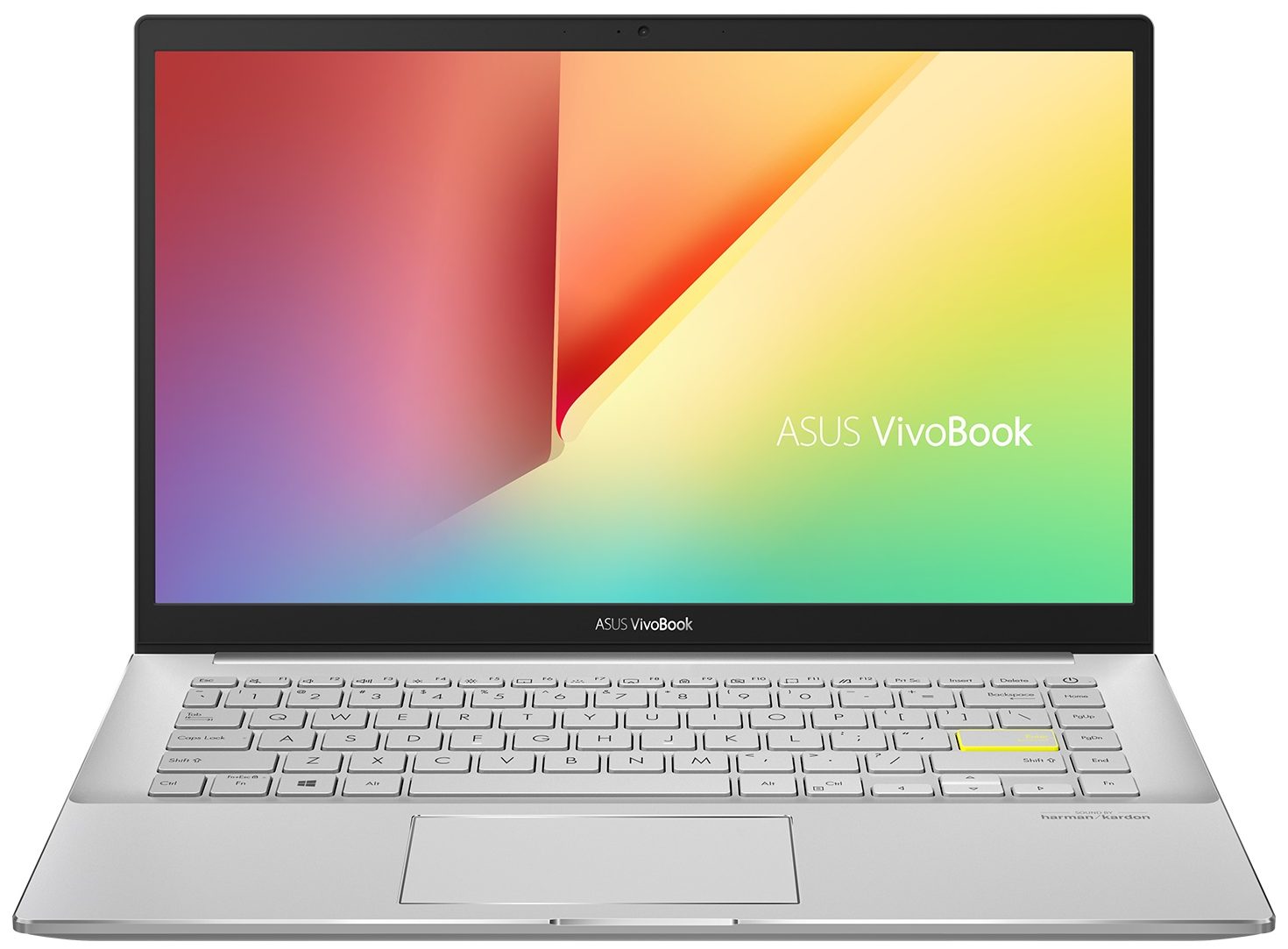
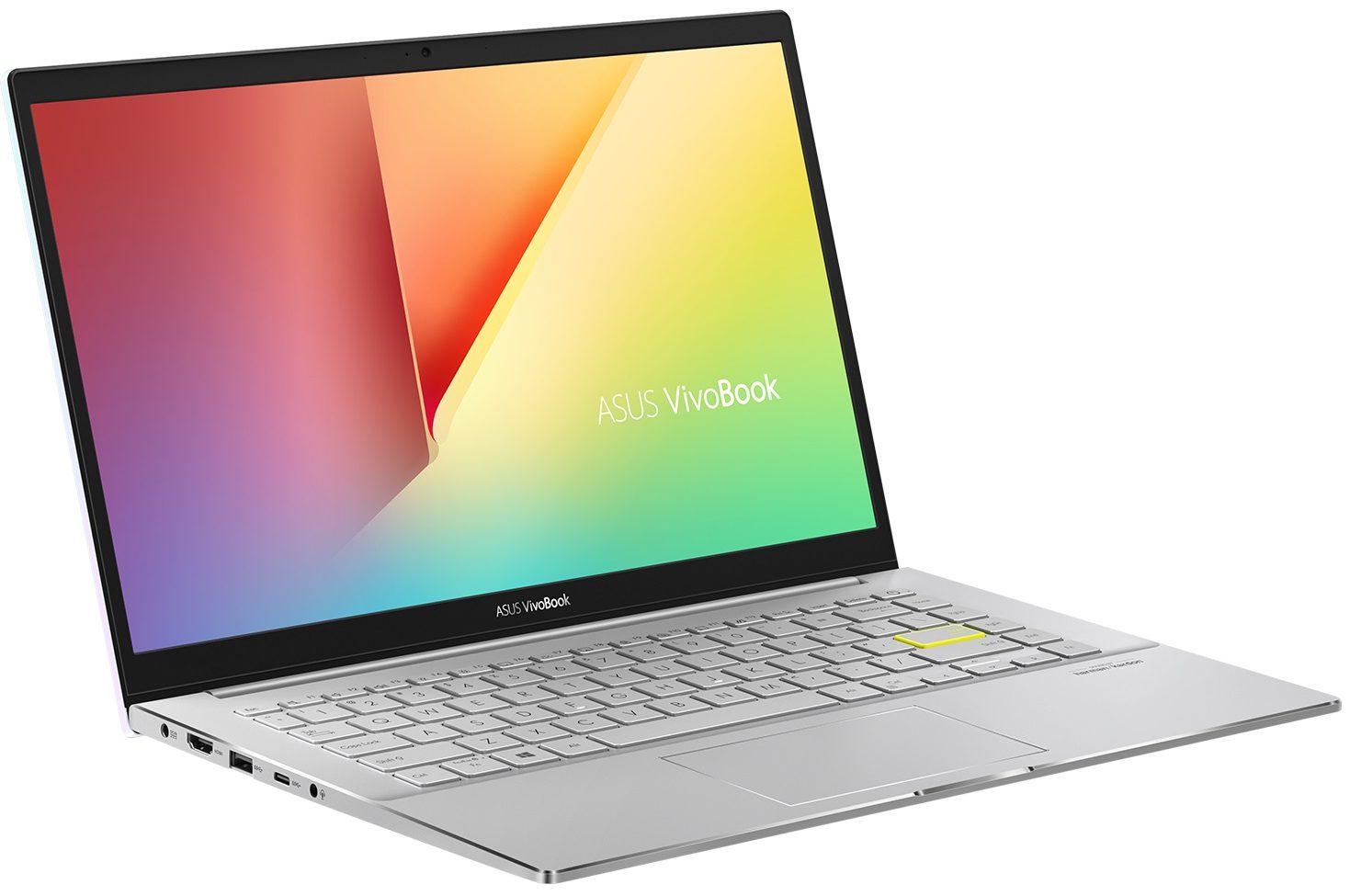
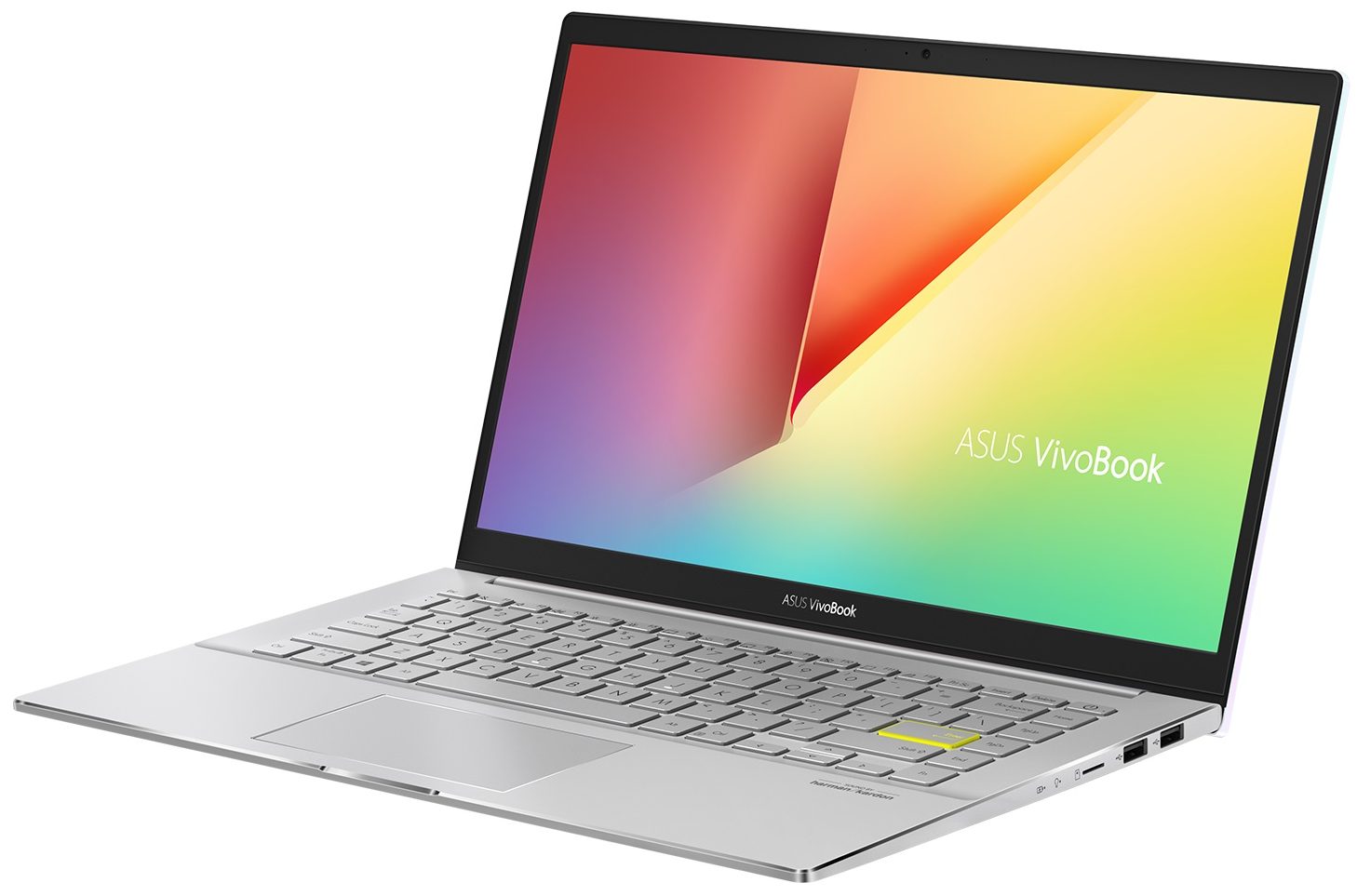
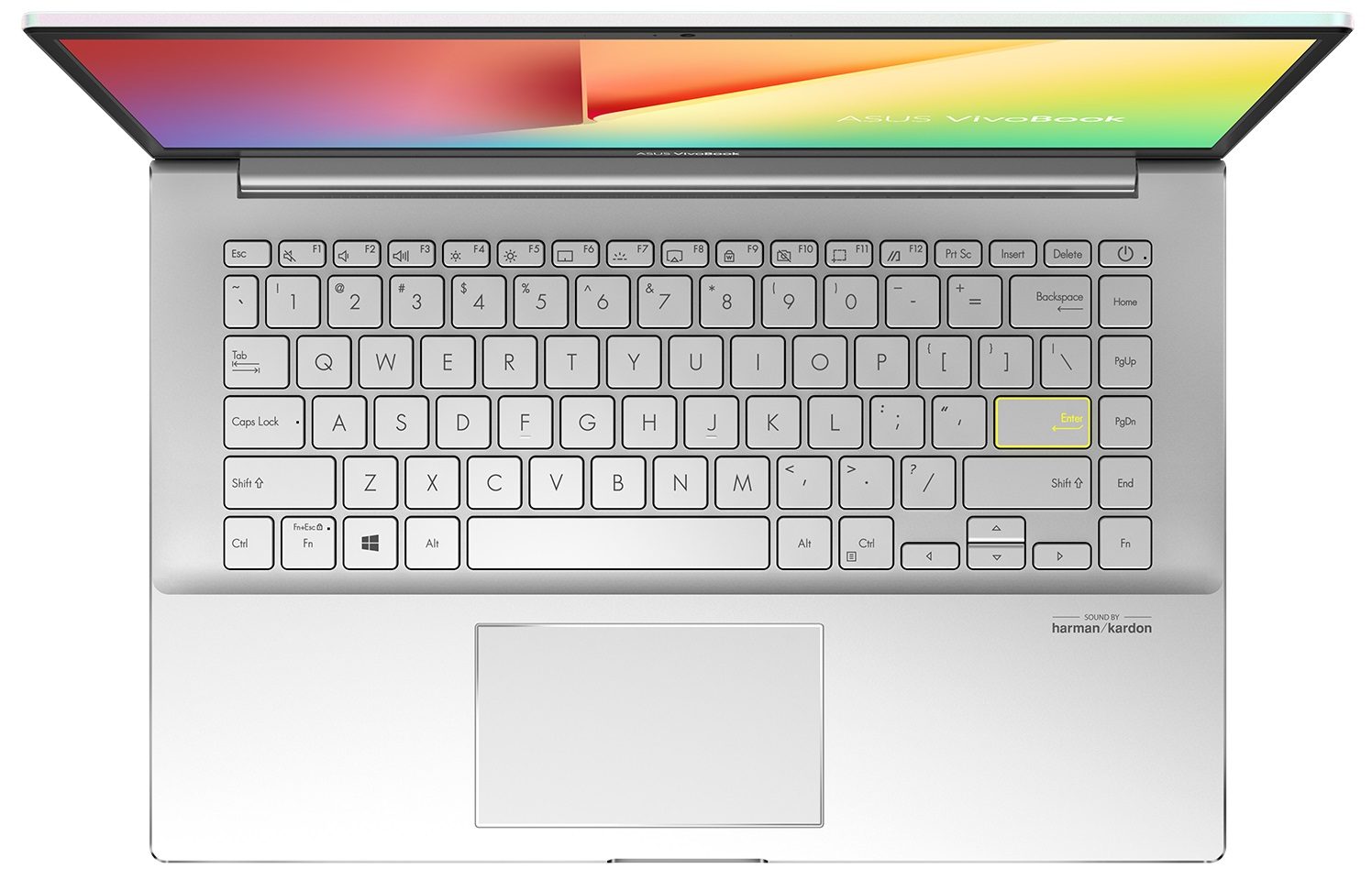


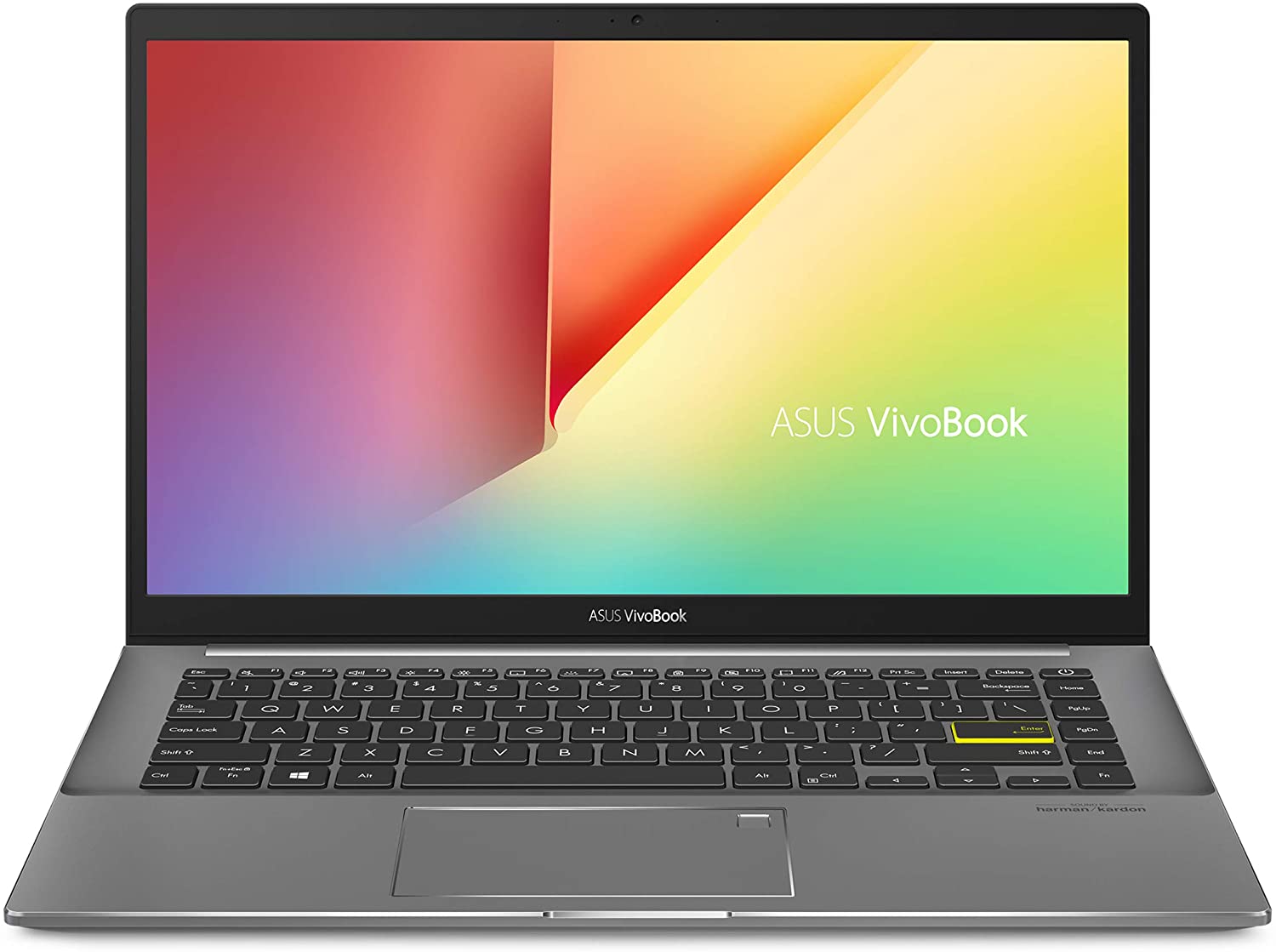

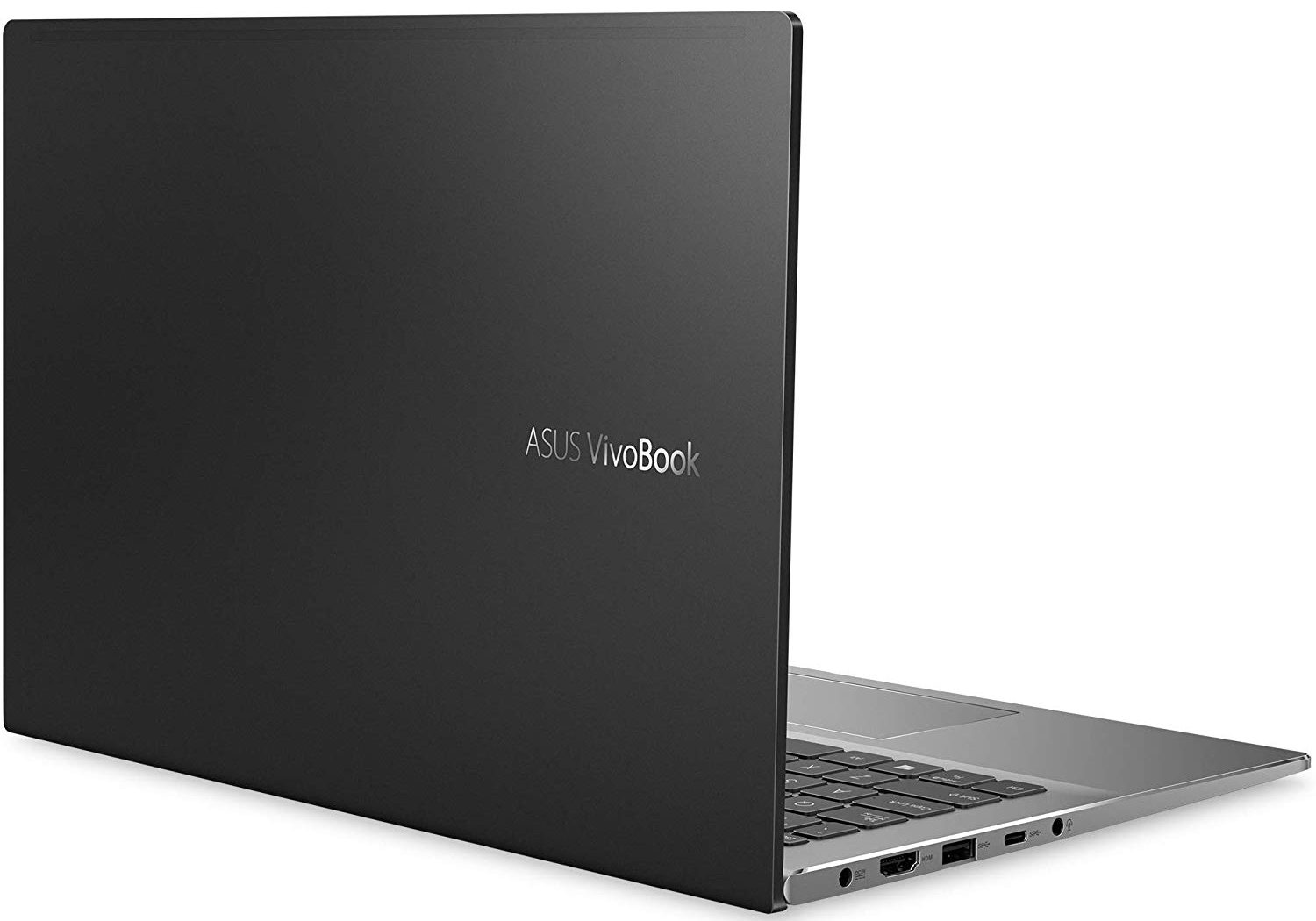
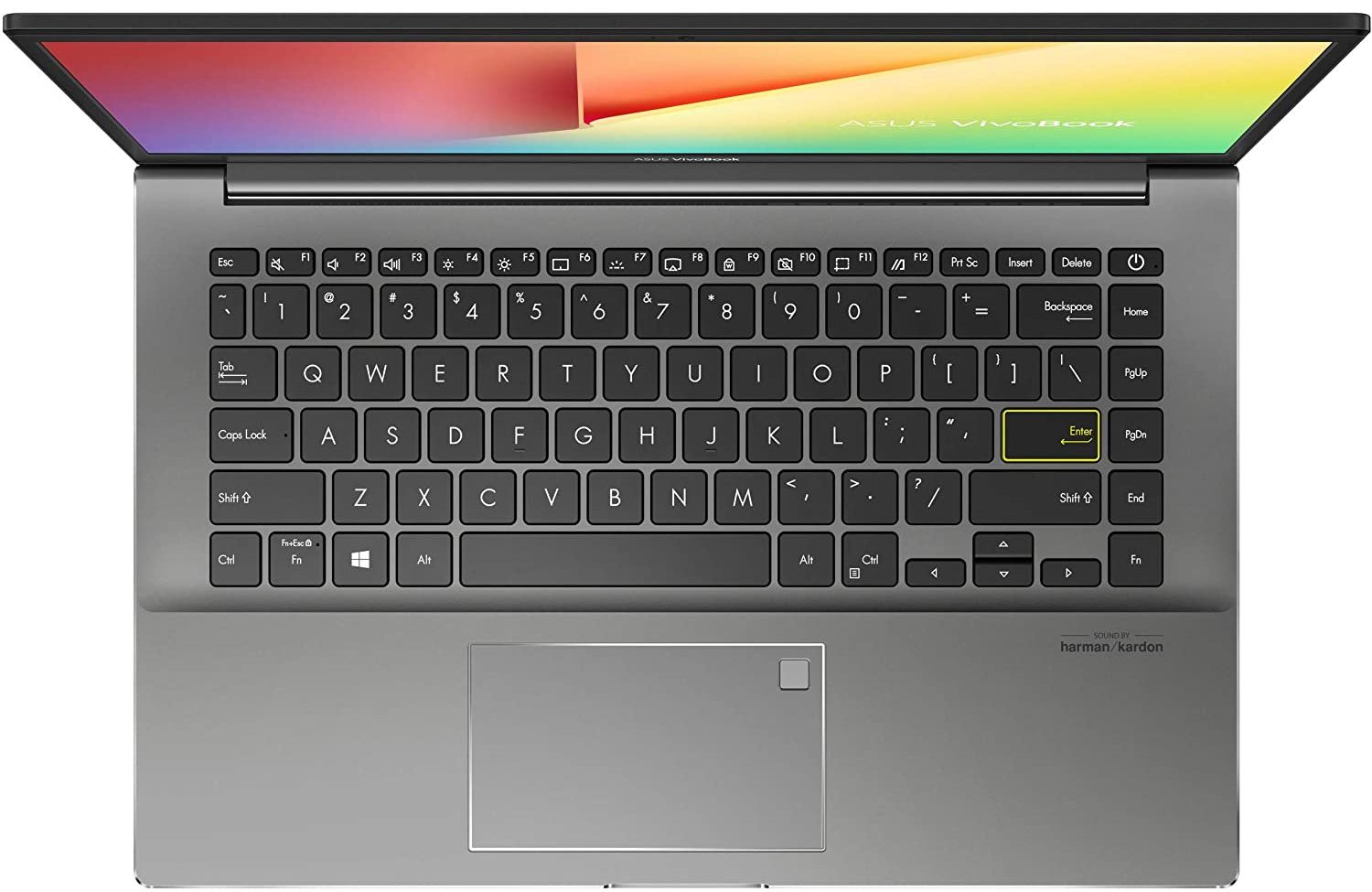
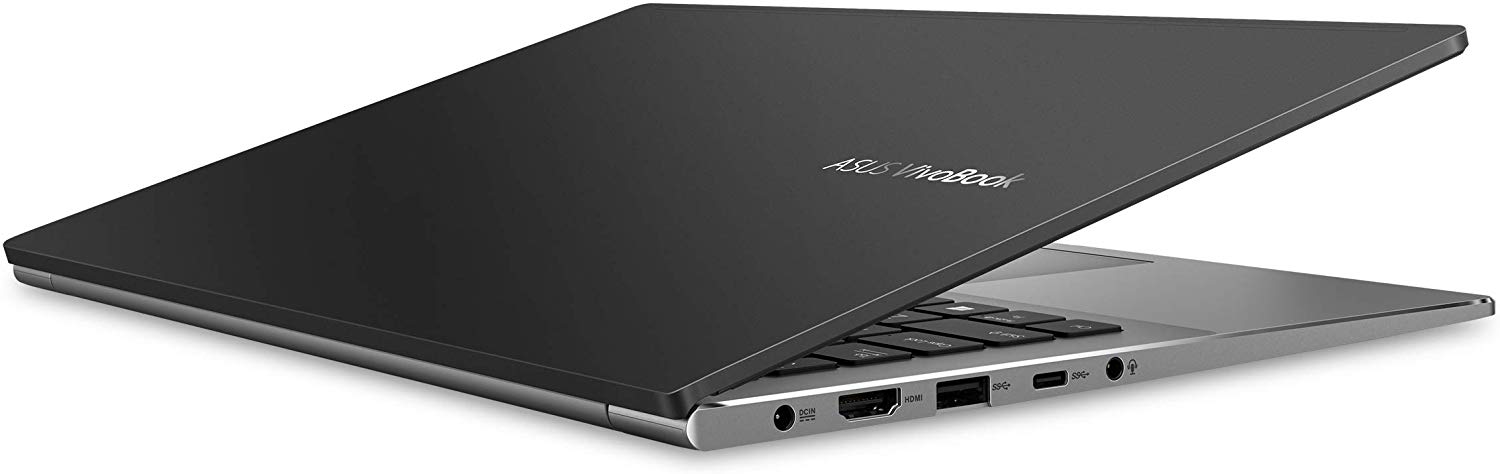
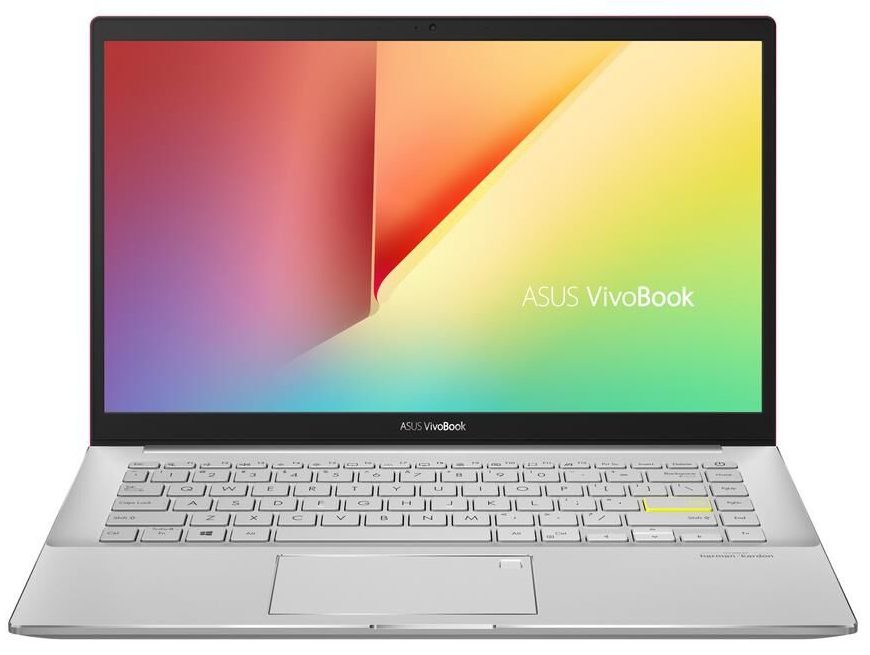
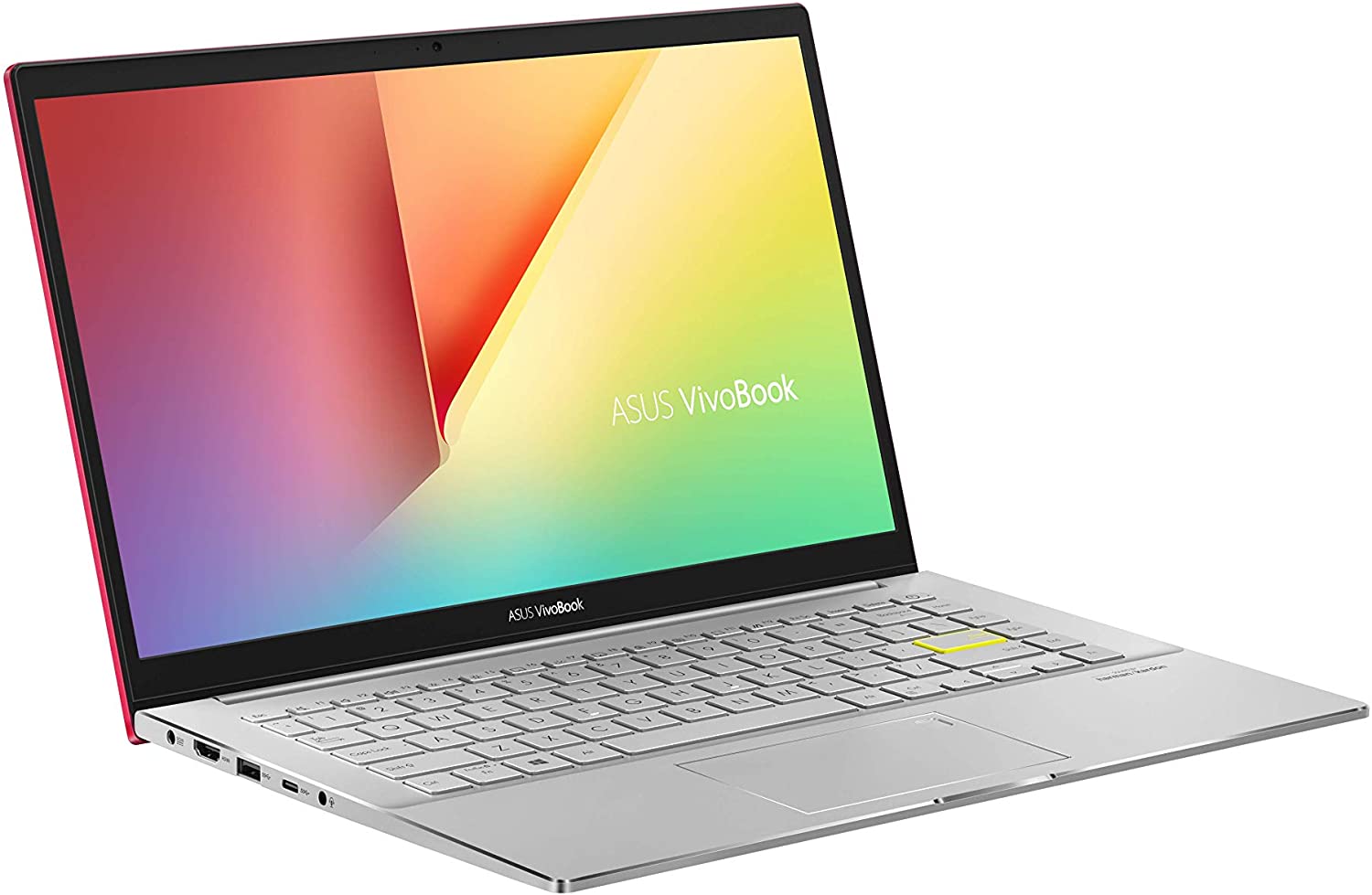
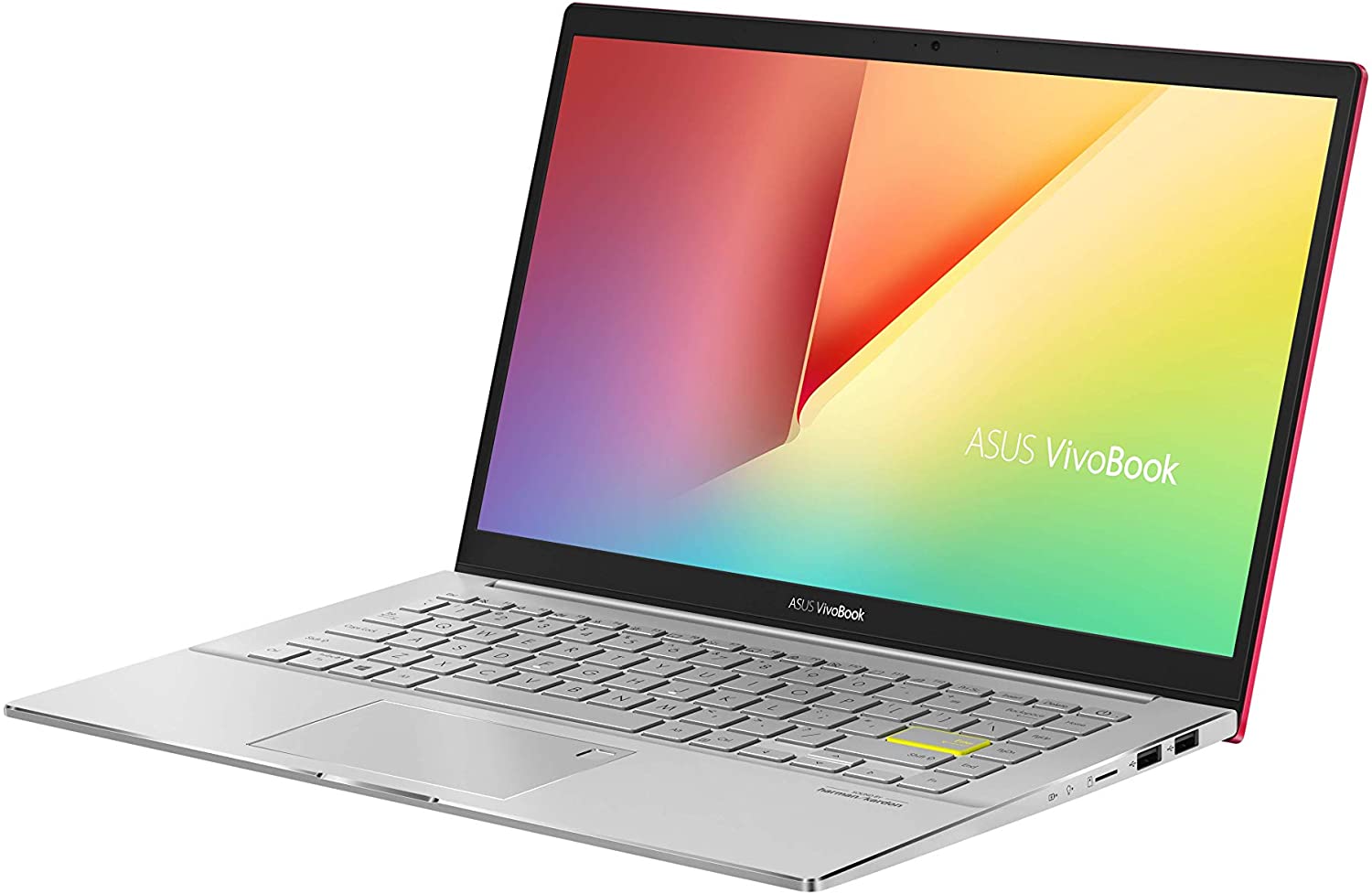
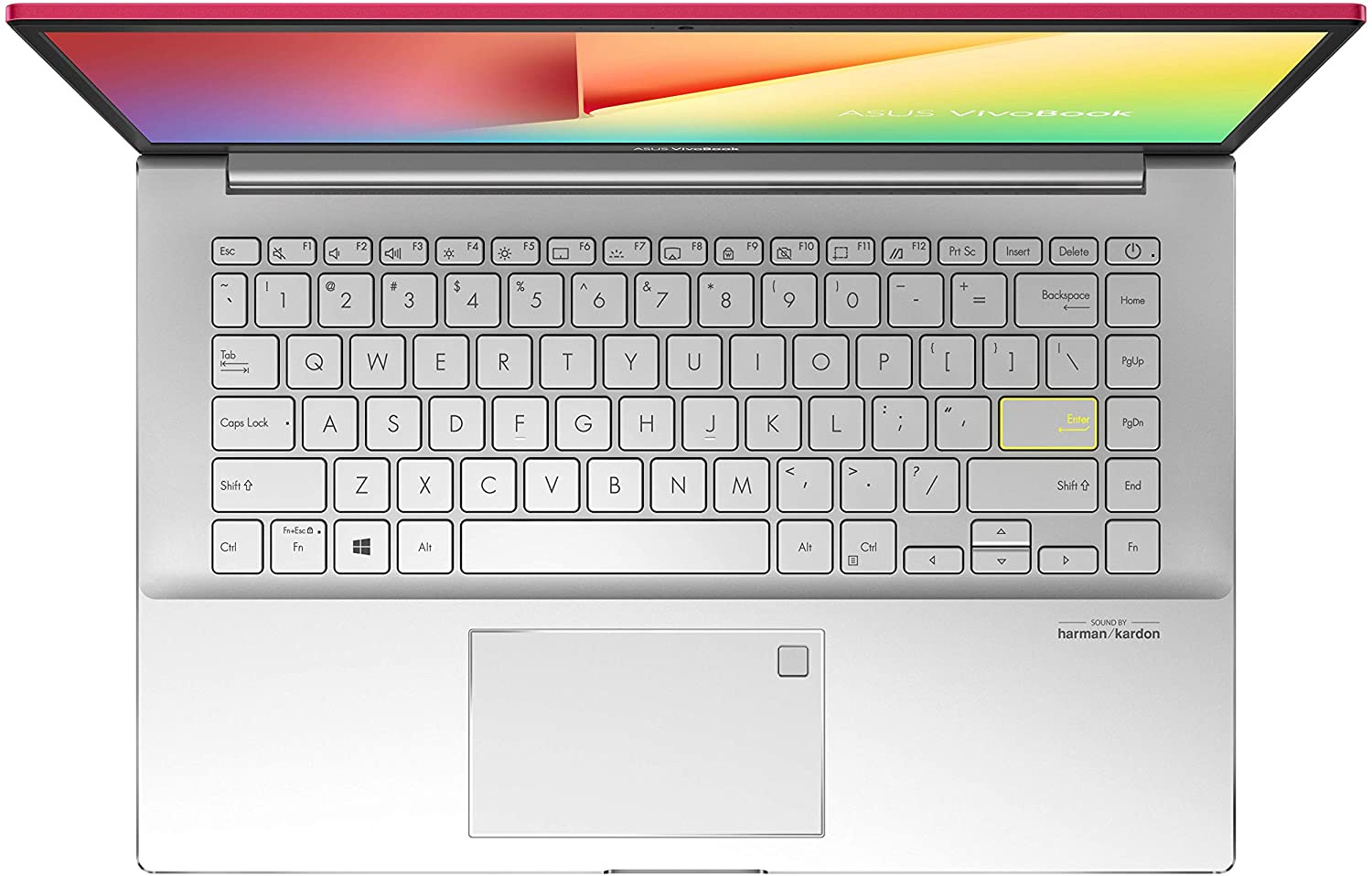
- GPU
- NVIDIA GeForce MX350 (25W) #278 トップGPU内 NVIDIA GeForce MX350 #277 トップGPU内 NVIDIA GeForce MX250 (25W) #283 トップGPU内 Intel UHD Graphics G1 #346 トップGPU内 Intel UHD Graphics #365 トップGPU内 Intel Iris Xe Graphics G7 (96EU) #324 トップGPU内 Intel Iris Xe Graphics G7 (80EU) #319 トップGPU内 Intel Iris Plus Graphics G7 #341 トップGPU内 AMD Radeon RX Vega 8 (R4000/5000, 15W) #312 トップGPU内 AMD Radeon RX Vega 7 (R4000/5000, 15W) #322 トップGPU内 AMD Radeon RX Vega 6 (R4000/5000, 15W) #330 トップGPU内
- HDD/SSD
- 最大 1032GB SSD
- M.2スロット
- 2x 2280 PCIe NVMe 3.0 x2 写真を見る
- RAM
- up to 16GB
- OS
- Windows 10 Home, Windows 11 Home, Windows 10 Pro, No OS
- バッテリー
- 50Wh, 3-cell, 42Wh, 3-cell
- 本体素材
- Plastic / Polycarbonate, Aluminum
- 寸法
- 324 x 213 x 15.9 mm (12.76" x 8.39" x 0.63")
- 重量
- 1.40 kg (3.1 lbs)
- ポートと接続性
- 2x USB Type-A
- 2.0
- 1x USB Type-A
- 3.2 Gen 1 (5 Gbps)
- 1x USB Type-C
- 3.2 Gen 1 (5 Gbps)
- HDMI
- 1.4
- カードリーダー
- MicroSD
- Ethernet LAN
- Wi-Fi
- 802.11ax
- Bluetooth
- 5.0
- オーディオジャック
- 3.5 mm combo
- 特徴
- 指紋リーダー
- optional
- Webカメラ
- HD
- バックライトキーボード
- optional
- マイク
- Array Microphone
- スピーカー
- Speakers by Harman Kardon
- 光学ドライブ
- セキュリティロックスロット
すべて ASUS VivoBook S14 S433 (M433) 構成
...用のプロファイルを購入 BOE NV140FHM-N49 / 14.0”, Full HD (1920 x 1080), IPS
効率的で健康に優しいプロファイルを受け取ることに加え、LaptopMediaの製品を購入することで、可能な限り客観的なレビューを作成するためにデバイスをテストする私たちのラボの開発を支援することにもなります。
Office Work
Office Workは、テキストや表を見たり、ウェブサーフィンにほとんどの時間を費やすユーザーに主に使用されるべきです。このプロファイルは、フラットなガンマカーブ(2.20)、ネイティブな色温度、知覚的に正確な色を維持することで、より良い鮮明さと明瞭さを提供することを目指しています。
Design and Gaming
このプロファイルは、プロとして色を扱うデザイナーや、ゲームや映画向けです。Design and Gamingは、ディスプレイパネルの性能を最大限に引き出し、WebおよびHDTVのsRGB IEC61966-2-1規格(D65ホワイトポイント)で可能な限り正確な色を再現します。

3つのプロファイルをすべて33%割引で入手
CPU性能
ここでは、すべてのCPUに搭載されているCPUの価格/性能差を確認することができます。 ASUS VivoBook S14 S433 (M433) シリーズ.
結果はCinebench R23のCPUテストによるもの(スコアが高いほど優れています)
GPU性能
ここでは、すべてのCPUに搭載されているGPUの価格/性能差を確認することができます。 ASUS VivoBook S14 S433 (M433) シリーズ.
結果は3DMark Time Spy (Graphics)のものです。数値が高いほど良い。
ASUS VivoBook S14 S433 (M433) 詳細なレビュー
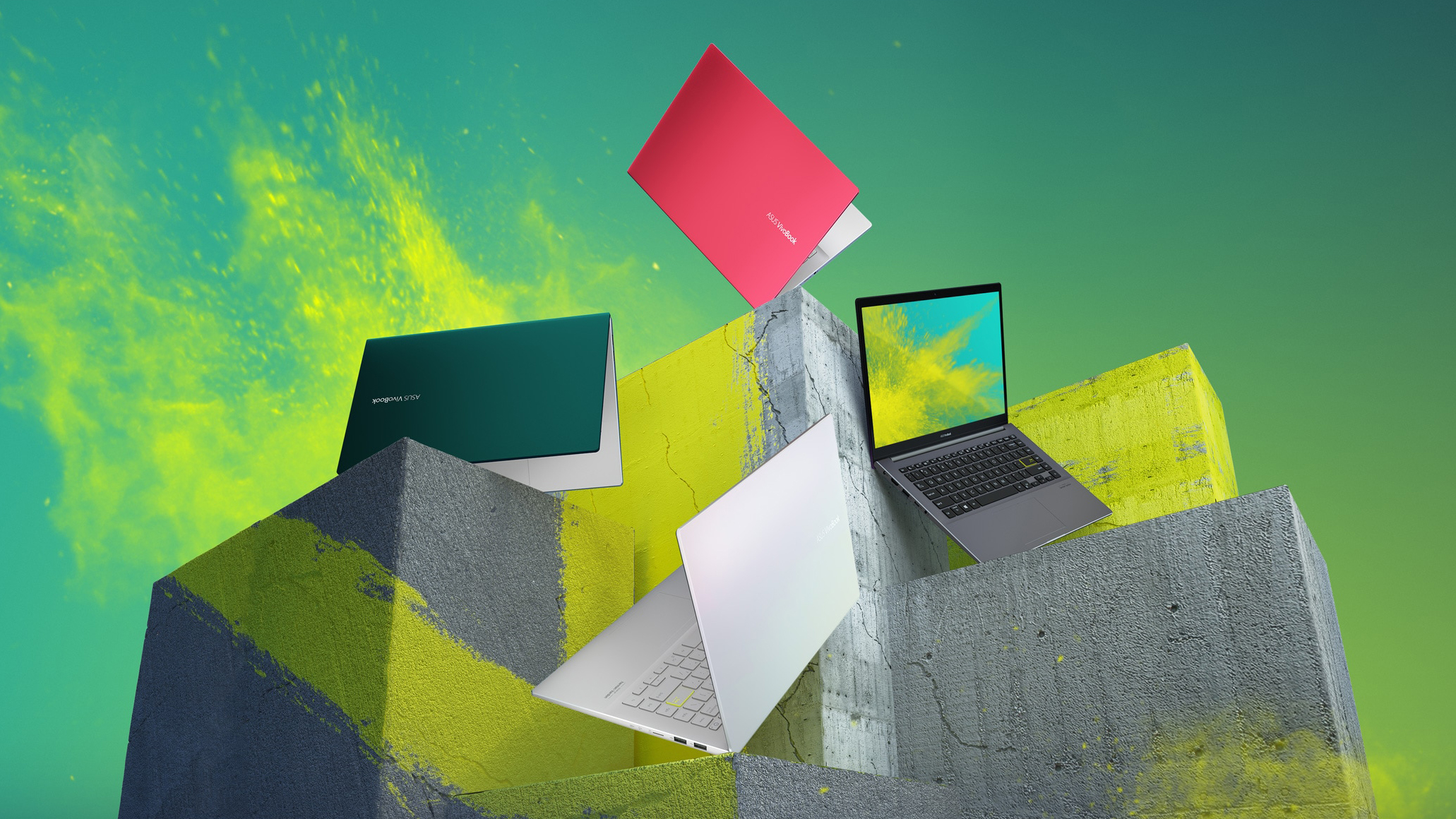
Well, well, well. What do we have here? A 14-inch VivoBook. It looks like the successor of the S14 S432 but interestingly - it lacks the ScreenPad 2.0 support. Have ASUS made it exclusive to the ZenBook series? Are they trying to keep the price down? We don't know. What we know, however, is that the new notebook comes with a new look, new processors, and a 1080p IPS display.While the processors of choice here are mere refreshes of the Whiskey Lake family, we found out that in some laptops, they offer better optimization, thus improving the battery life of the device. You will see shortly,[...]
長所
- Stylish customizable design
- Nice performance/efficiency ratio
- Good battery life
- Good contrast ratio and comfortable viewing angles (BOE NV140FHM-N49)
- Doesn't use PWM to adjust its brightness (BOE NV140FHM-N49)
- MicroSD card reader on board
短所
- Poor upgradability
- Lacks Thunderbolt connection
- Covers only 52% of sRGB (BOE NV140FHM-N49)
- Seems like a downgrade from last year
- Modest I/O
Games you can play on this laptop series









Resolution: 1920 x 1080 (Full HD) |
LOW |
HIGH |
|---|---|---|
 | 68 FPS PLAY VIDEO | 36 FPS PLAY VIDEO |
| NVIDIA GeForce MX350 | 64 FPS | 38 FPS |





