Inside ASUS ROG Zephyrus G15 GA503 – disassembly and upgrade options
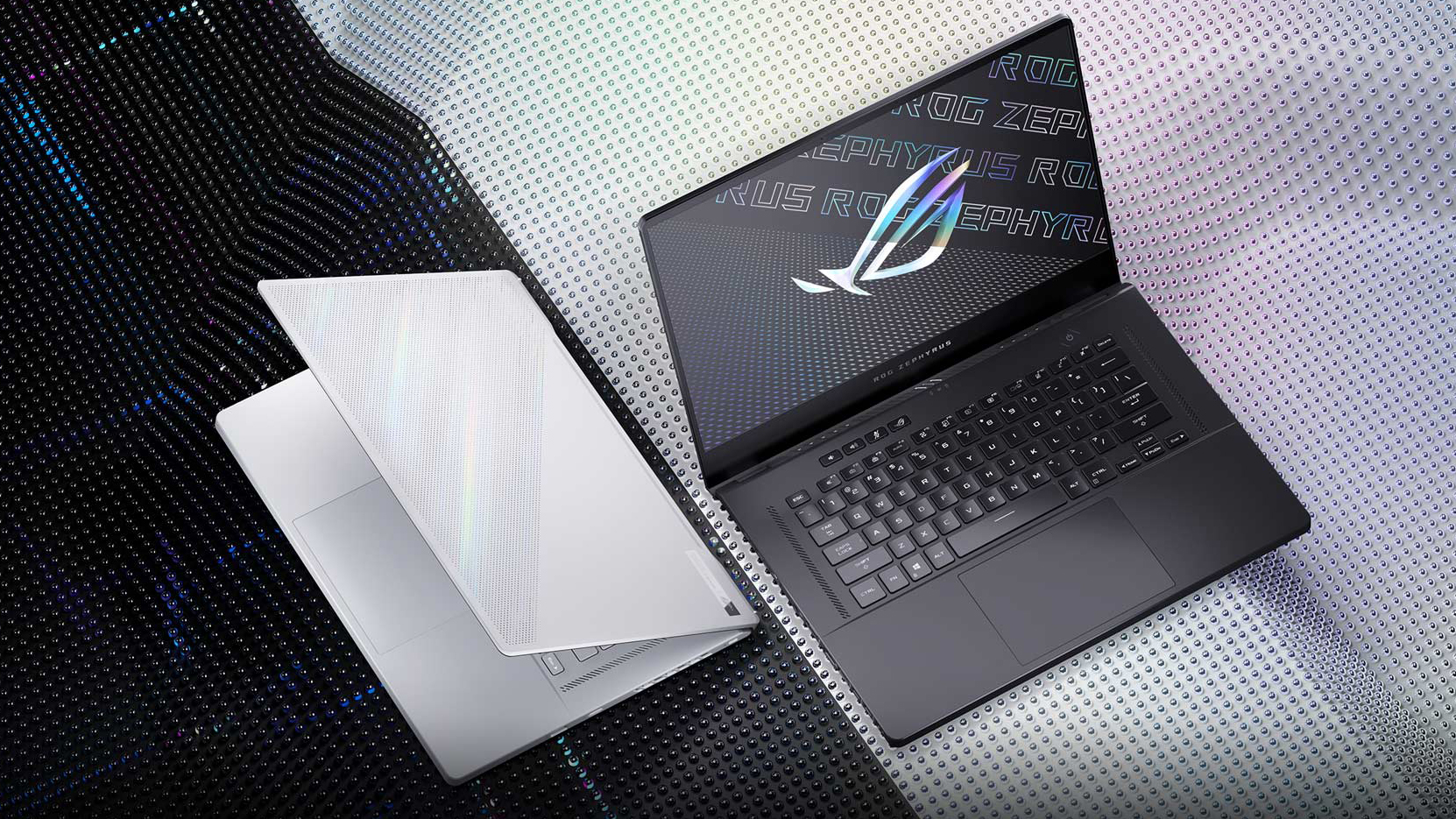
Well, the ROG Zephyrus G15 is no longer the weirdo of the pack. If not, it is now probably the most viable solution, regarding the price/features/performance ratio.
Check out all ASUS ROG Zephyrus G15 GA503 prices and configurations in our Specs System or read more in our In-Depth review.
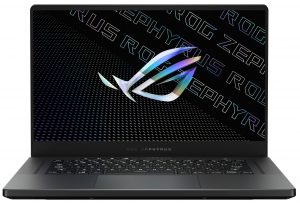
1. Remove the bottom plate
To get inside this notebook, you have to undo a total of 13 Phillips-head screws, three of which are hidden beneath rubber caps. Also, the screw on the bottom right corner is captive and lifts the bottom panel, so you can start the prying process from there.
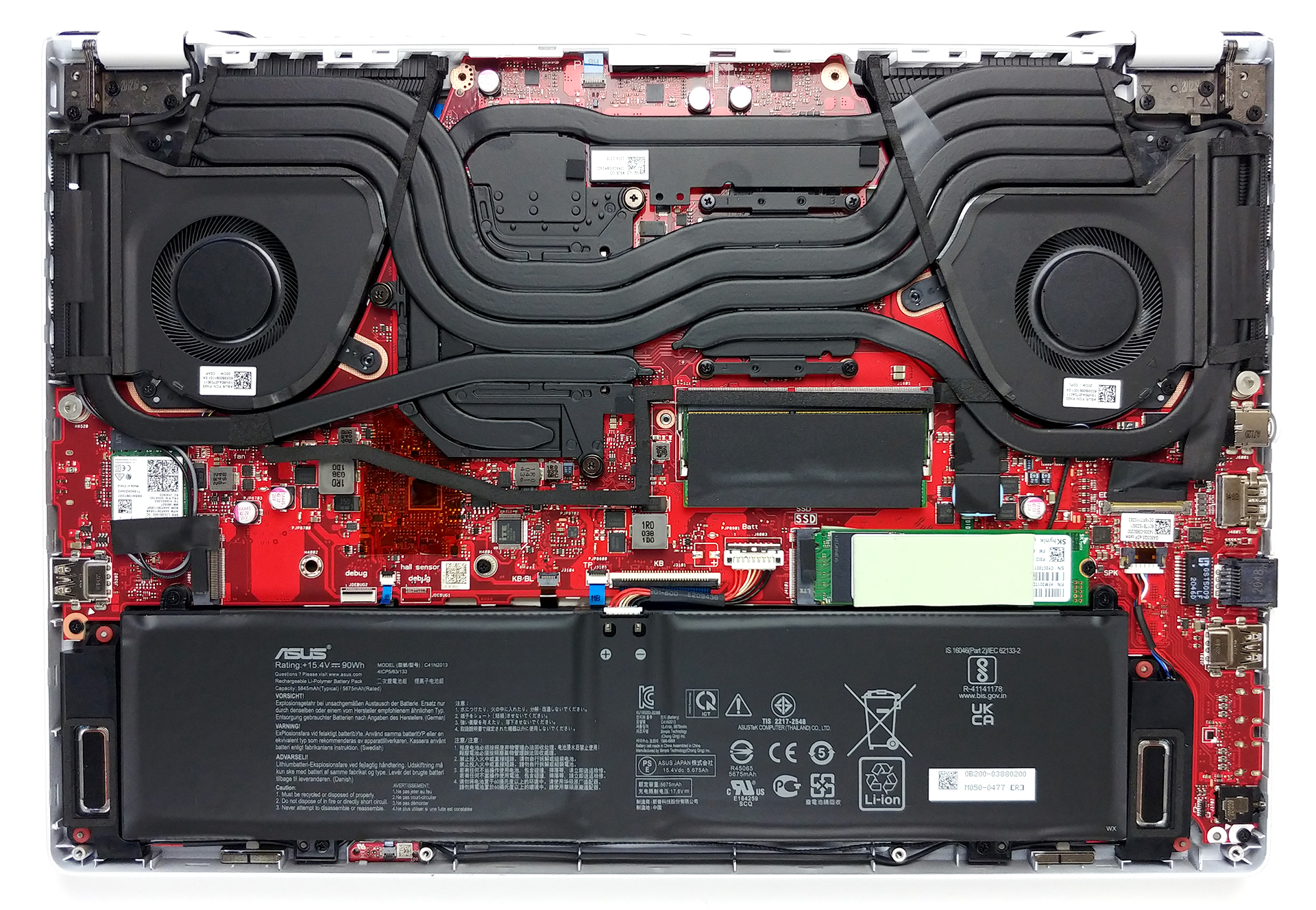
2. Battery
As you can see, the battery pack has an impressive 90Wh capacity.
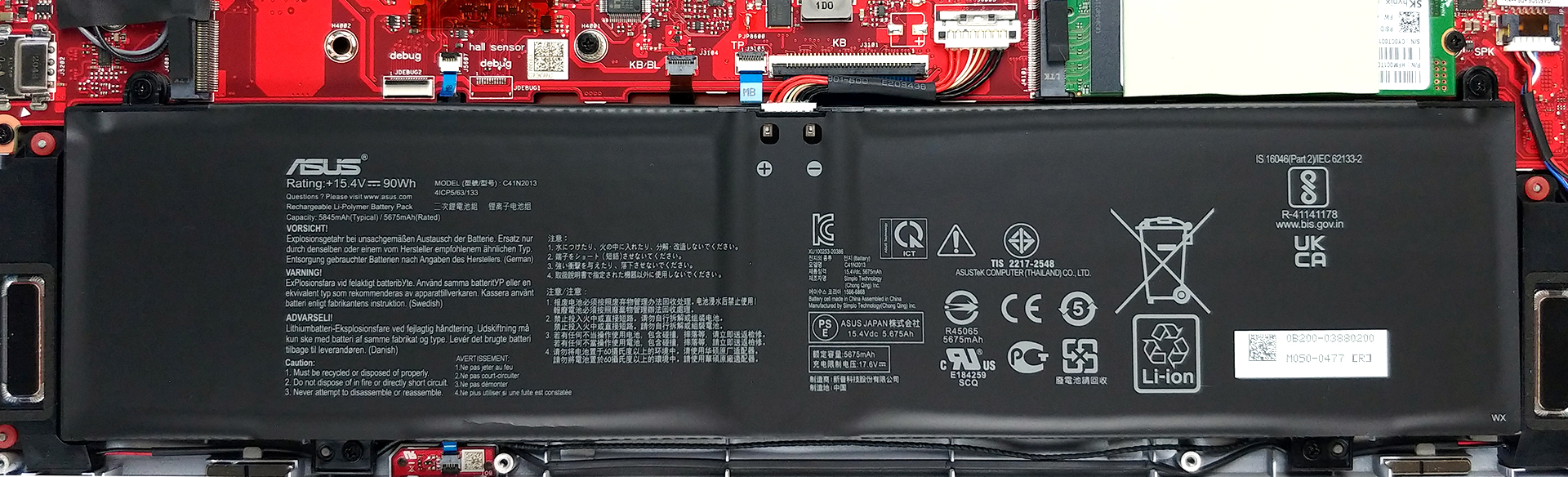
3. Мemory and storage
Here, the laptop comes with one SODIMM slot for memory upgrades and two M.2 NVMe slots for storage. Interestingly, there are 16GB of soldered RAM, and thanks to the aforementioned slot, you can expand it to a total of 32GB according to ASUS.

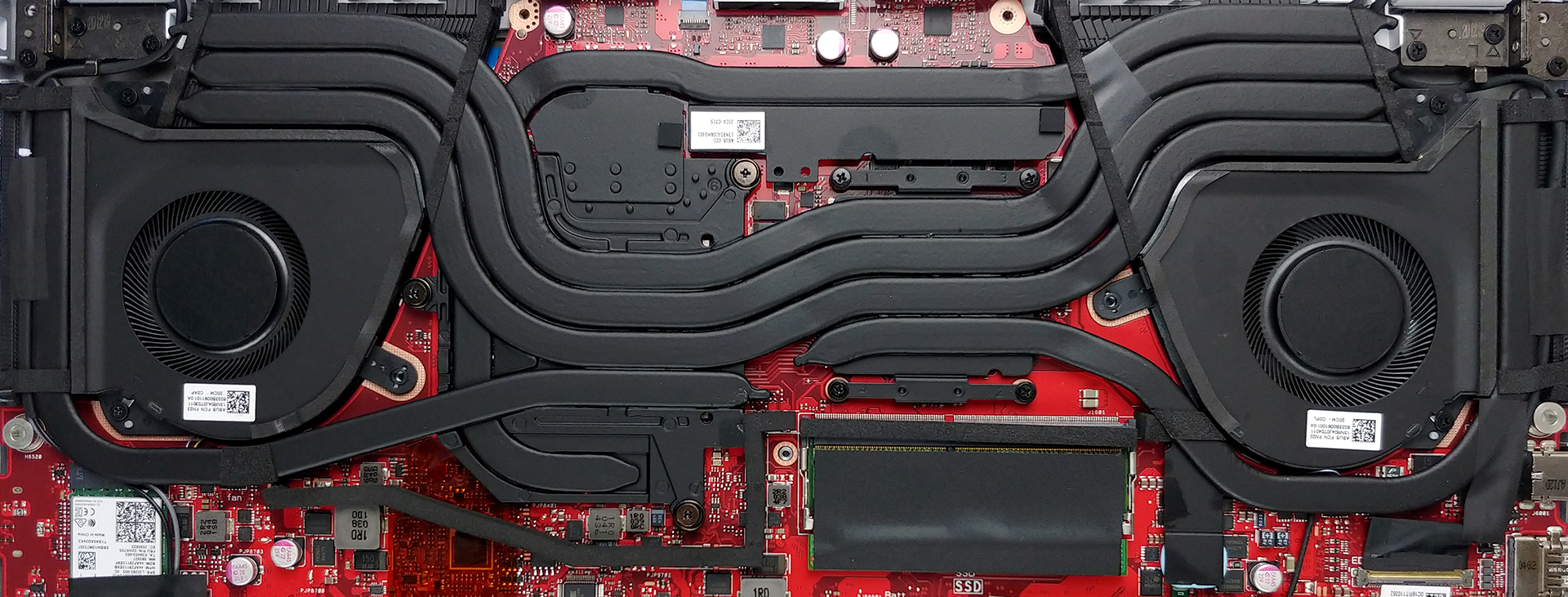
4. Cooling system
The cooling solution comprises three heat pipes shared between the CPU and the GPU with one more dedicated to each of them. Also, there is one additional heat pipe, that takes care of the graphics memory and the VRMs. Keep in mind, that ASUS has supplied the notebook with a total of four heat spreaders, as well as two fans.
Check out all ASUS ROG Zephyrus G15 GA503 prices and configurations in our Specs System or read more in our In-Depth review.
ASUS ROG Zephyrus G15 GA503 詳細なレビュー
ASUSがROG Zephyrus G15を作るのは今年で3年目なんですね。正直に言うと、前の2つの反復は欠陥があり、ユーザーの注目に値しませんでした。しかし、GA502(両方の形態)は、ASUSとAMDの関係に道を開いてくれました。そして、その結果がROG Zephyrus G15 GA503であり、このノートPCファミリーに対する見方を完全に覆すことを目指しています。まず、Zen 3プロセッサを搭載し、最大でRyzen 9 5900HSを搭載しています。また、グラフィックス面では、3つのAmpere G[...]
長所
- 指紋認証リーダー、Wi-Fi 6対応
- デュアルチャネルモードで最大32GBのRAMを搭載
- デュアルNVMeドライブ対応
- PWMフリーディスプレイ(QHD、165Hzパネル
- 素早いピクセル応答時間(QHD、165Hzパネル
- 100%のsRGBカバー率+ほぼ完全なDCI-P3カバー率と、Gaming and Webデザインプロファイルによる優れた色精度(QHD、165Hzパネル
- USB Type-Cポートは、充電、DisplayPort 1.4、G-Syncに対応しています
- 非常にパワフルなCPUとGPUのパフォーマンス
短所
- Thunderboltには対応していません(AMDの制限による)。
- キーボードの矢印キーが小さい
- ナンバーパッドがない
 Author: Alex Iliev

![[2026年8月] AmazonにおけるノートPC用GPUの世界販売ランキング ― Appleが首位を独走、NVIDIAのRTX 5060が専用GPU部門で首位を獲得](https://laptopmedia.com/wp-content/uploads/2026/09/Best-Selling-GPUs-GLOBAL-Top-10-400x225.jpg)
![[2026年8月] AmazonにおけるノートPC用CPUの世界売上ランキング ― アップルが低価格帯とハイエンドの両分野を席巻:2026年8月、A18 ProとM5がインテルとAMDを圧倒](https://laptopmedia.com/wp-content/uploads/2026/09/Best-Selling-CPUs-GLOBAL-Top-10-400x225.jpg)
![[2026年8月] Amazon Global:ノートPC売上ランキングトップ10――Appleの「MacBook Neo」がチャートを席巻する一方、低価格帯および中価格帯のWindowsノートPCは販売台数をめぐって熾烈な争いを繰り広げている](https://laptopmedia.com/wp-content/uploads/2026/09/Best-Selling-Laptops-GLOBAL-Top-10-400x225.jpg)
![[2026年8月] Amazonグローバルにおけるノートパソコンのベストセラーブランド――売上高ではAppleが首位、機種の豊富さではHPがトップ](https://laptopmedia.com/wp-content/uploads/2026/09/GLOBAL-Best-Brands-400x225.jpg)
![[2026年8月] Amazon Global:ゲーム用ノートPC売上ランキングトップ10――HP Victus 15が首位を獲得、手頃な価格帯のモデルがランキングを席巻](https://laptopmedia.com/wp-content/uploads/2026/09/Best-Selling-Gaming-Laptops-GLOBAL-Top-10-400x225.jpg)
