Top 5 reasons to BUY or NOT to buy the ASUS VivoBook S14 M433
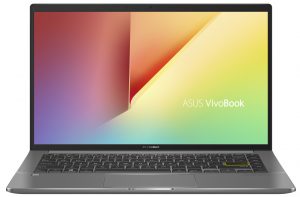
 The VivoBook brand is ASUS’s way of capturing the attention of the younger consumers, which are always connected and need a stylish-looking and powerful notebook. The VivoBook S14 offers exactly that.
It also features the Ryzen 5000 U-series chips, which while are still built on the Zen 2 architecture, still offer plenty of performance and power efficiency, which is essentially what the VivoBook S14 needs. Without wasting any more time, here are LaptopMedia’s top 5 picks about the ASUS VivoBook S14 M433.
ASUS VivoBook S14 M433: Full Specs / In-depth Review
3 reasons to BUY the ASUS VivoBook S14 M433
1. Design and build quality
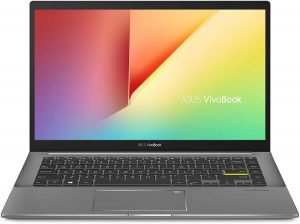
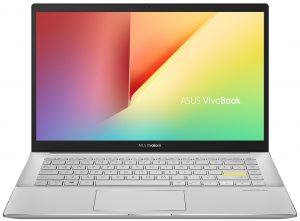
The laptop comes with several color options, all of which look fantastic. Our laptop came in black, which looked stealthy and mysterious. Of course, for the more adventurous consumers, the other colors are there for them. The build materials aren’t specified, but the laptop remained sturdy, and while there was some flexing, it wasn’t anything to worry about. The unboxing experience was great as well, with the laptop coming with an ASUS bag to carry it around, which is great attention to detail.

2. Battery life
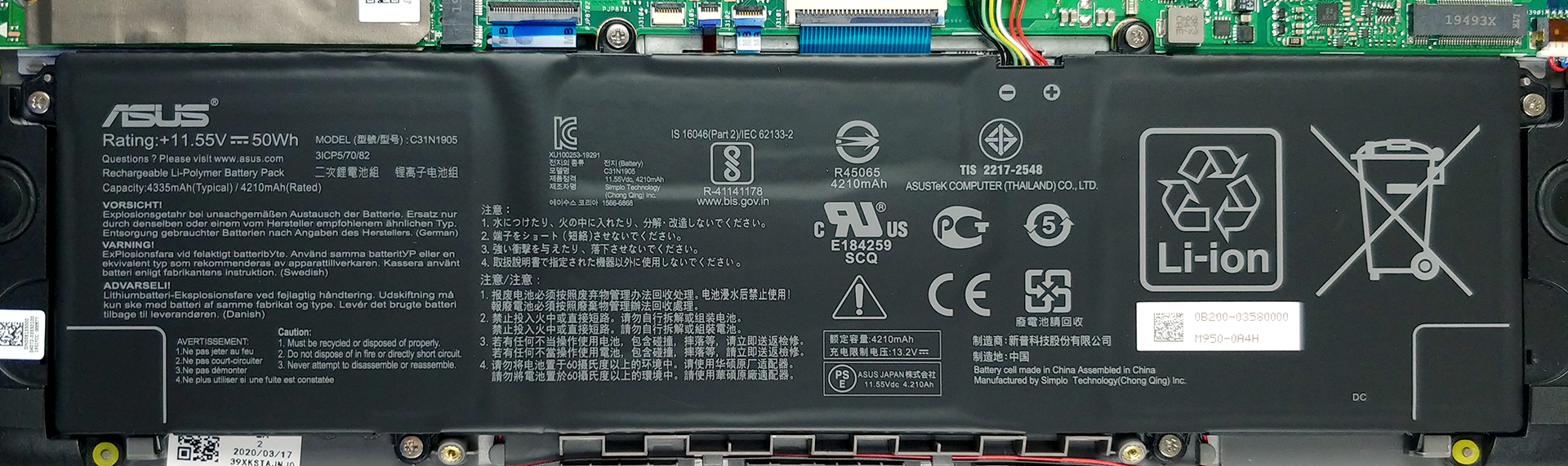
The laptop comes with a 50Wh battery unit, which managed to last for 8 hours and 38 minutes of Web browsing, and 9 hours and 45 minutes of video playback. Now, we conduct the battery tests with Windows Better performance setting turned on, screen brightness adjusted to 120 nits, and all other programs turned off except for the one we are testing the notebook with.
3. Performance
Our laptop came powered by the Ryzen 7 5700U, which crushed our benchmarks, especially when compared to the previous VivoBook devices.
CPU benchmarks
結果はCinebench R23のCPUテストによるもの(スコアが高いほど優れています)
GPU benchmarks
結果は3DMark Time Spy (Graphics)のものです。数値が高いほど良い。
結果は3DMark Fire Strike (Graphics)ベンチマークのものです(スコアが高いほど良い)
結果はUnigine Superpositionベンチマークのものです(スコアが高いほど良い)
2 reasons NOT to buy the ASUS VivoBook S14 M433
1. Upgradeability
The laptop suffers from poor upgradeability, with all of the RAM being soldered onto the motherboard. You can upgrade the storage through a single M.2 PCIe x4 drive slot.
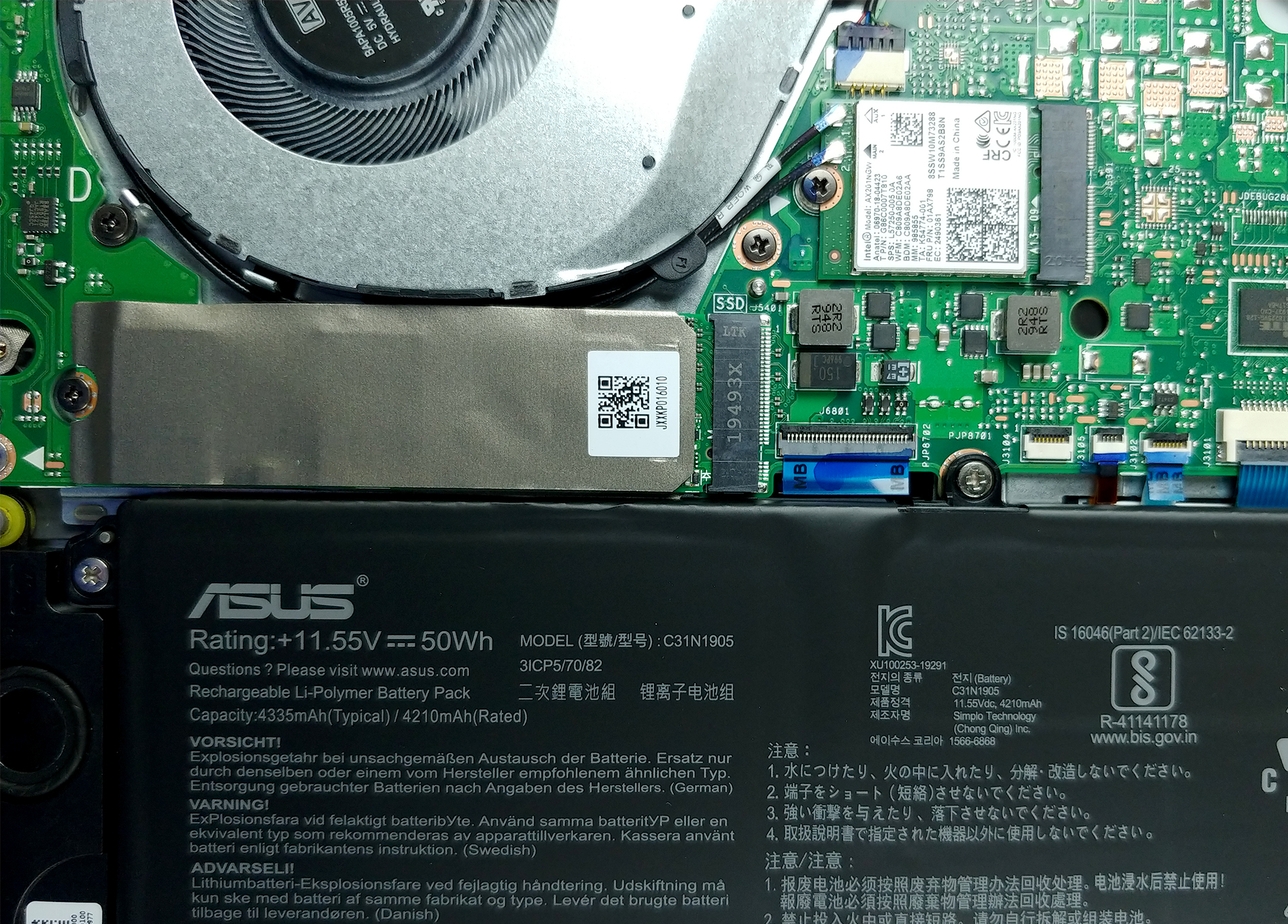
Here is our detailed teardown video, which shows exactly how to access the M.2 SSD slot.
2. I/O
The laptop’s I/O looks fine at first glance, but if you look deeper you’ll start seeing the cracks. You get a power plug, an HDMI connector, one USB Type-A 3.1 (Gen. 1) port, one USB Type-C 3.2 (Gen. 1) port, and a 3.5mm audio jack, which is all on the left. Switch sides and you find two USB Type-A 2.0 ports, which are archaic in today’s standards, and a MicroSD card reader.


All ASUS VivoBook S14 M433 configurations:
 Author: Severin Kolakov

![[2026年6月] Amazonグローバルにおけるノートパソコンのベストセラーブランド ― 販売台数と売上高の両面で、Appleが圧倒的な優位性を示す](https://laptopmedia.com/wp-content/uploads/2026/07/GLOBAL-Best-Brands-400x225.jpg)
![[2026年6月] アマゾン・グローバル:ノートパソコン売上ランキングトップ10――Appleの新型「MacBook Neo」が1位に躍り出て、手頃な価格帯で市場を再編](https://laptopmedia.com/wp-content/uploads/2026/07/Best-Selling-Laptops-GLOBAL-Top-10-400x225.jpg)
![[2026年6月] アマゾン・グローバル:ゲーム用ノートPC売上ランキングトップ10――エイサーの「Nitro V 16S AI」が販売台数で首位を独占、ASUSが総売上高で首位に立つ](https://laptopmedia.com/wp-content/uploads/2026/07/Best-Selling-Gaming-Laptops-GLOBAL-Top-10-400x225.jpg)
![[2026年6月] AmazonにおけるノートPC用GPUの世界販売ランキング ― NVIDIA RTX 5060が専用GPU部門で首位を獲得](https://laptopmedia.com/wp-content/uploads/2026/07/Best-Selling-GPUs-GLOBAL-Top-10-400x225.jpg)
![[2026年6月] AmazonにおけるノートPC用CPUの世界販売ランキング ― Apple M5が首位を独占、AMD Ryzen 7 260がプレミアム層で堅調なシェアを獲得](https://laptopmedia.com/wp-content/uploads/2026/07/Best-Selling-CPUs-GLOBAL-Top-10-400x225.jpg)