ASUS Vivobook Pro 15 OLED (N6506)レビュー-キラーディスプレイ、長持ちバッテリー、小さな妥協点
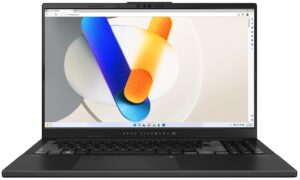
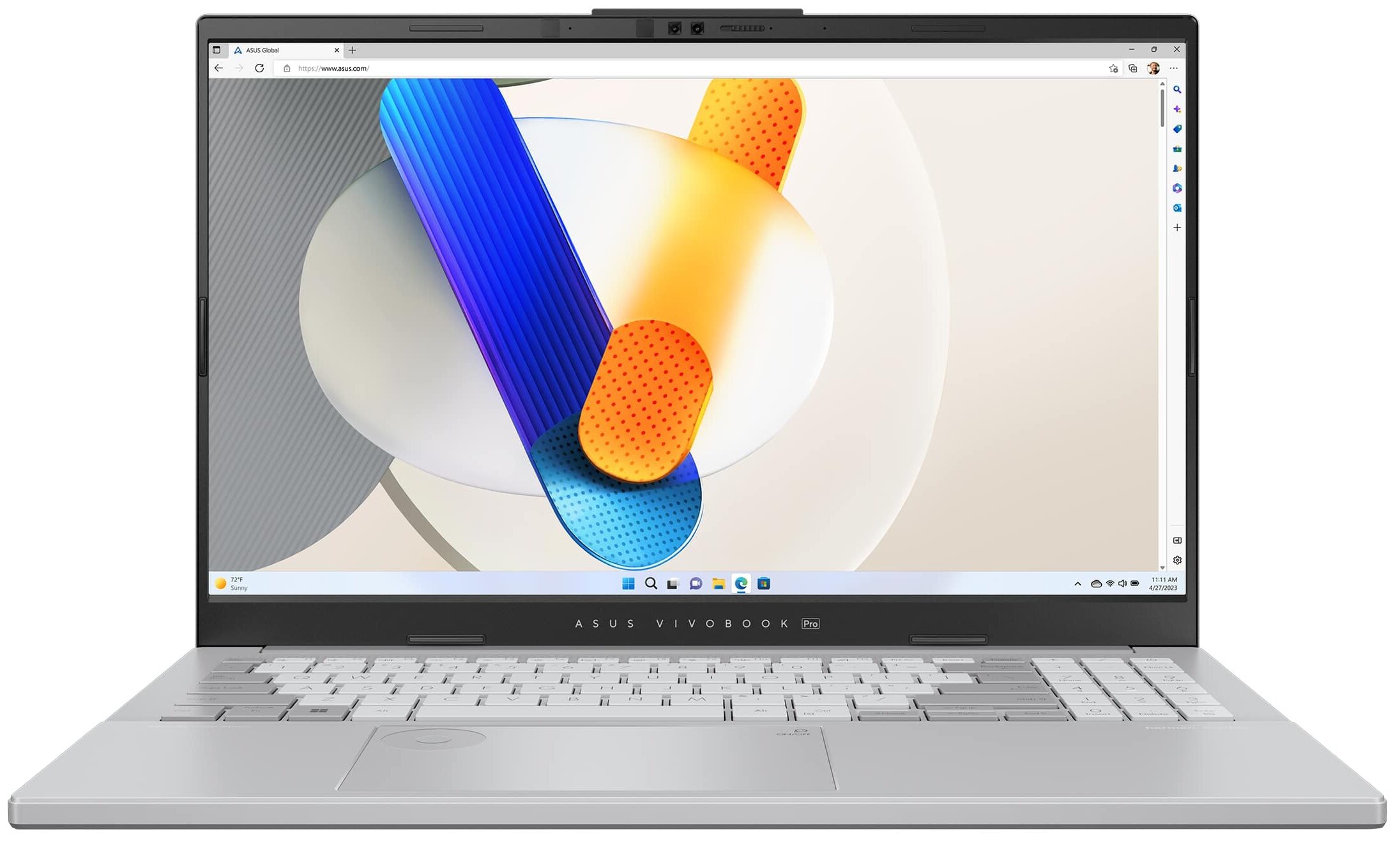
 ASUS Vivobook Pro 15 OLED(N6506)は、強力なハードウェアと便利な機能により、コンテンツ制作やゲームに適したデバイスです。おなじみのASUS DialPadは、いつものようにタッチパッドに内蔵されている。PhotoshopなどのAdobeアプリで作業しながら、ブラシのサイズやフォントを変更したり、スピーカーの音量を上げたり下げたりすることができる。見た目はかなり派手だが、実際、この機能は慣れるととても便利だ。
仕事の後、このデバイスでゲームをすることもできる。ハードウェアは現代的で、有能な多目的マシンの基準に達している。2つのインテルMeteor Lake-H CPUと2つのNVIDIA RTX 4000 GPUから選択できる。このシリーズで最もパワフルなコンボは、Core Ultra 9 185HとGeForce RTX 4060(ノートパソコン)だ。ディスプレイは1モデルのみだが、リフレッシュレート120hzの3K(2880×1620)有機ELパネルなので、それ以上は必要ない(少なくとも私たちはそう考えている)。
このノートパソコンは、電源アダプターを接続するとGPUの能力をフルに発揮させる、典型的なゲーミング機能であるMUXスイッチを備えている。ポートセレクションは現代的で、Thunderbolt 4ポートとSD 4.0カードリーダーを備えている。接続オプションも充実しており(Wi-Fi 6E + Bluetooth 5.3)、MyASUSアプリには、さまざまなGPUモードやファンモード、「フリッカーフリー調光」機能など、さまざまな機能が用意されている。
価格と構成はスペックシステムで確認できる: https://laptopmedia.com/series/asus-vivobook-pro-15-oled-n6506/
Contents
スペック, ドライバー, 箱の中身
ASUS Vivobook Pro 15 OLED (N6506) - スペック






- HDD/SSD
- 最大 8000GB SSD
- M.2スロット
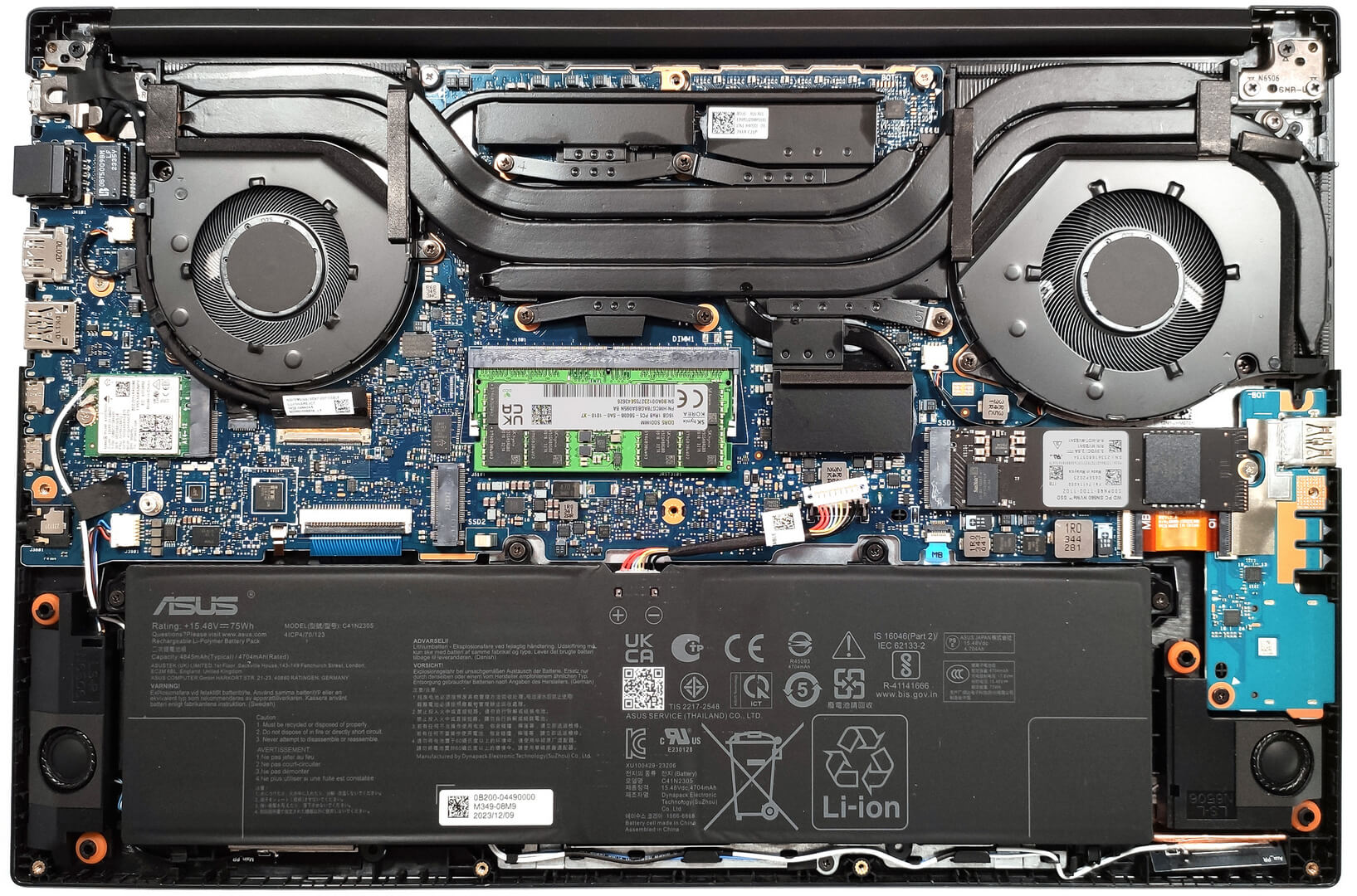
- 2x 2280 M.2 NVMe PCIe 4.0 x4 写真を見る
- RAM
- up to 40GB
- OS
- Windows 11 Pro, Windows 11 Home, DOS, Windows 11
- バッテリー
- 75Wh, 4-cell, 75Wh, 4-cell
- 本体素材
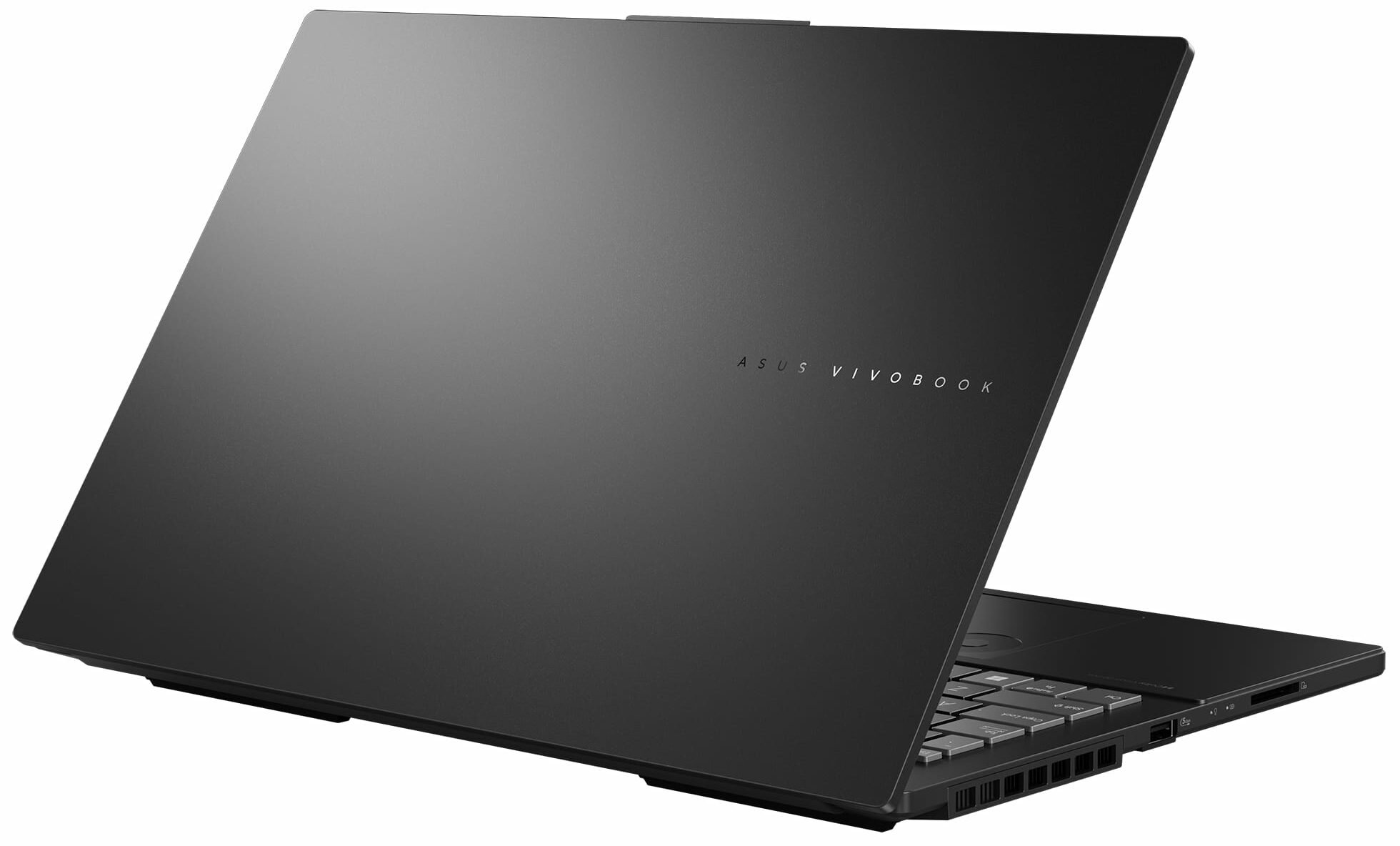
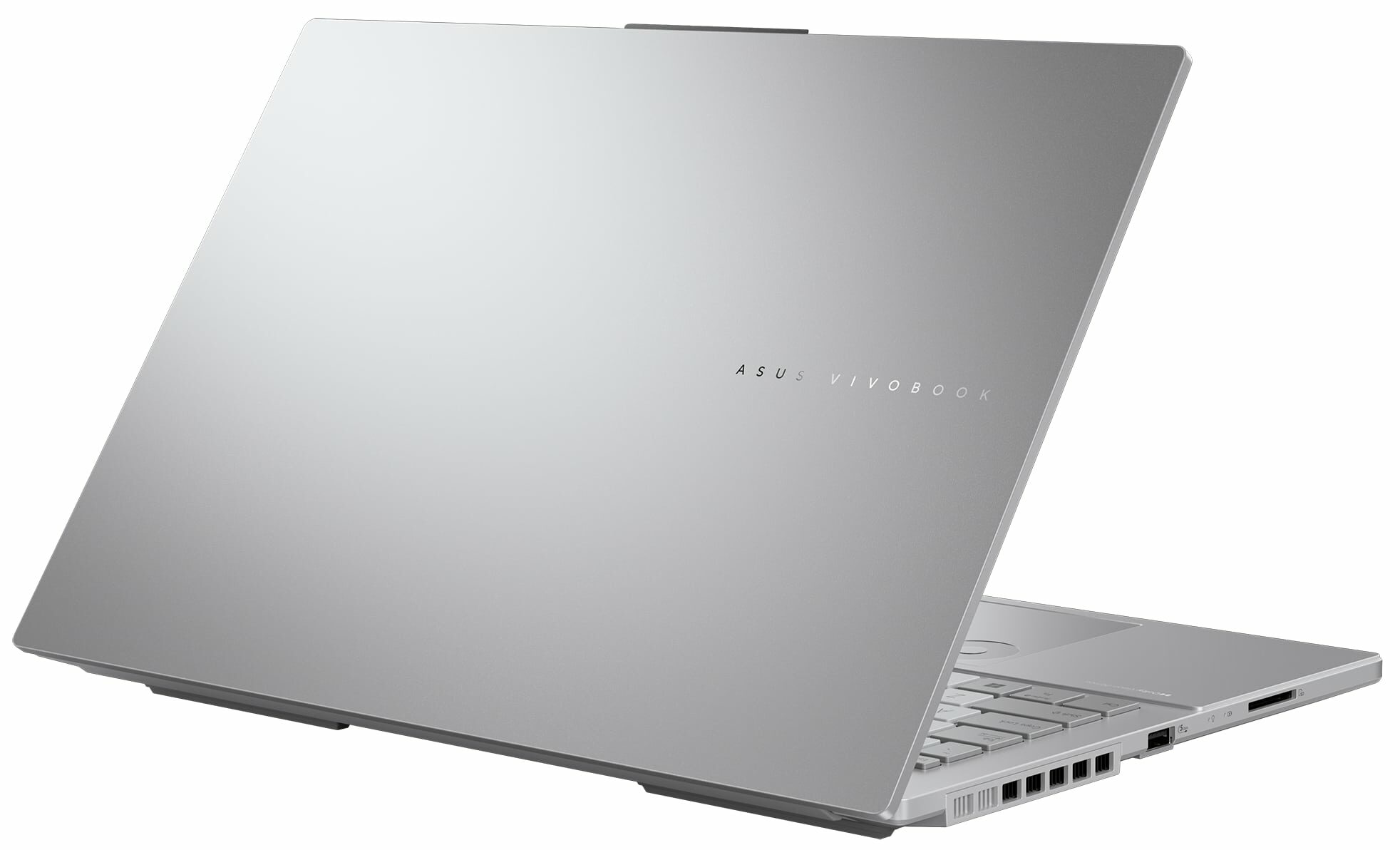
- Plastic / Polycarbonate, Aluminum
- 寸法
- 355.7 x 235.3 x 19.9 mm (14.00" x 9.26" x 0.78")
- 重量
- 1.80 kg (4 lbs)
- ポートと接続性
- 2x USB Type-A
- 3.2 Gen 1 (5 Gbps)
- 1x USB Type-C
- 3.2 Gen 2 (10 Gbps), Power Delivery (PD), DisplayPort
- 1x USB Type-C
- 4.0, Thunderbolt 4, Power Delivery (PD), DisplayPort
- HDMI
- 2.1
- カードリーダー
- SD (SD, SDHC, SDXC)
- Ethernet LAN
- 10, 100, 1000 Mbit/s
- Wi-Fi
- Wi-Fi 6E
- Bluetooth
- 5.3
- オーディオジャック
- 3.5mm Combo Jack
- 特徴
- 指紋リーダー
- optional
- Webカメラ
- 5.0MP with privacy shutter
- バックライトキーボード
- マイク
- Array Microphone with Cortana Support
- スピーカー
- Speaker, Smart Amp Technology, harman/kardon
- 光学ドライブ
- セキュリティロックスロット
すべて ASUS Vivobook Pro 15 OLED (N6506) 構成

ドライバ
このノートブックのすべてのドライバとユーティリティはこちらでご覧いただけます: https://www.asus.com/laptops/for-home/vivobook/asus-vivobook-pro-15-oled-n6506/helpdesk_knowledge/
箱の中身
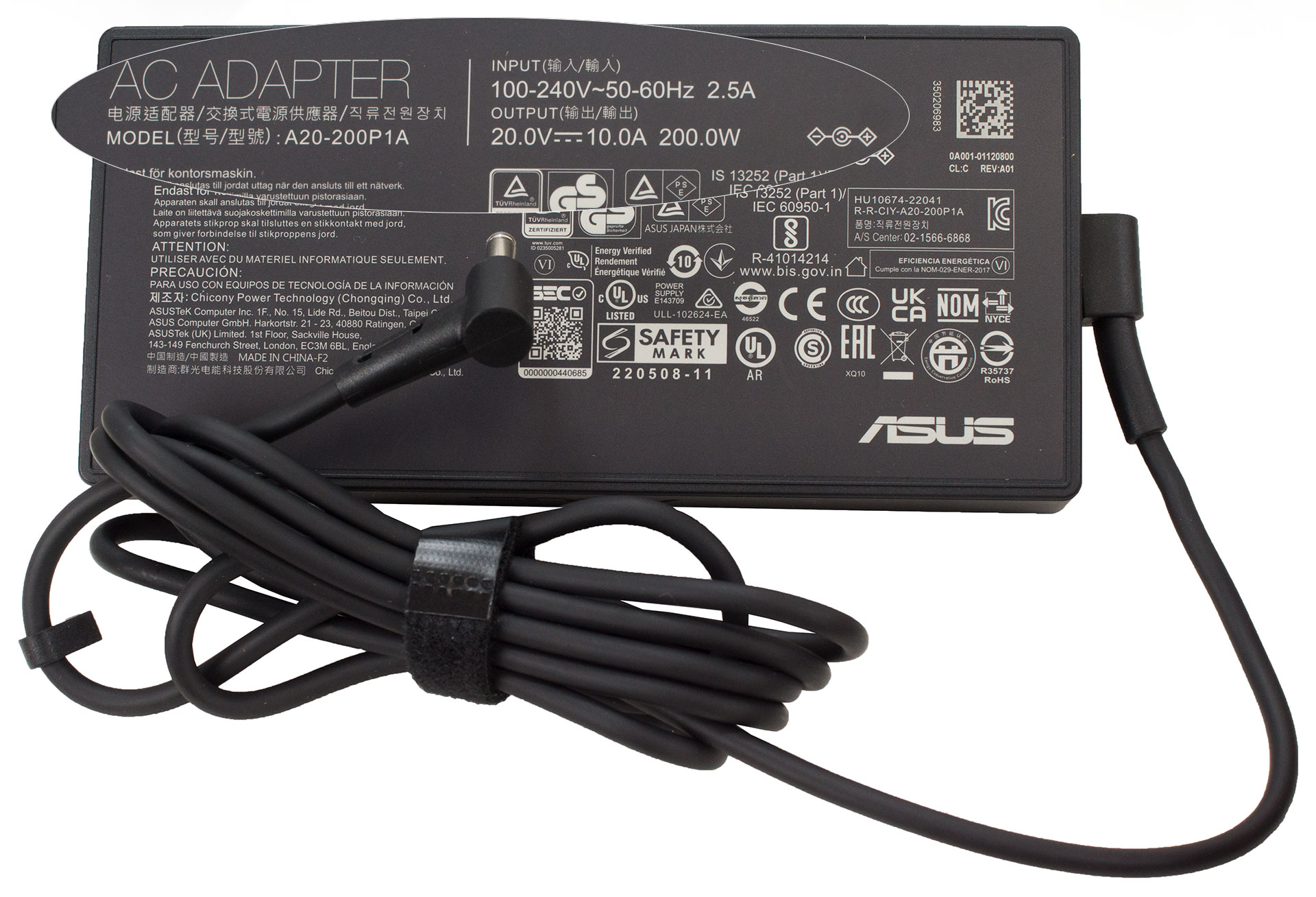
箱の中にはマニュアルと200Wバレルプラグアダプターが入っています。地域によっては、有線光学式マウスやバックパックも入っています。
 Author: Nikolay Palaozov
 Author: eng. Kroum NikolovHead of Engineering at LaptopMedia.com, inventor and innovator with 40+ years of experience in electronics and high technology.

![[2026年8月] AmazonにおけるノートPC用GPUの世界販売ランキング ― Appleが首位を独走、NVIDIAのRTX 5060が専用GPU部門で首位を獲得](https://laptopmedia.com/wp-content/uploads/2026/09/Best-Selling-GPUs-GLOBAL-Top-10-400x225.jpg)
![[2026年8月] AmazonにおけるノートPC用CPUの世界売上ランキング ― アップルが低価格帯とハイエンドの両分野を席巻:2026年8月、A18 ProとM5がインテルとAMDを圧倒](https://laptopmedia.com/wp-content/uploads/2026/09/Best-Selling-CPUs-GLOBAL-Top-10-400x225.jpg)
![[2026年8月] Amazon Global:ノートPC売上ランキングトップ10――Appleの「MacBook Neo」がチャートを席巻する一方、低価格帯および中価格帯のWindowsノートPCは販売台数をめぐって熾烈な争いを繰り広げている](https://laptopmedia.com/wp-content/uploads/2026/09/Best-Selling-Laptops-GLOBAL-Top-10-400x225.jpg)
![[2026年8月] Amazonグローバルにおけるノートパソコンのベストセラーブランド――売上高ではAppleが首位、機種の豊富さではHPがトップ](https://laptopmedia.com/wp-content/uploads/2026/09/GLOBAL-Best-Brands-400x225.jpg)
![[2026年8月] Amazon Global:ゲーム用ノートPC売上ランキングトップ10――HP Victus 15が首位を獲得、手頃な価格帯のモデルがランキングを席巻](https://laptopmedia.com/wp-content/uploads/2026/09/Best-Selling-Gaming-Laptops-GLOBAL-Top-10-400x225.jpg)

Does the laptop support the installing of a 32GB stick of memory in the sodimm slot or intalling it results in the system not booting up, not recognize the memory or behave strangely? On the zephyrus g14 2022 Asus claims a maximum memory of 32GB but I knew of people reaching 48GB with no problem changing the 16GB stick with a 32GB one.
Thank you in advance.
According to ASUS, the maximum amount of RAM supported is 24GB. However, since the CPU can support up to 96GB, the Vivobook Pro 15 OLED likely wouldn’t have issues running with up to 56GB of DDR5-5600MHz RAM (8GB soldered + 48GB in the SODIMM slot).
Yes. But 32GB is a 2 rank memory, so the frequency will be lowered to 4800 and the total speed will be around 40GB/s.
Thank you for such a comprehensive review. I would really appreciate if you could incorporate the fan noise for a normal workload – web browsing, movies, etc. This is often left out in favor of fan noise at full load, which is seldom relevant.
How would you categorize the fan noise under normal office work, please?
It’s basically silent, occasionally there is some fan noise but it’s very quiet. Does get very loud sometimes during intensive workloads, but silent mode should do the trick in most cases.
Is the GPU eco mode disabled when the laptop is connected via the power brick? 🙁
With my current asus laptop I usually always have eco mode on even when connected to power to keep my laptop cool (often have it my lap or chest)
For the display what is the max brightness in HDR (small window and full screen)? Also what is the colour accuracy like in HDR?
Measuring color accuracy in HDR mode is more complex and influenced by various external and internal factors, which is why our current measurements are limited to SDR mode. Additionally, manufacturers typically prioritize more attractive picture over color accuracy in HDR. If you aim for the most realistic colors, working in SDR mode is the better option.
Regarding the size of the white window when measuring screen brightness, we’ve conducted tests with both 10% fill and fullscreen fill. In both cases, the max brightness was similar, just below 400 nits.
Did you really get 25 hours of browser time or is that a mistake?
I have this laptop at idle on minimum brightness consumes about 9 watts, that is about 8 hours of idle time with no applications running.
Any activity increases the consumption and the actual browser time is about 6 hours.
But I have a second module 32 GB, maybe the reason is this, or the drivers are not installed correctly. Installed different Windows builds several times, different drivers – nothing helps.
Hi,
I have this laptop, and with browsing on chrome, I only get 2-3 hours. Could you tell me what settings you are using?
Even though they said 25 hours, 6 hours is still better than the 3 hours that I’m getting.
I’m on silent mode, and it’s fairly new. I usually just use google docs and some other websites like amazon, makerworld, but nothing super power intensive.
Thank you!!
Just use Optimal Operation mode to disconnect Nvidia from the battery (this is crucial) and Standard or Quiet cooler mode.
If only 2-3 hours in this case as well,
1. Look in Task Manager to see which applications are loading the CPU and/or graphics card
2. Install drivers for your laptop from the official Asus website, because other, even newer drivers not from Asus may not work correctly.
Thank you so much for your helpful response! I looked in the Task Manager and found that a few background apps like steam were using a lot of resources, so I just closed out of them, and with a few chrome tabs, I also let MyASUS auto install some drivers, and I’m getting much better battery life! (Nvidia was already disconnected and quiet mode was on before.)
Thanks for your help! I’m getting around an estimate of around 5 hours, seeing that I lost around 50 percent after 3 hours.
Hi,
Please tell me how you got it to 25 hours of battery life!!! I can’t even get 3 hours on this thing and I’m just doing basic web browsing with google docs!
Anything helps!!
Thank you so much!