Lenovo Legion Pro 5(16インチ、2023年)レビュー – 頑張っても妥協できなかった。
分解、アップグレードオプション、メンテナンス
このノートパソコンを分解するには、プラスネジ10本を外す必要があります。その後、プラスチック製の工具で底面パネルをこじ開け、シャーシから取り外す必要があります。
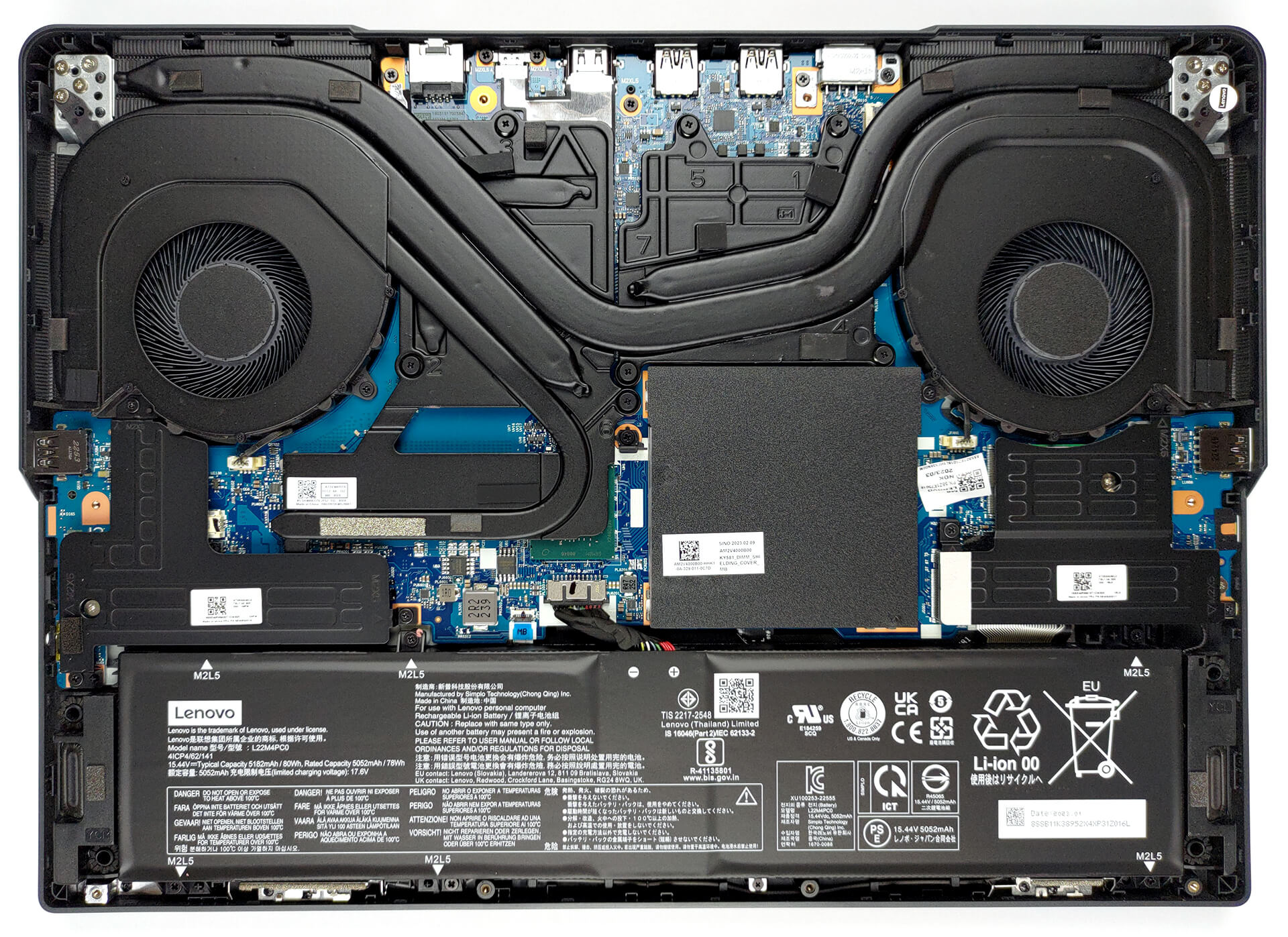
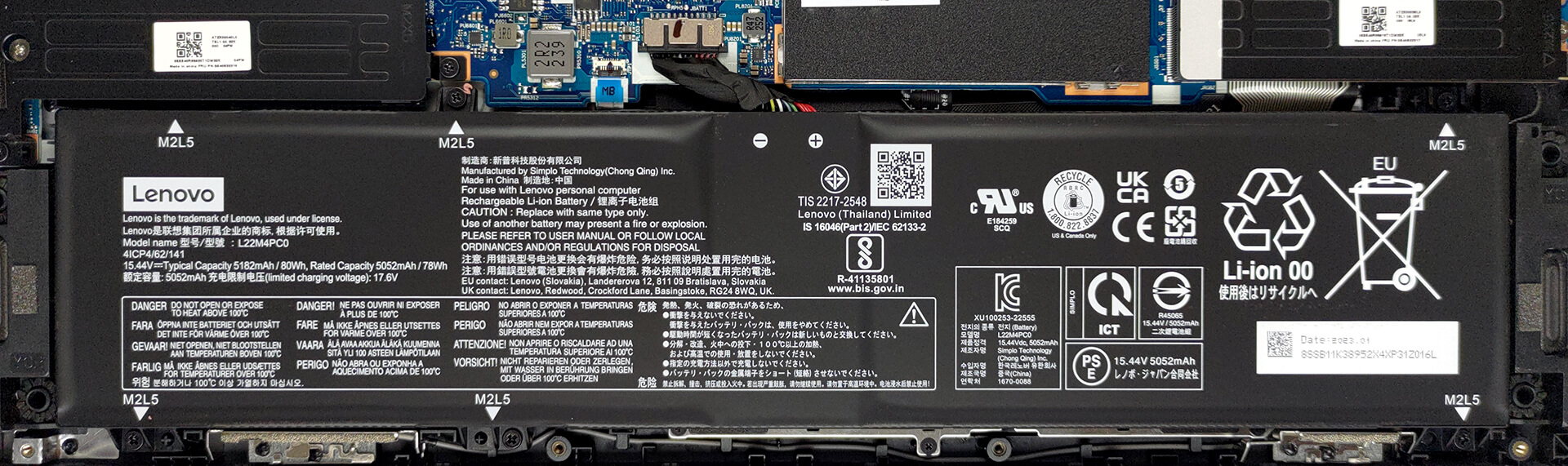
内部には、80Whのバッテリーパックを搭載。Webブラウジングで5時間、ビデオ再生で4時間持続します。取り外すには、バッテリーのコネクタを抜きます。次に、左のSSDクーラーを固定している3つのプラスネジを外します。その後、バッテリーを固定しているさらに6本のプラスネジを外す必要があります。
メモリに関しては、2つのSODIMMスロットがあり、DDR5メモリで動作します。ストレージに関しては、2つのM.2 PCIe x4スロットがあり、Gen 4 SSDに対応しています。

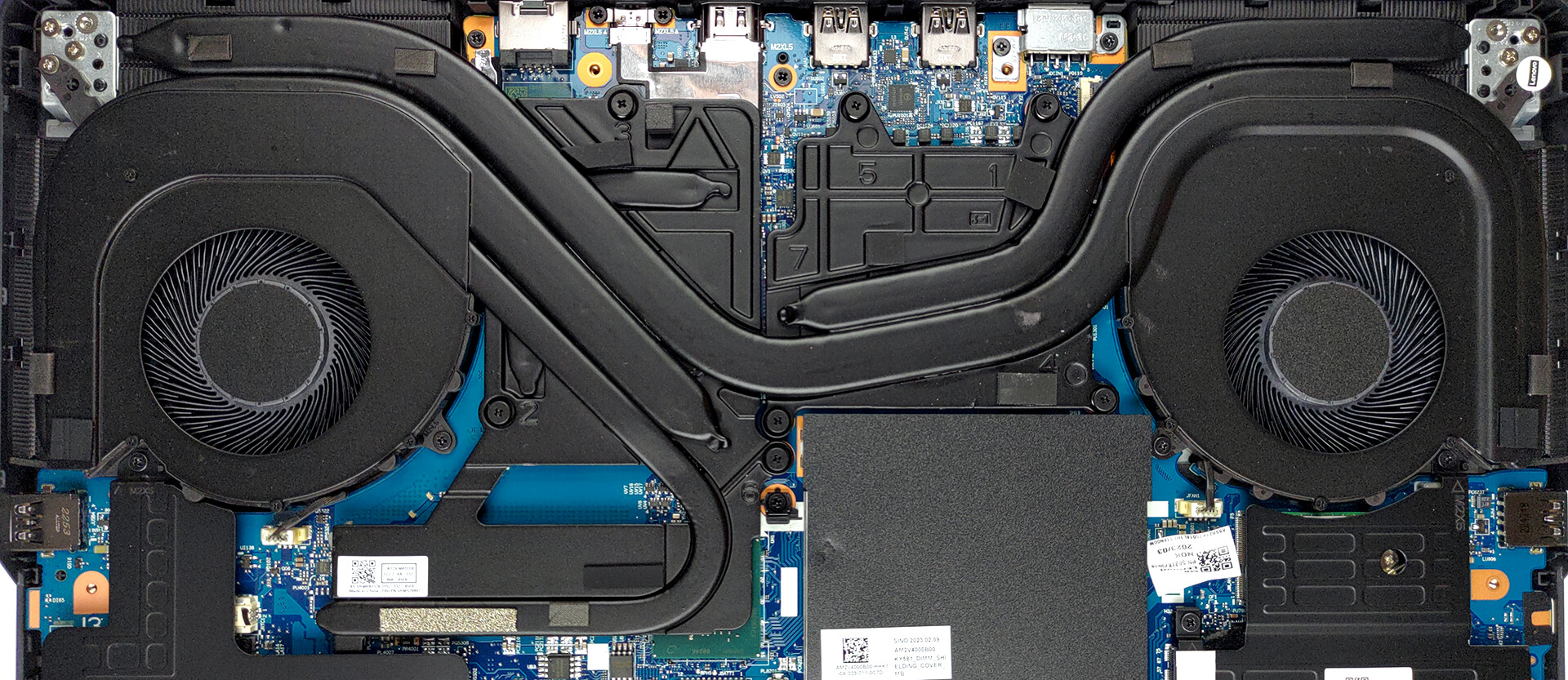
冷却面では、CPUとGPUで共有するヒートパイプが1本あります。さらに、プロセッサー用にもう1本、グラフィックカード用にもう2本用意されています。また、ヒートスプレッダー、2つのファン、4つのヒートシンクも用意されています。
 Author: Alex Iliev
 Author: eng. Kroum NikolovHead of Engineering at LaptopMedia.com, inventor and innovator with 40+ years of experience in electronics and high technology.

![[2026年8月] AmazonにおけるノートPC用GPUの世界販売ランキング ― Appleが首位を独走、NVIDIAのRTX 5060が専用GPU部門で首位を獲得](https://laptopmedia.com/wp-content/uploads/2026/09/Best-Selling-GPUs-GLOBAL-Top-10-400x225.jpg)
![[2026年8月] AmazonにおけるノートPC用CPUの世界売上ランキング ― アップルが低価格帯とハイエンドの両分野を席巻:2026年8月、A18 ProとM5がインテルとAMDを圧倒](https://laptopmedia.com/wp-content/uploads/2026/09/Best-Selling-CPUs-GLOBAL-Top-10-400x225.jpg)
![[2026年8月] Amazon Global:ノートPC売上ランキングトップ10――Appleの「MacBook Neo」がチャートを席巻する一方、低価格帯および中価格帯のWindowsノートPCは販売台数をめぐって熾烈な争いを繰り広げている](https://laptopmedia.com/wp-content/uploads/2026/09/Best-Selling-Laptops-GLOBAL-Top-10-400x225.jpg)
![[2026年8月] Amazonグローバルにおけるノートパソコンのベストセラーブランド――売上高ではAppleが首位、機種の豊富さではHPがトップ](https://laptopmedia.com/wp-content/uploads/2026/09/GLOBAL-Best-Brands-400x225.jpg)
![[2026年8月] Amazon Global:ゲーム用ノートPC売上ランキングトップ10――HP Victus 15が首位を獲得、手頃な価格帯のモデルがランキングを席巻](https://laptopmedia.com/wp-content/uploads/2026/09/Best-Selling-Gaming-Laptops-GLOBAL-Top-10-400x225.jpg)

Some of the Asus laptops with HX Ryzen 7000 and it’s 15W 610M iGPU, only support external monitor when dedicated Nvidia GPU is enabled. This is major flaw when you are on the go and run laptop on battery as HX CPU can’t even go below 8W. I assume running dedicated GPU for external monitor is gonna be 1.5 hour battery life and you can’t use it to give presentation in meeting or conference.
I’ve done hundreds of presentations and never needed or used a gaming laptop. Nor have I been in a situation where there was not a power outlet nearby.
You should really edit this review and change all “Pro 5” with “Pro 5i” since what you reviewed was the Intel version…
Anyway, thanks for the review and I’ll wait for the comparison between the Pro 5i (Gen 8, Intel) and the Pro 5 (Gen 8 AMD), in the regards of the CPU.
The USB-C in the back can be used to charge the laptop? I mean, not for heavy 3D workload, but when used as standard laptop to work with mail and internet?
i think yes , as it supports 140ws charger in the back……its meant so u can use it somewhere where you cant carry a 300w charger