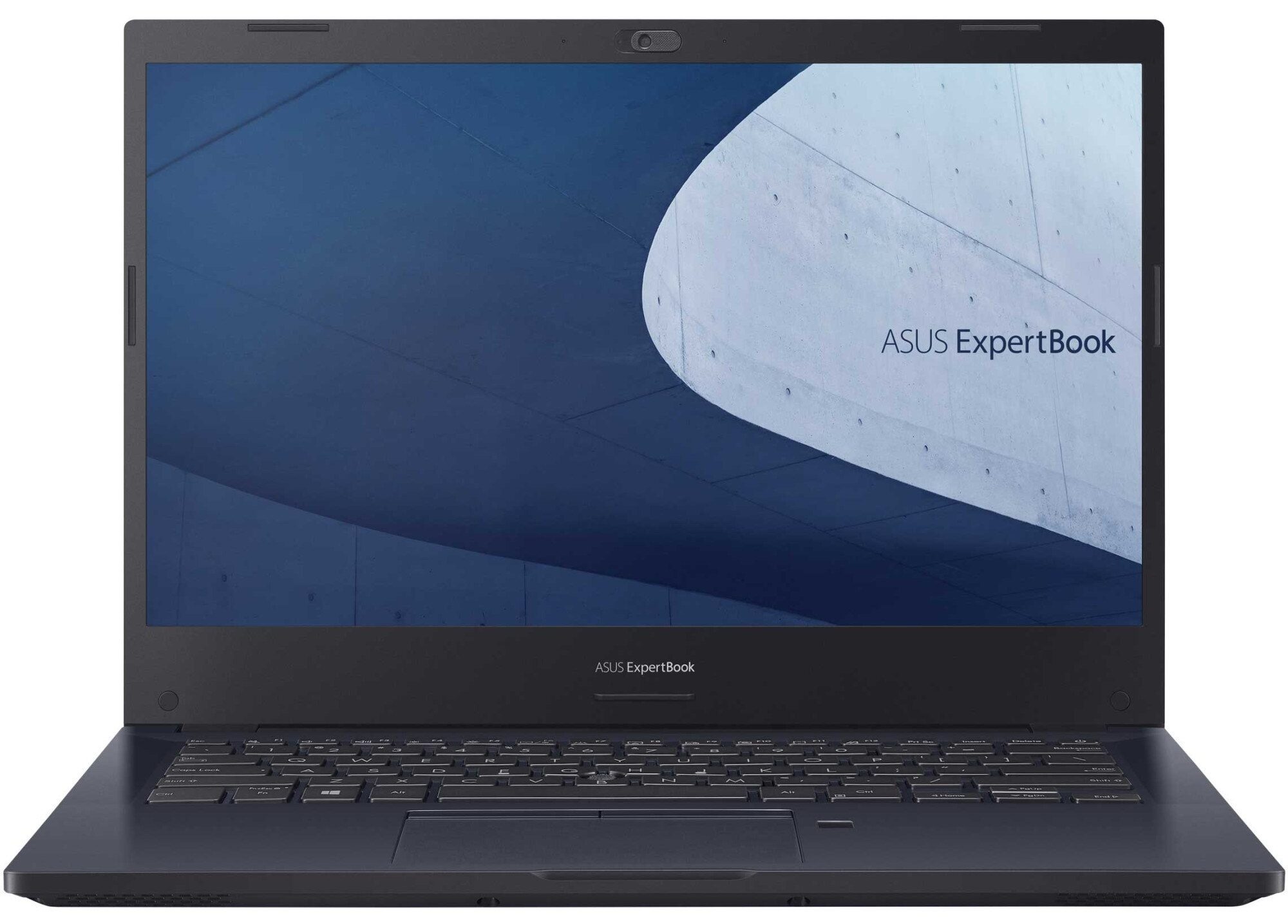
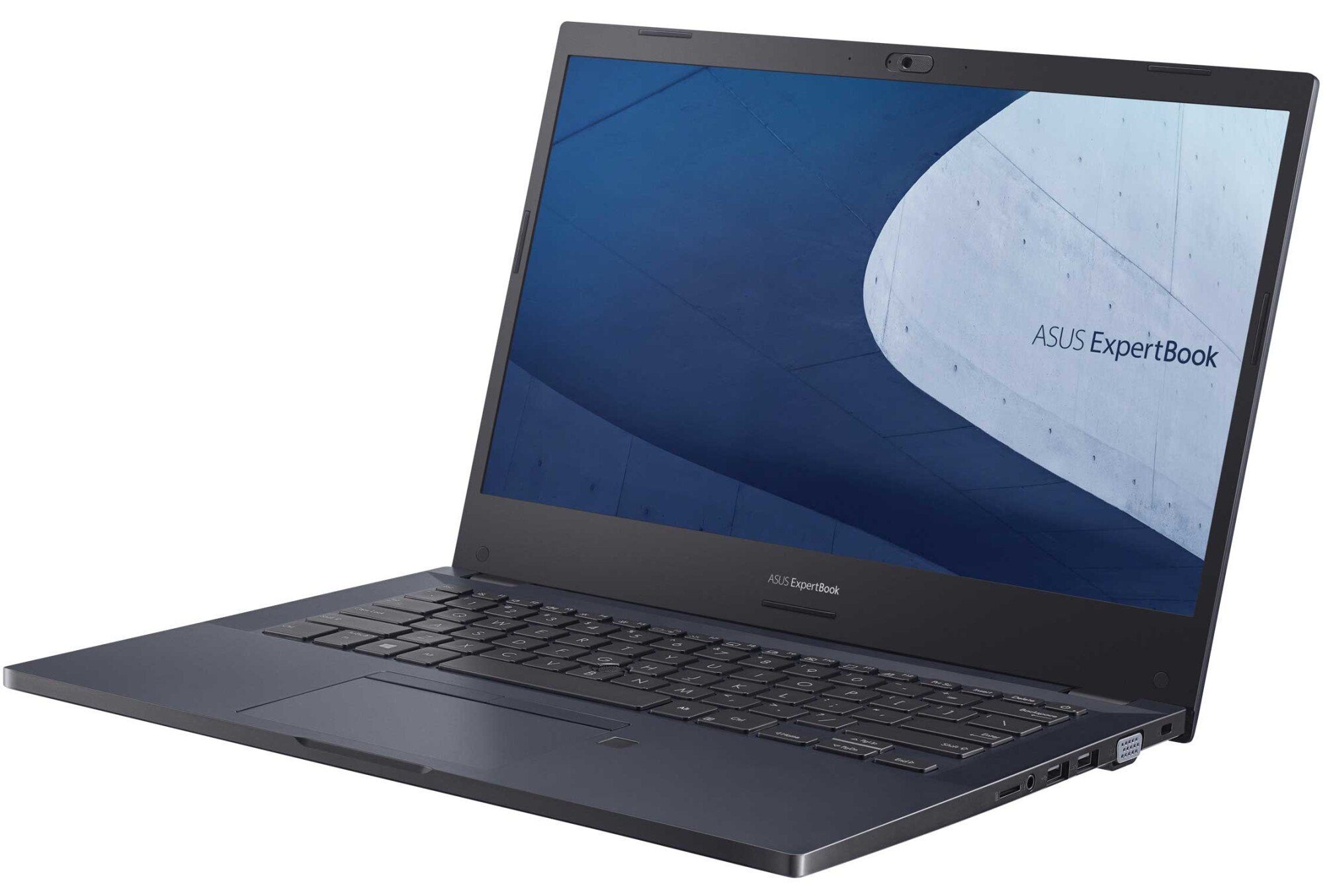
ASUS ExpertBook P2 (P2451)
ASUS ExpertBook P2 (P2451) - スペック



- HDD/SSD
- 最大 1000GB SSD + 最大 1000GB HDD
- M.2スロット
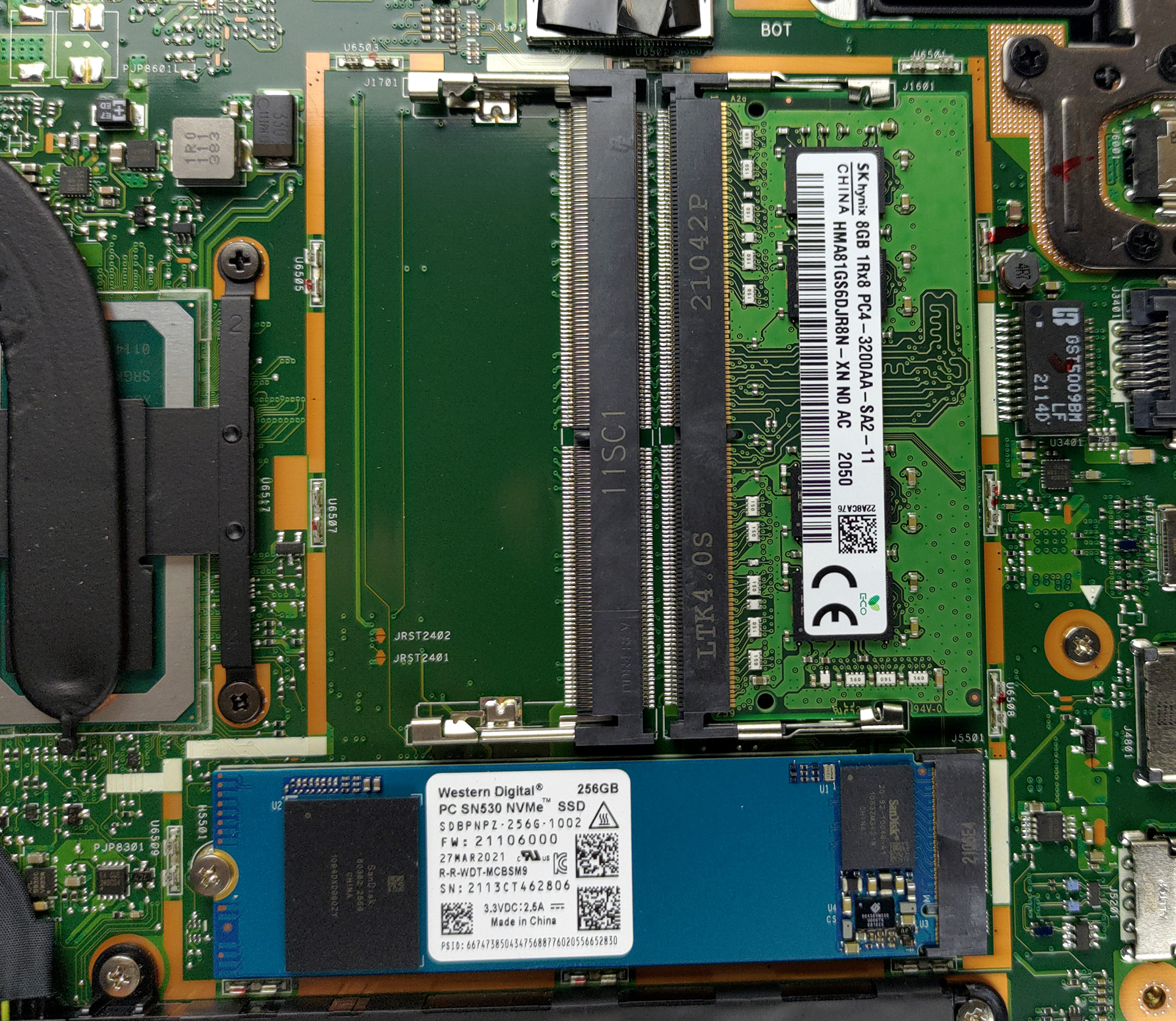
- 1x M.2 NVMe slot 写真を見る
- RAM
- up to 32GB
- OS
- Windows 11 Pro, Windows 10 Pro, Windows 10 Home, No OS
- バッテリー
- 48Wh, 3-cell
- 本体素材
- Plastic / Polycarbonate, Aluminum
- 寸法
- 325.3 x 232.9 x 19.9 mm (12.81" x 9.17" x 0.78")
- 重量
- 1.50 kg (3.3 lbs)
- ポートと接続性
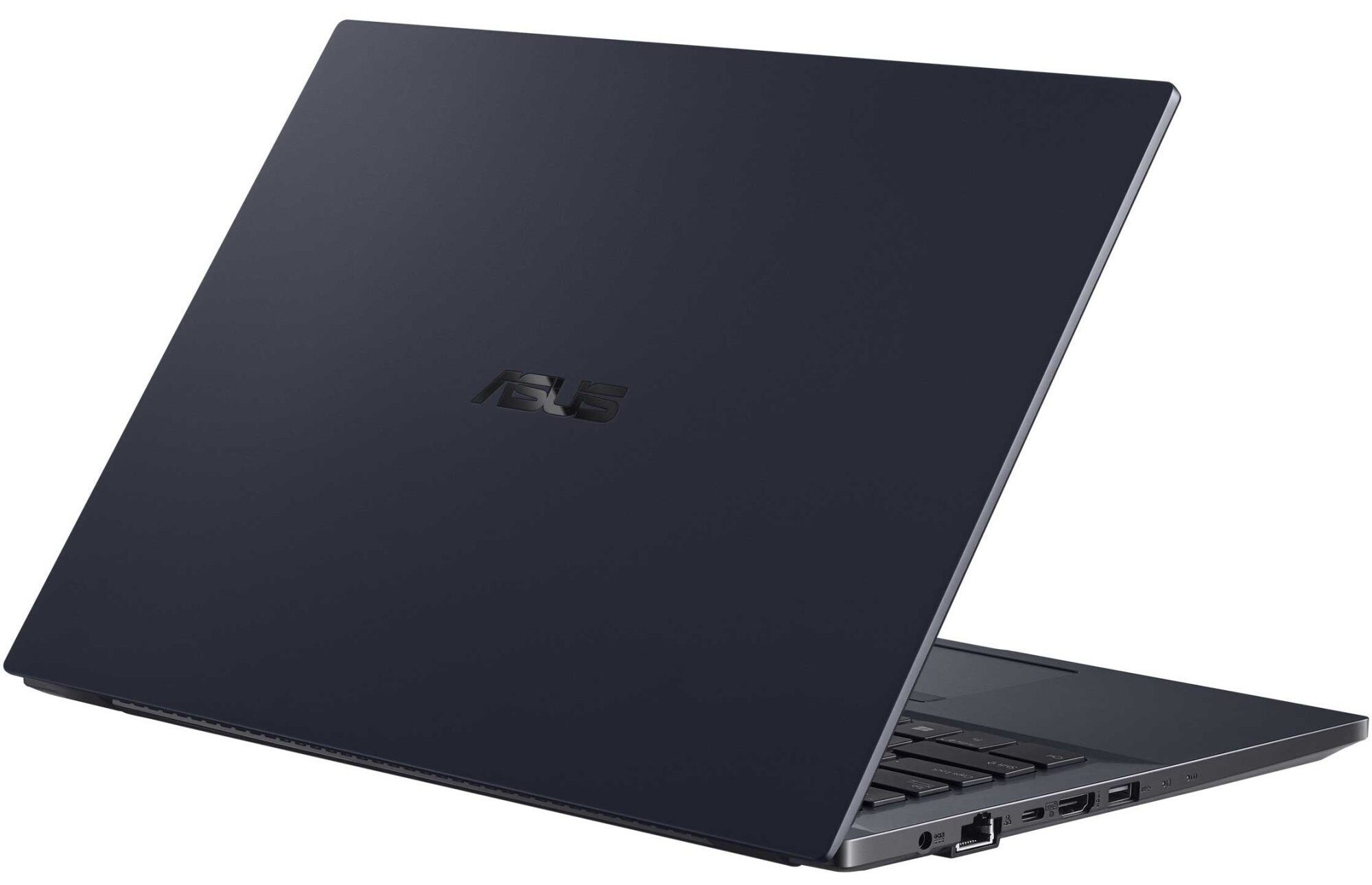
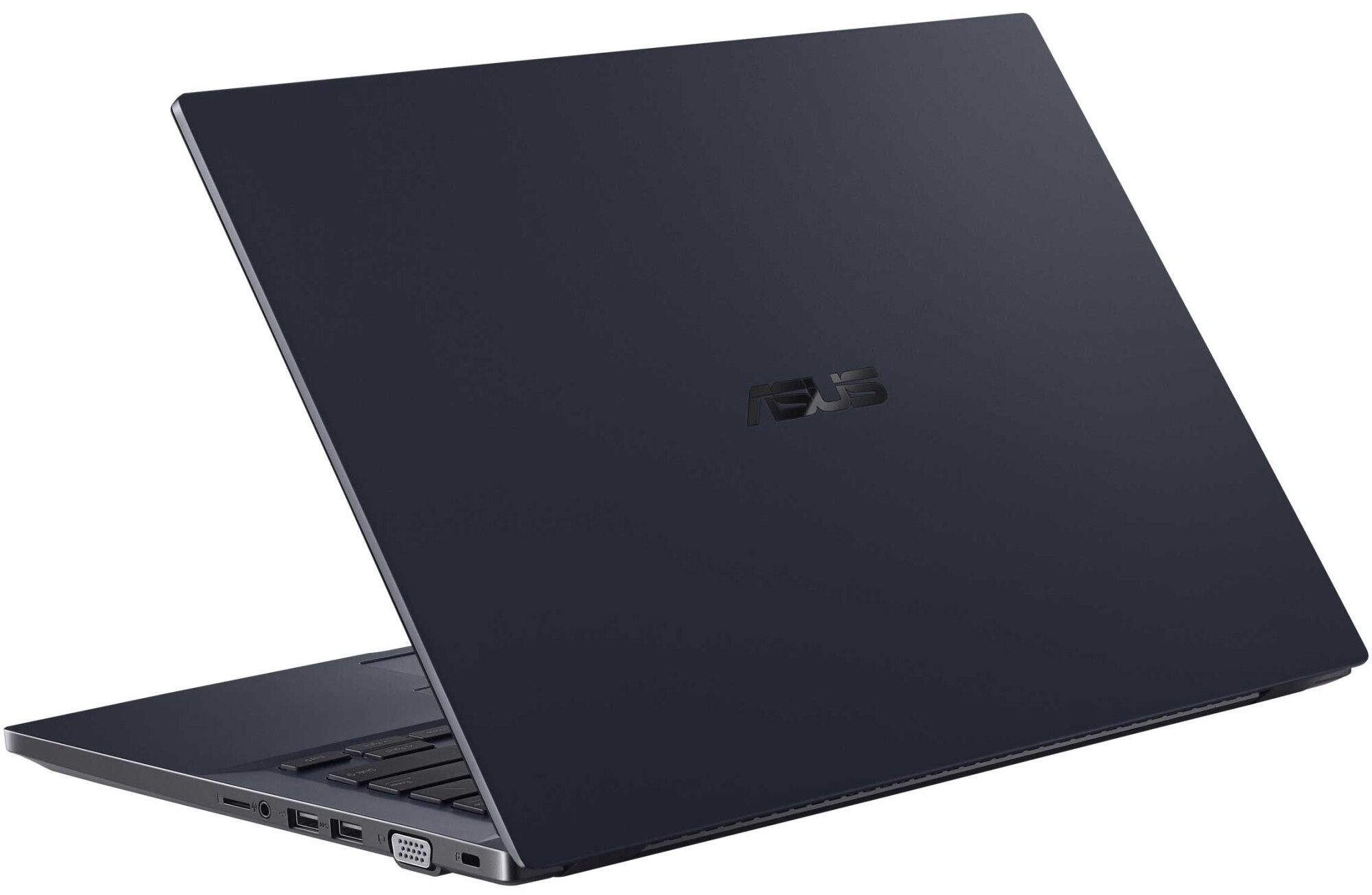
- 1x USB Type-A
- 2.0
- 1x USB Type-A
- 3.2 Gen 1 (5 Gbps)
- 1x USB Type-C
- 3.2 Gen 2 (10 Gbps), Power Delivery (PD), DisplayPort
- HDMI
- カードリーダー
- MicroSD
- Wi-Fi
- 802.11ac/ax
- Bluetooth
- 5.0
- オーディオジャック
- 3.5mm Combo Jack
- 特徴
- 指紋リーダー
- optional
- Webカメラ
- HD
- バックライトキーボード
- optional
- マイク
- Digital Array Microphone
- スピーカー
- 2x 2W, ASUS SonicMaster Technology
- 光学ドライブ
- セキュリティロックスロット
- Kensington Lock
すべて ASUS ExpertBook P2 (P2451) 構成
...用のプロファイルを購入 Innolux N140HGA-EA1 (CMN14E5) / 14.0”, Full HD (1920 x 1080), TN
効率的で健康に優しいプロファイルを受け取ることに加え、LaptopMediaの製品を購入することで、可能な限り客観的なレビューを作成するためにデバイスをテストする私たちのラボの開発を支援することにもなります。

Office Work
Office Workは、テキストや表を見たり、ウェブサーフィンにほとんどの時間を費やすユーザーに主に使用されるべきです。このプロファイルは、フラットなガンマカーブ(2.20)、ネイティブな色温度、知覚的に正確な色を維持することで、より良い鮮明さと明瞭さを提供することを目指しています。

Design and Gaming
このプロファイルは、プロとして色を扱うデザイナーや、ゲームや映画向けです。Design and Gamingは、ディスプレイパネルの性能を最大限に引き出し、WebおよびHDTVのsRGB IEC61966-2-1規格(D65ホワイトポイント)で可能な限り正確な色を再現します。

3つのプロファイルをすべて33%割引で入手

CPU性能
ここでは、すべてのCPUに搭載されているCPUの価格/性能差を確認することができます。 ASUS ExpertBook P2 (P2451) シリーズ.
結果はCinebench R23のCPUテストによるもの(スコアが高いほど優れています)
GPU性能
ここでは、すべてのCPUに搭載されているGPUの価格/性能差を確認することができます。 ASUS ExpertBook P2 (P2451) シリーズ.
結果は3DMark Time Spy (Graphics)のものです。数値が高いほど良い。
ASUS ExpertBook P2 (P2451) 詳細なレビュー
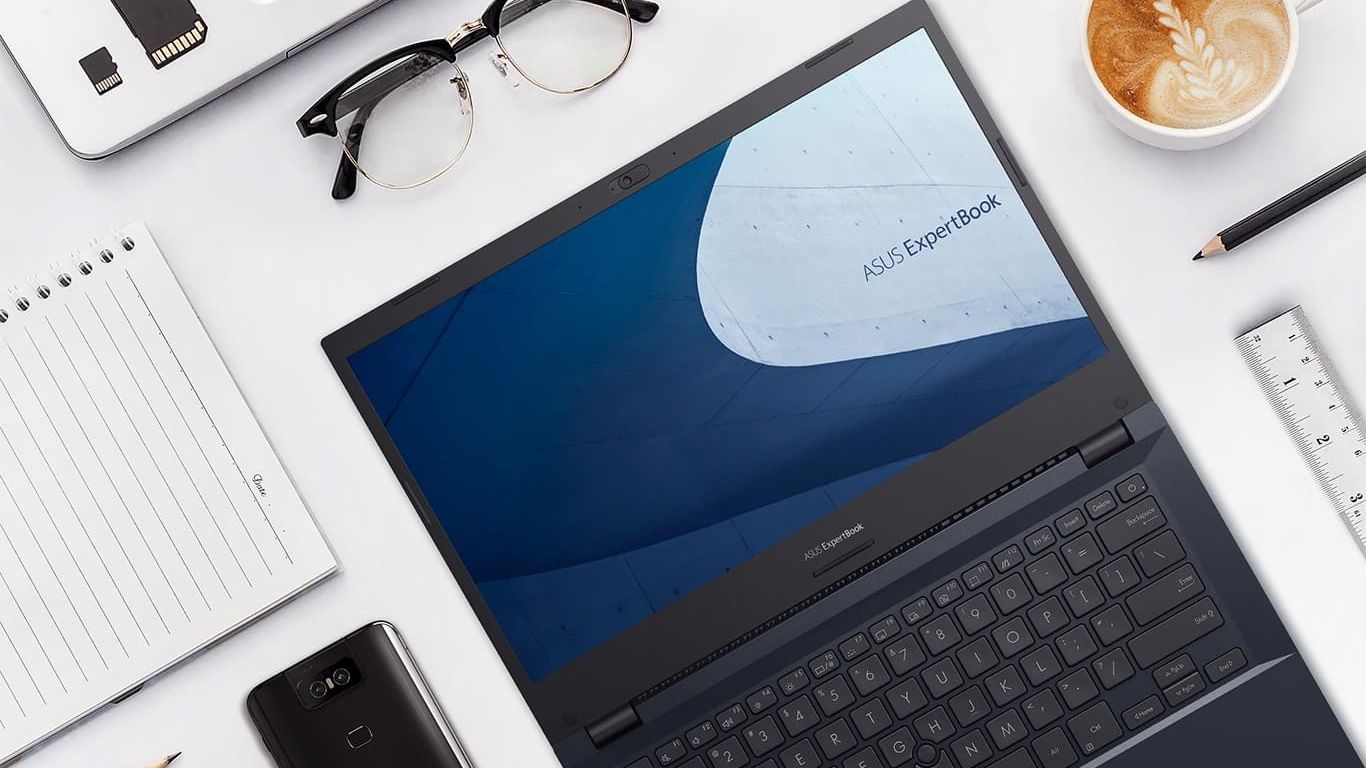
ASUS is not usually recognized for its business-centric devices. Through the years, the brand has become synonymous with gaming on the go, as well as style. This is thanks to their ROG and ZenBook subbrands. Today, we will show you something different. The device in question is the ExpertBook P2 P2451, and its ultimate goal is to attract small and large businesses to the brand, and show them that ASUS can be a viable choice in a world of ThinkPads, Latitudes, and EliteBooks.Looking at the specs sheet, we see that the ExpertBook P2 P2451 isn't exactly sitting on the cutting edge of technol[...]
長所
- 2x SODIMM slots, 1x M.2 slot, 1x 2.5-inch bay
- Great battery life
- Privacy shutter and fingerprint reader
- MicroSD card slot and a VGA port
- No aggressive PWM (Innolux N140HGA-EA1 (CMN14E5))
- Steel reinforcement of the chassis
- Abundance of ports
短所
- Old CPUs
- Narrow viewing angles and poor contrast ratio (Innolux N140HGA-EA1 (CMN14E5))
- 52% of sRGB coverage (Innolux N140HGA-EA1 (CMN14E5))