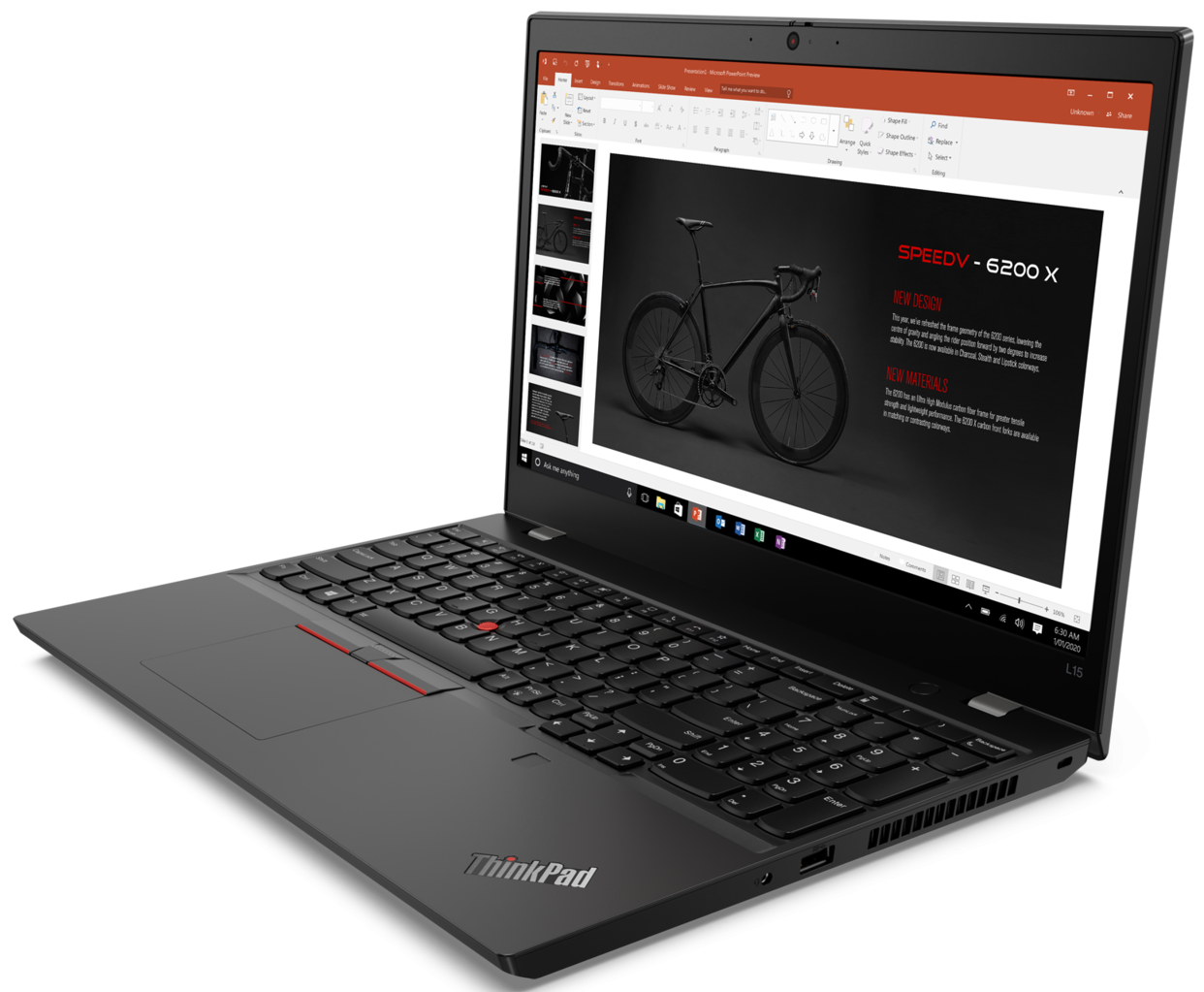
Lenovo ThinkPad L15 Gen 1 (Intel)
Lenovo ThinkPad L15 Gen 1 (Intel) - スペック

- HDD/SSD
- 最大 2000GB SSD + 最大 2000GB HDD
- M.2スロット
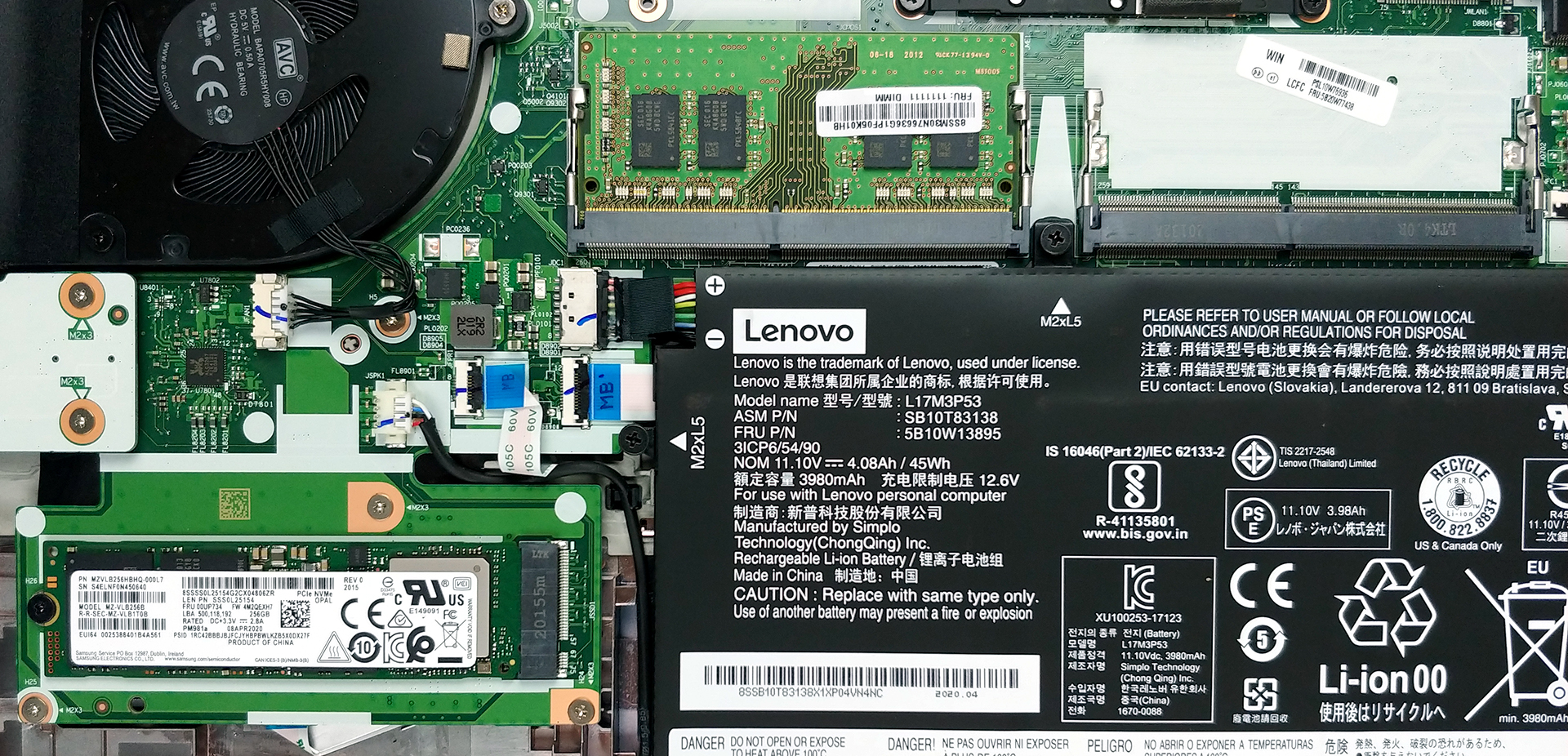
- 1x 2280 PCIe NVMe 3.0 x4 写真を見る
- RAM
- up to 64GB
- OS
- Windows 10 Pro, Windows 11 Pro, Windows 10 Home
- バッテリー
- 45Wh, 3-cell, 45Wh
- 本体素材
- Plastic / Polycarbonate
- 寸法
- 366.5 x 250 x 21 mm (14.43" x 9.84" x 0.83")
- 重量
- 1.98 kg (4.4 lbs)
- ポートと接続性
- 2x USB Type-A
- 3.2 Gen 1 (5 Gbps)
- 1x USB Type-C
- 3.2 Gen 1 (5 Gbps), Power Delivery (PD), DisplayPort
- 1x USB Type-C
- 3.2 Gen 2 (10 Gbps), Power Delivery (PD), DisplayPort
- HDMI
- 1.4b
- カードリーダー
- MicroSD
- Wi-Fi
- 802.11ax
- Bluetooth
- 5.0
- オーディオジャック
- 3.5 mm combo
- Docking Connector
- 特徴
- 指紋リーダー
- optional
- Webカメラ
- HD
- バックライトキーボード
- optional
- マイク
- Dual Array Microphone
- スピーカー
- 2x 2W, Dolby Atmos
- 光学ドライブ
- セキュリティロックスロット
すべて Lenovo ThinkPad L15 Gen 1 (Intel) 構成
...用のプロファイルを購入 Innolux N156HCA-EAB / 15.6”, Full HD (1920 x 1080), IPS
効率的で健康に優しいプロファイルを受け取ることに加え、LaptopMediaの製品を購入することで、可能な限り客観的なレビューを作成するためにデバイスをテストする私たちのラボの開発を支援することにもなります。

Office Work
Office Workは、テキストや表を見たり、ウェブサーフィンにほとんどの時間を費やすユーザーに主に使用されるべきです。このプロファイルは、フラットなガンマカーブ(2.20)、ネイティブな色温度、知覚的に正確な色を維持することで、より良い鮮明さと明瞭さを提供することを目指しています。

Design and Gaming
このプロファイルは、プロとして色を扱うデザイナーや、ゲームや映画向けです。Design and Gamingは、ディスプレイパネルの性能を最大限に引き出し、WebおよびHDTVのsRGB IEC61966-2-1規格(D65ホワイトポイント)で可能な限り正確な色を再現します。

3つのプロファイルをすべて33%割引で入手

CPU性能
ここでは、すべてのCPUに搭載されているCPUの価格/性能差を確認することができます。 Lenovo ThinkPad L15 Gen 1 (Intel) シリーズ.
結果はCinebench R23のCPUテストによるもの(スコアが高いほど優れています)
GPU性能
ここでは、すべてのCPUに搭載されているGPUの価格/性能差を確認することができます。 Lenovo ThinkPad L15 Gen 1 (Intel) シリーズ.
結果は3DMark Time Spy (Graphics)のものです。数値が高いほど良い。
Lenovo ThinkPad L15 Gen 1 (Intel) 詳細なレビュー
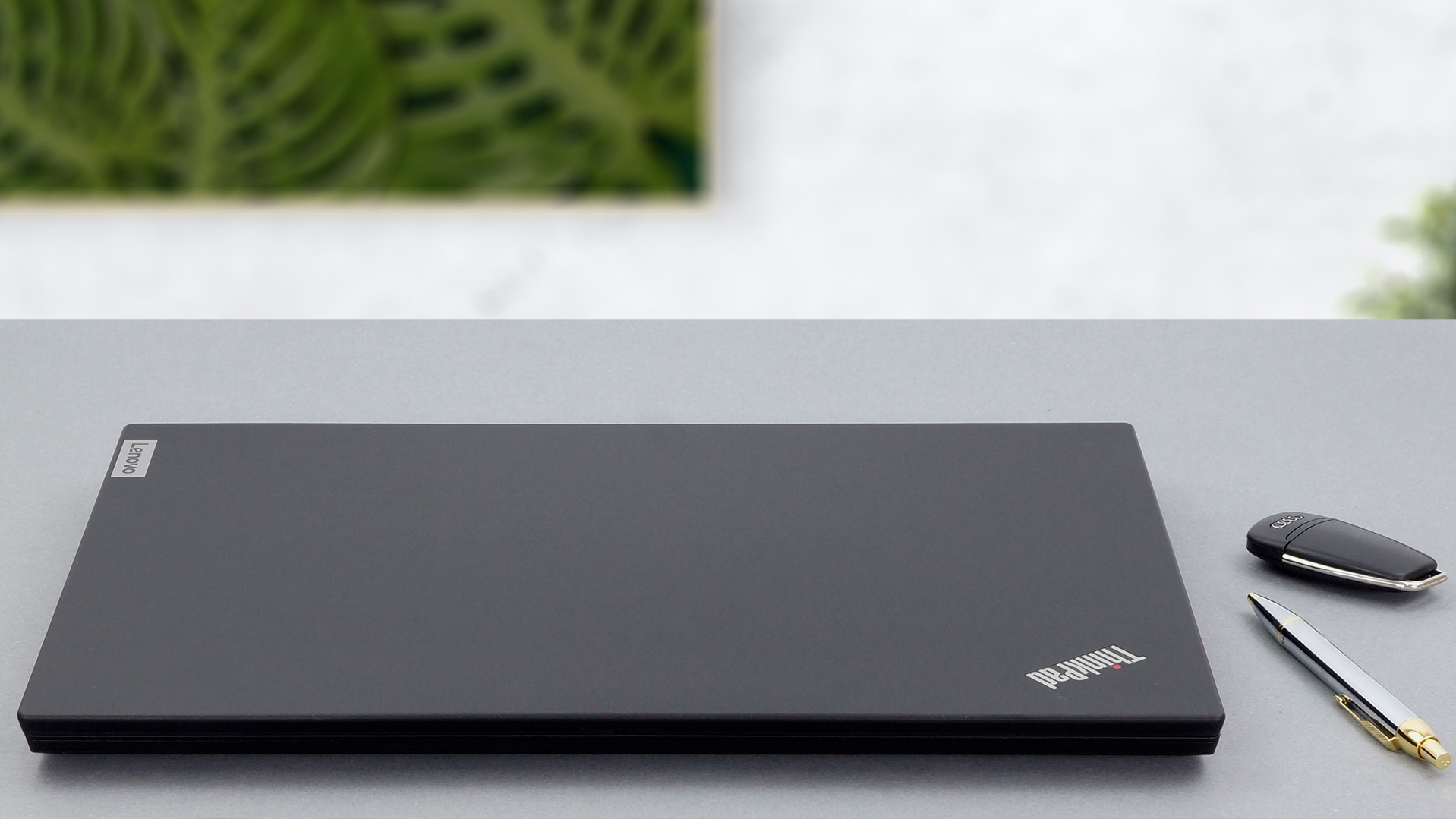
Following Lenovo's major rebranding scheme on pretty much all of their lineups, we are keen to show you the ThinkPad L15. Ultimately, it is a successor to the ThinkPad L590. Interestingly, apart from the minor processor upgrade, we see nothing too different between the two. However, we're going to check in more in-depth just to be sure.One thing is certain, though. The ThinkPad L15 is a laptop that is going to be used in plenty of offices. Its simple and industrial design is definitely one of the features that please companies all over the world. However, the most important of them all is[...]
長所
- Pleasant spill-resistant keyboard with long travel and clicky feedback
- Broad I/O connectivity
- Good battery life
- Charges with USB Type-C
- Doesn't use PWM to adjust its brightness (N156HCE-EAB (LEN40BA))
- Supports up to 64GB of DDR4 memory, as well as PCIe x4 SSDs, and LTE (on some models)
短所
- Basically a mild refresh over the ThinkPad L590
- Plastic body
- No Thunderbolt support
- Covers only 54% of sRGB (N156HCE-EAB (LEN40BA))


![[2026年8月] Amazon Global:ノートPC売上ランキングトップ10――Appleの「MacBook Neo」がチャートを席巻する一方、低価格帯および中価格帯のWindowsノートPCは販売台数をめぐって熾烈な争いを繰り広げている](https://laptopmedia.com/wp-content/uploads/2026/09/Best-Selling-Laptops-GLOBAL-Top-10-400x225.jpg)
![[2026年8月] Amazonグローバルにおけるノートパソコンのベストセラーブランド――売上高ではAppleが首位、機種の豊富さではHPがトップ](https://laptopmedia.com/wp-content/uploads/2026/09/GLOBAL-Best-Brands-400x225.jpg)
![[2026年8月] Amazon Global:ゲーム用ノートPC売上ランキングトップ10――HP Victus 15が首位を獲得、手頃な価格帯のモデルがランキングを席巻](https://laptopmedia.com/wp-content/uploads/2026/09/Best-Selling-Gaming-Laptops-GLOBAL-Top-10-400x225.jpg)
![[2026年8月] Amazon.co.jpで最も売れているノートパソコンブランド――Appleが販売台数の好調を背景に、市場シェアと売上高で首位を独占](https://laptopmedia.com/wp-content/uploads/2026/09/CO.JP-Best-Brands-1-400x225.jpg)
![[August 2026] Best-Selling Laptop Brands on Amazon USA – Apple Dominates Market Revenue and Volume Despite Lower Model Diversity](https://laptopmedia.com/wp-content/uploads/2026/09/COM-Best-Brands-1-400x225.jpg)