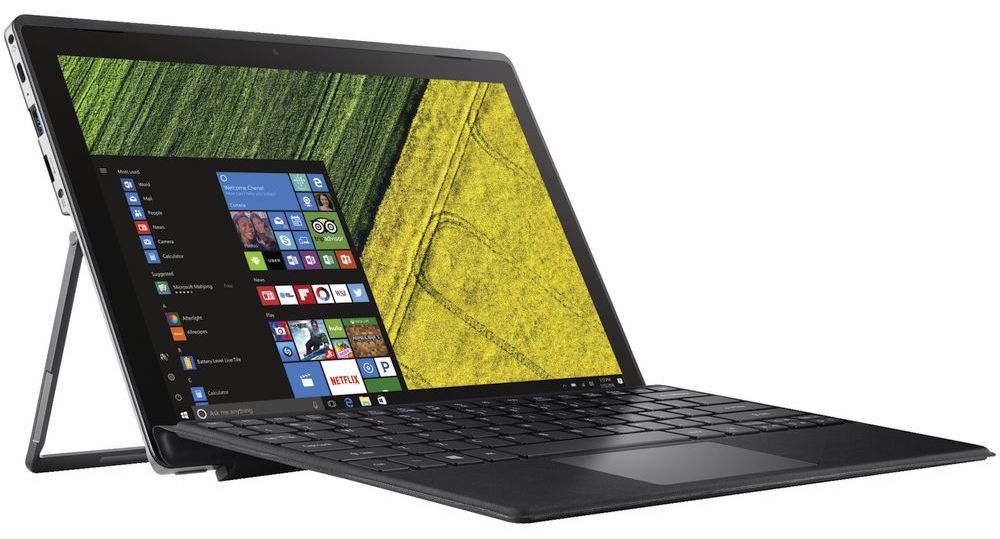
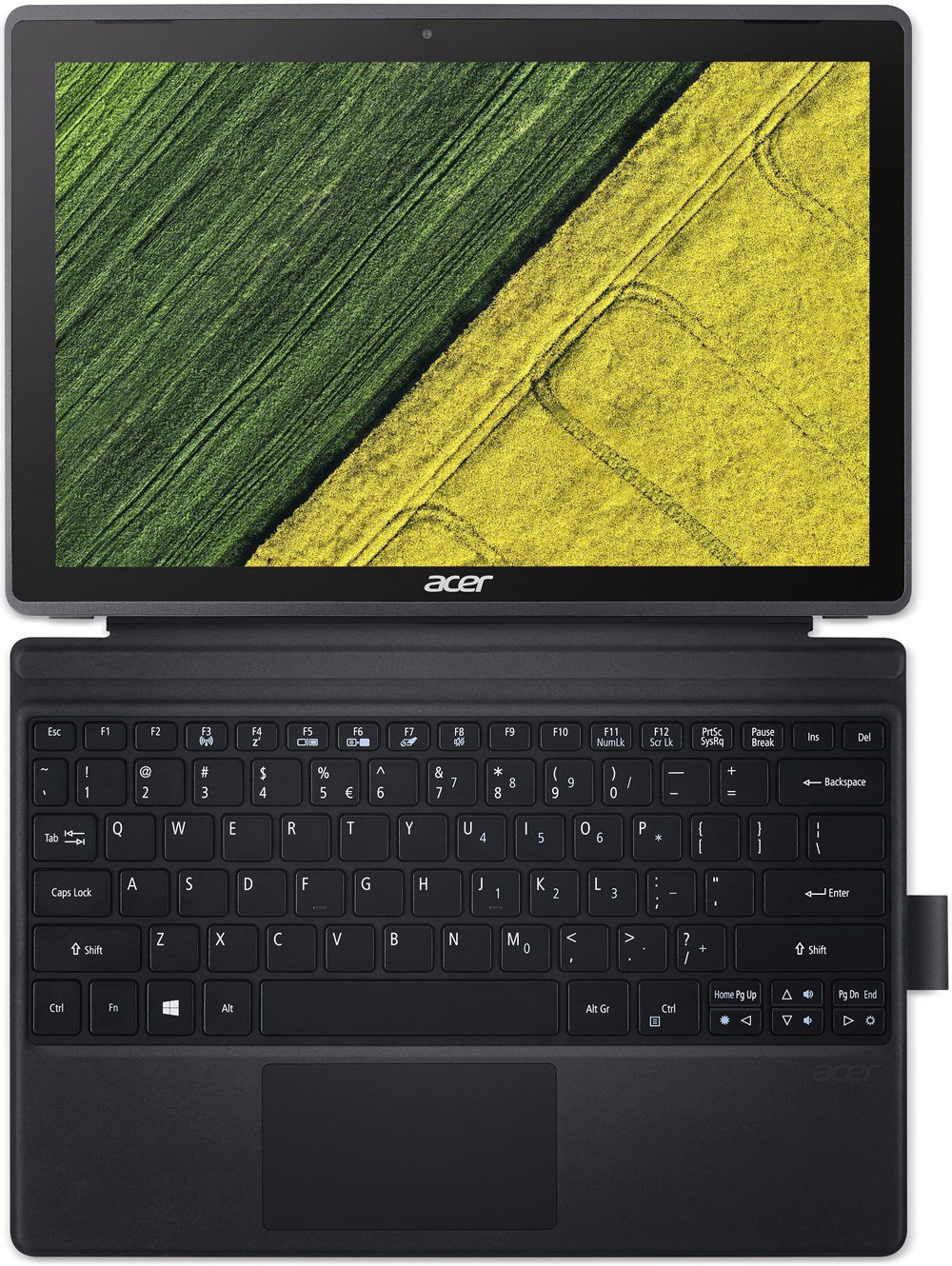
Acer Switch 3

- Date Published: 12 Feb 2021
- Intel Celeron N3350
- Intel HD Graphics 500 (Apollo Lake)
- 12.2", FHD (1920 x 1200), IPS
- 64GB SSD
- 4GB DDR3
- 0.90 kg (2 lbs)
Review
Acer Switch 3 in-depth review
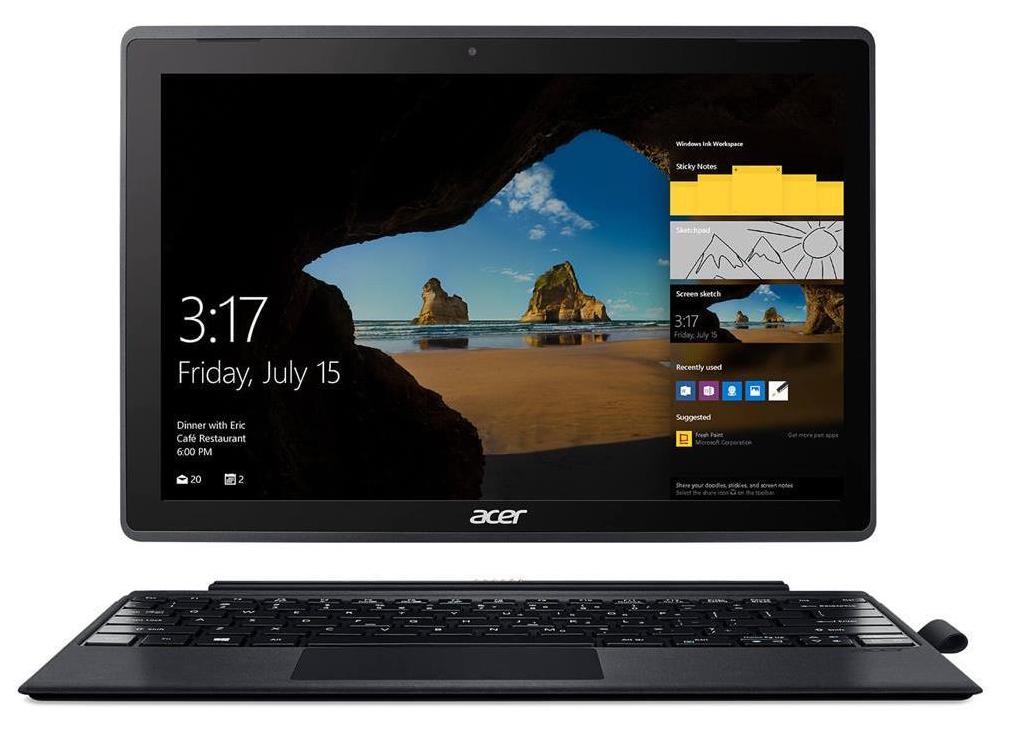
Today we are looking at a more different type of product. A tablet computer, to be more precise. These devices are on the top of the size/portability/versatility table, and that's why we are going to review today a member of the budget Switch series by Acer. Acer Switch 3 (SW312-31) is the exact name of the device. It has a stylish shell that features a mobile chipset, touchscreen and a few presents inside the box.The mobile chipset we're talking about is made by Intel - Pentium N4200 - а four core/four thread CPU, working at a base frequency of 1.10 GHz and a burst frequency of 2.50 GHz. The processor also has 2 MB of L2 cache. Additionally, the Switch 3 (SW312-31) is equipped with 4 GB of LPDDR3 RAM, working on speeds of 1866 MHz. As far as the storage of the device is concerned, we[...]
Read the full review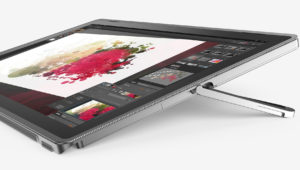
Pros
- Aluminum design and sturdy chassis
- Bright Full HD IPS panel
- External keyboard and a stylus in the package
- Good battery life
- Almost no sign of thermal throttling
Cons
- Mediocre hardware
- Poor speakers
- Brightness is PWМ-controlled for all levels (fixed by our profiles)
DISPLAY: 12.0-inch, 1920 x 1200, IPS
- Name
- KD122N0439A04
- Diagonal
- 12.0"
- Pixel density
- 188.68 ppi
- Brightness
- 325 cd/m2
- sRGB
- 86%%
- Panel Type
- IPS
- Resolution
- 1920 x 1200
- Becomes "Retina" from
- 18 inches (46 cm)
- Contrast
- 900:1
- dE Color Checker
- 2.8 2.0

Buy our profiles for KD122N0439A04
In addition to receiving efficient and health-friendly profiles, by buying LaptopMedia's products you also support the development of our labs, where we test devices in order to produce the most objective reviews possible.

Office Work
Office Work should be used mostly by users who spend most of the time looking at pieces of text, tables or just surfing. This profile aims to deliver better distinctness and clarity by keeping a flat gamma curve (2.20), native color temperature and perceptually accurate colors.

Design and Gaming
This profile is aimed at designers who work with colors professionally, and for games and movies as well. Design and Gaming takes display panels to their limits, making them as accurate as possible in the sRGB IEC61966-2-1 standard for Web and HDTV, at white point D65.

Health-Guard
Health-Guard eliminates the harmful Pulse-Width Modulation (PWM) and reduces the negative Blue Light which affects our eyes and body. Since it’s custom tailored for every panel, it manages to keep the colors perceptually accurate. Health-Guard simulates paper so the pressure on the eyes is greatly reduced.



![[October 2026] Amazon Italy: Top 10 Best-Selling Laptops – ASUS Vivobook 15 Takes the Crown as Productivity and Value Dominate the Market](https://laptopmedia.com/wp-content/uploads/2026/11/Best-Selling-Laptops-IT-Top-10-400x225.jpg)
![[October 2026] Amazon Italy: Top 5 Best-Selling Gaming Laptops – HP OMEN 16 Claims the Crown While Mid-to-High Tier Models Dominate](https://laptopmedia.com/wp-content/uploads/2026/11/Best-Selling-Gaming-Laptops-IT-Top-10-400x225.jpg)
![[October 2026] Best-Selling Laptop Brands on Amazon Italy – ASUS Dominates Revenue While HP Leads in Unit Sales](https://laptopmedia.com/wp-content/uploads/2026/11/IT-Best-Brands-400x225.jpg)
![[October 2026] Amazon India: Top 10 Best-Selling Laptops – Apple MacBook Neo Dominates the Market with Massive Unit Sales](https://laptopmedia.com/wp-content/uploads/2026/11/Best-Selling-Laptops-IN-Top-10-400x225.jpg)
![[October 2026] Amazon India: Top 10 Best-Selling Gaming Laptops – HP Victus 15 Dominates the Market with Massive Unit Sales](https://laptopmedia.com/wp-content/uploads/2026/11/Best-Selling-Gaming-Laptops-IN-Top-10-400x225.jpg)
