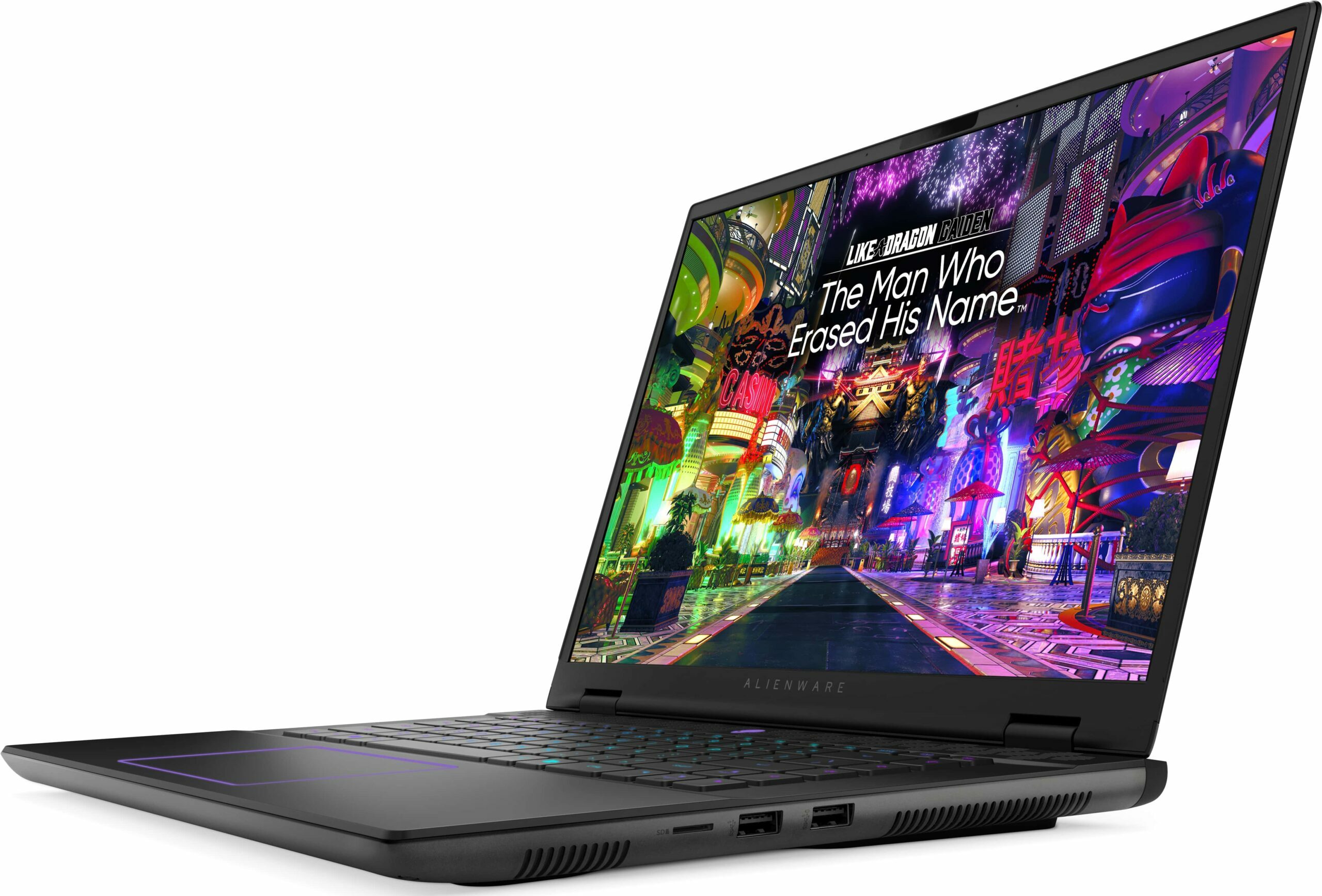
Alienware m16 R2


- Date Published: 05 Nov 2024
- Intel Core Ultra 7 155H
- NVIDIA GeForce RTX 4070 (Laptop, 140W)
- 16.0", WQXGA (2560 x 1600), 240 Hz, IPS
- 4000GB SSD
- 48GB RAM
- 2.60 kg (5.7 lbs)
Review
Alienware m16 R2 in-depth review
These days, 16-inchers are on the rise and some of them (like the ASUS G634 or MSI Vector 16 HX A13V) offer the same performance as their 18-inch versions. The Alienware m16 R2 is the smaller variant of the behemoth-looking Alienware m18 R2. The latter offers great overall power and comfort under load. It'll be interesting to see if the m16 R2 can achieve the same result.For starters, this laptop relies on 28W Intel Meteor Lake chips while the bigger version has Raptor Lake-HX CPU options that are definitely more powerful and thirsty at the same time. Alienware has fitter a big thermal system inside the chassis so we can probably expect good clocks under heavy loads. You can choose from three NVIDIA Ada Lovelace GPUs, the top dog is the RTX 4070 with a max TGP of 140W.The display i[...]
Read the full review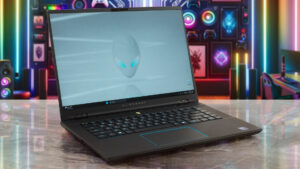
Pros
- Rigid premium build
- Thin profile for such hardware
- Capable thermal solution
- High CPU frequencies under max load (3.45 GHz / 2.92 GHz P and E-core clock)
- Wide viewing angles (AUO75AB)
- Snappy pixel response times of 7 ms (AUO75AB)
- PWM-free (AUO75AB)
- 100% sRGB coverage + accurate colors with our "Design and Gaming" profile (AUO75AB)
- 2x SODIMMs + 2x M.2 slots
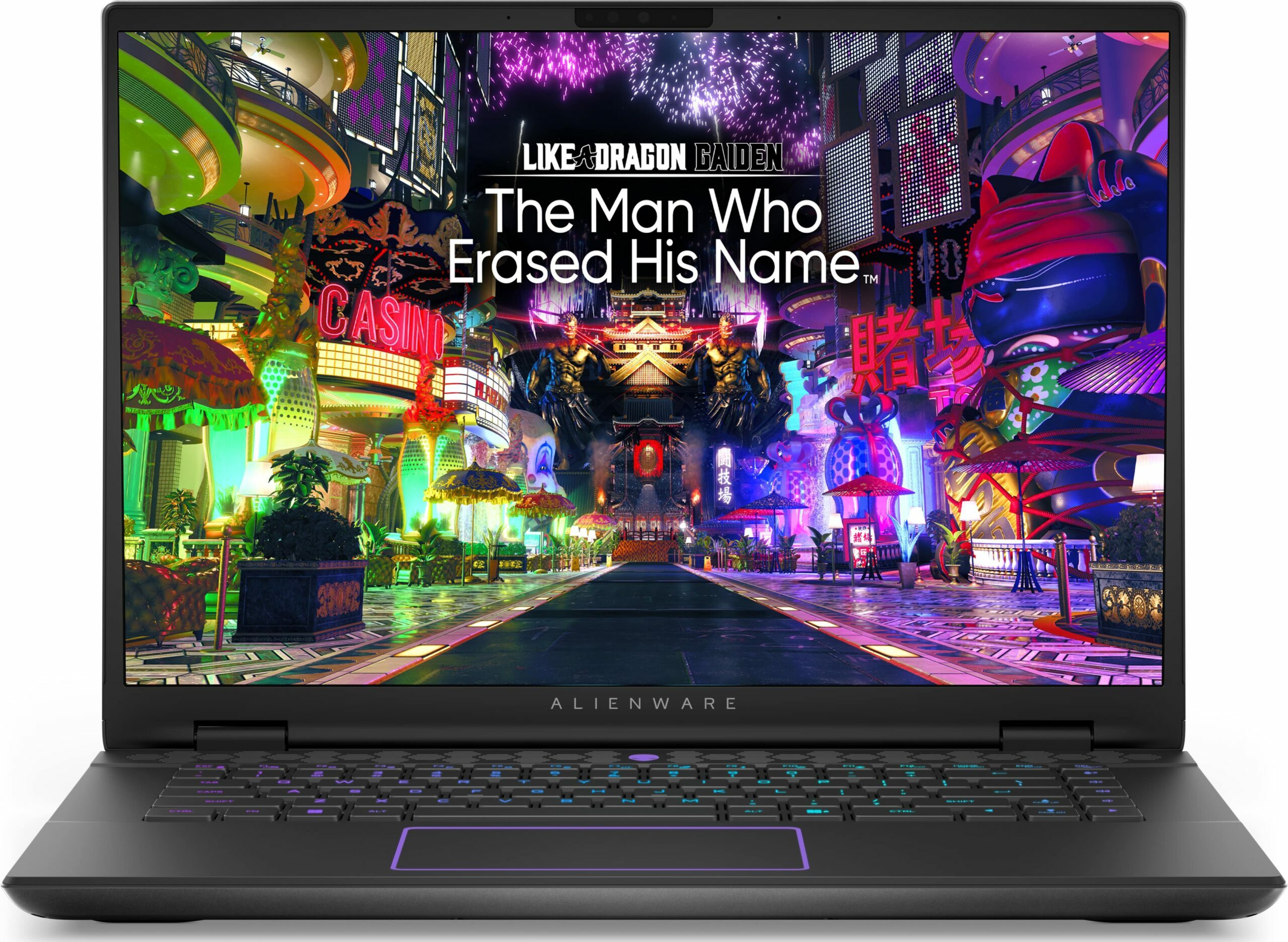
- Comfortable keyboard
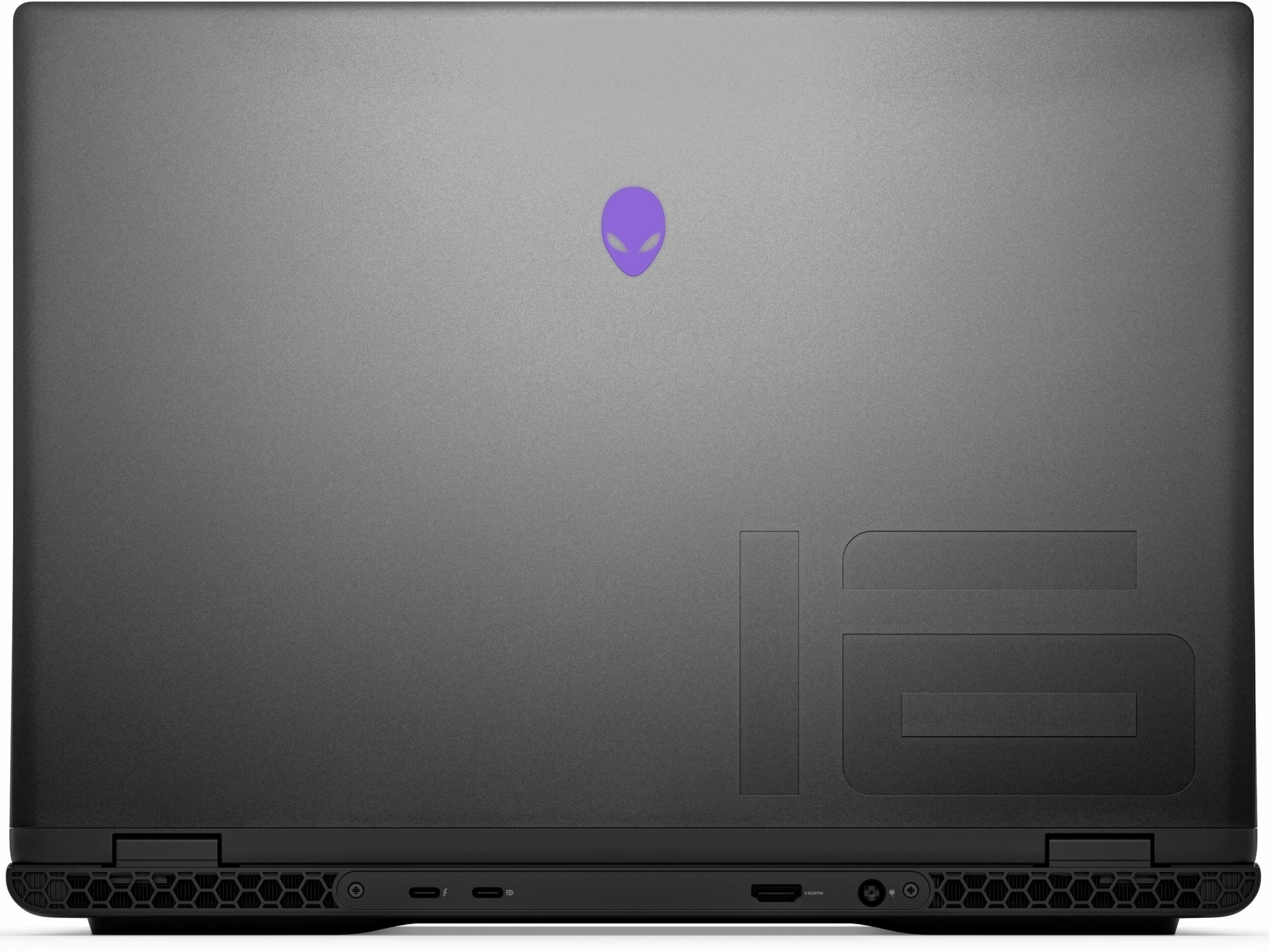
- Good port selection
- The fans aren't loud in "Performance" mode
- Low noise and a 115W GPU TGP in "Balanced" mode
- Decent battery life given the 1600p display and the powerful hardware
- The Alienware Command Center app is full of useful extras
- Offers NVIDIA Advanced Optimus, G-Sync + MUX switch
Cons
- High price
- Some competitors offer HX-series CPUs
- No Gen 5 SSD slots
- The touchpad isn't something special
Disassembly, maintenance and upgrade options
Opening the DeviceUndo the 8 Phillips-head screws securing the bottom panel. The captive screws in the front corners will slightly raise the panel up, providing a good starting point. Place a thin plastic tool between the base and the panel and start popping the plate slowly, step by step. Avoid prying the back. Lift the front of the metal plate, push it forward, and lift it away from the chassis.More info: Here's how the bottom plate looks on the inside.Battery RemovalPull out the battery connector from the mainboard. Undo the 8 Phillips-head screws se[...]
Read more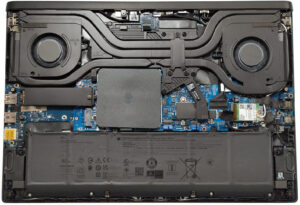
DISPLAY: 16.0-inch, 2560 x 1600, IPS
- Name
- AUO XC0PX-B160QAN (AUO75AB)
- Diagonal
- 16.0"
- Pixel density
- 188.68 ppi
- Brightness
- 320 cd/m2
- sRGB
- 100%
- Panel Type
- IPS
- Resolution
- 2560 x 1600
- Becomes "Retina" from
- 18 inches (46 cm)
- Contrast
- 1330:1
- dE Color Checker
- 2.3 1.3

Buy our profiles for AUO XC0PX-B160QAN (AUO75AB)
In addition to receiving efficient and health-friendly profiles, by buying LaptopMedia's products you also support the development of our labs, where we test devices in order to produce the most objective reviews possible.

Office Work
Office Work should be used mostly by users who spend most of the time looking at pieces of text, tables or just surfing. This profile aims to deliver better distinctness and clarity by keeping a flat gamma curve (2.20), native color temperature and perceptually accurate colors.

Design and Gaming
This profile is aimed at designers who work with colors professionally, and for games and movies as well. Design and Gaming takes display panels to their limits, making them as accurate as possible in the sRGB IEC61966-2-1 standard for Web and HDTV, at white point D65.

Health-Guard
Health-Guard eliminates the harmful Pulse-Width Modulation (PWM) and reduces the negative Blue Light which affects our eyes and body. Since it’s custom tailored for every panel, it manages to keep the colors perceptually accurate. Health-Guard simulates paper so the pressure on the eyes is greatly reduced.



![[October 2026] Best-Selling Laptop Brands on Amazon Global – Apple Dominates Revenue Despite HP Leading in Model Variety](https://laptopmedia.com/wp-content/uploads/2026/11/GLOBAL-Best-Brands-400x225.jpg)
![[October 2026] Amazon Global: Top 10 Best-Selling Laptops – Apple Dominates the Global Market as the M5-Powered MacBook Air 13 Claims the #1 Spot](https://laptopmedia.com/wp-content/uploads/2026/11/Best-Selling-Laptops-GLOBAL-Top-10-400x225.jpg)
![[October 2026] Amazon Global: Top 10 Best-Selling Gaming Laptops – HP Victus 15 Claims the Crown as Budget-Friendly Configurations Dominate Global Sales](https://laptopmedia.com/wp-content/uploads/2026/11/Best-Selling-Gaming-Laptops-GLOBAL-Top-10-400x225.jpg)
![[October 2026] Global Ranking of Best-Selling Laptop GPUs on Amazon – Apple M5 Dominates as NVIDIA’s RTX 5060 Leads Dedicated GPUs in October 2026](https://laptopmedia.com/wp-content/uploads/2026/11/Best-Selling-GPUs-GLOBAL-Top-10-400x225.jpg)
![[October 2026] Global Ranking of Best-Selling Laptop CPUs on Amazon – Apple’s M5 Dominates as Intel and AMD Battle for Scraps](https://laptopmedia.com/wp-content/uploads/2026/11/Best-Selling-CPUs-GLOBAL-Top-10-400x225.jpg)
