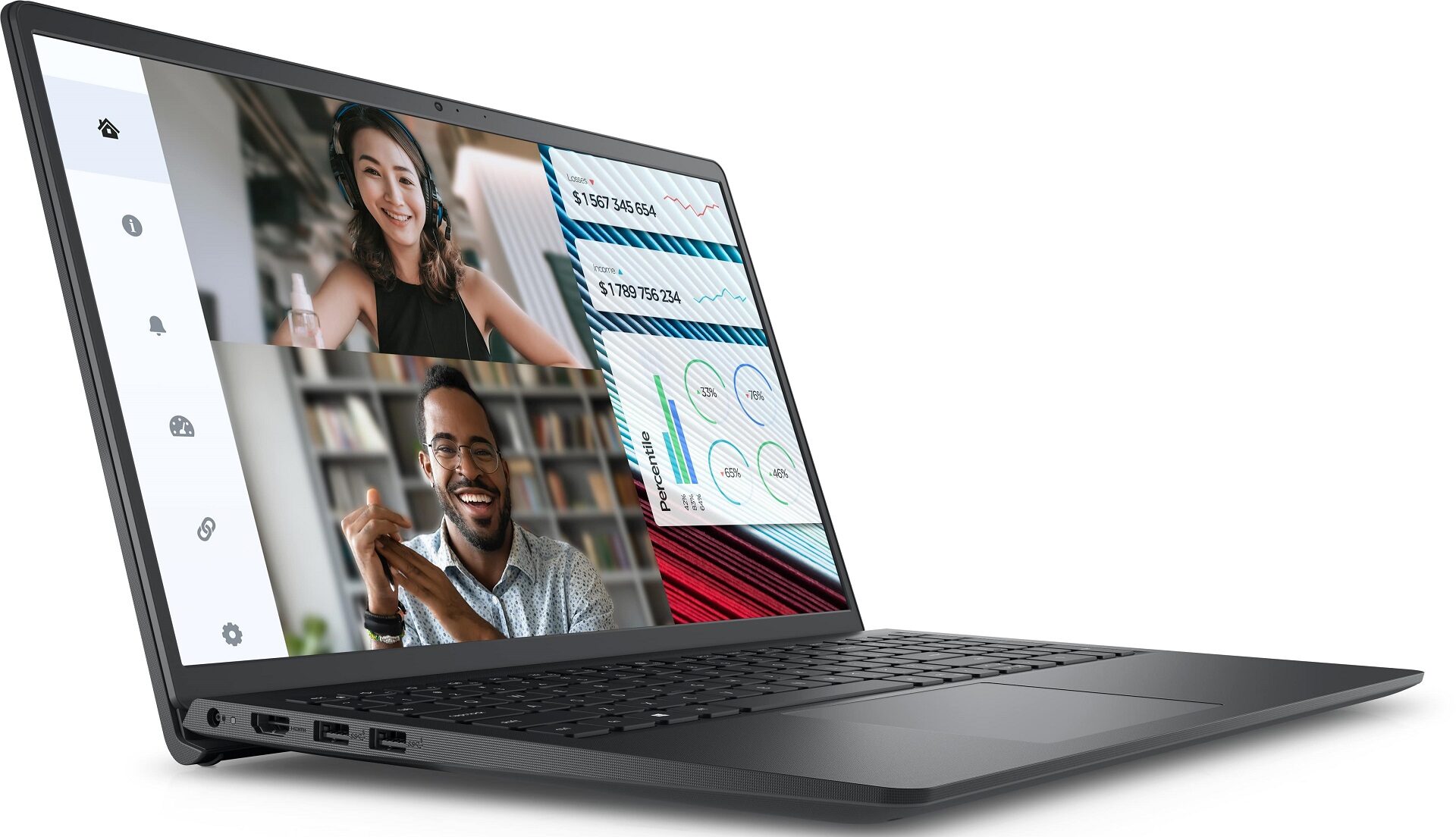
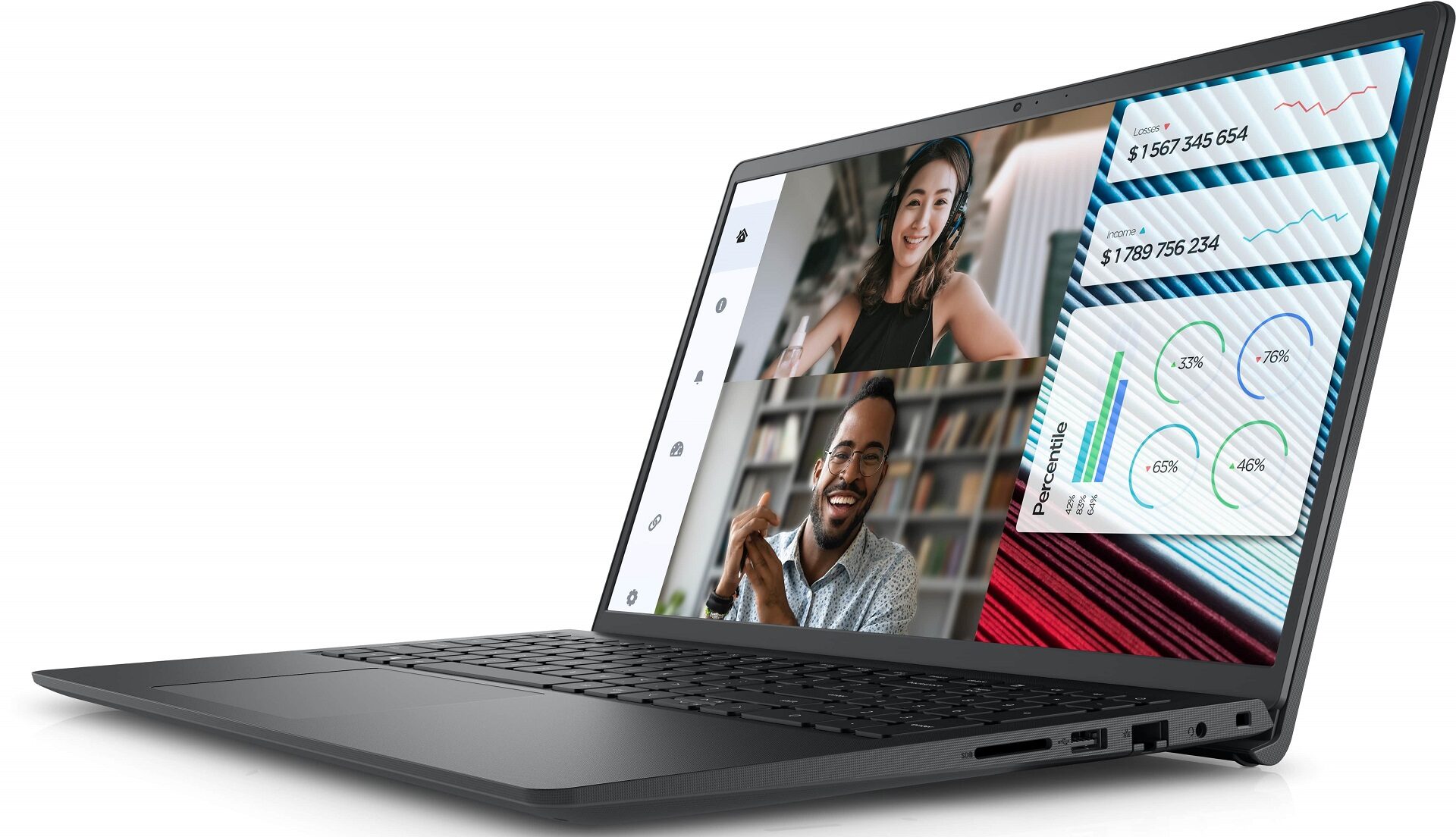
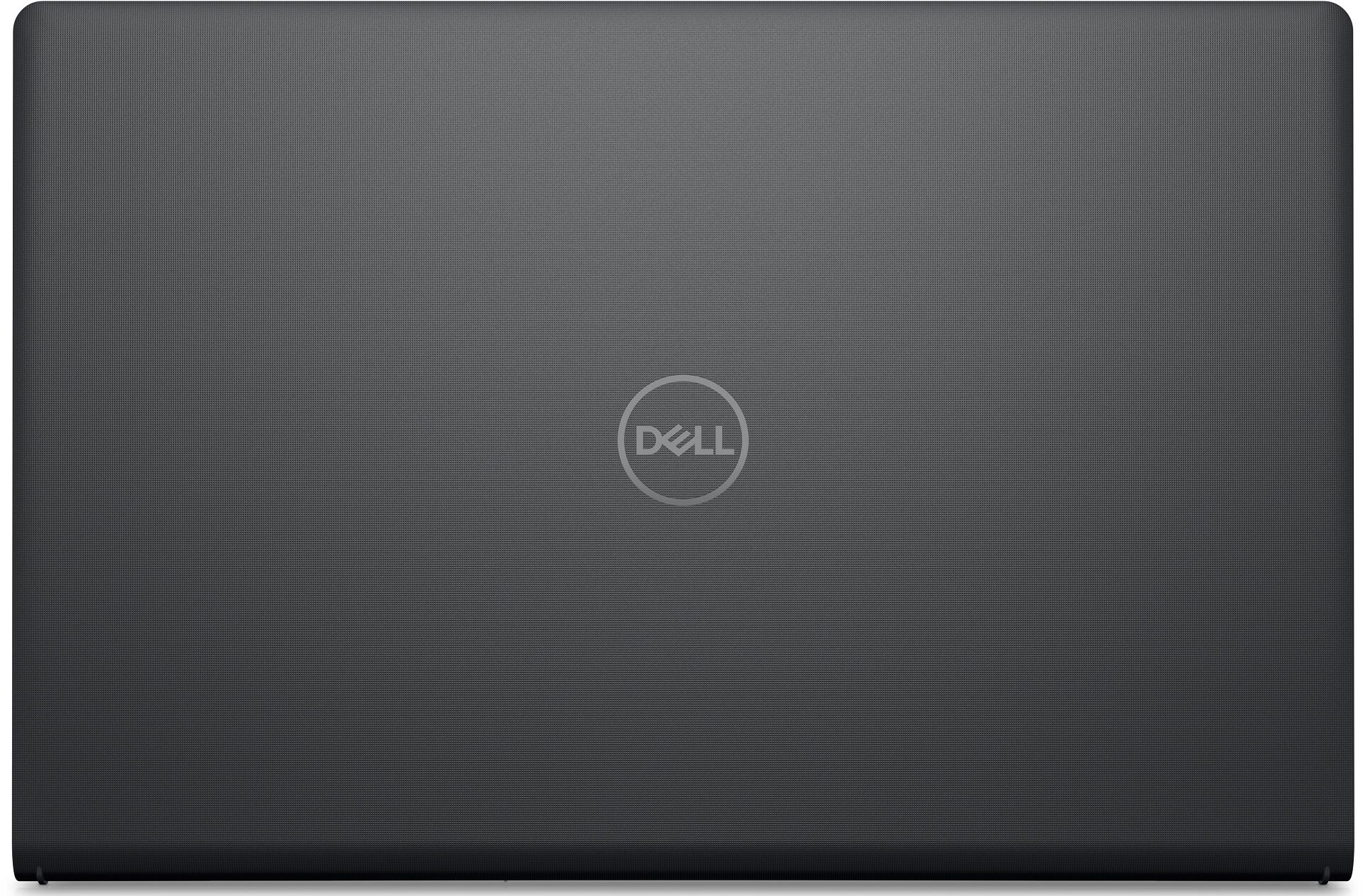
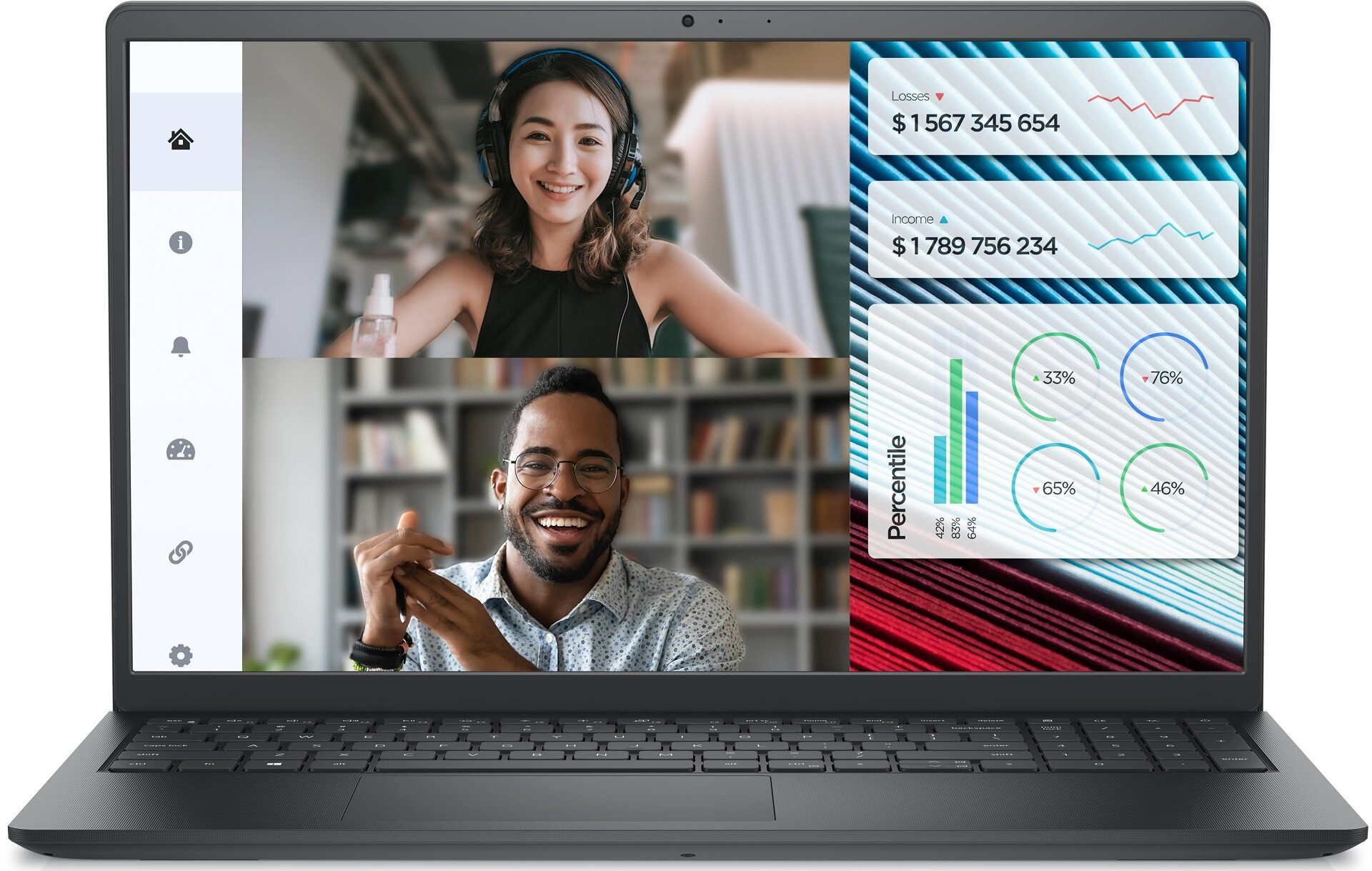
Dell Vostro 3520
- Date Published: 25 Apr 2024
- Intel Core i5-1235U
- Intel Iris Xe Graphics G7 (80EU)
- 15.6”, Full HD (1920 x 1080), 120 Hz, IPS
- 8000GB SSD
- 64GB RAM
- 1.63 kg (3.6 lbs)
Review
Dell Vostro 3520 in-depth review
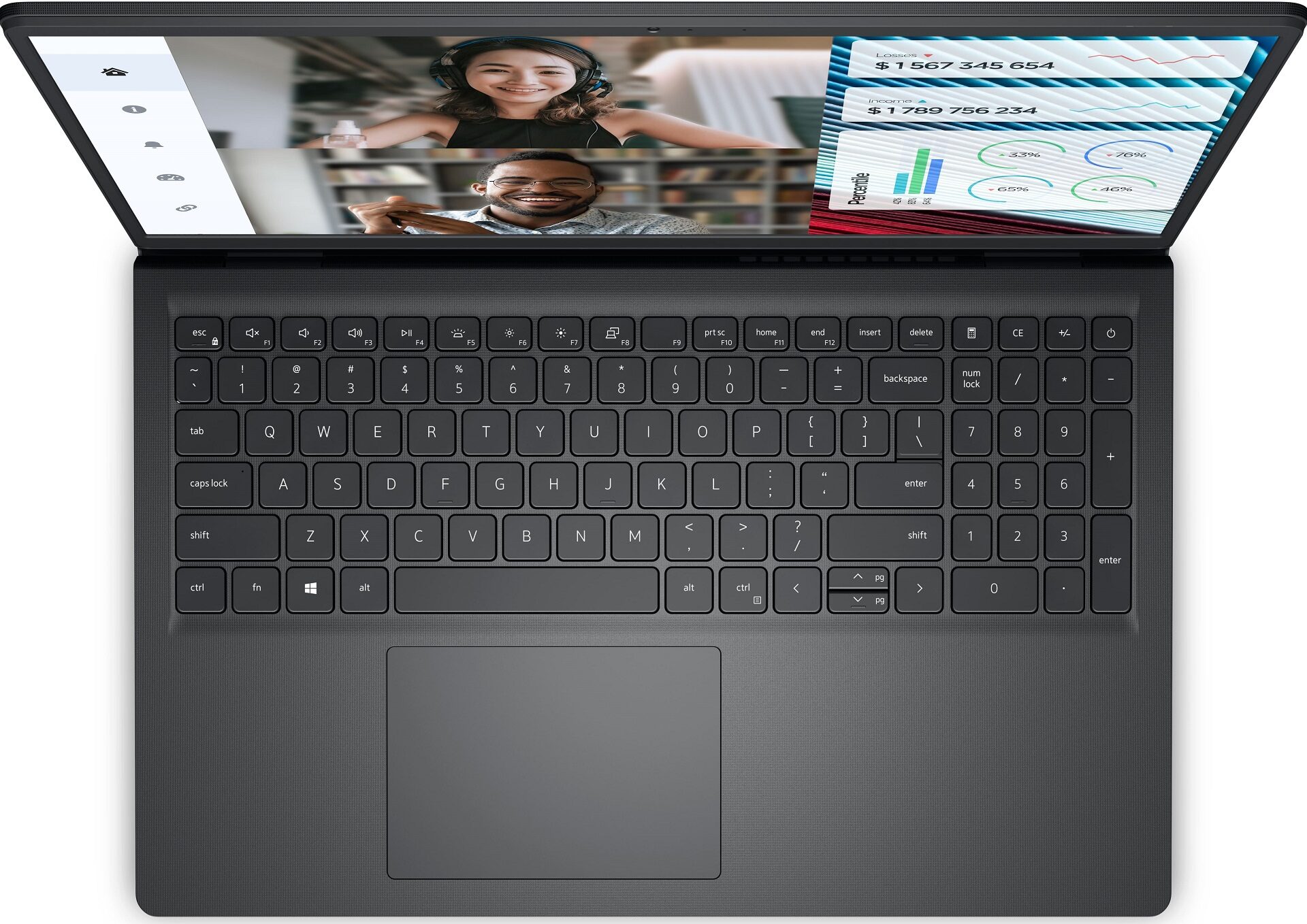
The Dell Vostro 3520 is an inexpensive machine that could be a decent daily driver or an office device. It has all the mandatory features for such usage. This includes a full-sized keyboard with a NumPad, three USB ports, an SD Card reader, and pretty good upgradability which is kind of unexpected for the budget class. Yep, you get SODIMMs and two storage slots, not bad!The base display is a 768p TN model. Avoid this one at all costs since it's a low-res screen with bad viewing angles and a low contrast ratio. The optional 1080p 120Hz panel is a way better choice. The high refresh rate also adds a bit of smoothness to your workflow.You can choose from a plethora of Tiger Lake or Alder Lake processors. Our advice is to get a machine with a 12th Core i3, i5, or i7 chip, depending on [...]
Read the full review
Pros
- The overall performance seems enough for normal work
- Good price / performance ratio
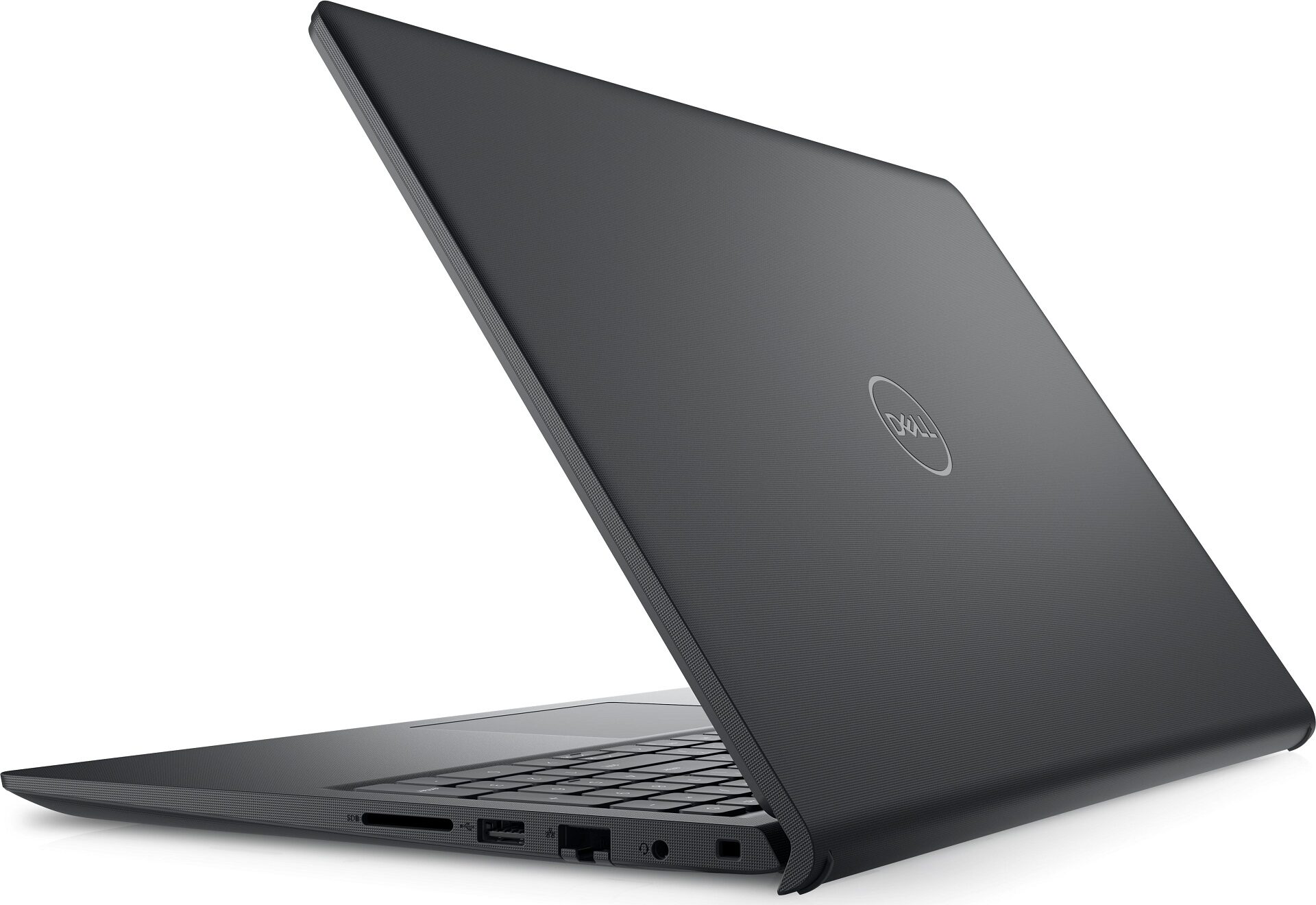
- Lid with a lever design
- Decent input devices
- No PWM (AUOED8F)
- Wide viewing angles (AUOED8F)
- 310 nits of max brightness and 1460:1 contrast ratio (AUOED8F)
- 3x USB ports + SD Card slot + LAN
- Good battery life given the 41Wh capacity (~ 7 hours of videos)
- Fingerprint reader (optional)
- The Core i3-1215U can sustain 2.61 GHz / 2.08 GHz P and E-core clock in long loads
- 3.41 GHz / 2.62 GHz CPU frequency in short loads
- 2x SODIMMs + replaceable Wi-Fi card
- The fan isn't too noisy during max CPU stress
- Decently fast 2230 SSD (Samsung BM9C1)
- 1x M.2 slot + SATA slot
- Available in an aluminum chassis
- ExpressCharge function
- Good sound quality
Cons
- Low sRGB coverage and max brightness (AUOED8F)
- High CPU temperatures in short and medium loads (88°C / 96°C)
- Not the best chassis rigidity with the plastic version of the laptop
- Some of the base configurations are tied with a W-Fi 5 cards, 768p display, four core CPUs, and a non-backlit keyboard
Disassembly, maintenance and upgrade options
Opening the Dell Vostro 3520 Hint: Power off the device and unplug all accessories before opening.Undo the eight Phillips-head screws on the bottom panel. The top two screws are captive and will slightly lift the panel once loosened. Pry one of the sides with a thin plastic tool, followed by the front and the other side. Finish by popping the rear—first the zones behind the hinges, then the area between them.More info: The bottom plate includes a dust filter in front of the ventilation grill to help reduce internal dust buildup.Battery Removal Caution: Handle [...]
Read more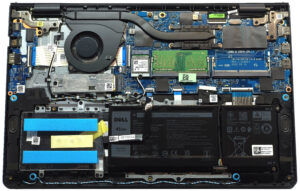
DISPLAY: 15.6-inch, 1920 x 1080, IPS
- Name
- 8FNMF-B156HAN (AUOED8F)
- Diagonal
- 15.6"
- Pixel density
- 141.21 ppi
- Brightness
- 310 cd/m2
- sRGB
- 52%
- Panel Type
- IPS
- Resolution
- 1920 x 1080
- Becomes "Retina" from
- 24 inches (62 cm)
- Contrast
- 1460:1
- dE Color Checker
- 4.8 4.2

Buy our profiles for 8FNMF-B156HAN (AUOED8F)
In addition to receiving efficient and health-friendly profiles, by buying LaptopMedia's products you also support the development of our labs, where we test devices in order to produce the most objective reviews possible.

Design and Office
The Design and Office profile makes display colors as close to real as possible.Ideal not only for professionals but also for everyday users, it meets sRGB standards (D65 white point, sRGB gamma) with minimal DeltaE for precise color reproduction on your panel.

Gaming and Movies
Have you ever watched a movie where, during dark scenes, you can barely see anything? Many displays fail to distinguish dark tones properly. Our Gaming and Movies profile enhances low-light performance, like HDR tech, using a gamma curve tailored to human perception — ideal for gamers seeking faster reactions and clearer visuals.

Health-Guard
Our Health-Guard profile protects your eyes by eliminating PWM flickering, reducing strain and fatigue, and minimizing harmful Blue light exposure that can disrupt sleep and health. It uses software dimming and a gamma curve tailored to human perception for comfort and safety during screen use.



![[August 2026] Global Ranking of Best-Selling Laptop GPUs on Amazon – Apple Reigns Supreme, NVIDIA’s RTX 5060 Tops Dedicated Chart](https://laptopmedia.com/wp-content/uploads/2026/09/Best-Selling-GPUs-GLOBAL-Top-10-400x225.jpg)
![[August 2026] Global Ranking of Best-Selling Laptop CPUs on Amazon – Apple Dominates Both Budget and Premium: A18 Pro and M5 Crush Intel and AMD in August 2026](https://laptopmedia.com/wp-content/uploads/2026/09/Best-Selling-CPUs-GLOBAL-Top-10-400x225.jpg)
![[August 2026] Amazon Global: Top 10 Best-Selling Laptops – Apple MacBook Neo Dominates the Charts as Budget and Mid-Range Windows Portables Fight for Volume](https://laptopmedia.com/wp-content/uploads/2026/09/Best-Selling-Laptops-GLOBAL-Top-10-400x225.jpg)
![[August 2026] Best-Selling Laptop Brands on Amazon Global – Apple Dominates Revenue While HP Leads in Model Variety](https://laptopmedia.com/wp-content/uploads/2026/09/GLOBAL-Best-Brands-400x225.jpg)
![[August 2026] Amazon Global: Top 10 Best-Selling Gaming Laptops – HP Victus 15 Captures the Crown as Budget-Friendly Models Dominate the Charts](https://laptopmedia.com/wp-content/uploads/2026/09/Best-Selling-Gaming-Laptops-GLOBAL-Top-10-400x225.jpg)
