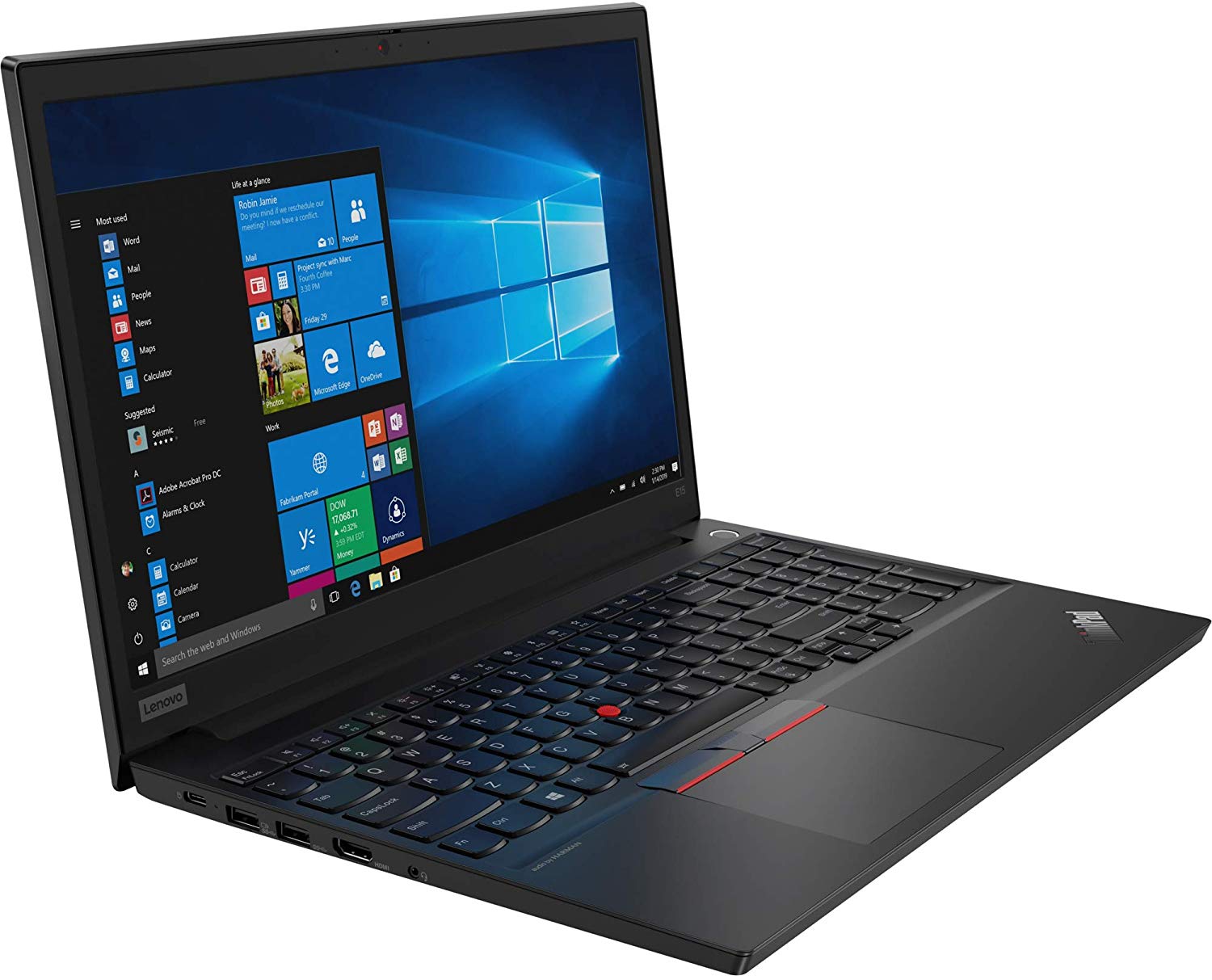
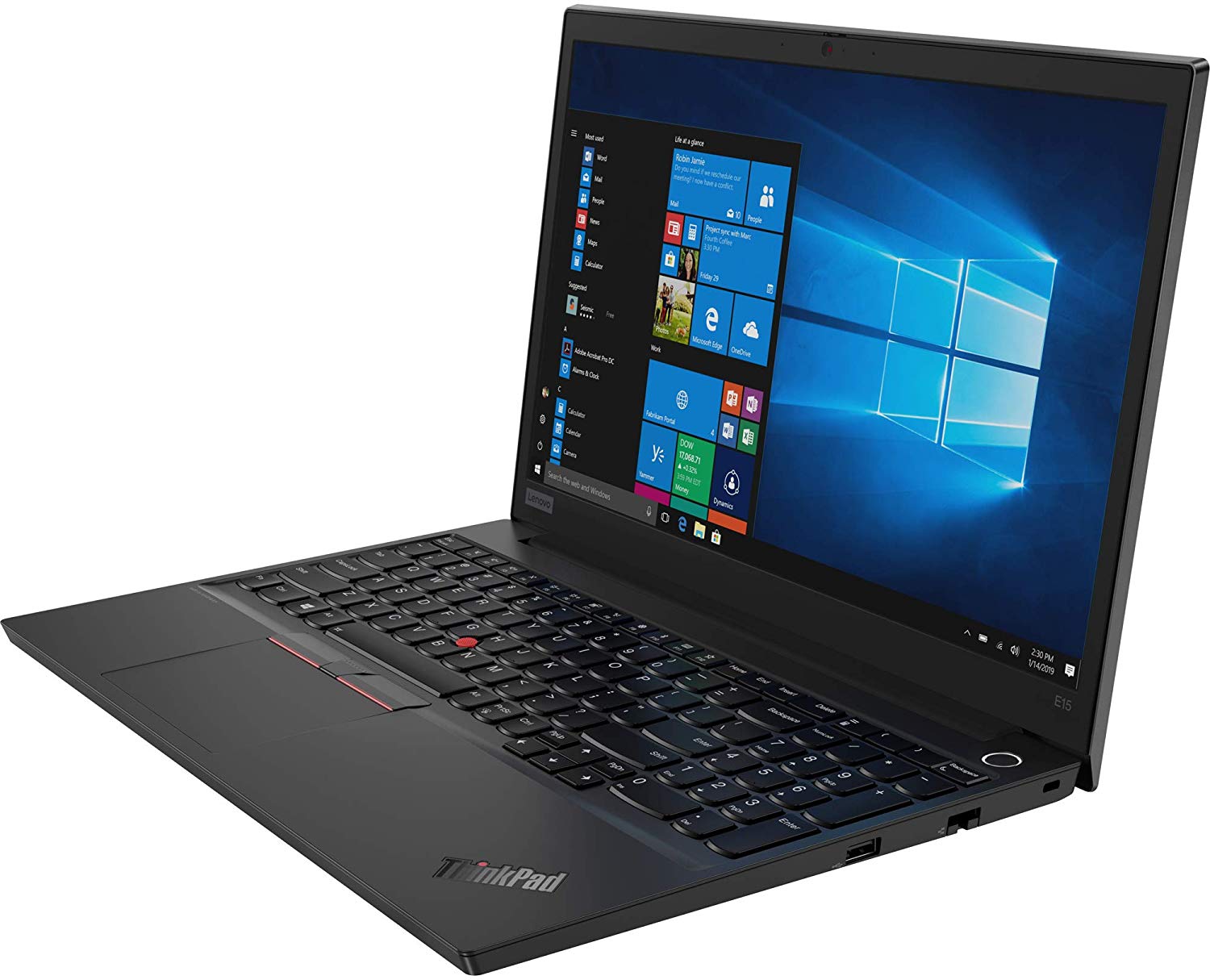
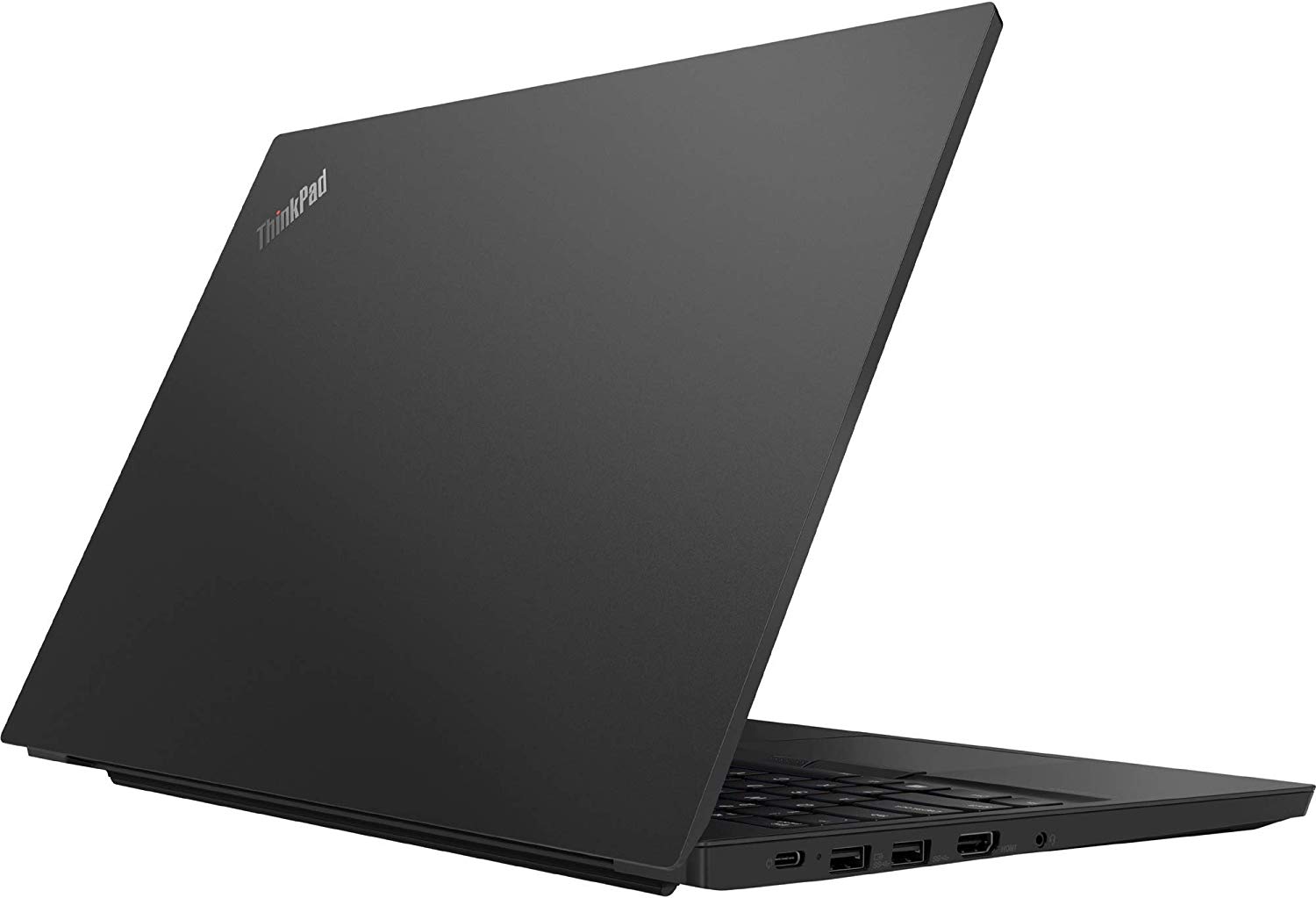
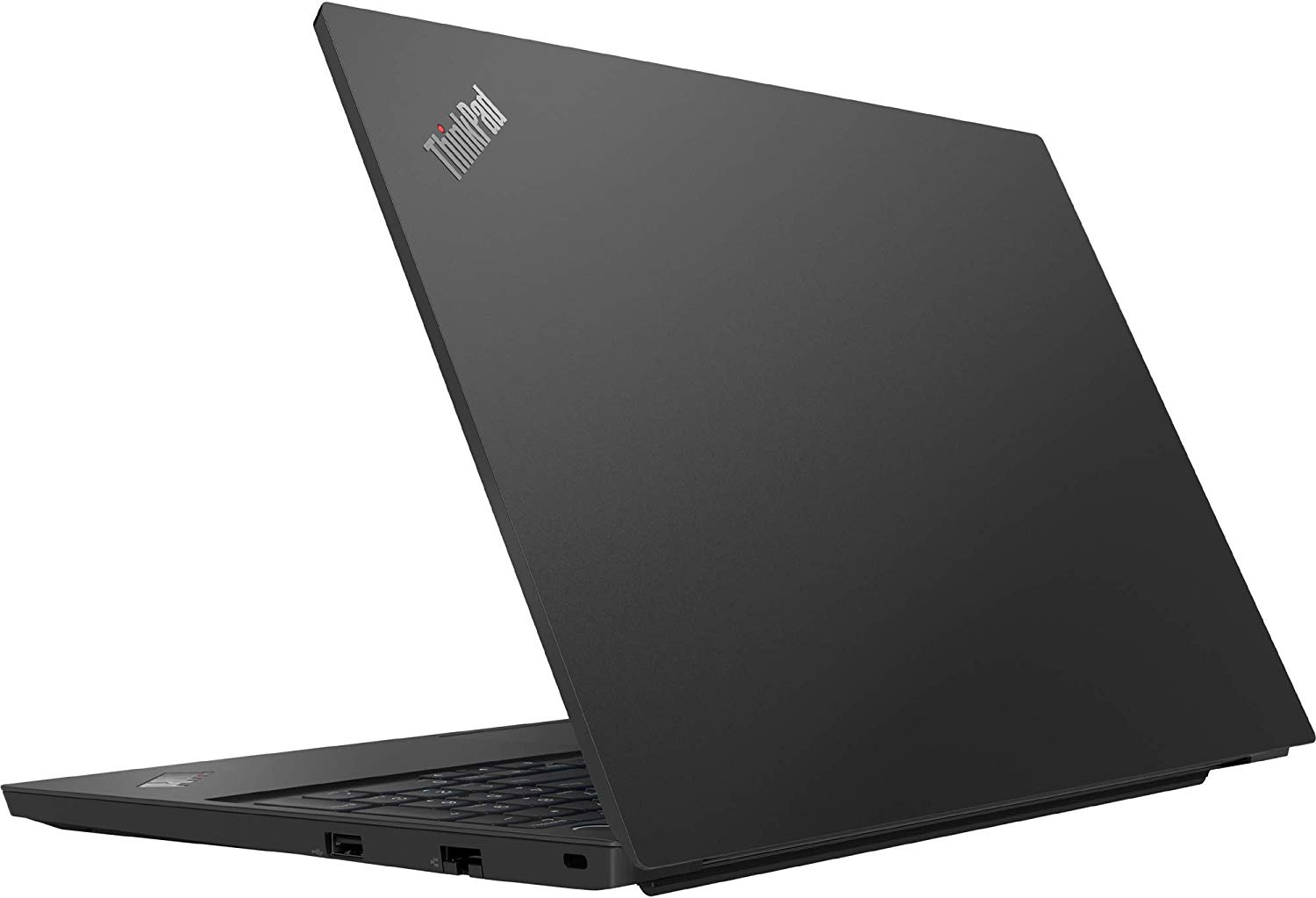
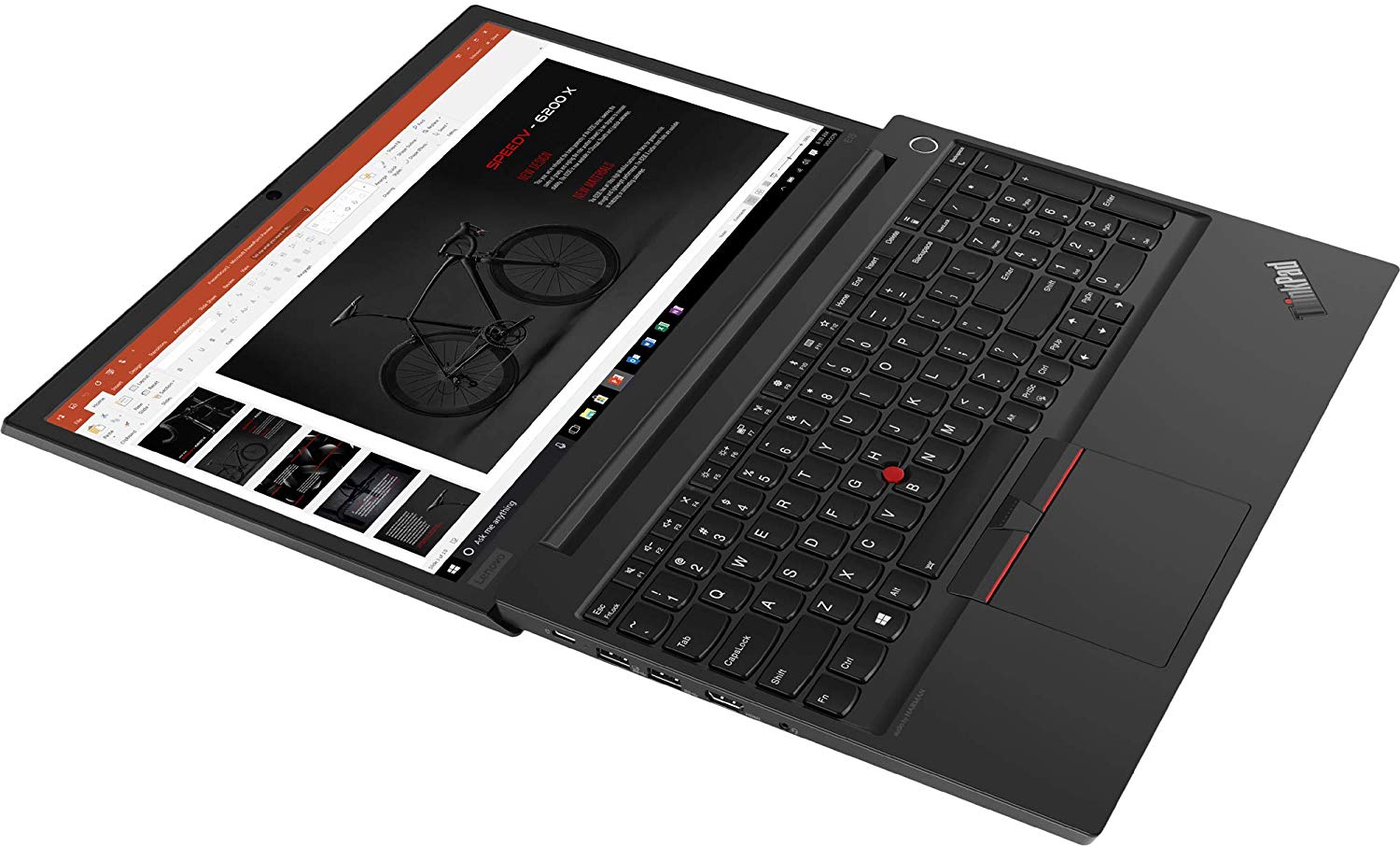
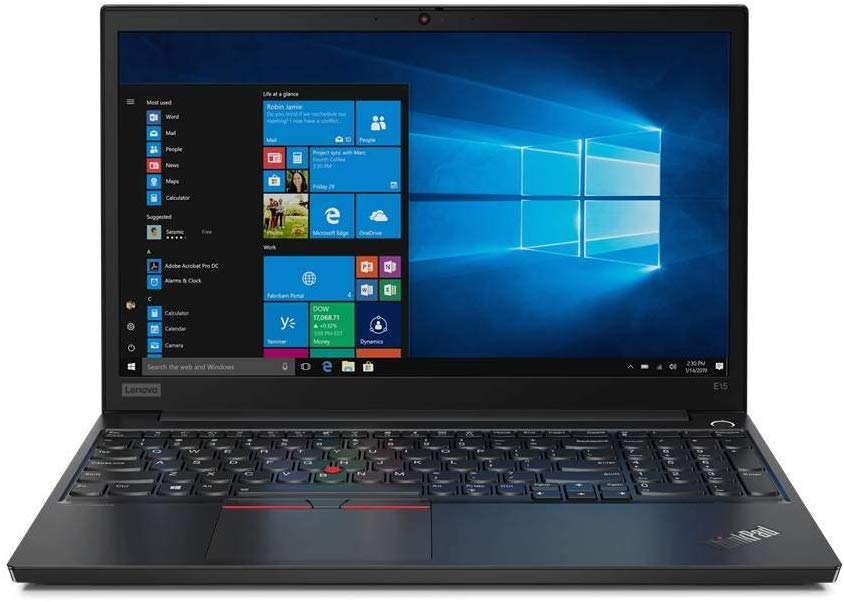
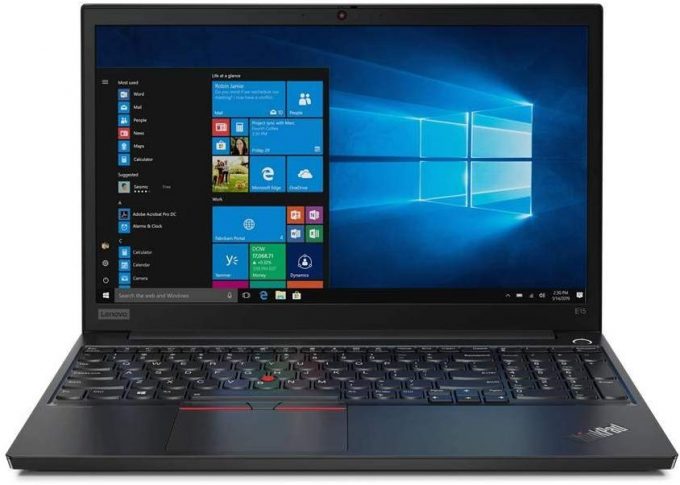
Lenovo ThinkPad E15
- Date Published: 15 Jan 2020
- Intel Core i7-10510U
- Intel UHD Graphics
- 15.6”, Full HD (1920 x 1080), IPS
- 2000GB SSD
- 16GB DDR4, 2666 MHz
- 1.90 kg (4.2 lbs)
Review
Lenovo ThinkPad E15 in-depth review
A part of Lenovo's new naming program, the ThinkPad E15 feels like a spiritual successor to the ThinkPad E590. Perhaps not only spiritual, given the almost identical look they share. Now, the new model features a fingerprint reader, embedded onto the power button. Additionally, the Comet Lake processors from Intel make an appearance. Not only that, but you can configure this model with up to the six-core Core i7-10710U. However, this will certainly creep the price up.Now, Lenovo is generally known for the high standard they keep with the ThinkPad series of devices. We hope that this is not changed with the E15. In order to pump up the versatility, the manufacturer has given the laptop a 1080p IPS display option, speakers tuned by Harman, and some much-needed privacy enhancements - a T[...]
Read the full review
Pros
- Decent upgradability with PCIe x4 drive support
- Backlit, spill-resistant keyboard, equipped with the Nipple
- Wide viewing angles and good contrast ratio
- Optional fingerprint reader
- USB Type-C charging
Cons
- Covers only 52% of sRGB
- Uses harmful PWM for all brightness levels, except the maximum (our Health-Guard profile fixes the issue)
- Lacks an SD card reader
- A downgrade in battery life and maximum RAM supported, compared to its predecessor
Disassembly, maintenance and upgrade options
A great business machine, but slightly downgraded from its predecessor when it comes to upgradability.Check out all Lenovo ThinkPad E15 prices and configurations in our Specs System or read more in our In-Depth review.1. Remove the bottom plate In order to get inside of the ThinkPad E15, you need to undo a total of 8 Phillips-head screws. Interestingly, all of them stay attached to the bottom panel afterwards. Then, just pry the panel with a plastic tool.2. Battery Supplying power when you're away from the grid, there is a 45Wh battery.3. Memory and storage Upgrada[...]
Read more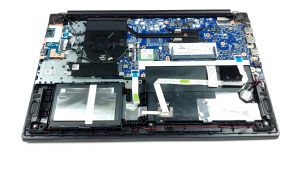
DISPLAY: 15.6-inch, 1920 x 1080, IPS
- Name
- BOE NV156FHM-N48
- Diagonal
- 15.6"
- Pixel density
- 141.21 ppi
- Brightness
- 287 cd/m2
- sRGB
- 51%%
- Panel Type
- IPS
- Resolution
- 1920 x 1080
- Becomes "Retina" from
- 24 inches (62 cm)
- Contrast
- 1220:1
- dE Color Checker
- 4.2 3.9

Buy our profiles for BOE NV156FHM-N48
In addition to receiving efficient and health-friendly profiles, by buying LaptopMedia's products you also support the development of our labs, where we test devices in order to produce the most objective reviews possible.

Office Work
Office Work should be used mostly by users who spend most of the time looking at pieces of text, tables or just surfing. This profile aims to deliver better distinctness and clarity by keeping a flat gamma curve (2.20), native color temperature and perceptually accurate colors.

Design and Gaming
This profile is aimed at designers who work with colors professionally, and for games and movies as well. Design and Gaming takes display panels to their limits, making them as accurate as possible in the sRGB IEC61966-2-1 standard for Web and HDTV, at white point D65.

Health-Guard
Health-Guard eliminates the harmful Pulse-Width Modulation (PWM) and reduces the negative Blue Light which affects our eyes and body. Since it’s custom tailored for every panel, it manages to keep the colors perceptually accurate. Health-Guard simulates paper so the pressure on the eyes is greatly reduced.



![[August 2026] Global Ranking of Best-Selling Laptop GPUs on Amazon – Apple Reigns Supreme, NVIDIA’s RTX 5060 Tops Dedicated Chart](https://laptopmedia.com/wp-content/uploads/2026/09/Best-Selling-GPUs-GLOBAL-Top-10-400x225.jpg)
![[August 2026] Global Ranking of Best-Selling Laptop CPUs on Amazon – Apple Dominates Both Budget and Premium: A18 Pro and M5 Crush Intel and AMD in August 2026](https://laptopmedia.com/wp-content/uploads/2026/09/Best-Selling-CPUs-GLOBAL-Top-10-400x225.jpg)
![[August 2026] Amazon Global: Top 10 Best-Selling Laptops – Apple MacBook Neo Dominates the Charts as Budget and Mid-Range Windows Portables Fight for Volume](https://laptopmedia.com/wp-content/uploads/2026/09/Best-Selling-Laptops-GLOBAL-Top-10-400x225.jpg)
![[August 2026] Best-Selling Laptop Brands on Amazon Global – Apple Dominates Revenue While HP Leads in Model Variety](https://laptopmedia.com/wp-content/uploads/2026/09/GLOBAL-Best-Brands-400x225.jpg)
![[August 2026] Amazon Global: Top 10 Best-Selling Gaming Laptops – HP Victus 15 Captures the Crown as Budget-Friendly Models Dominate the Charts](https://laptopmedia.com/wp-content/uploads/2026/09/Best-Selling-Gaming-Laptops-GLOBAL-Top-10-400x225.jpg)
