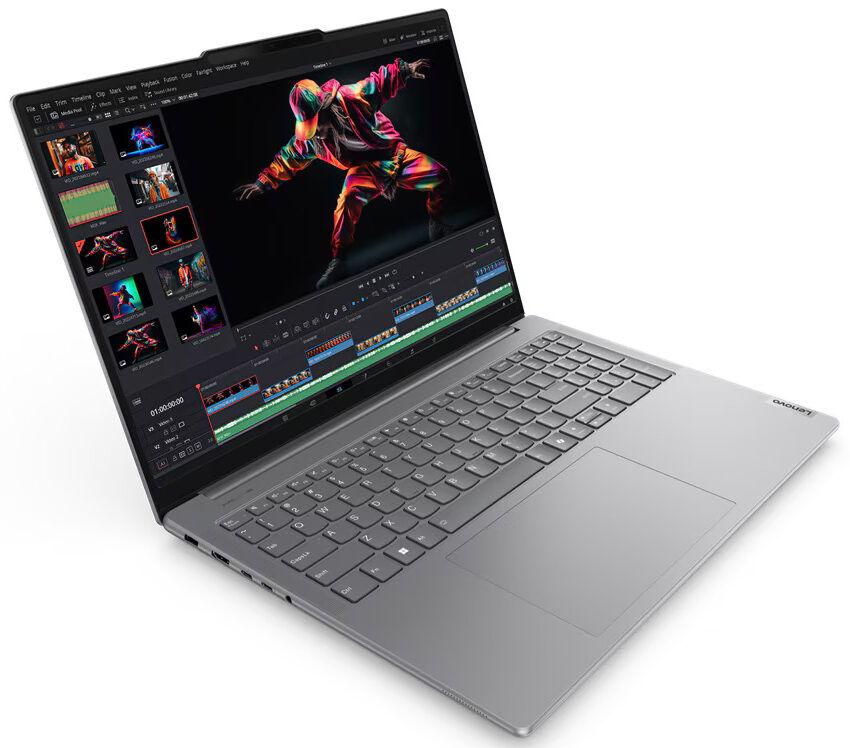
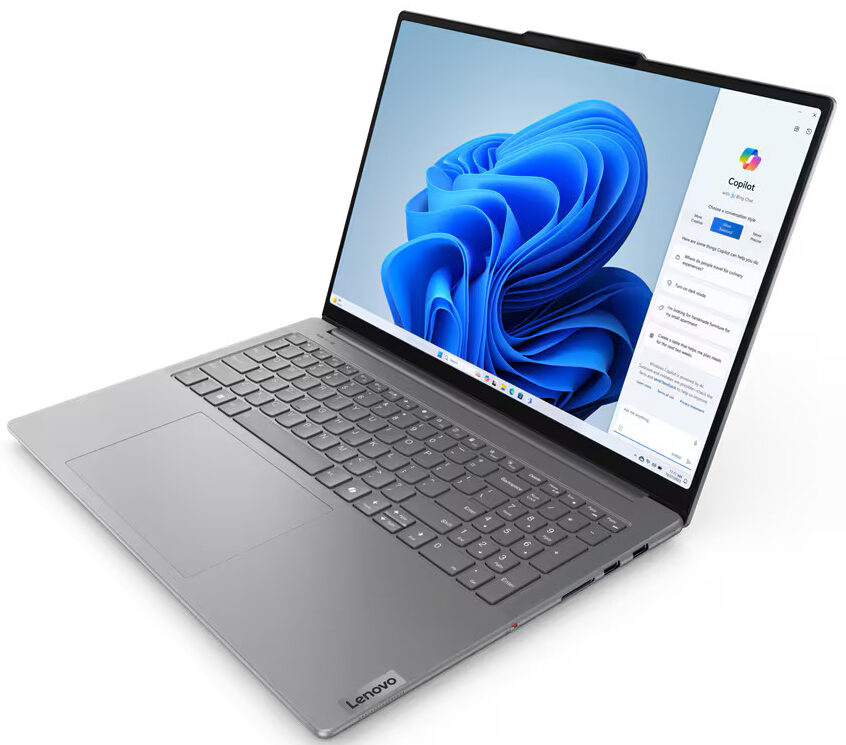
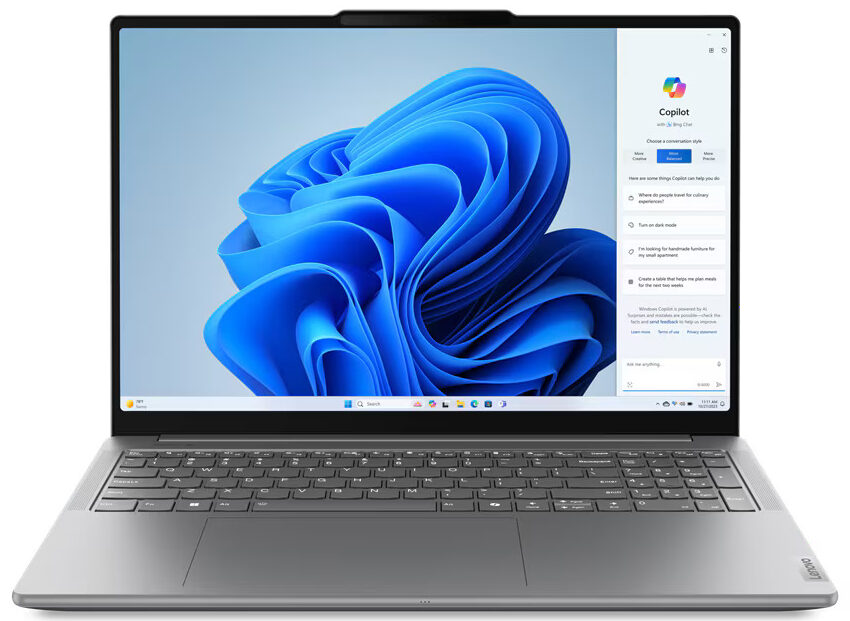
Lenovo Yoga Pro 9
- Date Published: 13 Jun 2025
- Intel Core Ultra 9 185H
- NVIDIA GeForce RTX 4050 (Laptop, 100W)
- 16.0″, 3.2K (3200 x 2000), 165 Hz, IPS
- 4000GB SSD
- 32GB RAM
- 1.93 kg (4.3 lbs)
Review
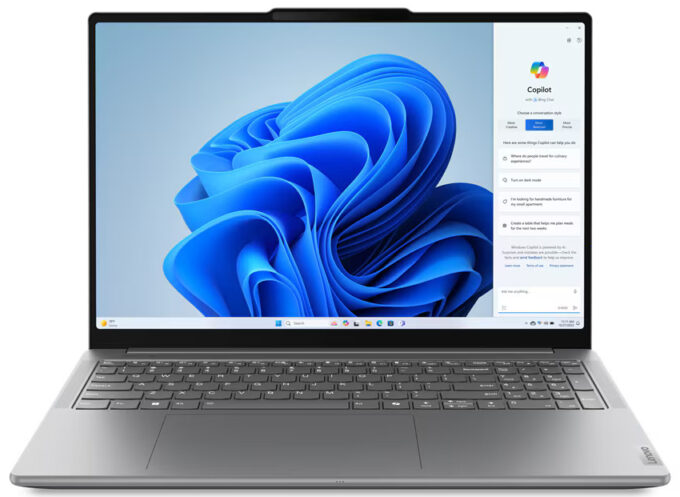
Lenovo Yoga Pro 9 in-depth review
The Yoga Pro 9i Gen 9 (16") is not a 2-in-1 device but has a 180-degree hinge and you can order the machine with a touch panel. This reminds us that you can choose from five different screen options. The base one is a 1600p 120Hz model, which is sufficient for this kind of form factor. If you want an even higher-resolution display, you can get one of the two 2000p 165Hz IPS units, the more expensive of the two has a mini-LED backlight. The same pair of screens is also offered with touch functionality.This notebook is described by the manufacturer as a "studio-grade creator laptop". That's why it's powered by 28W Meteor-Lake-H CPUs and optional NVIDIA RTX 4000 graphics cards with decently-high TGPs. That sounds pretty powerful considering the thin profile. This is possible due to the la[...]
Read the full review
Pros
- Great sturdy aluminum build
- Very good overall performance given the powerful hardware and the thin profile
- Compact for a 16-incher
- The fans aren't too noisy under full CPU loads in "Performance" mode
- 622 nits of max brightness in SDR mode (CSW1640)
- Comfortable viewing angles + 16:10 aspect ratio (CSW1640)
- 100% sRGB and DCI-P3 coverage (CSW1640)
- 2540:1 contrast ratio (LEN8AC1)
- Good audio quality
- 5MP IR Web camera with an E-shutter shutter
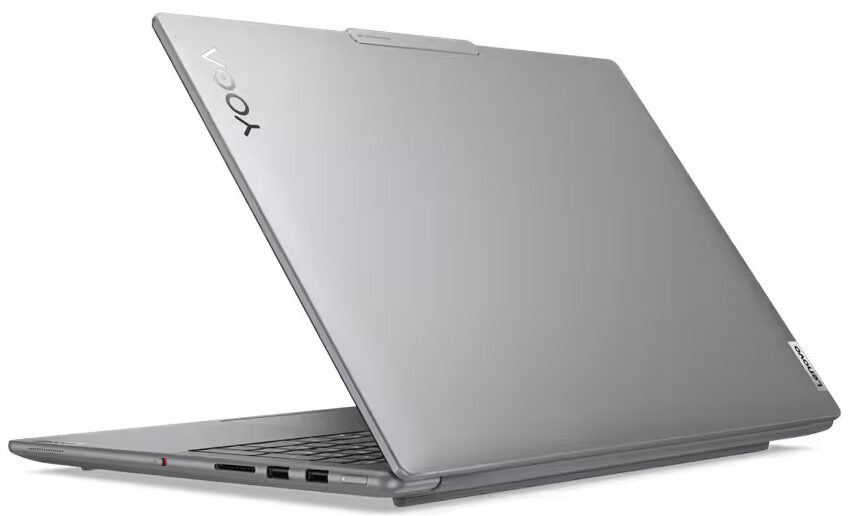
- Modern port selection with two Type-C ports
- The CPU can sustain high P-core and E-core clocks in long loads (~3.50 GHz / 2.90 GHz)
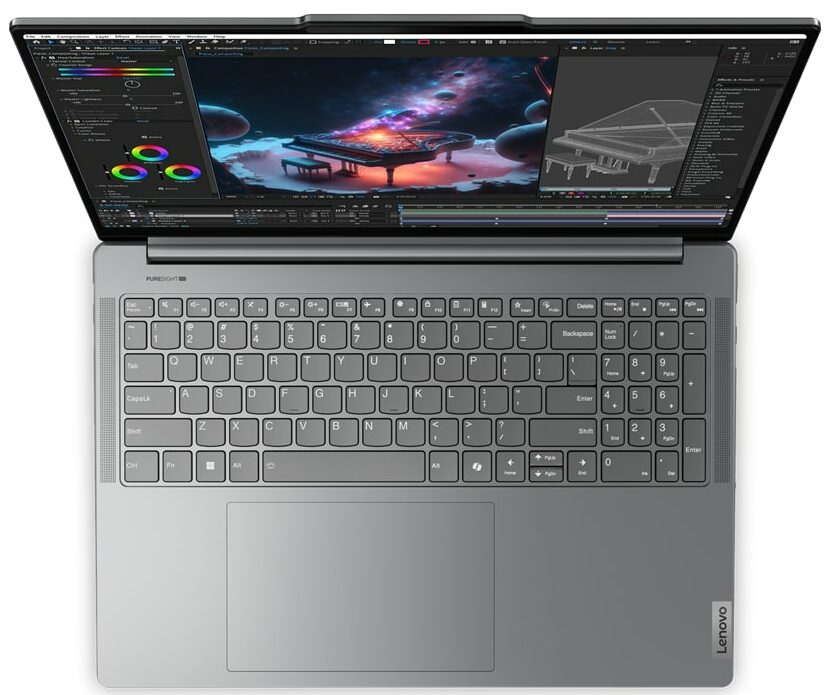
- Comfortable backlit keyboard + big and smooth glass touchpad
- Up to 64GB of LPDDR5x RAM
- The bottom panel is easy to open
- 2x M.2 slots
- Snappy NVMe (SKHynix HFS001TEJ9X115N)
- Decent battery life (~ 7 hours of videos) considering the thirsty hardware and the mini-LED display
- iGPU-only and "Ultra Quiet Mode" accessible via the BIOS
Cons
- High price
- Soldered RAM
- Lacks extras such as a fingerprint reader, NFC, and SIM slot
- High NVMe temperatures during benchmarking
- PWM usage (CSW1640)
Disassembly, maintenance and upgrade options
Opening the DeviceUndo the eight Torx-head screws securing the bottom panel. The bottom two corners will already be lifted, providing a good starting point. Pry the front, followed by the sides, and finally, the rear to remove the bottom panel.More info: The bottom plate houses preinstalled thermal pads for the NVMe drive and a large SMD power inductor on the motherboard.Battery RemovalDetach the battery connector from the motherboard. Undo the two Phillips-head screws securing the battery to the chassis. Lift the battery to remove it from the device[...]
Read more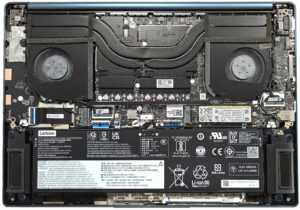


![[June 2026] Best-Selling Laptop Brands on Amazon Global – Apple’s Unrivaled Dominance in Units and Revenue](https://laptopmedia.com./wp-content/uploads/2026/07/GLOBAL-Best-Brands-400x225.jpg)
![[June 2026] Amazon Global: Top 10 Best-Selling Laptops – Apple’s New MacBook Neo Storms to #1, Reshaping the Market with Affordability](https://laptopmedia.com./wp-content/uploads/2026/07/Best-Selling-Laptops-GLOBAL-Top-10-400x225.jpg)
![[June 2026] Amazon Global: Top 10 Best-Selling Gaming Laptops – Acer’s Nitro V 16S AI Dominates Sales, While ASUS Leads Overall Revenue](https://laptopmedia.com./wp-content/uploads/2026/07/Best-Selling-Gaming-Laptops-GLOBAL-Top-10-400x225.jpg)
![[June 2026] Global Ranking of Best-Selling Laptop GPUs on Amazon – NVIDIA RTX 5060 is the Top-Selling Dedicated GPU](https://laptopmedia.com./wp-content/uploads/2026/07/Best-Selling-GPUs-GLOBAL-Top-10-400x225.jpg)
![[June 2026] Global Ranking of Best-Selling Laptop CPUs on Amazon – Apple M5 Dominates, AMD Ryzen 7 260 Gets Solid Premium Share](https://laptopmedia.com./wp-content/uploads/2026/07/Best-Selling-CPUs-GLOBAL-Top-10-400x225.jpg)