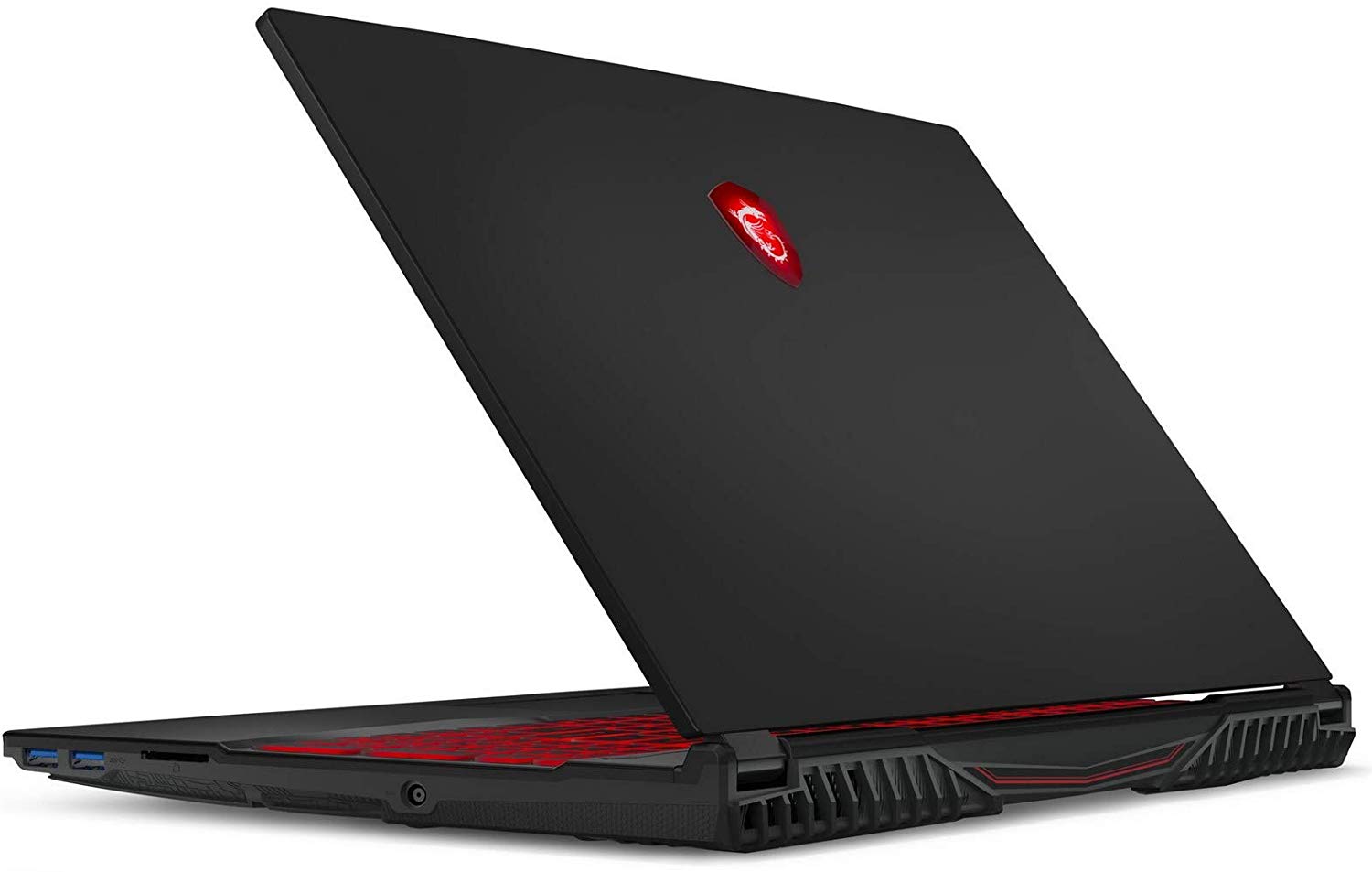
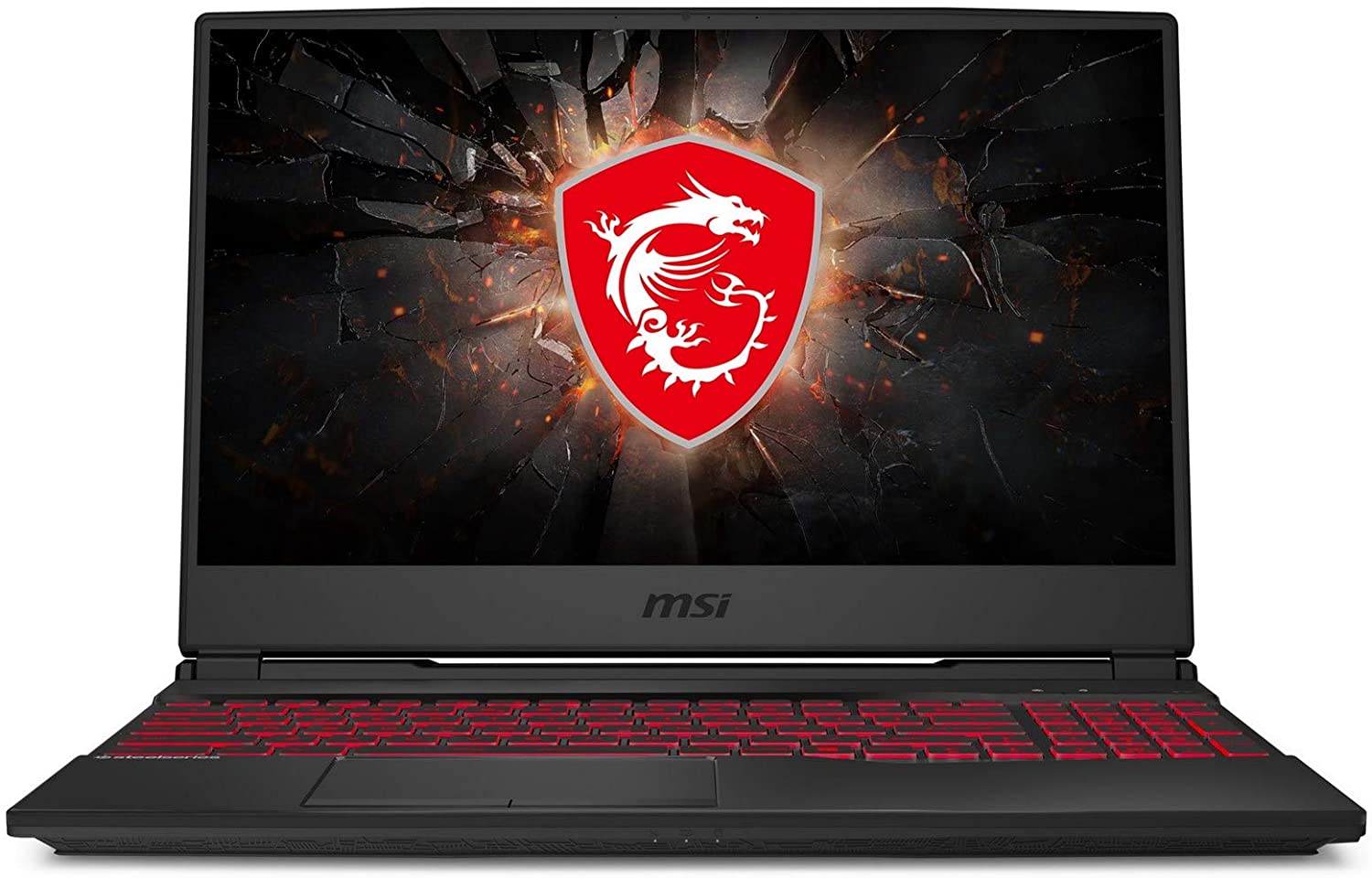
MSI GL65 Leopard (9SC-002)
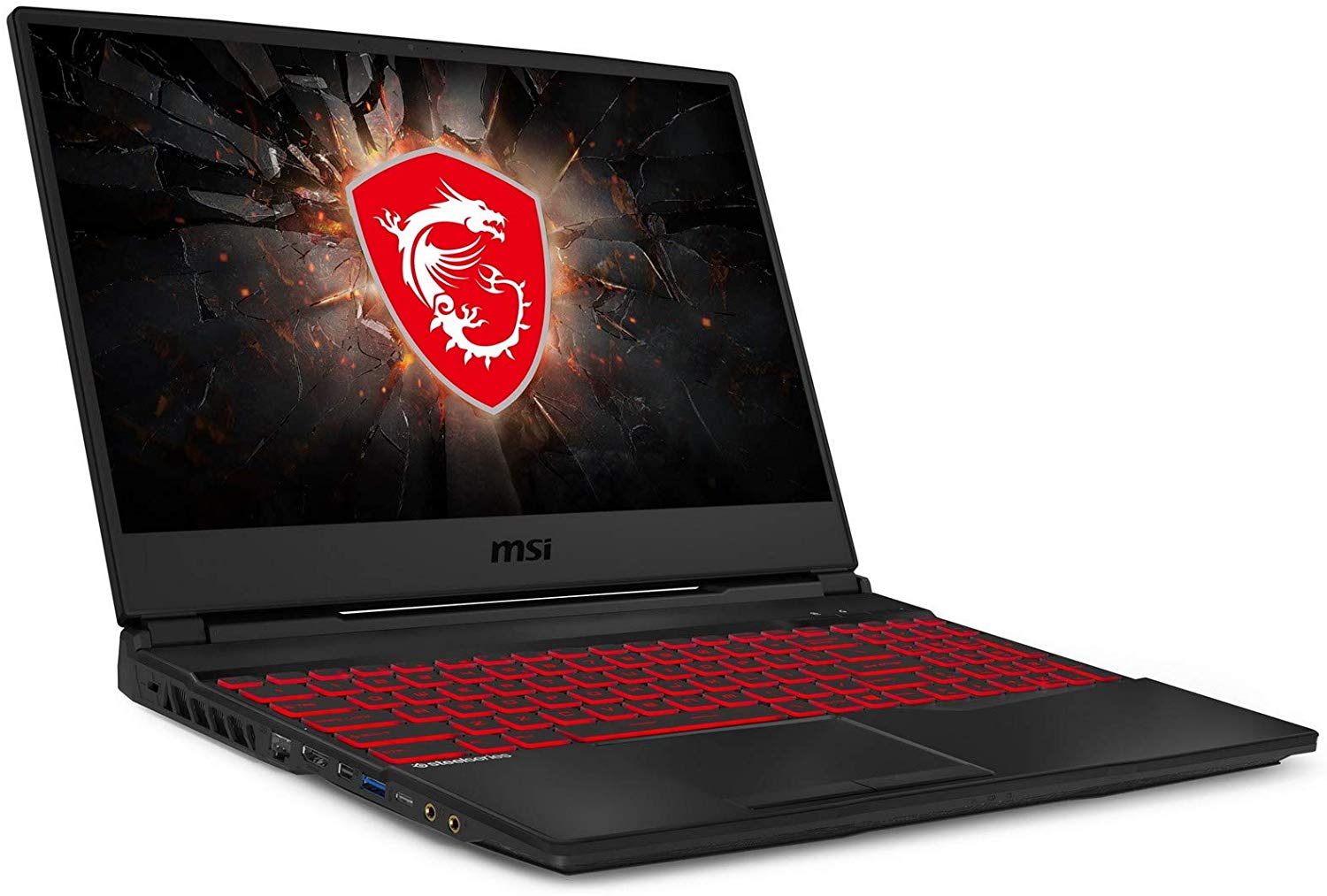
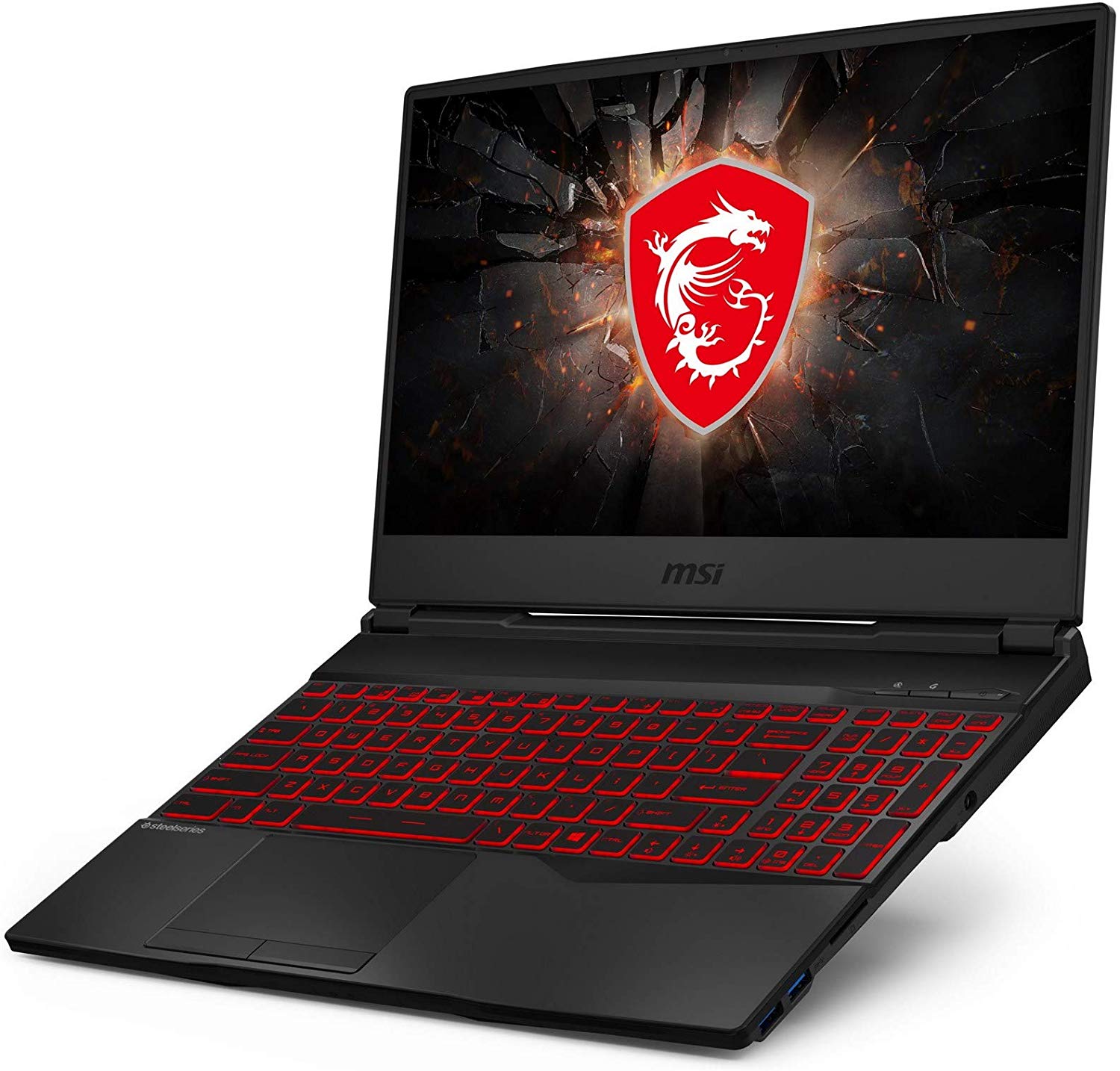
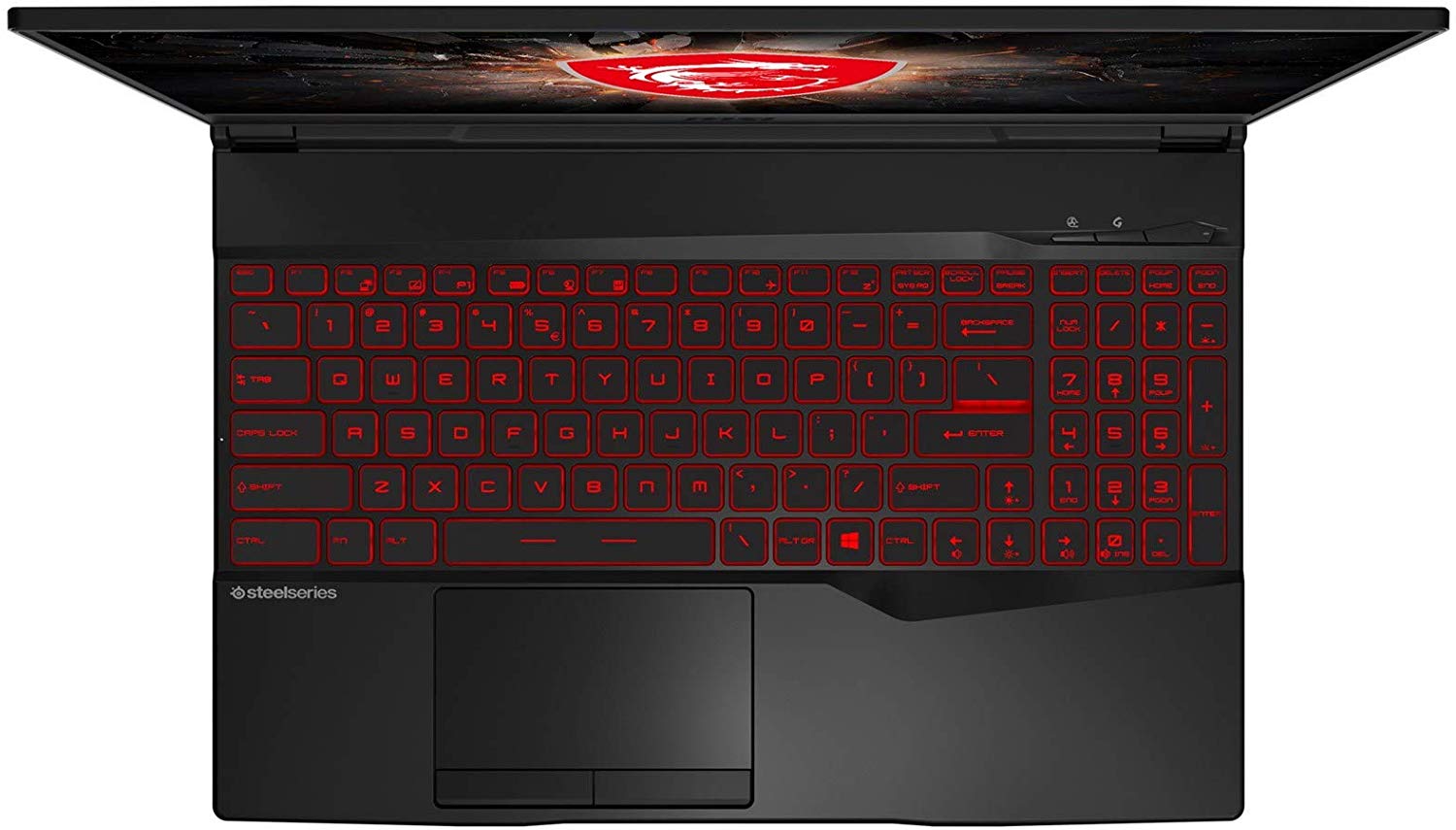
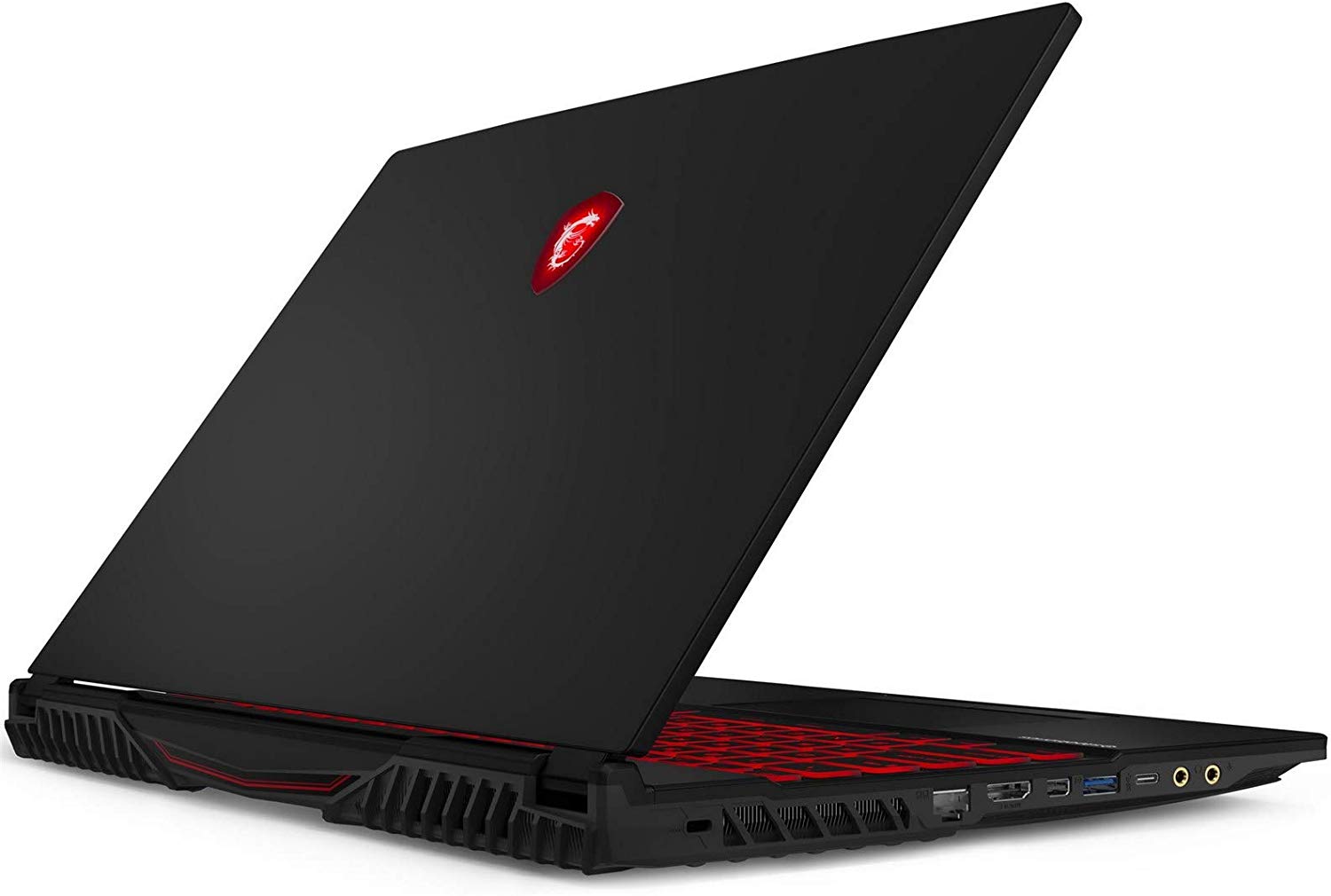
- Date Published: 23 Apr 2020
- Intel Core i5-9300H
- NVIDIA GeForce GTX 1650 (Laptop)
- 15.6”, Full HD (1920 x 1080), IPS
- 128GB SSD + 500GB HDD
- 32GB DDR4, 2666 MHz
- 2.30 kg (5.1 lbs)
Review
MSI GL65 Leopard (9SC-002) in-depth review
With us today, we have the MSI GL65. It is a solution that is somewhat friendly to your budget and offers a good variety of hardware. It all starts with the Core i5-9300 + GTX 1650, and gradually creeps up to the powerhouse of machine we got - a combo between the Core i7-9750H and the GeForce RTX 2060.Of course, this configuration is not a joke, and it needs a beefy cooling solution. By the looks of the device, we would set high expectations, as there are three heat spreaders around the chassis. Moreover, the laptop is neither super thin, or super light, so, there must be a lot going on on the inside.In addition to that, the laptop comes in two display varieties - a 60Hz 1080p panel, as well as a nimble 120Hz 1080p one. Then, there is the Steelseries keyboard, that can be backlit [...]
Read the full review
Pros
- Exceptional performance
- Great I/O connectivity with an SD card reader
- Optional Per-key RGB backlight
- Lack of PWM (AUO AUOD0ED)
- Capable cooling solution and up to 64GB of DDR4 memory
- Comfortable viewing angles and good contrast ratio
Cons
- Quite bulky for 2020
- Slow response times, despite the 120Hz refresh rate
- Covers only 51% of sRGB (AUO AUO23ED)
Disassembly, maintenance and upgrade options
So, the MSI GL65 9SE features quite a potent hardware. In our review, we discovered that its cooling is capable of managing the temperatures inside the chassis, very well, despite being a bit too loud on some occasions. Let's see what exactly can we find on the insides, shall we?Check out all MSI GL65 9SE prices and configurations in our Specs System or read more in our In-Depth review.1. Remove the bottom plate In order to open the get to all of the internals, you need to remove the back panel. It is held in place by 12 Phillips-head screws. After you remove them, you'll need [...]
Read more


![[June 2026] Best-Selling Laptop Brands on Amazon Global – Apple’s Unrivaled Dominance in Units and Revenue](https://laptopmedia.com/wp-content/uploads/2026/07/GLOBAL-Best-Brands-400x225.jpg)
![[June 2026] Amazon Global: Top 10 Best-Selling Laptops – Apple’s New MacBook Neo Storms to #1, Reshaping the Market with Affordability](https://laptopmedia.com/wp-content/uploads/2026/07/Best-Selling-Laptops-GLOBAL-Top-10-400x225.jpg)
![[June 2026] Amazon Global: Top 10 Best-Selling Gaming Laptops – Acer’s Nitro V 16S AI Dominates Sales, While ASUS Leads Overall Revenue](https://laptopmedia.com/wp-content/uploads/2026/07/Best-Selling-Gaming-Laptops-GLOBAL-Top-10-400x225.jpg)
![[June 2026] Global Ranking of Best-Selling Laptop GPUs on Amazon – NVIDIA RTX 5060 is the Top-Selling Dedicated GPU](https://laptopmedia.com/wp-content/uploads/2026/07/Best-Selling-GPUs-GLOBAL-Top-10-400x225.jpg)
![[June 2026] Global Ranking of Best-Selling Laptop CPUs on Amazon – Apple M5 Dominates, AMD Ryzen 7 260 Gets Solid Premium Share](https://laptopmedia.com/wp-content/uploads/2026/07/Best-Selling-CPUs-GLOBAL-Top-10-400x225.jpg)
