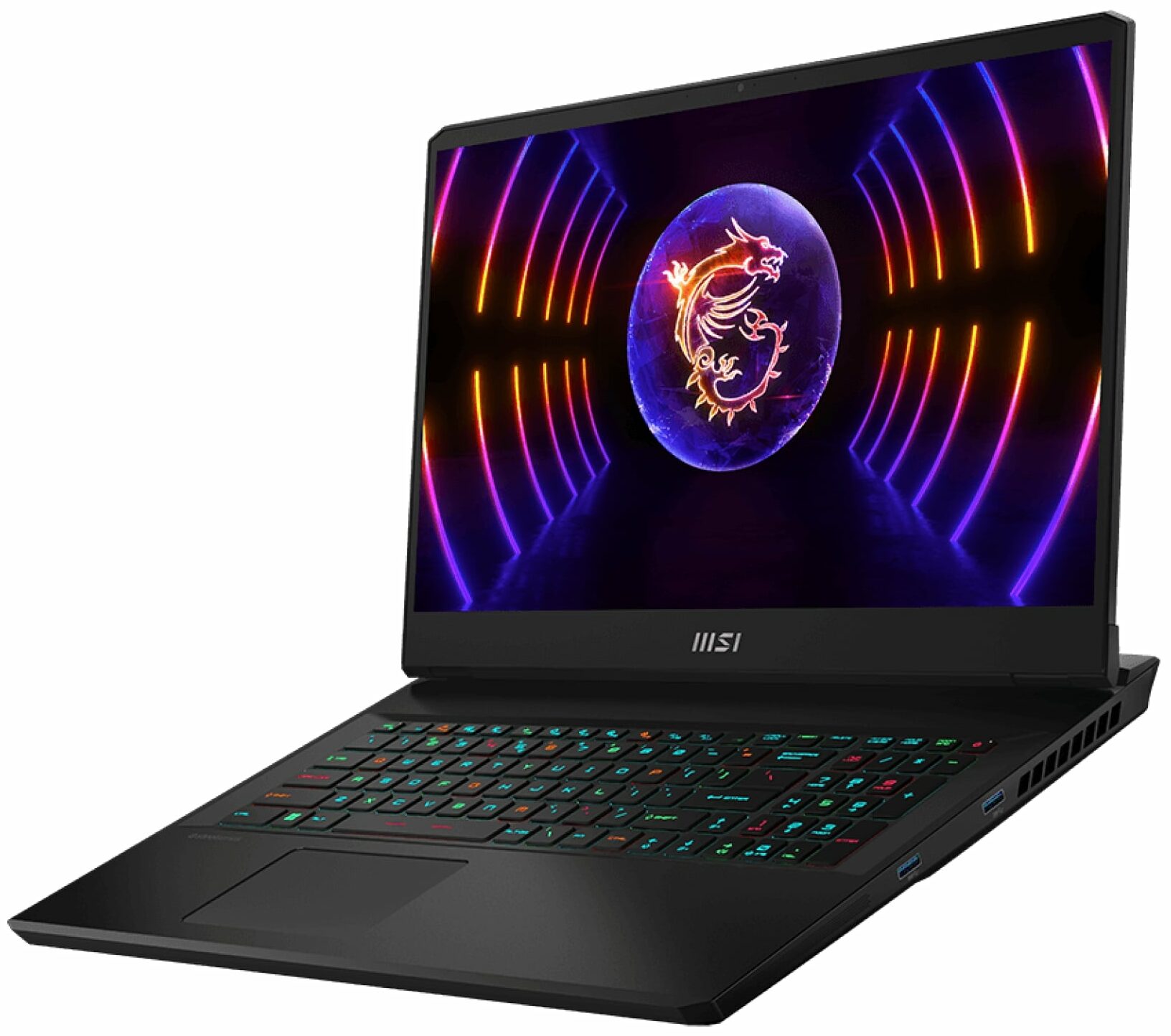
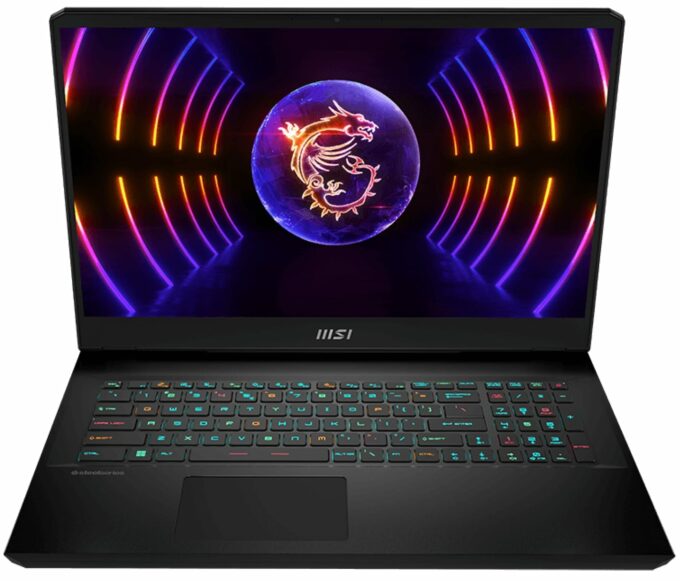
MSI Vector GP77




- Date Published: 22 May 2024
- Intel Core i9-13900H
- NVIDIA GeForce RTX 4070 (Laptop, 140W)
- 17.3”, QHD+ (2560 x 1600), 240 Hz, IPS
- 2000GB SSD
- 64GB RAM
- 2.80 kg (6.2 lbs)
Specs

- HDD/SSD
- 2000GB SSD
- M.2 Slot
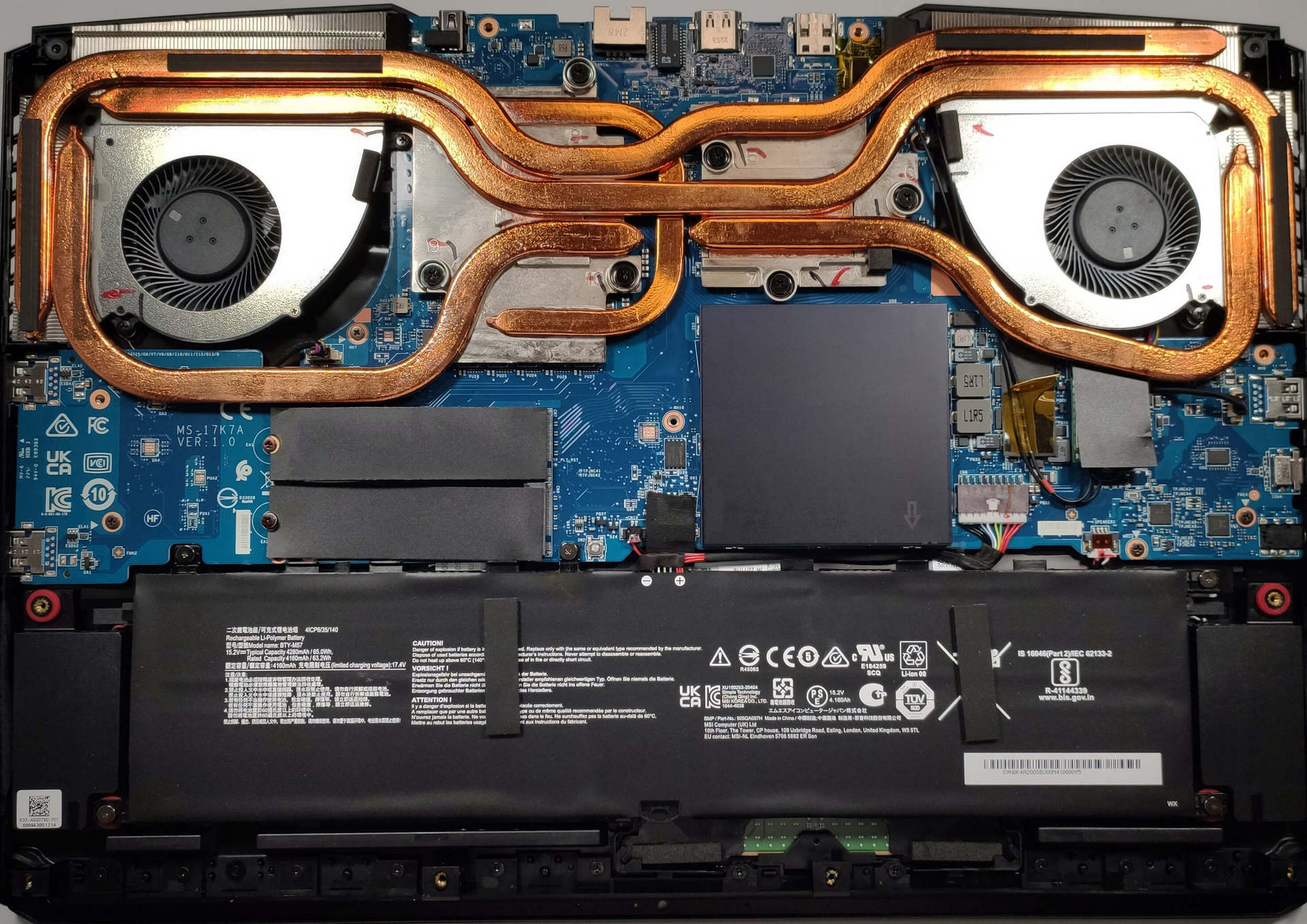
- 2x 2280 M.2 PCIe 4.0 x4 See photo
- RAM
- 64GB RAM
- OS
- Windows 11 Pro
- Body Material
- Plastic / Polycarbonate, Aluminum
- Dimensions
- 397 x 284 x 25.9 mm (15.63" x 11.18" x 1.02")
- Weight
- 2.80 kg (6.2 lbs)
- Ports and connectivity
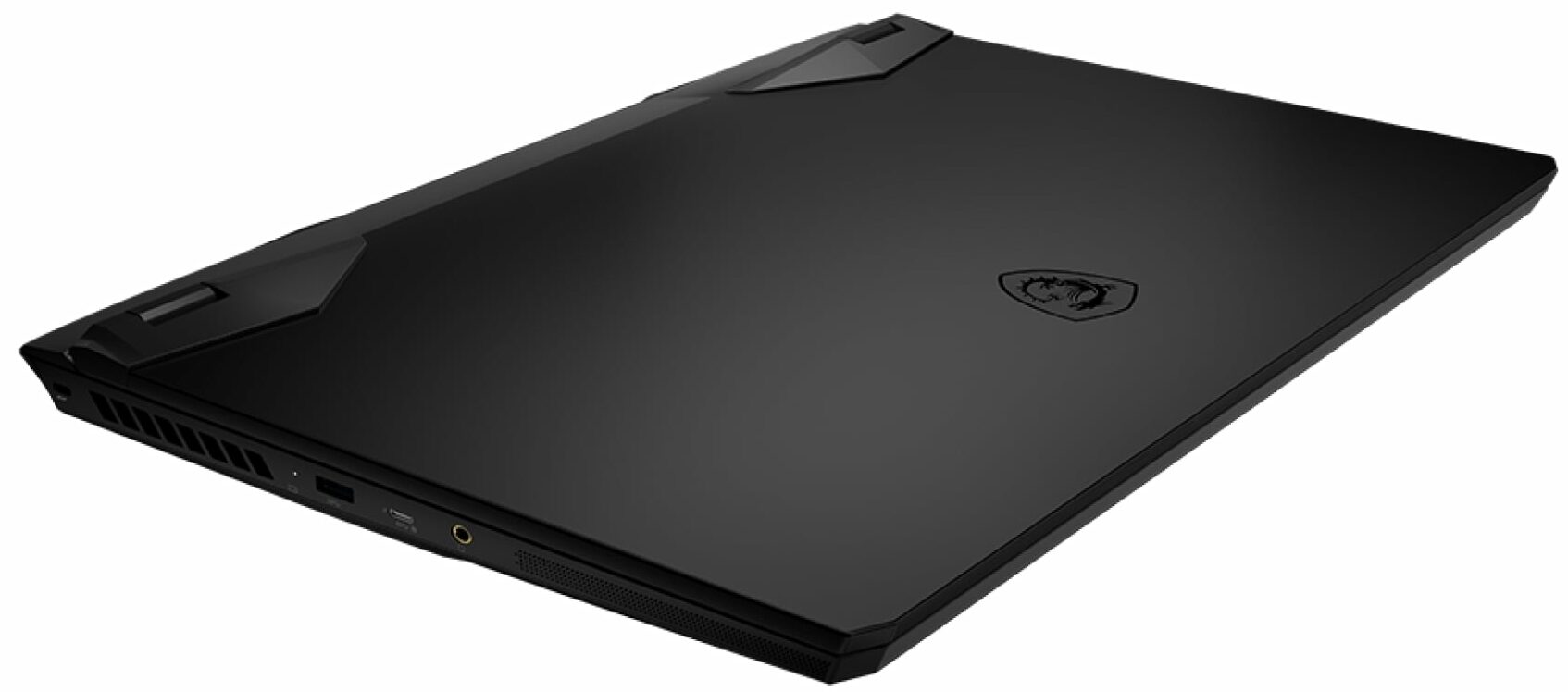
- 3x USB Type-A
- 3.2 Gen 2 (10 Gbps)
- 1x USB Type-C
- 3.2 Gen 2 (10 Gbps), Power Delivery (PD), DisplayPort
- HDMI
- 2.1 (8K@60Hz / 4K@120Hz)
- Mini DisplayPort
- Card Reader
- Ethernet LAN
- 10, 100, 1000, 2500 Mbit/s
- Wi-Fi
- 802.11ax
- Bluetooth
- 5.3
- Audio jack
- 3.5mm Combo Jack
- Features
- Fingerprint reader
- Web camera
- HD
- Backlit keyboard
- Microphone
- Speakers
- 2x 2W Speakers, Nahimic Audio
- Security Lock slot
Portability
Review
MSI Vector GP77 in-depth review
The all-new RTX 4000-based laptops are already here and since we reviewed some real beasts with RTX 4090 (175W) and RTX 4080 (175W) it's time to see how powerful is the mobile RTX 4070. For doing so, we're going to inspect the performance of MSI Vector GP77 (13VG) equipped with the RTX 4070 (140W). The latter could possibly be the new sweet spot for wealthy gamers.The MSI Vector GP77 brings all the bangs and whistles that are needed to be called a 2023 gaming device. Under the hood, you can find powerful 13th Gen Intel Raptor Lake-H CPUs, brand-new NVIDIA Ada Lovelace GPUs, and an impressive-looking cooling solution. Of course, this is an expensive device so it gets the DDR5 treatment as well which will boost the overall performance.On the outside, things are looking good as well.[...]
Read the full review
Pros
- Many RGB options
- Top performance for its hardware
- 99.3% DCI-P3 coverage and accurate color representation with our Gaming and Web design profile (BOE NE173QHM-NZ1 (BOE09F9))
- Doesn't use PWM for brightness adjustment (BOE NE173QHM-NZ1 (BOE09F9))
- 240Hz panel has very quick pixel response times (BOE NE173QHM-NZ1 (BOE09F9))
- Good thermals and clocks under load
- Wi-Fi 6E and 2.5Gbit Ethernet support
- Great keyboard and touchpad
- 2x DDR5 SODIMM + 2x M.2 PCIe x4 slots
- Quiet during gaming
- The MSI Center app offers a good amount of customization
Cons
- The end price isn't pleasant
Disassembly, maintenance and upgrade options
The MSI Vector GP77 13V is a beast of a laptop and now it's time to take a look under the hood.Check out all MSI Vector GP77 13V prices and configurations in our Specs System, or read more in our In-Depth review.1. Remove the bottom plate To remove the bottom panel, you need to undo 13 Phillips-head screws. You need to start prying the panel with a plastic tool from the back and then from the sides. Then, you need to push the plate slightly from the back in order to remove it safely without breaking something.2. Remove the battery The battery is a 65Wh unit. It lasts arou[...]
Read more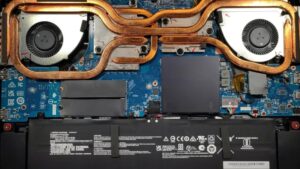


![[September 2026] Best-Selling Laptop Brands on Amazon Global – Apple Dominates the Market with Over 70% Revenue Share](https://laptopmedia.com/wp-content/uploads/2026/10/GLOBAL-Best-Brands-400x225.jpg)
![[September 2026] Amazon Global: Top 10 Best-Selling Laptops – Apple’s MacBook Neo Claims the #1 Spot as Budget and Premium Devices Dominate](https://laptopmedia.com/wp-content/uploads/2026/10/Best-Selling-Laptops-GLOBAL-Top-10-400x225.jpg)
![[September 2026] Amazon Global: Top 10 Best-Selling Gaming Laptops – ASUS ROG Strix G16 Dominates the Market with Record-Breaking Unit Sales](https://laptopmedia.com/wp-content/uploads/2026/10/Best-Selling-Gaming-Laptops-GLOBAL-Top-10-400x225.jpg)
![[September 2026] Global Ranking of Best-Selling Laptop GPUs on Amazon – Apple’s M5 Chip Obliterates NVIDIA in Premium Laptops, But the RTX 5060 Is the Only Dedicated GPU to Crack the Top 10](https://laptopmedia.com/wp-content/uploads/2026/10/Best-Selling-GPUs-GLOBAL-Top-10-400x225.jpg)
![[September 2026] Global Ranking of Best-Selling Laptop CPUs on Amazon – Apple’s M5 Crushes Intel as Premium Market Becomes a One-Horse Race](https://laptopmedia.com/wp-content/uploads/2026/10/Best-Selling-CPUs-GLOBAL-Top-10-400x225.jpg)