How to open Lenovo Legion Pro 7 (16″, 2023) – disassembly and upgrade options
Legion Pro 7 (16″, 2023) offers a good combination of memory and storage upgradeability. However, it sticks with Gen 4 SSDs, where some competitors already offer Gen 5 options.
Check out all Lenovo Legion Pro 7 (16″, 2023) prices and configurations in our Specs System, or read more in our In-Depth review.
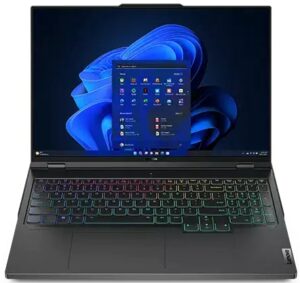
1. Remove the bottom plate
Here, you need to undo 10 Phillips-head screws. After that, pry the bottom panel with a plastic tool. Be careful around the side vents, as you need to pop your tool at 90 degrees.
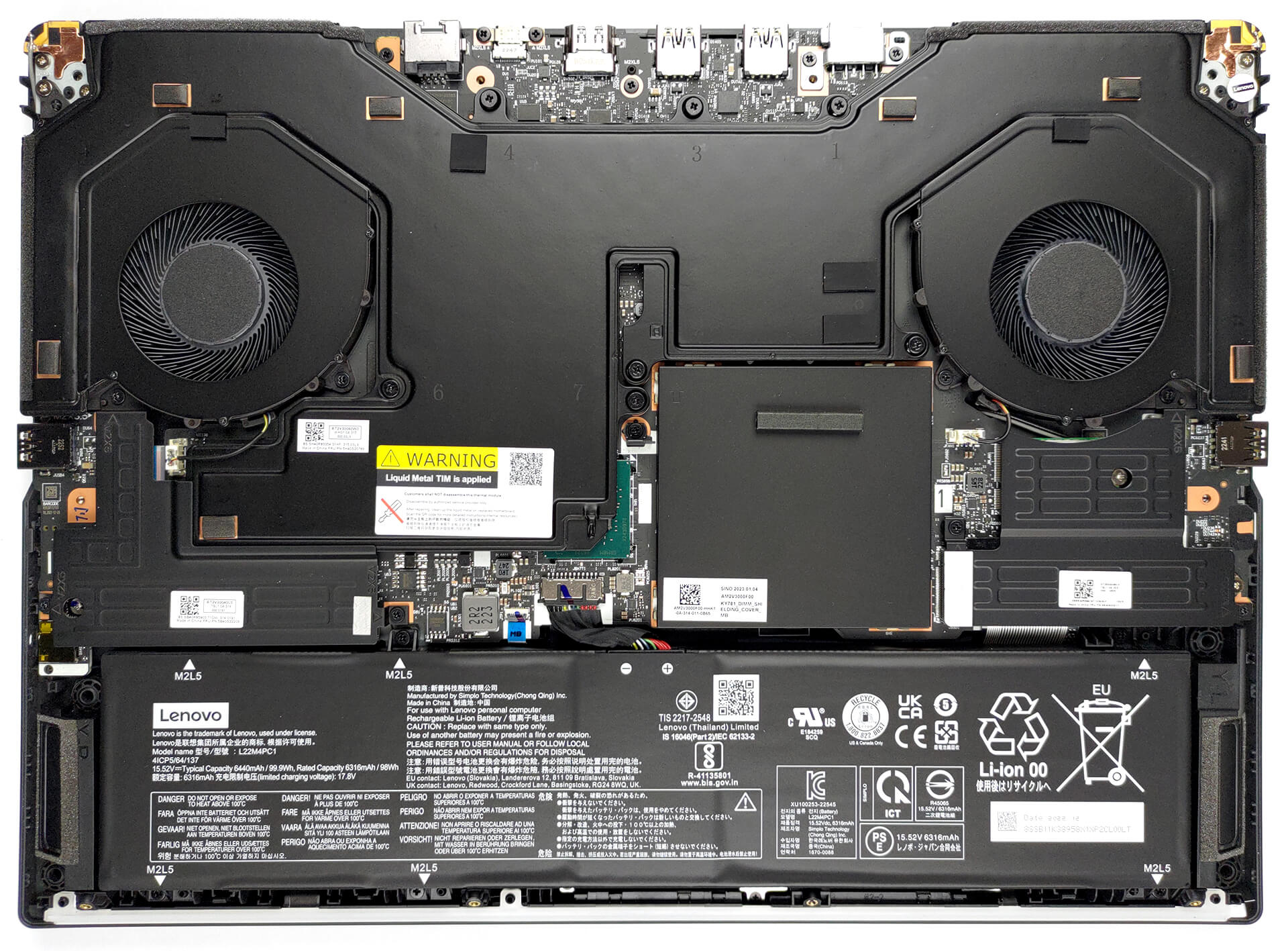
2. Remove the battery
Inside, we find a 99.9Wh battery pack. To continue, remove the two SSD coolers. Then, undo the six Phillips head screws, and unplug the battery connector.
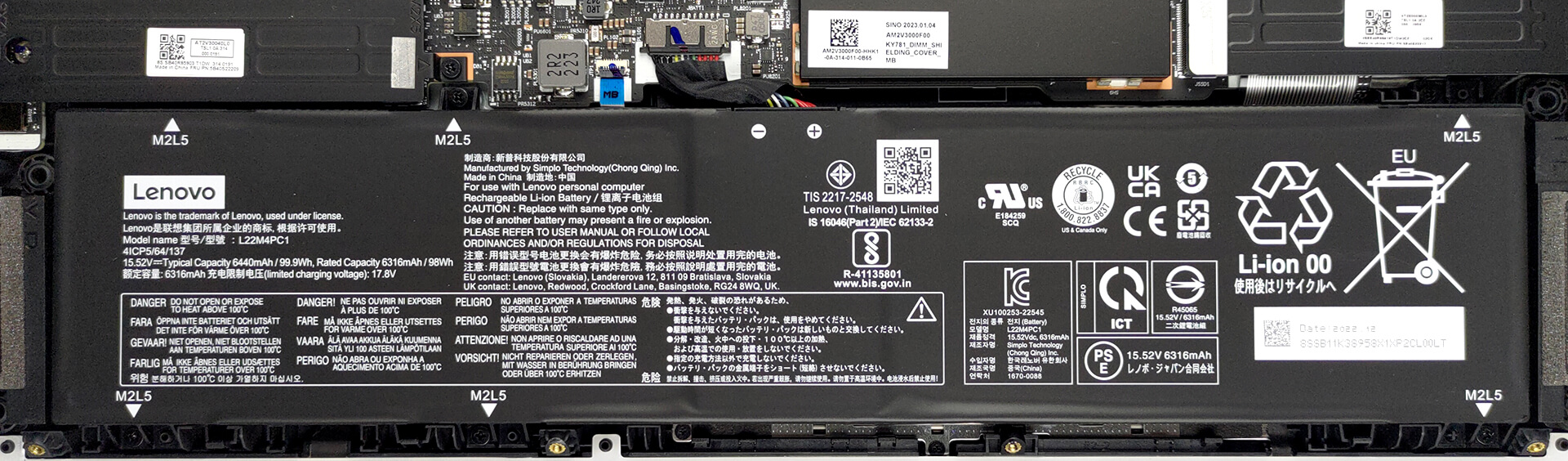
3. Upgrade memory and storage
The memory slots are hidden beneath a metal bracket. Remove it, to access the two DDR5 SODIMMs. They work with 4800MHz and 5600MHz memory modules, and support 6000MHz overclocked RAM. As for storage, you get two M.2 PCIe x4 slots for Gen 4 SSDs.
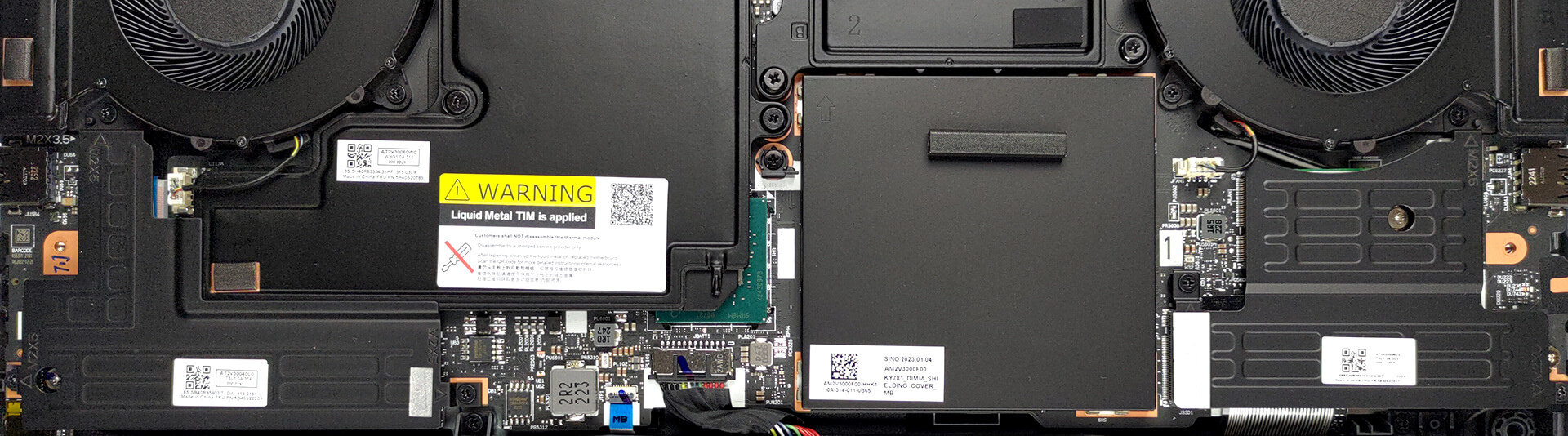
4. Cooling system
Perhaps the most impressive thing on the inside is cooling. It comprises a thick vapor chamber, four heat sinks, and two large fans.

Check out all Lenovo Legion Pro 7 (16″, 2023) prices and configurations in our Specs System, or read more in our In-Depth review.
Lenovo Legion Pro 7i (16" Intel, Gen 8) uitgebreide review
Nou, 2023 wil een jaar worden waarin iedereen er helemaal voor gaat. NVIDIA heeft een waanzinnig snelle reeks grafische kaarten uitgebracht, die extreem hoge energiedoelen bereiken. Fabrikanten lijken niet bang te zijn om ze in verschillende form factors te implementeren.Vandaag bekijken we de Lenovo Legion Pro 7 (16", 2023). Dit is een nieuwe toevoeging aan de Legion-familie en bezet momenteel de toppositie voor premiumness en awesomeness van het merk.De verwachtingen zijn dan ook hooggespannen. Bovendien zijn de specificaties indrukwekkend genoeg om iedereen af te schrikken die denk[...]
Pros
- Heldere RGB
- Capabele dampkameroplossing met vloeibaar metaal
- 98% DCI-P3 dekking en nauwkeurige kleurweergave dankzij ons Gaming en Web design profiel (MNG007DA2-3 (CSO1628))
- Geen PWM (MNG007DA2-3 (CSO1628))
- 240Hz-paneel heeft zeer snelle pixelreactietijden (MNG007DA2-3 (CSO1628))
- HDR, G-Sync en MUX-schakelaar aan boord
- Wi-Fi 6E en 2,5Gbit Ethernet ondersteuning
- Geweldig toetsenbord en touchpad
- 2x DDR5 SODIMM + 2x M.2 PCIe x4-sleuven
Minpunten
- Luid tijdens gamen
- Geen SD-kaartsleuf
- Vrij duur
 Author: Alex Iliev

![[juni 2026] Bestverkochte laptopmerken op Amazon Global – Apple’s ongeëvenaarde dominantie in aantal verkochte exemplaren en omzet](https://laptopmedia.com/wp-content/uploads/2026/07/GLOBAL-Best-Brands-400x225.jpg)
![[juni 2026] Amazon Global: Top 10 bestverkochte laptops – De nieuwe MacBook Neo van Apple stormt naar de eerste plaats en zet de markt op zijn kop dankzij zijn betaalbaarheid](https://laptopmedia.com/wp-content/uploads/2026/07/Best-Selling-Laptops-GLOBAL-Top-10-400x225.jpg)
![[juni 2026] Amazon Global: Top 10 van best verkochte gaminglaptops – De Nitro V 16S AI van Acer domineert de verkoopcijfers, terwijl ASUS qua totale omzet aan kop gaat](https://laptopmedia.com/wp-content/uploads/2026/07/Best-Selling-Gaming-Laptops-GLOBAL-Top-10-400x225.jpg)
![[juni 2026] Wereldwijde ranglijst van bestverkochte laptop-GPU’s op Amazon – De NVIDIA RTX 5060 is de bestverkochte speciale GPU](https://laptopmedia.com/wp-content/uploads/2026/07/Best-Selling-GPUs-GLOBAL-Top-10-400x225.jpg)
![[juni 2026] Wereldwijde ranglijst van bestverkochte laptop-CPU’s op Amazon – Apple M5 domineert, AMD Ryzen 7 260 verovert een stevig aandeel in het premiumsegment](https://laptopmedia.com/wp-content/uploads/2026/07/Best-Selling-CPUs-GLOBAL-Top-10-400x225.jpg)

I can’t decide if the photos are completely, or just slightly, useless. Not even poorly drawn arrows explaining what “you need to pop your tool at 90 degrees” could possibly mean. I really hate YouTube… Thanks anyway, I guess?