Inside ASUS ZenBook Pro Duo 15 OLED UX582 – disassembly and upgrade options
The ZenBook Pro Duo 15 OLED UX582 is an exceptional device. Unfortunately, its major downside is the lack of memory upgrades.
Check out all ASUS ZenBook Pro Duo 15 OLED UX582 prices and configurations in our Specs System or read more in our In-Depth review.
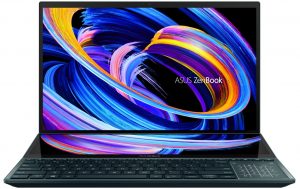
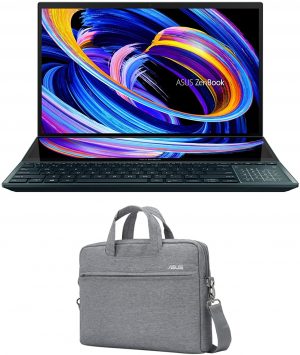
1. Remove the bottom plate
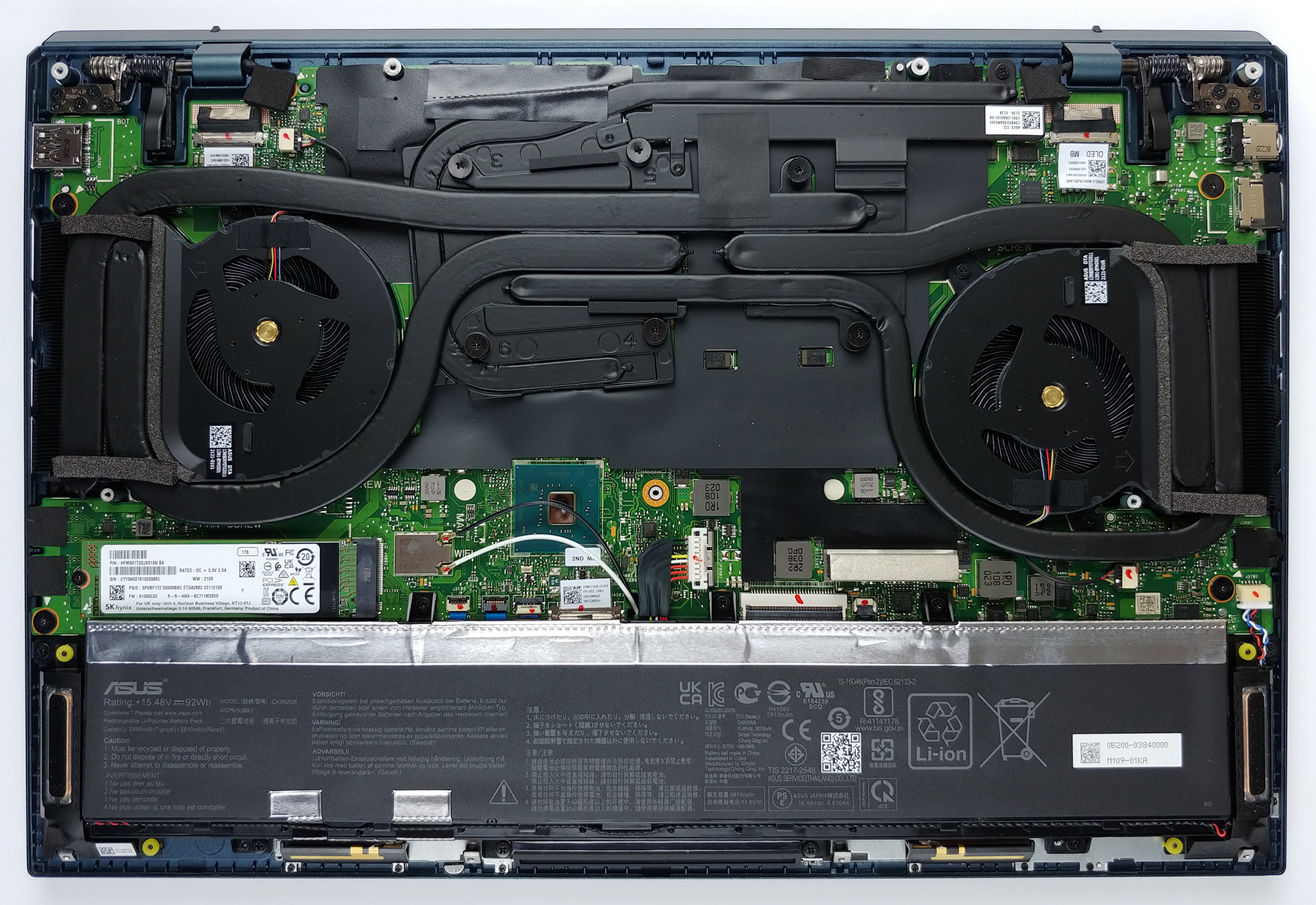
To get access to this notebook’s internals, you need to undo 11 Torx-head screws. Then, as usual, pry the bottom panel with a plastic tool, and remove it from the chassis.
2. Battery
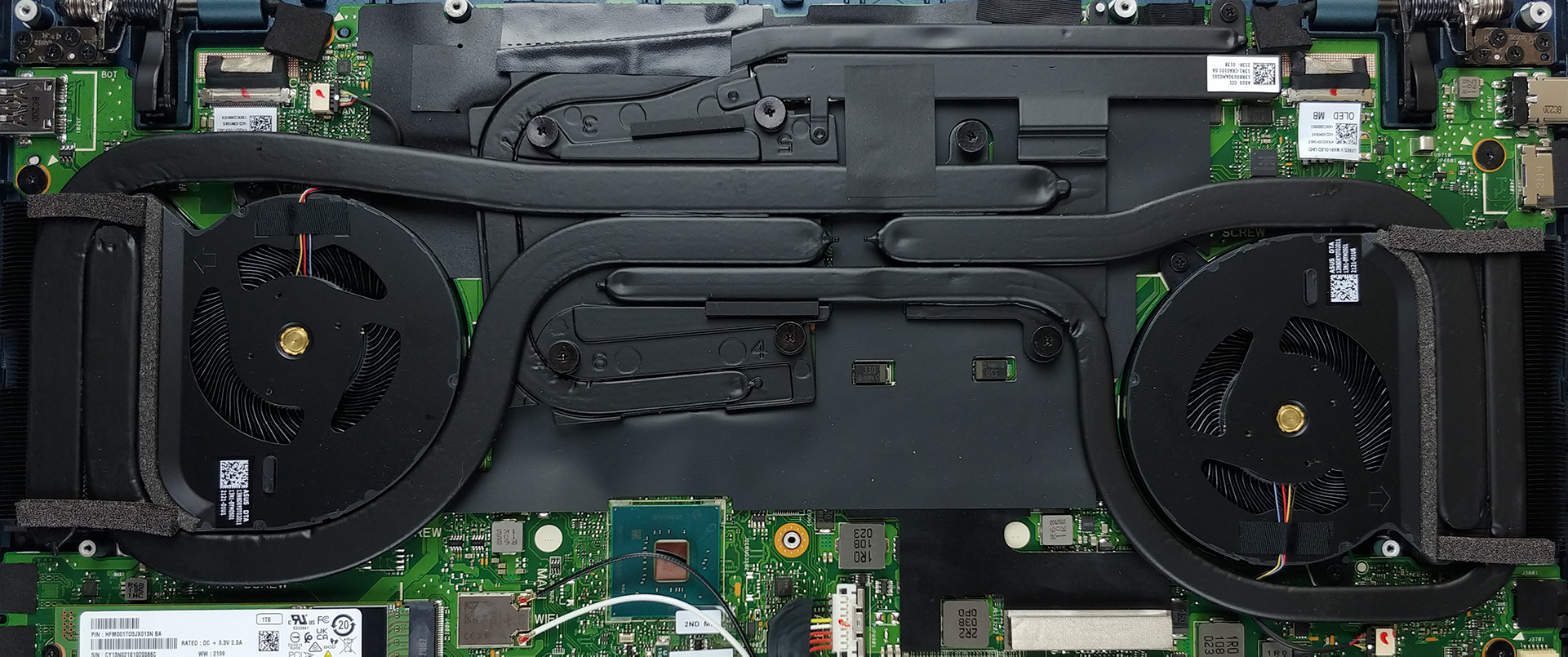
The battery spans the entire width of the laptop and has a capacity of 92Wh.
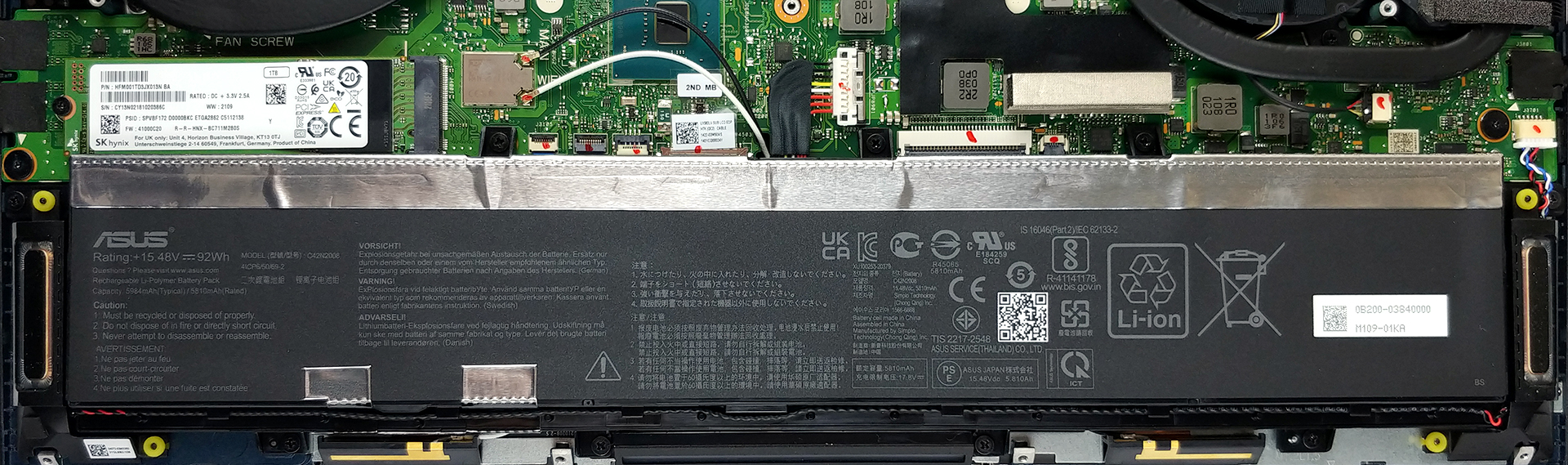
3. Мemory and storage
Now, here comes the weird part. With hardware this powerful, one would expect that the upgradability will be on point. Well… no. The memory is soldered to the motherboard and comes in configurations with 16, and 32GB of DDR4 RAM. Also, storage options comprise a single M.2 PCIe x4 slot.

4. Cooling system
Lastly, there is the cooling solution. It includes five heat pipes, one of which is used for the graphics memory and the VRMs. Interestingly, ASUS has only put two heat sinks instead of the four found on the ROG Zephyrus Duo 15.
Check out all ASUS ZenBook Pro Duo 15 OLED UX582 prices and configurations in our Specs System or read more in our In-Depth review.
ASUS ZenBook Pro Duo 15 OLED (UX582, 11th Gen Intel) uitgebreide review
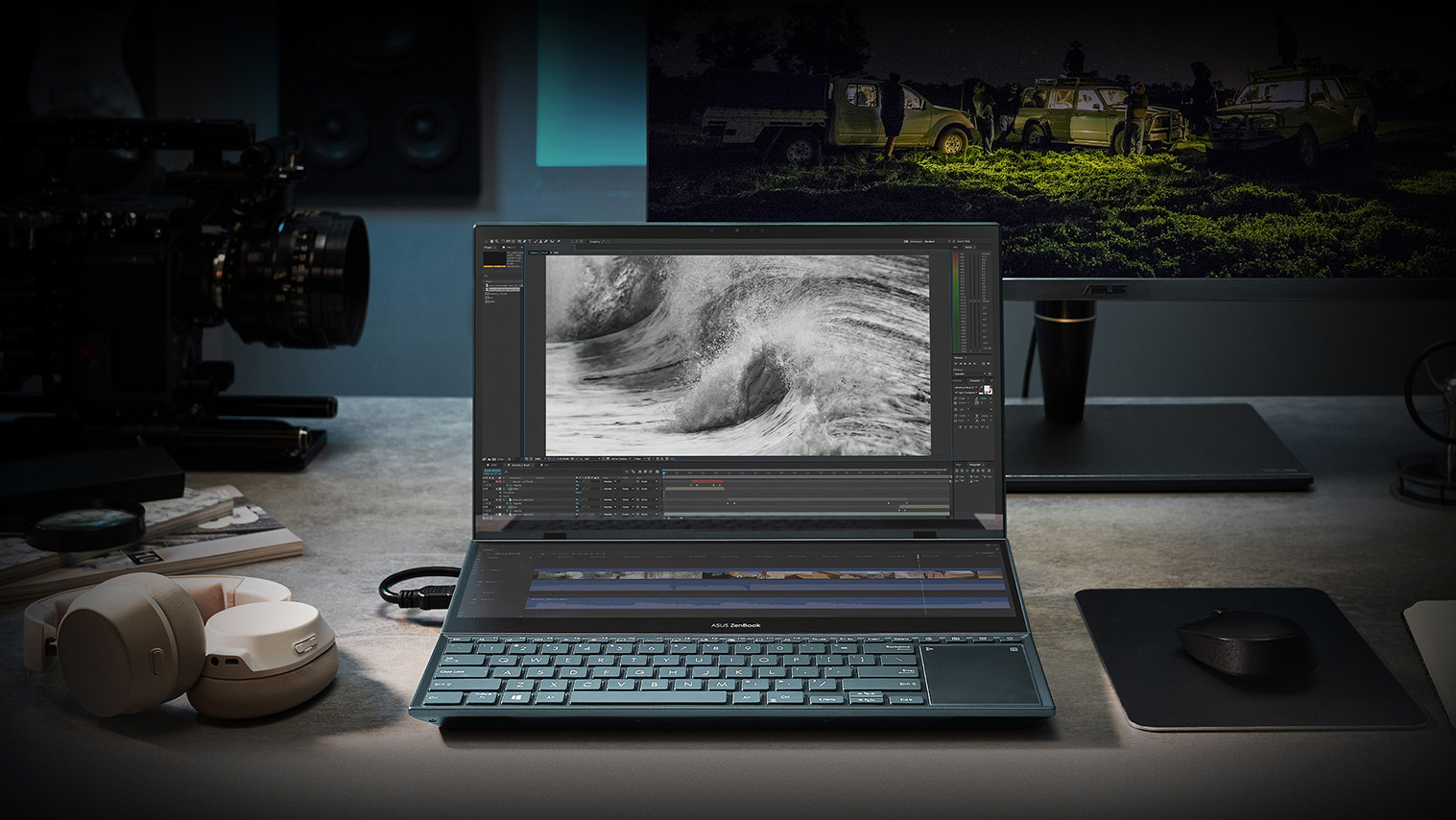
Today, we will show you one of the most popular, and perhaps important laptops in the creative world. It comes from ASUS and is called the ZenBook Pro Duo 15 OLED UX582 - a mouthful of a name. Actually, its naming gives away pretty much everything about the device.First of all, it is meant for professionals and is built with them in mind. And this is not a gimmick from the manufacturer - it indeed comes with an 8-Core 10th Gen Intel processor and the RTX 3070 with 110W of TGP (20W of them are thanks to the Dynamic Boost).Then, the Duo means that it has a secondary display, neatly call[...]
Pros
- Deep blacks and infinite contrast ratio
- The packaging is full of surprises
- 100% DCI-P3 coverage from the main panel (Samsung ATNA56WR14-0 (SDC4143))
- Great performance
- Improved ScreenPad Plus experience
- Decent battery life
- Includes a wrist rest
- Rigid build quality
- 2x Thunderbolt 3
- IR face recognition
Minpunten
- Soldered memory
- Uncomfortable keyboard and touchpad location
- No MicroSD card slot and RJ-45 connector
- Main panel uses PWM until 90 nits (Samsung ATNA56WR14-0 (SDC4143))
 Author: Alex Iliev

![[juni 2026] Bestverkochte laptopmerken op Amazon Global – Apple’s ongeëvenaarde dominantie in aantal verkochte exemplaren en omzet](https://laptopmedia.com/wp-content/uploads/2026/07/GLOBAL-Best-Brands-400x225.jpg)
![[juni 2026] Amazon Global: Top 10 bestverkochte laptops – De nieuwe MacBook Neo van Apple stormt naar de eerste plaats en zet de markt op zijn kop dankzij zijn betaalbaarheid](https://laptopmedia.com/wp-content/uploads/2026/07/Best-Selling-Laptops-GLOBAL-Top-10-400x225.jpg)
![[juni 2026] Amazon Global: Top 10 van best verkochte gaminglaptops – De Nitro V 16S AI van Acer domineert de verkoopcijfers, terwijl ASUS qua totale omzet aan kop gaat](https://laptopmedia.com/wp-content/uploads/2026/07/Best-Selling-Gaming-Laptops-GLOBAL-Top-10-400x225.jpg)
![[juni 2026] Wereldwijde ranglijst van bestverkochte laptop-GPU’s op Amazon – De NVIDIA RTX 5060 is de bestverkochte speciale GPU](https://laptopmedia.com/wp-content/uploads/2026/07/Best-Selling-GPUs-GLOBAL-Top-10-400x225.jpg)
![[juni 2026] Wereldwijde ranglijst van bestverkochte laptop-CPU’s op Amazon – Apple M5 domineert, AMD Ryzen 7 260 verovert een stevig aandeel in het premiumsegment](https://laptopmedia.com/wp-content/uploads/2026/07/Best-Selling-CPUs-GLOBAL-Top-10-400x225.jpg)
